Mobile menu toggle

Search results for: "MacBook Air"

Replacing Your Mac With An iPad: What Apps And Hardware You’ll Need [Feature]

By

cult_logo_featured_image_missing_default1920x1080

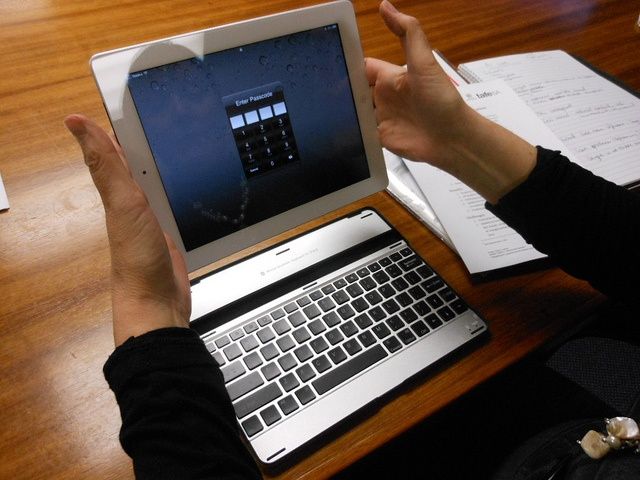
Can an iPad really replace a “proper” computer? Can a ten-inch, 128GB tablet do the work of an eleven-inch 128GB MacBook Air? The answer is yes. Kinda. If your work involves having two windows sitting permanently open side-by-side, then the iPad might not be for you (although you might consider whether you need both windows open together).

For most other regular workaday work type work, though. the iPad is ideal. And here’s our guide to replacing your Mac with an iPad. Specifically a Retina iPad, but you might even manage with a mini.

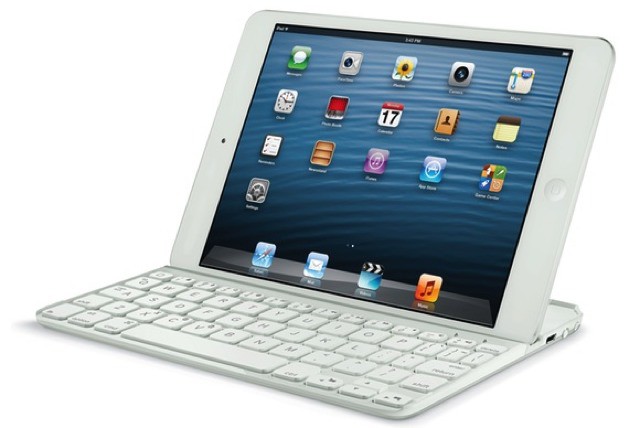
Logitech’s Ultraslim Keyboard Case For The iPad Mini Packs Full-Sized Keys

By

1360064039.jpg

You know what surprised me last week? That the iPad mini is almost as capable a work computer as my Retina iPad. The screen isn’t quite as readable, and you have to wait for Safari to reload pages and for apps to cold boot more often thanks to the lack of RAM, but as a machine to write on, it works amazingly well.

Which is why Logitech’s Ultrathin Keyboard for the Mini is a very welcome little accessory.

The Belkin Thunderbolt Express Dock Adds Additional Ports To Your MacBook [Macworld 2013]

By

macworldbug

SAN FRANCISCO, MACWORLD/iWORLD 2013

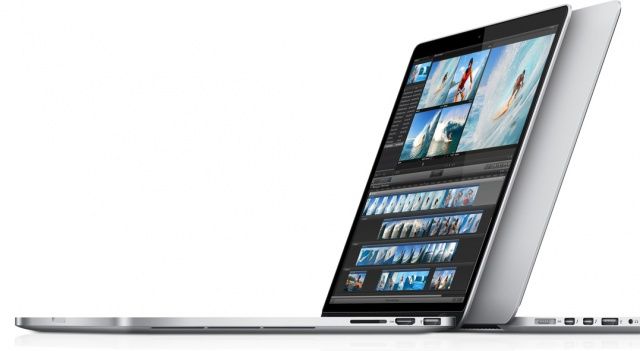
While Apple’s newer notebooks like the MacBook Air and Retina MacBook Pro are certainly aesthetically pleasing, some trade offs had to be made in order to achieve such thin machines. Apple has been slowly paring down the number of ports it includes on its notebooks, most notable with the MacBook Air.

Even though these machines are becoming more and more capable all the time, the lack of connections on them puts a serious strain on their functionality. That’s where the Belkin Thunderbolt Express Dock comes in. This little attachment for your laptop gives you eight additional ports to work with right on your desk.

This Is The Only iPad Stand From Macworld I’d Consider Buying [Macworld 2013]

By

mokuwoodware

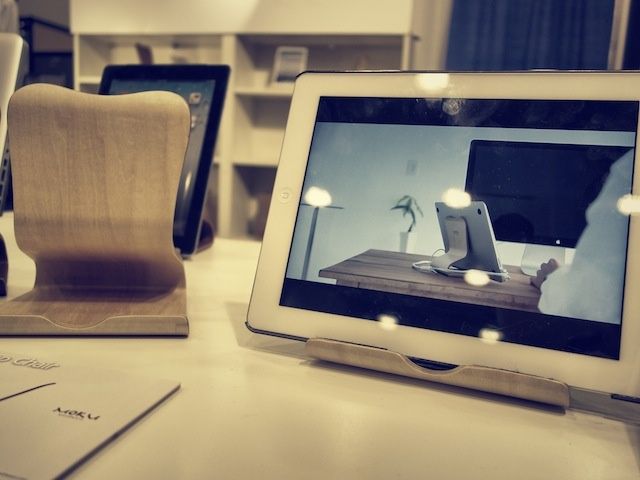
macworldbug SAN FRANCISCO, MACWORLD/iWORLD 2013 – When you walk onto the Macworld Expo floor you’re immediately assaulted by a cacophony of iPad cases and stands. Everyone thinks they have the perfect solution for you to rest your iPad on.

Honestly, a lot of the iPad accessories here are pure crap, but I roamed around the floor all day and this is the best one I could find. It’s called the Desktop Chair from Moku Woodware, and it’s the only iPad stand from Macworld I might consider buying.

Apple Releases MacBook Firmware Update To Address Rare Battery Issue

By

new macbook pro 2012

Apple has released a new SMC firmware update for the MacBook, MacBook Pro, and MacBook Air. “This update addresses a rare issue on some Apple notebooks where a battery that has accumulated more than 1000 charge cycles may unexpectedly shut down or stop functioning,” according to Apple. This applies specifically to older batteries, but the update is recommended for all MacBook models.

You can find this new firmware update in the Mac App Store or download it directly from Apple’s website.

Source: Apple Support

Kanex Box Adds Three USB Ports And Ethernet Port To MacBooks Air And Pro

By

1359544855.jpg

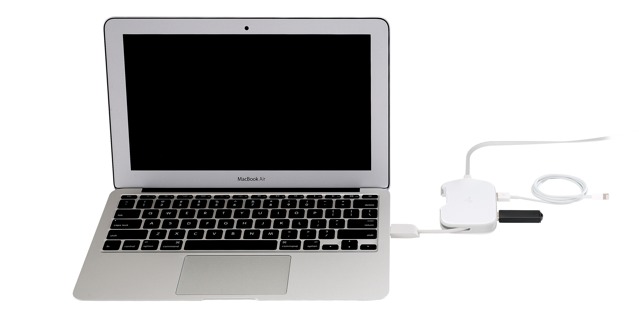
Kanex’s new DualRole will be pretty much essential for hotel-hopping MacBook Air owners the world over. It’s a little pocket-sized box which hooks up to the MacBook’s USB 3.0 port and turns it into three ports plus an Ethernet jack.

Yes, it costs $70, but you can expense that, right?

You Could Carry Every Gadget You Own In iHome’s Smart Brief Bag, But I Wouldn’t [Review]

By

ihome-smart-brief-1.jpg

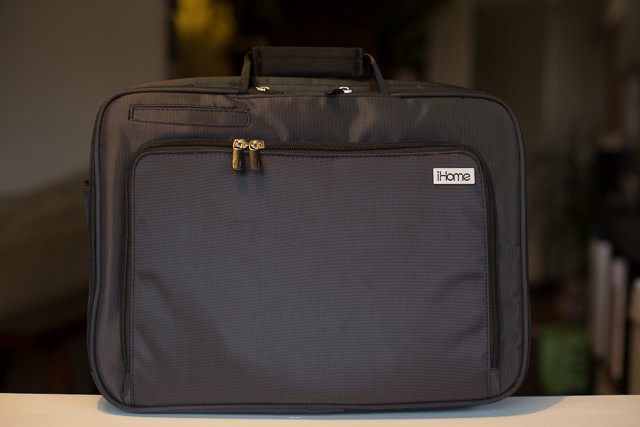
When iHome designed their Smart Brief computer bag ($99), they had the good idea to create a product with pockets for all of today’s modern-day computing devices and accessories. Problem is, like every good idea turned product, execution is everything, and that’s where the Smart Brief starts to get a little lackluster.

15 Years Of Macworld History In Just 10 Minutes [Feature]

By

The world will never savor another Stevenote. But this essay comes close.
Even though Steve's gone, Macworld is still an exciting show.

Macworld/iWorld 2013 is coming in just two days, and Cult of Mac will be there, reporting live from the showfloor.

Macworld has an amazing history of being the launching pad for some world changing products.  The iPhone debuted at Macworld. So did the MacBook Air. And iTunes. Again and again, products announced at Macworld have shifted the very pillars of technology.

Macworld is more than just a celebration on everything that is wonderful about iPhones, iPads, Macs, Apps, and the people who use them. It’s a summit that measures the very pulse of Cupertino’s incredible impact upon the world around us. With Apple at the top of it’s game, it’s more important than ever.

Not convinced? Here’s a ten minute history of the last 15 years of Macworld.

Why A 128GB iPad? Call It The iPad Pro [Opinion]

By

This is who the 128GB iPad is really for. Photo: http://bit.ly/WMmZv8

For some reason, Apple released a 128GB iPad this morning. And a lot of people are scratching their heads over it.

It’s not that a 128GB iPad is an unwelcome thing, of course. More storage for apps, movies and music is always a good thing… except, if it’s just a matter of soldering in a couple of 64GB NAND modules instead of a couple of 32GB NAND modules, why the heck didn’t Apple release a 128GB iPad when they refreshed the iPad in October?

In other words, why now? Why announce it today, on a sleepy Tuesday morning at the tail-end of January? And who is this thing for, anyway?

I’ve got a theory.