Mobile menu toggle

Reviews - page 74

Halide makes manual photography easier than auto

By

halide for iPhone
Halide is packed with neat features that are intuitive to use.
Photo: Halide/Cult of Mac

Halide is yet another iPhone camera-replacement app, only this is one you’re going to want to use. Why? because it not only adds extra control to the stock camera app, it is also easier to use than Apple’s built-in app. In addition to being one-handed simple, Halide adds power features like manual focus and RAW capture. It’s quite a feat.

5 affordable accessories that complement your red iPhone

By

iPhone 7
Refresh your red iPhone with these awesome products.
Photo: Ste Smith/Cult of Mac

Interest in the (PRODUCT)Red iPhone has died down since its release back in March, and the novelty has likely worn off already for those of you who picked one up. Now it’s time to make it interesting again!

We’ve put together a list of five brilliant red products, all under $30, to compliment the red iPhone and reinvigorate your love for its unique color. Check out the video along with details for all the accessories we’ve featured below.

ZestDesk aims to make you a stand-up worker [Review]

By

The portable office that also gets you off your butt, at least for a while.
Photo: David Pierini/Cult of Mac

Your postal carrier doesn’t usually ask about the contents of a package he’s dropping off, but I couldn’t blame him for being curious about a long box with a logo that said ZestDesk.

I explained to him it was a kind of standing desk and that I would be reviewing it. The man who is on his feet for his entire work day asked me what I did for a living and I said, “I sit at a computer, mostly, and write.”

To be clear, I sit on a couch or a comfy chair at a coffee shop with a MacBook Pro on my lap or belly and do not miss the cubicle life. A standing desk sounds so Type A and I worked hard to get further down the alphabet.

Pictar One gives you a grip on your iPhone photography [Review]

By

The Pictar One takes your camera controls off the iPhone touch screen and puts them at your true fingertip.
Photo: David Pierini/Cult of Mac

Because all accessories needed to be categorized, the Pictar One is an iPhone camera grip.

But the word grip kind of sells it short when you learn just how the Pictar One works to make the iPhone camera feel and shoot more like a DSLR.

Best wireless Bluetooth headphones for iPhone 7 or iPhone 7 Plus

By

AirPods
Maybe the best thing Apple has invented in years.
Photo: Cult of Mac

Updated: May 11, 2017

The iPhone 7 and iPhone 7 Plus are Apple’s first iPhones to drop the headphone jack. And while you can keep using your old headphones by plugging them into the adapter that comes in the box, that gets old as soon as you discover you left the little dongle at home connected to a speaker, and you can’t listen to any music.

You’ve got two options. One, stick with a cable and buy some Lightning headphones. That’s fine, but then you can only use them with recent-vintage iOS devices, and you can’t charge your device while you use them. Or two, go wireless. That means Bluetooth, either the vanilla kind, or Apple’s augmented Bluetooth headphones, with the special W1 chip added to make pairing easier.

Kings backpack treats your tech carry like royalty [Review]

By

The Kings laptop backpack by STM Goods will shoulder the burdens of the working class.
Photo: David Pierini/Cult of Mac

The Kings laptop backpack by STM Goods is handsome enough, but one small detail on the inside got my attention.

Tethered inside one of the two compartments I found a zippered pouch that could be used to store pens or cords. I stow my various incidentals in similar pouches in my shoulder bag, so it seemed like this particular backpack was designed especially for me.

This rugged case turns your iPhone into a GoPro [Review]

By

The Hitcase Pro 2.0, shown with a super-wide lens, is now available for iPhone 6, 6s and 7 on Kickstarter.
Photo: David Pierini/Cult of Mac

Yes, the iPhone can shoot pictures in the same places as many pro-level cameras. But because the iPhone lacks pro-level durability, you may not bring it on your most rugged adventures.

Hitcase’s latest product should ease your mind and let capture your most extreme imagery ever.

Woolet is the smart wallet you’ll never lose [Review]

By

Woolet wallet
Never worry about losing a wallet again.
Photo: Killian Bell/Cult of Mac

If you’ve ever lost a wallet, you’ll know it’s one of the most frustrating experiences. You have to cancel your cards, order a new driver’s license, and sometimes you’ll lose precious memories — like photos that can’t be replaced. But you’ll never have to go through that again with Woolet.

Woolet is a smart wallet that connects to your smartphone over Bluetooth. Every time you leave it behind, it sends an alert to your iPhone to remind you to go back and pick it up. It looks good and has plenty of space for cards and cash.

It’s also available in a travel size that’s big enough to carry your passport.

Best List: These ‘social’ headphones let you share your music [Review]

By

Wearhaus Arc Headphones
The Wearhaus Arc headphones are the first 'social' headphones that allow music sharing between headsets.
Photo: Leander Kahney/Cult of Mac

Best List: Wearhaus’ Arc ‘social’ headphones

Wearing headphones tends to cut you off from the world, but Wearhaus’ Arc headphones are more sociable.

The wireless Arc headphones allow multiple headsets to stream audio from the same source. Think silent disco, watching a movie together, or sharing tunes with your BFF.

Photolemur fixes your snaps on autopilot [Review]

By

photolemur
Photolemur analyzes the image by detecting faces, exposure and colors and brings just the right pop to a finished photo.
Photo: David Pierini/Cult of Mac

Some photographers spend hours tweaking an image, using powerful editing software to pull details out of shadows and wring out every ounce of color.

A new program called Photolemur for Mac and Windows understands you don’t have that kind of patience or expertise. If you can drag and drop, you’ve pretty much mastered the program.

Sonos Playbase home theater speaker is skinny but can make a noise [Review]

By

Sonos Playbase home theater speaker
The new Playbase home theater speaker from Sonos is slim but packs a punch.
Photo: Lyle Kahney/Cult of Mac

Best List: Playbase home theater speaker by Sonos

As TVs get flatter, their sound gets worse. Enter Sonos’ latest home theater speaker, the $699 Playbase, a thin and flat home theater/streaming music system designed to sit underneath your TV.

Like the TV above it, the Playbase is thin, but it packs a significant punch. Resembling a pizza box with rounded corners, it features 10 speakers, including a muscular built-in subwoofer, and it can make quite a noise. In fact, it sounds fantastic.

The Playbase is louder and punchier than Sonos’ current home-theater speaker, the Playbar, and a lot more unobtrusive. You don’t really notice it’s there, until it starts shaking the room.

Superslim MacBook bag holds more than name suggests [Review]

By

Slim is in the name, but the limit of what this bag by booq carries is deceptively generous.
Photo: David Pierini/Cult of Mac

We all have that skinny friend with the appetite that belies their profile. No matter how many times you’ve sat across the table, you marvel and ask yourself, “Where do they put it?”

The Superslim, a laptop bag designed by booq for the rollout of the new MacBook Pro, is kind of like that friend.

World’s thinnest iPhone case faces 21-foot drop test [Review]

By

thinnest iPhone case Review
The Clear-Coat FUSION Bumper from Mobile Outfitters was put to the drop test. Did it survive?
Photo: Ste Smith/Cult of Mac

Philadelphia-based company Mobile Outfitters is well-known for its ultra-strong iPhone screen protectors. Now it’s put all of its phone-protection know-how together to create the Fusion Bumper — the world’s thinnest iPhone case.

At 1.9 mm thin, the Clear-Coat Fusion Bumper case for the iPhone 6, 6s and 7 has been drop-tested up to 20 feet. But, can it really survive a drop from that sort of height?

Check out the video review below to see us really put it through the test.

This MacBook Pro dock saves space, adds style [Review]

By

Henge Docks' Vertical Docking Station, a MacBook Pro dock
Henge Docks' Vertical Docking Station for MacBook Pro makes for a sleek desktop. (The Gravitas, for iPhone and iPad, helps.)
Photo: Ste Smith/Cult of Mac

A recent move into a new studio put my OCD on high alert. Determined to maintain a truly “clean workspace,” I wanted to avoid a jumble of cables slowly creeping across my new desk at all costs. A MacBook Pro dock definitely seemed in order.

For a sleek solution to any pending cable chaos, I added Henge Docks’ Vertical Docking Station for MacBook Pro to my desktop. So far, it’s the best solution I’ve found.

Check out my full video review below.

Why I still love Beats X, Apple’s world-beating wireless earbuds [Reviews]

By

Beats X Earphones
Sleek, light and compact, Beats X Earphones are the perfect wireless companion.
Photo: Ste Smith/Cult of Mac

I’ve racked up dozens of hours wearing Beats X wireless earphones over the past month, and I still think they blow away the competition — even Apple’s AirPods.

For Cult of Mac’s latest video review, I’ve put together a definitive list of my thoughts on the innovative earpods.

Even your cat can’t destroy this chew-proof Lightning cable [Reviews]

By

Paracable, hard to chew but quick to charge.
Photo: David Pierini/Cult of Mac

The charging cable Apple includes with each iOS device may not seem all that interesting, but to a kitten with razor-sharp teeth named Baxter, the rubber-coated cord was an exciting chew toy. Baxter gnawed through four iPhone 5 lightning cables and left Travis Beck no choice.

Beck formed Paracable, a company in Houston, that makes cat-proof charge and sync cords for iOS devices.

Oddly shaped Apple Watch charger brings joy of … video? [Reviews]

By

Ugreen's magnetic charging station for the Apple Watch.
Photo: Lyle Kahney/Cult of Mac

Let’s get the obvious out of the way first: When it’s standing there all by itself, the Ugreen Apple Watch Charger Stand looks like a giant joystick. For me, it triggered an instant flashback to the ’80s and the golden years of gaming.

That nostalgic blast wasn’t necessarily a positive, though: I didn’t find the Ugreen Apple Watch charger’s design instantly appealing. In fact, it was almost game over before I even gave it a try. I’m glad I did, because it’s ultimately a handy little charging hub.

Versatile backpack carries the load with style [Reviews]

By

The Moshi Arcus backpack wants to shoulder the weight of all you carry for a day's work or travel.
Photo: David Pierini/Cult of Mac

Red flags go up for me when a shoulder bag or backpack is described as having a “minimalist” design. Minimalist is code for “won’t carry all my crap.”

However, in the case of the new Moshi Arcus multifunction backpack, the minimalism actually conceals an ample and well-thought-out space. A surprising number of pockets in various sizes accommodate all the tools of a daily carry.

These iPhone lenses work the corners to deliver super-sharp images [Reviews]

By

iPhone lenses
The OOWA Pro Kit for iPhone with case and two lenses, a 15 mm wide and a 75 telephoto.
Photo: David Pierini/Cult of Mac

Screw the 15 mm wide-angle lens into the case, point your iPhone at breathtaking scenery and snap the shot.

If the experience made you say “Oo-Ah,” you will then know how to pronounce the name behind a pair of new lens attachments for the iPhone created by Singapore-based DynaOptics. The OOWA wide-angle and telephoto lenses for the iPhone 6 and 6s series were designed to create that kind of wonder, both in image quality and the sound your mouth makes while looking at your photos.

The Mac App Store is rubbish! Rent apps instead with Setapp [Reviews]

By

The Setapp folder full of applications
Setapp currently offers more than 60 apps, with plans to expand.
Image: Setapp

Apple’s Mac App Store is broken. For developers and Mac users alike, the online store just isn’t working.

It’s too hard for buyers to find good software. And, thanks to Apple’s picky restrictions, the Mac App Store can make life difficult for developers.

Setapp, a Netflix-style subscription service for Mac apps, offers an innovative alternative. Instead of buying apps individually, you rent a bunch of them for $9.99 a month.

While it might sound unnerving to anyone accustomed to the idea of buying Mac apps outright, after using the service for two months, I found it liberating. Setup is dead-easy. And the selection is fantastic. Setapp serves up more than 60 Mac apps, all handpicked by MacPaw, the Mac development company that dreamed up the service.

Beats X are better than AirPods in almost every way [Reviews]

By

Beats earphones
The Beats X are worth listening to.
Photo: Ste Smith/Cult of Mac

I’ve never been a fan of Beats headphones. Whenever I’ve given them a go, I’ve found the sound quality to be less than stellar, with far too much bass. So when Apple unveiled Beats X wireless headphones alongside the AirPods last fall, the weird-looking white ones grabbed my attention.

Now that I’ve had a chance to try them both, it’s clear I got that backward. I give you all the details on Beats X versus AirPods in my Beats X review below.
Nike+ Run Club is borking my runs, and I blame Apple Watch

By

Whatever happened to Nike+?
Photo: Graham Bower/Cult of Mac

At the most essential level, a running app should provide a reliable way to log your workouts: when, where, how fast and how far you run. Fancy features are all very well and good, but let’s be honest — if an app doesn’t get the basics right, it sucks.

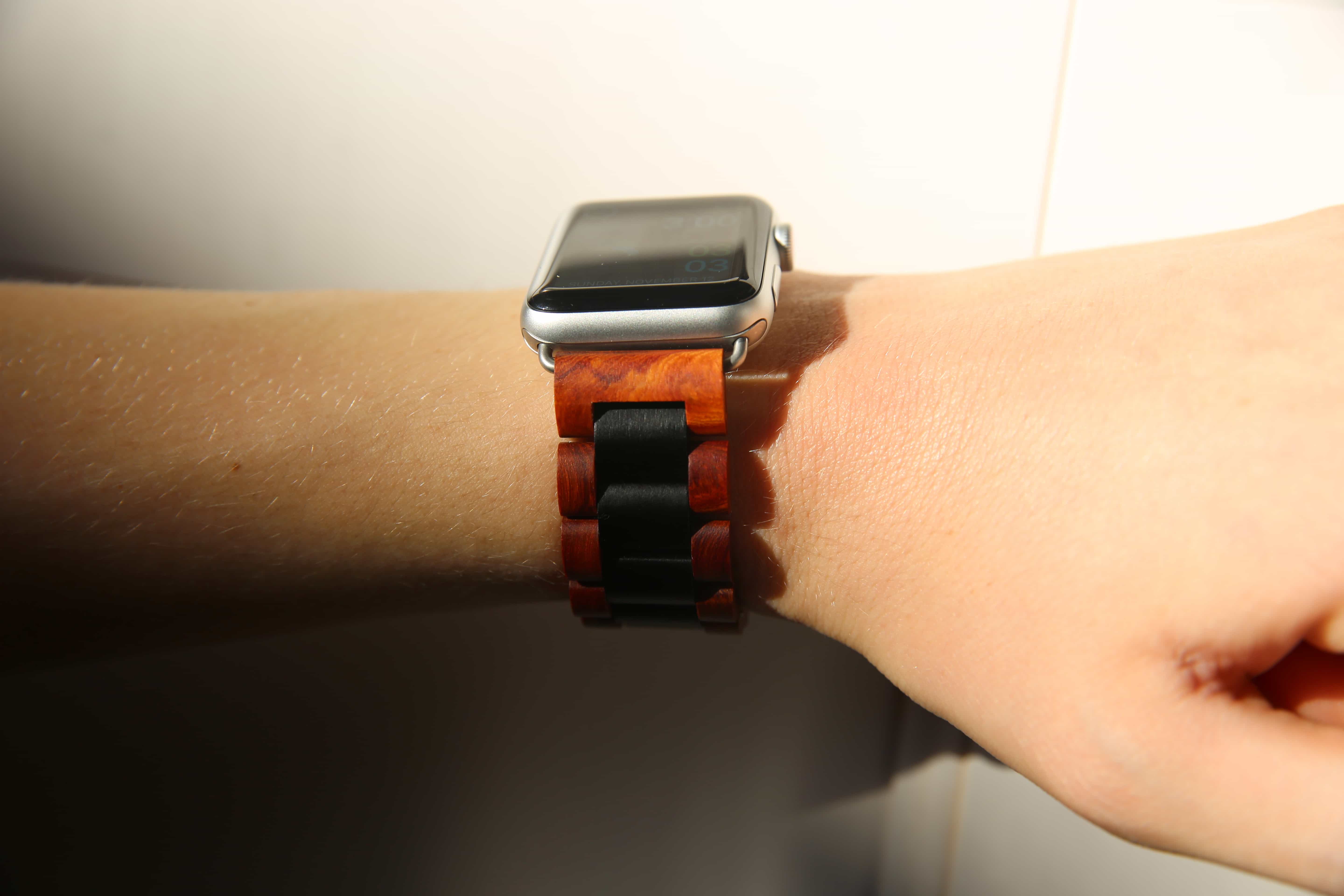
Nike has been busy adding new bells and whistles to its Nike+ Run Club app recently. Which is great if you want stuff like photo sharing and news feeds. But all I want is to log my runs, and thanks to my Apple Watch Nike+, that critical function has become pretty unreliable.