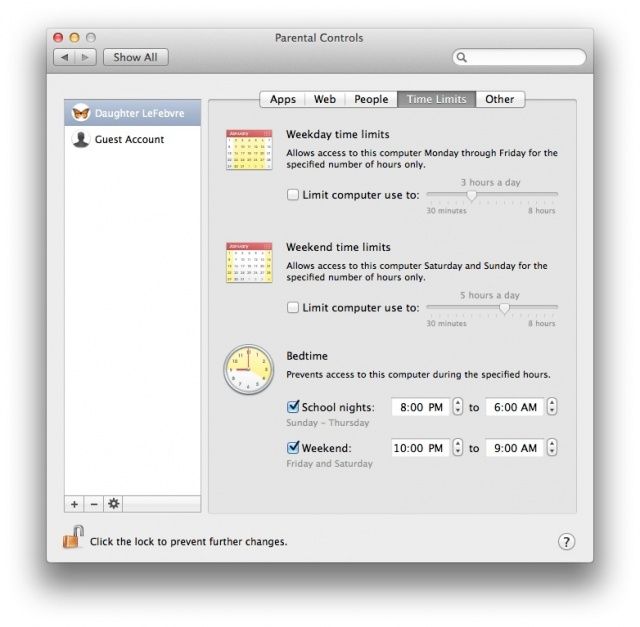
Parental controls are a wonderful thing, letting you filter internet content, restrict your kids to certain apps, and even keep them from accessing the Mac during times they should be sleeping or doing homework.
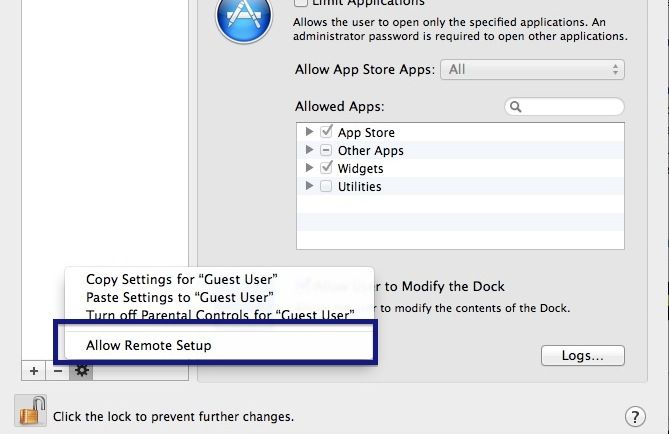
Did you know, then, that you can manage the Parental Controls in OS X from another Mac on your network? This means that you can make changes and add or remove restrictions on the fly from your own Mac, rather than having to brave the bedroom of, say, a grumpy and smelly pre-teen daughter who might not be overjoyed to see you messing about on “her” computer. I mean, hypothetically.
Here’s how to set up your child’s Mac to be able to do this.