Apple is reportedly looking to increase iPhone battery life the smart way. Image: Cult of Mac
Rather than building a bigger battery into the iPhone 17 to extend battery life, Apple reportedly plans to use a smarter power source to achieve the desired result. The company reported is creating an AI system for iOS 19 to “analyze how a person uses their device and make adjustments to conserve energy,” according to a report published Monday.
It could be one of many AI-powered features in the version of the iPhone’s operating system expected to launch this autumn.
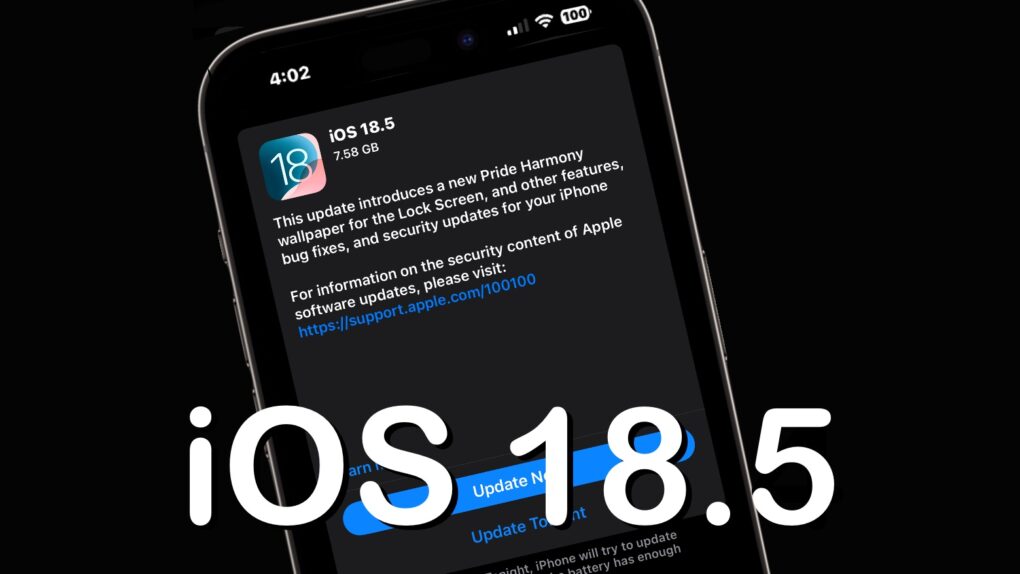
iOS 18.5 is high, but somewhat light on changes. Image: Ed Hardy/Cult of Mac
After over a month of beta testing, iOS 18.5 is now available for all compatible iPhones. Unlike previous point iOS 18 releases, the new build does not pack any significant new features.
The update mainly includes minor changes, but older iPhones will receive one major new feature. Keep reading to know about everything new in iOS 18.5 and iPadOS 18.5.
Three Macs and two PCs work with that 57-inch Samsung curved ultra-wide monitor. Photo: [email protected]
Believe it or not, today’s magnificent featured setup includes five computers — each with a job to do, even the ol’ trash-can Mac Pro — and one absolutely huge computer monitor. It’s a 57-inch curved ultra-wide Samsung. What, 49 inches wasn’t big enough for ya?
And the workstation includes other great features. Those include a Rode PodMic, the same great open-back Sennheiser headphones I own, and powerful Klipsch bookshelf speakers paired with a subwoofer that I wish I owned.
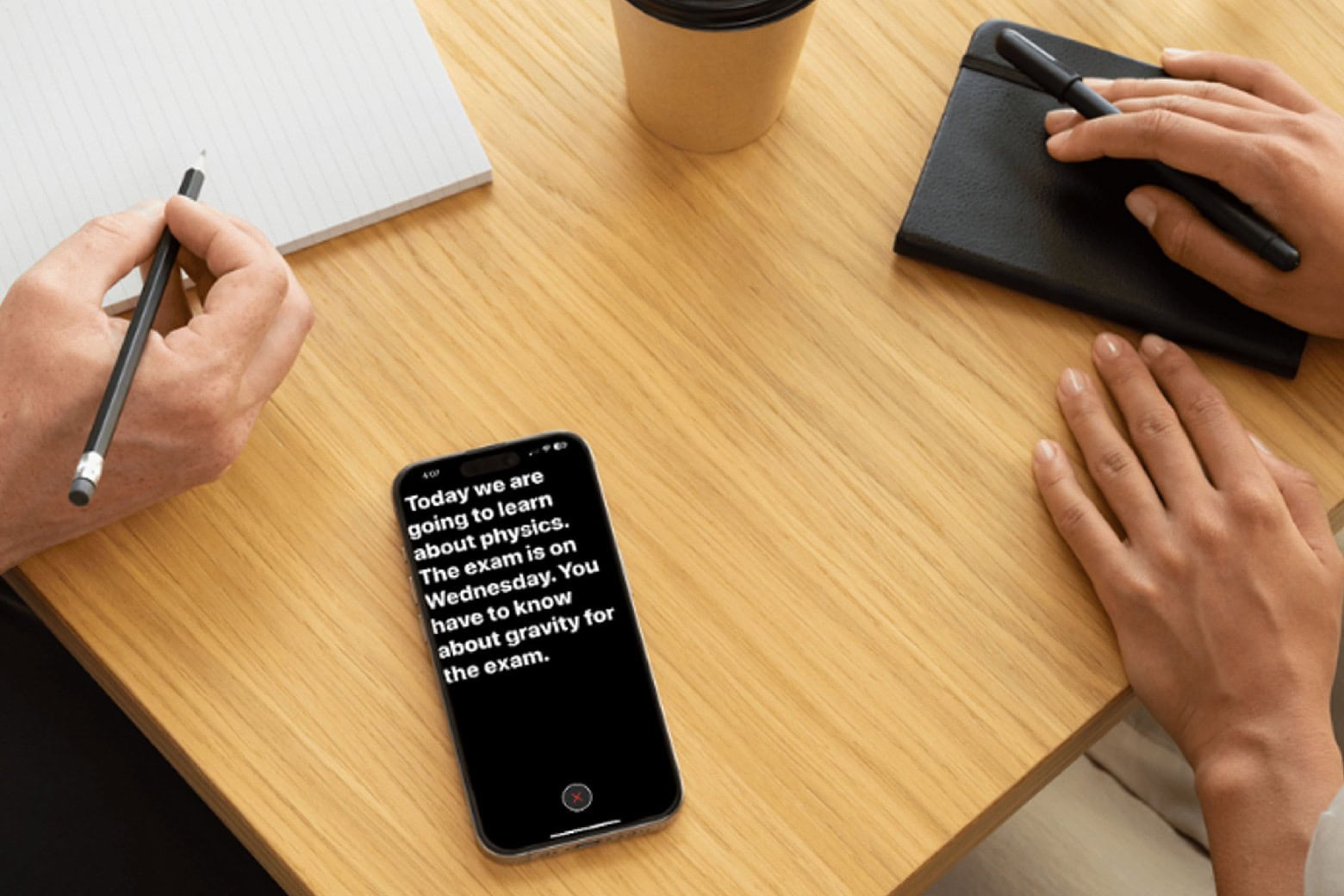
Hook up with a lifetime AI study buddy for less than $30! Photo: Cult of Mac Deals
SpeedTutorAI is an AI homework helper app for iPhone and iPad that takes the possibilities of Siri and ChatGPT to new heights. You’ll get help with math problems, answers to your questions, and concise summaries of class lectures, all as if you were working with a real-life tutor.
But you won’t pay real-world tutor fees. You can secure lifetime access to SpeedTutorAI with unlimited use for only $29.97.
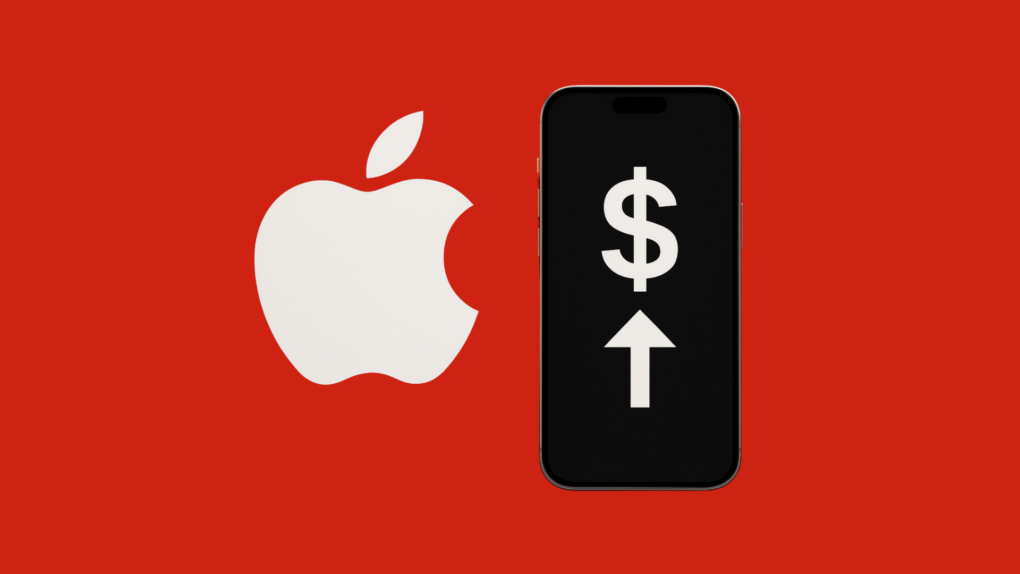
iPhone 17 could cost more than its predecessors. Graphics: Rajesh Pandey/CultOfMac
Tariffs might force Apple to increase the prices of the iPhone 17 lineup. The company reportedly will highlight the new designs and features of this year’s models to justify the price increase.
Without raising prices, Apple can’t offset the increased tariffs on Chinese-imported products sold in the United States.
This will be a nice tweak. Photo: Rajesh Pandey/Cult of Mac
A new feature in iOS 19 reportedly will sync public Wi-Fi login and captive portal details across your Apple devices.
iPhones already sync Wi-Fi network details across all devices connected to the same Apple ID. However, with public networks, a captive portal introduces additional steps. While small, the feature should make logging into hotel Wi-Fi networks more convenient.
★★★★★
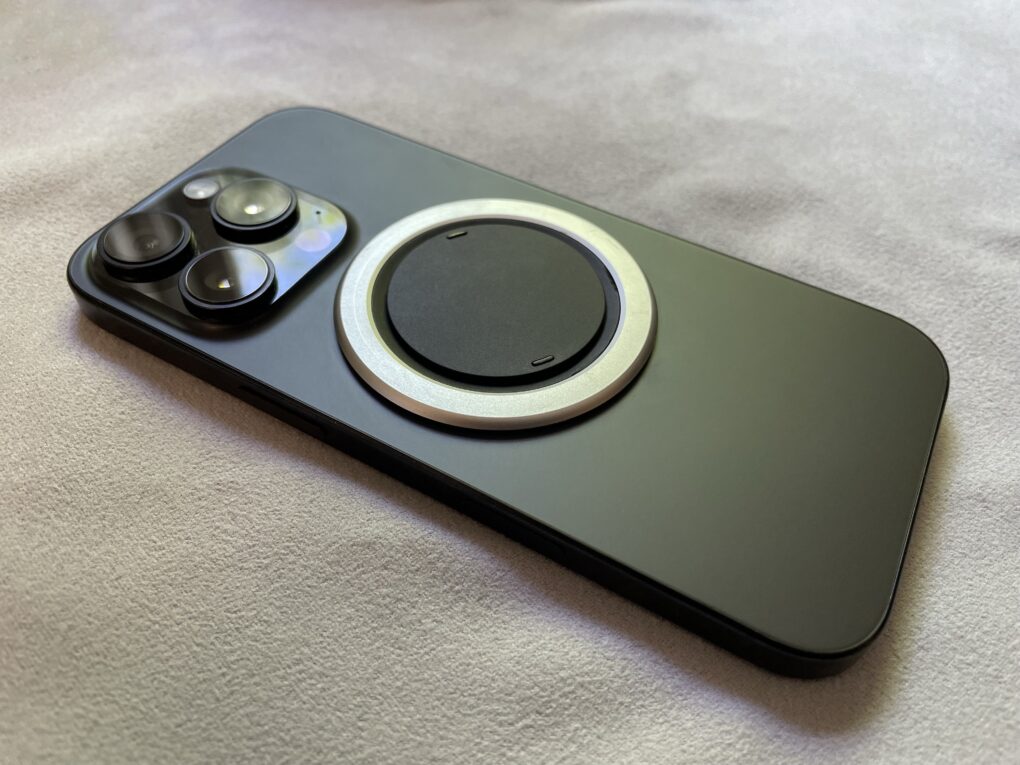
It’s thinner than the lower level of the camera plateau. Photo: D. Griffin Jones/Cult of Mac
If you want both a grip on the back of your phone for ergonomics and MagSafe charging for convenience, you might think there are no good options. Well, finally, there is — the Snap Grip Luxe combines both in an incredibly slim and clever design.
It’s truly the best of both worlds — you have a better grasp on your phone, so you won’t drop it; you have a built-in stand for watching videos anywhere you go; and you can still use your MagSafe chargers or even battery packs. You can freely detach it and put it on a different phone case if you want.
Cleverest of all, it’s only 2.5mm thin, so it doesn’t add any more bulk to the back than the camera bump your phone already has.
“Fortnite” could soon return to the U.S. App Store. Photo: Cult of Mac
Epic Games recently promised to resubmit the hugely popular game Fortnite to the U.S. App Store, and it carried through with the promise Friday. It’s now up to Apple whether the application will be approved.
The move came after a U.S. judge blasted Apple for willfully violating the court’s 2021 order, and ordered Apple to comply with earlier App Store changes effective immediately. These are changes that Epic fought for, and relate to Apple policies that got Fortnite banned in the first place.
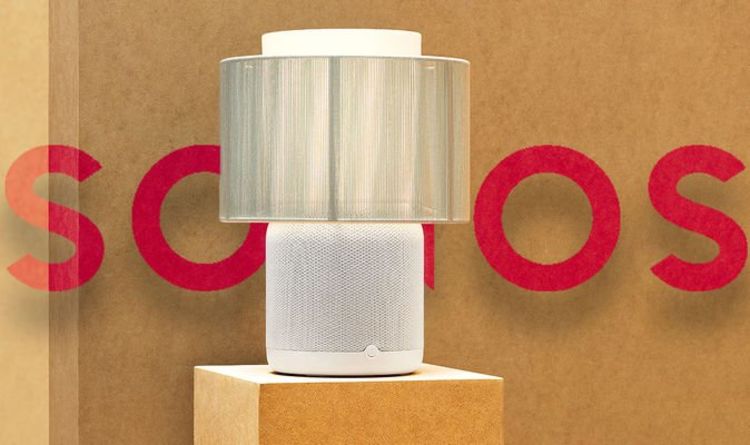
Sonos and Ikea loved to make speakers that look like other things. They launched the Symfonisk table lamp speaker, bookshelf speakers and a picture frame, among other products. But now the Sonos-Ikea partnership ends, according to reports.
The Symfonisk line of speakers, which also includes a bookshelf speaker that can hold books and a picture frame speaker that looks like wall art, is designed to blend in with your home decor.
Update: Sonos and Ikea just ended their lengthy partnership on the popular Symfonisk speakers, which included a table lamp and a picture frame, according to various reports.
“Over the past eight years, we’ve had the pleasure of working closely with Ikea and are proud of what we’ve achieved,” Sonos told The Verge. “Although our work together has largely wound down and we won’t be releasing new products as partners, we’ll continue to support every existing Symfonisk product so customers can keep enjoying great sound in their homes for many years to come.”
With a variety of models to choose from, what the best iPad for you? Photo: Apple/Cult of Mac
You want the best iPad, but shopping for one can be overwhelming. Apple sells six iPad models in a wide range of sizes, prices and capabilities. Our iPad comparison explains the strengths and weaknesses of each model. You don’t want to get one that doesn’t have all the features you want, but you also don’t want to pay too much for features you won’t use.
Here’s some straightforward advice on picking the best iPad for you.
Did Samsung just stack the odds in a war with Apple for audio supremacy? Photo: Pixlr AI
In a big move reshaping the premium audio landscape, Samsung subsidiary Harman International acquired Masimo Corporation’s Sound United consumer audio business for $350 million in cash, the companies said this week — including some of the industry’s most storied brands.
The deal brings renowned audio brands like Bowers & Wilkins, Denon, Marantz and Polk Audio under Samsung’s expanding audio empire — potentially creating new challenges for Apple in both the consumer audio, automotive and smart home markets.
And the seller happens to be Apple legal rival Masimo, whose lawsuit against the iPhone giant put a stop to blood oxygen sensing in Apple Watch. Ouch.
Save 80% on a AI-powered app that lets you count calories and macronutrients via food photos. Photo: Cult of Mac Deals
MacroSnap is a macro tracker app that uses your phone’s camera to record the nutritional content of your meals. Just snap a photo of food, and the AI-powered app identifies the calories and key macronutrients — protein, carbohydrates and fats — in it.
If you already snap photos of your food before diving in, you’re halfway to tracking your macros. Grab a lifetime subscription to MacroSnap AI for just $39.99 (regularly $209.97) and get a handle on your nutrition.
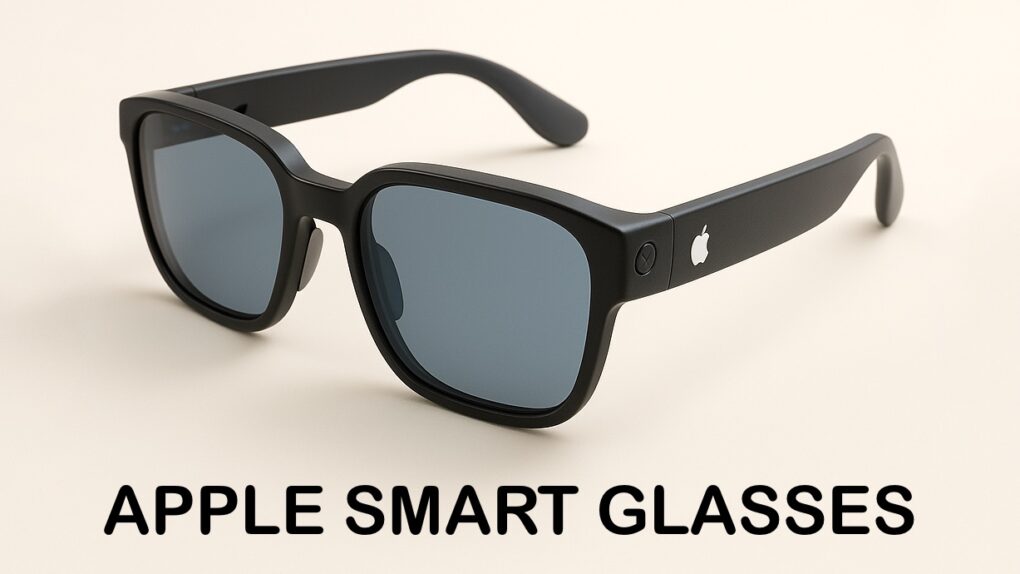
Apple smart glasses will probably be more stylish than this concept. AI Concept: ChatGPT/Cult of Mac
Apple could get into a new product category: smart glasses. A report surfaced on Thursday indicating that Apple is working on a chip to power glasses with built-in AI and cameras that could launch in the next couple of years.
With the company’s Visual Intelligence AI tool, a pair of smart glasses could identify objects for the wearer, get info on businesses, and explain to the user what it is they’re looking at.
Incredibly powerful new chips are on the way to help with Apple Intelligence. Photo: Apple
Among various chips Apple currently develops for products like smart glasses and Macs, new AI server chips will help power the Apple Intelligence platform, according to a report Thursday. And the new, immensely powerful AI server chips will be the first of their kind for Apple.
From left, Marina Lee, Taiki Hamamoto, Luciana Ortiz Nolasco and Nahom Worku are four of this year’s Swift Student Challenge winners. Photo: Apple
Apple’s annual Swift Student Challenge coding competition showcases young talent whose apps never cease to inspire. This year is no different, as Apple profiles four coders working to preserve cultural heritage, improve disaster preparedness, connect astronomy enthusiasts and expand educational access. Meet Swift Student Challenge winners and their inspiring coding projects below.
These four are part of a group of 50 winners who will attend WWDC25 in person at Apple Park in Cupertino for a three-day program.
“We’re always inspired by the talent and perspective young developers bring to the Swift Student Challenge,” said Susan Prescott, Apple’s vice president of Worldwide Developer Relations. “This year’s winners show exceptional skill in transforming meaningful ideas into app playgrounds that are innovative, impactful, and thoughtfully built — and we’re excited to support their journey as they continue building apps that will help shape the future.”
In episode 8 of "The Studio," Seth Rogen's studio-head character attends the Golden Globe awards, where Netflix co-CEO Ted Sarandos lets him in on a little secret about how to get stars to thank you in their acceptance speeches. Photo: Apple TV+
Apple TV+ subscribers get an inside look at Hollywood’s streaming wars through Seth Rogen’s hit comedy series The Studio — complete with a surprising guest appearance Wednesday night from rival streaming executive Ted Sarandos, co-CEO of Netflix. Apple tried to prevent the Netflix CEO cameo with a Tim Cook substitution, according to a new report Wednesday.
★★★★★
The Arovia Splay puts a beautiful 25-inch screen anywhere you need one. Photo: Arovia
The Arovia Splay Portable Foldable Monitor and Projector is a truly remarkable piece of kit. Not only does it promise a 25-inch, 1080p screen that can fold down to the size of a book, it actually delivers… with a surprisingly bright, clear image that doesn’t need a darkened room.
As the name indicates, it can also be used as a small portable projector.
I watched hours of TV shows on the Splay, and used it for work, too. I’m truly impressed with the performance. I’m less pleased about the price, though.
Grab these high-end Sony headphones at a massive discount. Photo: Cult of Mac Deals
Finding a great pair of headphones usually means picking two out of three—good sound, good comfort or a good price. But once in a while, something comes along that checks every box. Case in point? The Sony Ult Wear over-ear noise-canceling Bluetooth headphones, now available as a grade-A refurbished deal for just $89.99 (regularly $199.99).
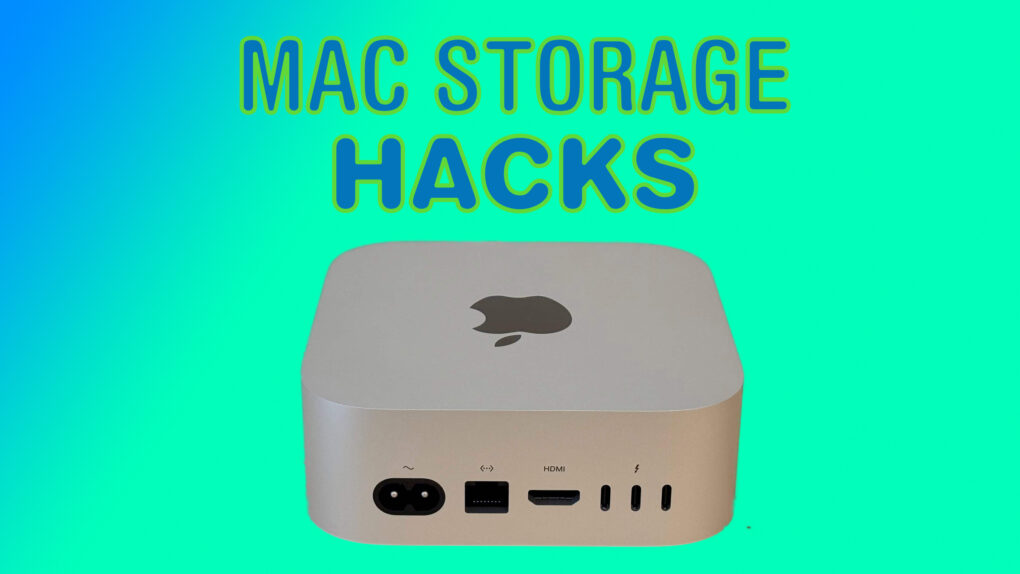
Here are all the ways you can boost your Mac's storage. Image: Cult of Mac
Apple charges a ton for storage upgrades on Macs. Worse, you cannot extend the built-in storage after buying the Mac. Thankfully, smarter solutions exist, as long as you don’t mind plugging an external disk into your Mac.
Here’s a breakdown of the best ways to expand your Mac’s storage, along with ideal solutions based on particular needs.
Accessing Google Gemini on iPad just got easier. Photo: Cult of Mac
iPad users no longer have to depend on an iPhone application to access Google’s Gemini AI-powered chatbot. Software designed specifically for iPad users launched Wednesday.
This comes after Google recently introduced home screen widgets to give iPhone and iPad users easier access to Gemini.
Safari searches could soon go to an AI, not a traditional search engine. Image: Cult of Mac
Before too much longer, doing a search in the Safari web browser might bring up AI-powered results rather than the standard Google search engine, according to Eddy Cue, Apple’s senior vice president of services.
Cue points out that this is Apple following a trend, as the company sees Safari users increasingly turning to AIs in place of traditional search engines.
Your Apple Watch is right there, all the time, to help out. Image: D. Griffin Jones/Cult of Mac
The Apple Watch Translate app can help you quickly speak in a different language while you’re abroad, right from your wrist. Translate between 20 different languages by speaking out loud, play translations out of your Apple Watch speaker and build a list of favorite phrases you can play instantly.
Apple Translate doesn’t support as many languages as the more popular Google Translate — but Google doesn’t have an app for the Apple Watch. The fastest and most convenient way to speak another language from your wrist is with Apple’s app.
There's a reason this desk and setup look so clean and tidy. And that reason is hidden under the desk. Photo: [email protected]
The best desk cable management seems like magic because it makes things disappear. Today’s M4 Mac mini setup with dual 4K displays shows that off beautifully, hiding most of the workstation’s gear underneath an elegant desk.
“That cable management is art,” said one appreciative commenter.
In this case, the user made the cable-management parts using a 3D printer. But you can achieve the same effect using a few inexpensive products that aren’t difficult to install.
Apple didn’t wait until the end of “The Studio” season one to commit to season two. Photo: Apple TV+
Seth Rogen’s hit Hollywood comedy The Studio will return to Apple TV+ for season 2. After the success of the freshman season, Apple TV+ committed Tuesday to making more episodes about the hapless executives of Continental Studios.
Beyond that, it’s a good week for fans of Apple TV+ comedies. The streaming service also announced that the fourth season of Acapulco premieres in July, and the fifth season of Trying is going into production.