Copy a link to a YouTube video that starts partway through and save everyone some time. Image: D. Griffin Jones/Cult of Mac
Say you want to send someone a YouTube link with a timestamp, to show them a specific part halfway through. Doing this is really easy from both the YouTube website or the app.
Let me show you how to share a YouTube video that starts at a specific time.
Skate City: New York is just one of the games just added to Apple Arcade. Photo: Apple Arcade
In Skate City: New York, you take your skateboarding game to the iconic streets of the Big Apple, where you can master hundreds of tricks in real-world locations. The game hit Apple Arcade on Friday, and is playable on iPhone, Mac and more.
Several other titles also joined Apple’s gaming service, including a remodeled version of the original Final Fantasy.
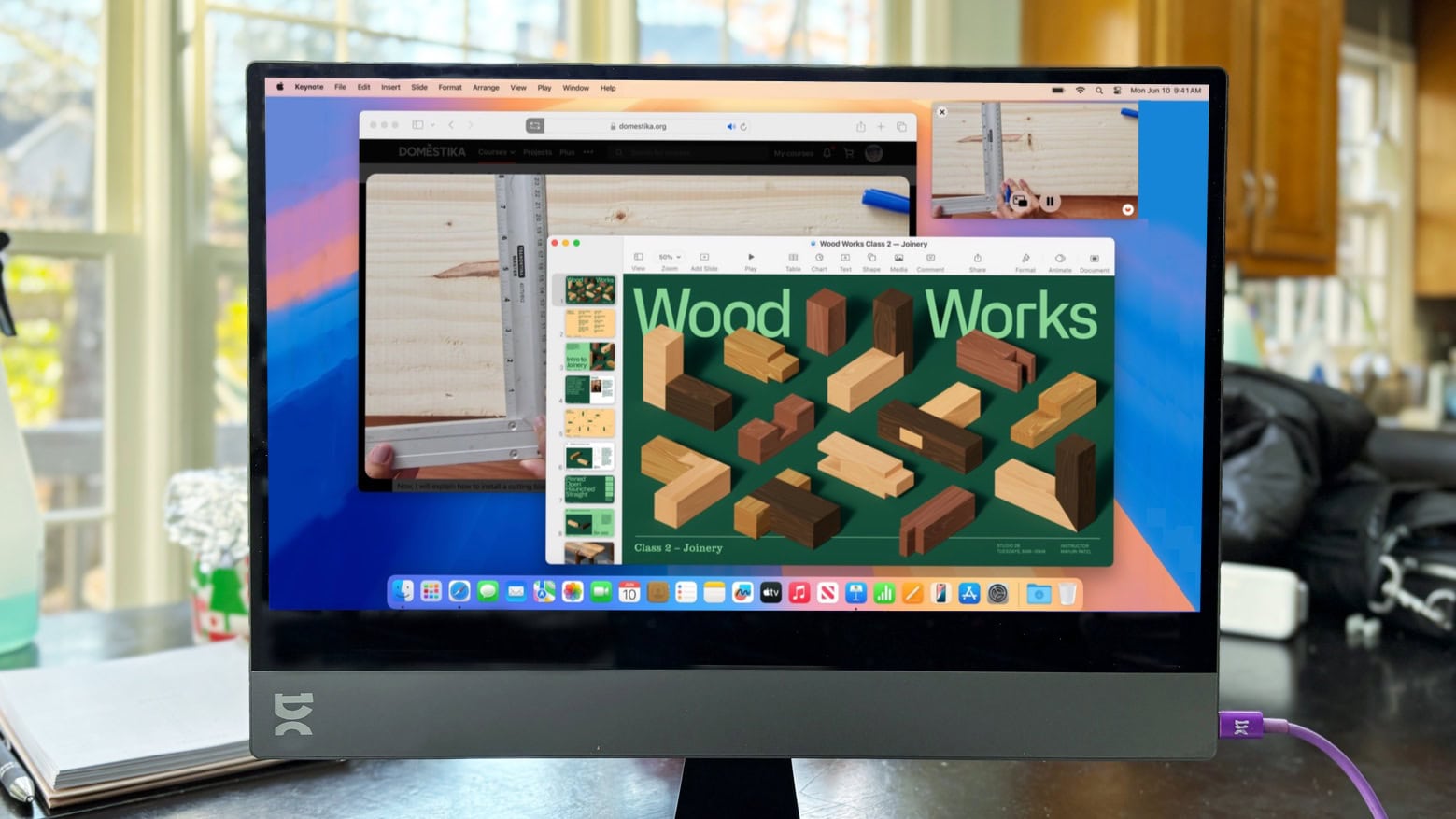
The first-time Mac users loves their new M4 Pro Mac mini and used a KVM switch to use the same peripherals with a Windows laptop. And that bit sticking up in front of the display is a mounted MagSafe charger, by the way. Photo: [email protected]
From time to time in computer setups coverage I come across a first-time Mac user, and their delight at having switched from Windows to Mac is often obvious. And that’s true of today’s M4 Pro Mac mini user, but they still need to work on a Windows laptop regularly. So they installed a Mac-Windows KVM switch in their setup to easily use the same peripherals with either machine with just the click of a button, as described and shown below.
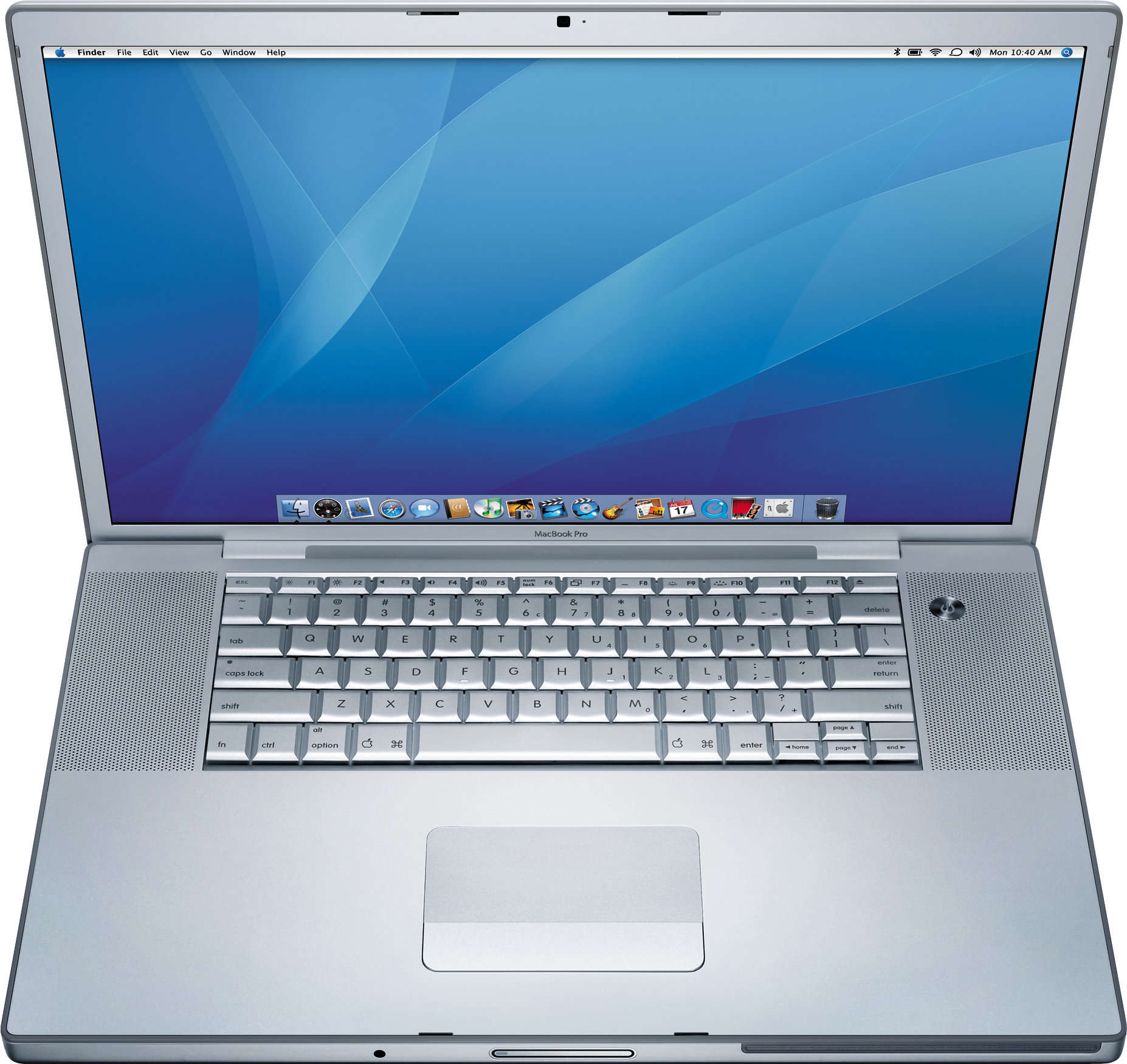
The original MacBook Pro brought innovative features (and stirred up a bit of controversy). Photo: Apple
January 10, 2006: Steve Jobs unveils the original 15-inch MacBook Pro, Apple’s thinnest, fastest and lightest laptop yet.
Building on the previous PowerBook G4 laptop, the new laptop adds dual-core Intel processors for the first time. The MacBook Pro immediately makes waves in the tech community. And did we mention its awesome MagSafe connector?
Find big savings on genuine Microsoft software in the CdkeySales New Year Sale on Windows and Office. Just head to CdkeySales.com using these links. And don’t forget to enter promo code CULT to get extra savings. Photo: CdkeySales
Out with old, in with the new. As 2025 arrives, so does the CdkeySales New Year Sale! You can nab an incredible deal on Windows 11 Pro and score savings on other Microsoft software. The sale slashes some prices by up to 91%! And since the latest Windows 12 rumors indicate Microsoft won’t release its next big operating system update until late 2025, you can update your PC now the quick and easy way rather than waiting. Just buy a Windows 11 CD key on sale during the CdkeySales event.
You can get great deals on upgrade-ready Microsoft productivity software like Windows 11 Pro and Microsoft Office. Savings include Windows 10 Pro for just $17.05 — with a free upgrade to Windows 11 Pro.
LightPDF is a good Adobe Acrobat alternative that costs less than an Adobe subscription. Photo: Cult of Mac Deals
Looking for an Adobe Acrobat alternative? LightPDF is a great, feature-rich PDF editor that costs less than half of an annual Adobe subscription. And it works on iPhones, Androids and Windows PCs.
LightPDF not only comes with countless PDF-editing features and OCR tech, but it’s also integrated with AI to summarize lengthy text for you. You can grab it for life for only $79.99 (regularly $109.99) while supplies last.
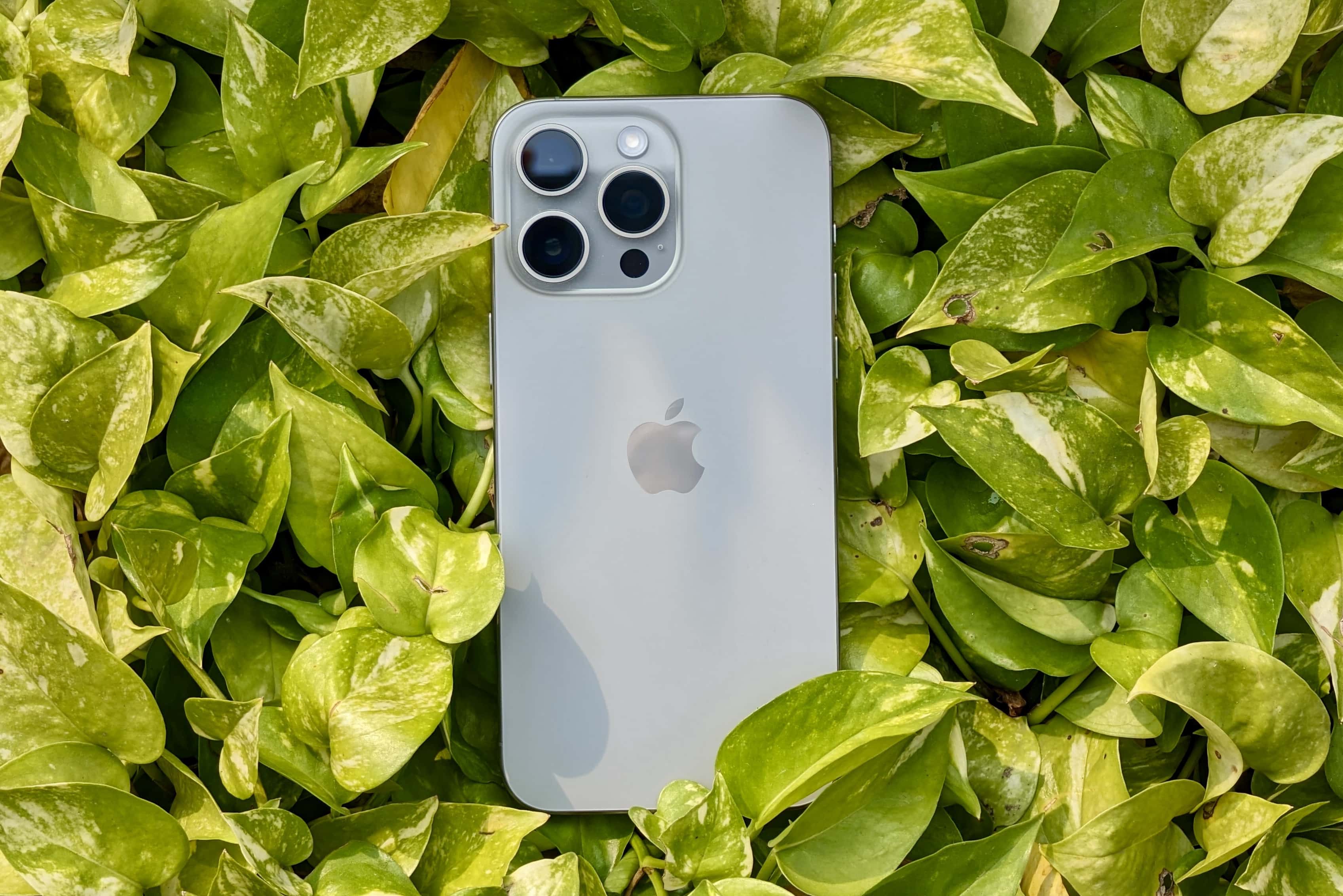
iPhone 17 Pro could ditch all its 12MP cameras for good. Photo: Rajesh Pandey/Cult of Mac
Apple might not make meaningful camera hardware improvements to its Pro iPhones this year. The iPhone 17 Pro will supposedly stick to the same 48MP primary shooter as the current flagship iPhone.
The only notable camera improvement on this year’s iPhone would be the switch to a 48MP sensor for the 5x tetraprism shooter.
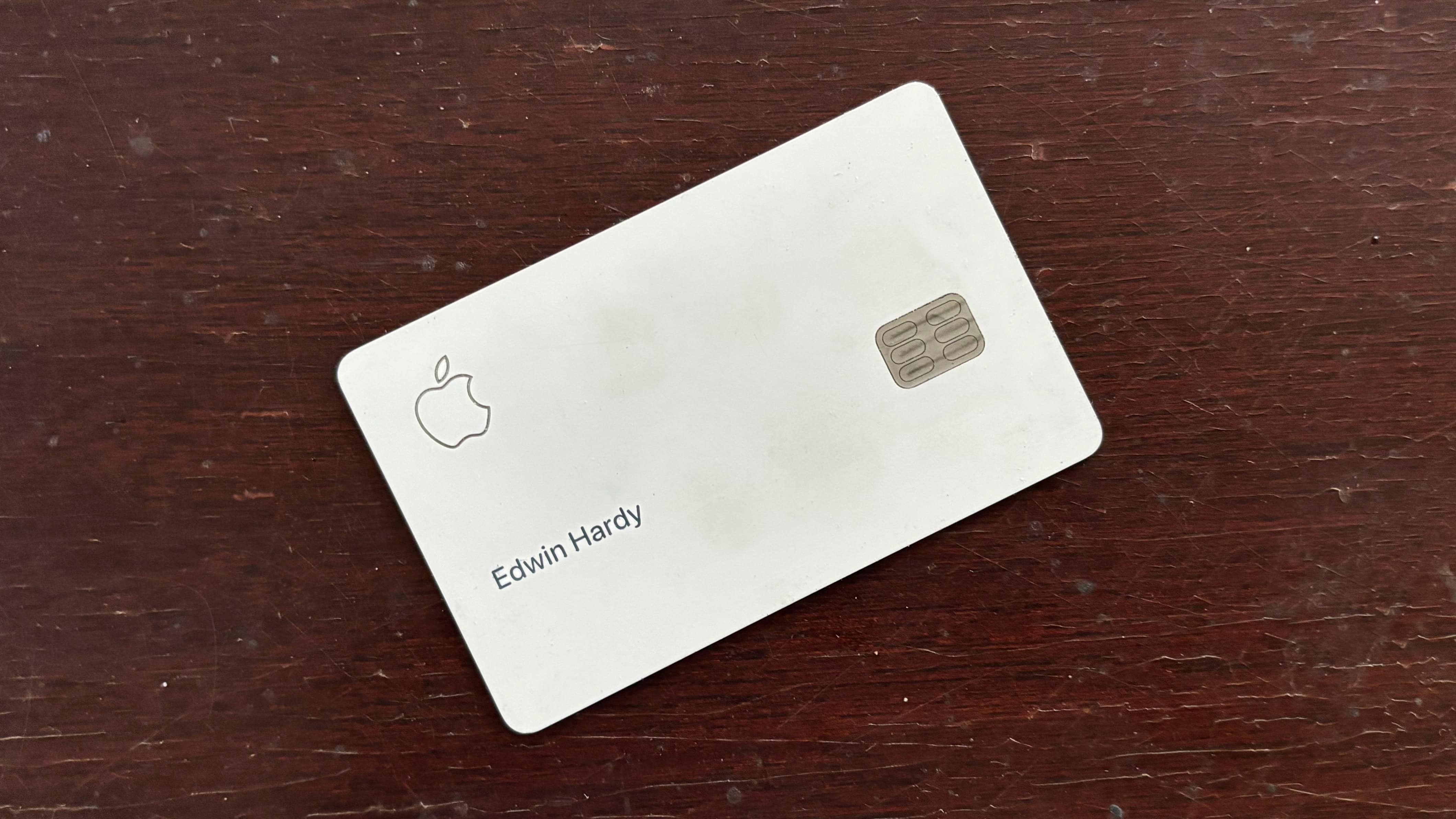
Don't worry about incurring any interest charges for missing the payment. Photo: Ed Hardy/Cult of Mac
Apple Card is notifying customers impacted by the Los Angeles wildfires that they can delay their payments without incurring interest.
Apple is contacting Apple Card users living at an address declared a natural disaster zone. Affected users must enroll in the Disaster Relief Program to be eligible.
★★★★★
espresso Display 15 stands out from its rivals. Photo: Ed Hardy/Cult of Mac
The espresso Display 15 doubles down on appearance. Not only does it have a great-looking LCD, its aluminum-and-glass exterior makes the screen match a MacBook or iPad perfectly.
Even better, it comes with a clever magnetic stand that can hold the display above your notebook, or beside it if you prefer.
espresso’s 17-inch Pro version from 2023 is the best portable monitor I’ve used, so I went into my review of the smaller version with high expectations.
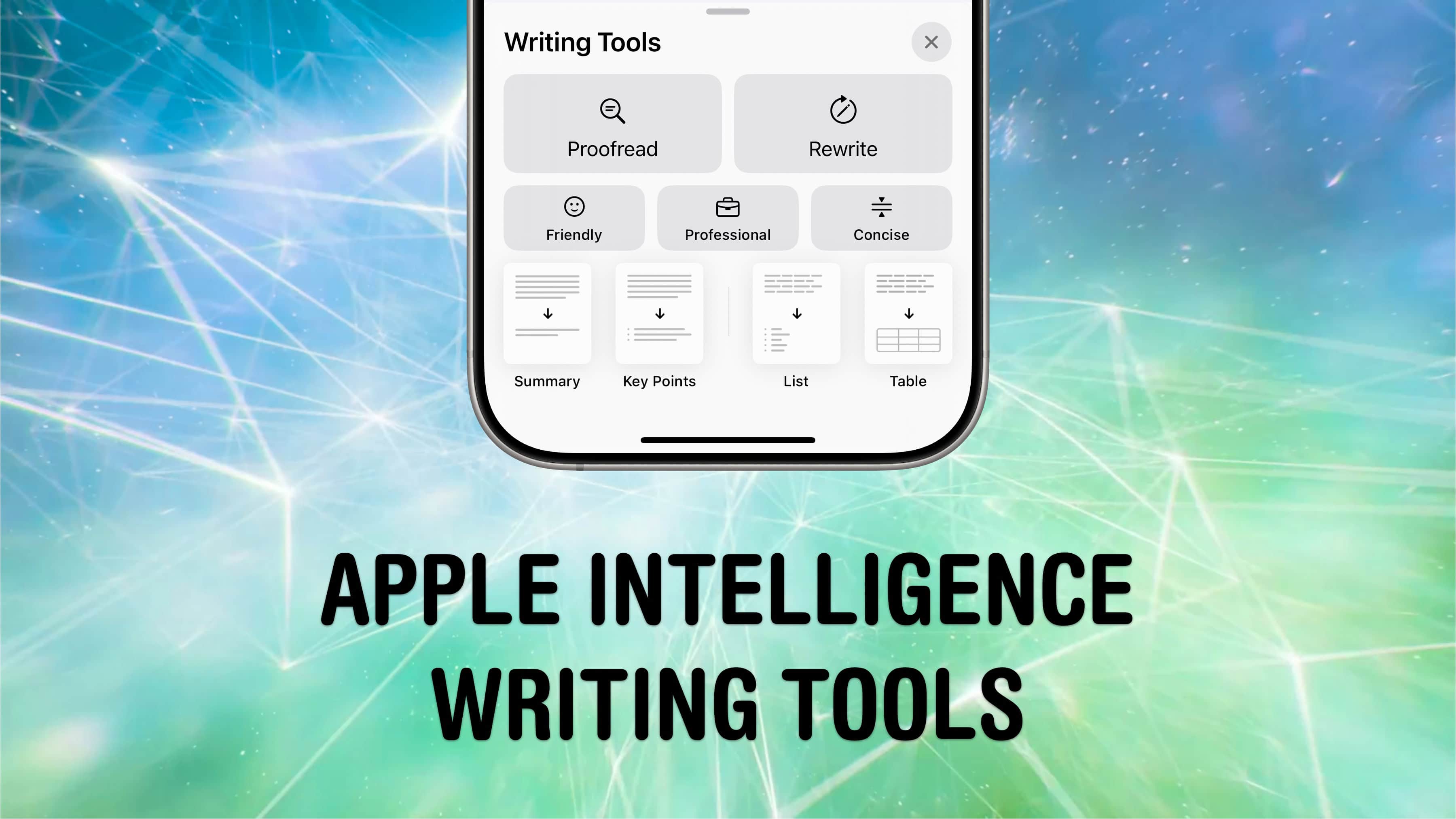
The writing tools are the most fleshed out Apple Intelligence feature, at least at first. Image: D. Griffin Jones/Cult of Mac
One of the top Apple Intelligence features is a new set of system-wide AI writing tools. You can invoke these intelligent writing helpers anytime, anywhere to help you compose, edit, rewrite, summarize, reformat or proofread text.
In my experience, they can really streamline reformatting a document and can be helpful for making your written communication better. Here’s how to make the most of Apple Intelligence writing tools.
Spigen's Tag Me Bluetooth Tracker costs just $12 apiece right now. Photo: Spigen
For Apple users looking for tracking solutions even more affordable than AirTag, Spigen recently launched its new Tag Me tracker, which works with the Find My network. You can get a discounted Tag Me Bluetooth Tracker pack of four at a price that comes out to just $12 apiece (AirTags usually go for over $20 apiece).
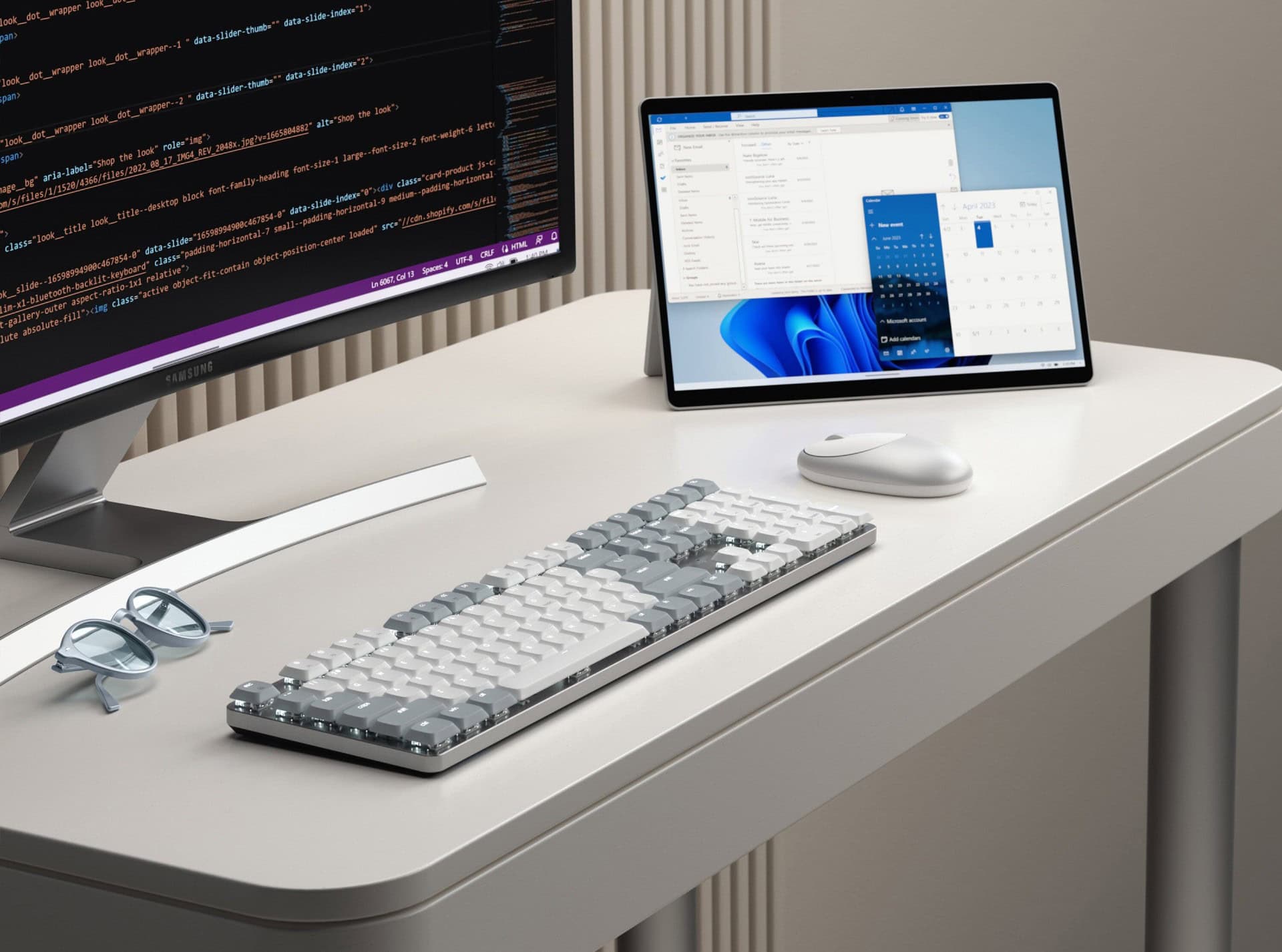
Satechi's new SM3 is low-profile but full-sized, larger than the popular SM1. Photo: Satechi
The new full-size Satechi SM3 Slim Mechanical Backlit Bluetooth Keyboard builds upon the success of its compact predecessor, the SM1. But it offers Mac and Windows users enhanced functionality through a complete 108-key layout including a numeric keypad, Satechi said upon unveiling the new keeb at CES 2025.
These new models helped spur Mac shipments in Q4 2024. Photo: Apple
Mac shipments in the last three months of 2024 rose sharply, hitting 17.3% in year-over-year growth according to a market research firm. Apple enjoyed a better growth rate than any of its top rivals, some of which saw their shipments decline.
The company also experienced growth in Mac shipments for the entire year compared to 2023.
Apple will donate funds to support victims and bolster recovery efforts in response to the devastating wildfires Los Angeles faces, Apple CEO Tim Cook said. He posted it in a thank-you message to first responders on X.com late Wednesday.
If you would like to join Apple and donate to organizations responding to the fires, follow the link at the bottom of this article.
Steve Jobs introduces the smartphone that changed smartphones. Photo: Apple
January 9, 2007: Apple CEO Steve Jobs gives the world its first look at the iPhone onstage during the Macworld conference in San Francisco. The initial reaction to that first iPhone demo is mixed. But Jobs is confident that Apple has created a product that people want — even if they don’t know it yet.
The palm-size device combines an iPod, a phone and a PDA. The iPhone unveiling excites many Apple fans but critics remain skeptical.
Don't miss this limited-time price cut on PDF Reader Pro for Mac or PC. Get a lifetime license for less than $25. Photo: Cult of Mac Deals
PDFs are supposed to make sharing documents easier, but they are often difficult to manage, edit or annotate. To streamline and improve your things, try PDF Reader Pro for Mac. The software tackles PDFs and empowers Mac users to do virtually whatever they’d like with them.
False alarm! The Docker app for Mac is not a malware. Photo: Docker
Getting a “Malware Blocked” warning on booting your Mac or when starting Docker? You are not alone. Hundreds of Mac users worldwide report seeing a similar message on their machine over the last few days.
The error is due to an issue with Docker, a popular platform designed to build and run apps using containers.
Apple is highlighting Siri's privacy-first approach to protect its reputation. Photo: Apple
Apple recently agreed to pay $95 million to settle a Siri class action lawsuit alleging privacy violations. The company is now restating the voice assistant’s commitment to user privacy through an article on its newsroom.
Apple reassures users that it never used Siri data to build marketing profiles or sold it to anyone. Instead, it is always developing new ways to make Siri more privacy-friendly.
Once you get an AirFly, you won’t want to travel or go to the gym without it. Photo: Twelve South
You’re in the gym sticking with your New Year’s resolution, and want to connect your AirPods to your treadmill’s TV to make running less of a drudge. AirFly is exactly what you need. Plug the gizmo into any audio port to connect it to your wireless headphones.
Or, more accurately, back up your iMessage history. Image: D. Griffin Jones/Cult of Mac
You can back up your text messages (and iMessages) with iMessage Exporter, a free tool for the Mac. Whether you want to preserve your family message history for sentimental reasons, or need to keep conversation records for business, iMessage Exporter will get the job done.
You might already back up your messages in iCloud, but Apple charges an arm and a leg for space. You can save space (and money) by making a local backup and clearing out your cloud storage.
Watch the trailer and get ready for "Mythic Quest" season four, debuting January 29 on Apple TV+. Photo: Apple TV+
Here’s your chance to see comedy star Rob McElhenney buck naked (if you’re into that sort of thing). He appears that way in a frenzied new season 4 trailer for workplace comedy Mythic Quest, below. The quick-cutting trailer should get fans of the comedy, set at a California gaming company, pretty excited. And not just for the nudity. Season 4, which looks like it’s full of laughs, debuts soon — January 29.
And don’t forget: The hit comedy spawned a spinoff, Side Quest, which premieres in late March.
All iPhone and Apple Watch chips aren’t made overseas. Photo: TSMC/Cult of mac
The chip fabrication plant TSMC opened in Arizona reportedly began producing a second Apple processor, a win for those eager to see more chips produced in the United States.
The fab now reportedly makes Apple Watch processors. It began manufacturing iPhone chips in 2024.
The HP-branded iPod flopped, but it was still a savvy business move for Apple. Photo: Keegan/Wikipedia CC
January 8, 2004: The clumsily named iPod+HP, a Hewlett-Packard-branded iPod, debuts at the Consumer Electronics Show in Las Vegas.
Shown off by Hewlett-Packard CEO Carly Fiorina, the prototype device is blue, the color used for HP’s branding. By the time it arrives on the market later that year, however, the digital music player is the same shade of white as the regular iPod. The device doesn’t hang around for long, either.
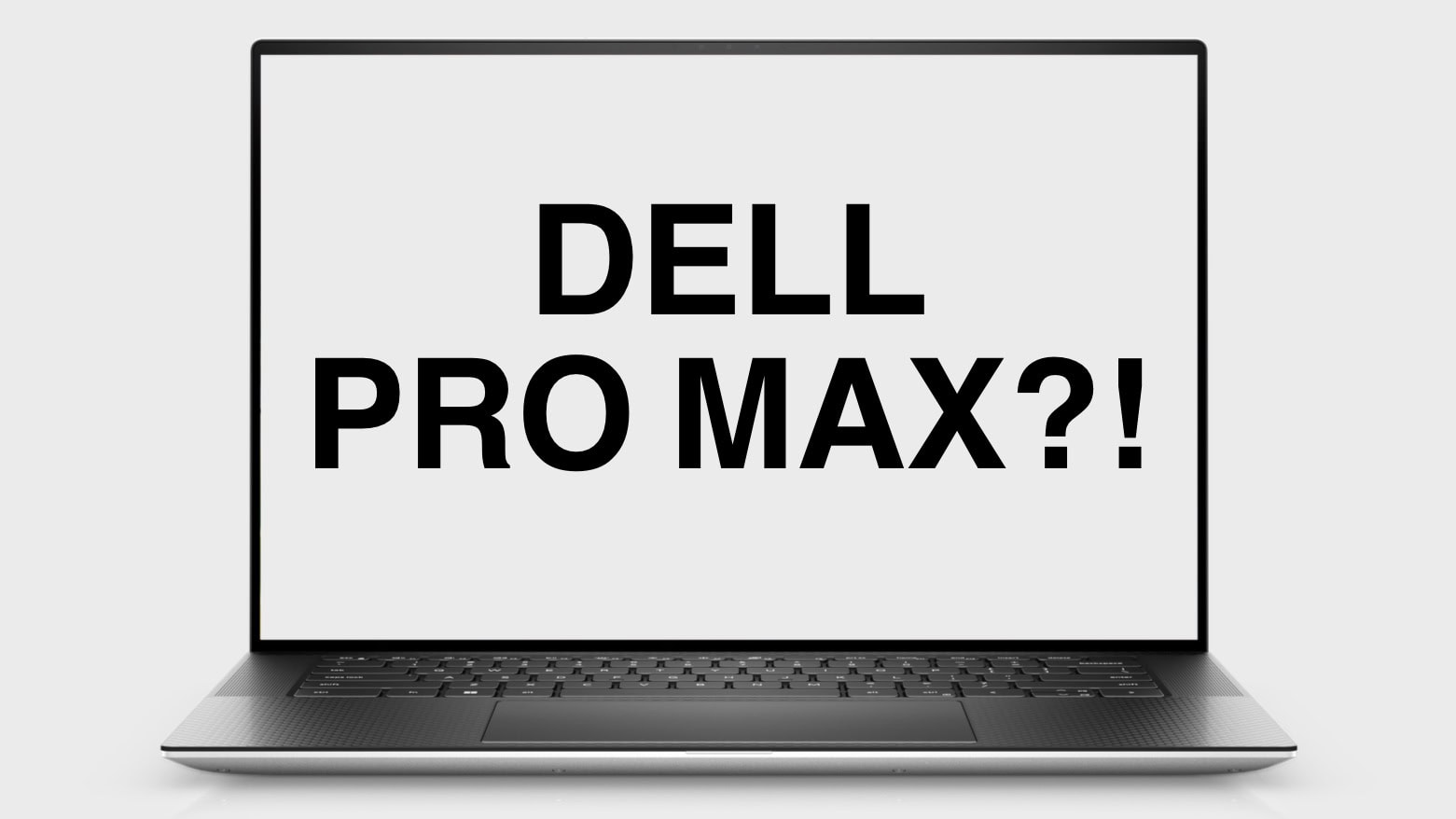
There’s something familiar about that name… Photo: Dell/Cult of Mac
Dell rebranded all its PCs with names that should sound very familiar to Apple users. Going forward, the company’s computers will either be part of the Dell, Dell Pro or Dell Pro Max product lines.
That is, of course, exactly how Apple divides up the various iPhone versions. And the PC-maker immediately faced mockery for its new product names.
Create a wallpaper that can switch with a single tap. GIF: D. Griffin Jones/Cult of Mac
In just a few minutes, you can create a cool iPhone Lock Screen wallpaper that can switch between two images with just a tap. Add the right images to your photo library, and you can toggle between them like magic.
For instance, you might pair up nearly identical photos of a muscle car with and without its headlights on. That way, when you tap your iPhone screen, the car’s lights flash on or off. Or maybe you take duplicate photos of your boss and add fiery red laser eyes to one of them so you can tap between “nice boss” and “boss from hell.”
To pull off this fun iPhone wallpaper trick, you need to add the right kinds of images to your photo library — I’ll share a few examples — and then create a custom Photo Shuffle wallpaper to toggle between them. Watch the video or keep reading below.

 Say you want to send someone a YouTube link with a timestamp, to show them a specific part halfway through. Doing this is really easy from both the YouTube website or the app.


 January 10, 2006: Steve Jobs unveils the original 15-inch MacBook Pro, Apple’s thinnest, fastest and lightest laptop yet.





 January 9, 2007: Apple CEO Steve Jobs gives the world its first look at the iPhone onstage during the Macworld conference in San Francisco. The initial reaction to that first iPhone demo is mixed. But Jobs is confident that Apple has created a product that people want — even if they don’t know it yet.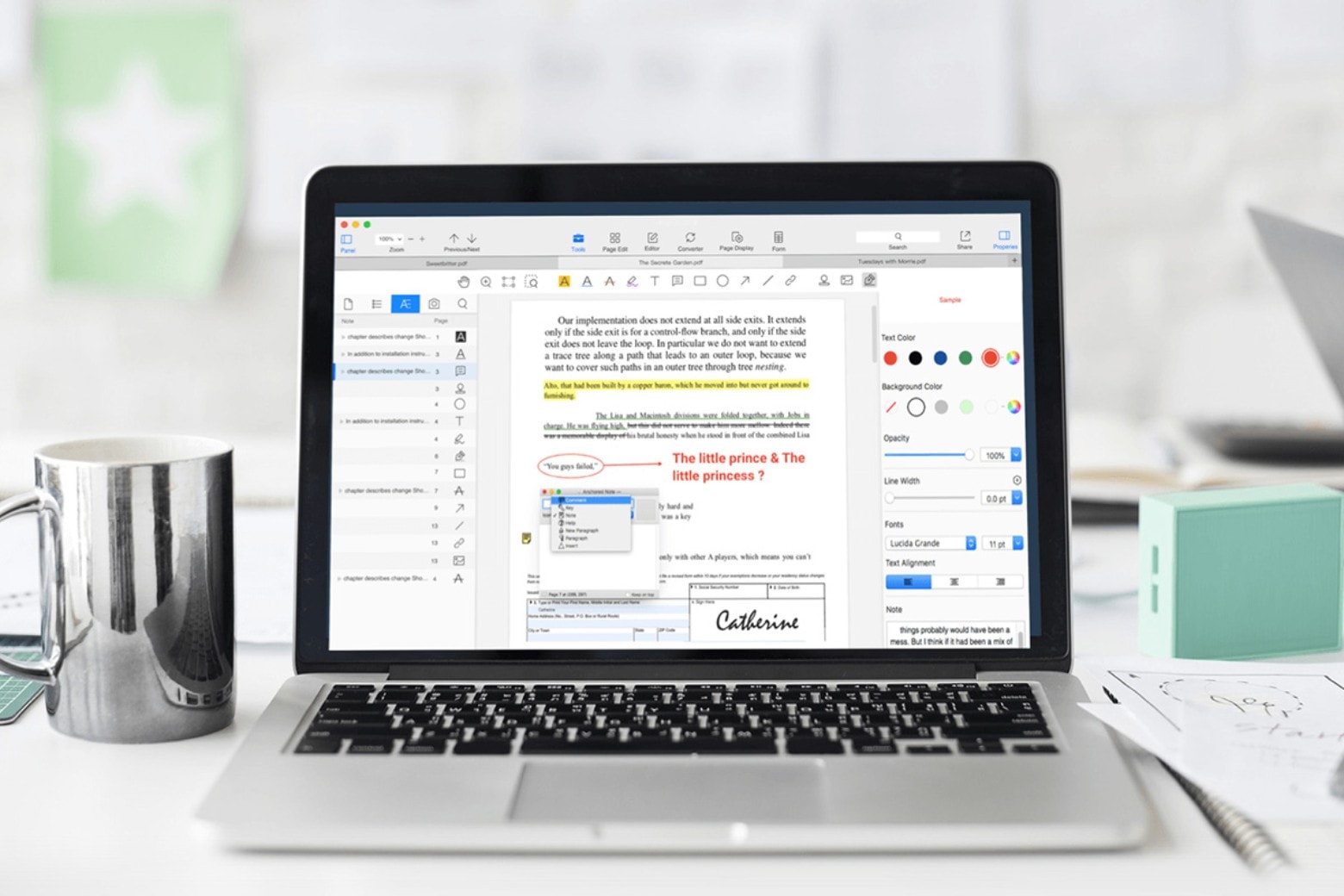





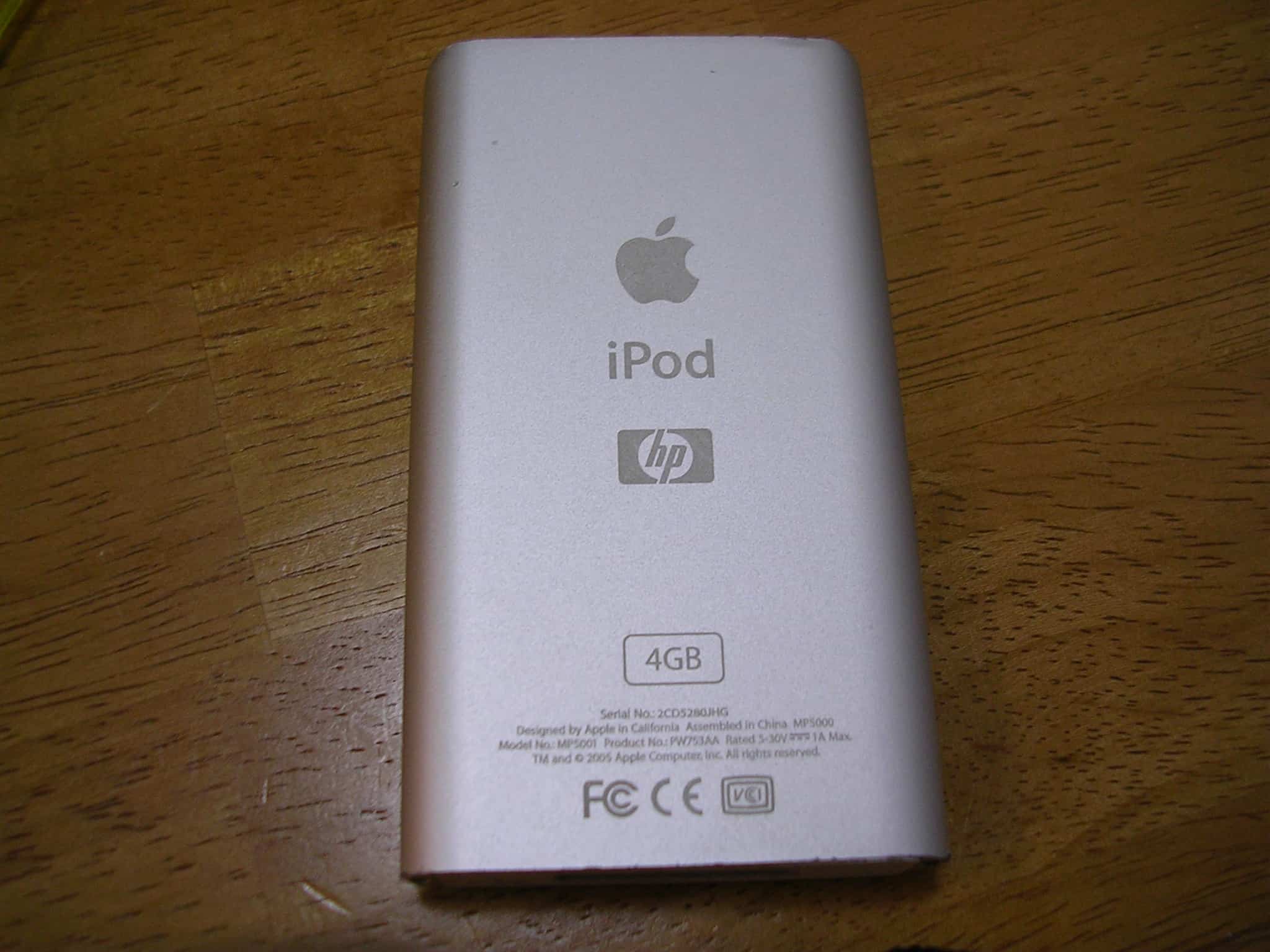
 January 8, 2004: The clumsily named iPod+HP, a Hewlett-Packard-branded iPod, debuts at the Consumer Electronics Show in Las Vegas.