Apple reportedly is cooking up significant changes to core iPhone and iPad apps, with redesigned interfaces coming soon to the Phone, Safari, Camera and Messages apps. The company plans to reveal the app updates Monday during the WWDC25 keynote, alongside other sweeping changes to its operating systems.
Apple plans major changes to some of your favorite apps at WWDC25
Photo: Gemini



 June 6, 2005: Steve Jobs reveals that Apple will switch the Mac from PowerPC processors to Intel.

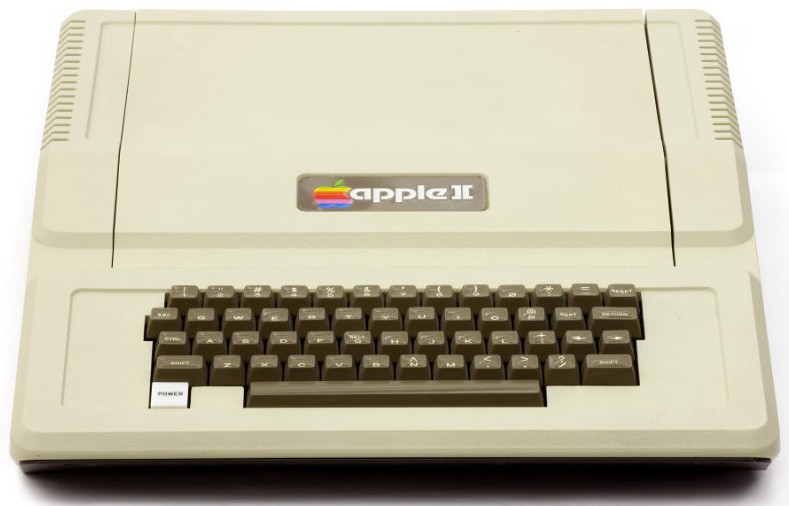
 June 5, 1977: The first





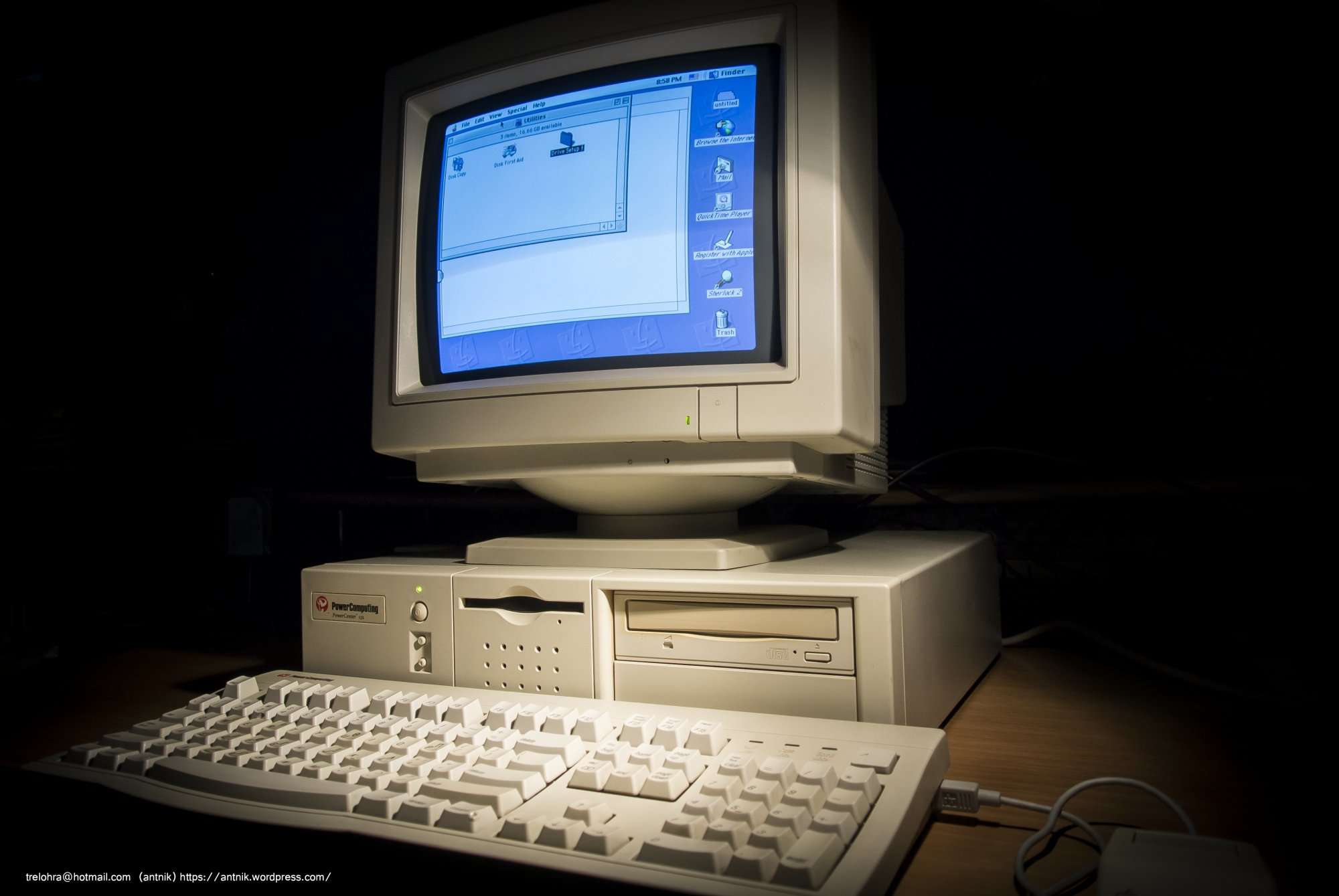
 June 4, 1997: Mac clone-maker Power Computing hits its high point as the company’s top exec reaches an agreement with Apple concerning the forthcoming




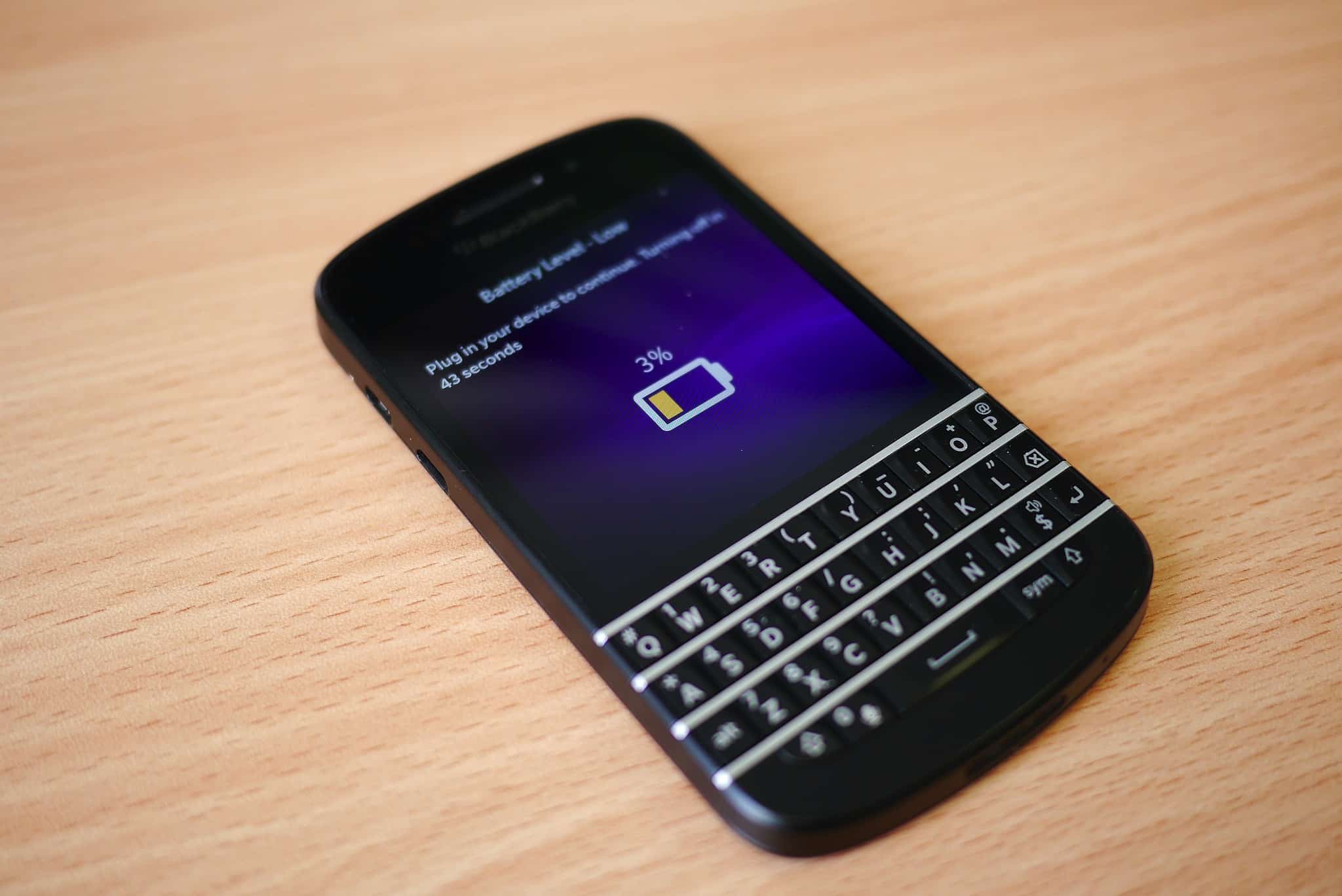
 June 3, 2011: iOS overtakes Research in Motion’s BlackBerry operating system for the first time, with Apple’s mobile operating system inching past BlackBerry OS.