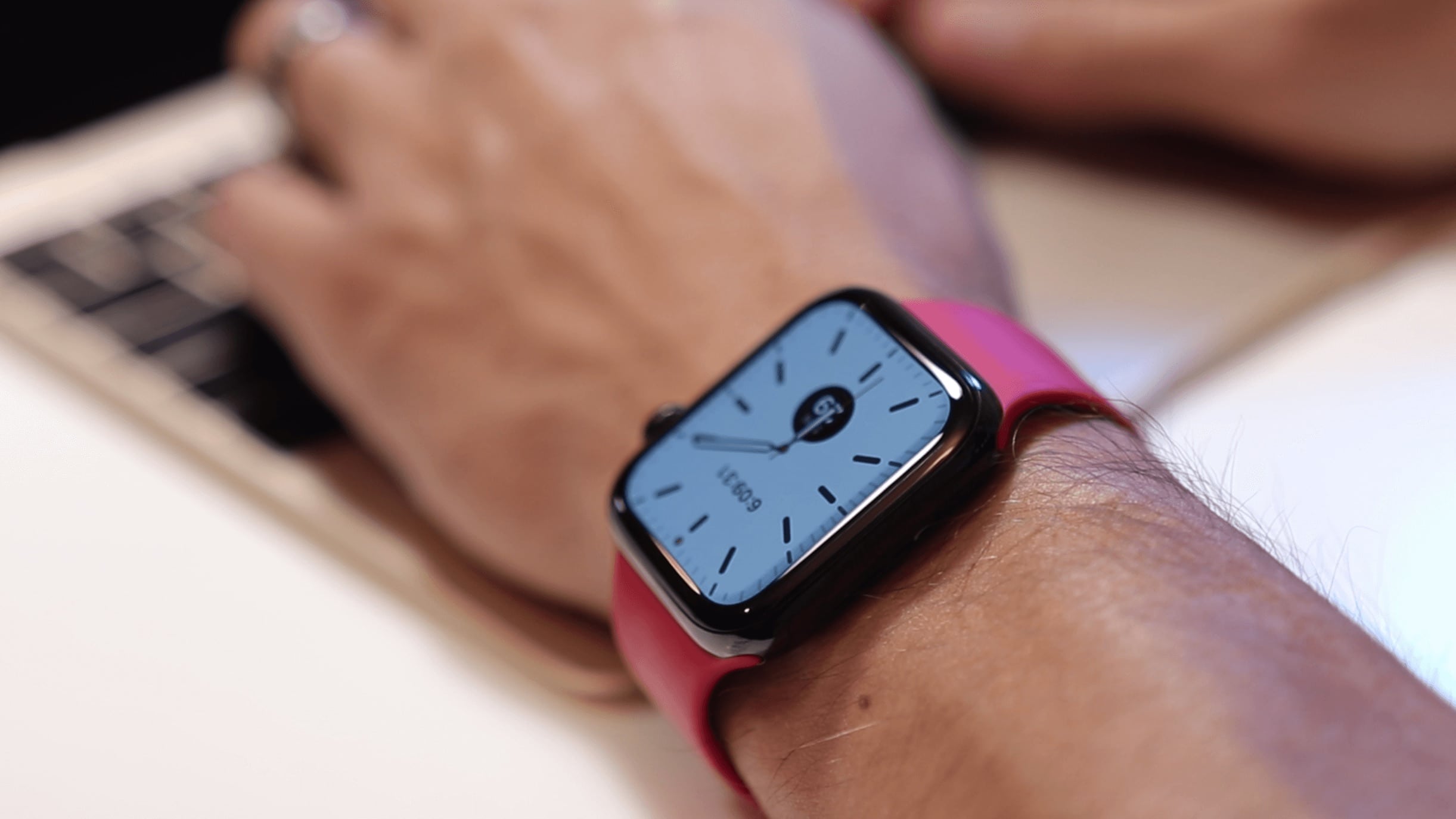
Apple Watch shipments grew 36% YoY in 2019. Photo: Ian Fuchs/Cult of Mac
A dramatic increase in Apple Watch sales in 2019 brought shipments up 36% year over year, according to a market research firm. The total of number of Apple wearables shipped last year was 45% higher than the entire Switch watch industry.
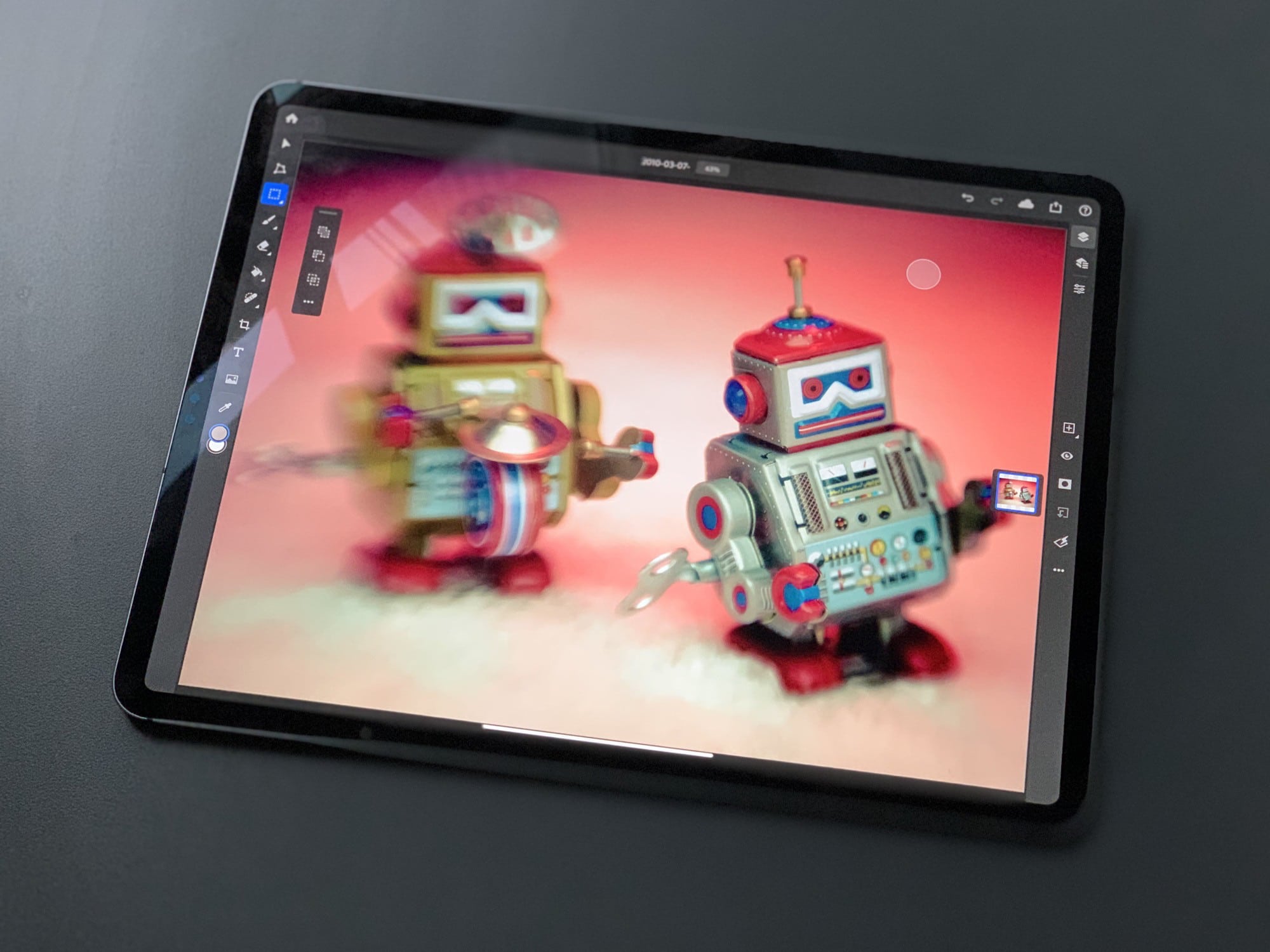
Samplr -- almost too good. Photo: Charlie Sorrel/Cult of Mac
Samplr is one of the best-loved iPad music apps. You load up a sample, and then you can play it and manipulate it with your fingers. It’s simple to learn, but capable of incredibly complex and beautiful results. Unfortunately, the developer landed a job at Apple, and Samplr development ceased.
Until now. The groundbreaking iPad music app just received its first update in five (5!) years.
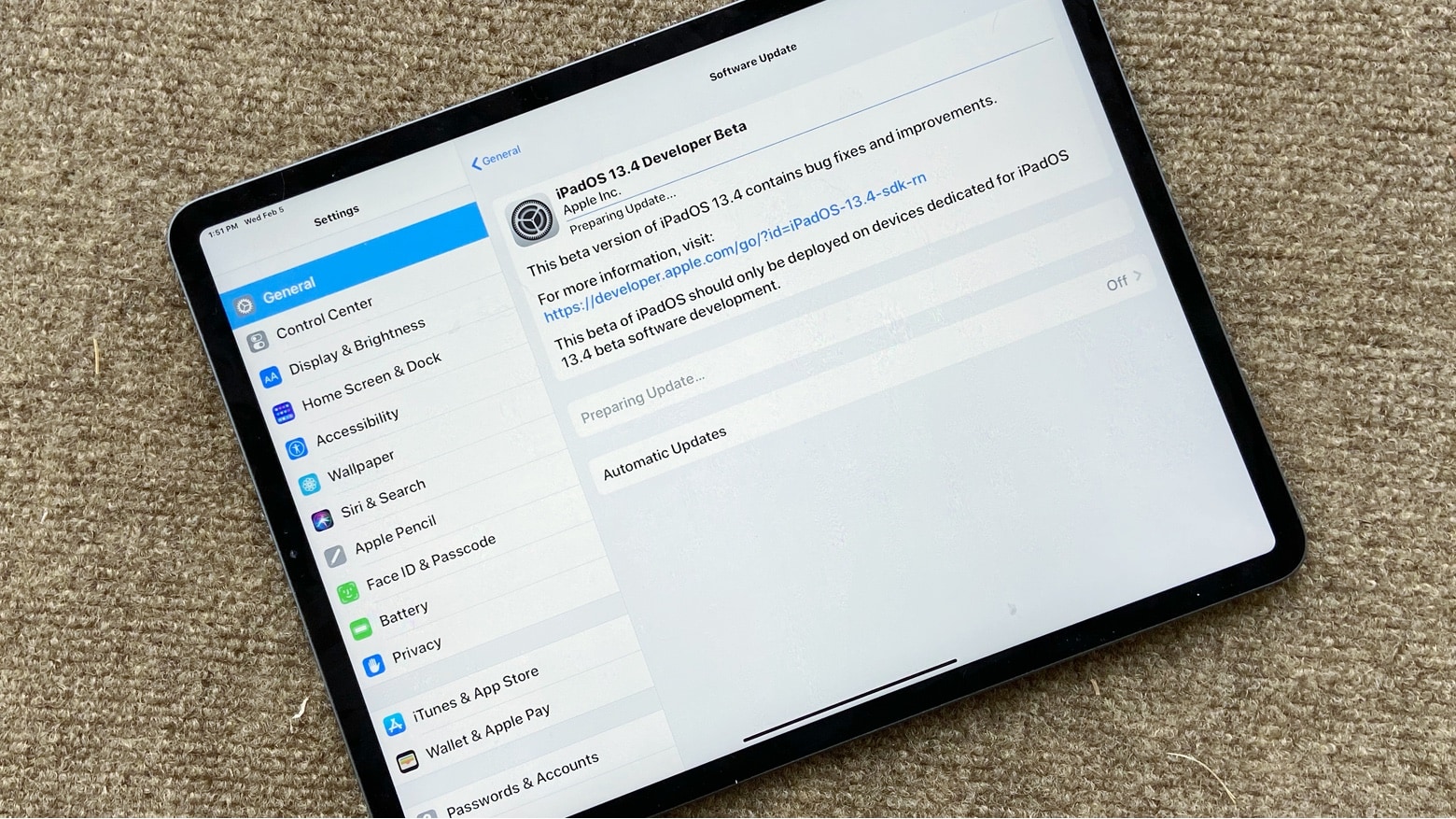
Developers can install iPadOS 13.4 to test out iCloud folder sharing. The same goes for iOS 13.4 and macOS 10.15.4. Photo: Ed Hardy/Cult of Mac
The first pre-release versions of updates for all Apple computers include significant new features. iCloud folder sharing makes its delayed debut. And the ability to buy the iOS, iPadOS, macOS, and tvOS versions of third-party software as a single purchase is coming too.
These features appear in the initial developer betas of iOS 13.4, macOS 10.15.4, iPadOS 13.4, tvOS 13.4 and watchOS 6.2.
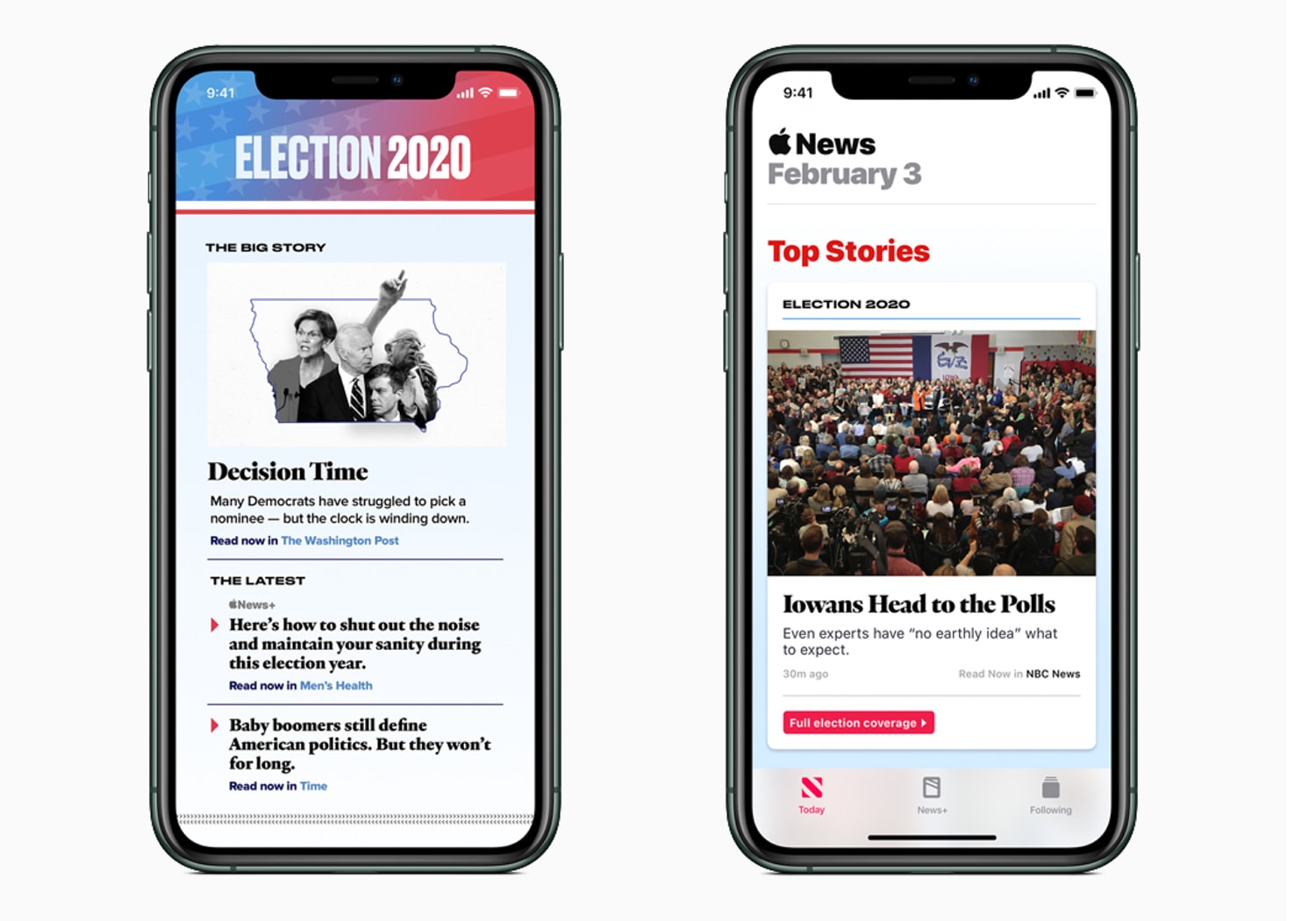
Improving on its coverage from two years ago, Apple News is doubling up efforts for the 2020 elections. Photo: Apple
Now that the voting chaos at the Iowa caucuses is finally dying down, all eyes are turning to the next big political primary in New Hampshire, and Apple News is letting users get in on the action.
There’s nothing a Mac nerd likes more than using keyboard shortcuts. Actually, there’s one thing — telling people about Mac keyboard shortcuts. Either way, you’re going to love this tip, which lets you access the menu bar menus of any and all Mac apps, using just the keyboard.
Hit the magic key combo, and you can quickly type to find any menu command by name.
Apple’s upcoming TV series about the life of young basketball players, Swagger, is making a late substitution with its leading actor.
O’Shea Jackson Jr. has been tapped to fill in as the leading actor for Duke Winston who had to drop out of the project. Winston was named as the star of the show back in October but reportedly suffered a serious injury on set, forcing the show to find a new lead.
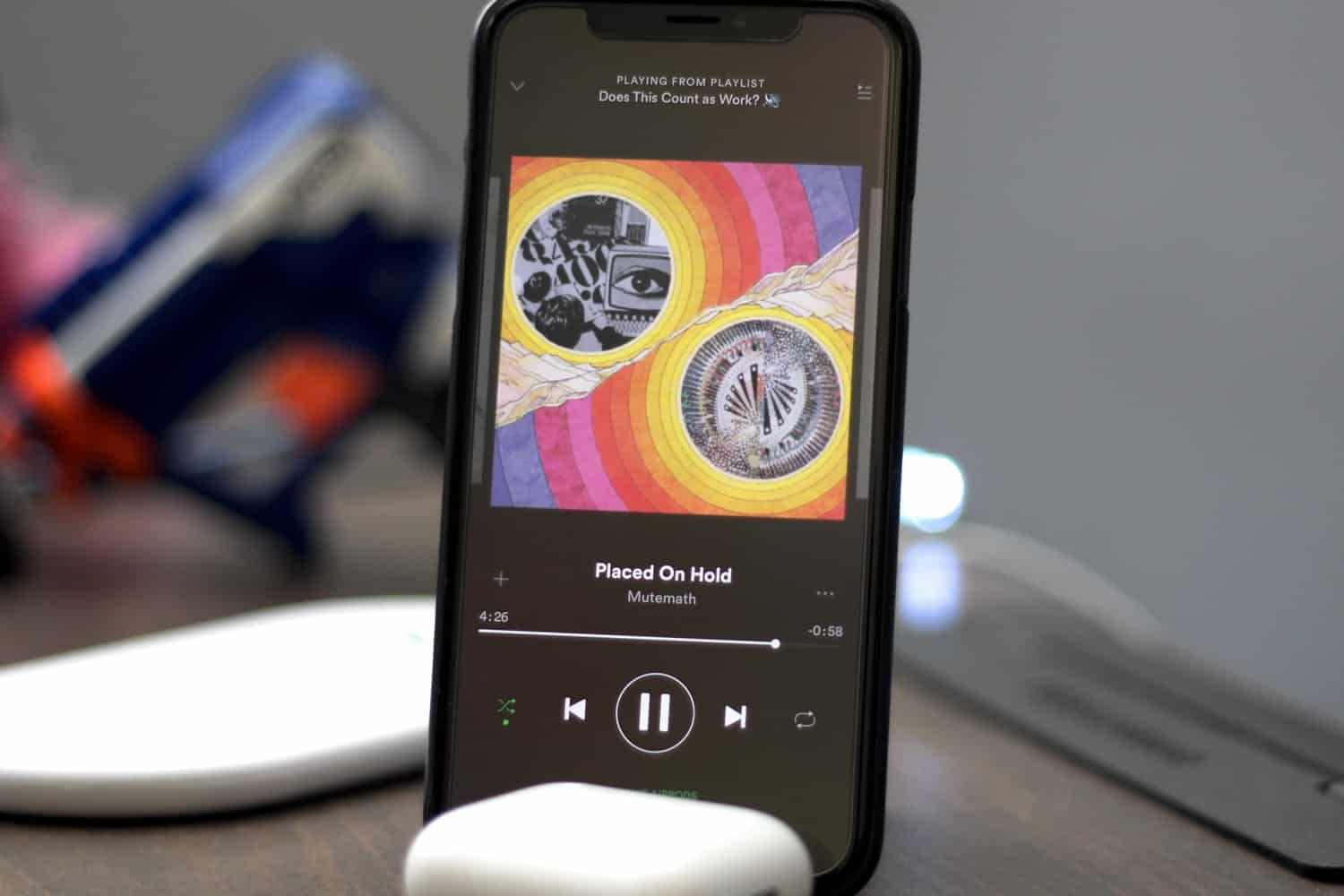
Spotify and Apple Music are competitors, but both play on iPhone. Photo: Ian Fuchs/Cult of Mac
Spotify enjoys strong growth, with the number of paid subscribers to this streaming music service up 29% year over year. At last report, rival Apple Music wasn’t growing so strongly.
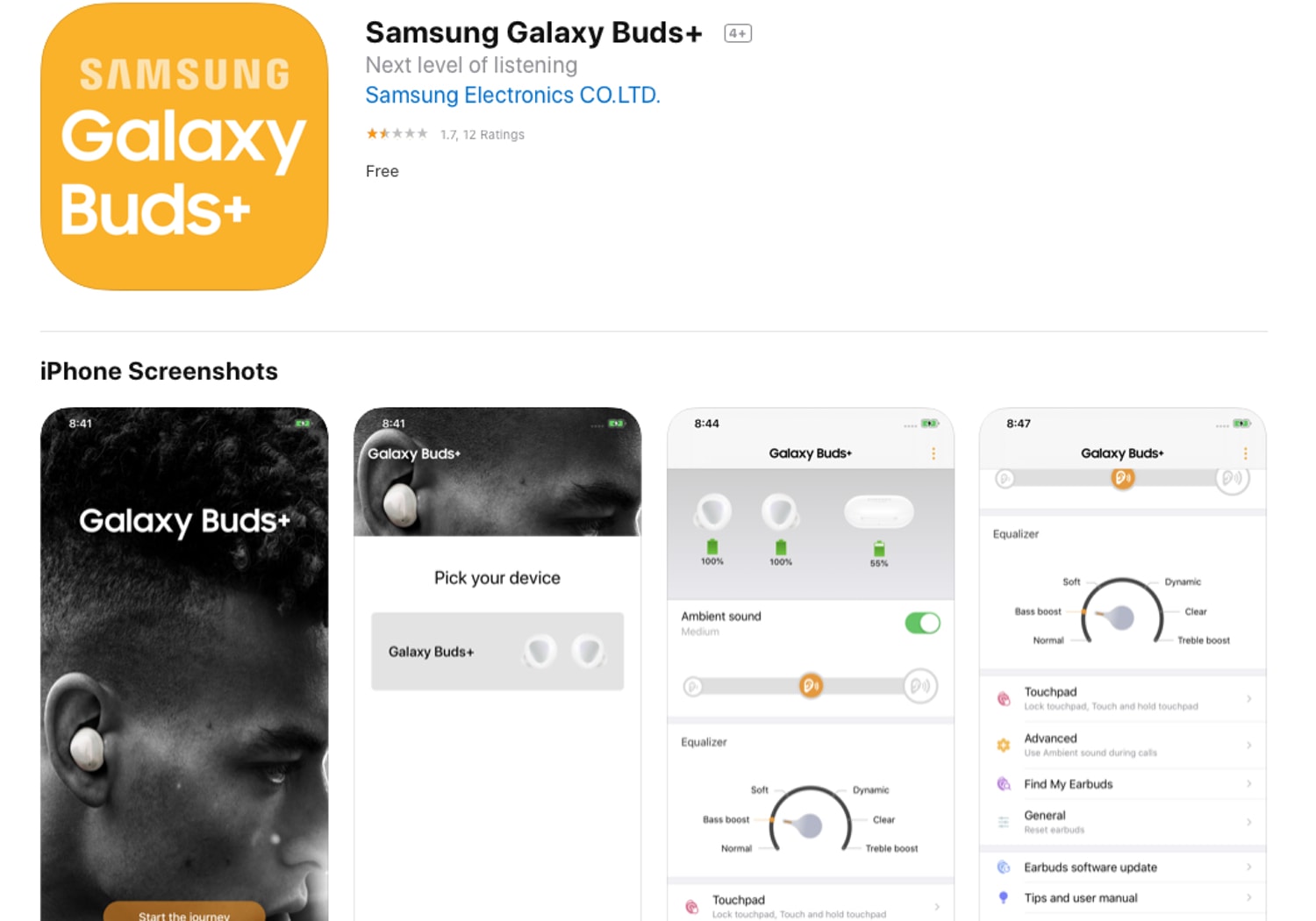
Mistake or not, it's obvious upgraded Samsung Galaxy Buds+ will soon be a reality. Photo: Cult of Mac
A mistake announced too soon or not, an iOS app for the expected new version of Samsung’s wireless earbuds was released on the Apple App Store Tuesday, seven days before the products expected announcement.
Five months after Dark Mode debuted on iOS 13. Photo: Google
Google has finally given its Translate app for iPhone and iPad a Dark Mode overhaul, adding a stylish graphical overhaul that’s also easier on your eyes (and, theoretically, your battery life.)
HonHai/Foxconn to quarantine some workers at its main iPhone production plant for 14 days. Photo: Apple
iPhone manufacturer HonHai/Foxconn Technology Group plans to re-open its main factory in the central Chinese city of Zhengzhou on February 10, but quarantine its returning workers for 14 days in an abundance of caution as the number of cases of the coronavirus grows.
The iPhone XR was a big hit in India last year. Relatively speaking. Photo: Apple
Apple was reportedly the fastest growing premium smartphone brand in India last year — with a massive 41% growth year-over-year. The iPhone XR wound up being the country’s most popular “ultra premium” handset, claims Counterpoint Research. This was followed by Samsung’s Galaxy S10 Plus and OnePlus 7 Pro.
That’s great news for Apple. But there’s still a long way to go.
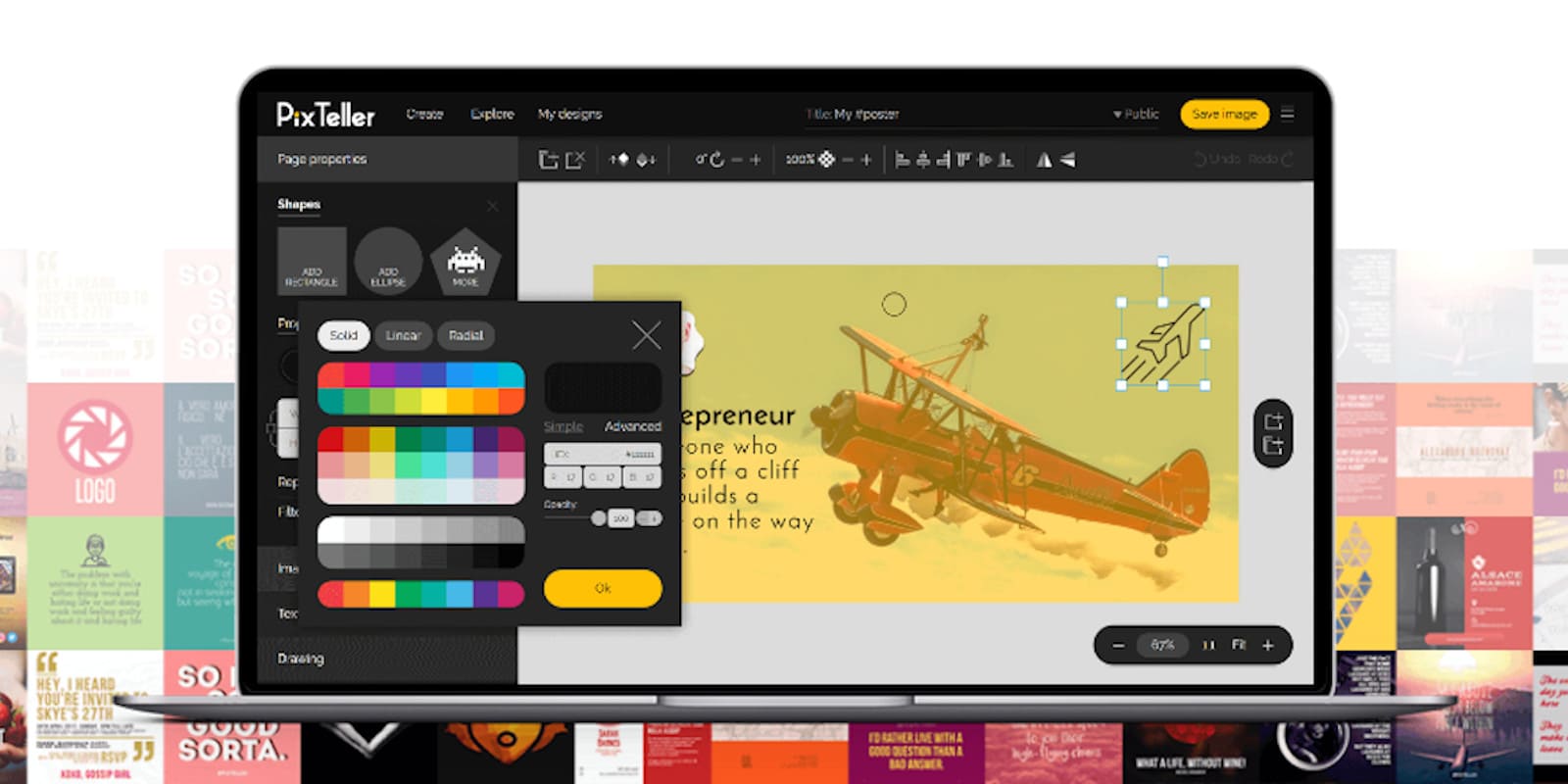
Produce your own beautiful images animations with 134,000 templates, 1.5 Million photos, and 100,000 shapes, zero design skills required. Photo: Cult of Mac Deals
Images are the universal language of our time. And with the right tools, anyone can create compelling visual content — even without any previous experience or skills.
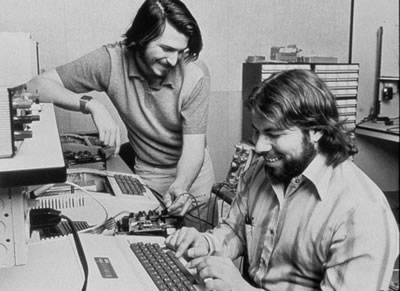
Don't they look young? Jobs and Wozniak in the 1970s. Photo: Apple
Steve Jobs was driven by money and the desire to be important. That’s according to Apple co-founder Steve Wozniak on the latest episode of former Apple evangelist Guy Kawasaki’s Remarkable People podcast.
Woz just wanted to have fun, but Jobs was propelled by something else, Wozniak said on the podcast. “[He] was always looking for little ways to make a next step in money, [and] he wanted to be that important person in life,” Woz told Kawasaki.
Apple dominated tablet shipments last quarter. Photo: Charlie Sorrel/Cult of Mac
A total of 43.23 million tablets shipped in the last calendar quarter of 2019, a new report from DigiTimes Research claims. Of these, Apple was the number one vendor, responsible for just under one-third of all tablets shipped.
Artists like Billie Eilish have dissected their own lyrics on previous episodes of Verified. Photo: Apple
Digital media and lyrics company Genius (previously Rap Genius) has teamed up with Apple to show its popular video series Verified on Apple Music.
Genius has produced more than 800 episodes of the show since 2016. The show features popular artists breaking down the lyrics to their own songs. Artists who have appeared include Billie Eilish, Sting, and Chance the Rapper.
Liz Schimel handled the business side of Apple News+, but apparently not any more. Photo: Condé Nast
Liz Schimel joined Apple’s news division in 2018, and was on board during the launch of News+. But the subscription service hasn’t seen much success, and now Schimel has left the company according to a published report on Tuesday.
Democratic presidential candidate Pete Buttigieg addresses the crowd at a rally in Iowa. Photo: Phil Roeder/Flickr CC
The first U.S. presidential primary of 2020 has been a complete disaster. And it looks like a buggy app is to blame.
Organizers of the 2020 Iowa Democratic Party caucuses used a new app created by developer Shadow Inc. The app was supposed to enable Iowa caucus-goers to securely report the voting results in their precincts. But when it came time for the app to shine, a coding error threw the election into chaos by reporting incorrect data.
The Zagg Messenger Folio makes the 10.2-inch iPad into an ultra-portable laptop. Photo: Zagg
Zagg released its first keyboard case for the 2019 iPad. This 10.2-inch tablet is Apple’s budget model, and the just-launched Zagg Messenger Folio is also a low-cost option.
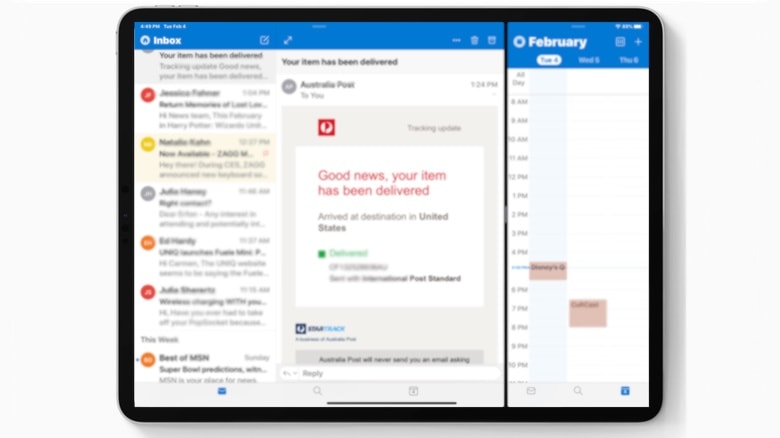
Microsoft Outlook on iPad can at last show email next to a calendar. Photo: Ed Hardy/Cult of Mac
Microsoft’s combined email and calendar application finally offers full support for iPad multitasking. Outlook now supports Split View, so users can have their mail and calendar open next to each other.
Temtem is the closest you'll get to a Pokémon game built for PC. Photo: Crema
Sorry, Pokémon fans, but hot new role-playing game Temtem isn’t coming to your Apple devices.
Publisher Humble Bundle today confirmed to Cult of Mac that there are currently no plans to bring the online creature-catching title to macOS. And it’s not looking good for iPhone and iPad, either.
The Walt Disney Company just unleashed its first quarterly earnings report for 2020 revealing that its Disney+ streaming service is off to an impressive start.
Paid subscribers for Disney+ more than doubled from 10 million during the first week of availability, to 26.5 million users by the end of 2019. CEO Bob Iger said the service has continued growing since then and currently has 28.6 million subscribers as of today.
I live in Germany, and even though my German is fine, I often get beaten by notices and signs. In my native England, signs and notices are snappy. They use few words, and often annoying slogans, to get the point across. In Germany, an A4 (legal-size) sheet of paper with densely spaced type is the norm. And that’s just from neighbors complaining about people leaving their strollers on the wrong side of the entrance hall.
So, I decided to do something about it. I wrote a Siri Shortcut that scans one of these German essays using the iPhone’s camera, translates it, and shows it to you. There are apps that can do something similar, but my shortcut is way better, for several reasons.
Nvidia GeForce Now works on a variety of computers, including Macs. Photo: Nvidia
Nvidia’s cloud gaming service allows Mac users to play PC games. Rather than running the games on a local device, GeForce Now servers do the hard work and stream the video to players.
The service came out of a long, long beta today, and is available now for $4.99 a month. And there’s a free option.
Mobicip created screen time limits before Apple did. Photo: Mobicip
The U.S. Justice Department is reaching out to parental app control companies that may have been affected by Apple’s allegedly anti-competitive App Store practices.
Reuters reported this morning that Suren Ramasubbu, the chief executive developer of Mobicip, was interviewed by US investigators. Mobicip, which allows parents to control what kids access on their iPhones, was kicked out of the App Store last year because it failed to meet new app requirements.
On the Mac, hot corners are essential — and amazingly useful. You can put your display to sleep, trigger Mission Control and more, just by flicking the mouse to a screen corner. If you’re one of those people who likes to use a mouse with your iPad, you can utilize these same flick-to-activate gestures on the tablet. And there’s a bonus: Hot corners on the iPad are way, way more powerful than on the Mac.