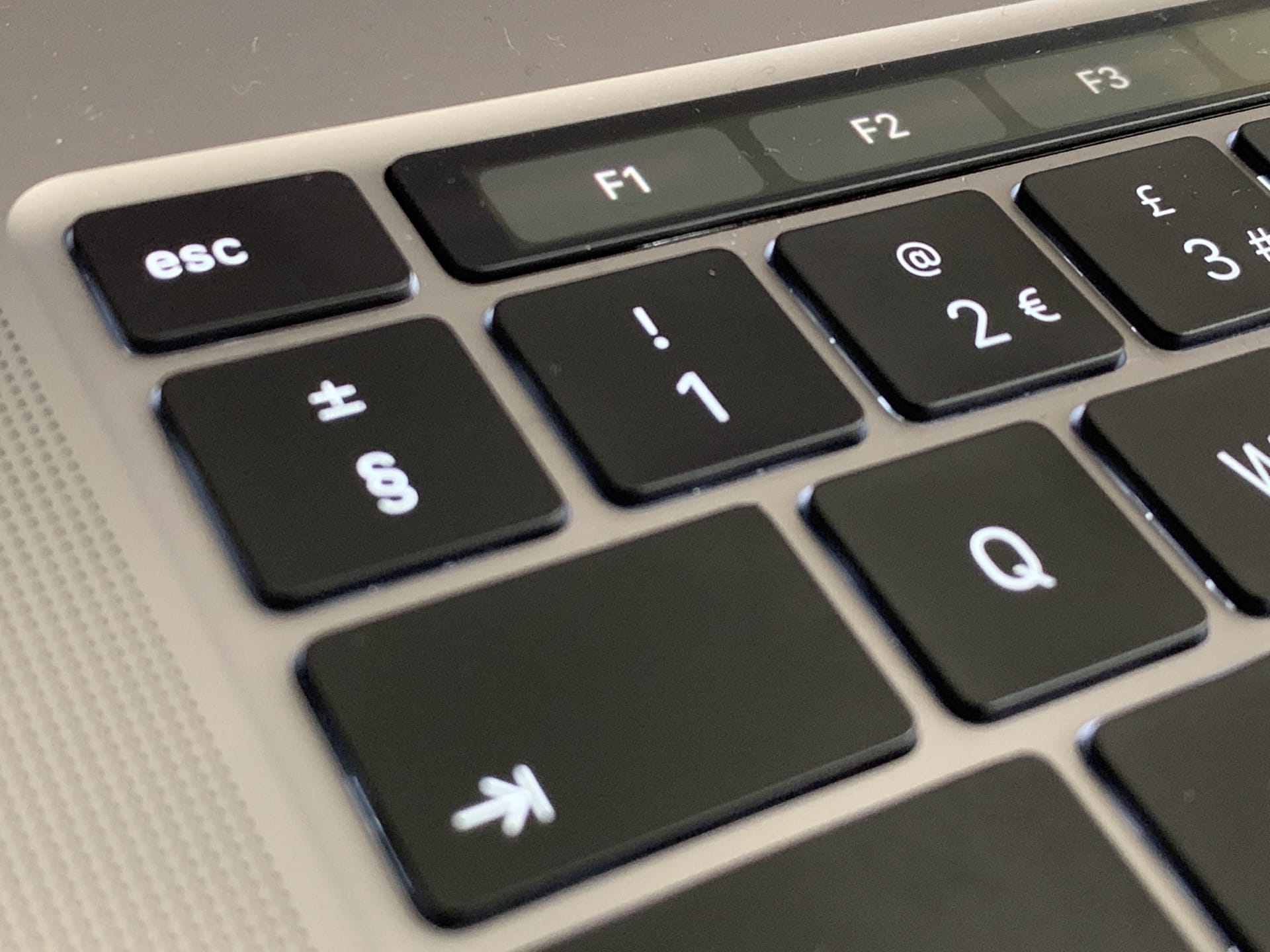
Just like anything else on your MacBook Pro, the Touch Bar can freeze and become totally unresponsive. And, just like with every other frozen process on the Mac, there’s an easy way to fix it: You just have to force the Touch Bar to restart.
Today we’ll see how to fix a frozen Touch Bar so you can keep using the MacBook Pro’s best feature.