You can hide apps on your iPhone so they’re completely invisible, and you can lock all kinds of apps so they require Face ID to open.
Why would you want to? Maybe you have sensitive content you don’t want anyone to see, or you don’t want anyone to know you’re using dating or hookup apps. Hiding apps is also good for staying off social media or away from addictive games. Plus, it’s a great way to declutter your iPhone’s Home Screen. You can really clean things up without deleting apps you might want to keep.
There are, however, a few essential apps on your phone that can’t be hidden. Here’s how it all works.
How to hide apps on your iPhone and iPad
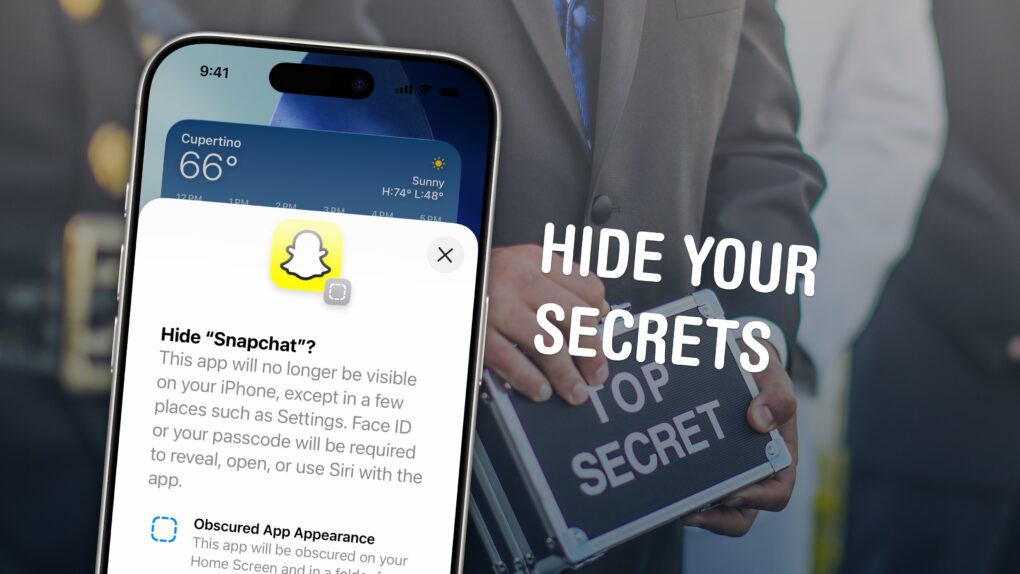
Image: D. Griffin Jones/Cult of Mac



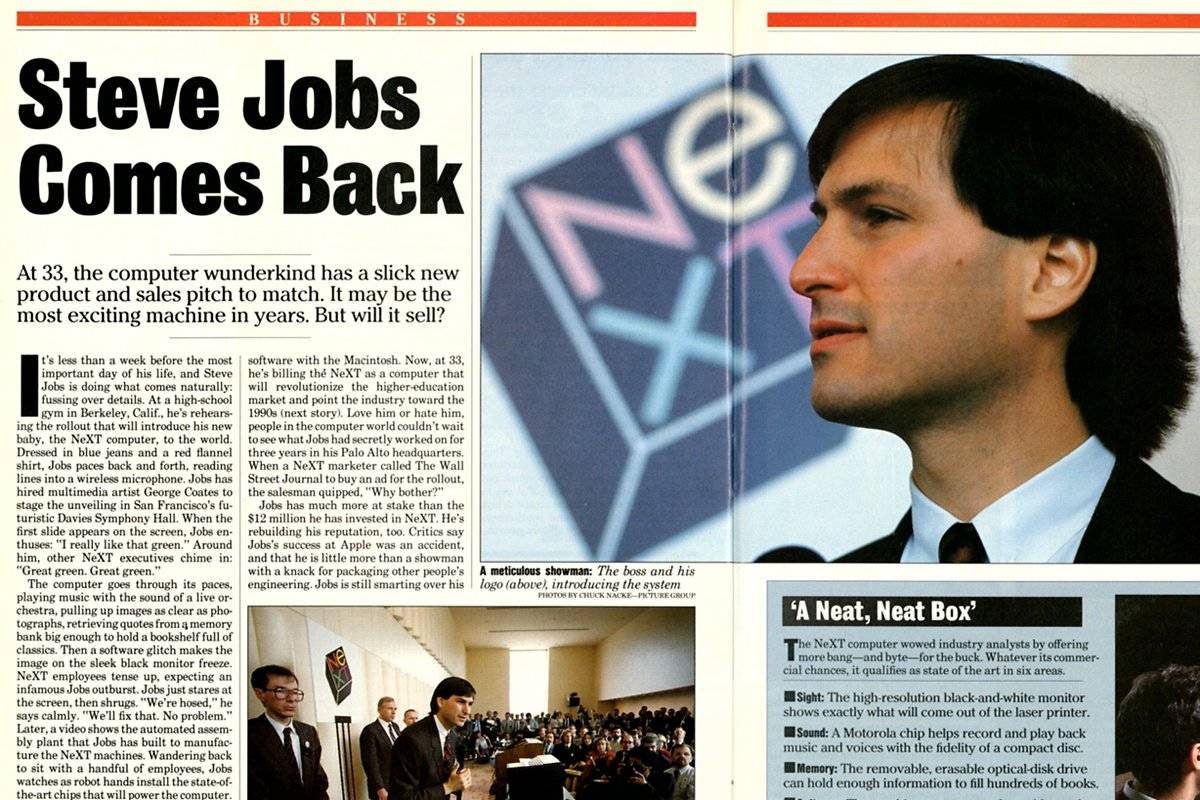
 October 24, 1988: Three years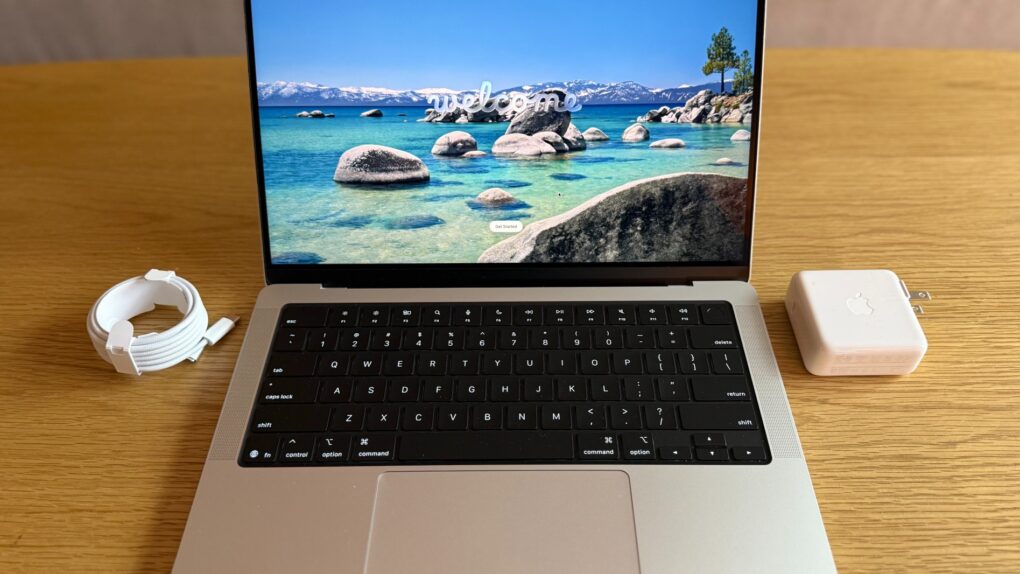

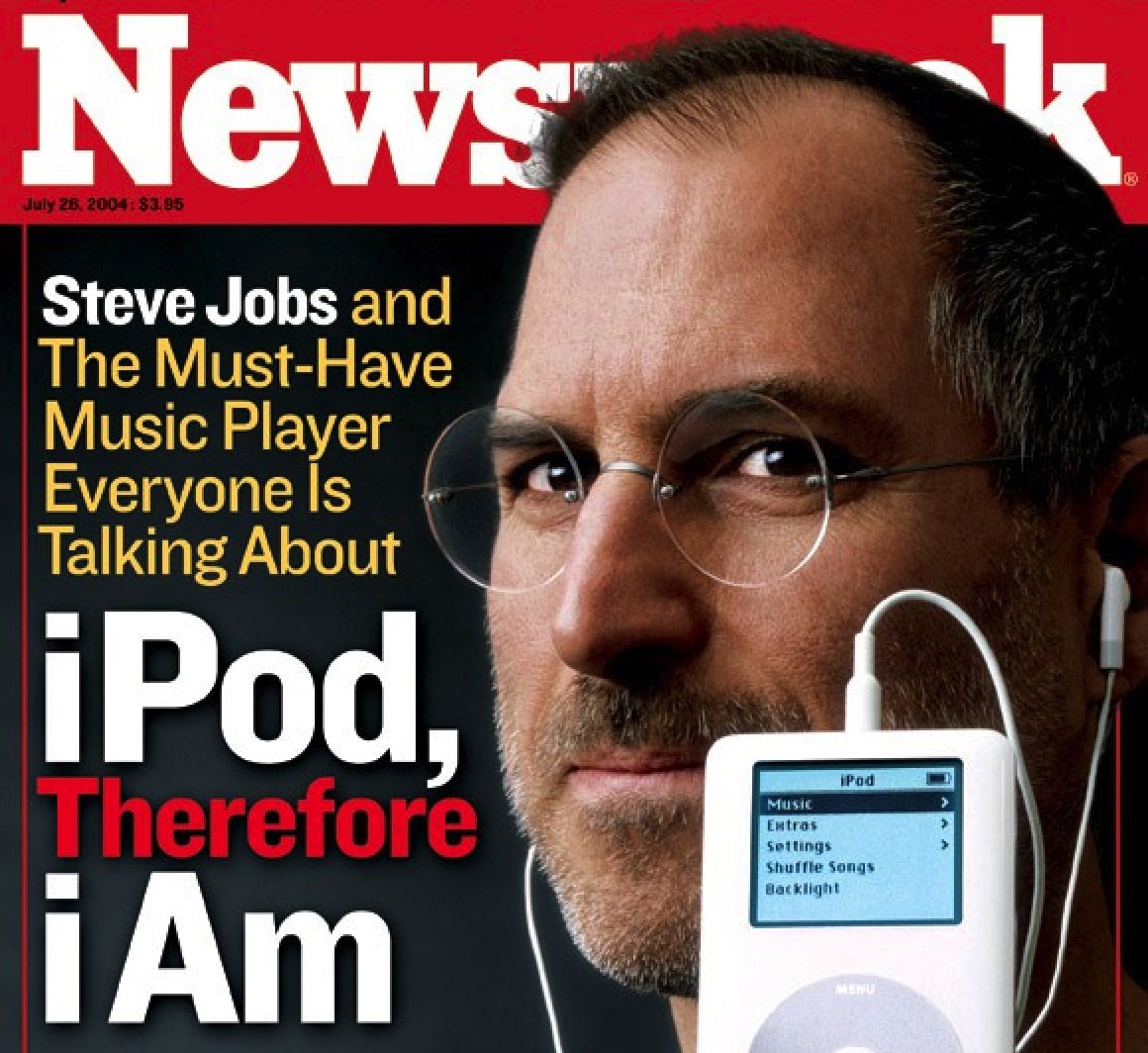
 October 23, 2001: Apple CEO Steve Jobs introduces the first


 October 22, 2008: During a conference call, Apple CEO

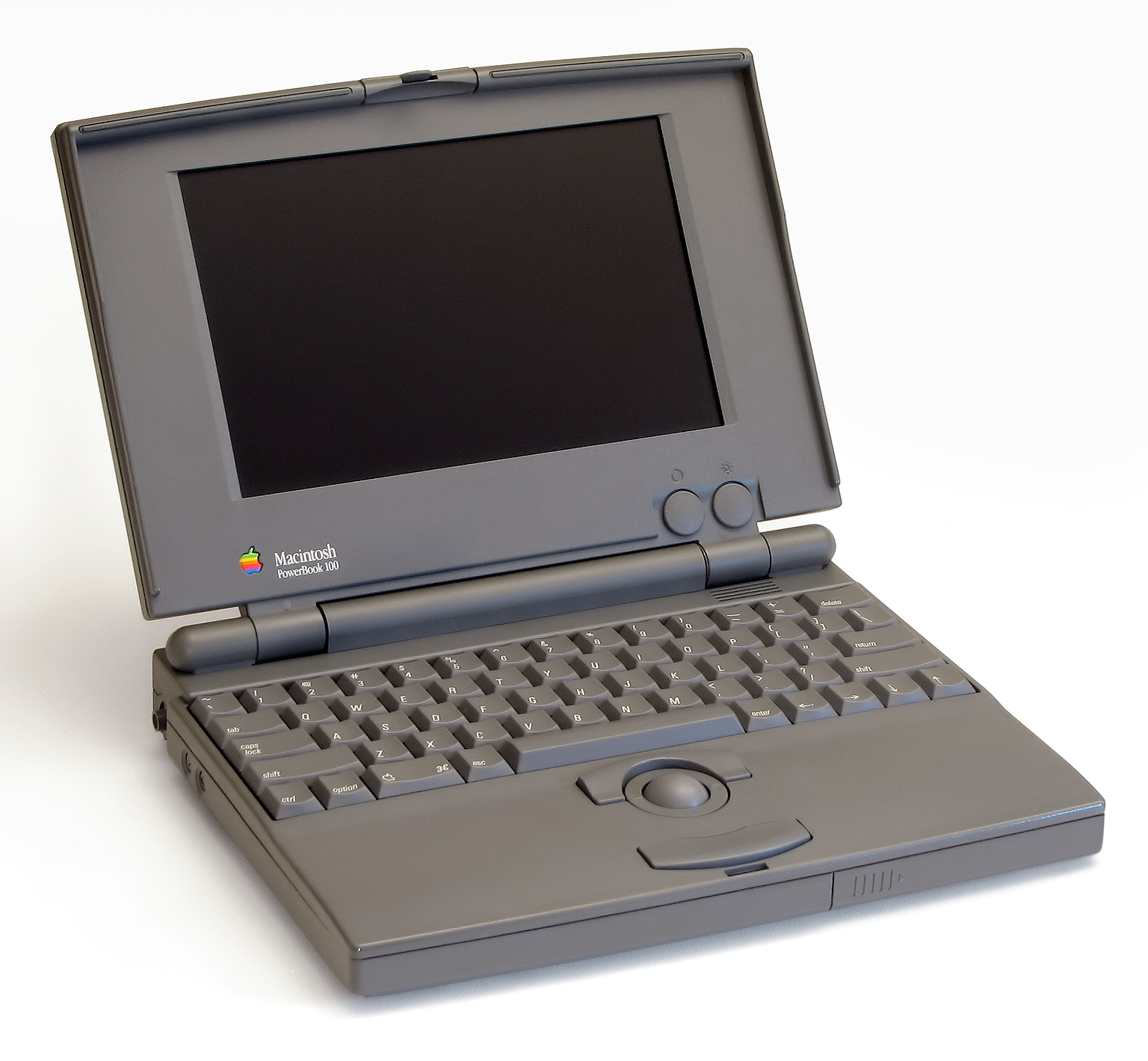
 October 21, 1991: Apple launches its PowerBook 100 series Macs. The lightweight laptops quickly become one of the most important tech gadgets of all time.