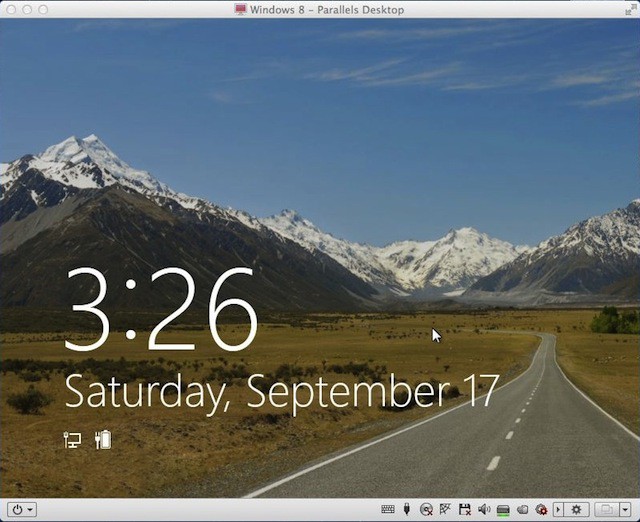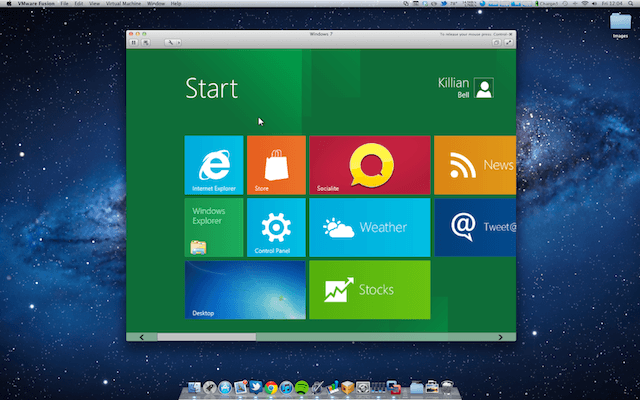
Microsoft has been showing if its upcoming Windows 8 operating system at its BUILD conference in California this week, and while I may be completely dedicated to my Mac, I can’t help but think Windows 8 looks pretty darn nice.
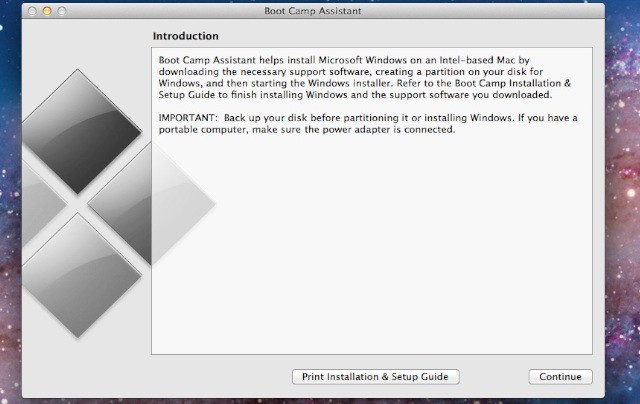
We’ve already showed you how to install the Developer Preview on a Boot Camp partition on your Mac, but there is an easier method for those of you who just want to play around. In this how-to, we’ll take you through the setup for installing Windows 8 in a virtual machine — in just four simple steps.