There are still nearly 12 hours to go before Apple’s iPhone 4S makes it debut in China, but hundreds are already lining up outside of five Apple retail stores in the hope that they will be one of the first to get their hands on the fifth-generation device.
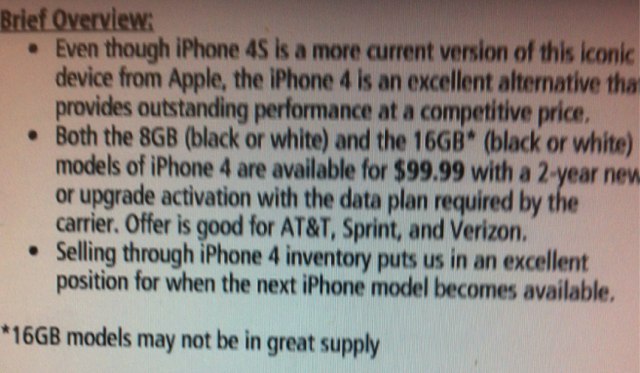
If you’re after a new iPhone but you find the new iPhone 4S is just too expensive, and the older iPhone 4 with just 8GB simply isn’t enough, then you might want to head down to your local RadioShack before you settle for something different.
The retailer is still offering the iPhone 4 with 16GB of storage for just $99.99 with a two-year contract, but only while supplies last.
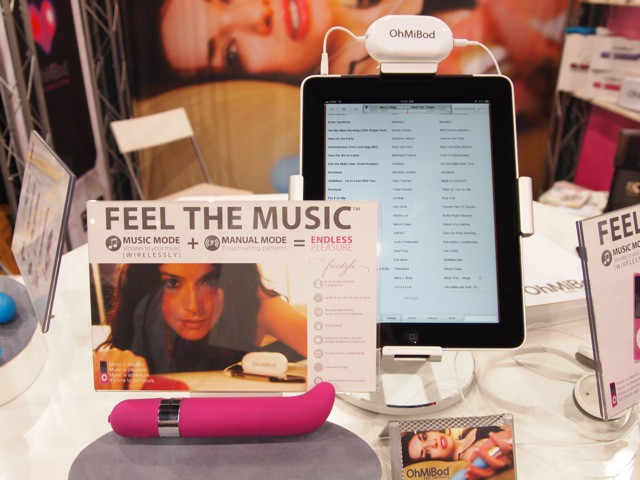
LAS VEGAS, CES 2012 — There are a lot of iPad- and iPhone-connected devices at CES, but OhMiBod’s line of iPad-powered personal massagers are some of the most unusual.
No one was actually trying these out on the CES show floor, but we got some first impressions:
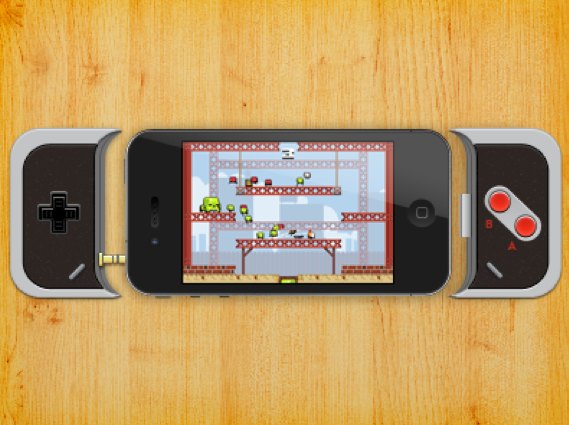
If you’re an iOS gamer, there’s no better accessory for your iPhone than a game controller that allows you to use physical controls within your favorite games. And there’s no better game controller than this one, inspired by the retro gamepad from the Nintendo Entertainment System.
It’s happened to many of us: you’re at work or on vacation and you realize you need something from your Mac at home. There’s nobody at the house to help. By making use of one of the remote desktop solutions on the market, a simple one-time setup can help solve this dilemma:
If my mac is on at home and connected to the internet via a wireless router, and I am at work on either a PC running windows XP sp3 or my mac again connected to the internet via a wireless router is there anyway I can log into my mac at home via the internet and use files etc remotely at work without any input from somebody at home ?
Foxconn workers at an Xbox plant in China threatened a mass suicide earlier this month after the manufacturer reportedly refused to pay compensation it had promised earlier. Today, Microsoft and Foxconn have announced that the dispute has now been resolved.
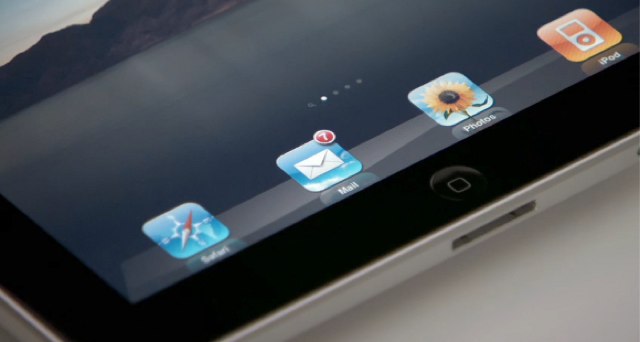
Chinese sources revealed earlier this week that Apple’s third-generation iPad is now in production and scheduled for a launch in early March. It was reported that the device would sport a long-awaited Retina display supplied by Sharp.
However, that may not be the case. According to a new report from Korea’s Electronic Times, Apple turned down Sharp’s displays after they failed to pass the company’s approval process, and decided to use panels from Samsung and LG Display instead.
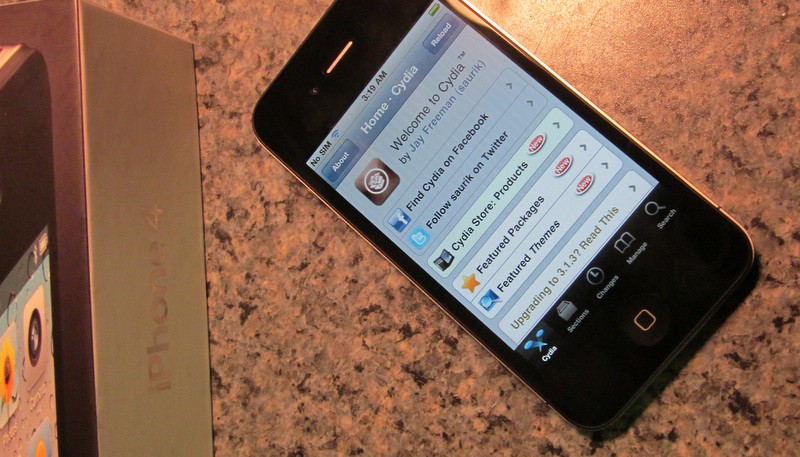
Pod2g and his “Dream Team” of fellow iOS hackers seem to be making some pretty decent progress on their much-anticipated A5 jailbreak, promising in their latest blog post that the exploit’s public release is now just “a matter of days” away.
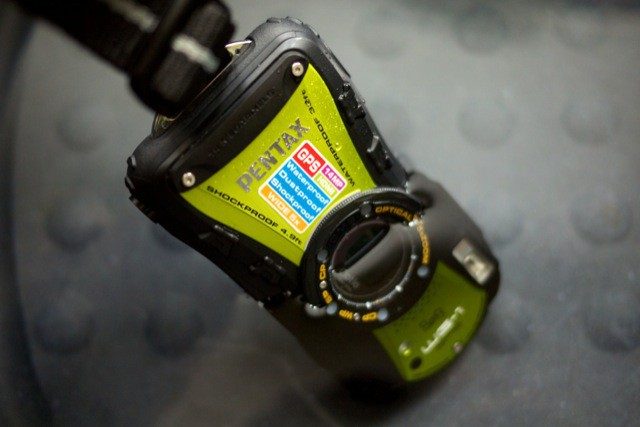
The Pentax WG-1 GPS ($350) is a waterproof, shockproof location-aware camera.
If you’ve never tried a waterproof camera before, it can be quite a jarring experience. Every fibre of your soul tells you that you shouldn’t put electronic gadgets in water, so immersing this beast feels decidedly like the wrong thing to do.
As soon as you’ve done it, though, there’s a rush of delight as you press the on button and the screen lights up, and everything just works as if it were out on dry land.
UPDATE: iLuv has since clarified the price of the RockWall to be $29.99, not $129.99. iLuv’s rep misspoke during our interview. For $29.99, including Apple charger compatible international plug adapters, this is a very good deal indeed.
LAS VEGAS, CES 2012 – iLuv’s pretty much known for making button-cute accessories at super affordable prices, so when they broke out a mysterious, secret $129.99 device they were keeping away from prying eyes and not on display to the majority of the CES public, my eyes lit up. This must be something special, as awesome as it was a total bargain, even at that price.
“What does it do?” I asked earnestly. “Some sort of Bluetooth-enabled, app-controlled atom smasher? An iOS-compatible home Lasik kit? Is it GOD? Is God in that box?”
Nope. Meet iLuv’s seemingly inexplicable, $100+ USB wall charger.
What’s this? Android news on Cult of Mac?! Who the hell cares?! Maybe you don’t, maybe you do. Point is: these are a few of the popular topics going on in the Android world today. Maybe you’d like to know what the competition is up to, or perhaps your aunt received a Kindle Fire she needs to update. Regardless of the reason, having a resource such as Cult of Android allows you to learn more about what’s going on in the ecosystem powered by the world’s leading mobile OS.
LAS VEGAS, CES 2012 – Wandering the showfloor of CES as a juiced-out gadget writer, charging solutions can take on a bizarrely exotic appeal. That external battery pack you passed over the press release for with a yawn months ago can suddenly become this season’s must-have gadget, all because your MacBook’s battery icon is blinking red, all the outlets are taken in the press room and you’ve got three stories to file.
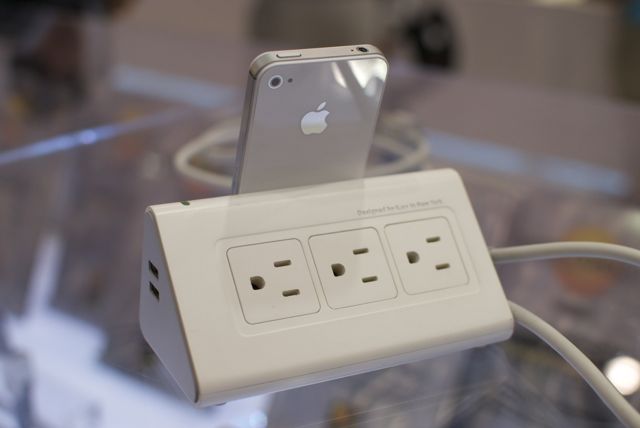
As such, it’s hard to tell if I like iLuv’s DreamTraveler so much because I’ve got a desert wanderer’s thirst for electricity or because it’s genuinely a sexy, useful product. Certainly the Cult of Mac team could have used one in the press room this week. But I’m definitely leaning toward ‘sexy’ and ‘useful’, because the DreamTraveler isn’t just a good looking power strip, it’s also a dock that can charge six Apple gadgets at a time from just one outlet.
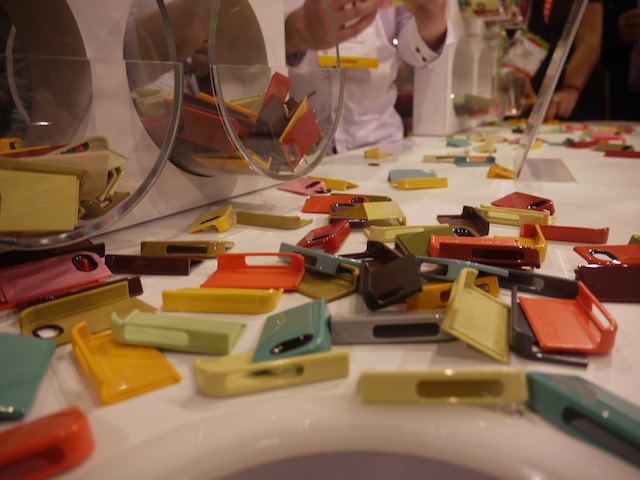
LAS VEGAS, CES 2012 — Odds are that giving away free stuff will attract people to your CES booth no matter how high the level of suckiness of said free product. Earlier this morning Case-Mate wasn’t even giving away free cases, they were giving away fragments of free cases, but their booth was still mobbed by an army of swag seeking CES attendees, proving once again that freebies and booth-girls are still a viable way to get your product a momentary flash of attention.
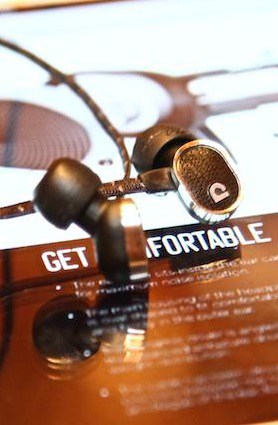
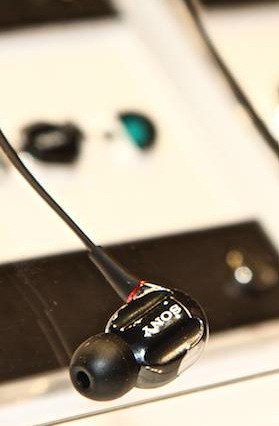
LAS VEGAS, CES 2012 – Amazing to think Sony has never offered an armature-driven earphone before; now that they are, they’re diving in huge time with eleven models. Aussie new kid on the block Audiofly just have one in their new lineup, but it’s a doozy, and it sounded absolutely stunning; we fully expect these to be a huge hit.
Apple has always been discounted as a major player in terms of PC market share, despite the fact that competitors try desperately to copy Apple products.
The latest market share analysis from Gartner for 2011’s Q4 reveals that Apple was the only PC vendor in the US to see actual growth year over year.
LAS VEGAS, CES 2012 — Sennheiser is attacking the audio market with two exciting new headphones: the high-end HD 700s, and the mid-tier anodized-aluminum-crafted Amperior. Both have taken me to my happy place.
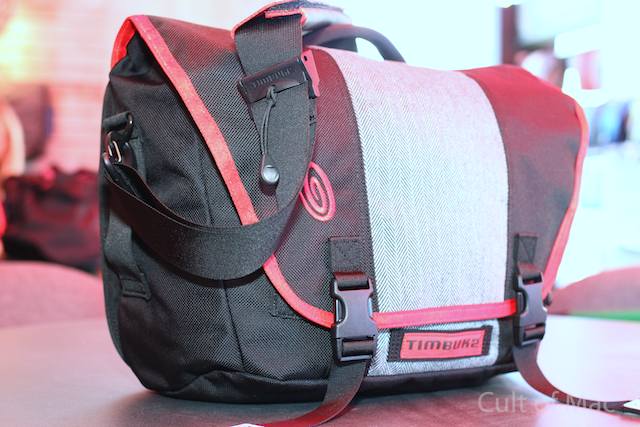
LAS VEGAS, CES 2012 – Taking a cue from their cutting-edge Command Messenger laptop bag, Timbuk2 have taken their popular, almost decade-old Commute Messenger and finally given it a major overhaul.
Sony is bringing its Music Unlimited service to iOS devices in the next three months. The Spotify-like service has been available on Android and PC devices, but Sony is looking to expand to the App Store.
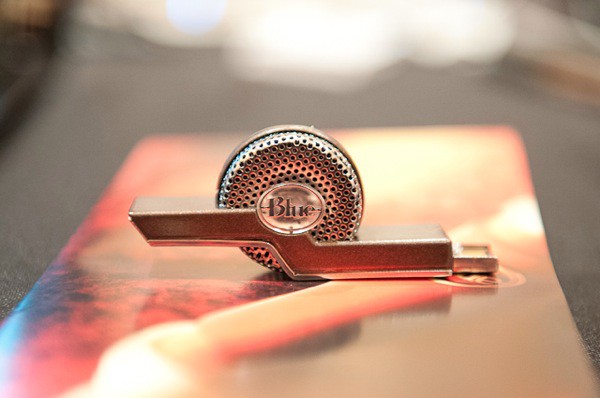
LAS VEGAS, CES 2012 — Blue has announced three new microphones for Mac, iPhone, and iPad here at CES: The Mikey, Tiki, and Spark. I spent a bit of time at the Blue booth checking out their new mics, and I liked what I saw.
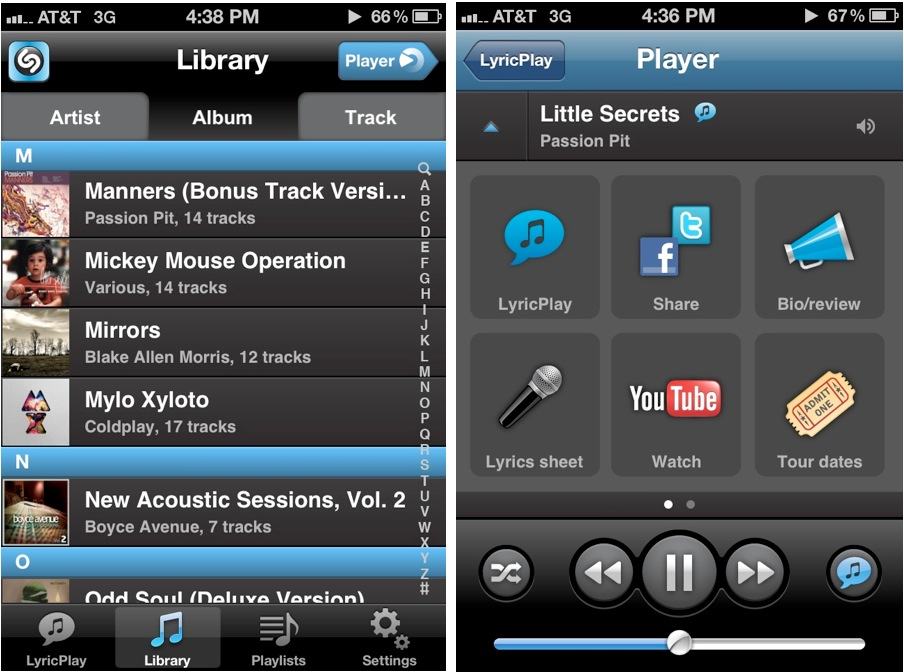
Popular music service Shazam has released a free iPhone app today called Shazam Player. The application is meant to serve as a replacement for the stock iOS 5 Music app, and Shazam is hoping to set itself apart with several marque features.
Firstly, Shazam Player brings LyricPlay to your iPhone’s music library, meaning that you can get fullscreen lyrics for tracks as you listen. You can also watch music videos on YouTube in-app, get tour information, read artist bios, and share what you’re listening to on Twitter and Facebook.
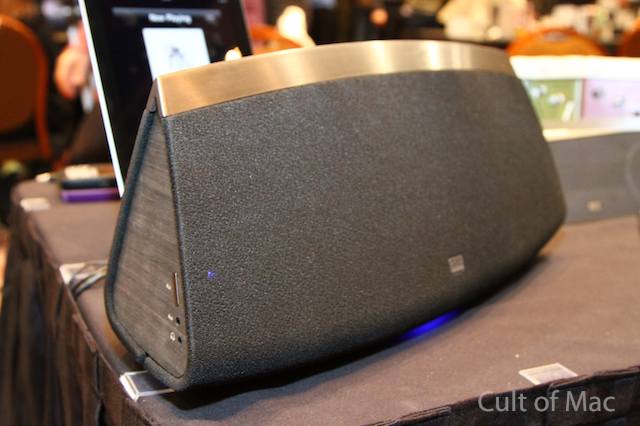
LAS VEGAS, CES 2012 — The last Altec Lansing dock we reviewed, the Bluetooth-equipped InMotion Air, left us with a weird taste — it was just too funky. AL’s new LIVE 5000 more than makes up for this: It looks *really* stunning up close — and sounds fantastic to boot.
LAS VEGAS, CES 2012 – Remember the days before you had an iPhone and played games outside? Using sticks for swords and your hand as a gun? I bet you spent hours outdoors pretending you were some movie superhero trying to rescue Julia Roberts from a a plague of mutant zombie pandas. Then you got into video game consoles and iPhone games and your imagination just went in the toilet. Well, AppGear is here to bring back the nostalgia for your youth and make alien invasions a (virtual) reality.
Well looky here! Turns out the rumors are true and Apple really will be hosting an Education Event in New York City on January 19th. There are no details on what Apple will actually announce at the event, but our guess is it will involves textbooks on the iPad.
The event will be taking place at the iconic Guggenheim muesum, though no information was given on who will be the main speaker.
Photo by 아우크소(Auxo.co.kr) - http://flic.kr/p/9RZDSg
Remember Dell’s Streak tablet? Even though the device was just a blip in the minds of consumers, the PC maker wants to take another whack at going up against the iPad. The company is being coy with details, saying they want to get this attempt right.






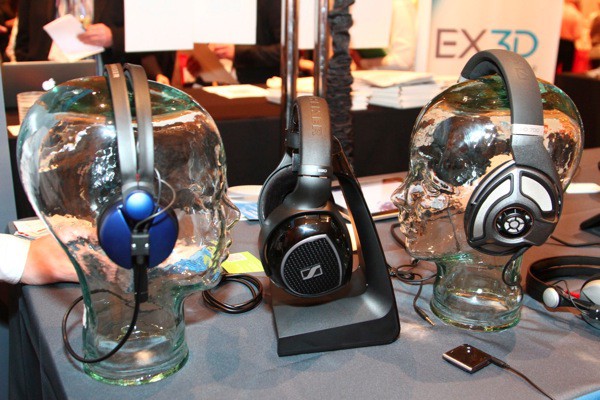
 LAS VEGAS, CES 2012 — Sennheiser is attacking the audio market with two exciting new headphones: the high-end HD 700s, and the mid-tier anodized-aluminum-crafted Amperior. Both have taken me to my happy place.