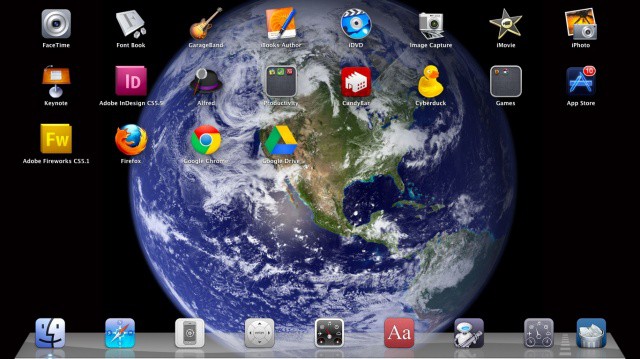
When Launchpad first rocketed (sorry) onto the scene in Mac OS X Lion, most people were firmly in the “hate it” or “love it” camp. There didn’t seem to be much in between, but maybe that’s just due to the contentious nature of the internets. Regardless, today’s tip is firmly in the “love it” camp, showing you how to clean up Launchpad, add in just the Apps you want to use, and then a quick trick for clearing the background to show off that cool iOS-like Earth from space picture.
Optimize Launchpad To Look More Like iOS [OS X Tips]