Don't expect to see this running on iOS 6 anytime soon.
Shortly after the Chronic Dev Team released their iOS 5.1.1 untethered jailbreak a couple weeks ago, Pod2g revealed that they had already begun work on a jailbreak for iOS 6. It seems, however, that it’s going to be a long time before we’re hacking Apple’s next iOS release.
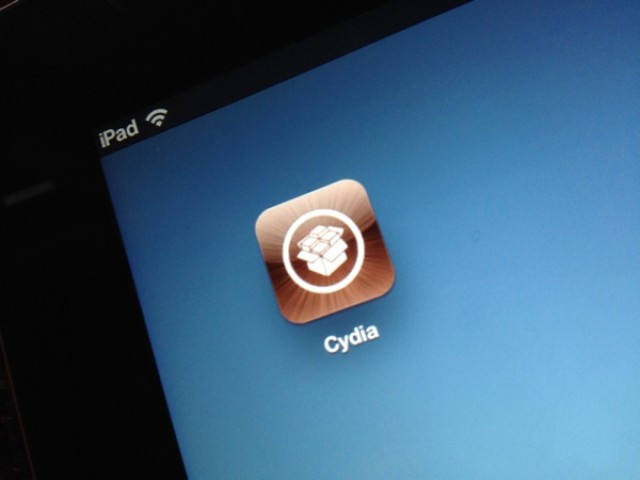
According to Dev Team member MuscleNerd, iOS 6 breaks a whole lot of stuff, including Cydia, and it’ll be a while before there’s an iOS 6 jailbreak.
Using your iPhone or iPad to grab videos as well as photos is all the rage. Small wonder, as these devices and the seamless apps that power them make grabbing a quick video or photo as easy as can be.
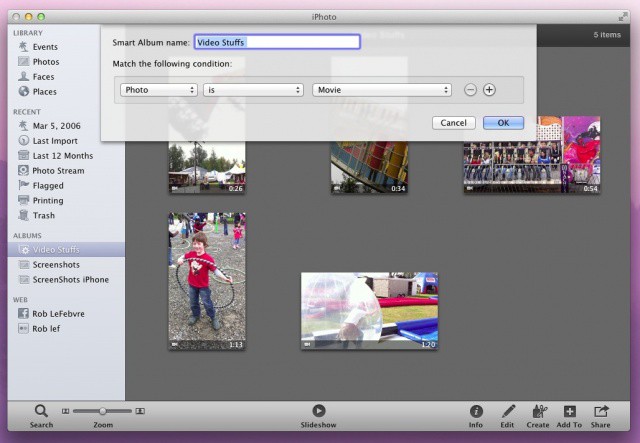
Unfortunately, when they all get imported to iPhoto, they get placed in there willy nilly. Well, actually, they’re put in via Event and the date they were created, but you get my point: iPhoto sorts video and photos you take with your iOS device into the same place. Here’s how to segregate the videos out for easier organization.
Ignore your boss more efficiently with iOS 6's new e-mail alerts.
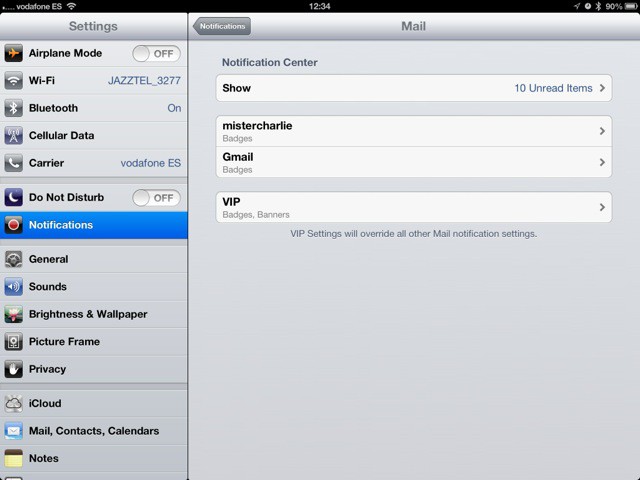
The new iOS6 Mail app gets a great new feature that isn’t obvious just reading the spec-sheet: Per-person and per-account alerts. Now you can let mail stay silent, and ping you only when a certain person sends you an email.
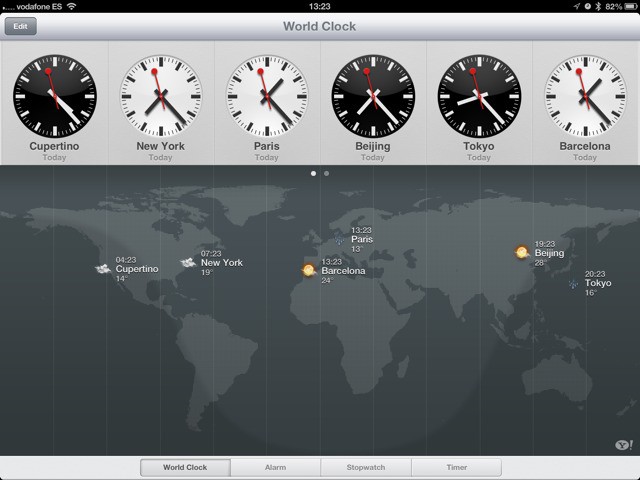
When the iPad launched, there was an inexplicable lack of a couple of core Apple-made apps. There was no Clock, no Weather app and (thankfully) no Stocks. Now, Clocks has been added to the iPad in iOS6, and weather is also in there – kinda.
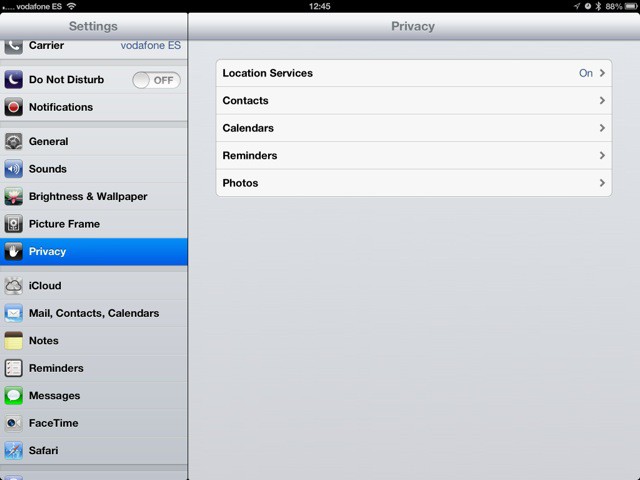
The iOS6 beta brings much finer-grained controls to the privacy settings, letting you specify just what services any app will have access to. Previously you’d get an alert whenever an app wanted to know your location. Now you’ll see the same kind of alert when apps ask to use data from your calendars, contacts, reminders and photos.
I didn't need to enter my password to download this, because I already owned it.
I’ve never really like the way in which the App Store handles security. Sure, I like the fact that if my iPhone is stolen, thieves can’t run up a huge iTunes bill. But I don’t understand why I have to enter my password each and every time I need to download updates or previous purchases. These have already been paid for; why is this necessary?
Thankfully, in iOS 6 and OS X Mountain Lion, it isn’t.
iOS 6 contains plenty of new features that Apple didn't mention at WWDC. Image courtesy of William Gamache ([email protected]).
We’re still trawling through the new iOS 6 beta releases that Apple pushed out after its WWDC keynote yesterday, and we continue to find nice new features and improvements. If you’re as excited about iOS 6 as we are, you’d probably like to hear about them.
Here’s a few changes Apple has made to emoji, Reminders, and more.
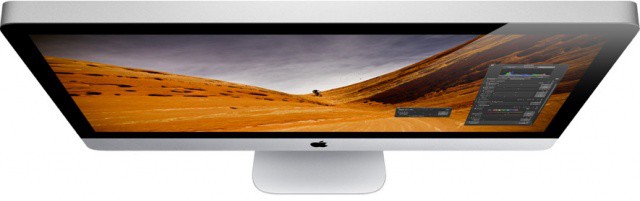
There's a good chance your next iMac won't look like this one.
There were suggestions that Apple would refresh its iMac at WWDC yesterday — alongside the updates it issued to the MacBook Air, MacBook Pro, and Mac Pro. However, the Cupertino company’s popular all-in-one didn’t get a mention during the two-hour keynote. That could be because it is hard at work on redesigning the iMac and the Mac Pro.
According to one Apple executive, both machines will receive big updates next year.
If you don't have this installed already, you've missed your chance.
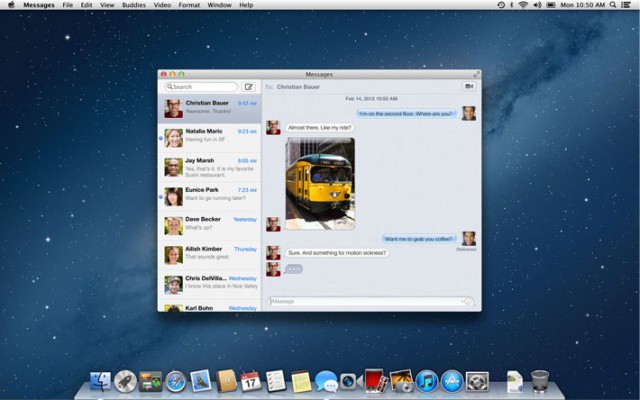
If you haven’t already installed the Messages application on your Mac, you will now have to wait until OS X Mountain Lion is released next month to get your hands on it. The Messages for Mac beta, which was released back in February after Apple’s initial Mountain Lion preview, has now been pulled by the Cupertino company.
iOS 6 brings to the table some of the biggest UI improvements Apple has made in the history of iOS. While some of the changes are obvious, some are more subtle. Here’s 25 new user interface changes in iOS 6.
As was rumored this morning, Apple has launched its Back to School promotion for 2012. Educational discounts are available for most Macs and the third-generation iPad. Buying a Mac gets you a free $100 iTunes gift card, and a new iPad purchases gets you a $50 gift card.
If you are planning to buy one of the new Macs Apple announced today, make sure to take advantage of the education discount if you’re eligible. Back to School runs through September 21st.
According to the support site, “the update includes fixes that improve graphics stability, external display support, and USB 3 device support.” Which is fantastic for all those folks that bought one and are just wasting away without stable graphics or solid USB 3.0 abilities. Which, you know, they aren’t.
Following today’s unveiling of new OS X Mountain Lion features at WWDC, Apple has seeded its fourth developer preview of the Mountain Lion beta to registered developers. The new preview can be downloaded for OS X server edition as well.
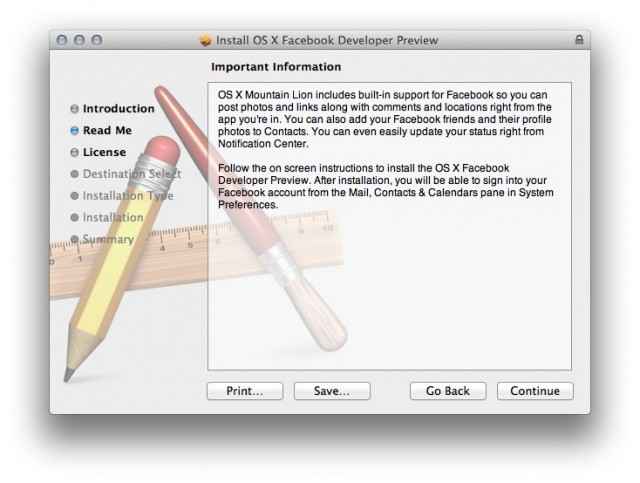
Although the new release itself contains few changes, Apple has included a separate installer that integrates Facebook into Mountain Lion. The company previewed this integration earlier today.
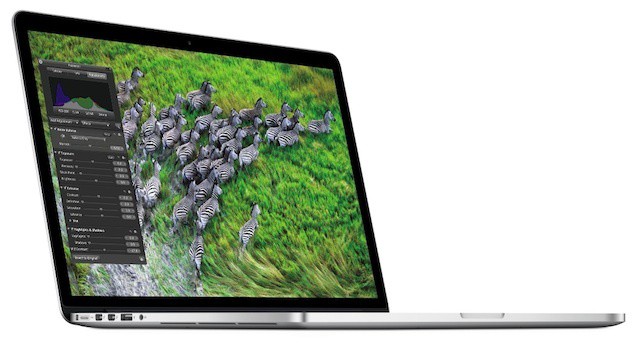
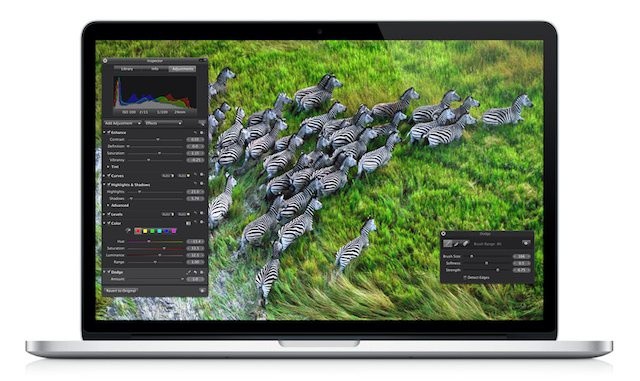
I’m still sitting at my desk wiping the froth from my mouth dreaming of how much better my life is going to become once I get Apple’s new MacBook Pro with Retina display. It’s totally the most beautiful laptop computer I’ve ever seen, and I haven’t even really seen it in real life, but I know I want it. All my friends want it too, so of course after the keynote we talked about who’s going to get it, who’s not, and why not.
And then we all realized that there’s really no reason for any of us to buy it, and there might not be any reason for you to get it either. Here’s why:
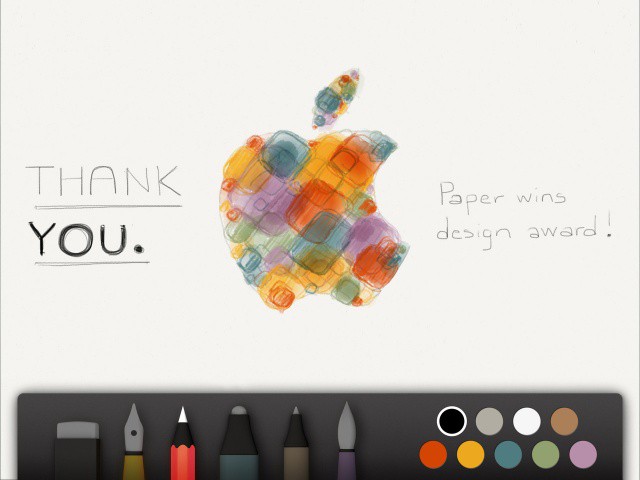
Makers of popular iPad drawing app Paper thank Apple for giving them a design award this year.
Every year Apple picks the very best apps in the App Store as recipients of its prestigious Apple Design Awards (ADAs). iPhone apps like Infinity Blade and Mac apps like Pixelmator won last year, and this year’s winners are just as good.
11 apps were awarded ADAs today by Apple at the Moscone Center in San Francisco, California during WWDC. The awards are meant to “celebrate excellence and recognize the outstanding work of iOS and OS X developers.”
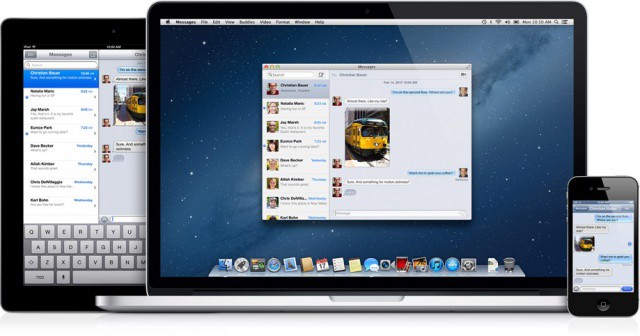
The way Apple currently handles FaceTime and iMessage across multiple devices doesn’t work. An iMessage is sent to your iPhone’s number, and it doesn’t show up in the Messages app on your iPad or the beta Messages app on your Mac. The iPhone is the only device that can be reached via iMessage or FaceTime by both a phone number and Apple ID. The iPad, iPod touch and Mac all have to use an email address. If an iMessage is sent to your iPhone’s number, it doesn’t show up on your iPad. So you have to tell your friends to use your Apple ID address for iMessage if you want it to work on all of your devices.
This is a severely flawed way of handling communication between devices, but the good news is that Apple has fixed this problem in iOS 6.
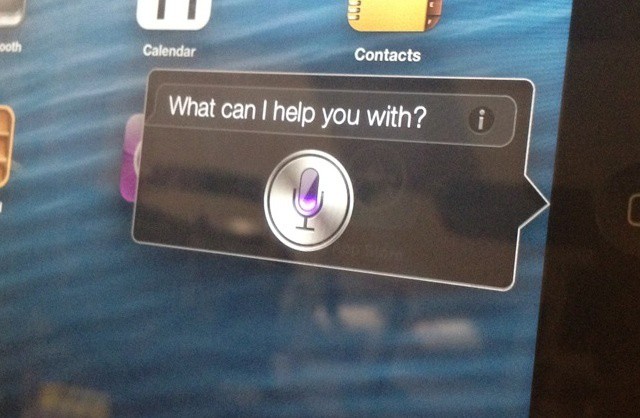
Siri is getting a major update with iOS 6, including support for Apple’s newest iPad. There’s plenty of new features to see, so we went hands on with Siri running on the new iPad. Check out the video after the break.
Following the announcement of Apple’s new Retina Display-equipped MacBook Pros, new updates for several of the company’s OS X apps have been seeded. Final Cut Pro, Aperture, and iPhoto for Mac have all been updated with Retina graphics for the new MacBook Pro. The updates include several more improvements, including a shared photo library between iPhoto and Aperture.
The new MacBook Pro highlights Apple's battery design know how
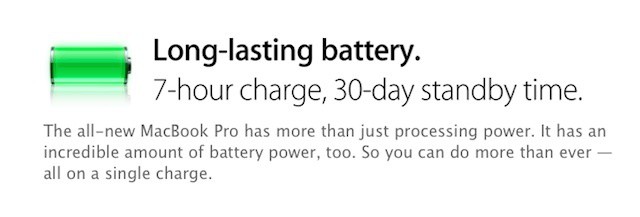
While the new MacBook Pro’s retina display, light weight, and thin format factor were all show stoppers, the notebook’s battery is also a major feature and feat of engineering. Apple claims that despite powering all those pixels, the new MacBook Pro with Retina display has a battery will last for seven hours on a single charge and offer a full month of standby power. Unsurprisingly, much of the its internal space is devoted to the mammoth battery required for that feat.
The new MacBook Pro with Retina display isn’t the first Apple device to sport a massive built-in battery. The new iPad also sports one and the MacBook Air line has had most of its internal space devoted to its battery for years. Each new mega-battery from Apple represents an advance of battery technology that few other companies could deliver.
This morning at WWDC, Apple unveiled a brand new Maps application, complete with a stunning 3D mode and redesigned user interface. In this video, Cult Of Mac goes hands-on with the new application. Spoiler alert: It’s awesome.
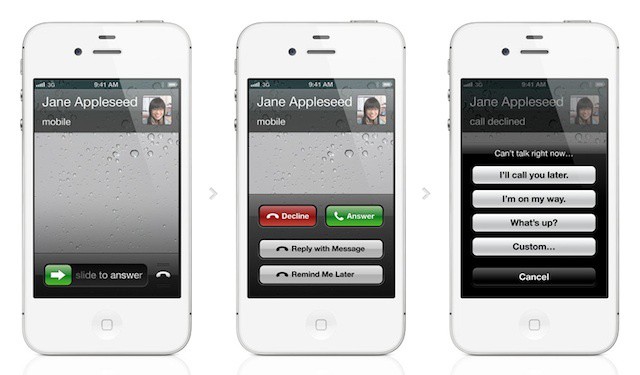
Advanced call options are a great iOS 6 feature for business users
Despite delivering excellent business solutions in many of its products, there’s always a consistent refrain that Apple doesn’t understand business customers or corporate computing needs. Apple didn’t focus on many specific business uses of the new and upcoming products announced during today’s WWDC keynote. If you look closely, however, there are definite signs that Apple is designing iOS 6 and Mountain Lion,.
At today’s WWDC keynote, Apple unveiled iOS 6, which includes features like Facebook integration, a totally new Maps application, Passbook, and more. We’ve got a first hands on look at iOS 6 right here, for your viewing pleasure. Take a look at it after the break.
Apple today released a new version of iTunes for the Mac and Windows that brings compatibility for the newly-released iOS 6 developer beta. During the WWDC keynote earlier today Apple unveiled iOS 6 to the world, the first developer preview has been made available. You’ll need the new iTunes 10.6.3 before you can install iOS 6 on any of your devices.
There are some other bug fixes and improvements packed into iTunes 10.6.3, and everyone is encouraged to update now.
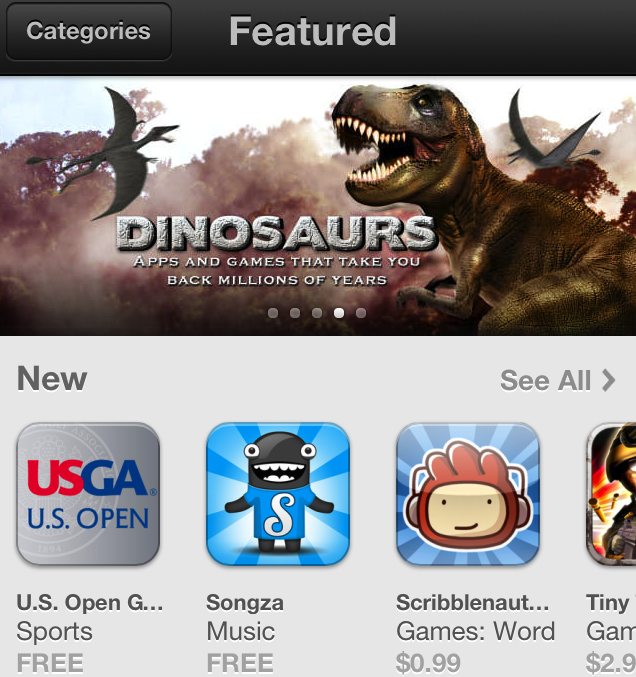
During today’s keynote Apple showed a slide that mentioned iOS 6 would get some “Redesigned Stores” but Scott Forstall never went into detail on what the stores look like. Now that we’ve got iOS 6 loaded up on our iPhones we’re finally able to see what the new stores look like and boy are they a great improvement over the predecessors. Here’s what the new App Store, iTunes, and iBooks look like in iOS 6: