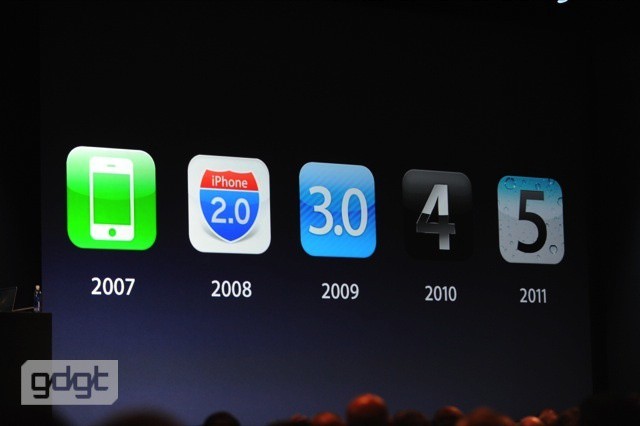
A look back at Apple's biggest WWDC announcements from the past decade.
In less than an hour after the presentation itself, Apple has made the entire WWDC 2012 keynote available for streaming online. The video recording should be hitting Apple’s keynote feed in iTunes at any moment.
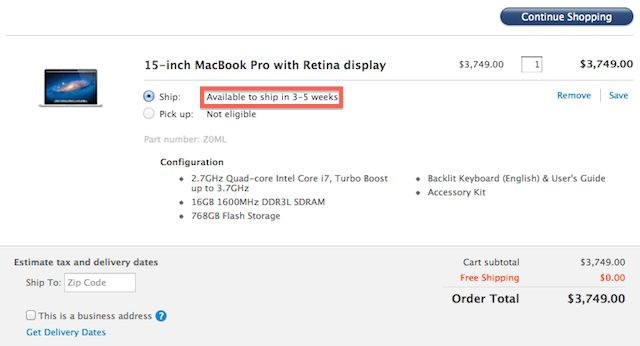
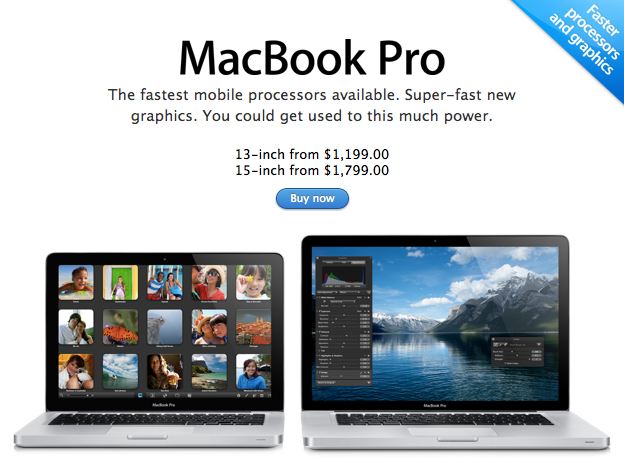
I don’t “need” a new MacBook Pro with Retina display and maxed out specs, but I really want one. I want one like really really bad, and maybe you do too, but if you’re frothing at the mouth to shell out the $4,000 for the top of the line MacBook Pro you’re going to have to be really patient because right now the shipping estimates are 3-5weeks. That’s just long enough for buyers remorse to sink in.
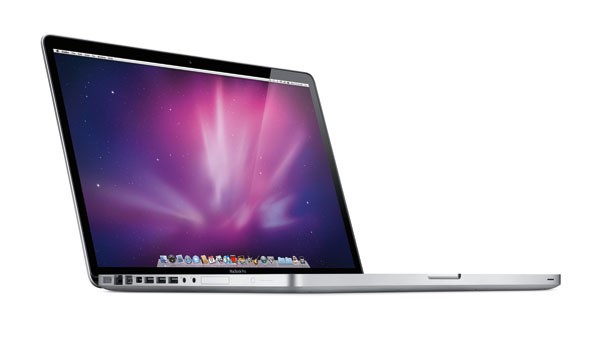
Apple introduced updated MacBook Air and Pro models alongside a totally new MacBook Pro design today at WWDC. Every time one of the laptops was addressed during the keynote, no mention was made of a 17-inch model. Apple only talked about updates for the 13-inch and 15-inch MacBook Airs/Pros.
Now Apple’s new MacBook Pro listings make no mention of the 17-inch model. It looks like the largest MacBook Pro has been axed once and for all.
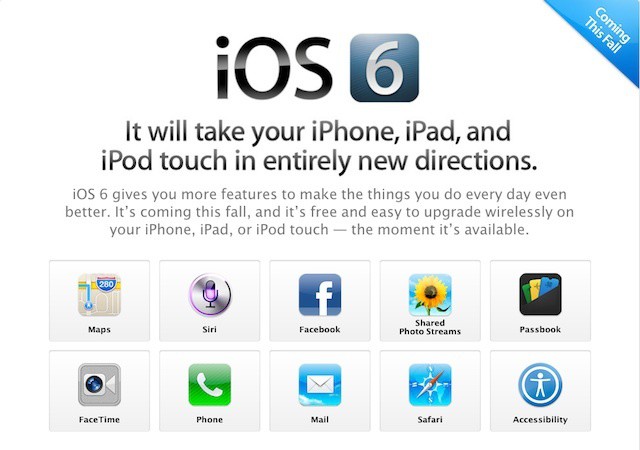
iOS 6 isn’t scheduled to be released until later this Fall, but if you’re a developer you can get a sneak preview of iOS 6 by downloading it from Apple’s developer website right now and installing it on your device. The iOS 6 beta just went live on the Developer Center so grab it now if you’re willing to take the plunge.
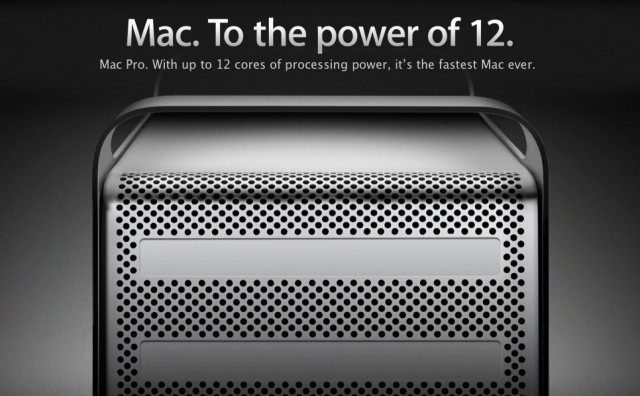
Apple announced a lot of things from the stage at WWDC today, but there was nothing said about the future of the Mac Pro. Rumors speculated that Apple would be updating the two-year-old workhorse today, and the 2012 Mac Pro has just appeared on Apple’s website.
While the physical design of the machine has stayed the same, Apple has upgraded the Mac Pro’s specs: 3.06GHz Intel Xeon X5675 processors, new ATI Radeon HD graphic cards, four 3.5-inch drive bays for up to 8TB of storage, and 2 SuperDrives. A big disappointment is that Apple hasn’t added Thunderbolt I/O or USB 3.0 to the 2012 Mac Pro.
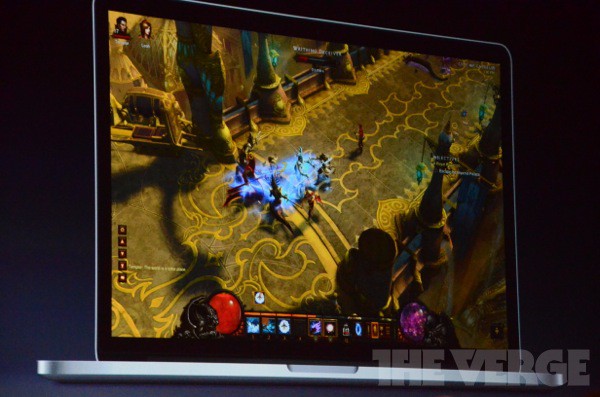
Mac gaming, long the red-headed-stepchild of the computer gaming scene, just stepped up its, well, game. Today’s World Wide Developers Conference in San Francisco saw several announcements from Apple regarding gaming, including the fact that the hot new MacBook Pro will have Retina graphics capabilities.
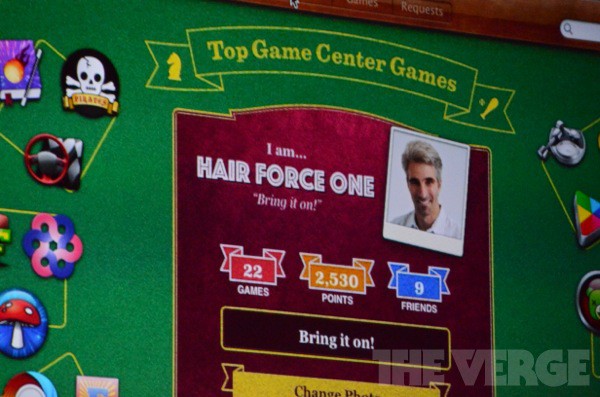
When Game Center was announced for iOS 5, some folks were skeptical. They didn’t really see the value in Apple taking on the leader board scene with already established players like OpenFeint, Plus+, Crystal, Gameloft Live, and others.
Those very same people would surely have to eat their words when they heard today at the WWDC in San Francisco that Game Center has over 130 million people using it and those folks submit 5 billion scores every week.
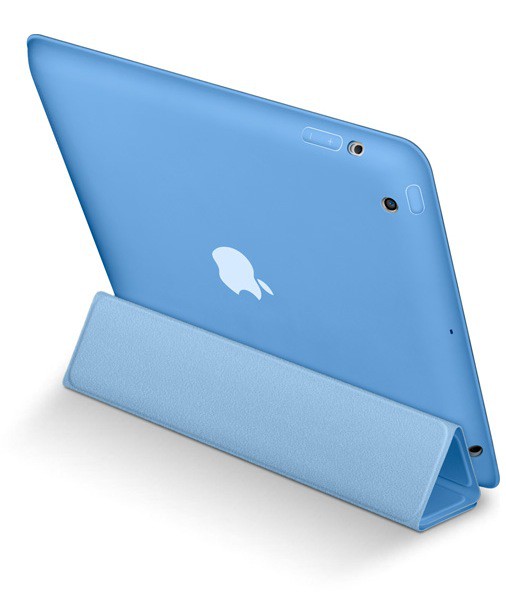
New products and announcements keep rolling out from Apple. The Cupertino company has lifted the curtain on a new iPad accessory called the Smart Case. Instead of the Smart Cover’s flimsy screen covering, the new Smart Case fully encloses the iPad in a polyurethane coating.
The iPad Smart Case covers your iPad — both front and back — yet still retains the thin, light design of iPad. Like the Smart Cover, it folds easily into a stand for reading, typing, and watching video. And it automatically wakes and sleeps iPad on open and close. Made from polyurethane, it’s available in six bright colors. And you can personalize it with free laser engraving on the Apple Online Store.
If you weren’t at WWDC today to see the video of Johnny Ive and Bob Mansfield introducing the new MacBook Pro with Retina display, don’t get sad, Apple’s already posted the video on their website. You can watch it right here.
Following Apple’s WWDC keynote today, a new AirPort Express has surfaced in Apple’s online store. The new router sports simultaneous dual-band 2.4GHz and 5GHz 802.11n Wi-Fi, but oddly hasn’t been upgraded from USB 2.0 to 3.0.
The new AirPort Express costs $99, like the previous model.
Wow! Apple just unleashed a thunderstorm of new products and software on the world. Our heads are still spinning trying to keep up with all the new awesome features but we’ve managed to compile a list of everything Apple just announced at today’s WWDC keynote so you know all about the goodies coming your way. Take a look and see what you might have missed.
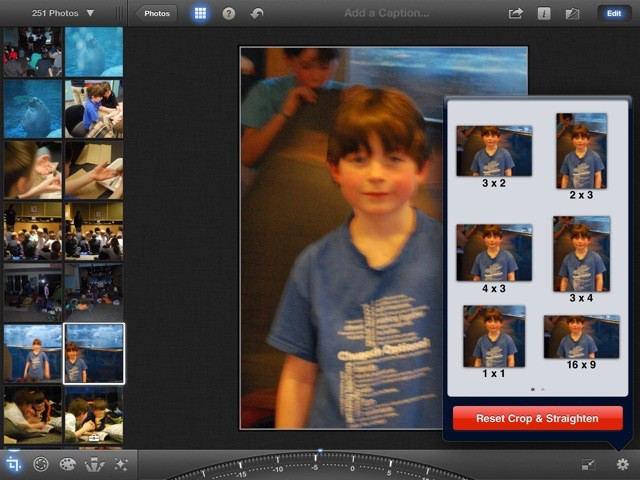
While the built in Photos app can do some basic things like rotating photos or sorting them into albums, chances are most of us have wished we could do a few more basic tweaks to our photos before we send them off to be printed or shared with friends and family. Now that it’s vacation time for a lot of families, we though it’d be great to run through some basic photo editing tips using Apple’s own iPhoto for the iPad, for easy yet powerful editing on the go.
Apple announced a lot of cool features in iOS 6 today, but here’s some of the stuff they didn’t show worth noting:
• Improved privacy controls.
• Redesigned stores
• Lost mode: if you’ve lost or misplaced your iPhone or iPad, you can send a phone number directly to that phone
• Game center challenges
• Per-account Mail signatures
• Voice-Over imrpovements
• Personal dictionary in iCloud
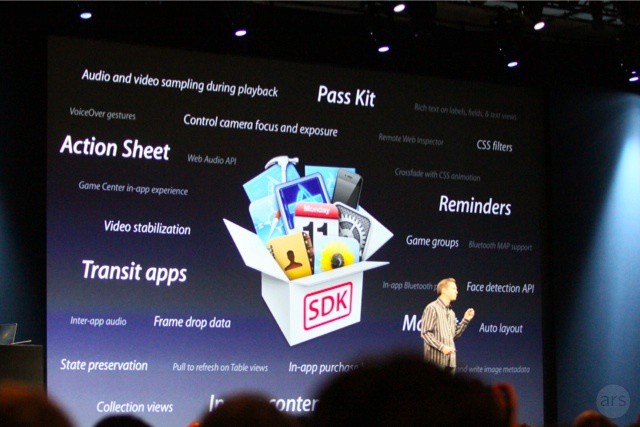
• Tons of new APIs for Devs, including Pass Kit, in-app contrent purchases (sell iTunes music right through your apps), transit apps
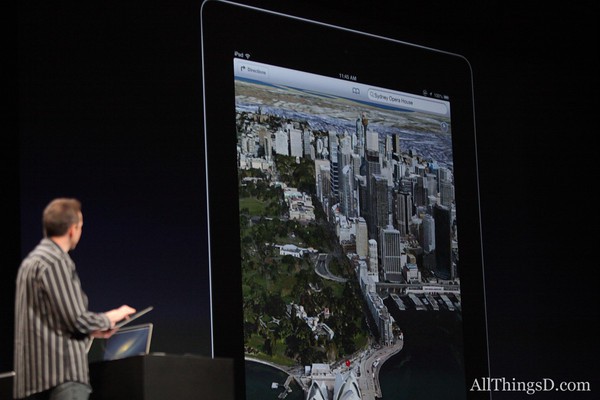
Verifying the rumors we’ve been hearing for months, Apple has officially unveiled its totally new Maps application for iOS 6. Scott Forstall demoed the app onstage today at WWDC. “In iOS 6, we’ve built an entirely new mapping solution from the ground up, and it is beautiful,” said Forstall. “We’re doing all the cartography ourselves. This is a worldwide effort. We’re covering the world.” This includes 100 million business listings worldwide.
It looks like Google Maps has indeed been kicked to the curb.
Among the new backend, the new Maps app will feature an integrated traffic service, turn-by-turn navigation, Siri integration, an enhanced 3D view called “Flyover.”
Apple has just unveiled a major new app: Passbook. And it looks like it could be the groundwork for the famed iWallet.
The idea here is simple: a single repository for all of your passes. Plane tickets, movie tickets, store cards, you name it.
Passbook even has QR code support. And any pass stored in it has live information displayed alongside it: for example, if you have a ticket pass, the time until departure is then shown inside of the app.
And, of course, all of these cards and passes are accessible at your local business with just a wave. Boy, all they need to add is credit card support and Apple’s got its NFC approach squared away, don’t you think?
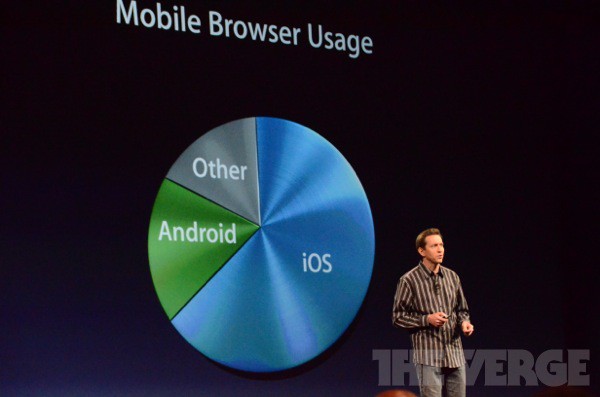
“Safari is the best and most popular on the planet. About two thirds of all mobile traffic comes from Safari in iOS,” said Scott Forstall today at WWDC. Tabs are now synced across iCloud, and there’s an Offline Reading List mode for Safari in iOS 6.
“We also adding the ability to upload photos right from Safari to your favorite websites,” said Forstall. The integration works like a desktop browser for adding photos in web fields. There’s also fullscreen Safari mode for landscape orientation.
The new Safari will ship in iOS 6 later this year.
Everything in iOS 6 is getting a big upgrade, and Mail is no exception.
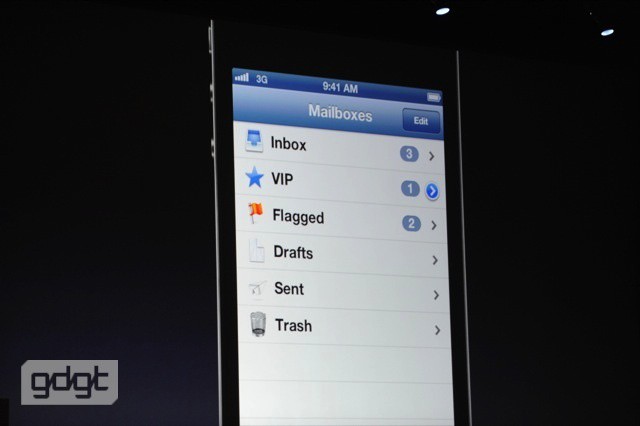
One of the biggest updates is VIP, which allows emails to come right to the lock screen like a text message. Mail now has a flagged and VIP mailbox built right in.
You can also add photos and video right from the mail compose screen, even open password protected docs. Rad.
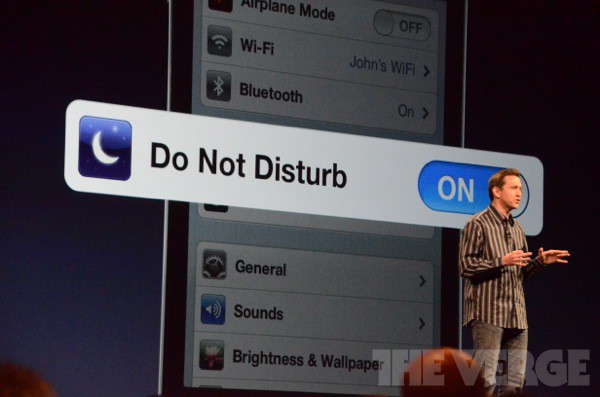
Apple is also launching a new setting for iOS 6, called Do Not Disturb. And it does what it says on the tin.
Here’s how it works. Essentially, Do Not Disturb allows you to tell your iPhone not to bother you with interruptions. Notifications will still pop up, but they won’t light up the screen or make sounds.
Even better, you have fine-grained access to the kind of calls you can receive when the setting is one.
It’s also safe. For example, repeated calls go through: if someone calls multiple times in a short period of time because it’s an emergency, the call gets put through.
Sounds great, although it sounds to me like this is just going to encourage obnoxious repeat calling from people who think you turned DND on.
(This story is developing.Check back for updates.)
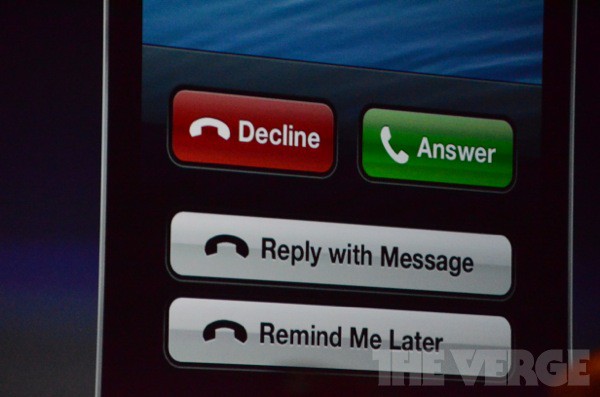
Apple announced some nice enhancements to the iPhone’s Phone app in iOS 6 today. Instead of simply having to accept or decline a call, you can now reply with an iMessage or have the OS remind you to call back later. The Phone app can remind you in one hour, or use geofencing to remind you when you leave a certain area.
The iOS 6 Notification Center’s ‘Do Not Disturb” feature allows for even finer control of the Phone app. You can set your iPhone to only allow calls from favorite contacts, certain contact groups, or even a number that calls more than once in three minutes. That’s right, no more prank calls!
Apple is also launching a new setting for iOS 6, called Do Not Disturb. And it does what it says on the tin.
Here’s how it works. Essentially, Do Not Disturb allows you to tell your iPhone not to bother you with interruptions. Notifications will still pop up, but they won’t light up the screen or make sounds.
Even better, you have fine-grained access to the kind of calls you can receive when the setting is one.
It’s also safe. For example, repeated calls go through: if someone calls multiple times in a short period of time because it’s an emergency, the call gets put through.
Sounds great, although it sounds to me like this is just going to encourage obnoxious repeat calling from people who think you turned DND on.
(This story is developing.Check back for updates.)
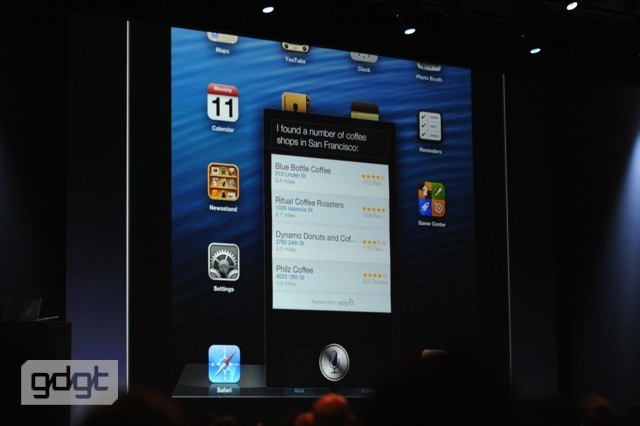
Following all of the Siri enhancements for the iPhone on iOS 6 Apple announced today, iPad owners will be pleased to know that the digital assistant is making its way to Apple’s tablet as well. The phone integration will obviously not be there, but all of Siri’s other features will be present, including the new ones in iOS 6.
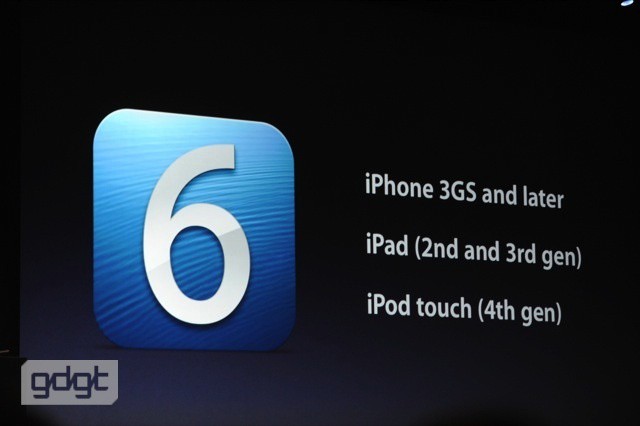
This compliments the addition of Siri Dictation Apple made with the new iPad back in March. The iPad 2 and third-gen iPad will be supported by Siri in iOS 6, and not the original iPad.
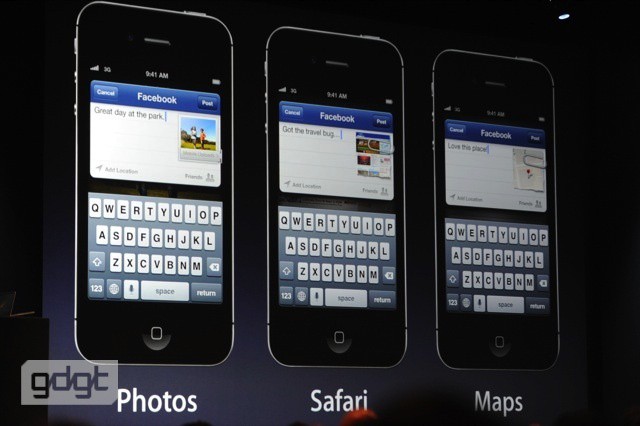
As rumored, iOS 6 is getting Facebook integration, just like Twitter integration in iOS 5.
“We’re also making it really easy to post to Facebook from many of our apps. Post photos from Photos, post location from Maps… we’ve also integrated it right in with Notification Center. Anywhere you are you can tap to post to Facebook and Twitter.”
Siri is also having Facebook integrated. Even better, Facebook’s deep integration is now a public API, meaning any app can easily integrate Facebook into its app.
There’s even contact list integration. Facebook events and birthdays will now automatically appear in your calendars. And it’s also coming to Mountain Lion.
(This story is developing.Check back for updates.)
Apple announced today that 365 million iOS devices have been sold as of March 2012. “Almost all of our users are running iOS 5,” said Scott Forstall. “Now if you compare that to the competition. They released a dairy product, 4.0, about the same time as we released iOS 5. About 7% of their users are running it.” Forstall was referring to the poor adoption rate of Android’s Ice Cream Sandwich OS.
1.5 trillion push notifications are sent with Notification Center each day, and 130 million people are using Game Center. 140 million iMessage users have sent 150 billion iMessages, equalling a billion more each day.
“More than 75% of our customers check the ‘very satisfied’ box, and our competition has less than 50%,” said Apple, referring to its customer satisfaction surveys.
47% of all photos shared on Twitter come from iOS, and 10 billion tweets have come from iOS 5 devices since Twitter integration was added last summer. We’re sure Facebook will see similar success this time around.