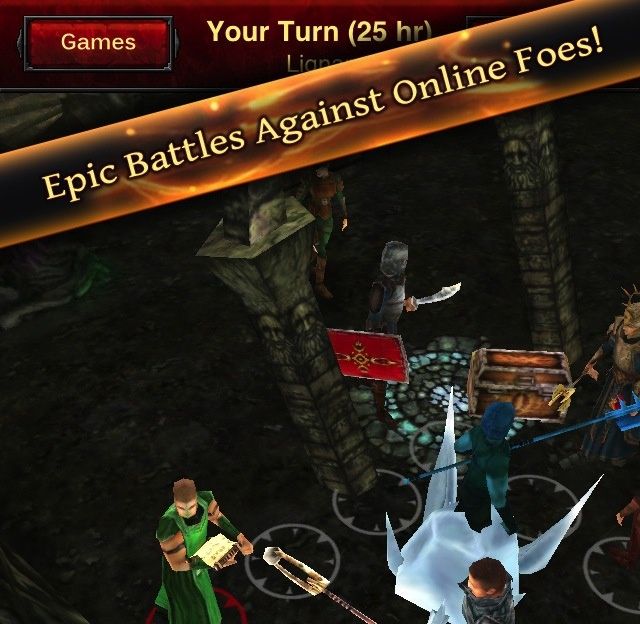
Hunted Cow released its new iOS game, Battle Dungeon, in the App Store less than a week ago, and the title has already been pulled. Why? Rampant piracy. The number of illegitimate users put such a strain on the game’s servers that Hunted Cow was forced to shut it down.
The RPG-like strategy game allowed users to play with each other and compete in leader boards, upgrade characters, etc. It’s a sad day for the game’s paying users.