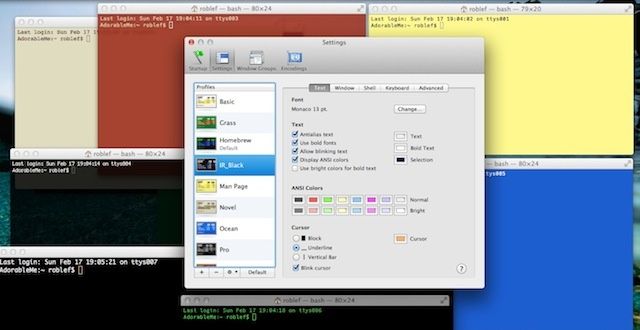
The default black type on white screen window that comes as default in OS X Terminal is functional, but it’s really not that fun to use. Adding in color and some contrast is a good way to keep your aesthetic sense engaged, as well as make Terminal a bit more useful. In fact, there are many other themes built right in that do just that, and several you can download and install from the web.
Here’s how to change to one of the built-in Terminal themes, and a bit more on how to install third-party ones to boot.