When you use Evernote, you already have two backups of your notes. You have the copy which resides on your Mac, and you have the synchronized copy which resides on the Evernote cloud servers. So, aside from local, non-synched notes, you’ll always have access to them no matter what happens to your Mac.
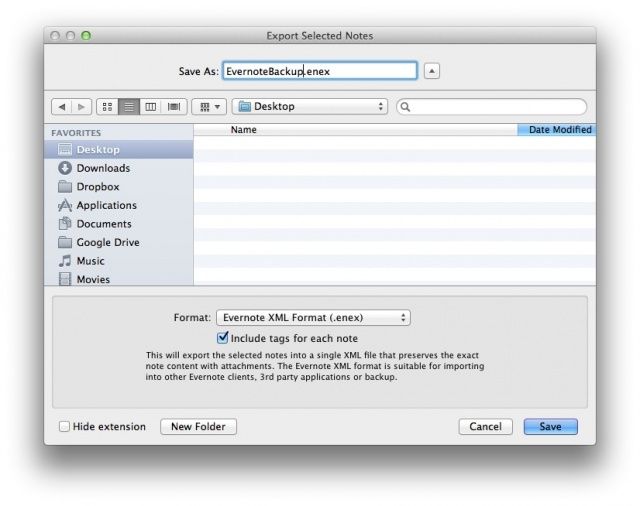
If you want to be totally sure you’ll always have your notes, however, you might want to make a manual backup. Using Time Machine is an obvious way to do this, but maybe you just want to backup and restore your Evernote notebooks and notes right from the Evernote app itself.
You can, and here’s how.