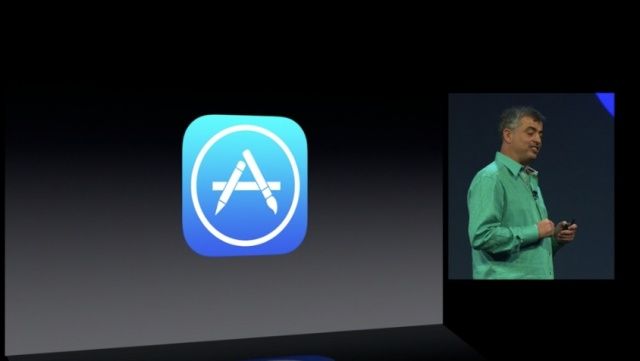
Here’s a major, major new feature for the App Store in iOS 7: your apps will now automatically update themselves to the latest version, no manual updates required.
That’s a feature everyone’s going to love… until they hate it when apps invisibly stop working because something broke between versions, but users didn’t realize it had updated.
The App Store is also getting some new ways of browsing apps: by age, or by apps that are popular in your immediate area. Very cool.