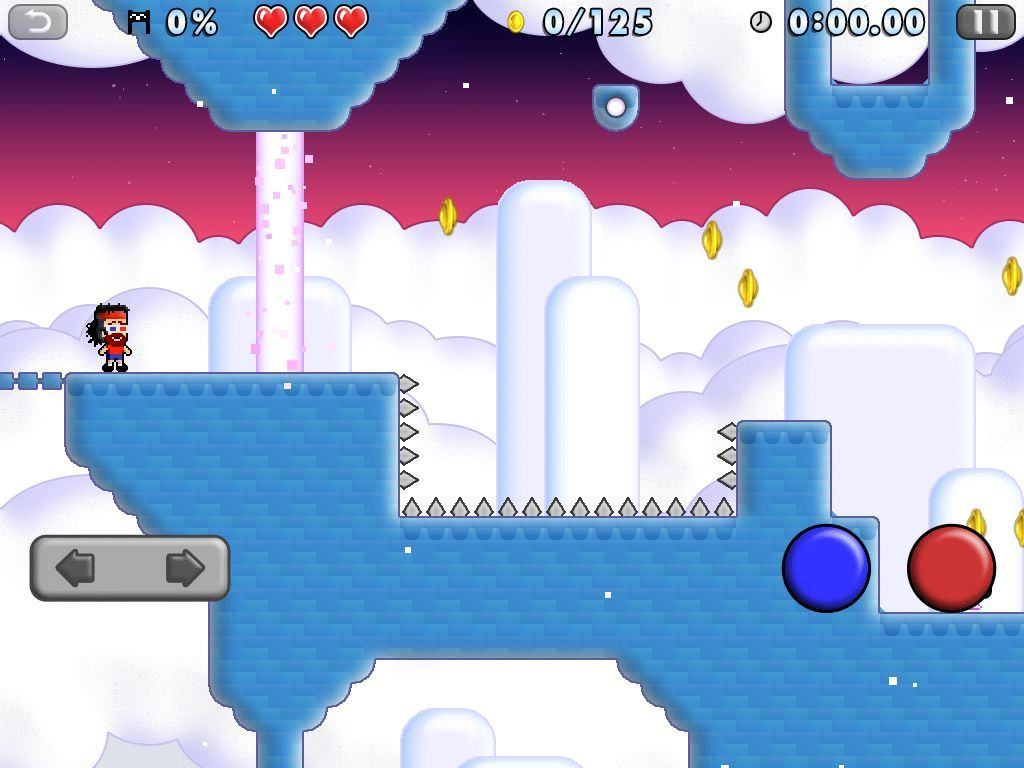
Mikey Hooks by Beaver Tap Games
Category: iOS Games
Works With: iPhone, iPad, iPod touch
Price: $1.99
Category: iOS Games
Works With: iPhone, iPad, iPod touch
Price: $1.99
Beaver Tap Games, comprised of Mike Meade and Mike Gaughen, has polished the speedrun hook game to a fine sheen. Echoing Rocketcat Games’ Hook Champ and Super QuickHook, the team’s first game, Mikey Shorts, garnered a ton of praise from critics and fans alike.
With this second release, Mikey Hooks, the team has again raised the bar for well designed levels, a whimsical art style, and a solid control scheme that works surprisingly well on the touch screen. Fans of the genre and newcomers alike will find plenty to love in this leveled speedrun platforming game.