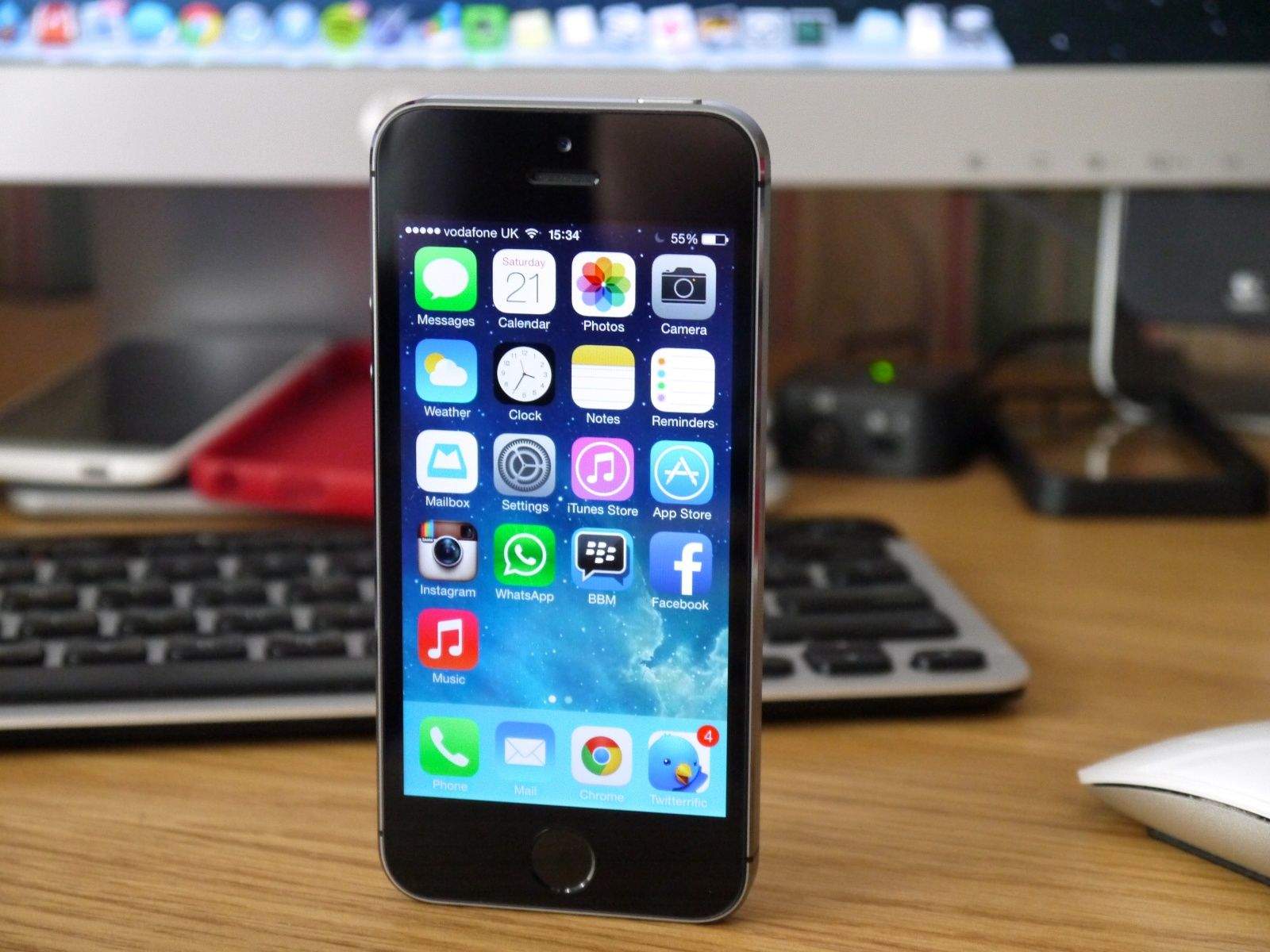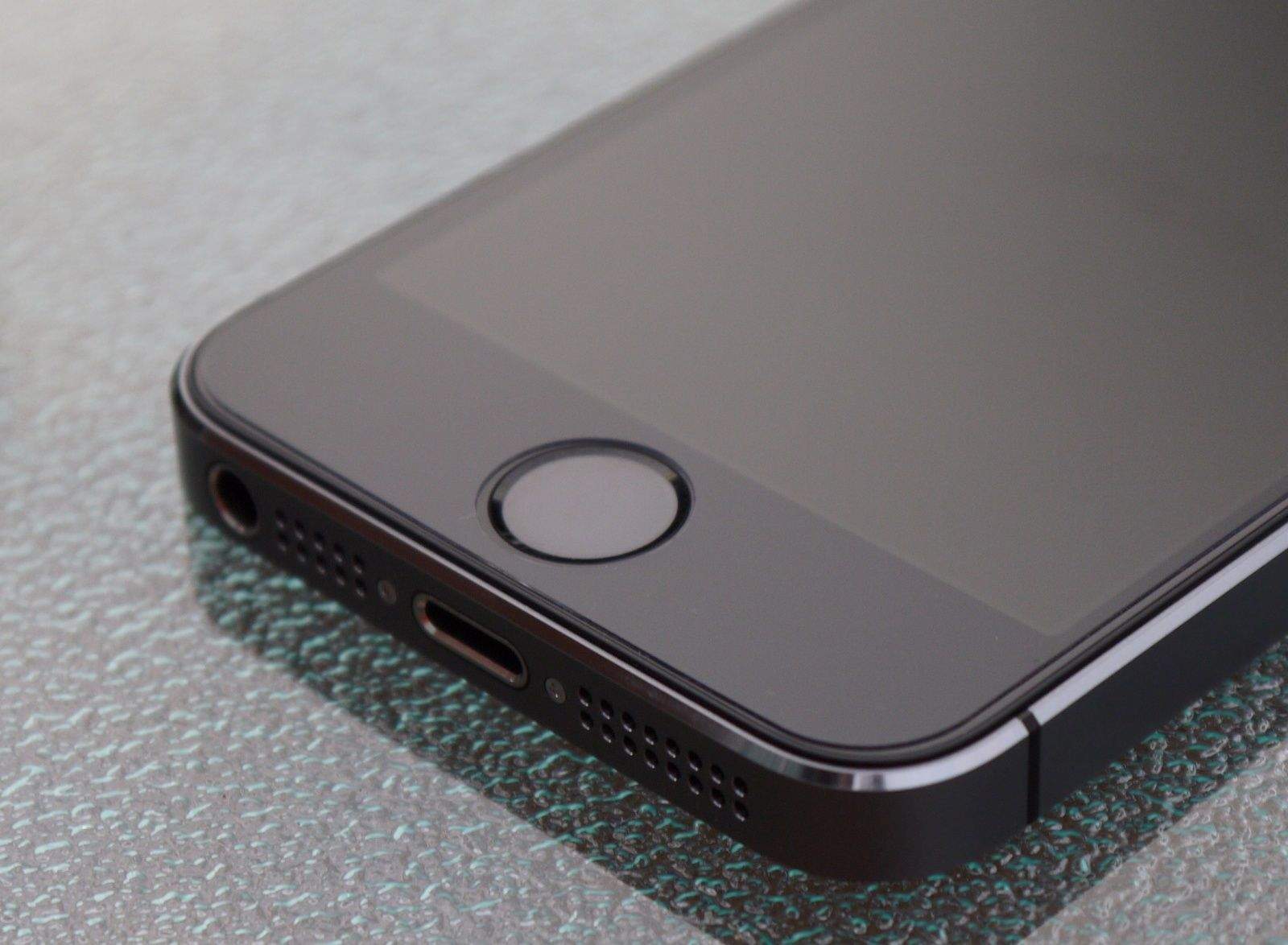
From a security standpoint, the most interesting addition to the Apple’s iPhone 5s is its integrated fingerprint scanner, called Touch ID, which enables you to unlock the phone with the touch of a finger, rather than a passcode. You’ll also be able to make purchases from iTunes with a fingerprint scan rather than having to enter your Apple ID password.
But despite the believed uniqueness of fingerprints, using a fingerprint scan as an authentication credential isn’t a panacea for security problems. It’s worth taking a little time to understand the technology, what it can do, and how it will integrate with your digital life.
How does a fingerprint reader work?
Fingerprint recognition technology has been around for decades. It’s a form of authentication, the term used to describe the process of proving you are who you say you are. In this case, the technology scans the provided fingerprint, compares it to a database, and, if there’s a match, allows access just as a password or passcode would. While fingerprint recognition technology can technically identify you as well as authenticate you, most systems still require a username to speed up fingerprint matching and reduce errors. However, since the iPhone stores your Apple ID username, this won’t be an issue for most users.
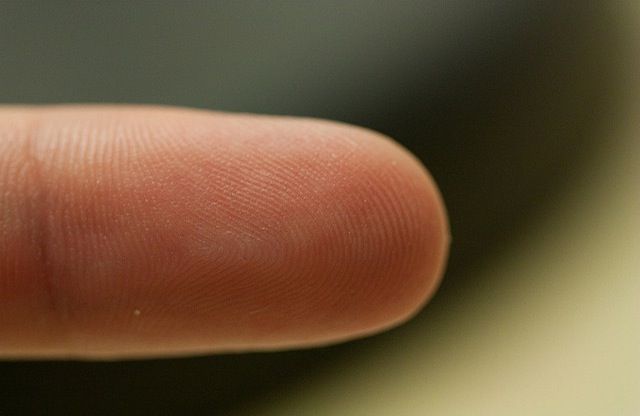
Fingerprint readers can rely on a variety of scanning technologies. The two that can be best integrated into a mobile device are optical readers and capacitance sensors. Optical readers are conceptually simple, using what is essentially a digital camera to take an image of your finger surface.
Capacitance sensors are more complex, instead creating an image of your fingerprint by measuring the differences in capacitance between the ridges and valleys of your fingerprint. They leverage the electrical conductivity of your sub-dermal skin layer, and the electrical insulation of your dermal layer (the one where your fingerprint is). Your fingerprint is effectively a non-conductive layer between two conductive plates, which is the very definition of a capacitor. The fingerprint reader senses the electrical differences caused by the varied thickness of your dermis, and can reconstruct your fingerprint from those readings.
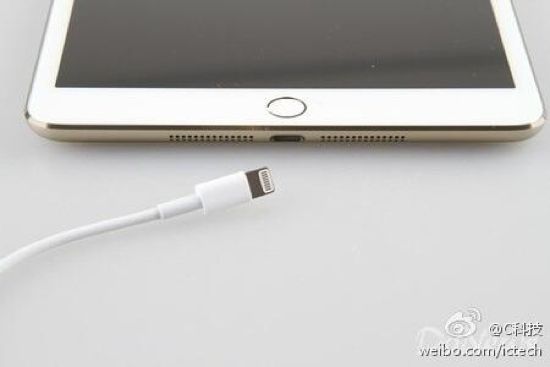
The Touch ID sensor in the iPhone 5s is a capacitive reader, embedded in the home button. That was a good choice on Apple’s part, since capacitive scanners are more accurate and less prone to smudgy fingers, and can’t be faked out with a photocopy of a fingerprint.
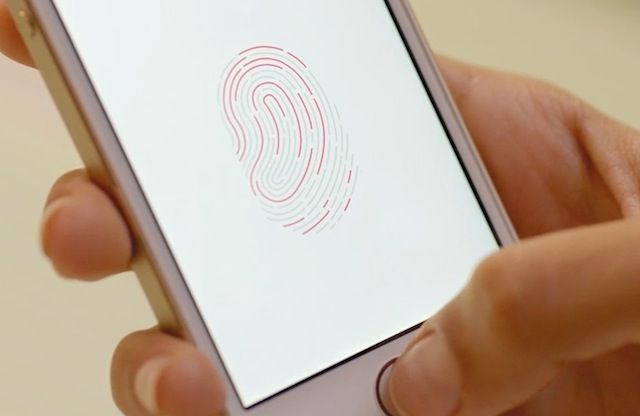
So the reader takes a picture of my finger and looks it up in a database?
Not quite. Comparing complete images is a complex — and computationally intensive — task that even powerful computers struggle with. Instead, the image from the reader is run through an algorithm that pulls highlights from your fingerprint and converts them into a digital summary — a template — that is easier to work with. This template represents your fingerprint, and varies based on the algorithm used.
The template is then stored in a database, ideally after being run through a cryptographic hashing function, just like your passwords. Passwords themselves are never stored; instead they are converted by a one-way encryption algorithm, with the result being stored in the database. Done properly, this means your password can never be recovered, even if a bad guy gets the database.
Although details aren’t yet known, we expect that Apple uses each iPhone’s unique device code as part of the hashing algorithm. Since it’s embedded in the iPhone’s hardware, it’s effectively impossible to attack off the device with more powerful computers; on-device attacks are much slower and more difficult.
When you use your fingerprint to log in to a device, the technology images your fingerprint and runs the image through its algorithm. Then it compares the result with the value stored in the database. If the two match, you are let in just as with a password.
Apple made it a point to note that your fingerprint will never be uploaded to iCloud or any Internet server. Instead, it will be encrypted and stored in what’s called the Secure Enclave within the A7 chip itself.
Is a fingerprint more secure than a password or passcode?
Not necessarily. In the security world, there are three ways to prove that you are who you say you are, with something you know, something you have, and something you are. Something you know is a passcode or password; something you have is a token, key, or even your phone; and something you are is a “biometric identifier,” like your fingerprint.
Using any one of those identifiers is known as single-factor authentication, and it’s considered strong authentication when you combine two or more factors. If you think about it (or watch enough TV), you can easily imagine ways to fool a fingerprint reader, ranging from a photocopy to a fake finger made from gelatin. Every fingerprint reader can be deceived, and doing so doesn’t necessarily require high technology.
Plus, if you have physical access to the database, you can run attacks against it just as though it contained passwords, by generating and testing fake templates. Not all algorithms and hashing functions are equally good, and it is easy to end up with a system that is weaker than the well-known ways we manage passwords.
In short, nothing is perfect, and a fingerprint alone isn’t necessarily more secure than a password. Worse, you can’t change your fingerprint. That’s why super-secure systems usually require a fingerprint and either a password or smart card.
Doesn’t my phone count as a second factor?
Sort of. Many of you may use your phone as a second factor to log in to services like Dropbox. In that scenario, you log in to the site with your username and password, and then Dropbox sends a one-time code to your phone, which it has on file. Since you know your password and have your phone, this counts as two-factor authentication.
Unfortunately, unlocking your phone is different, since the phone itself is the target. Thus, a fingerprint alone is still single-factor authentication, and not really more secure in a strict sense.
However, you are much less likely to loan someone your fingerprint, and while a bad guy might guess your passcode, the odds of someone stealing a copy of your fingerprint in the real world are very low, unless you are a high-risk target.
If it isn’t more secure, why switch to a fingerprint?
Practically speaking, for most consumers, a fingerprint is more secure than a passcode on your iPhone. It’s definitely more secure than a four-digit passcode.
But the real reason is that using fingerprints creates better security through improved usability. Most people, if they use a passcode at all, stick with a simple four-digit passcode, which is easy for an attacker to circumvent with physical possession of your iPhone. Longer passphrases, like the obscure 16-character one I use, are far more secure, but a real pain to enter repeatedly. A fingerprint reader, if properly implemented, provides the security of a long passphrase, with more convenience than even a short passcode.
As I wrote over at Macworld, Apple’s goal is to improve security while making it as invisible as possible.
Does this mean the death of passcodes on my iPhone
Not at all. First of all, iOS isn’t about to get rid of passcode support since only the iPhone 5s will have a fingerprint reader.
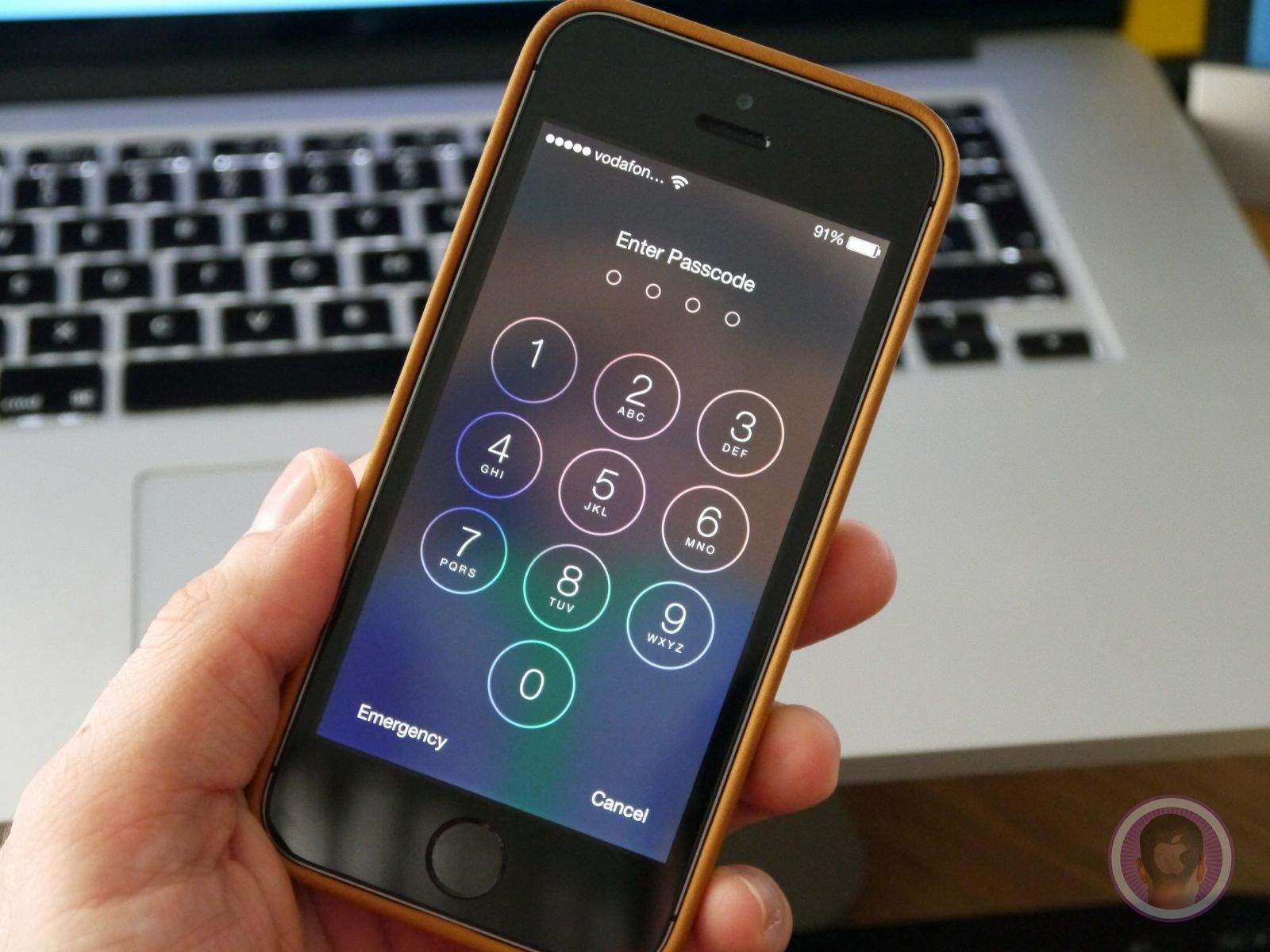
Second, as you can see in this image, you will always have the option of inputting a passcode instead of scanning a fingerprint.
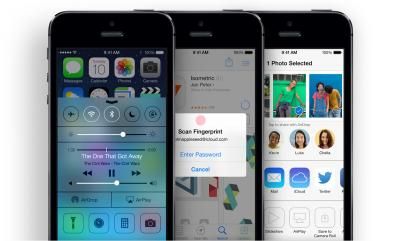
Third, while many of us share our iPhones with our spouses and children, Apple officially supports only a single user per device. However, Apple has said that Touch ID will allow you to set up fingerprints for trusted friends and family, so they can easily access your device.
If someone steals my phone, does that mean they have my fingerprint? — Almost certainly not. There’s no reason to keep the fingerprint itself, just the template. And as mentioned previously, your fingerprints are encrypted on the iPhone 5s (we suspect Apple really means “hashed”).
Can someone gain access to my phone with a copy of my fingerprint? — Probably. As I mentioned earlier, unless you combine your fingerprint with another authentication factor, like a passcode, an attacker needs one piece to pretend to be you.
Realistically, almost no one needs to worry about this, although I fully expect there to be a number of articles written about the efforts of amateur spies to make fake fingers. I will also start being more careful when I attend certain hacker conferences, given my prankster friends.
Will I be able to log in to my bank with my fingerprint, instead of a password? — Using your fingerprint to log in to Web sites and apps, like those from your bank, might happen eventually, but not right away. Apple must first open up API support for it, then developers need to integrate it into both their apps and the back-end authentication databases. Apple said that other apps can use the fingerprint reader, but that your stored fingerprint won’t be available to those apps. Thus we suspect initial support will be using Touch ID to access a password stored in the iOS keychain, using API support of some sort.
App makers and cloud services who want direct fingerprint access, if Apple even supports it, will also need to redesign their systems to deal with scenarios like someone’s fingerprint being compromised, or a user who also logs in from a Windows-based computer that has a different fingerprint scanner. They can’t simply switch everyone to Apple-only fingerprint templates. (And as much as having an open standard for generating the templates might sound like a good idea — there’s even an industry organization called the FIDO Alliance to promote such interoperability — who knows if Apple would eventually support it.)
But again, I highly suspect Apple will, at least for a while, mostly rely on securing credentials on the phone using the venerable Keychain, perhaps adding a feature or API support that asserts the fingerprint for that registered user was authenticated.
Also, banks are legally required to use two forms of authentication. That’s why you likely have to enter a PIN when you log in from a different device, or you must do the email confirmation dance when you log in from a new computer. Technically, though, your phone could count as a second factor, and banks could update their systems to combine the fact of having your phone with your fingerprint for access.
Will I be able to use my fingerprint to log in to my work network?
Not right away. Although Apple is adding enterprise-level single sign-on (SSO) support in iOS 7, your work network and applications will still need you to authenticate using your existing username and password. SSO merely means you don’t have to re-enter those credentials for every work system. Over time I expect to see vendors offer tools to allow you onto your work network after you authenticate using your fingerprint on your iPhone, assuming your IT department approves.
Why is this so important?
Apple isn’t the first company to add a fingerprint reader to a phone. I’ve tested laptops with fingerprint readers and seen phones with embedded readers. The real excitement is that Apple will make this technology accessible to many millions of consumers.
Doing so will dramatically improve the security and usability of the iPhone 5s for average users. I hate needing to enter a strong passphrase on a tiny keyboard, especially when I’m walking around. A fingerprint reader will be far more convenient, and essentially eliminate the less secure four-digit passcodes most people use, if they use one at all.
Combine this with the fact that many users now use their phones as a second factor when logging in to a variety of cloud services, and you can see that improving the security of the iPhone 5s could generally improve the security of significant aspects of the Internet. That won’t happen overnight, but improving security at any access point improves security for the entire system.
Once we see usable fingerprint authentication made widely available for consumers, life for the average attacker is going to get a lot harder.
Author Rich Mogull has been working in the security world for 17 or so years, and breaking computers (usually by accident) even longer. After about 10 years in physical security (mostly running large events/concerts), he made the mistake of getting drunk in Silicon Valley and telling someone he “worked in security.” Article reprinted with permission from TidBITS.