Mobile menu toggle

Learn To Play At Your Own Speed With The Complete Guitar Lessons Course [Deals]

By

CoM-guitar

I spend a ton of time at the computer keyboard, typing consistently as I write post after post. But there are times when I like to get hands-on with another activity that I enjoy: playing guitar.

Now I’m not that great of a guitarist (I can handle myself sitting around a campfire and have learned to play quite a few tunes), so taking some instructional classes wouldn’t be all that bad of an idea. And doing so from the comfort of my home would be an even better idea. It’d be even better if I could take them whenever I wanted.

This offer from Cult of Mac Deals makes all of that possible. With The Complete Guitar Lessons Course you can learn how to play the guitar at your own speed for only $59 – a savings of 70%!

Use These Emacs Legacy Keyboard Shortcuts To Move Around In Your Text Files [OS X Tips]

By

Mac OS X Keyboard

When you’re writing up a long document, or even in the middle of a simple one, it’s good to be able to move around and edit in the text without taking your hands off the keyboard. All the little switches from keyboard to mouse and back again take up valuable time, and–perhaps more importantly–force you to change the way your brain is processing information.

Using the arrow keys is a good way to move the cursor around, and of course there are the standard Command key shortcuts, but did you know that there’s some legacy keyboard shortcuts that come to us all the way back in Emacs, a popular text editing program for Unix, the operating system Mac OS X is based?

There are, and here are a few good ones. I’ve tested them in Text Edit, but chances are several Mac text editing programs will take advantage of these.

Every iPhone Ever Goes Head-To-Head In A Speed Test [Video]

By

post-247738-image-5556b987ec4d881ca0a2cbb0af7f3d87-jpg

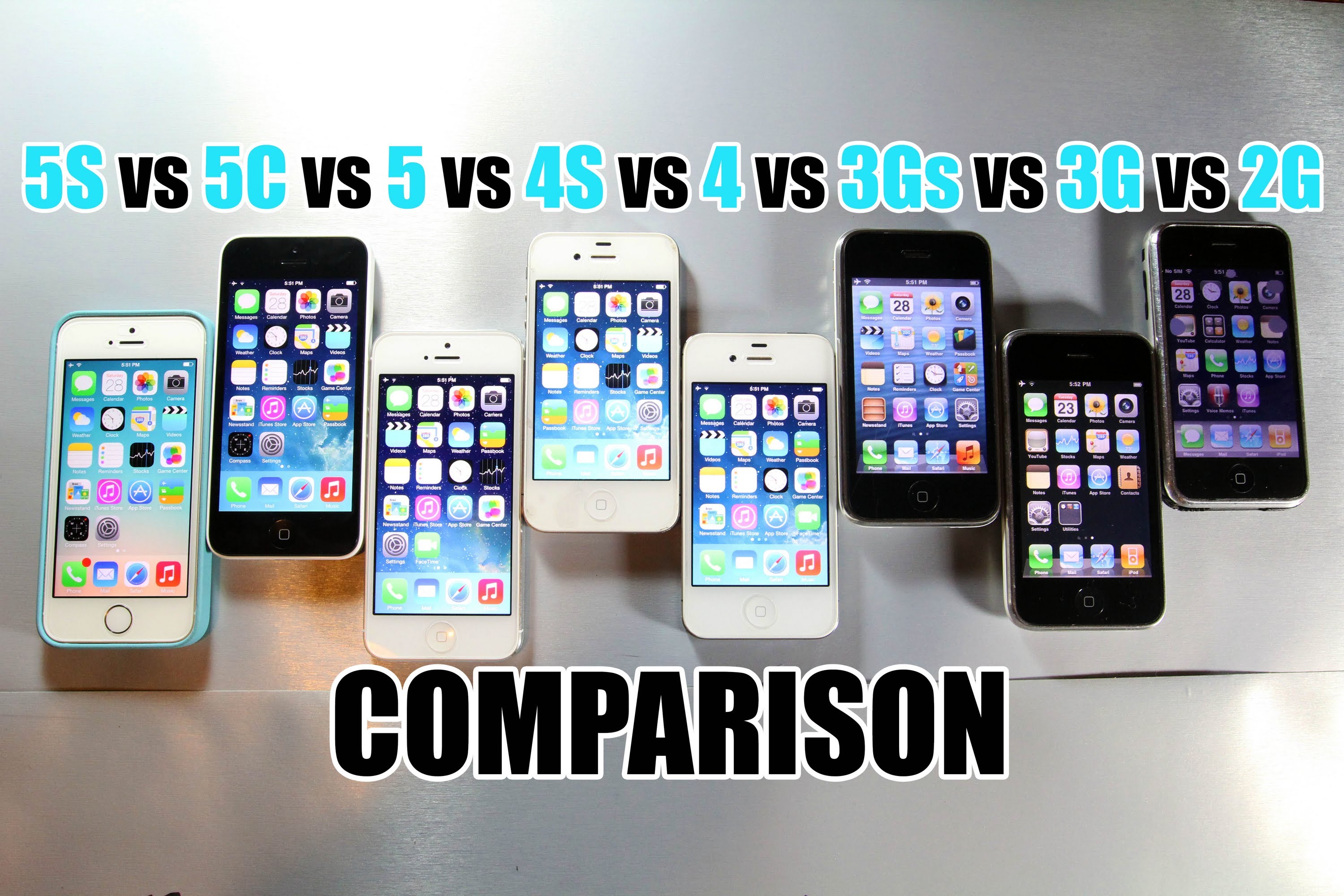
At this point, there have been eight iPhones, and with the exception of this year’s iPhone 5c, each has a faster chip and more all around chutzpah than the model that precedes it. You’d naturally think, then, that if you lined them all up in a row and ran a speed test on them, each successive model would accomplish tasks faster than the model that precedes it. But as this video proves, the reality is more complicated than that.

Another Game Boy Advance Emulator Sneaks Into The App Store

By

GBA-emulator-Earthquake-7-iPhone

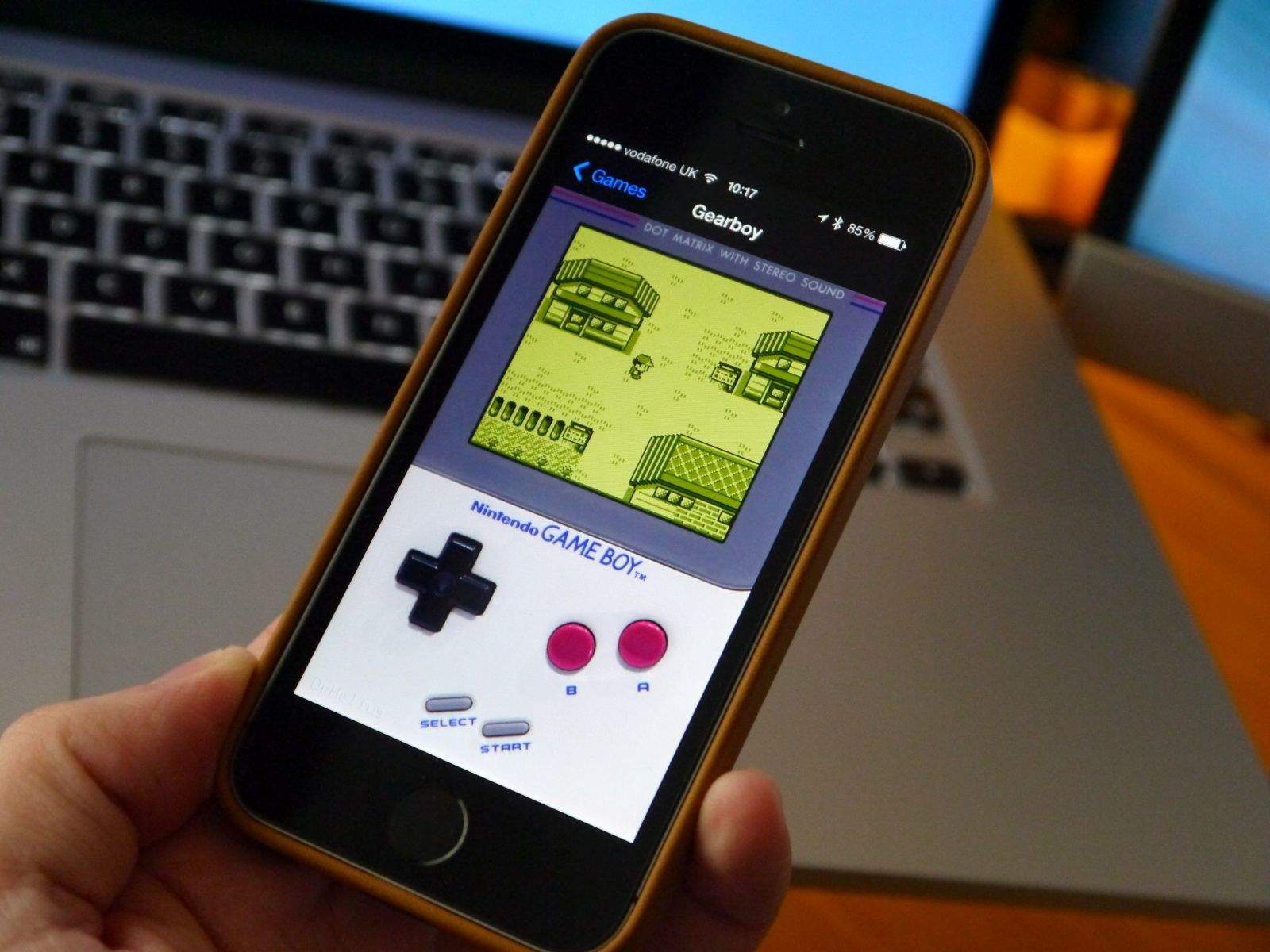
Apple doesn’t like to allow emulators into the App Store, so try submitting one for approval and you’ll quickly get a big fat no. But some cunning iOS developers have found a way to sneak emulators through Apple’s App Store approval process by making them look like innocent apps.

The latest hit the App Store today. It’s called Earthquake 7 and its App Store description promises “the latest earthquake news.” But enter a secret phrase into its search bar and you have an emulator that plays all of your favorite Game Boy and Game Boy Advance titles.

Recommendations Coming To Rdio

By

6a014e87574ac9970d019aff9fc1bc970b-800wi

You know what’s great about Spotify and Rdio? The fact that they both exist, and that they’re both great services. Why? Competition. It’s hard to think of two other arch rivals which are adding great new features to their services so quickly.

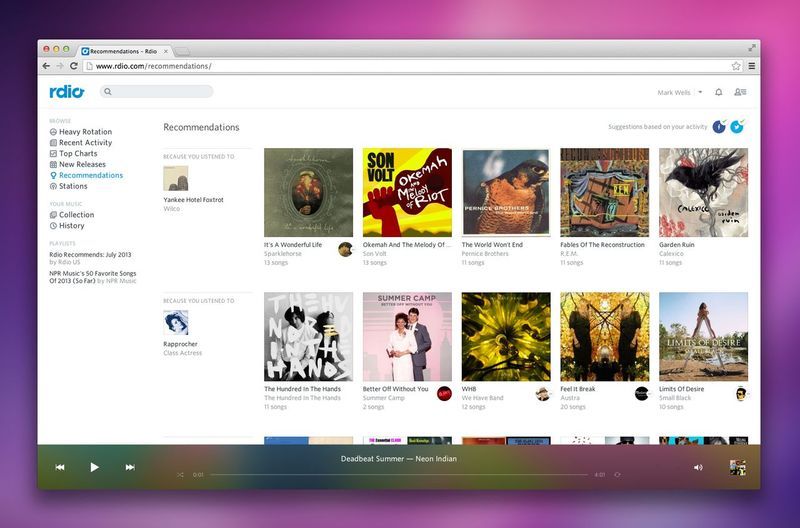
Today it’s the turn of Rdio, which has slipped recommendations into its music-streaming service, taking the pressure off you to pick a song for yourself.

How Big Are Cellphone Camera Sensors Anyway (And Other Interesting Facts)

By

TS520x0~cms_posts-1313669123-sensor_resolutions_new

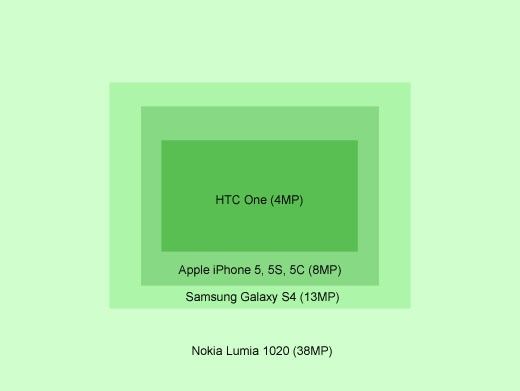
Whatever it is you want to know about cellphone camera sensors, you’ll probably find it in DP Review’s absurdly in-depth article on the subject. It details not only the common misconceptions about megapixels, but also many real world differences. And it contains the diagram shown at the top of this post, showing the size differences between the sensors in various phones, measured in pixels.

SideCar Hangs Your iPad From Your MacBook Screen

By

f6e5cd9c8c153413243f5ccfa8fc0c76_large

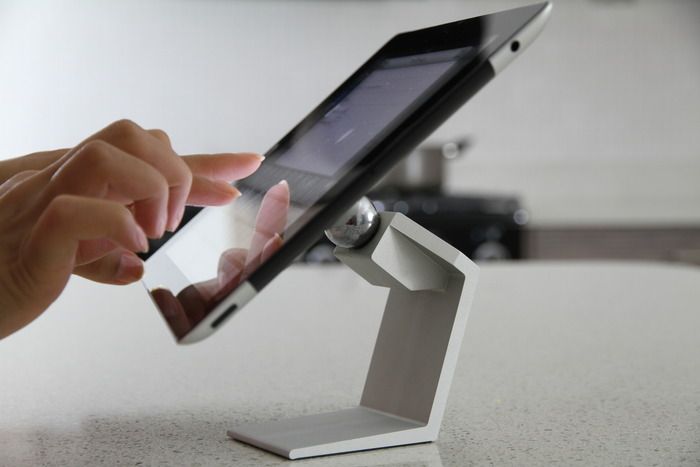
The SideCar is a lump of silicone that’ll let you use a dual-monitor setup even when you’re on a plane. It’s a simple connector that hangs your iPad off the side of your MacBook screen, either just to keep it handy, or to use as a second monitor using one of many screen-spanning apps in the store.

Why It’s Time for Apple to Open FaceTime

By

facetime

FaceTime just keeps getting better. The recent addition of audio calls in iOS 7 is great news, right? Well, sort of.

There are plenty of apps in the App Store that let you make calls over your data connection rather than through the carrier’s phone network.

FaceTime audio calls are great — something that Google+ Hangouts have had for a long time. (Hangouts actually lets you add a voice call to a group video Hangout.) They enable free international calls, for starters. The protocols underlying FaceTime enable high-quality audio calls.

More importantly, they give users one more reason to get into the FaceTime habit.

Unfortunately, FaceTime has a fatal flaw. It’s still — inexplicably — an exclusive phone system for Apple customers to call each other. What kind of phone system is that?

iPhones Sell Like Gangbusters And We Dish iOS 7 Tips On Our All-New CultCast

By

new-cultcast-site-promo-pic-heath.jpg

Nine meeeel-leon iPhones… nine meeel-leon! Yes sir, Apple’s opening weekend iPhone sales were better than they’ve ever been, and that’s got to feel great after months of analysts asking if they’ve lost their touch. We’ll discuss the feat on our newest CultCast, plus, scoop you up a heapin’ helpin’ of iOS 7 tips and tricks, and wait… is that really our sweet Tim Cook that just joined twitter?

Have a few laughs whilst getting caught up on each week’s finest Apple stories! Stream or download new and past episodes of The CultCast now on your Mac or iDevice by subscribing on iTunes, or hit play below and let the unadulterated audio enjoyment begin. Show notes up next.

Cultcast 92 post player image

Bring Back Old School Phone Style With The SwissVoice ePure Bluetooth Handset [Deals]

By

CoM - SwissPhone

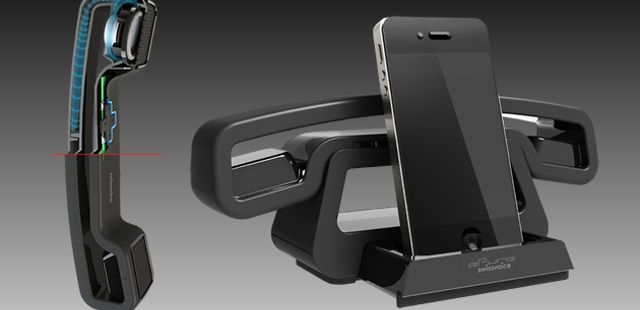
You know, sometimes we long for the days of the old handheld phone, where all we did was hold the handset up to you ear and simply spoke into the receiver…and not worrying about any kind of potentially harmful emissions coming from it as you did so. And just as recognizable as a smartphone is today, the handset on the phone was completely recognizable no matter where you were in the house or office.

Fast forward to today. We are now using our cell phones as our main phones, forgoing the use of land lines. But that doesn’t mean we should have forgo the benefits of what the old school phone had to offer. That’s where the ePure handset comes in. And Cult of Mac Deals has the ePure handset on sale right now for only $59.99 – a savings of 60% – and this offer includes free shipping!

This Week in Cult Of Mac Magazine: The Future of Biometrics

By

cover-003-biometrics-q09

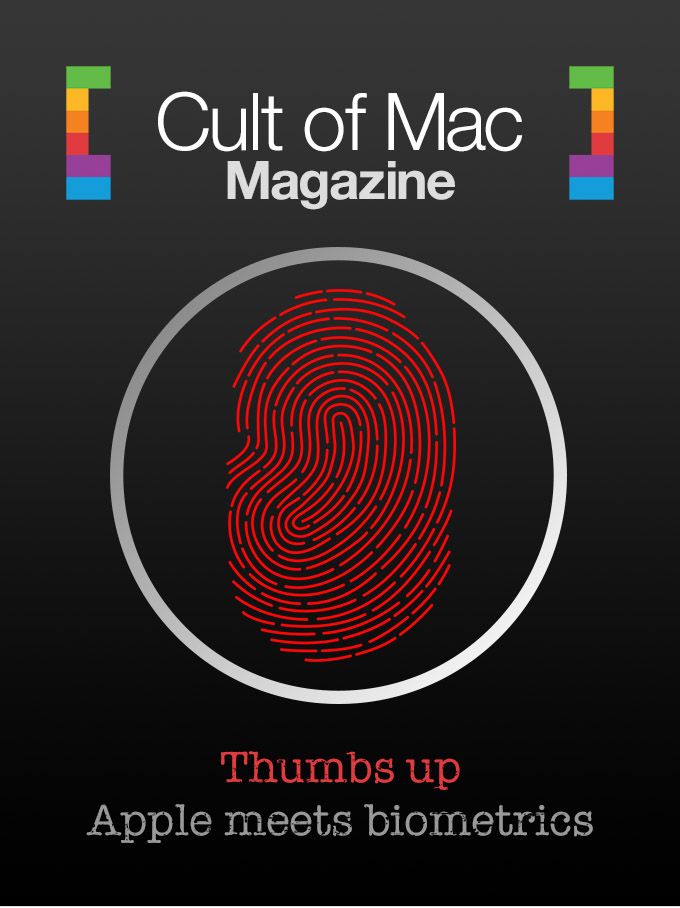
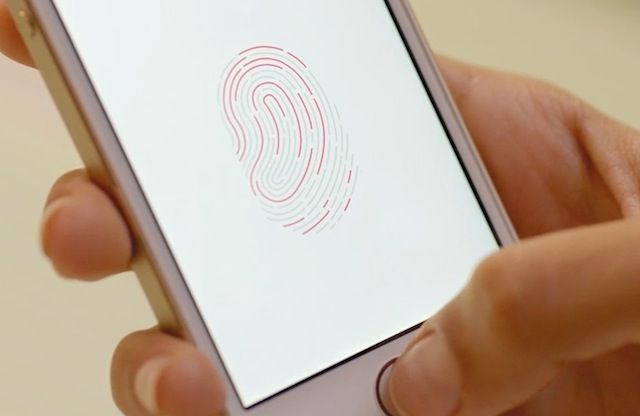
The new fingerprint sensor on the iPhone 5s brings with it a touch of the future: one where we won’t keep losing or forgetting our passwords. If we can get the sensors to work right, that is.

In this week’s Cult of Mac Magazine, reporter Sarah Stirland talks to a host of experts who give you the low-down on what this future will mean and we also get a breakdown of the new feature from a security expert.

We’ll also tell you how to win one of those gold iPhones and in our exclusive Ask a Genius column you’ll find out how much those smarties get paid as well as how to best the best Wi-Fi set-up for upstairs/downstairs signals.

The latest issue is available in the App Store.

We hope you’ll dig it – and keep in touch with comments, questions, shout-outs.

Thumbs Up? Touch ID Stores 50 Fingerprints

By

Touch ID
Heading
Photo: Apple

If you want to store two classrooms of third graders’ fingerprints on one iPhone 5s, then we’ve got the bug for you.

YouTuber Tom Rich found this interesting feature with Touch ID on the new iPhone 5s. So he did what any other good videographer would and made a video of it.

Tower of Fortune 2 Is Our iOS Game Of The Week [Editor’s Pick]

By

It's all chance, innit?

Have you ever realized just how much random chance is involved in your favorite video games?

Consider dashing through Diablo III dungeons, mashing buttons and watching your little avatar cut through swathes of demon enemies. Each of those hits is managed by a vast mathematical model in the background, deciding how many hit points each swing of your sword or blast of your magic will take off of each monster in your path.

Tower of Fortune 2, like it’s predecessor, seems like an indie meditation on the RPG genre itself by exposing the mechanics in the background of typical RPGs with the biggest symbol of luck ever: the slot machine.

Apple’s German Patent Suit Gets Thrown Out Thanks To Steve Jobs 2007 iPhone Keynote

By

stevepresentsiPhotoiPhone


A German court has ruled that one of Apple’s patents for the “rubber-banding” feature in iOS is invalid, but not because Samsung and Motorola had valid claims to it before Apple. No, the bullet that killed Apple’s patent was actually fired by El Jobso himself when he unveiled the iPhone at a keynote back in 2007.

Both Samsung and Motorola had injunctions laid against by Apple using its patent in different European jurisdictions, but thanks to the keynote video of Jobs presenting the original iPhone features back in January 2007, the Munich-based Federal Patent Court of Germany ruled that Steve disclosed the “bounce-back-effect” to the public five months before the priority date of the German patent of June 2007:

Sport-Tastic NFL Mobile Is Kid APProved [Video]

By

NFL Mobile

KidAPProvedbanner

There are a bunch of apps out on iOS for kids, from educational apps to sports apps and more. Sure, you can get reviews of these games by adults, sometimes even from parents of kids who use them.

We thought it’d be fun, though, to ask the kids themselves.

Welcome to Kid APProved, a series of videos in which we ask our own children what they think of apps on the App Store that they’re using.

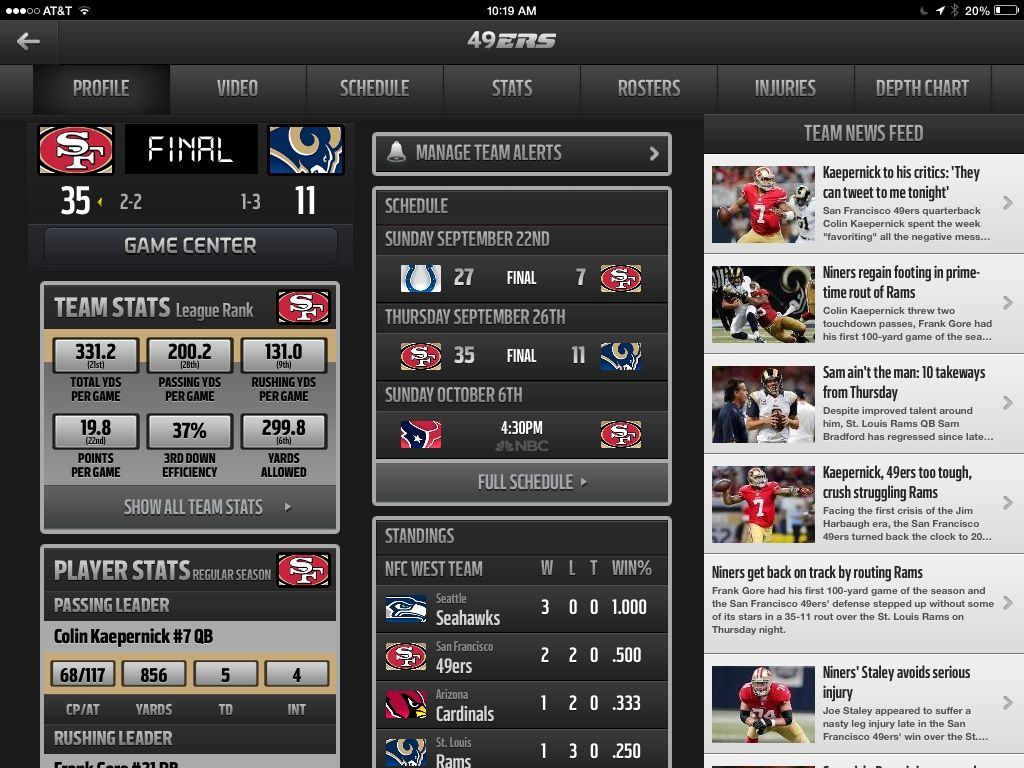
This week, it’s highlights, game stats, player news, and all sorts of Football fun with NFL Mobile, from NFL Enterprises. Here’s what our Kid APProved reporters think.

Ask A Genius: Boosting Your Wi-Fi, AppleCare+ Replacements And Genius Bar Salaries

By

askageniusanything

This is the Cult of Mac’s exclusive column written by an actual Apple retail store genius. Our genius must remain anonymous, but other than “Who are you, anyway?” ask anything you want about what goes on behind that slick store facade.  

Answers will be published first in Cult of Mac’s Magazine on Newsstand. Send your questions to news AT cultofmac.com with “genius” in the subject line.

1. How much do you get paid, what hours do you work and how much continual study is required?

I get paid about $14 an hour. Pay ranges anywhere from $10-$20 an hour in the retail stores depending on position, hours, and performance. I work about 30 hours a week because I am part-time, usually on the shy side so I can keep my part-time status. My hours vary but they always fit my personal schedule because each employee submits their hours of availability and is scheduled accordingly, after approval.

As far as training goes, Apple actively trains its workforce. We are trained before we begin the job to deliver superior service and we are trained on new systems, products and software as they become available. If you are looking to advance, Apple will help train you to be ready for any future positions. I was surprised by the non-technical nature of training when I started at Apple. Most of the training I received was customer-service oriented and the technical training I needed for the job was either previous experience or was gained as I encountered issues and sought out a solution.

2. The modem of my TV cable company sits next to my TV. My new iMac is on the upper floor where I receive half the speed using a Wi-Fi connection.

To boost my Wi-Fi signal to the upper floor, do I need to buy two Apple extreme products? One connected to the router of my cable company using ethernet? And the other as a repeater via Wi-Fi?

Wi-Fi signal issues can be pretty complex. Performance will vary greatly depending on your network configuration and type as well as your household size. The simple answer is no, you do not need two AirPort Extremes.

Depending on your household size, you may be able setup one Airport Extreme next to your TV and it might just work for the whole house as it usually performs better than your typical cable company-issued wireless router. Another option would be to continue with your current setup and extend your wireless network upstairs using an Airport express. This relays the signal from your router downstairs and boosts it to reach your devices upstairs. It’s a pretty simple setup for both when using the AirPort utility on your iMac.

If you really want to get two devices to have a speedy connection anywhere in the home, get yourself an Extreme downstairs and extend the network upstairs with the Express.

3. I have AppleCare+ and want to get my iPhone 5 replaced so I can resell it for more money, but it doesn’t have any major problems nor a broken screen.

Will Apple replace it for me for $49 if it’s not really broken?

You need a damaged iPhone for a replacement. The protection plan is for accidental damage.  If Apple can repair it they will, rather than replacing it, even if the customer wants the replacement. It’s up to Apple to determine whether it’s covered by the AppleCare Terms and Conditions. If it can be repaired, they are supposed to just put a new display on. So if you want a whole new iPhone 5, it has to be damaged beyond repair or suffer from water damage. It also has to be accidental — so don’t tell them you put it in water if you just want a replacement.




Despite Apple’s Crackdown, You Can Still Win A New iPhone

By

iPhone 5S 3 colors

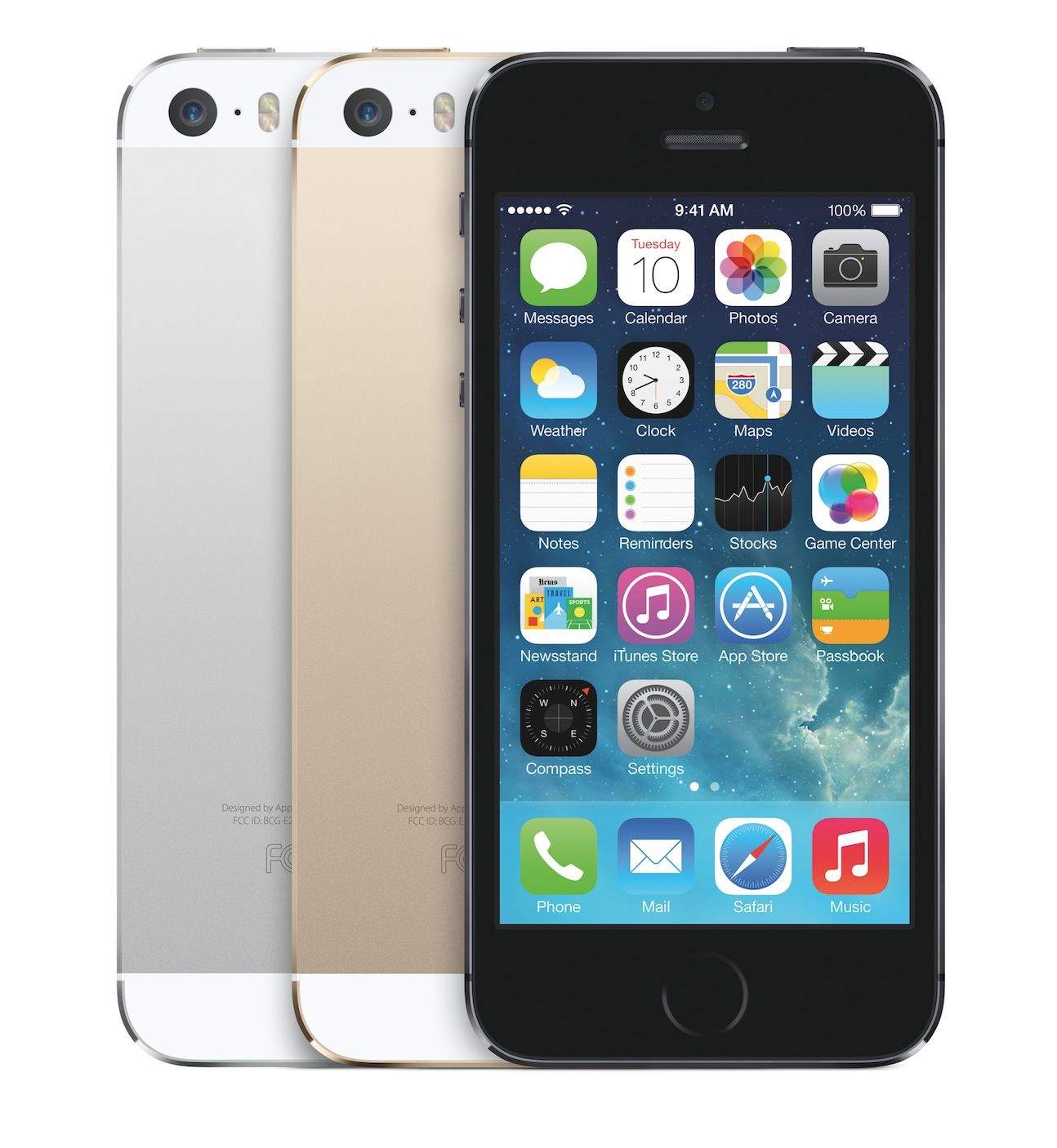
If you want a new iPhone but don’t have the cash, here’s a round-up of contests we’ve found offering the latest iPhones as prizes.

Major caveat: since Apple’s crackdown on third-party giveaways, there have been fewer legit freebies. The Cupertino company has nixed a large number of these contests – in one case not approving a company’s app until it pulled the contest – but it has been hit and miss. Apple did not respond to a request for comment as to whether it is actively pursuing companies that violate its giveaway guidelines.

In any case, if you want to get your hands on one without spending any cash, it’s worth a shot.

Just about all of the contest are no-brainers that ask you to tweet or give your details in exchange for the chance to win, although some have age and geographical restrictions.

If you hear of others, let us know. And remember your due diligence.

Good luck!

Wired UK

O2

 Square Trade

iSkin

Protect Your Bubble

AMC Theaters

Crowdtilt

Peterest

Lidtime

Carter Holt Harvey

Why Those New iPhone Sales Are Really Golden For Apple

By

iphonesales
Source: Apple

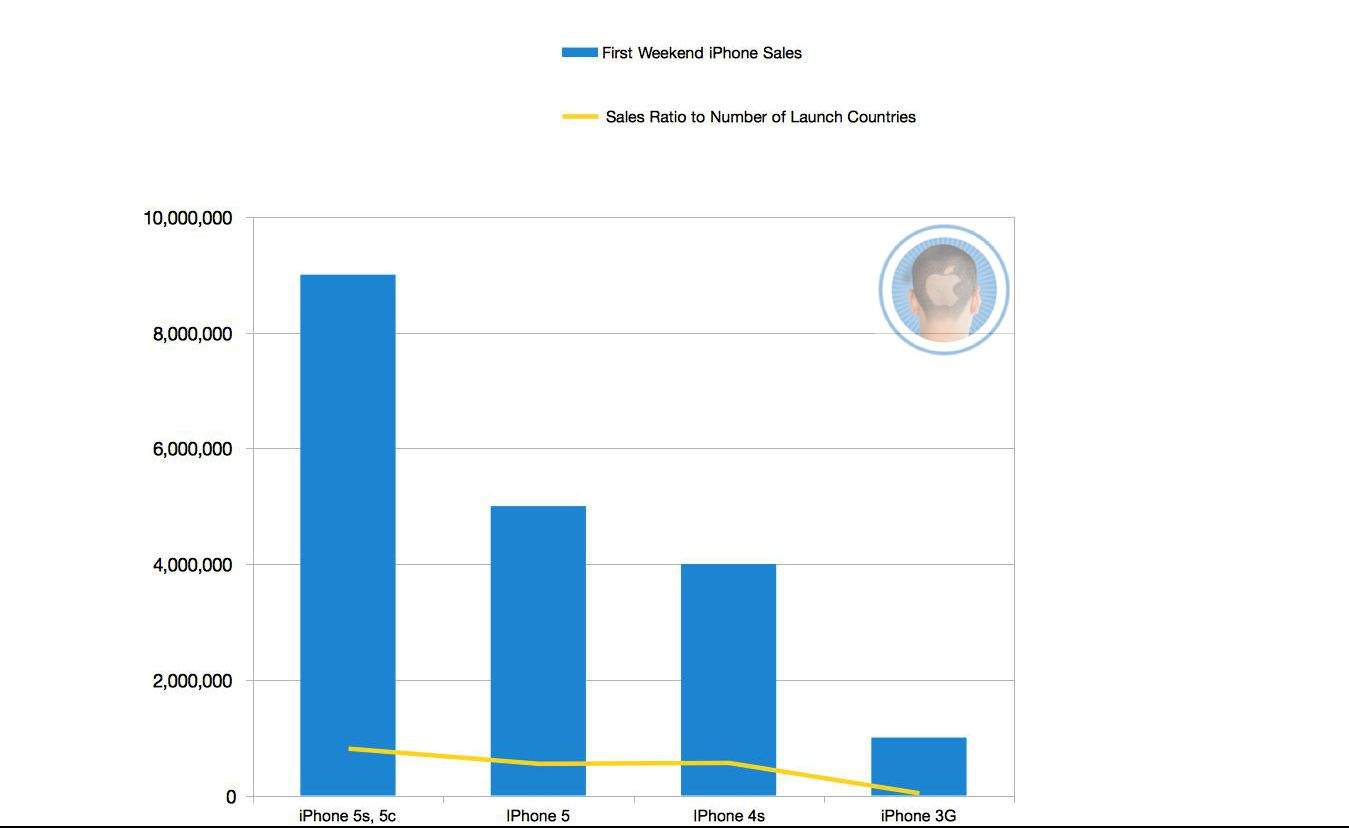
Just about any way you slice it, those new iPhone sales are pure gold for Apple. The Cupertino company moved 9 million iPhone 5s and 5cs over the weekend in the 11 countries around the globe where it dazzled buyers.

We thought it’d be interesting to track the number of iPhones sold compared to the ratio of countries it was available in for that first, breakout weekend.

And it turns out Apple is definitely still in the money. For example, the iPhone 3G launched in 22 countries but sold one million phones over the first three days. Its sales-to-availability ratio is about 450,000 per country, that’s about half amount compared to the new iPhone. The iPhone 4S and iPhone 5 were available in seven and nine countries, respectively, but their sales hover around the same ratio at about 550,000 per country. (Clearly, China’s inclusion for the first time in the launch helped move a few units, despite the underwhelming  launch event.) Apple started releasing first-weekend sales info with the 3G model.

Compare that to another fun metric: it took 74 days to sell the first one million first-gen iPhones: appetite for new Apple products seems to only increase with time.