Many of the stats we have about iOS marketshare and demographics come from third-party companies, most of whom are tracking ad impressions within their network. As such, their stats have the potential of being inaccurate, and need to be taken with at least a little bit of salt.
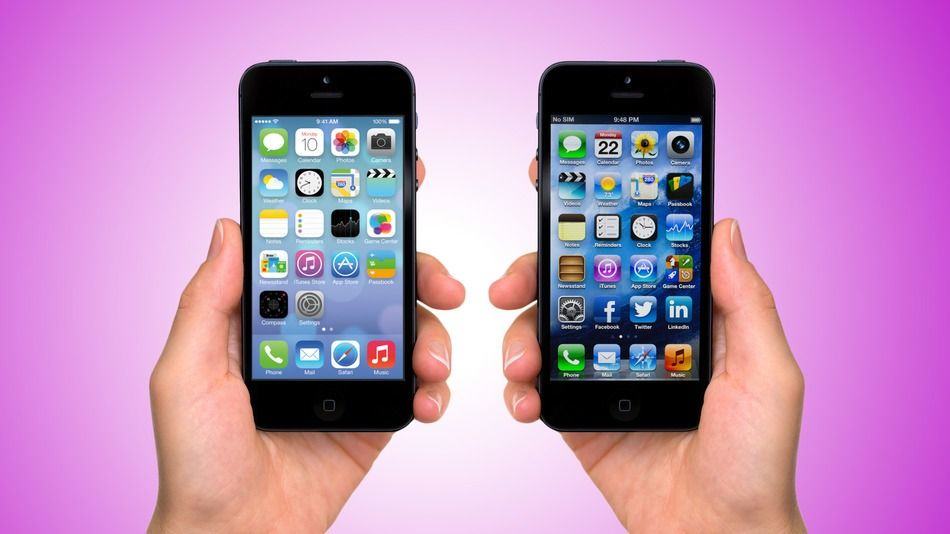
Looks like online ad network Chitika can be trusted though. Earlier this week, we reported that Chitika was now tracking 74.1% of all devices as running iOS 7. Now, Apple is backing those numbers up, and it makes Google look pathetic.
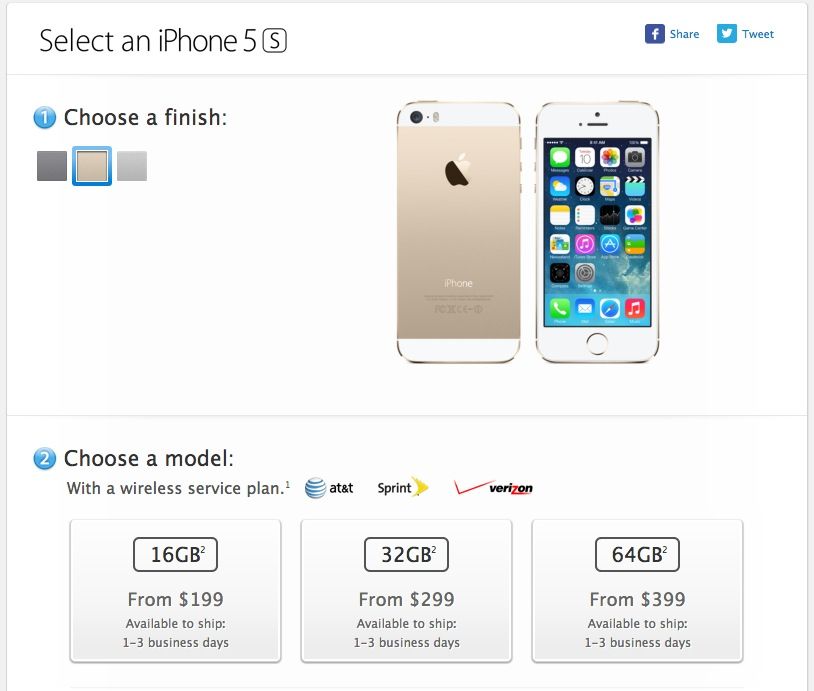
Good news, my friends! If you want to get someone in your life an iPhone 5s in time for Christmas, or just splurge on a new iPhone yourself, good news: in the United States, Canada, and several other countries, you can now get an iPhone 5s shipped to you in just 1-3 business days. Even in gold!
Ah, to be ten years old again — and arrested for stealing £400,000 ($654,000) worth of Apple products.
That is the news coming out of Coventry, in the UK, where a dawn raid saw police arrest a boy and a 37-year-old man for their part in a series of commercial and domestic burglaries.
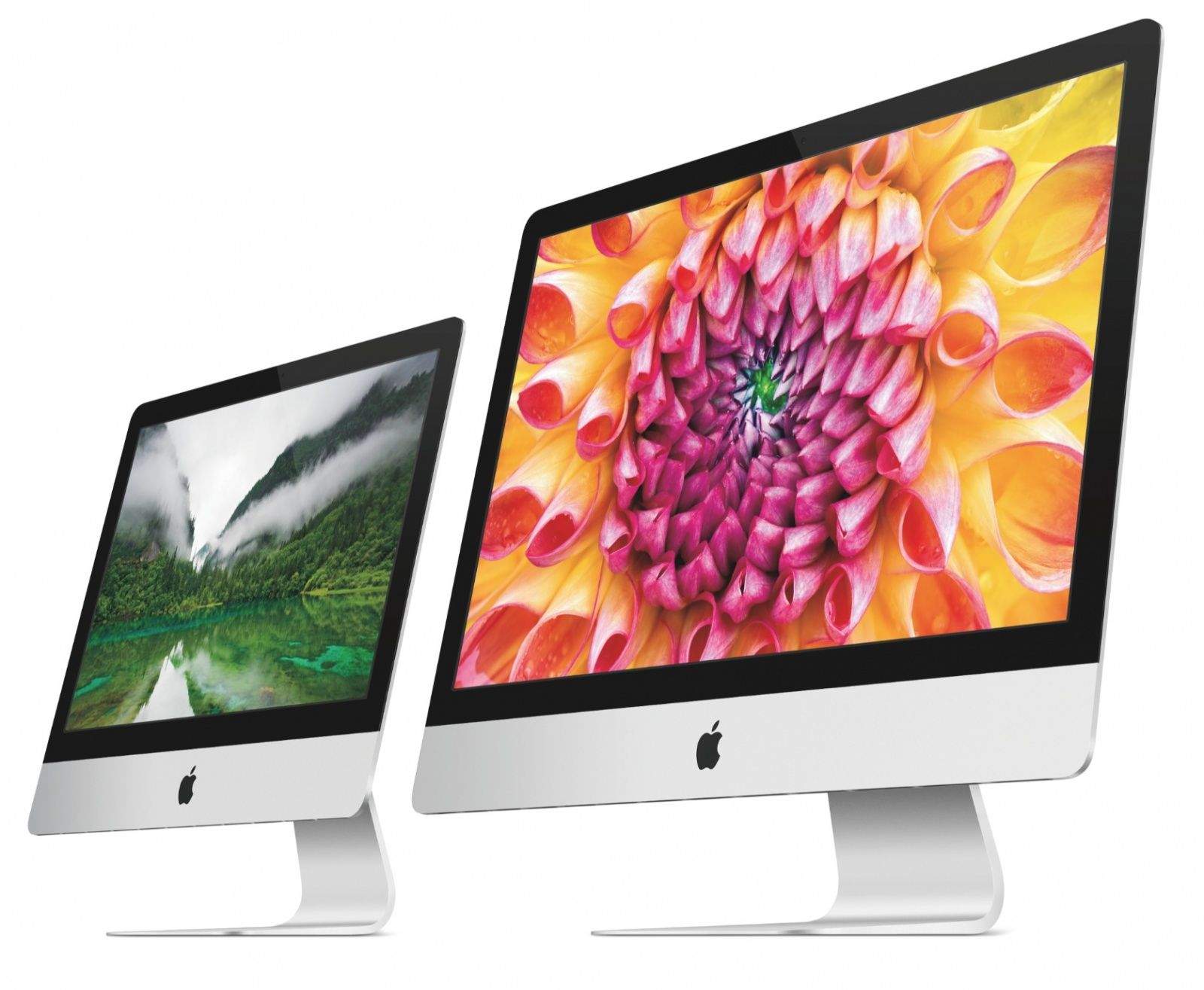
The Rumor: Retina iMacs really are on the way soon, according to some info in Apple's new Xcode 6 program.
The Verdict: Looks promising. WWDC came and went without a single hardware announcement, meaning Apple has gone over 8 months without a significant new product. Based on code found in the Yosemite beta, it looks like we won't have to wait much longer for sharper iMacs to land on our desks, thanks to a file that lists scaled-up resolutions for such a display. The structure of the list is identical to resolution listings for the Retina MacBook Pro, making this rumor feel more like a sure-thing now.
A new report from analysts Park Associates has placed Apple at the top of the list for most desirable brand in the desktop computer category.
Apple has previously topped the survey for most desired brand in tablets, smartphones, MP3 players, and streaming devices — but this adds one more platform to the list.
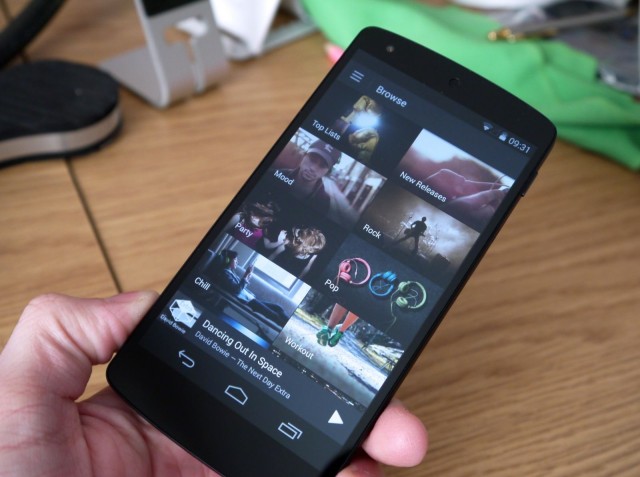
While Spotify can be used without a paid subscription on your desktop, you need to sign up to Spotify Premium at $9.99 a month to enjoy it on mobile. But that could be about to change, with The Wall Street Journal reporting that Spotify is planning a new ad-supported version of its music streaming service for mobile devices.
Apple will begin using iBeacon technology in 254 of its U.S. stores from Friday.
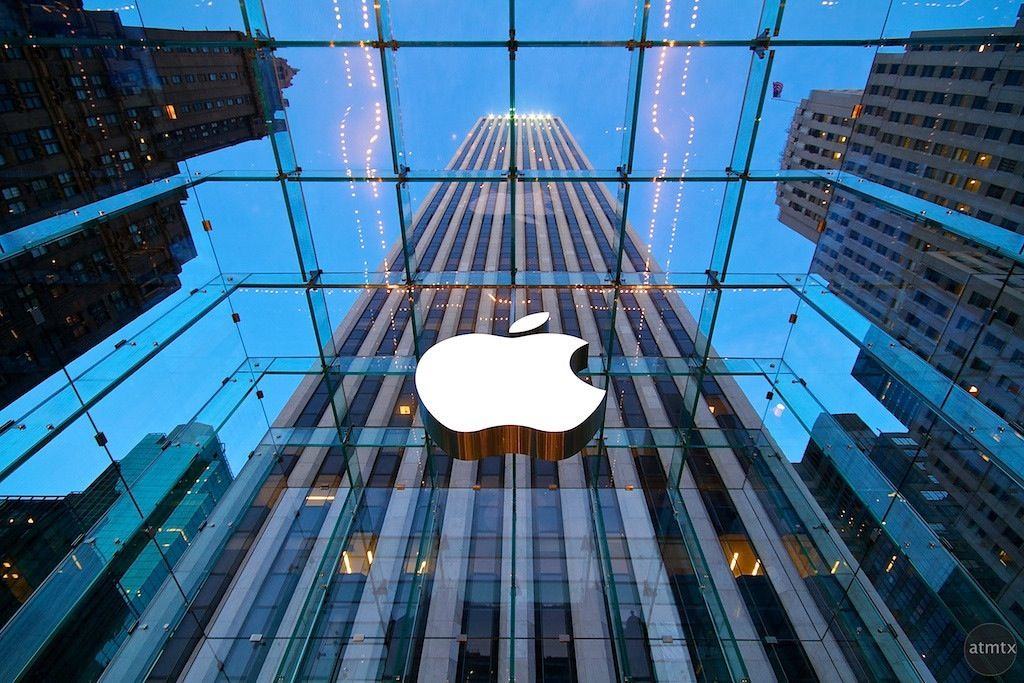
Apple demonstrated the tech this week at its 24-hour Fifth Avenue store in New York City, where the company has installed around 20 iBeacon transmitters.
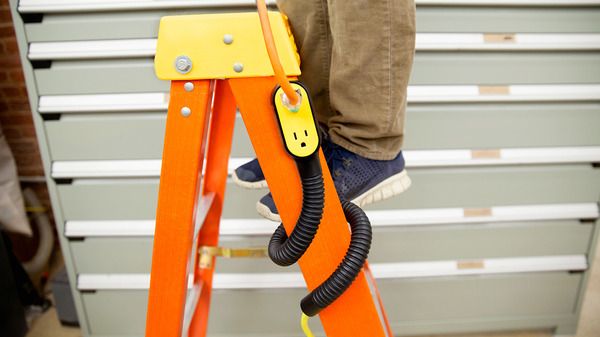
As ever with many of Quirky’s excellent crowd-sourced designs, the Prop Power Pro inspires me to make my own. I’m pretty sure a regular extension cable plus a bendy wire coat-hanger plus a length of flexible tubing would do the trick. The thing is, by the time I’d bought all the parts (plus a roll of gaffer tape), I’d be in the hole for way more than the $25 Quirky want for its version.
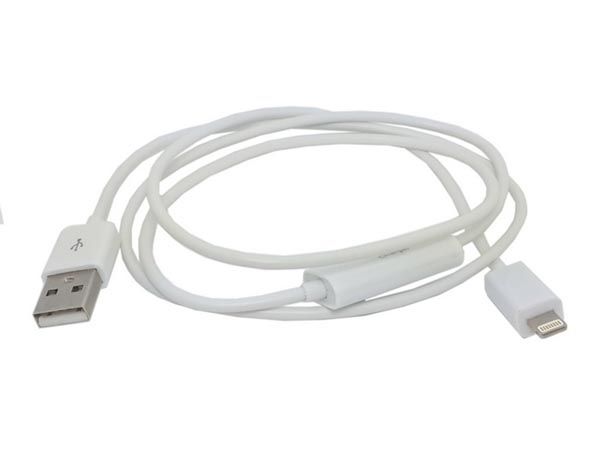
In the market for a new Lightning cable for on-the-go charging purposes? Then consider the awkwardly-named “8-pin Lightning Data Sync (iTune) Blocker” from USB Fever. Not only is is like about a third of the price of Apple’s own cable, but it comes with a switch on the wire that’ll let you plug your iDevice into any charging hole without worrying that it’s going to suck out your data of pump it full of filthy malware.
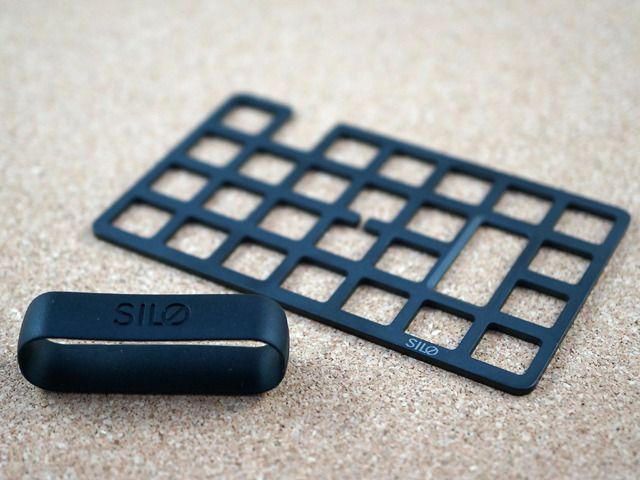
The Mesh Card is a wallet so small and slim that it’ll fit inside a single card pocket in your own fat wallet. And it’s not just a place to keep cards and cash: it doubles as a neat iPhone stand, and even as a bottle opener.
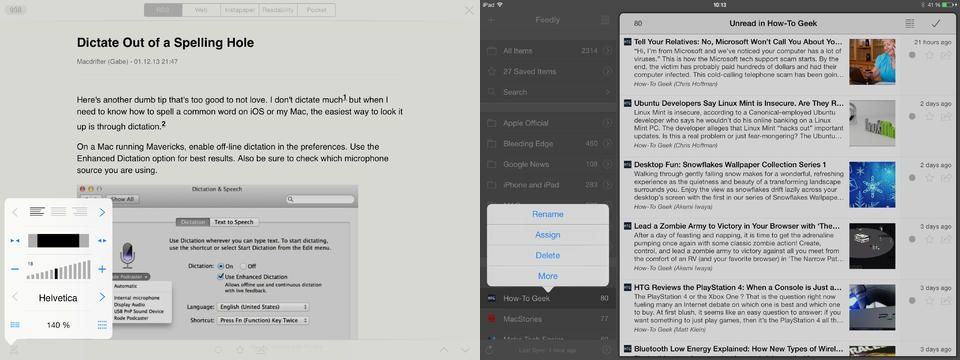
Mr. Reader, the best RSS news reader app for the iPad, is now fully iOS 7-ready, letting me (finally!) get the last non iOS 7 app out of my dock. As you’d expect, it now looks great, and adds a few neat new features.
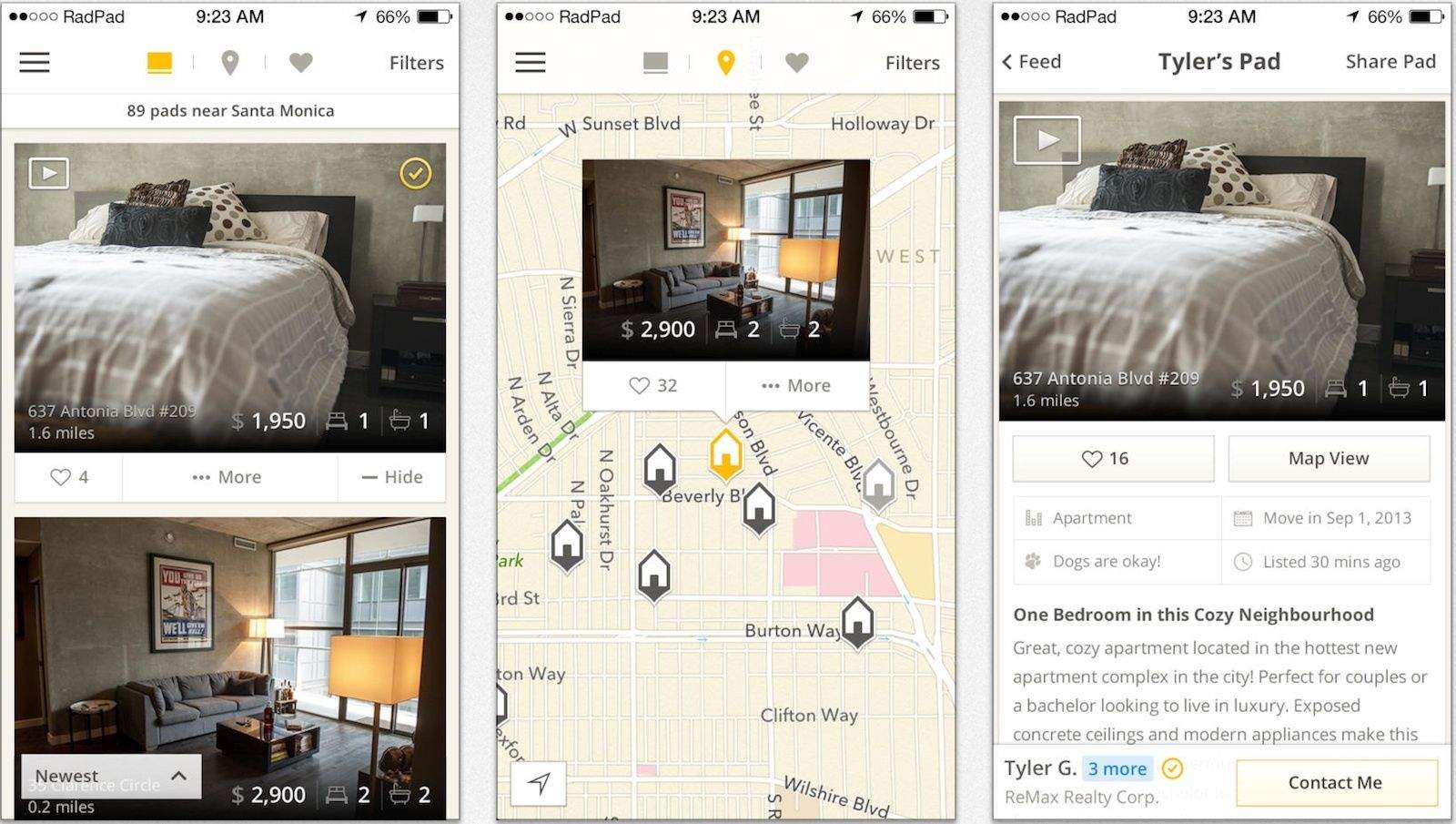
Apparently, Americans like to pull up stakes and move to greener pastures more often than almost anyone else — which would explain the swirl of activity at the umpteen websites that help renters find an apartment. As one of the umpteen, RadPad is a relative newcomer to the group that stands out because of its user-friendliness.
RadPad is sort of the graphic novel of the apartment-hunting site breed: It emphasizes big, pretty pictures over a dull jumble of text. RadPad says their staff tries to ensure all listings have at least three up-to-date images by actually calling the author of each listing as they’re posted to verify.
There are really only two obvious solutions for backpackers to keep electronics charged out in the boonies.
There’s the more conventional route of using a solar-powered battery, like the Joos Orange, or Solio’s line of chargers. Or there’s the less common alternative of using one of an increasing number of stoves that can charge gadgets while heating dinner or water for coffee.
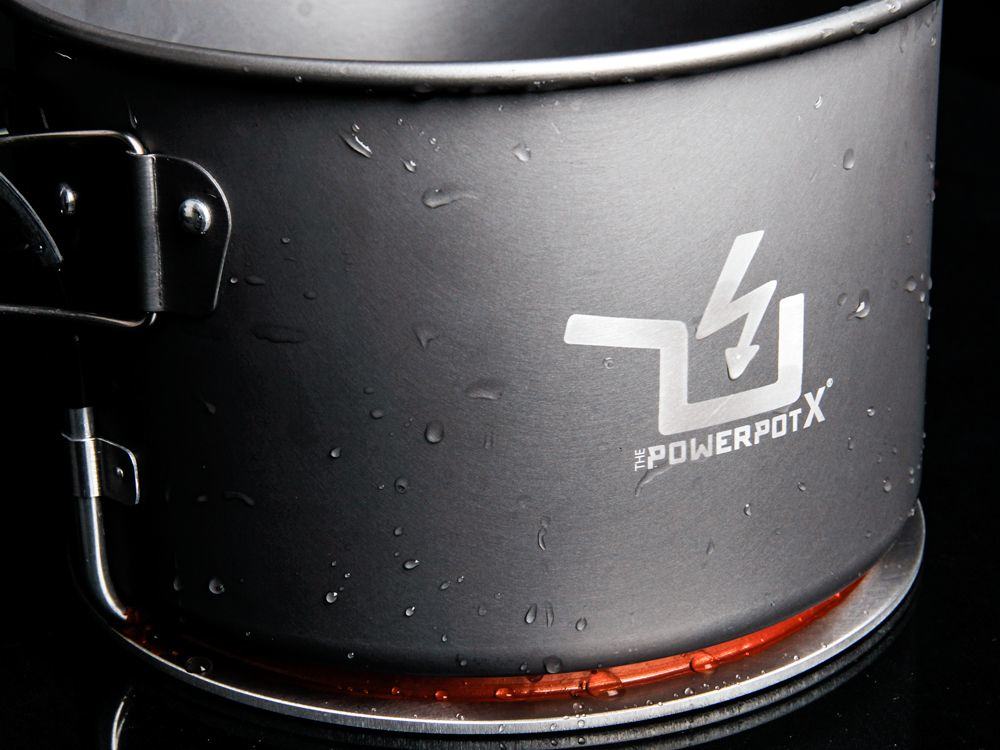
The upcoming newest member of the latter group, the PowerPot X (that “X” is a 10, btw), can even charge an iPad.
Spicy Horse Games (Akaneiro), the studio spearheaded by American McGee (American McGee’s Alice), and DeNA (owner of mobile games studios Mobage and ngmoco;), announced today that iOS game The Gate is now ready in the App Store for iPhone, iPad and iPod touch.
Originally titled Hell Invaders, The Gate is an innovative mashup of a game that brings a digital collectible card game together with the fun of a real-time strategy (RTS) game into one beautiful package.
I don’t get around much anymore. After moving back to San Francisco from Milan a couple of years ago, most of my jaunts are to and from the Cult of Mac offices in the Mission, which is exactly 3.8 miles from my house. I know the precise distance thanks to Google Maps, which I consult in oracle-like fashion on my computer (and iPhone) since it tends to accurately predict how much misery the trip will involve at any particular time.
At first, determined to take public transportation, I downloaded NextBus, the transit app tasked with telling riders when, you know, the next bus will trundle along to the corner stop. It worked well, until it didn’t (NextBus: 13 minutes. 10 minutes later, it’s 19 minutes. Then it’s 13 minutes again) and the capriciousness of it pushed me into buying a secondhand Vespa. Now I simply calculate whether it’s worth slaloming in traffic or sliding down the less-trafficked hills to get to work.
Starved for adventure, when the chance came to go to Hong Kong, I loaded up my iPhone with paid guidebooks, magazines, maps and a dictionary or two. (When I first hit the States, my phone was a Nokia whose sole killer application – and it was pretty great – were those pre-loaded maps.) I even went a little app-happy, causing my Visa card to trip the “possible fraud” alert due to iTunes purchases.
What did I actually use on the trip? None of the stuff I paid for. Evernote (free version) held all the tips from people about navigating the fragrant harbor — including the address for Shoeman Lau, where I got some beautiful kicks — and every single branch of Din Tai Fung for a daily dumpling fix.
The free, English version of the Metro app is geared towards tourists and proved key for trip planning, maps and general sightseeing. Google Maps helped locate places for restoration during the most strenuous shopping trips. Hootsuite (also the free version) let me communicate with my travel partners when we got separated through direct messages over Twitter. And the free restyled version of the Associated Press app was about all I had time for in terms of reading material.
If you’re like me, you hate buying stuff that you don’t use — and can’t even pass along to someone who might be interested in a Cantonese-English dictionary thanks to those DRM shackles.
In view of the upcoming holidays — and maybe a beach or ski vacation to recover from all that enforced family time? — we sounded out dozens of people who travel extensively for a living to find out what they cannot live with out on their iPhones as they navigate domestic and international trips.
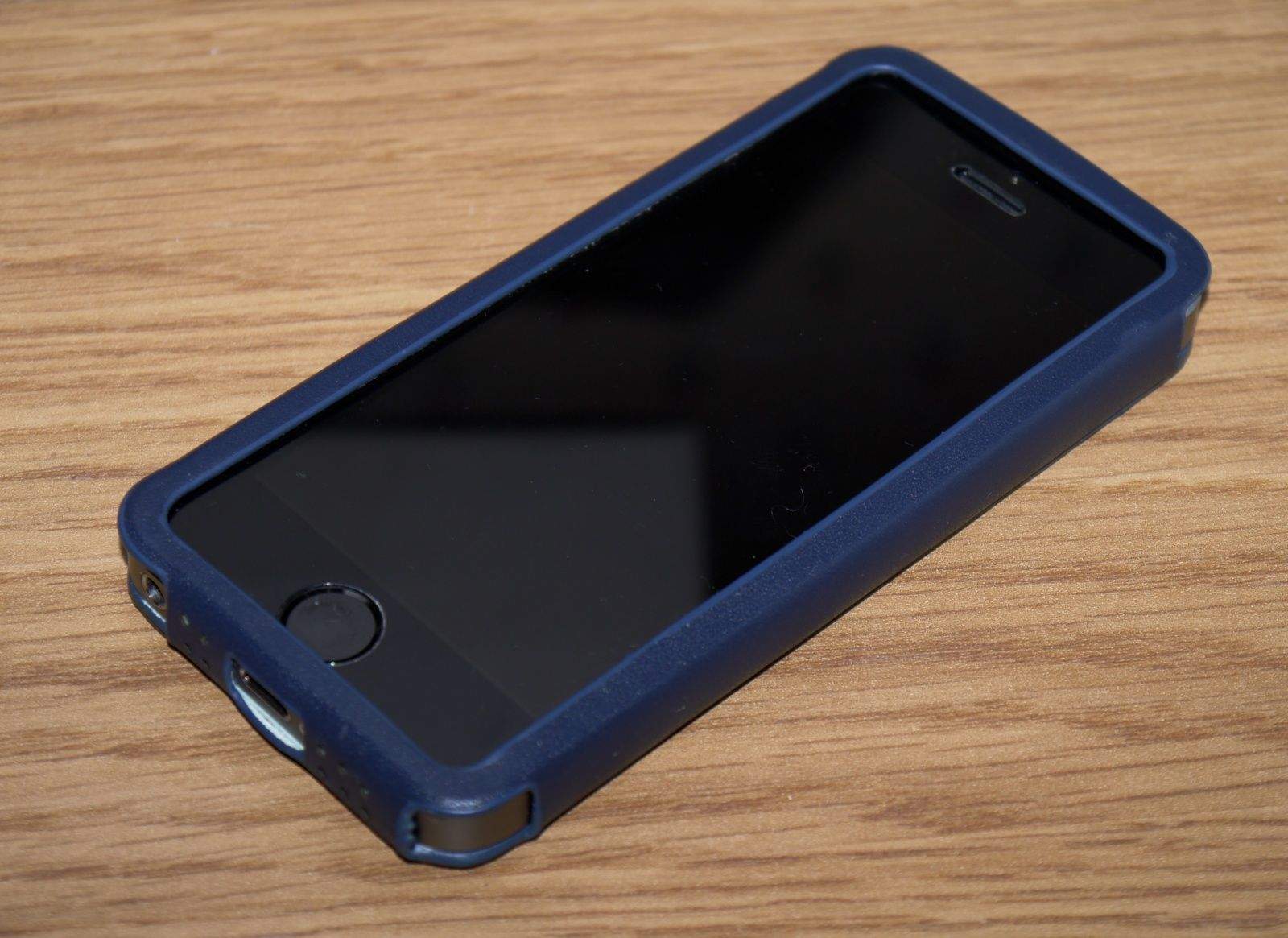
It’s not a folding case like Twelve South’s iconic BookBook, but rather a sleeve that your iPhone slips into that has a large hole in its front for your display, and a little pocket in its back for your credit cards.
It’s an ideal alternative for those who like to keep things simple and don’t want to have to deal with flappy front covers when using their smartphone. It makes everything easy to get to, and it doesn’t cover up any buttons, ports, or speakers.
The Wall St fits both iPhone 5 and iPhone 5s (there’s another version for iPhone 5c, too), and it’s available in a number of pretty colors, including brown, blue, orange, and red. It costs $34.95, so let’s find out whether it’s worth it.
Spend some time with physics-puzzler, Drei, and you’ll get a first-rate gaming experience on your iPad.
Spend a little more of that precious time with this game, and your faith in humanity just might be restored.
That’s the idea here with this innovative game: work to solve puzzles together with an another anonymous player somewhere in the world, and remind yourself that we’re all interdependent.
Maybe that’s a good idea, considering all the things we need to work together to solve in real life.
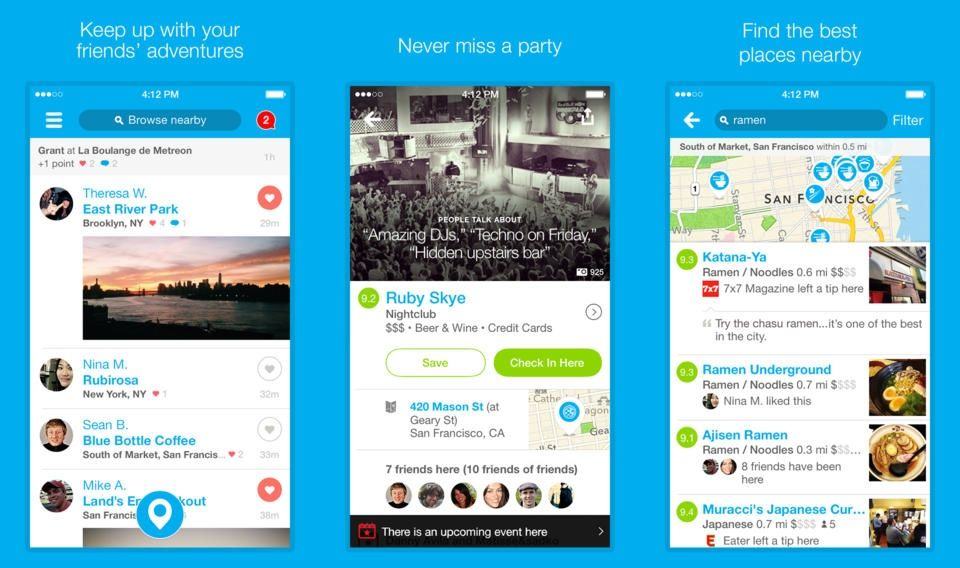
Foursquare released a new update for its iPhone app today that finally brings the app in-line with iOS 7’s new white and minimal UI along with some new enhancements that make the app more socially aware than ever before.
Now that you’ve played a game about making games to death (Game Dev Story)why not move on to conquer the world of Rock and Roll? Band Stars is another in the long line of simulation/micromanagement games that boils the creation process down to statistics and creativity points. The difference here is that you’re running a band rather than a company.
Band Stars by Halfbrick Category: iOS Games Works With: iPhone, iPad Price: Free
If you’ve played any creation sim before, you’re likely familiar with Band Stars’ format. You start by creating your band from a basic set of characters then can hire more as you can afford them. Characters have unique stats that determine how useful they are in the recording process, and you can increase those stats through training.
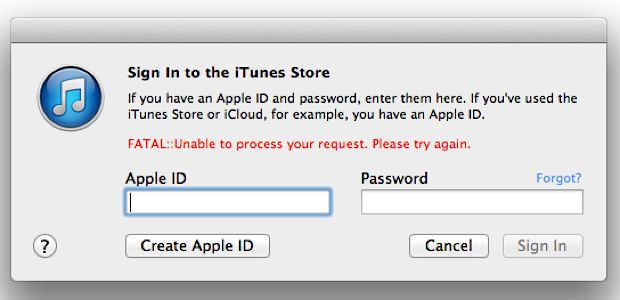
iTunes users across the country are reporting an issue Apple ID being unable to log them into iTunes to make purchases or access previous purchased. A wave of Apple customers have taken to the online support forums over the past 12 hours to complain about a that is preventing users from being able to log in to iTunes.
When trying to sign in to the iTunes Stores the bug pitches back an error that reads “FATAL::Unable to process your request. Please try again.” Unfortunately the error isn’t limited to just desktop iTunes users, as many iPad and iPhone owners are having the same sign in problems.
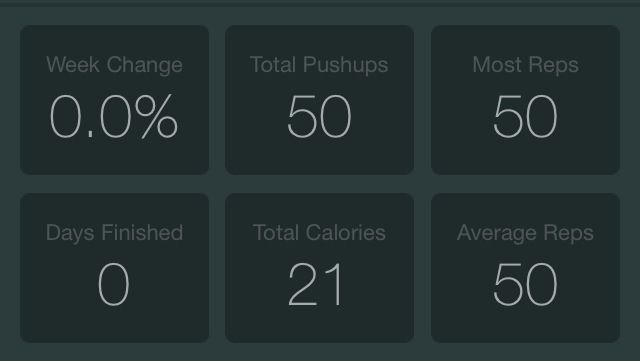
Recently, I realized that I didn’t even want to look at myself without a shirt on. So I downloaded the new official 100 Pushups app, and it claims it can do something about this whole … situation I have going on here. It’s a six-week program with three sessions per week, and it will send you reminders so you don’t “forget” to exercise. First you show it how many pushups you can do, and then it assigns you to a Beginner, Intermediate, or Advanced program. Somehow, I’m not so out of shape that I didn’t qualify for the Advanced tier.
Numerity by Zedarus Games Category: iOS Games Works With: iPhone, iPad Price: $0.99 (promotional price down from $1.99)
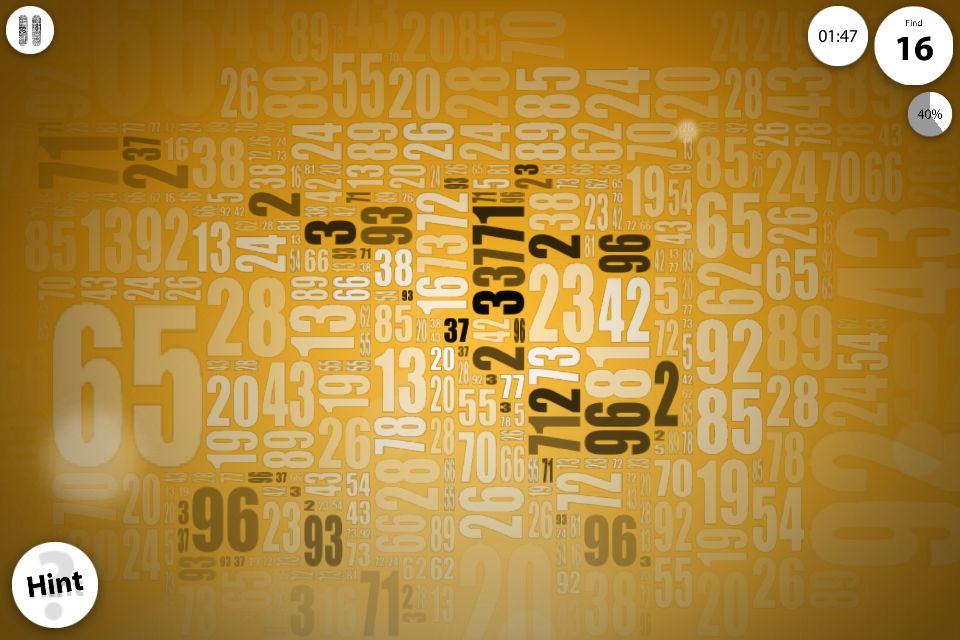
After about 10 minutes with the hidden-number game, I thought it was ridiculously easy and almost insulting. All the game was doing was showing me numbers, and then I’d find them in the onscreen jumble and tap them until they formed a picture of Charlie Chaplin or Marilyn Monroe. It took about a minute for each puzzle, and I was ready to give it up then and there.
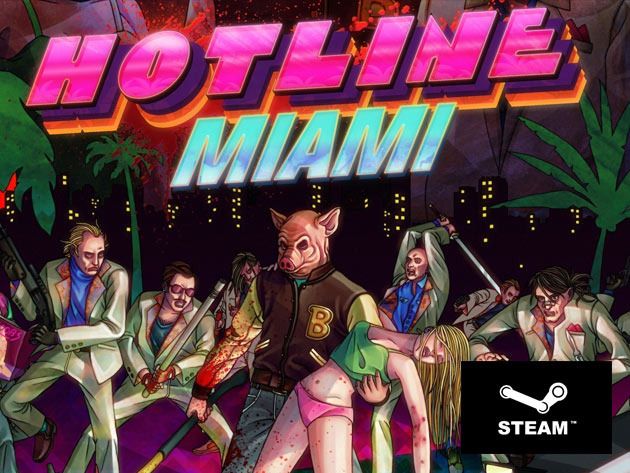
Miami, 1989. You receive a mysterious voicemail on your answering machine – and before you know what’s going on, you’re covered in blood standing over a slew of mangled bodies. This is only the beginning.
Hotline Miami is a high-octane action game overflowing with raw brutality, hard-boiled gunplay and skull crushing close combat. Set in an alternative 1989 Miami, you assume the role of a mysterious antihero on a murderous rampage against the city’s criminal underworld. And Cult of Mac Deals has at the low price of $4.99 during this limited time offer.
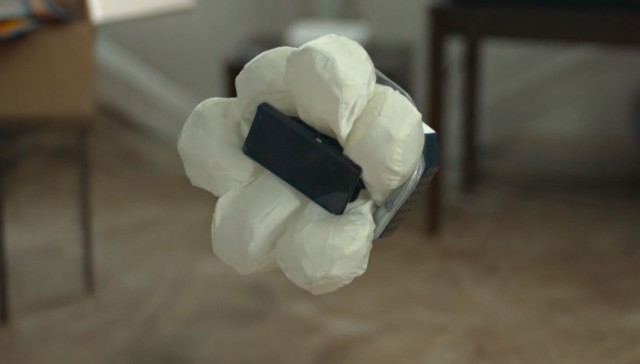
What happens when you’re so clumsy that not even the most protective cases on the market can prevent you from damaging your smartphone? You give it an airbag, of course.
That’s what Honda did. The company has built a concept smartphone case with a built-in airbag that automatically deploys in mid-air when you drop your device, keeping it from smashing into tiny little pieces on the hard ground below.
AT&T’s new Mobile Share Value Plans are now official, and they’re not only going to save you cash on your data, but they’re going to make your monthly rates even cheaper if you already own a cellphone and you’re happy to hold onto it.
The plans are designed to help AT&T be more competitive against new offerings from T-Mobile and Verizon, and they’ll be available starting this Sunday.