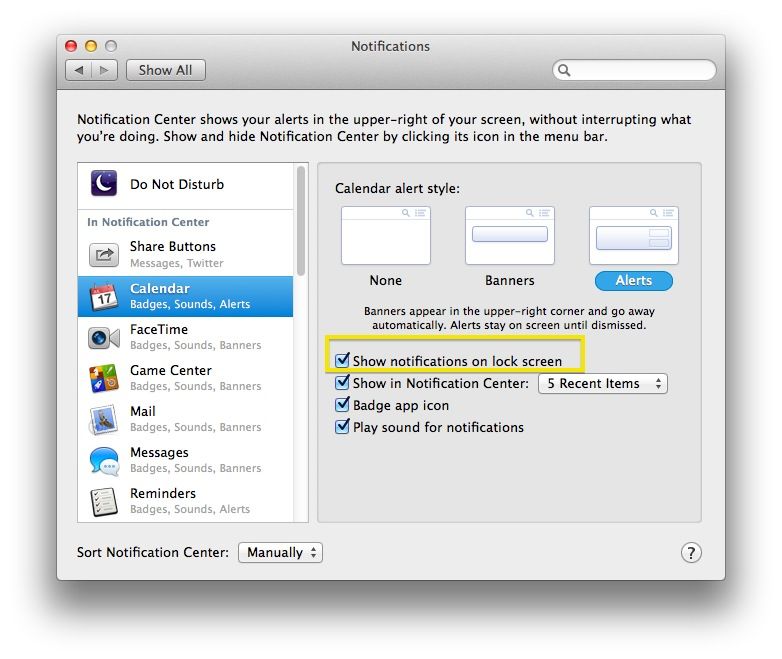
You may know that your Mac can send you notifications via the native Notifications Center, introduced in OS X Mountain Lion. You can get notified via a pop up badge or alert window for various activities, like iMessages, Calendar events, FaceTime calls, or Game Center achievements, just to name a few.
In Mavericks, you can even get these messages when your screen is locked with a password via the Privacy system preferences option. Your notification alerts will show up on top of your lock screen.
But what if you want to preserver your privacy when you lock your Mac’s screen but you don’t want to enable Do Not Disturb mode?