Your website is often the first interaction customers have with your brand, and effective user experience can boost sales, bolster conversion rates, and improve customer satisfaction. Don’t you owe it to yourself to know how to implement it?
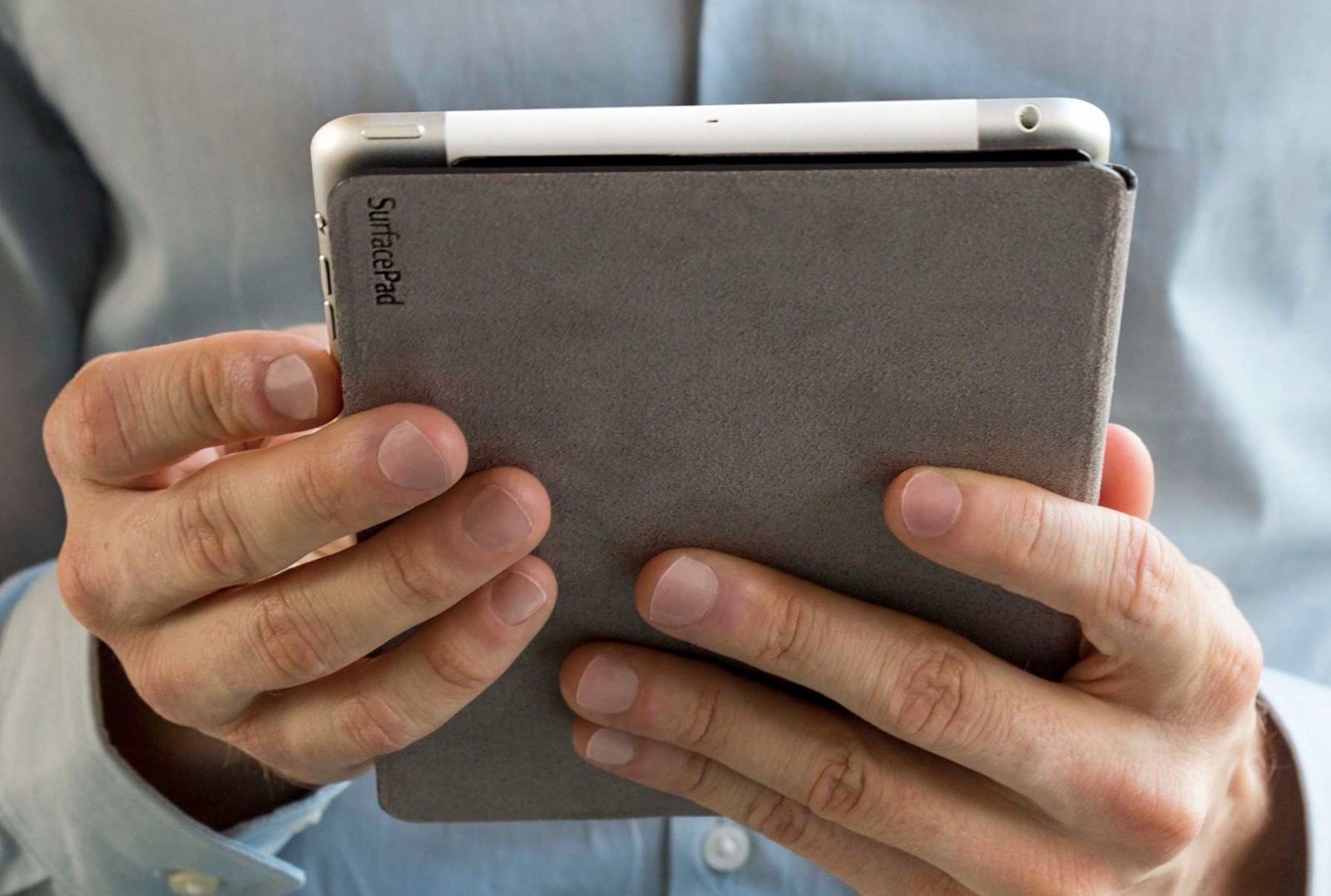
The fine folks at Twelve South have brought the popular SurfacePad case to the iPad mini. The cover is made from Napa leather, and it bends to form a viewing stand or typing wedge.
One of the coolest design aspects of the new SurfacePad is how the iPad mini is held in place when upright. Instead of resting the iPad in little leather notches like most bendable cases, the edges of the iPad are secured by invisible magnets.
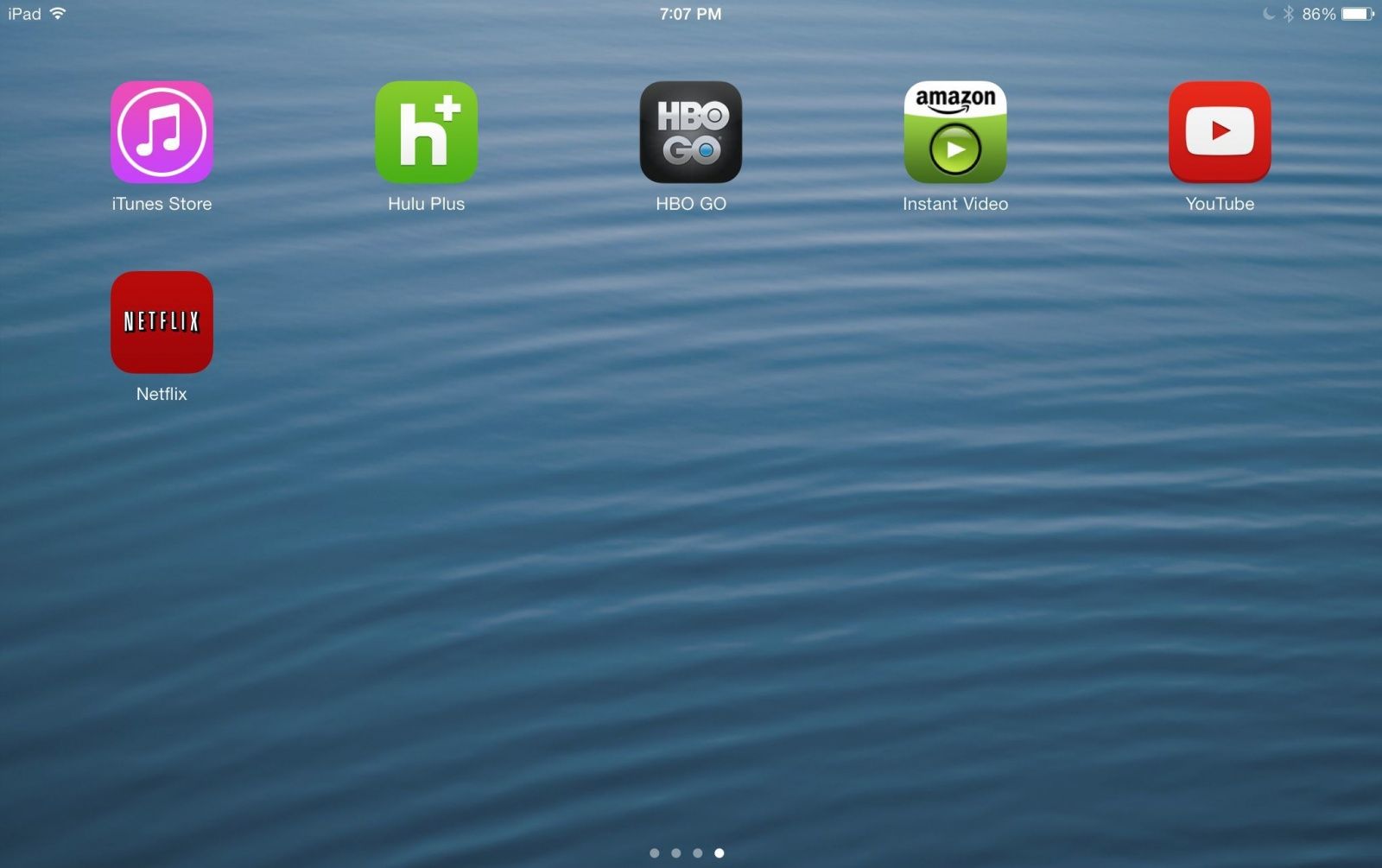
Twenty years ago, if someone had told us we’d be streaming our favorite shows from the internet legally, we would have scoffed at them and disregarded it, never mind how the speed of broadband internet has changed the way we live our everyday lives. Roll on to the last couple of years, where media streaming services such as Netflix and Hulu Plus have taken over and the days when we sat in front of the television flicking through 57 channels with nothing on are no more. Now there’s a whole host of entertainment right at the tap of a button, and we literally have to make no effort to leave our seats as these services take over our smartphones, tablets and electronic devices in a huge way.
But which service to pick? We’ve researched every possible choice out there, engaged in some elaborate hands-on testing, and narrowed down the extensive list to one reigning champion. If you look at the table below, it becomes fairly obvious that each media streaming service provider excels in some aspects but lags behind in others. By comparing each feature, it became much easier to narrow down the overall ultimate media service app.
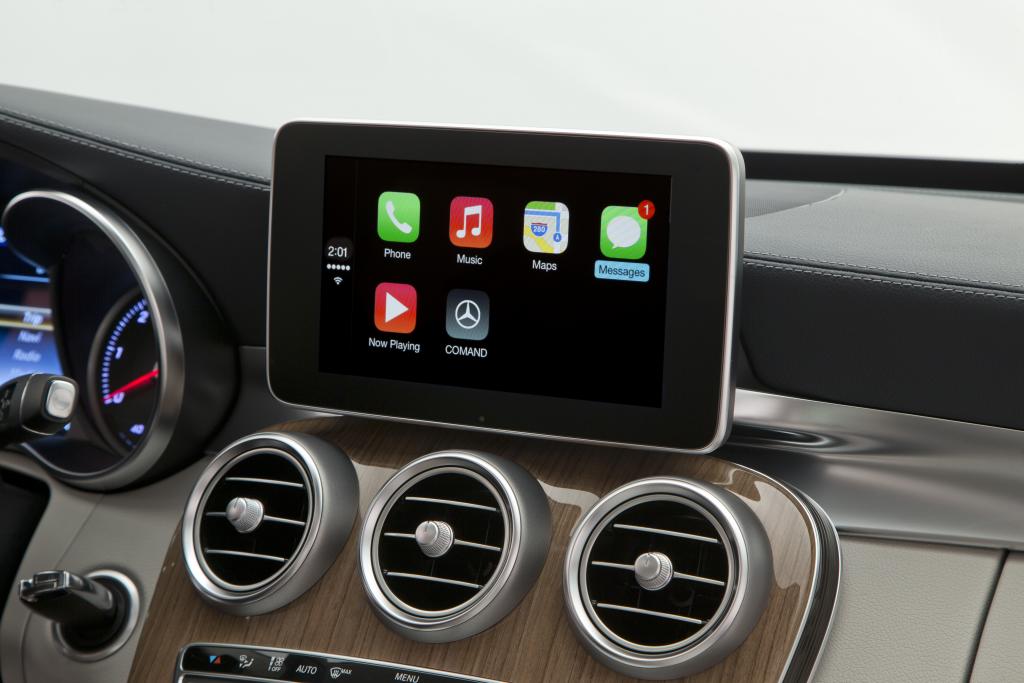
Apple designed CarPlay “from the ground up” to be the future of car dashboard systems. And while technology is still based on iOS, how it communicates with the car is another matter. CarPlay utilizes QNX, the leading platform in the growing “infotainment system industry” that is owned by none other than Blackberry.
Apple is listed as a partner on the QNX website. QNX runs the embedded systems in many vehicles, including luxury brands Apple has associated CarPlay with, like Mercedes.
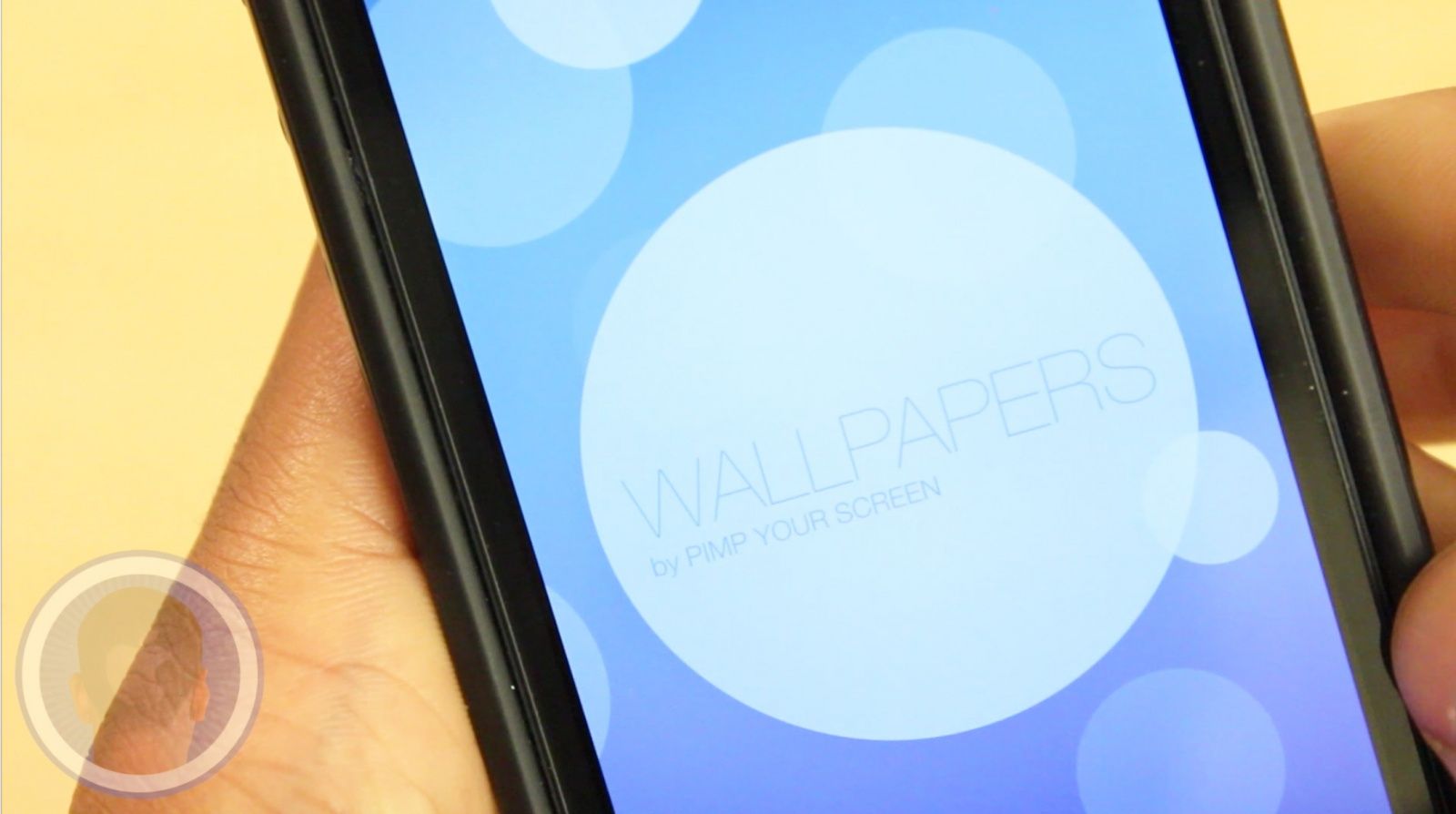
The more and more we use our devices daily, the easier it is to become tired of them. In the effort to rejuvenate your experience with your device, changing your wallpaper can make a big difference. From the developers behind the hit app “Pimp Your Screen” is a new app called Wallpapers for iOS 7 that can give you access to tons of great wallpapers right away. Are you ready to love your device again?
Take a look at Wallpapers for iOS 7 By Pimp Your Screen and find out what you think.
This is a Cult Of Mac video review of the iOS application Wallpapers for iOS 7 By Pimp Your Screen brought to you by Joshua Smith of “TechBytes W/Jsmith.”
Ferrari chairman Luca di Montezemolo and Apple's Greg Joswiak at the Geneva Motor show
Yesterday Apple announced CarPlay, and we’ve already seen the software working in Volvo and Mercedes-Benz vehicles. Apple’s head of iOS marketing, Greg Joswiak, took the stage with Ferrari at the Geneva Motor Show to unveil CarPlay in the Ferrari FF, the world’s fastest four-seater.
CarPlay is launching this week with Ferrari, Mercedes-Benz, and Volvo on board. Apple says more partners are coming later this year, including BMW, Ford, Kia, Land Rover, Nissan, and Toyota.
Let’s just first say that you all are awesome. We had over 300 entries in last week’s Cult of Mac Magazine photo contest, in which we asked for photos taken with an iPhone that exemplified the topic word, “silver.”
Y’all filled up our Twitter and Instagram feed in spades. Well done!
We don’t have space to print all gajillion photos here in Cult of Mac Magazine, though, so we narrowed things down to our favorite ten submitted photos, with the top three there at the end of our list.
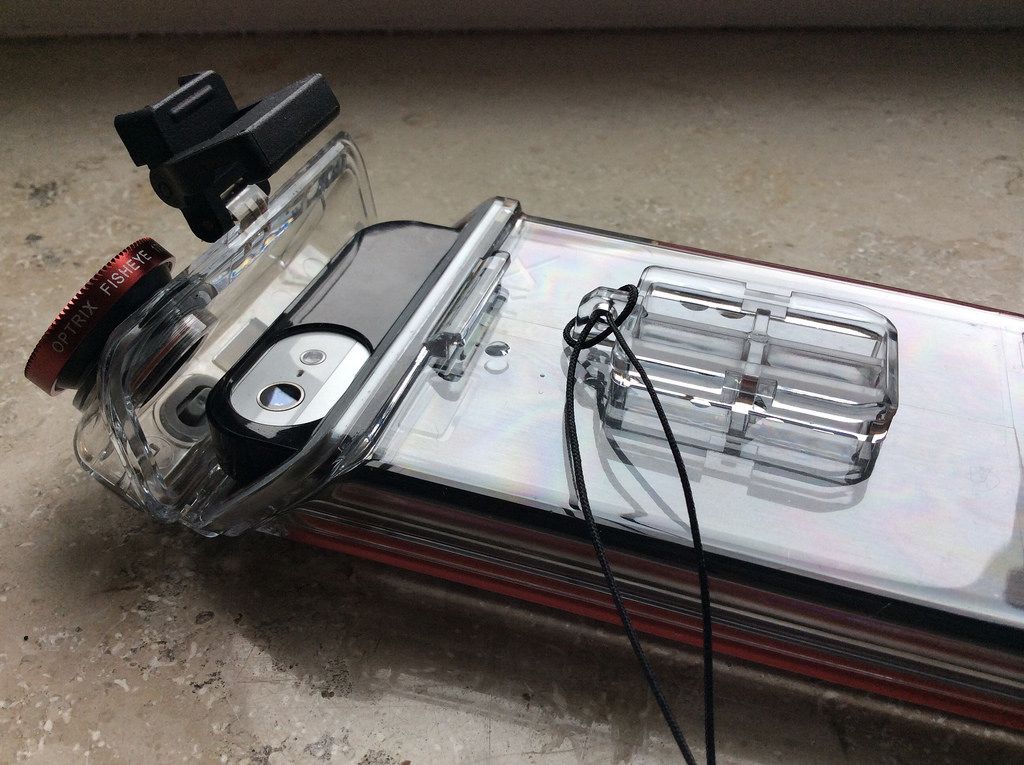
PhotoProX byOptrix Category: Cases/photography Works With: iPhone 5/S Price: $150
A waterproof case for your iPhone is more fun than you might think – especially one that is designed to fit onto any of a zillion different action mounts. And a waterproof case for your iPhone that also comes with a box of interchangeable lenses is even better.
Last summer I used a Griffin case to take photos in the pool, kayaking at the lake and in many other places I would never usually take a phone, let alone a camera. That case broke (thankfully not when it was submerged), and also took bad pictures thanks to the cheap plastic window over the iPhone lens.
The Optrix PhotoProX has no such problem, thanks to the proper, screw-on lenses. And its no slouch as a case, either. In fact, I’d say that not only is it the best waterproof iPhone case I’ve tested, it’s the best rugged iPhone case I’ve tried, too.
iOS 7.1 has already been expected to drop this month, and now a more specific timeframe has been given by Daring Fireball’s John Gruber. According to Gruber’s source, iOS 7.1 will be required to stream Apple’s SXSW iTunes Festival from its dedicated app.
Since the festival begins in a week on March 11th, that means iOS 7.1 should be released “any day now.”
The fifth developer beta of 7.1 was seeded a month ago, and Apple released iOS 7.0.6 with bug fixes a couple of weeks ago.
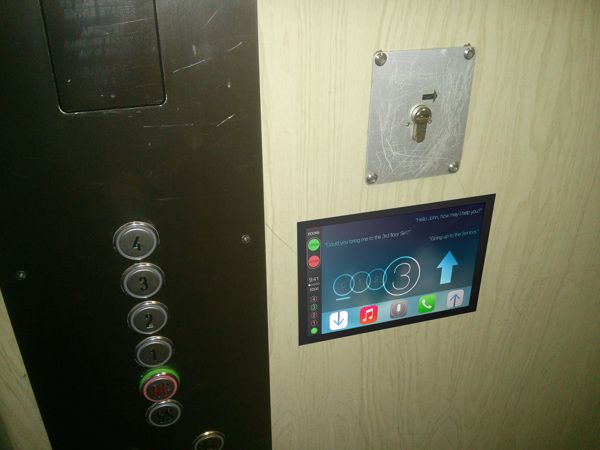
Apple finally revealed its CarPlay system yesterday that brings iOS access to your car’s dashboard. Some suburbanites rejoiced at a new rush-hour-infotainment center – especially those who can afford a Ferrari or Benz — but if you’re a car-less city slicker iOS in the elevator would be a hell of a lot more useful.
This ‘iOS in the Lift’ mockup was created as a joke by a Behance user, but after thinking about it, a dash of iOS would go great in tons of other things too, like showers, the subway, a hotdog stand, you name it.
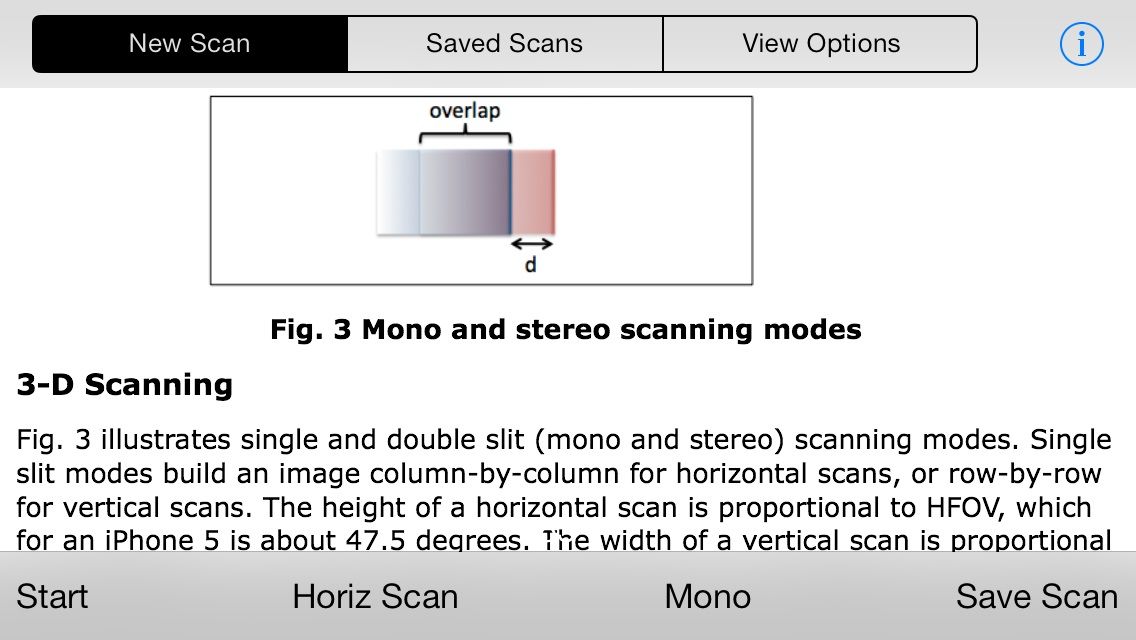
It works a lot like the panorama function on your iPhone’s camera, but you can capture a complete 360-degree image either horizontally or vertically by spinning in a circle or rotating your phone up or down. When you look at the instructions, it all gets very technical, but once you work with it for a little while — and maybe rig something up to keep your phone still — you can get some really good results.
You can also scan in “stereo mode” and make 3D pictures, but that’s just showing off, GyroScan.
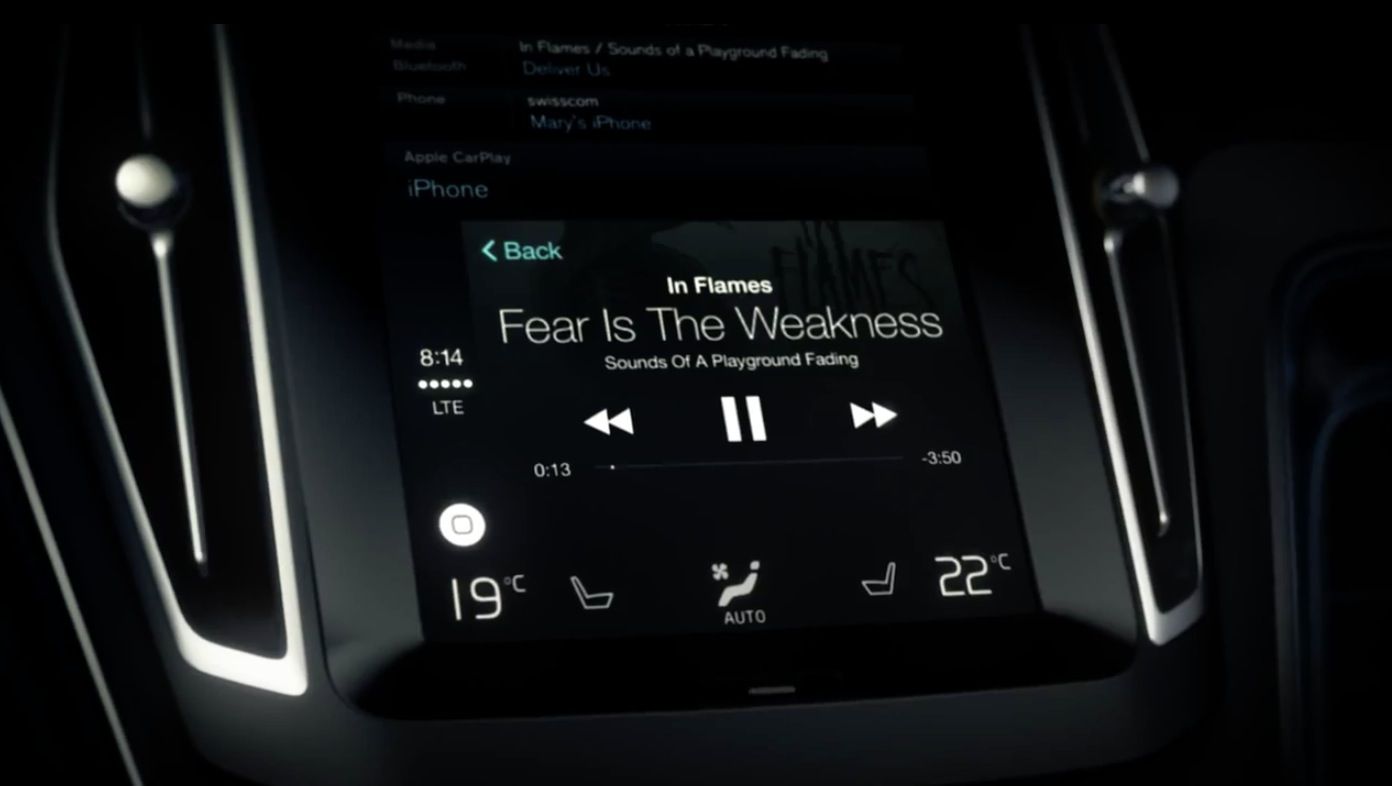
Spotify is one of the select launch partners for Apple's CarPlay. (image courtesy of Volvo)
This week Apple announced CarPlay, a rebranding of ‘iOS in the Car’ from WWDC last summer. The software is an extension of iOS that is designed for hands-free use of Siri, Apple Maps, Phone, Messages, and services like iTunes Radio.
While Apple’s focus with CarPlay is clearly on its own apps and services, the company has chosen to launch with four “select third-party audio apps.” It’s good news for the chosen four, but how Apple plans to work with other developers on CarPlay integration in the future remains unclear.
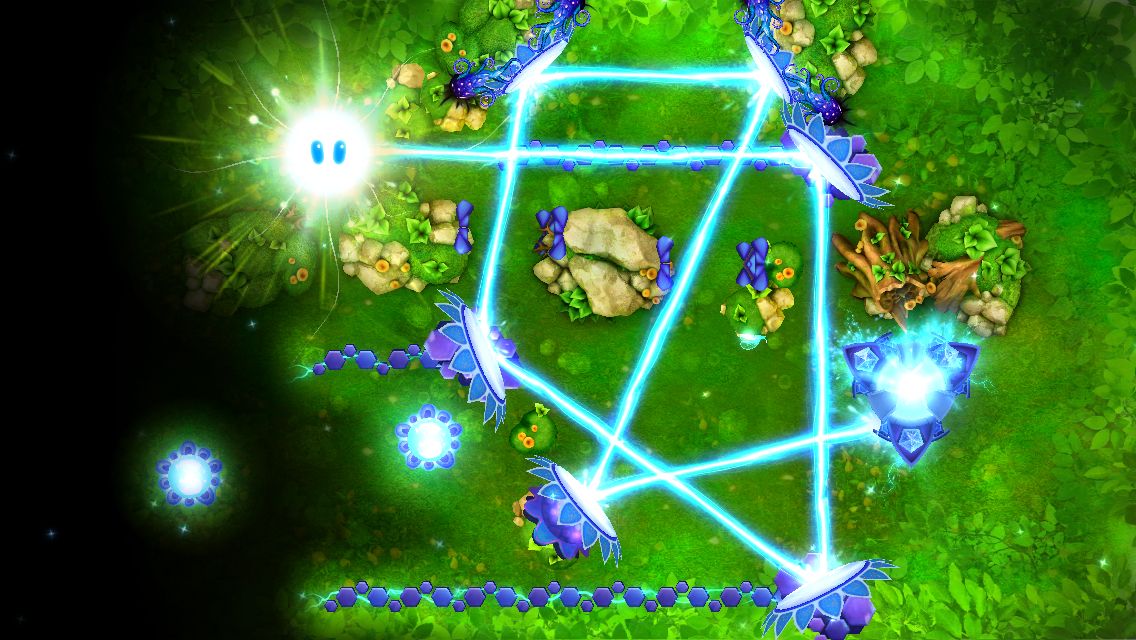
God of Light has a simple, fun concept. It has pretty graphics and some cool music by British electronica outfit Unkle. And it has realistic light physics. And all of these are great, but a lot of games look and sound good.
God of Light by Playmous Category: iOS Games Works With: iPhone, iPad Price: $1.99
But God of Light is special because in addition to all of these good qualities, it also offers something else: a meditation on what puzzle games are, what they do, and how and why we play them.
And the best part is that the developer accomplishes this not by telling us, but by building all of these qualities into the gameplay and mechanics.
Assassin’s Creed has become a successful game franchise for good reason. It features a free-flowing, ninja-style parkour and open-world environment that is exectued expertly and privdes hours of gaming fun for players. And Cult of Mac Deals has an offer that’s going to satisy the most ardent of fans.
The Assassin’s Creed: Brotherhood Mac Bundle gives you two installmetns of the popular franchise, sporting the incredible graphics and free-flowing gameplay you know and love…and all for just $14.99!
Apple has today announced thatPeter Oppenheimer Apple, its senior vice president and chief financial officer, will retire at the end of September after 18 years with the Cupertino company. Oppenheimer will transition the role of CFO to Luca Maestri, Apple’s current vice president of finance and corporate controller. If you’re wondering aboutPeter Oppenheimer now, you can learn more about his career and contributions to Apple.
French urban artist Invader — whose work appropriates the pixelated look of 8-bit video games — just unveiled a giant piece of street art in Paris depicting the iconic pipe-dodging avian itself.
For readers in France, the piece can be checked out at 81 Rue De La Boetie.
The successor to the iPhone 5c is nearly here. Photo: Apple
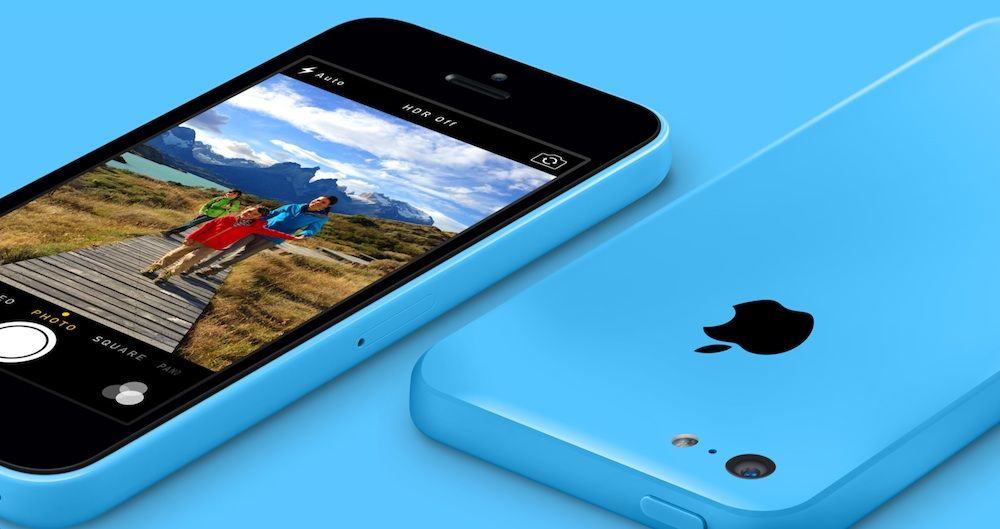
Are people not buying the iPhone 5c because its colorful exterior selling point is rendered useless by the fact that most people keep their iPhones in cases?
That’s one of two theories put forward by Piper Jaffray analyst Gene Munster, who is the latest person to suggest that the iPhone 5c isn’t doing too well in the marketplace.
According to 1,003 consumers polled last week by Munster, just 6% of smartphone buyers plan to pick up an iPhone 5c — down from 9% in December.
Developers Tabasco Interactive have released the trailer to their new game Star Horizon.
A gorgeous on-rails shooter, with a $3.99 asking price and no IAP, Tabasco has submitted the game to Apple, and is hoping to launch it on March 20.
You play as John, a disenfranchised human pilot whose ship is controlled by Ellie, an Artificial Intelligence which is programmed to help pilots stay mentally strong throughout combat and and which cannot kill human beings. After being placed into hibernation for 1,000 years John must discover what has happened to the galaxy and try his best to save it.
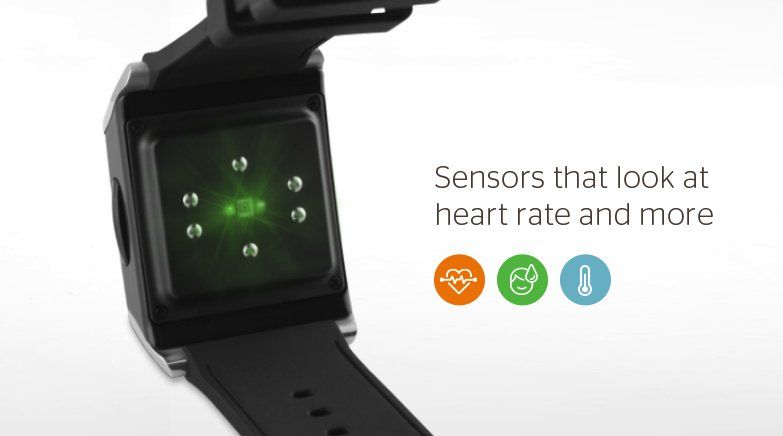
Intel has reportedly acquired wristwatch health tracking company Basis Science for between $100 – $150 million.
Basis — which was allegedly shopping itself around to potential buyers including Apple, Google, and Microsoft — currently occupies around 7% of the market with its Basis Health Tracker Watch, versus competitor Jawbone’s 21%.
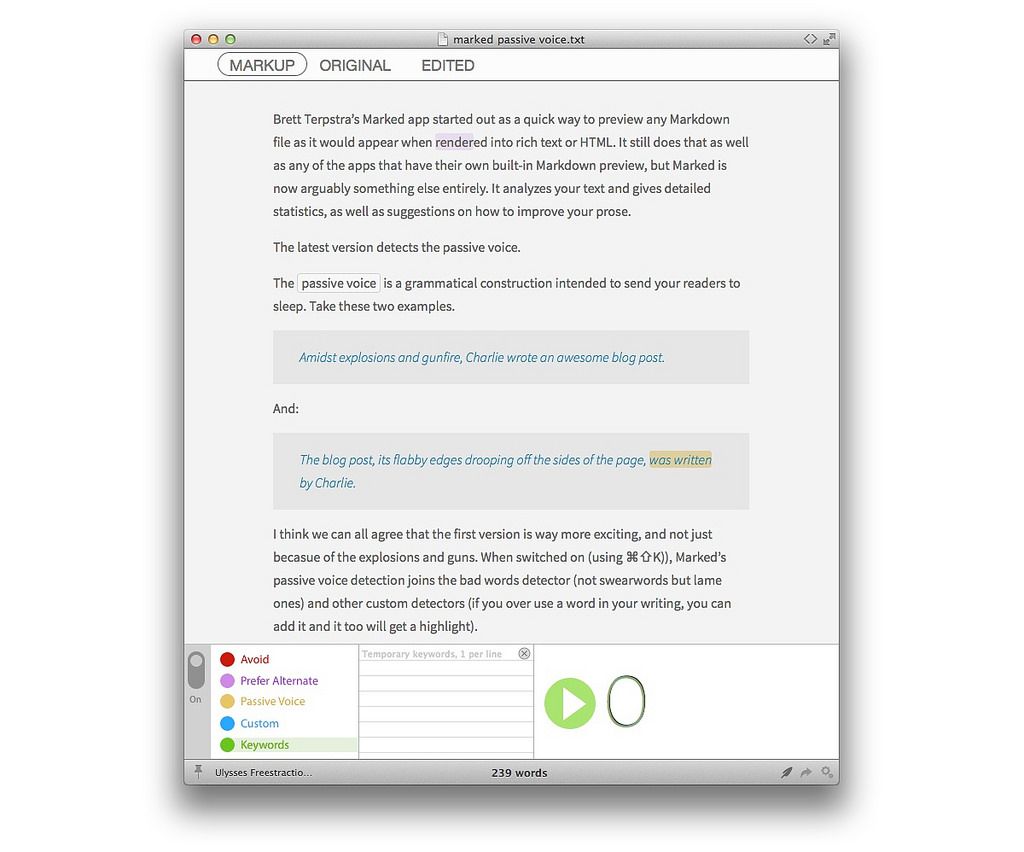
Brett Terpstra’s Marked app started out as a quick way to preview any Markdown file as it would appear when rendered into rich text or HTML. It still does that as well as any of the apps that have their own built-in Markdown preview, but Marked is now arguably something else entirely. It analyzes your text and gives detailed statistics, as well as suggestions on how to improve your prose.
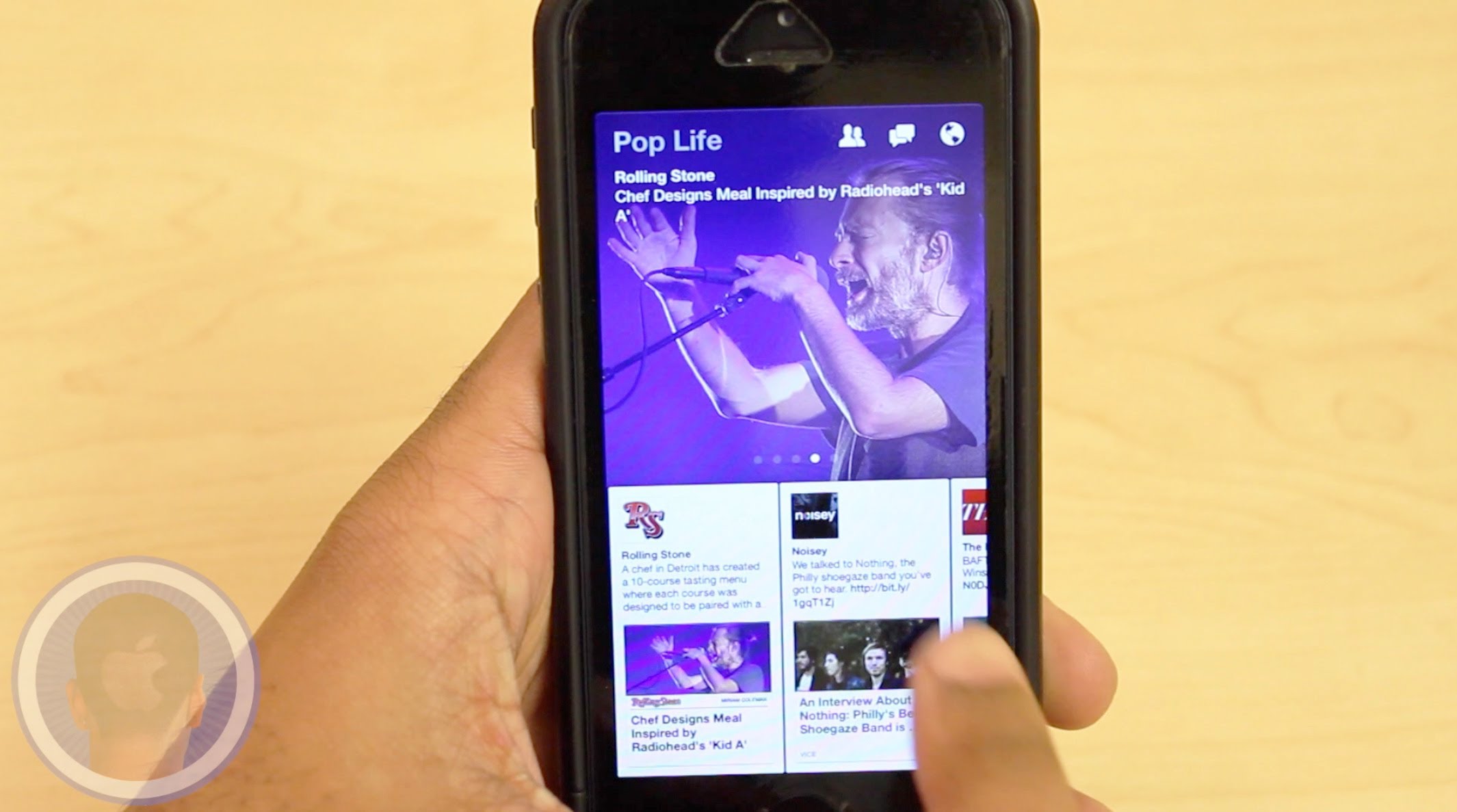
One month after being launched, Paper – stories from Facebook has received its first significant update.
The addition allows users to share articles via Facebook Messages, text message, or email, as well as create stories in languages that use multi-stage input, including Chinese, Japanese and Korean.
There’s also the possibility of turning off sound effects to “enjoy the silence,” alongside a variety of other improvements designed to make Paper more reliable.
Back in the 1980s, and probably continuing into the 1990s, every neat gadget was shoehorned into a credit-card-shaped form factor. Magnifying glass? Credit-card-sized. Vinyl record de-duster? Credit-card-sized. And so on.
The Jumper Card continues this excellent heritage by putting a Lightning charger, a 30-pin dock connector and a microUSB charger into the same credit-card-sized package, ready to be slipped into your pocket. But not your wallet, because, like all “credit-card-sized” gadgets, this one is way too thick.
Deaths leave behind a gruesome remind of what came before
Arguably the App Store needs another ninja game like it needs another Flappy Bird clone. So what does the boldly-titled Epic Ninja Game offer that you don’t get from, say, Clumsy Ninja or Ninja Chaos?
Epic Ninja Game by Mathieu Roy Category: iOS Games Works With: iPhone, iPad, iPod Touch Price: $1.99
To start answering that, let me explain a bit about the retro-styled platformer that is Epic Ninja Game. You play an unnamed ninjitsu who, waking up in a mysterious laboratory stripped of his magical ninja powers (!), has to travel through multiple stages to regain them.
At your disposal from the start are jumps and an endless supply of shurikens, but as you make your way through the game this expands to include an unlikely assortment of jet packs, invincibility power-ups, and laser eyes.
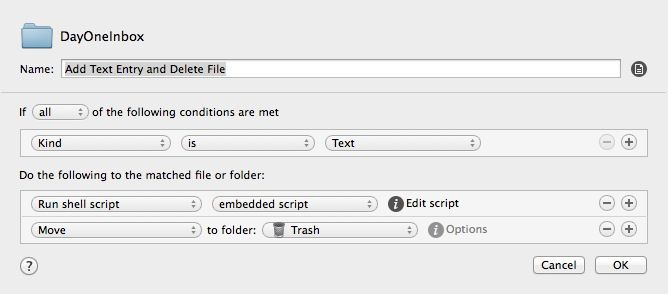
This very clever trick from Poor Signal lets you add anything you like to your Mac’s Day One journal app using IFTTT (It This Then That), Hazel and – of course – Day one. And becasue Day One syncs with your iPad, it’s available there, too.
What can you do with this? You could automatically add all your Instagram photos to your journal, pipe in a weather forecast (although Day One does that by itself these days), items from an RSS feed, your heart rate (via Withings’s IFTTT channel), or anything else.
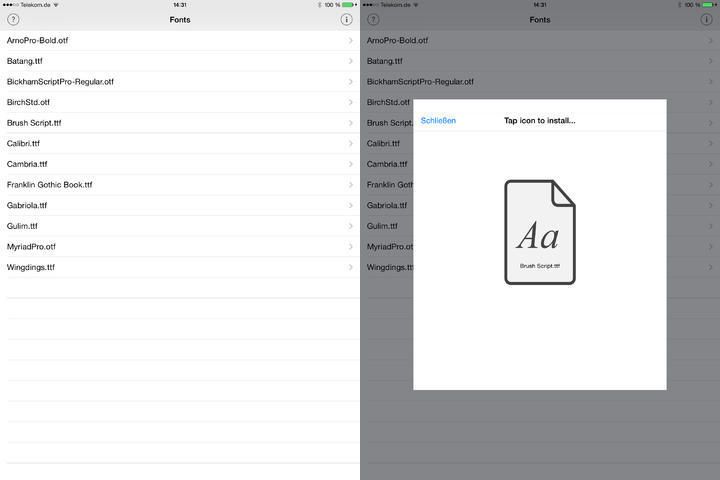
What? Yes. AnyFont is a proper, available-in-the-App-Store iOS app that lets you install fonts system-wide, for use by any app that allows access to the full list of iOS system fonts. How does it manage this sandbox-skipping magic? Installation profiles.