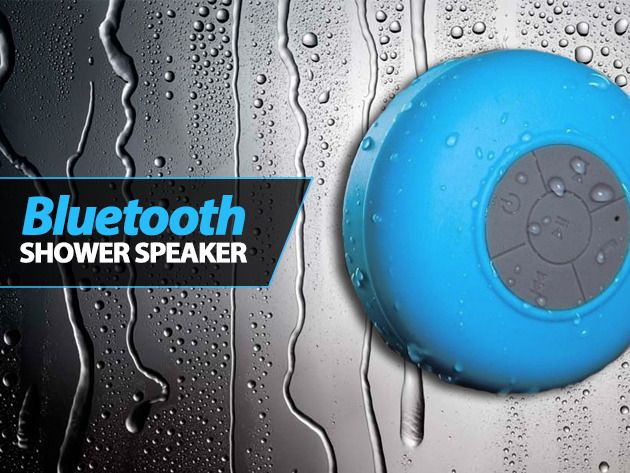
Who doesn’t love jammin’ out in the shower?
Well, The Bluetooth Shower Speaker syncs up with your iPhone, Android device, iPad, or home computer – and can be played up to 10 meters away from your device. And Cult of Mac Deals has it for only $39!
Who doesn’t love jammin’ out in the shower?
Well, The Bluetooth Shower Speaker syncs up with your iPhone, Android device, iPad, or home computer – and can be played up to 10 meters away from your device. And Cult of Mac Deals has it for only $39!

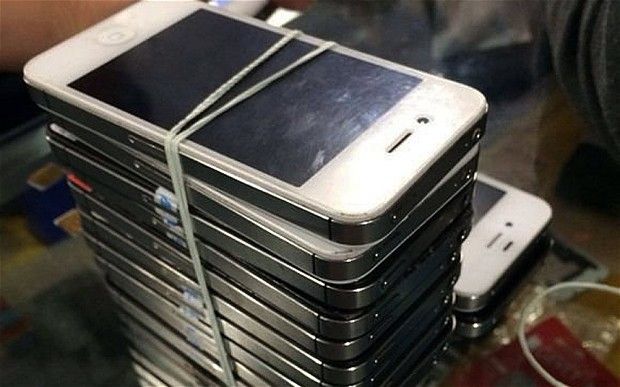
The Telegraph newspaper brought to light this week an apparently widespread practice in China in which broken old iPhones are stripped for parts, and functioning iPhones are built with those parts.
The newspaper called it a “scam,” because the sellers of such phones often lie and say they’re new. And in fact that is a scam.
Our own Buster Heine calls them “Frankenstein iPhones,” and that’s a monstrously good name for it.
But I call the general idea of a large-scale refurb effort one of the best ways to improve the environmental impact of a dangerously irresponsible industry.

Teenage developer Ryan Orbuch already has an Apple Design Award under his belt thanks to Finish, his popular to-do app that’s billed as an anti-procrastination tool. Today Finish is going free in the App Store for good, but there’s a catch.
That’s right, here comes the “f” word: freemium. Users will be limited to 10 tasks and certain times can’t be associated with tasks until a $0.99 in-app upgrade is made to unlock Finish More. Calling it Finish Pro is “boring and sounds way too fancy,” according to Orbuch. Existing users won’t have to pay for the in-app upgrade.
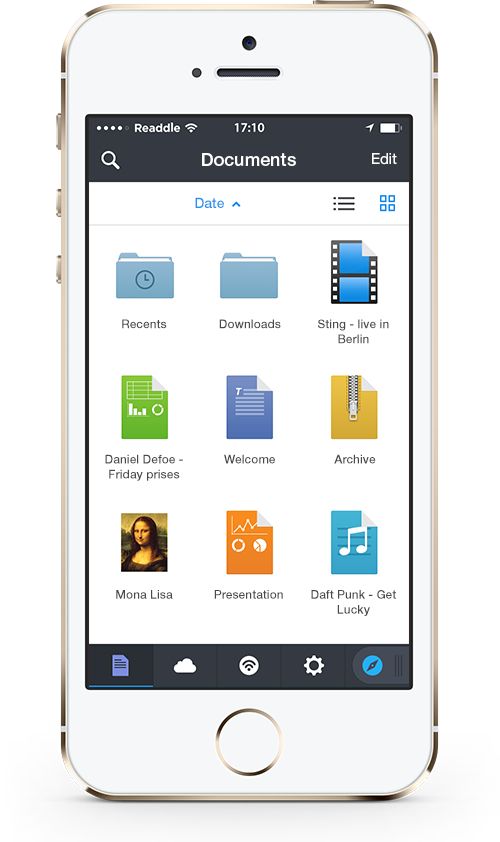
This past week Readdle released Documents 5, the big iOS 7 redesign of their popular document manager. The download is a free update to existing users, and it brings a much-needed design refresh and several feature additions.

Apple has been in talks with record labels about releasing more albums exclusively through the iTunes Store, similarly to how Beyonce released her self-titled album in December.
According to Billboard, Apple’s VP of the iTunes Store, Robert Kondrk, had “tense” talks with label executives in January during Grammy Week in Los Angeles. Kondrk used the success of the BEYONCÉ album as evidence when arguing for the new iTunes Store model.
This time on The CultCast: hipsters have beards installed; the mysterious life of Timothy Cook; exciting rumors around the new Jobs movie; Mavericks 10.9.2’s features and fixes; why you should install iOS 7.0.6 like, right now; Netflix pays off Comcast; and we’re too sexy for this podcast.
Laugh your way through each week’s best Apple stories! Stream or download new and past episodes of The CultCast now on your Mac or iDevice by subscribing on iTunes, or hit play below and let the audio adventure begin.
And thanks to Lynda.com for sponsoring this episode. Learn at your own pace from expert-taught video tutorials at Lynda.com.

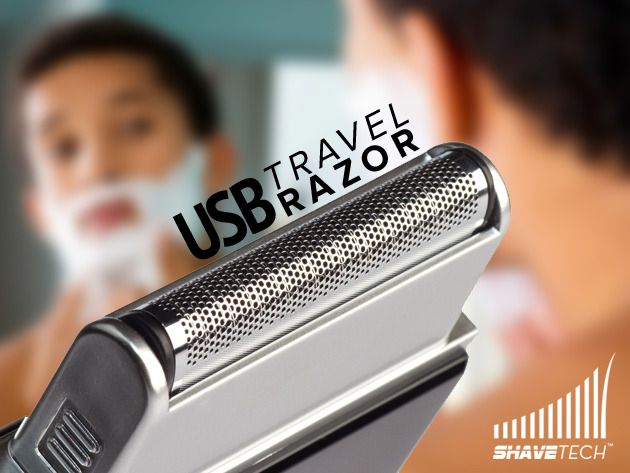
Finding that close shave while traveling can be frustrating.
The battery on your electric razor will run out and you won’t have the ability to charge it unless you pack up the entire thing – cords, cradle, and all. The ShaveTech Electric Razor is USB-chargeable and is as small as the average smart phone. And Cult of Mac Deals has it for only $19.99 for a limited time.
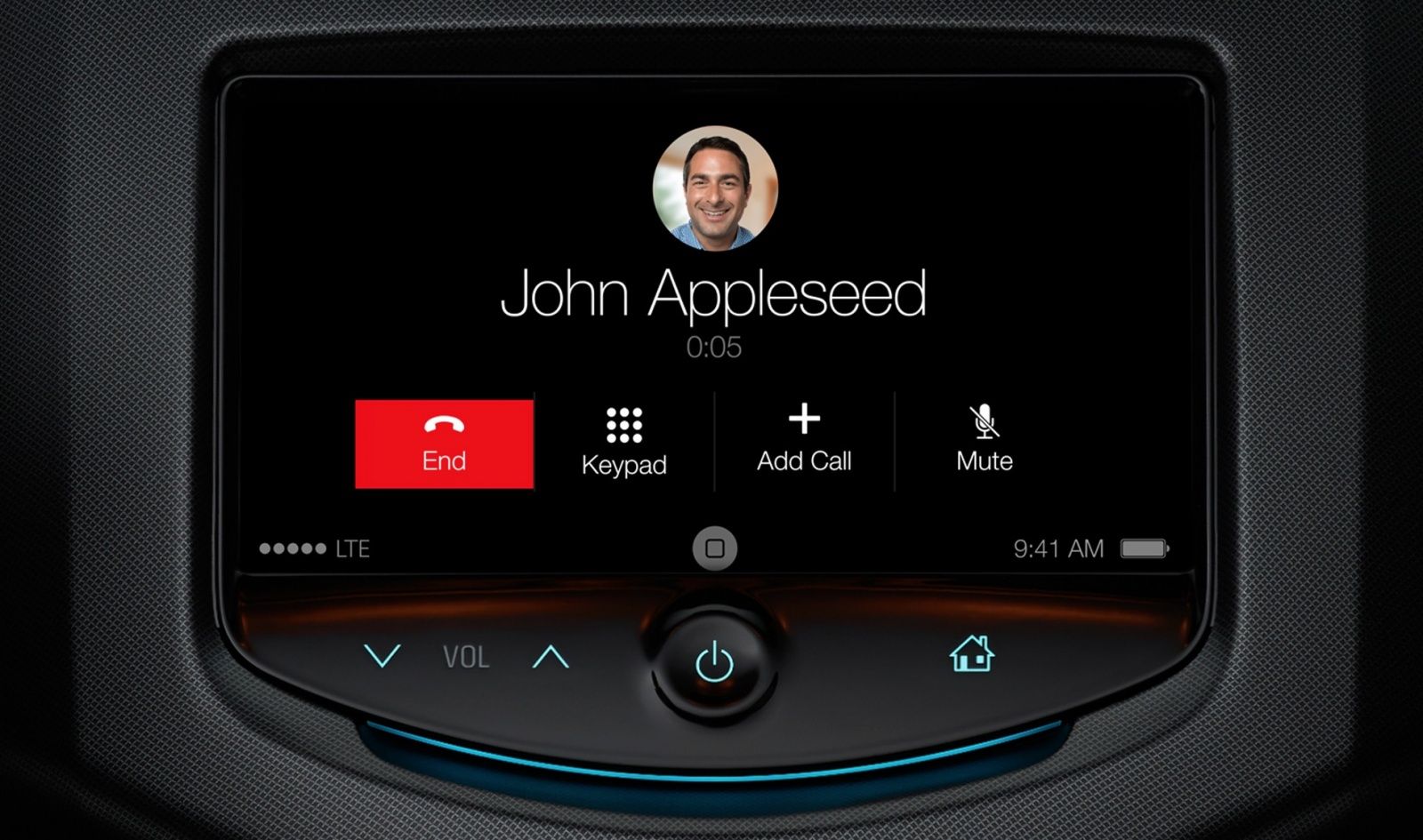
Apple will launch “iOS in the Car” with Ferrari, Mercedes-Benz, and Volvo as partners at the Geneva Motor Show next week, according to the Financial Times.
While Apple has said that it has more than a dozen automobile manufacturers on board, the company is reportedly choosing to launch with the three aforementioned brands only. Apple executive Eddy Cue is a member of Ferrari’s board of directors.
Originally unveiled alongside iOS 7 at WWDC last summer, iOS in the Car is Apple’s interface for dash displays in vehicles. The extension of iOS lets the user navigate using Maps, make phone calls, control music, and use Siri without needing to touch an iPhone in the car.
Apple has said that iOS in the Car is a “key focus” for the company in 2014. A redesigned interface for iOS in the Car was discovered in iOS 7 last month. Automobile makers like Honda have been preparing their newer cars for the software with large touchscreens.
Source: Financial Times
Steve Jobs famously argued that if five million people used the Mac, cutting its boot time down by 10 seconds would save the equivalent of at least 100 lifetimes per year.
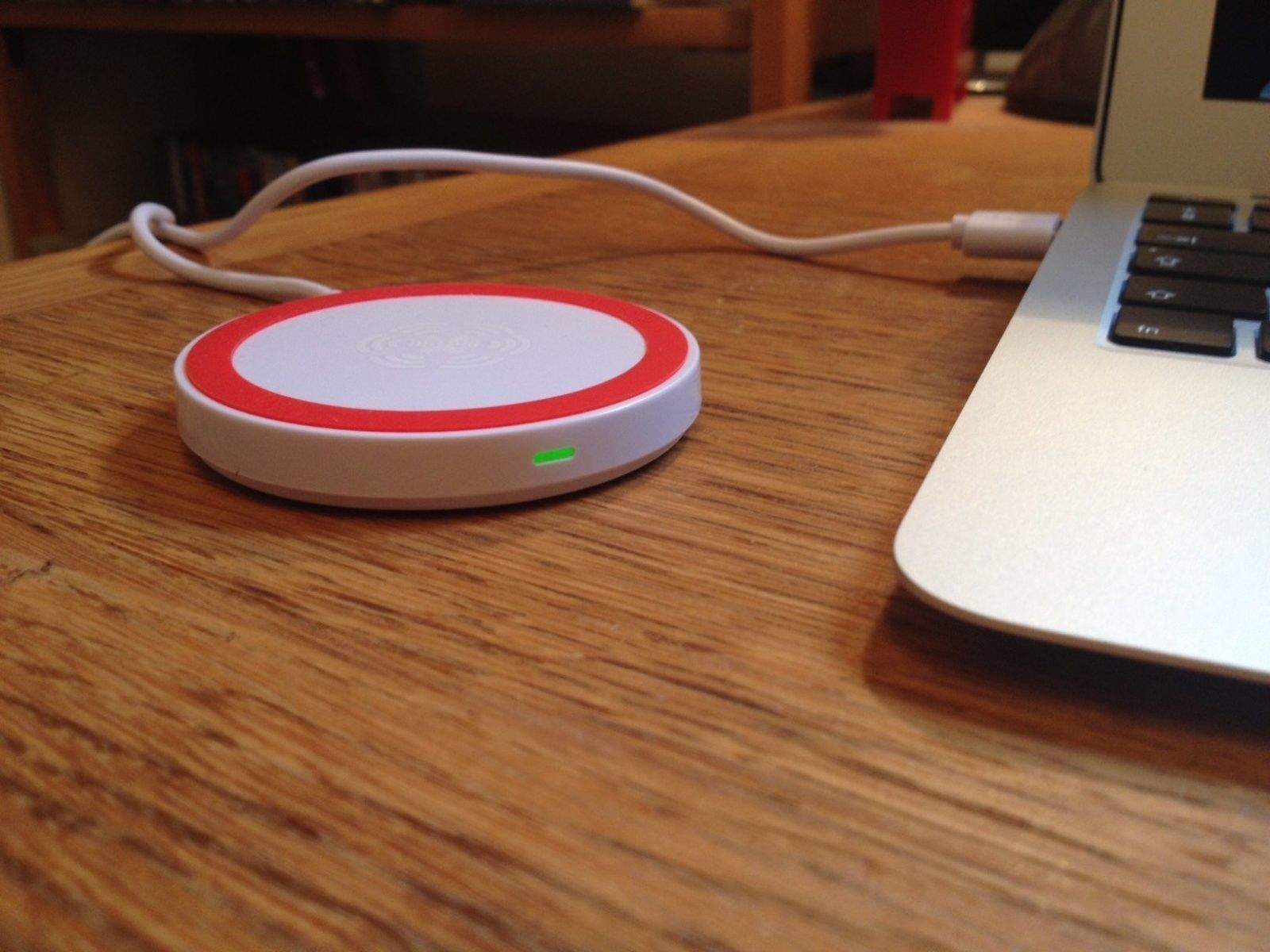
Taken on an individual basis, it’s difficult to know how many minutes of your life will be saved by using the KoolPuck Wireless Charger — but it’s almost certainly less than an hour over the lifespan of your typical iPhone.
That doesn’t really matter, though. In an age of convenience, the idea that you can charge your iPhone by simply placing it down on a massively wireless charger is a tempting one. Straightforward, attractive, and tiny, FoneSalesman’s iQi solution seems to tick all the boxes.
So how does it measure up?
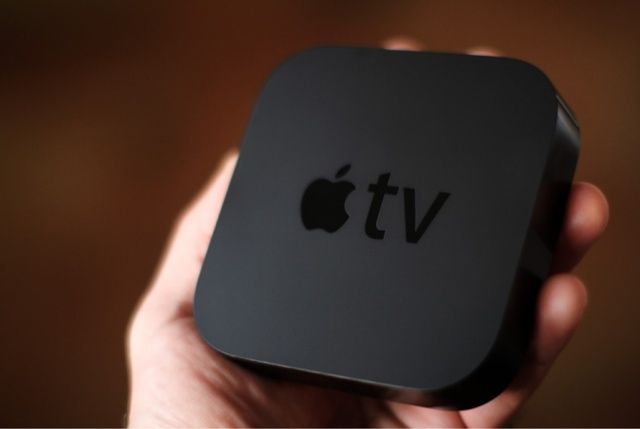
If you buy an Apple TV by March 5th, you will receive a $25 iTunes gift card from Apple. The promotion began today and only works at Apple retail stores or through the company’s online store.
Apple rarely does deals like this, and the timing is interesting. A new Apple TV is rumored to come out as soon as March, and this time of year is when Apple has updated its set-top box in the past. But that doesn’t mean you should expect a new one in the near future.

All you comic lovers and designers out there…get ready. Cult of Mac Deals has some software on sale that takes your designs, characters and stories and puts them in motion to create the story you have been visualizing.
We all love having plenty of space to work and learning time-saving cool techniques. With Motion Artist you can layout comic panels and image layers in any way possible using a large, user-friendly workspace and with its dynamic camera action automatically creates a cinematic experience. And Cult of Mac Deals has this killer application for 66% off – just $19.99 – during this limited time offer.
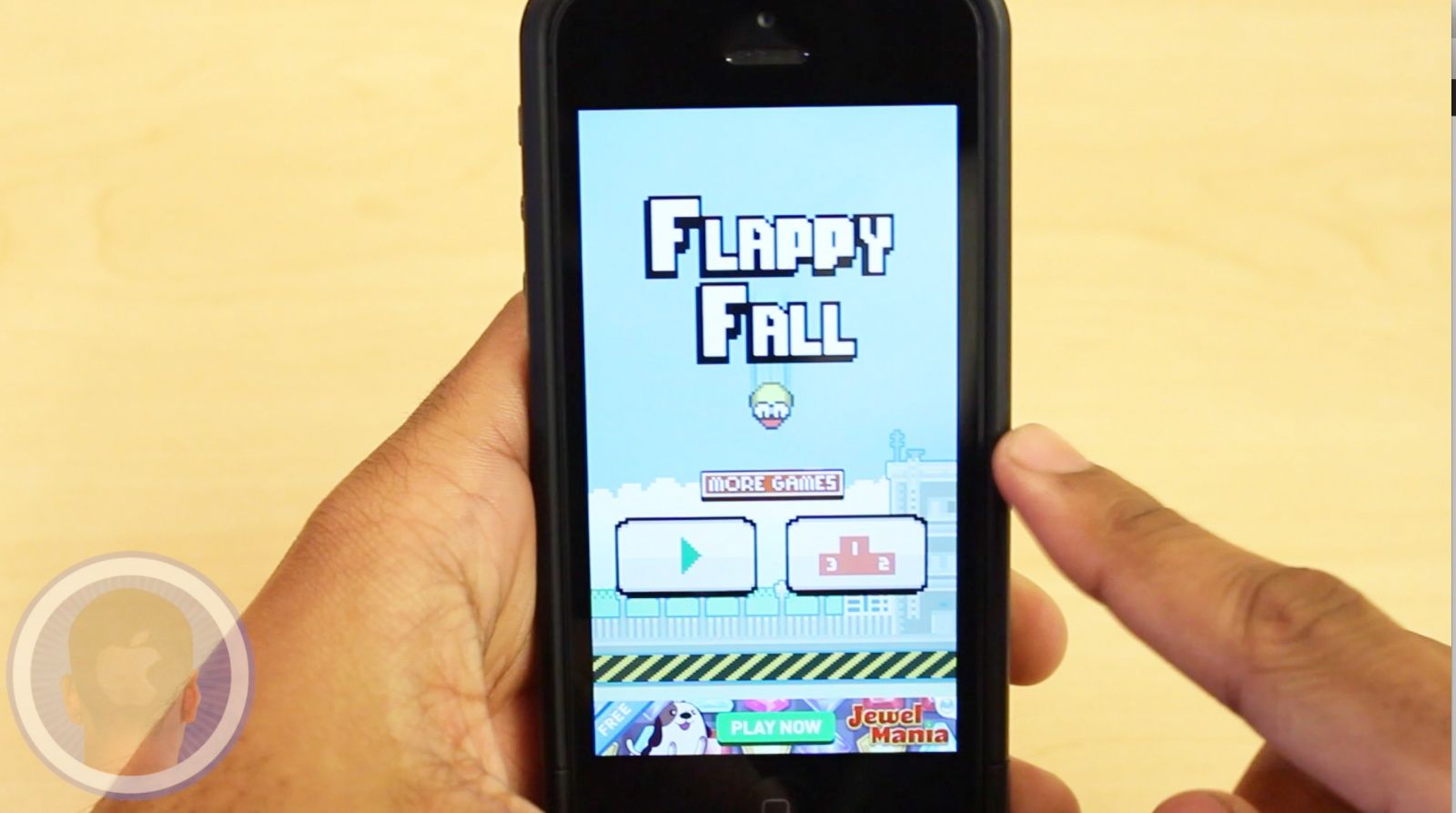
App developers everywhere are posting their own clones of the hit app “Flappy Bird” to the App Store. While few have been able to publish their apps with many significant differences, the app developers behind the new app Flappy Fall have incorporated their own twist on the gameplay. Will you too become addicted to Flappy Fall?
Take a look at Flappy Fall and find out what you think.
This is a Cult Of Mac video review of the multi-platform application Flappy Fall brought to you by Joshua Smith of “TechBytes W/Jsmith.”
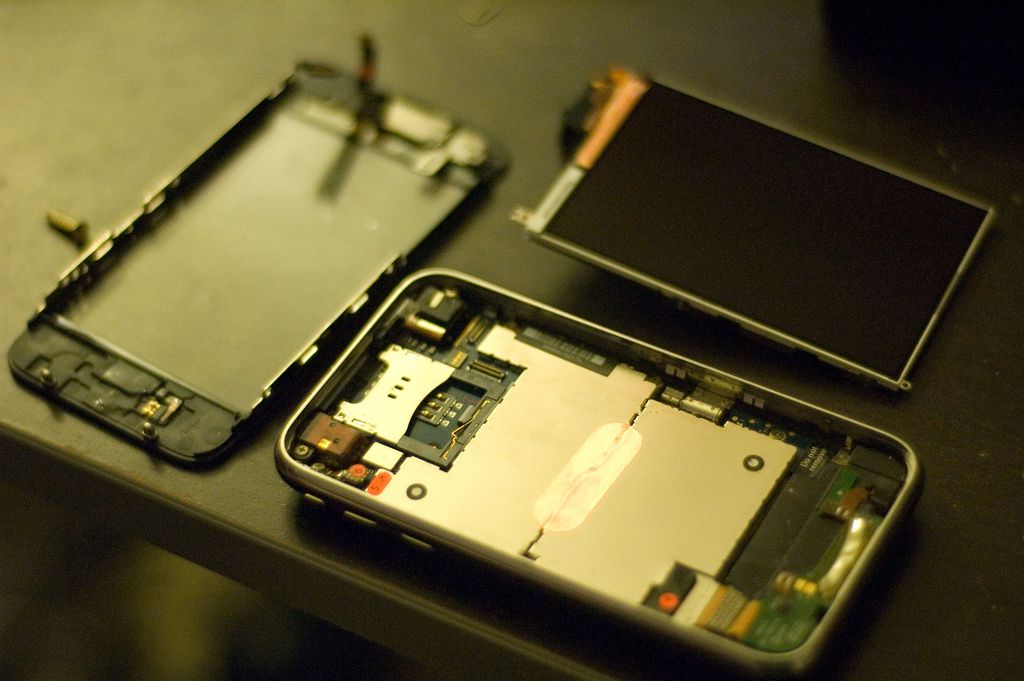
Apple just set a record for the most iPhones sold in a quarter, but while the new iPhone 5ses and Cs are flying off shelves, a new scam is booming in China where broken old iPhones are cannibalized for parts to build complete units sold with a full retail price tag.
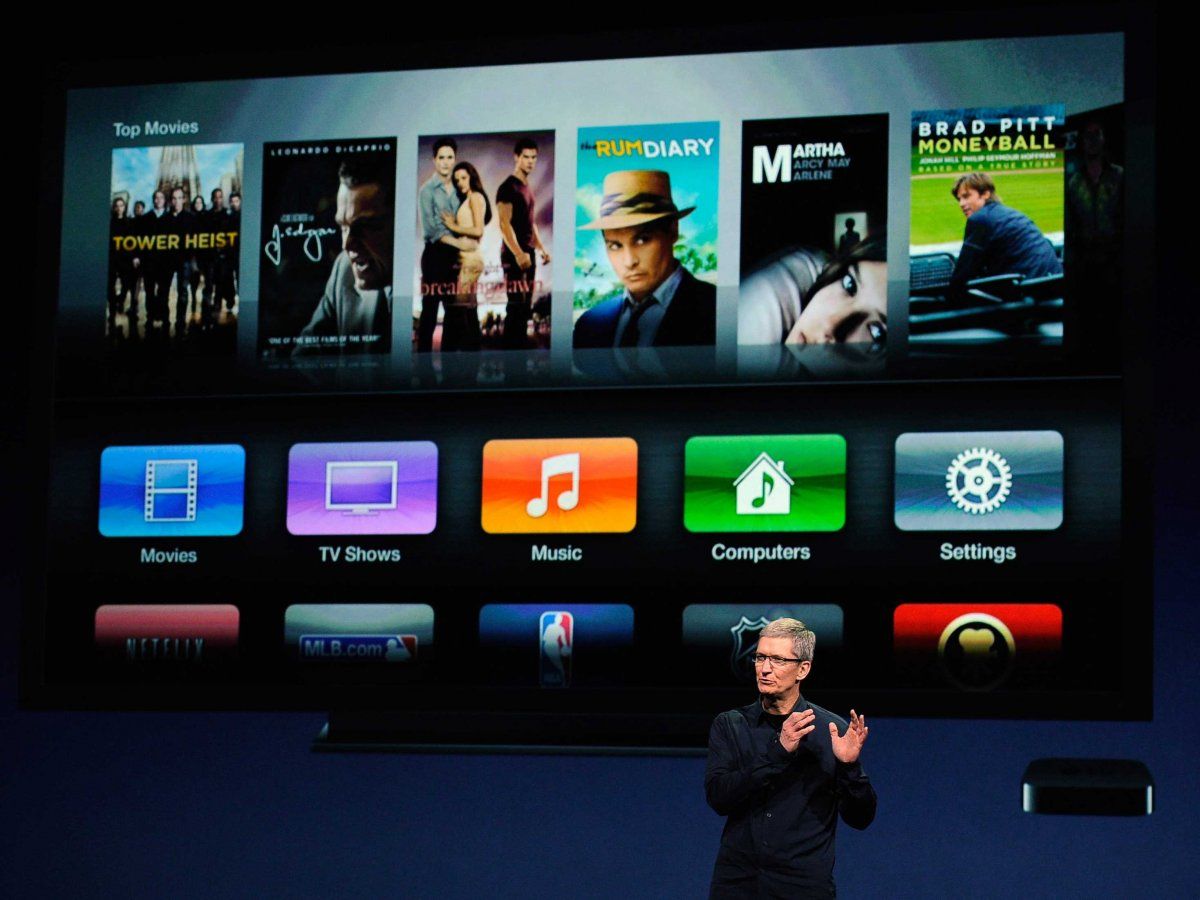
The Apple TV made a staggering $1 billion in sales in 2013. Tim Cook shared the news during Apple’s annual meeting with shareholders today in Cupertino, California.
“It’s a little more difficult to call it a hobby these days,” said Cook during the meeting. For years, Apple has referred to the Apple TV as a hobby, but the company’s tone towards the $99 product is starting to change.

Predicting the future of Apple is probably the no. 1 party game in Silicon Valley. The venerable Churchill Club, which has been gathering luminaries to discuss tech in Menlo Park since 1985, has assembled a panel of experts who have some real insight in to the days ahead for the Cupertino company.
This Tuesday, March 4, they’re hosting what will surely be lively and provocative conversation with four Apple authors titled: “Are Apple’s Best Days Ahead?” .
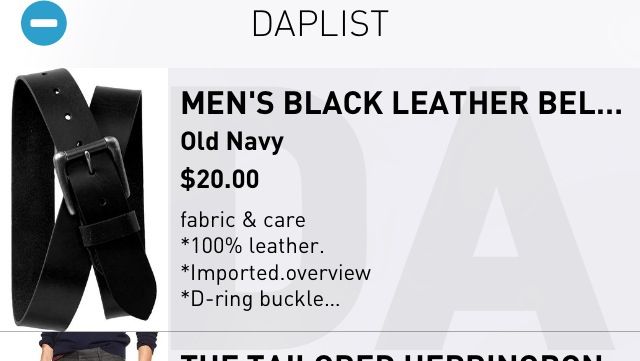
I don’t know who makes these rules, but apparently, “society” wants men to wear clothes.
But how does one decide which clothes to wear? Dapper wants to help. It’s a shopping app that collects items from several different stores and arranges them into categories like office, casual, and active. When you see something you like, you can add it to your “Daplist” or put it in your cart. You can swipe left on items you don’t like and banish them to the Phantom Zone.
You can create an account to purchase right from the app, or you can just be one of “those customers” and nose around with no intention to buy. That’s what I do.

I think Mad Skills Motocross 2 saved my life.
It’s not because it taught me a valuable lesson about not mixing chemicals or that someone shot me, and I had Mad Skills Motocross 2 in my pocket, and it stopped the bullet. And it didn’t swim out and rescue me when I went beyond my depth in the grown-up pool.
No, Mad Skills Motocross 2 saved my life by teaching me that I should never, ever, attempt to ride a motocross bike. Because I will die.
I’m not very good at this game, is what I’m saying. But it’s still pretty good.
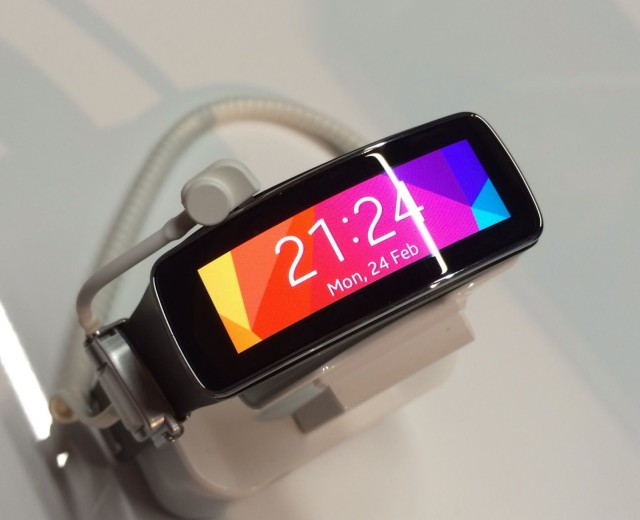
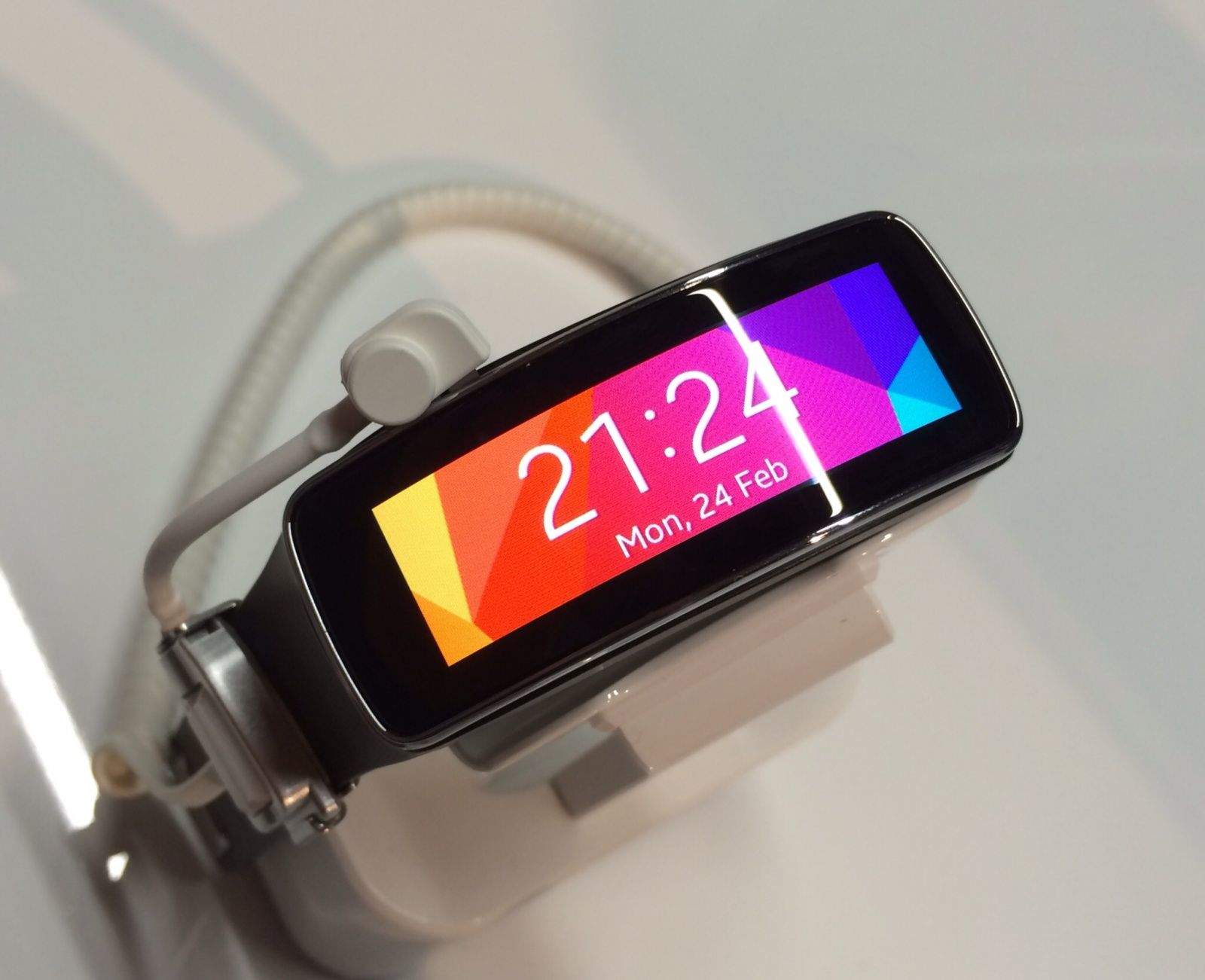
Going into Mobile World Congress this year, the one device everyone was waiting to see was Samsung’s new Galaxy S5. We knew it was coming — the South Korean company made that pretty clear with all of its teasers beforehand — and we couldn’t wait to see what the 2014 flagship would bring.
The Galaxy S5 wasn’t the only smartphone on show that was worth getting excited about, either. Sony brought its new Xperia Z2, HTC unveiled the impressive midrange Desire 816, there were some nice new additions from LG and ZTE, and of course, we also saw the first Android-powered handsets from Nokia.
Smartphones certainly stole the show for another year, then, but there was another product category we couldn’t help but take note of. No, I’m not talking about tablets — which were just as disappointing this year as they were in 2013; I’m talking about wearables.
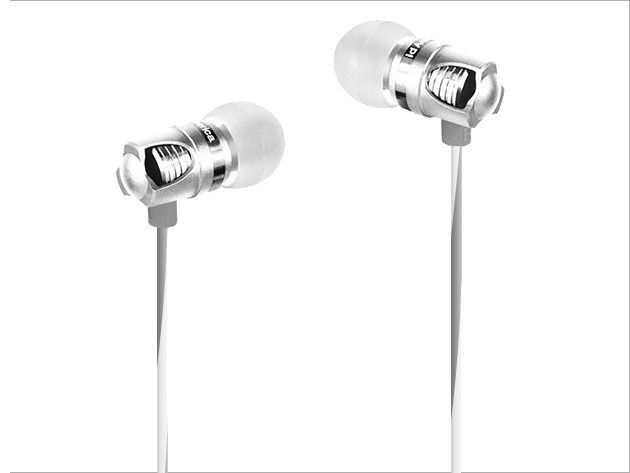
Have you been looking for in-ear headphones that look and sound good? This Cult of Mac Deals offer brings you modern design that you can hear.
The New Spark Hi-Def In-Ear Headphones deliver full, resonating bass, intense mid-range, and clear, defined treble sure to bring a smile to any audiophile’s face. With precision acoustics, unique, modern design, and precise ergonomic fit, these headphones come ready to play and your going to love what you hear! And the pricing – only $37.99 – can’t be beat!
This week Cult of Mac Magazine looks into why your Mac gets crufty and what you can do about it.
You know how your friendly technician always tells you to just reboot the computer, but there’s got to be more to it than that, right?
The good news is there are some things you can do. And, perhaps, adopt some more efficient computing practices for yourself along the way to keep those nasty clog-ups at bay. Apple Certified Consultant Adam Rosen, aka our Mac RX columnist, will show you the four most common causes of slow, bogged-down Macs. Going through Adam’s quick fixes will give your Mac a much-needed tune up in less time than it would take to clear a path from your workbench to the car in your garage.
You’ll also get our top picks from the iTunes store for music, books, movies as well as the apps worth downloading, for reals, plus words of wisdom from an actual Apple Genius.
Comments? Suggestions? Complaints? Email me directly or from the “send” button top right.

Three U.K. has confirmed that all customers have now been switched to a 4G tariff, allowing them to connect to LTE networks where available at no extra cost. Three’s LTE coverage now spans 36 towns and cities across Britain, including London, Birmingham, Manchester, and Liverpool.

Apple has won the dismissal of a 1.57 billion-euro ($2.2 billion) German lawsuit, relating to an IPCom patent it was supposedly infringing upon.
While no oral explanation has been given for the verdict, the court in Mannheim, Germany decided that Apple didn’t infringe on the property of IPCom, and also dismissed a similar case against mobile manufacturer HTC.
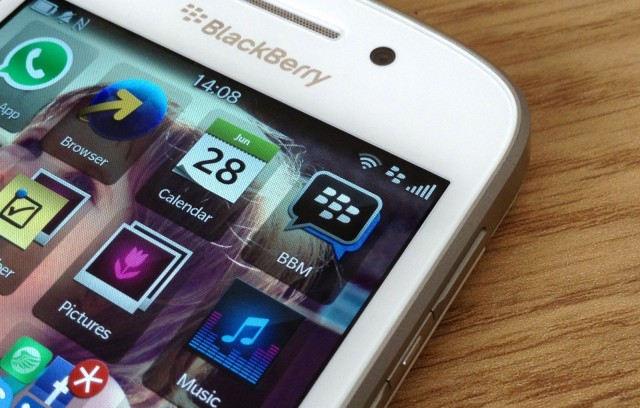
BlackBerry has confirmed that it will address BBM’s measly 6MB transfer limit in its next update. The company says it has “heard users loud and clear,” and it has vowed to allow the transfer of larger files over the popular instant messaging service.

Think Apple’s “Misunderstood” Christmas ad would have been improved with the addition of a random piano drop, ghost bride, or chainsaw-wielding madman?
If so, you can re-create the commercial your way using Picadelic’s FxGuru: Movie FX Director app. Previously an Android exclusive, the app lets you incorporate a variety of Hollywood-style horror, sci-fi and action movie effects to any iPhone video — with virtual guidelines showing you how to incorporate effects seamlessly, while 24 different “Cinematic” filters allow you enhance the atmosphere of any scene.

Skateboarding legend Tony Hawk has revealed that he’s working on a new skateboarding game for mobile devices.
Hawk made references to the game in two recent interviews: one with Larry King and the other with Bloomberg.