Blackberry has been dealt another blow as yet another major customer jumps ship to iPhone. The U.S. Air Force is planning on replacing 5,000 Blackberries with iPhones.
U.S. Air Force Ditches 5,000 BlackBerries For iPhone
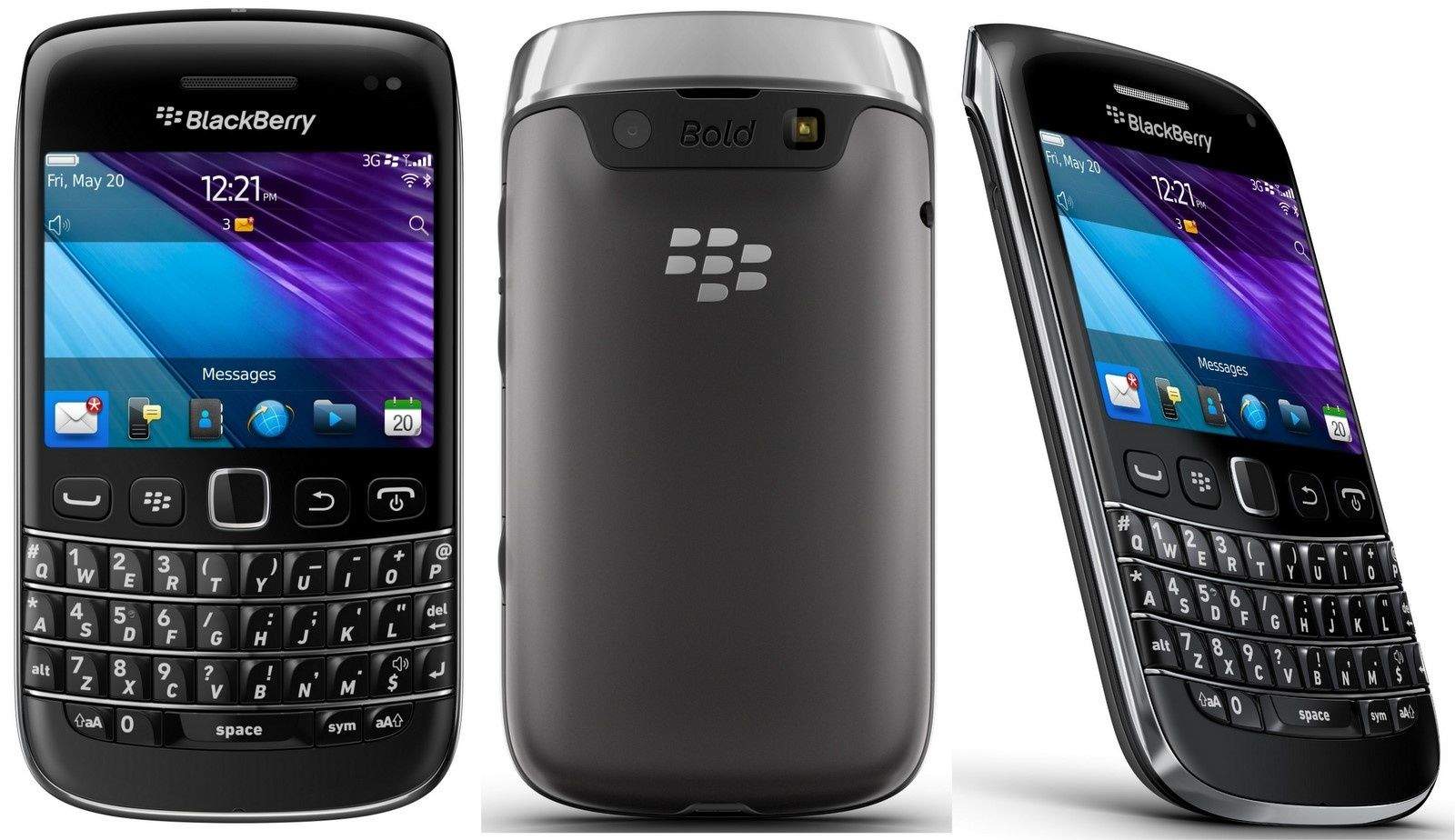

Blackberry has been dealt another blow as yet another major customer jumps ship to iPhone. The U.S. Air Force is planning on replacing 5,000 Blackberries with iPhones.
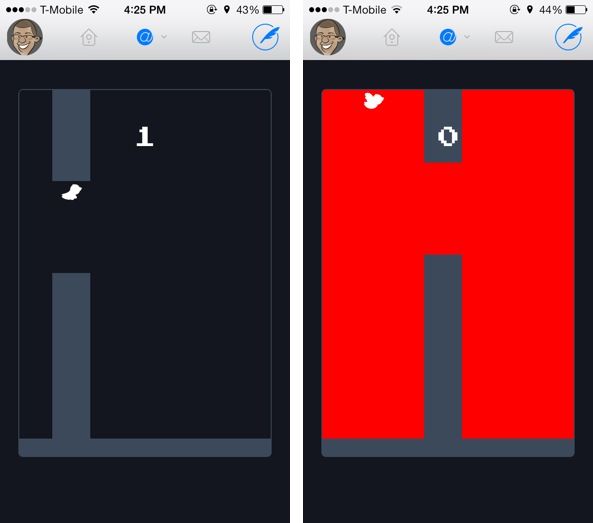
Did you miss the Flappy Bird phenomenon?
Well, if you’re a Twitterific user, no need to download one of the seemingly infinite number of clones: an Easter egg within the popular Twitter app lets you play a great 8-bit Flappy Bird clone with just a gesture.
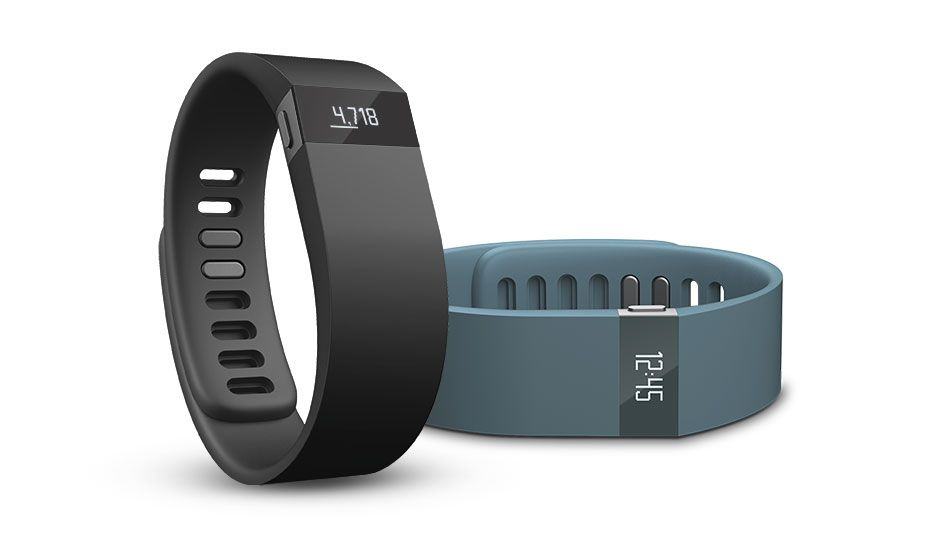
If you own a Fitbit Force — a fitness tracker with a built-in OLED display that we like quite a lot at Cultofmedia — you might want to check under the band.
Do you see any redness? If so, you should avail yourself of a voluntary recall of the Fitbit Force.
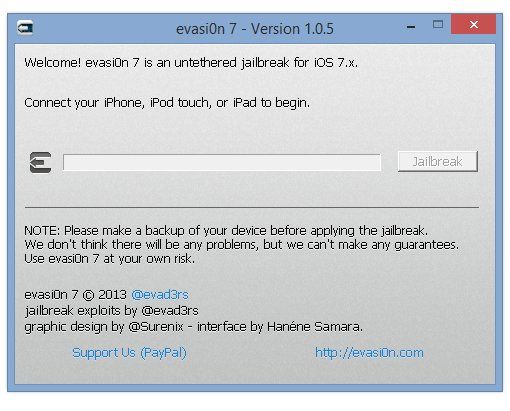
After releasing iOS 7.0.6 yesterday with an important SSL bug fix, jailbreakers were put in a quandry. The bug that iOS 7.0.6 fixes a seriour security flaw that makes SSL/TLS sessions insecure, which puts your personal details in web transactions at risk of being stolen. On the other hand, is it really worth sacrificing your jailbreak for?
Luckily, it turns out that iOS 7.0.6 is still capable of being jailbroken using the existing Evasi0n jailbreak. Although Apple has patched out the Evasi0n jailbreaking exploit in iOS 7.1, iOS jailbreak dev winocm has said on Twitter that iOS 7.0.6 is still jailbreakable.
Of course, the existing Evasi0n jailbreak installer hasn’t yet been updated to support iOS 7.0.6, but if previous iOS 7.0.x updates are anything to go by, it won’t take long. In the meantime, if you want to jailbreak iOS 7.0.6 and don’t mind doing some hex editting, you can do so by following the instrucions here.
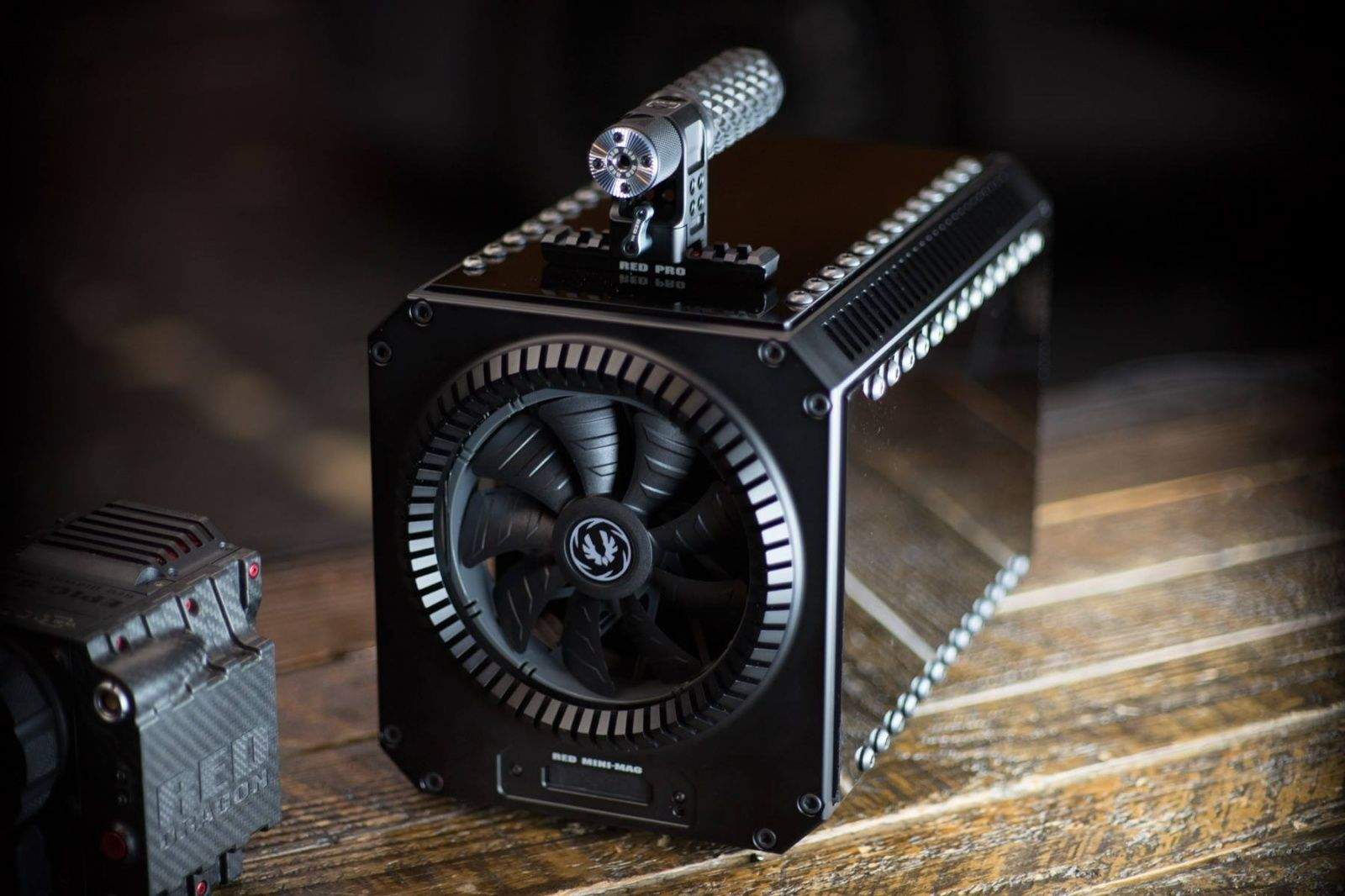
Personally, I love the look of the new stealth engine Mac Pro, but some people find it to look, well, a little too much like a trash can (which may not be a coincidence).
Jarred Land, one of the key figures of the Red Digital Camera Company, obviously agreed. He built himself a machined aluminum chassis to keep his Mac Pro in, plus an integrated Redmag Mini card reader with 8TB internal Thunderbolt RAID, and a monster fan to keep things cool.
It looks pretty awesome, but sadly, it’s a one-off: Land says he did it just for fun.
Source: Facebook
Thanks: Chuck W.
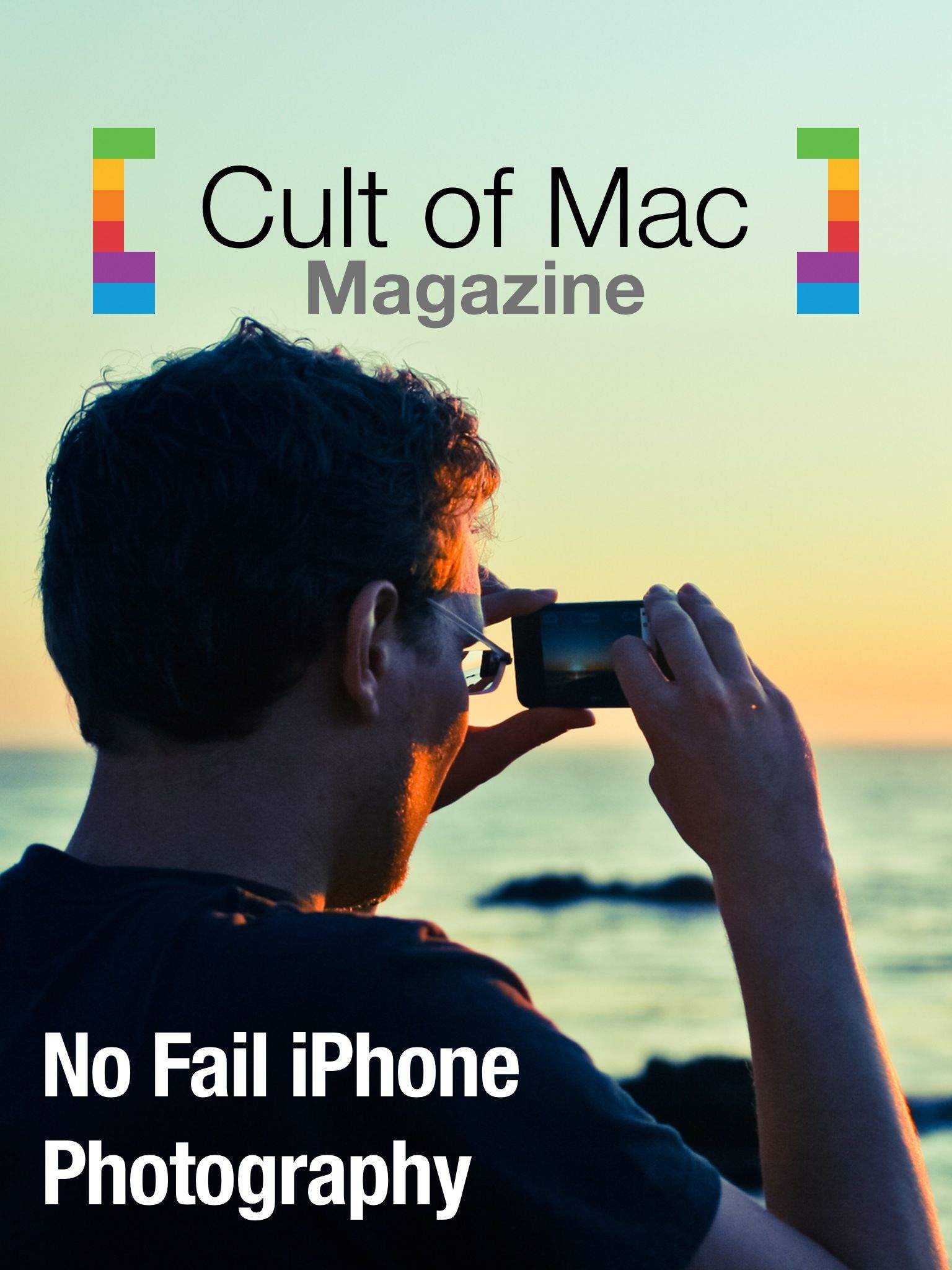
This week in Cult of Mac Magazine – No Fail iPhone Photography, the best tips, tricks, and practical advice on using that amazing camera you carry around in your pocket.
We’re celebrating Apple’s astonishingly great iPhone camera with a whole issue dedicated to all things iPhoneography. Cult of Mac’s own photography guru, Charlie Sorrel, weighs in with some choice technical advice on photography that applies across all cameras, iPhone or not, while Buster Heine gives you the lowdown on all the greatest peripherals you’ll want to gear up with before the big shoot.
Olloclip’s Michele Baker drops some wisdom on how to best capture “silver” with your iPhone, in honor of the winners of this week’s Photography contest, and our very own Nicole Martinelli interviews one of the best street iPhonographers around.
We’ll take some time out to showcase the top ten entries in our #CoMSilver photo contest, with the top three winners and some fantastic runner ups.
Of course, we’ll start off with the usual Best Apps, Books, Movies and Music from the past week and then end with our famous “Ask A Genius” column, so be sure to subscribe and download the issue.

We’ve been excited about Tengami ever since we saw it at a gaming conference a couple of years back. The long development time has paid off for developer Nyamyam, as Tengami is by far one of the best games of its type we’ve seen on any platform.
It came out for iOS just this week, and we’ve lost ourselves (and our sense of time) playing through the lushly illustrated pop-up book. The story is told without dialogue, tasking us with moving from one beautiful environment to the next, solving puzzles along the way to keep the journey going.
Here’s a video of some of our play through of the game.

Have too much stuff on your computer and don’t know what to do with all of it? This Cult of Mac Deals offer will make sure that your problem isn’t only solved…but stored.
SOS Online Backup is an award-winning automatic backup web application that will have you covered on your PC or Mac and an unlimited number of mobile devices: Androids, iPhones, and iPads. Now you can backup an infinite amount of data for two years in a secure online backup application so you can share, access, and maintain all of your important files right in one place…all for only $59.99.
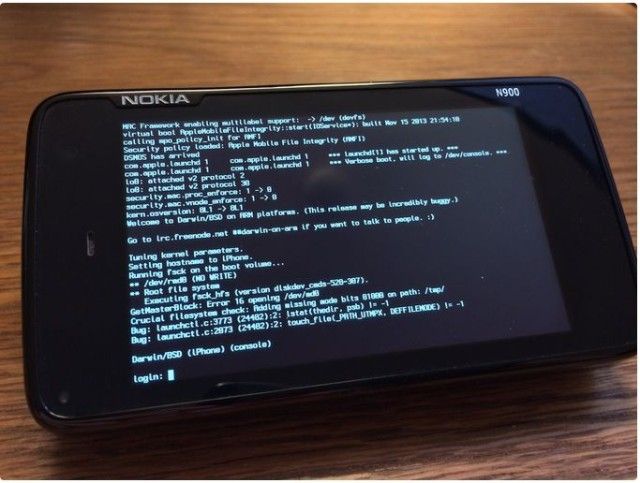
Well-known jailbreaker “winocm” announced today that he will be taking a job at Apple later this year.
When reached for comment, the 17-year-old hacker declined to elaborate on what his new role at Apple will entail. He also declined to provide his real name, which is a common theme amongst high-profile jailbreak hackers who prefer to hide behind their online pseudonyms.
While winocm did not work on the recent iOS 7 jailbreak, his expertise in reverse engineering iOS will undoubtedly make him a valuable asset at Apple.
Apple has purchased Burstly, the company behind iOS app beta platform TestFlight. The specific details of the buyout have not been disclosed, but TechCrunch reports that Burstly’s engineers are working at Apple already.

This is Cult of Mac’s exclusive column written by an actual Apple Store Genius who answers all your questions about working at an Apple Store. Our genius must remain anonymous, but other than “Who are you, anyway?” ask anything you want about what goes on behind that slick store facade.
This week our Genius answers questions on whether Apple gives Specialists commission on sales, as well as a break down on how many employees it takes to effectively run an Apple Store.
Got a question you want the inside scoop on? Send us your questions and the answers will be published first in Cult of Mac’s Magazine on Newsstand. Send your questions to newsATcultofmac.com with “genius” in the subject line.
Q:How does the pay compare to other electronic retailers? Do you guys get any form of commission?
I’ve never worked at Best Buy, Staples or any of the other tech retailers, but from what I’ve heard from co-workers the pay is pretty solid at Apple which is one of the draws, along with corporate culture and getting to work for the most influential tech company in the world.
If you’re just a Specialist working the floor, don’t except to make too much more than average retail at first. There’s no commission of any kind on the sales we make, but Apple keeps track and you’re encouraged to hit certain metrics. After a few months you’ll be eligible to apply for other posts.
Genius Bar positions start out at around $17 per hour, but you can make quite a bit more than that if you work full-time and stick around for a while. I know a few making more than $25 an hour with managers making even more.
Q:How many employees does it take to effectively run an Apple Store?
A lot. Apple places a lot of emphasis on employee-to-customer ratios so that even if the store is jam packed, there will still be a Specialist available to help you.
Of course each store is different but I work at the smallest of five Apple Stores in my metro area and we still have about 40 employees on an average day. If its a launch day that number jumps between 60-90 employees, but at other stores like Fifth Ave. I’ve heard they have more than a hundred staff on-hand for a regular retail day.
Q:What is the worst thing a customer has ever brought in?
Apple is pretty laid back on what they allow you to bring into the store which makes it pretty interesting, sometimes disgusting, to see what people tote in alongside their computers to the Genius Bar.
A lot of people bring in food which is fine, unless it’s some smelly weird stuff. I had one lady bring her cat in with her to her appointment at the Genius Bar. It sat in her purse the entire time we fixed her iPod. Others have brought in dogs.
As far the worst tech that’s been brought in, one customer’s toddler stuffed a CD smothered in peanut butter into a MacBook Pros SuperDrive once. Unfortunately, peanut butter damage isn’t covered under warranty.
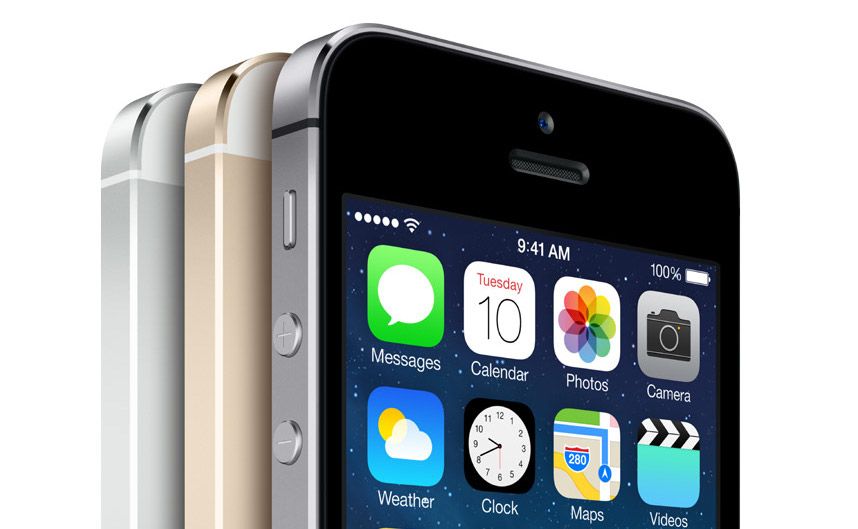
We’re still waiting for iOS 7.1 to get its wide release, but in the interim Apple just released a new build of iOS 7.0.6. The small software update contains a fix for SSL connection verification.
The update should be available soon OTA and via iTunes, but if you want it now here are the download links:
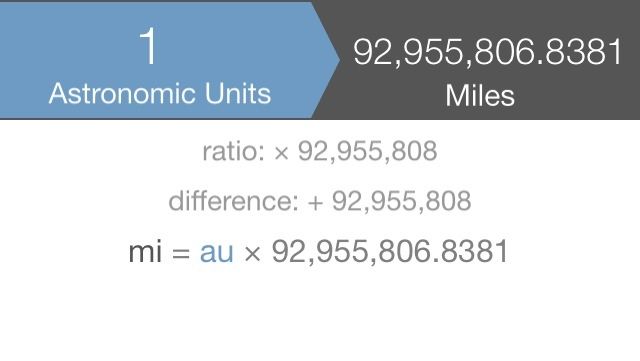
It’s enough for some people just to plunk one value into a box and watch the conversion come out the other end, but we’re savvy here, right?
The newly released free version of Aperture Mobile’s Converta app thinks you are, and that’s why it actually bothers showing you what it’s doing. The free version calculates the equivalent values of angles, lengths, mass, temperatures, and volumes, and the $0.99 paid version includes things like illumination, radiation, velocity, and energy. You can also choose between a keypad and a clever gestural interface.
I’m not sure how useful the radiation conversion would be to most people, but it’s nice to know it’s there.

It’s been more than 700 days since we’ve seen an Apple TV hardware update, but Apple’s not the only company hurrying out the finishing touches on TV set-top box.
Amazon is planning to launch its answer to the Apple TV this March, according to a report from Re/code. The Amazon TV box will take aim at the Apple TV and Roku, utilizing Amazon’s growing video catalog.

Taking great photos on the go is easier than ever thanks to the iPhone’s great camera and array of apps. But while some are satisfied merely uploading selfies and pictures of lunch, other iPhoneographers are trying to eek out as much performance and quality from the iPhone as possible by using an array of lenses and other accessories.
Unlike full-frame cameras, iPhone accessories won’t set you back more than your rent (and they’re much easier to carry around) but pinning down the most useful ones in a sea full of gimmicky products is still difficult, so we’ve compiled this list of five tools every iPhoneographer should start with.
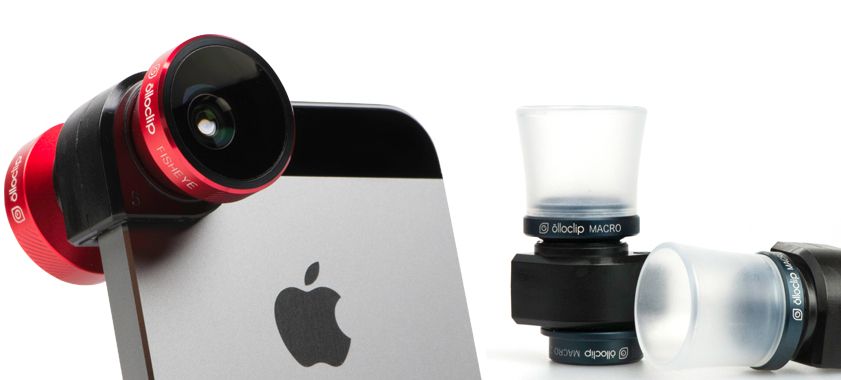
The iPhone’s camera sensor is pretty damn good for a smartphone, but if you’d like to improve it a bit for landscapes, macro shots, and telephotos, there are lots of lens options that will add more diversity to your photos.
Our favorite lens attachment is the Olloclip. The company’s 4-in-1 lens for the iPhone 5/5s only costs $70 and gives you the options of Fisheye, Wide-Angle, 10x Macro and 15x Macro. You can also pickup a 2x Telephoto lens with Circular polarizing for $99.99.
Kogeto Dot will help you take 360 panoramas if you suck at using the iPhone’s native feature. Or if you’d like your lenses to be built into your case, Factron Quatro has a nice metallic option, but it ain’t cheap.
If you’re willing to spend as much money as you’d spend on a good point-and-shoot, Sony’s attachable smartphone lenses bypass your iPhone’s image sensor with its own 18.9M pixels or 20.9M pixels sensor depending if you’re willing to drop $199 or $499.
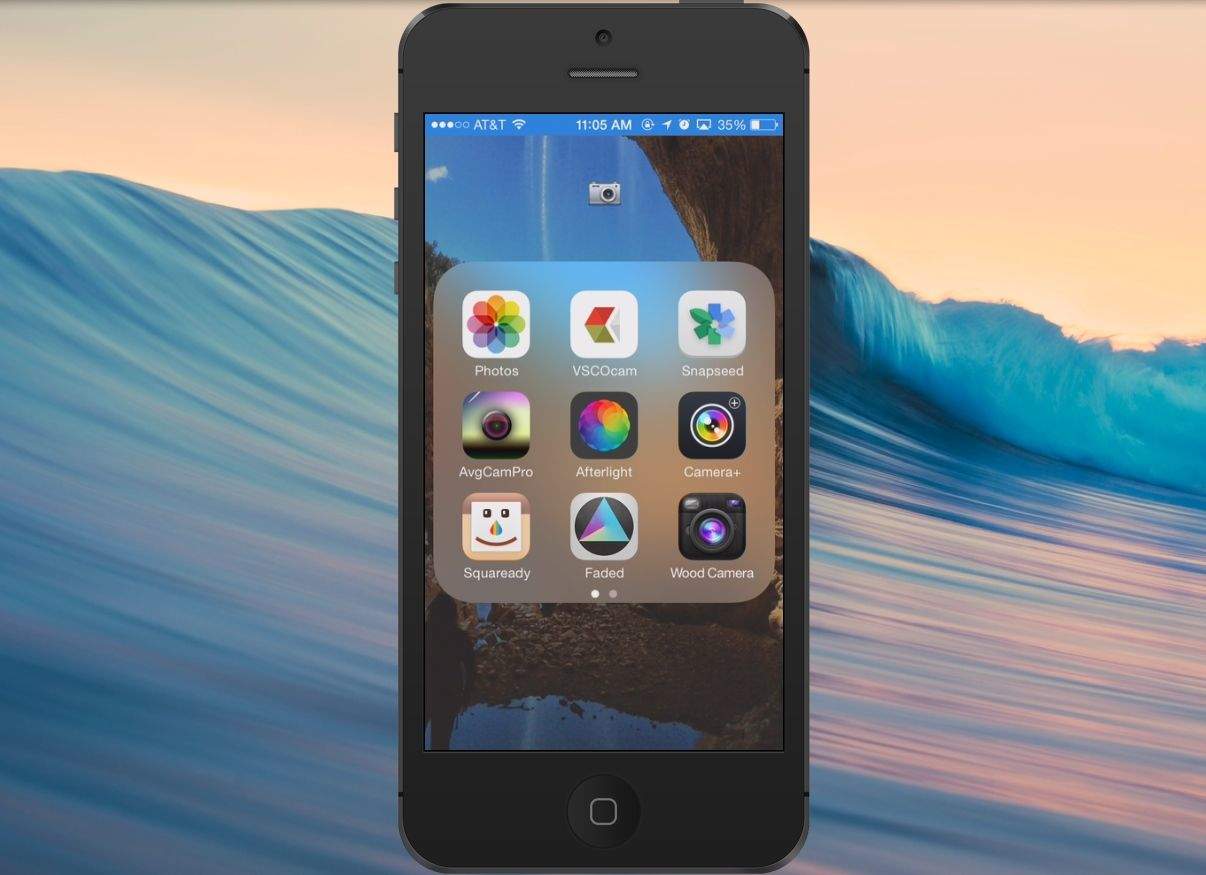
There’s something to be said about natural talent–and lot of practice–to take your photography to the next level, but a little nudge from software magic never hurt.
Apple’s native Camera app is great for taking snaps on the fly, but if you want to really hone in and adjust the exposure with more precision, try using Camera+ or VSCO Cam. Both apps allow you to set an exposure point separately from the focus point (something Apple still hasn’t added to its own app).
VSCO Cam and Camera+ also come with great filter options but if you’re looking for something a bit new and lesser known, an app called Faded is also worth considering for its exposure controls, minimalist UI, and unique filters. And don’t forget Snapseed; one of the most complete apps for photo editing on iOS.
To add more flair to your photos try experimenting with slow shutter and time lapse apps. Our favorite, AvgCamPro just got a big iOS 7 update last week.
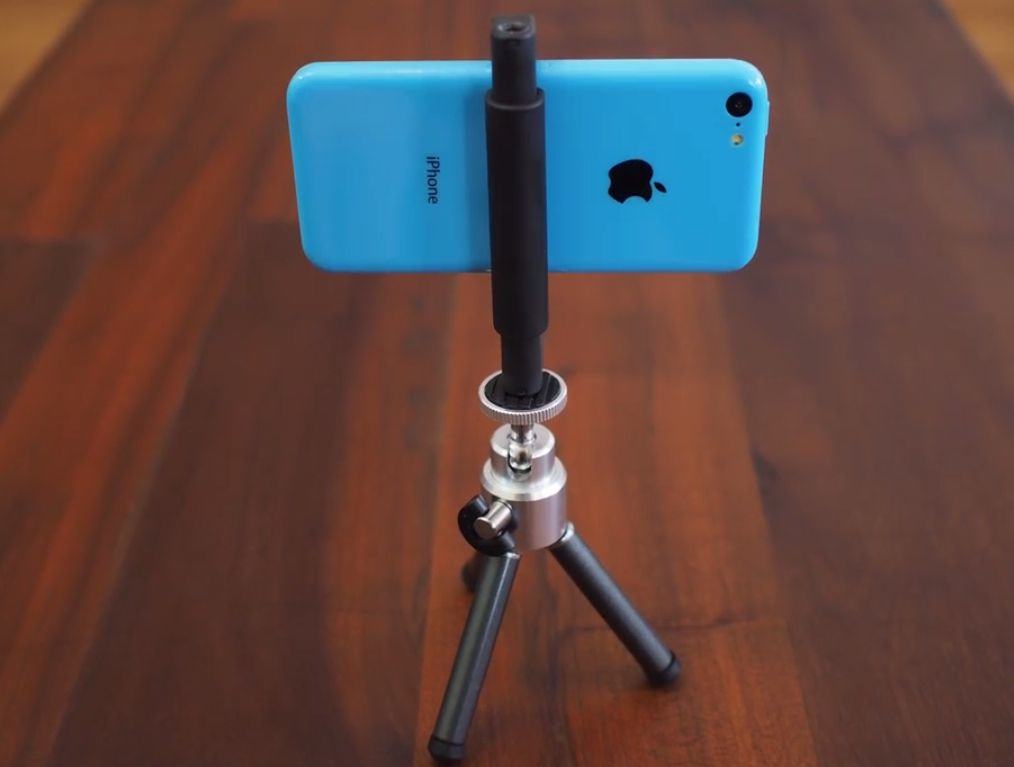
Selfies were all the rage on Instagram in 2013, and while yes, your hand can do a fine job maneuvering, aiming, and snapping the camera all in one motion, those self portraits could be so much better with a tripod.
Joby’s GorillaPod is the consensus favorite thanks to its versatility and cheap $20 price tag, but you could just risk 5 bucks and can get this ATC tripod phone holder.
When it comes to tripod mounts, the GripTight from Joby will let you mount your iPhone even if it’s in a bulky case. The new Glif is also adjustable, but you have to break out a wrench to resize it your phone. It also doubles as a stand, so might be worth it to you if you don’t already have one.
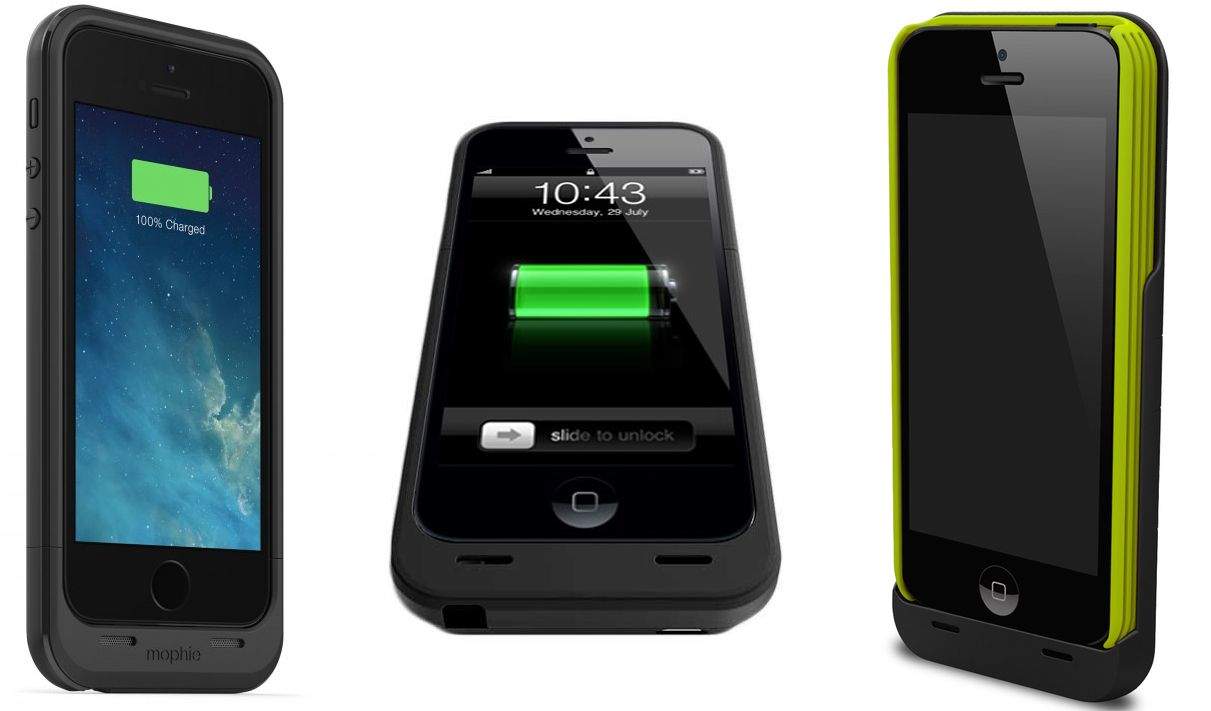
Snapping pictures for hours on end is quick ticket to Zero-Percent-Battery-Land, so if you’re going out on a photo excursion make sure to take extra power with you.
The Mophie Juice Pack Plus adds a battery case to your iPhone and can add up to 10 hours of talk time for $120, but Lenmar Meridian case is also worth consideration after our friends at the Wirecutter found it to be both lighter and more powerful than the popular Mophie option. Plus, it only costs $90.
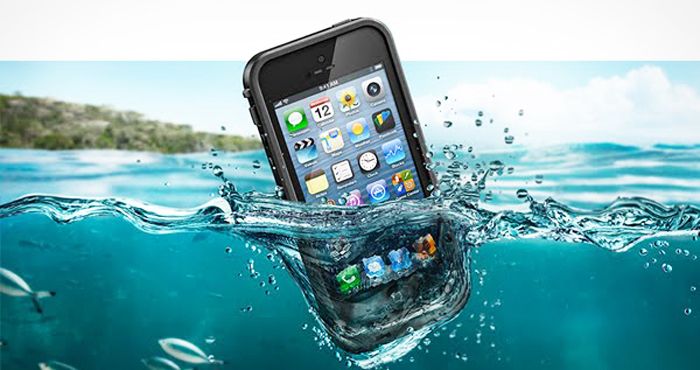
Sometimes getting a great shot can require a little extra effort, putting you and your iPhone in dangerous spots. To ensure you don’t ruin your favorite camera, try getting a waterproof/shockproof case.
Lifeproof’s Nuud cases bring waterproofing and drop protection without covering your iPhone screen. Incipio’s Atlas case has earned top marks from reviewers for its waterproofing and the company just came out with a new case that gives you access to Touch ID.
Now you’ve got your gear list, head on out there and get some amazing shots!
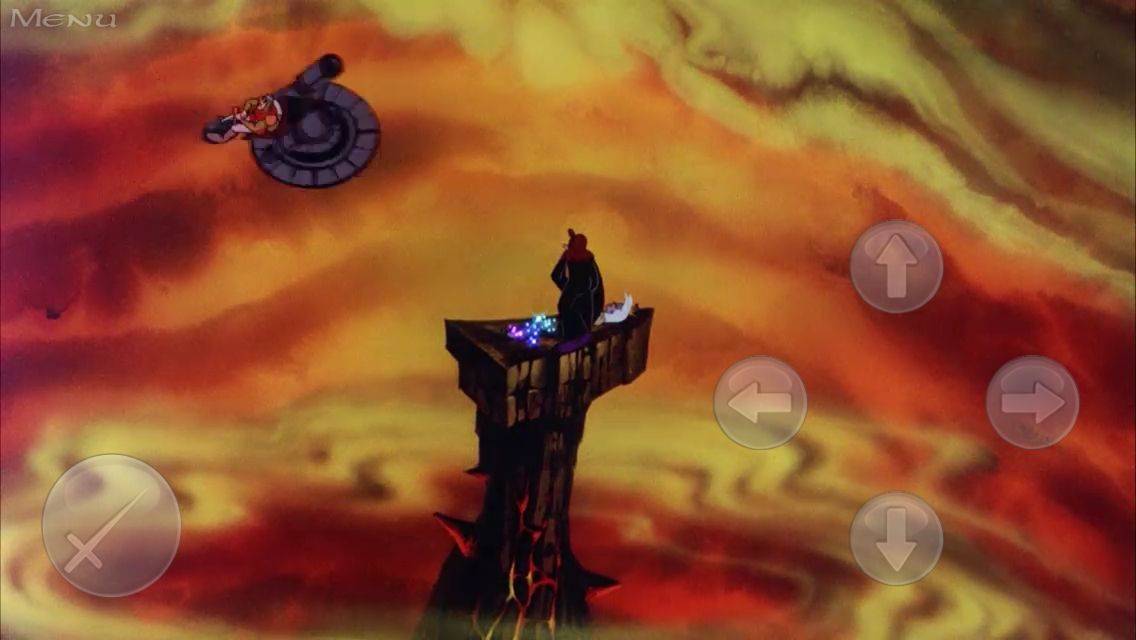
When I was a kid at Showbiz Pizza (back in those carefree days before that upstart rat staged his coup), the Dragon’s Lair cabinet always fascinated me. People would step up, watch a cartoon for about three seconds, and then they’d put another quarter in. They’d watch the same cartoon, and then they’d put another quarter in. And so it went until they said some words that my parents didn’t want me using and went off to play Dig Dug.
I didn’t understand what Dragon’s Lair was until much later; all I knew was that it looked like a movie and annoyed people.
This week, the iOS port of its 1991 sequel, Time Warp, made its way to the App Store, and it’s pretty much here to ruin your day and make you hate your fingers and your slow, stupid brain.
So basically, the old-school experience is intact, and I love it.
Rather than slogging through a lake of reviews to find something you’re just going to put down after 10 minutes, Cult of Mac has once again waded through the iTunes store to compile a list of the best new albums, books and movies to come out this week.
Enjoy!
Angel Olsen – Burn Your Fire for No Witness

For her second LP, Missouri-native Angel Olsen mixes strummed acoustic guitar with lo-fi garage-rock for a blend that’s both creative, personal and fun. Burn Your Fire for No Witness has already received rave reviews from critics, and with jolly tracks about being lonely like “Hi-Five” it’s not hard to see Olsen’s talent.
iTunes – $9.99
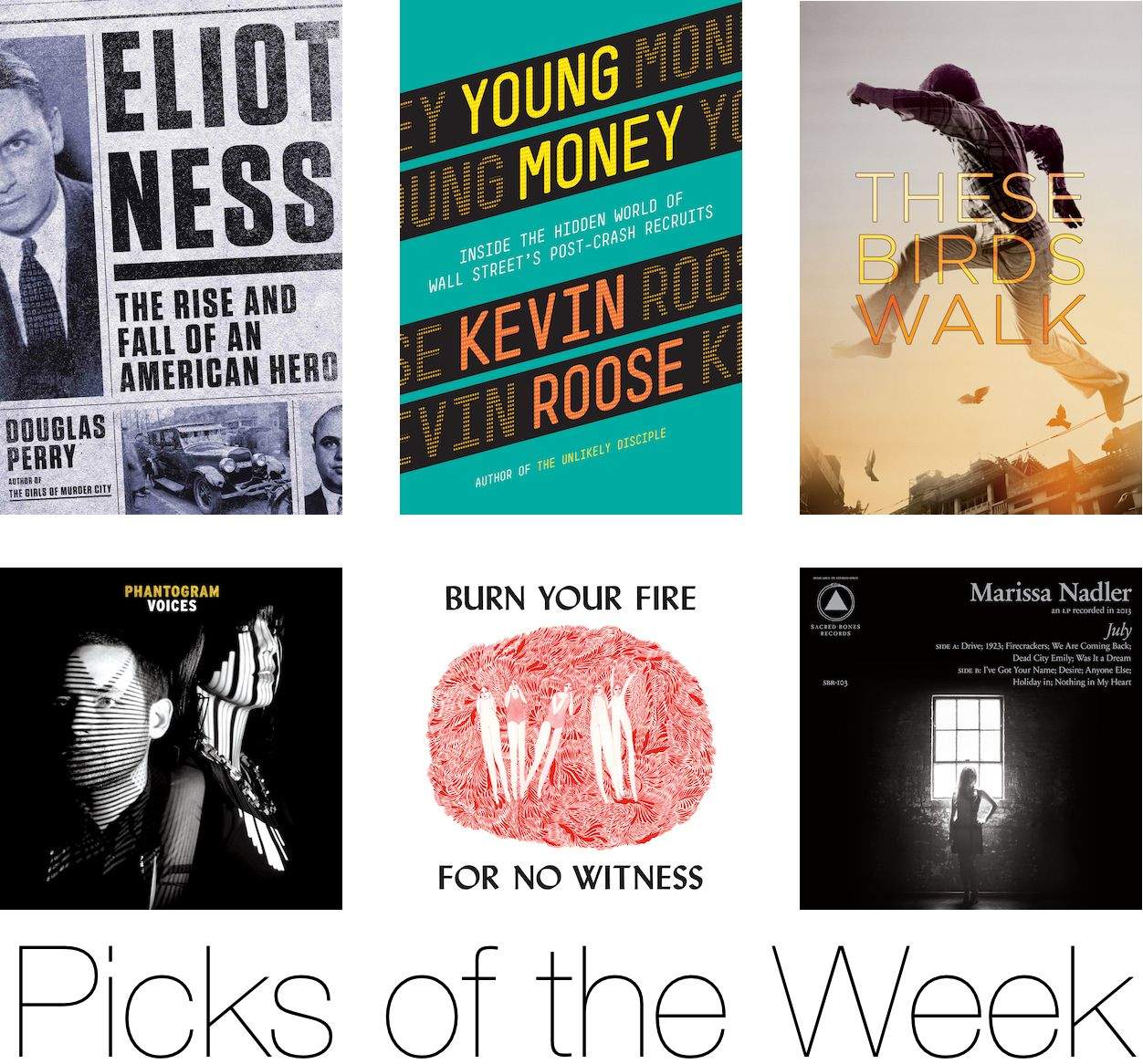
Phantogram – Voices
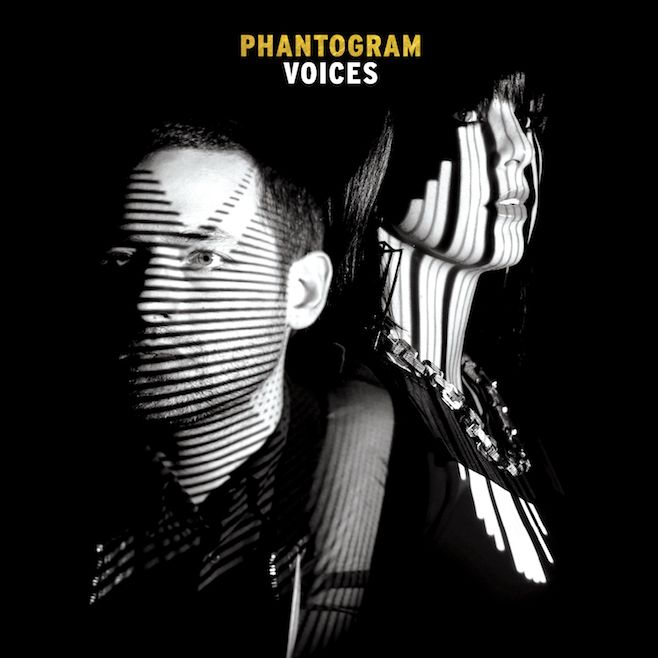
Some bands just have a knack for making music that’s perfect for insomniacs. Phantogram is one of them and their latest LP has 11 dark tracks dancing with an electric energy. Voices is probably the duo’s most complete work, feeling thematically more consistent than Eyelid Movies, while still offering cinematic synthesized vibe that keeps you nodding along.
iTunes – $7.99
Marissa Nadler – July

While Angel Olsen is getting a lot of hype this month for her second album, Marissa Nadler would like to remind everyone that she’s been playing the folksie introspective singer/songwriter role for more than a decade now. Her previous five albums weren’t commercial successes and while her sixth album, July, won’t likely top the charts its her finest work yet as the singer uses slow-paced folk rock to sing about her emotional journeys.
iTunes – $9.99
Young Money: Inside the Hidden World of Wall Street’s Post-Crash Recruits
by Kevin Roose

The Wolf of Wall Street caused a ruckus when it shined a light on Wall Street’s greed in the 90’s but has the Recession damped its style at all? Kevin Roose’s book Young Money dives into the new Wall Street scene by following eight young brokers fresh out of college and into Wall Street, where they learn how to make obscene amounts of money– as well as how to dress, talk, date, drink, and schmooze like real financiers
iTunes – $12.99
Eliot Ness: The Rise and Fall of an American Hero
by Douglas Perry
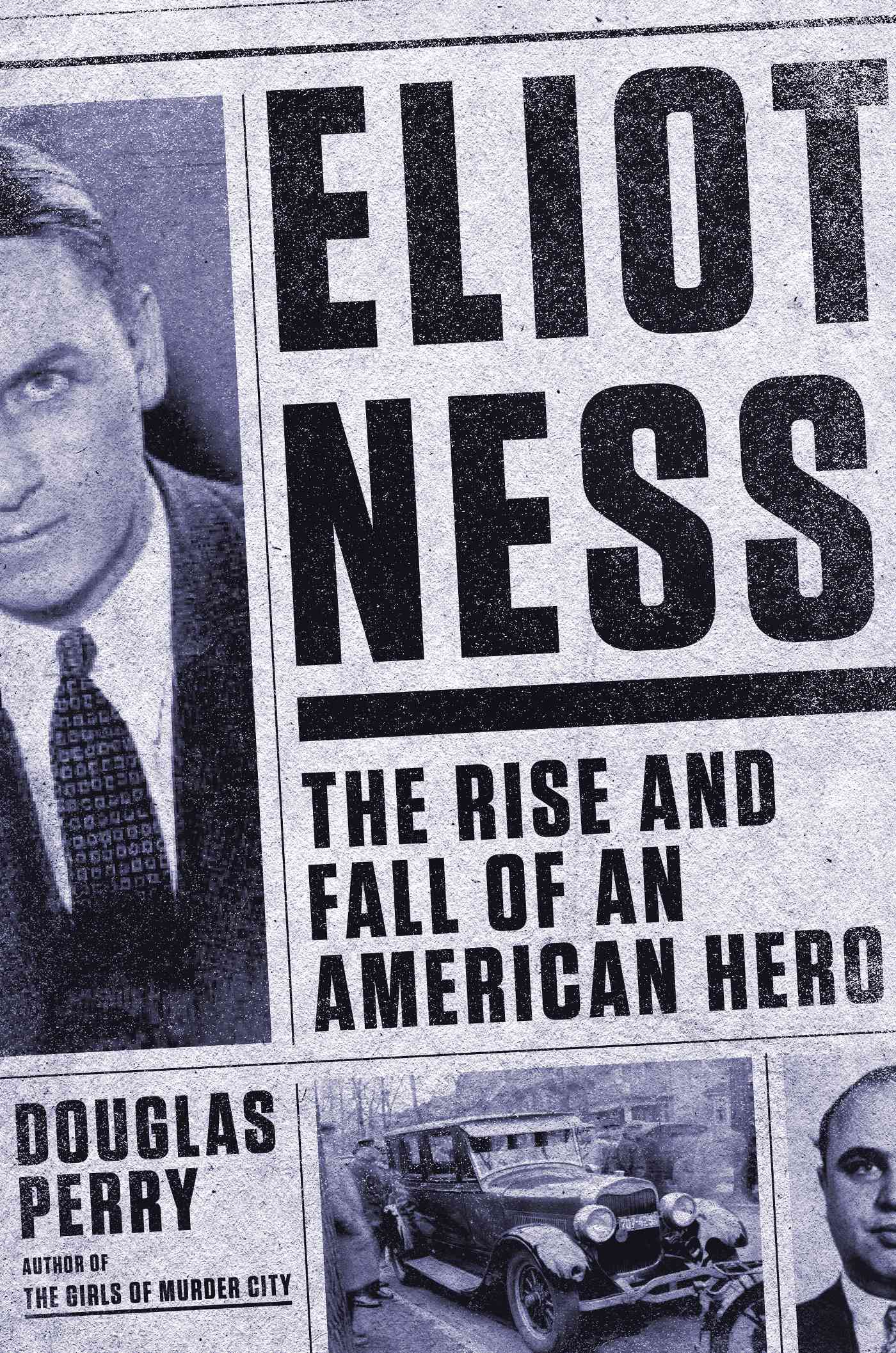
In a time when gangsters were as famous as a Kardashian, the shy lawman Eliot Ness rose to fame for leading the Untouchables against Al Capone. The daring raids with the Prohibition Bureau squad have been immortalized by Kevin Costner, but Douglas Perry’s new book Eliot Ness: The Rise And Fall of an American Hero argues that Ness’s biggest achievement was his forgotten second act as public safety director of Clev;and. A role where he purged the city of corruption so deep the mob and the police were often one and the same
iTunes – $14.99
Annihilation
by Jeff VanderMeer
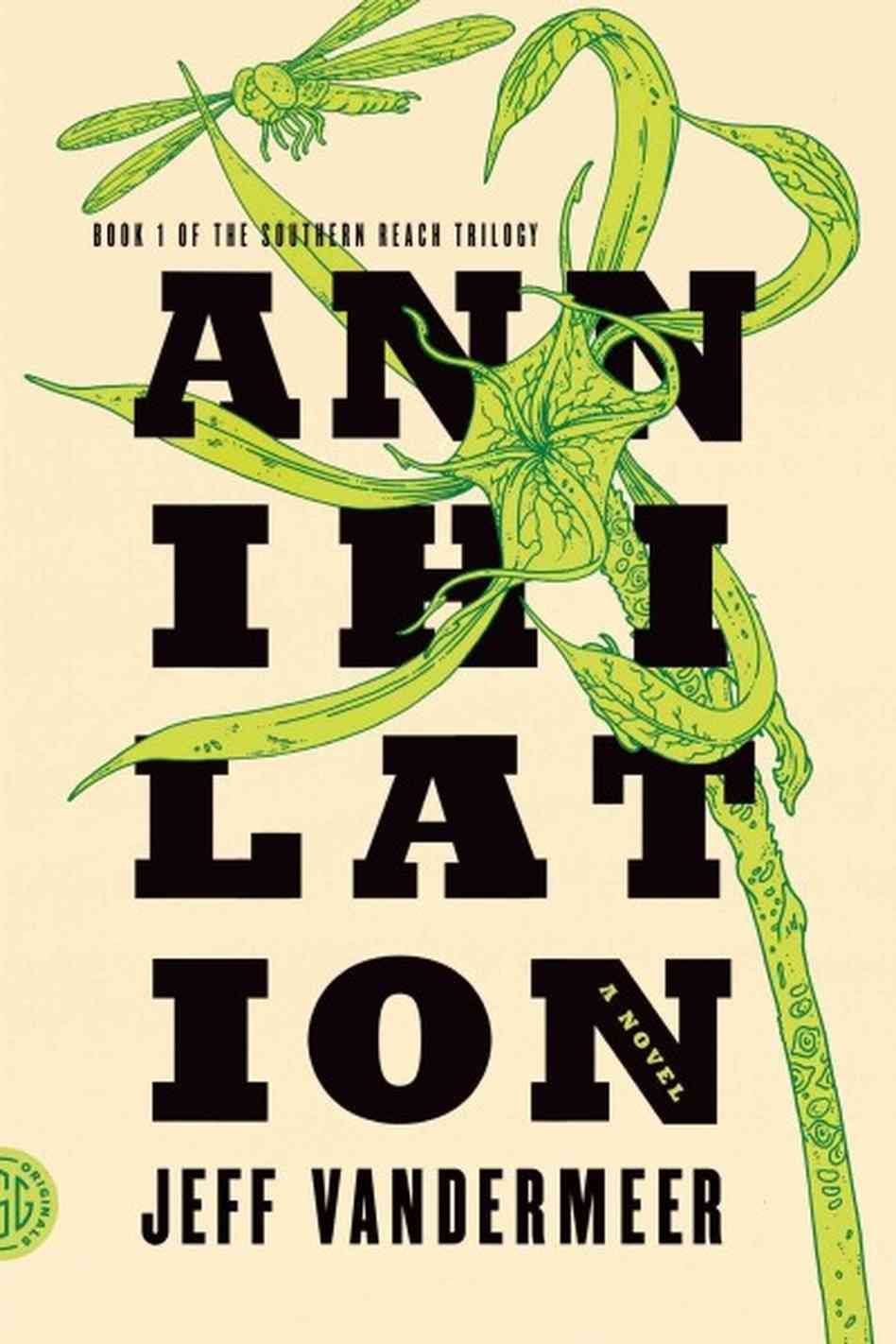
The worst thing about getting into a new trilogy is having to wait years for the next books to be published, but with Jeff VanderMeer’s new Southern Reach Trilogy, all three books will be available by September, with the first, Annihilation hitting shelves this week.
Set in Area X – a mysterious land reclaimed by nature that’s been closed for decades – Annihilation follows the 12th expedition group to enter Area X consisting of an anthropologist; a surveyor; a psychologist, and our narrator, a biologist. Their mission is to map the terrain and collect specimens; to record all their observations, scientific and otherwise, of their surroundings and of one another; and, above all, to avoid being contaminated by Area X itself
iTunes – $7.99
Nebraska
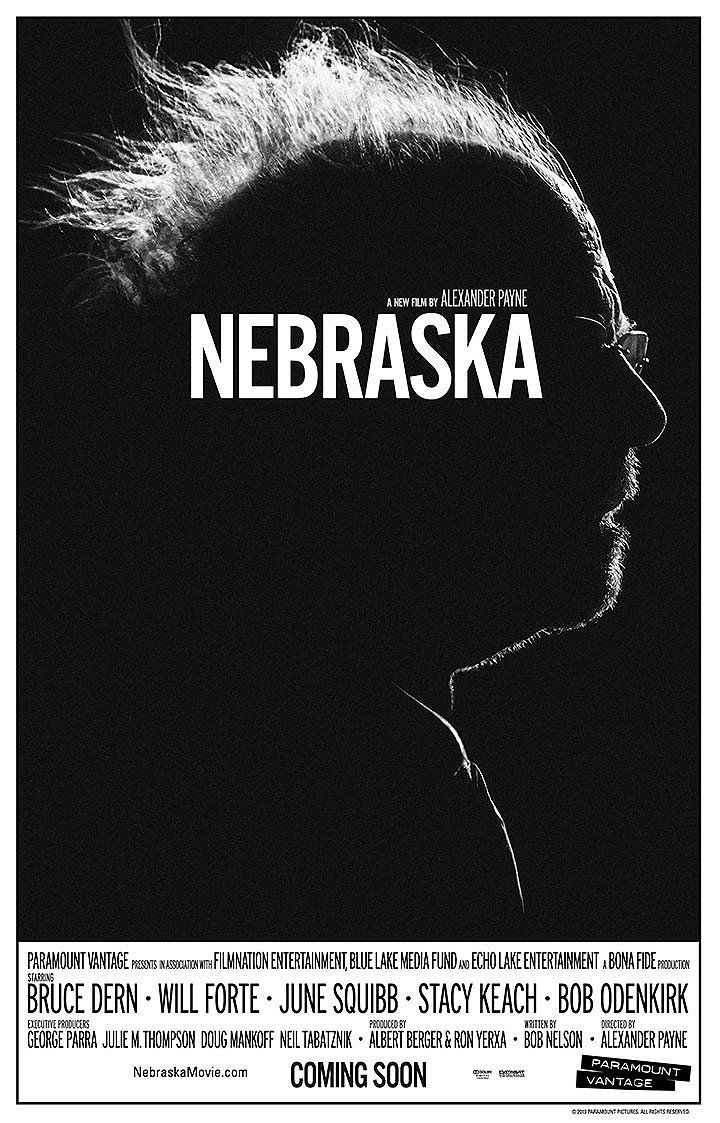
The Oscars are still a few weeks away, but one of 2013’s top pictures with 6 nominations, Nebraska, can finally be enjoyed from the comfort of your couch. Directed by Alexander Payne, the movie follows an aging, booze-addled father and his estranged son who make a trip from Montana to Nebraska to claim a million-dollar Mega Sweepstakes Marketing prize.
iTunes – $19.99
These Birds Walk

Unlike Nebraska, These Birds Walk won’t be all the rage at the Oscars, but it’s got a story that’s just as inspiring and brilliant as other nominees like Cutie and the Boxer. This indie documentary follows a young Pakistani runaway aided by a sympathetic ambulance driver in his quest to reunite with the orphanage he left.
iTunes – $12.99
Camp Takota

We all remember all the great times and magic of summer camp – unless you went to Camp Hope. Wouldn’t it be great to quit your job and go back to the days of papier-mâché projects and archery classes? That’s pretty much what Elise Miller does in Camp Takota when her personal and professional life fall in shambles. Even better, when she takes up a job at a counselor at her old summer camp she’s reunited with two estranged friends who attended camp and never left.
iTunes – $9.99
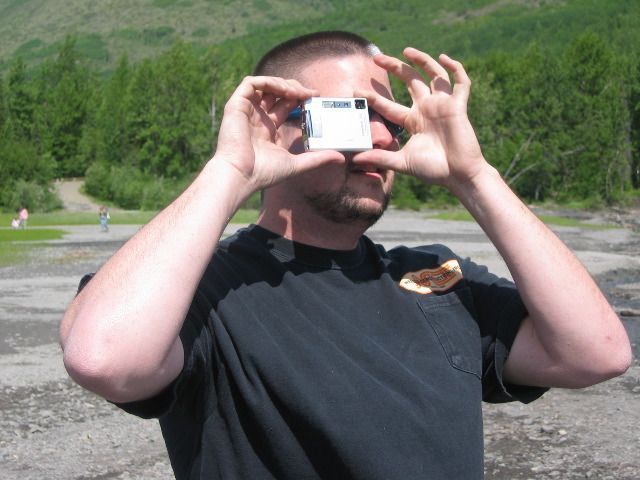
I remember when the Apple Quicktake was a revolutionary new product. It was an odd, squarish thing that you held up to your eyes like a strange pair of binoculars and it took photos at a then-astonishing 640 by 480 pixels. It was bulky, though, and quickly replaced.
No one took pictures with their phones.
As soon as June of 2007 rolled around, the iPhone debuted with a 2 megapixel camera. It wasn’t as good as the point and shoot I still favored, so it stayed in my pocket (at first). More and more, though, the iPhone was with me when I wanted to take a picture, and my Minolta was not.
Each successive iPhone model increased not only the megapixel count, but the iPhone camera itself, from the lenses to the internal sensors, received update after update, until–honestly, who carries around a point-and-shoot anymore?
This week’s issue of Cult of Mac Magazine celebrates that fact with an entire volume dedicated to tips and tricks befitting the one camera we all have in our pockets at all times, giving you practical, technical tricks on all things iPhoneography. Cult of Mac’s own photography guru, Charlie Sorrel, weighs in with some choice technical advice on photography that applies across all cameras, iPhone or not, while Olloclip’s Michele Baker and Camera+’s Lisa Bettany drops some wisdom on how she got her best iPhone pictures.
Of course, we’ll have the usual Genius column and Best Apps and Media from the past week to share with you to, so head on in and enjoy the issue.
Browsing the App Store can be a bit overwhelming. Which apps are new? Which ones are good? Are the paid ones worth paying for, or do they have a free, lite version that will work well enough?
Well, if you stop interrogating me for a second, hypothetical App Store shopper, I can tell you about this thing we do here.
Every week, we highlight some of the most interesting new apps and collect them here for your consideration. This time, our picks include a sleeping aid for nerds, a clever alarm, and a way to avoid looking at other people’s lunches.
Here you go:
Developer Fixdit sees no reason why your nerd love should have to stop just because you’re unconscious. So now we have Hypersleep, a space-themed sleep aid that includes white-noise-ified versions of the engine noises of various science-fiction vehicles. You can nod off to the engine idle of the U.S.S. Enterprise-D or the background hum of the 10th Doctor’s TARDIS. Or some other equally dweeby drones.
And that’s where the Nerd Tax comes in: The default noise is free, but additional (read: recognizable) sounds cost $0.99 each. But I’m pretty sure that if the sound of Serenity’s engine will help you nod off, you’re willing to pay that dollar.
Hypersleep – Free ($0.99 for additional sounds) | Fixdit
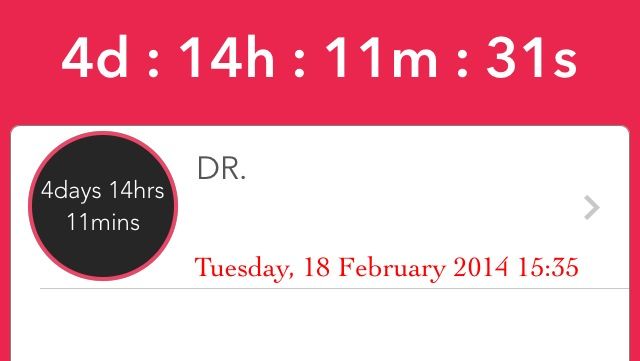
My Smart Alarm wants you to be on time, but it also knows that you can’t just walk out the door looking like that. So it lets you build up a list of things you need to do to get ready (showering, shaving, impromptu Nerf-gun battles) as well as travel time. You tell the app when your event/appointment is and check off your pre-game tasks, and it will alert you when you need to start getting ready.
It won’t tell you if that outfit looks dumb, though; you’re on your own there.
My Smart Alarm – Free | Aliyu Odumosu
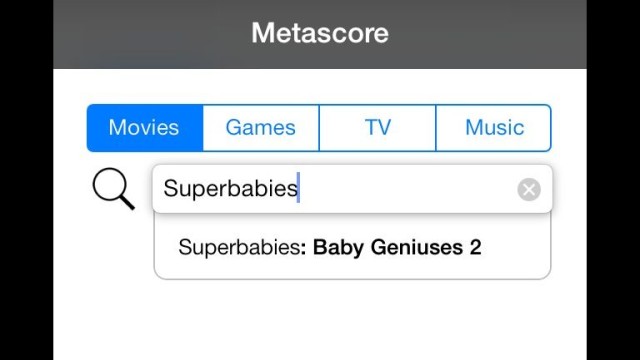
An official Metacritic app exists, but it’s pretty basic; it only shows you new movies. Metascore is also basic, but in a completely different way. It allows you to look up the Metacritic aggregate number for anything on the site, including movies, video games, TV shows, and music. You just type in what you’re looking for, and it gives you the number.
And when I say it gives you the number, I mean that it only gives you the number. You’ll have to go somewhere else if you want to read the reviews, but this is still a handy app if you’re just looking for a general rating.

Photo-sharing social apps like Instagram are fine and all, but most of them have one flaw: You can’t tell them not to show you pictures of people’s lunch if you don’t want to see them. Enter Just…, a quick-and-easy place to post and look at photos that asks you upfront what you want to look at. So far, it includes 11 categories including Automobiles, Cats, Dogs, and, yes, Food, if you’re into that.
It’s easy to put up your own work and like and share others’, and the feeds already have some beautiful pictures for your enjoyment.
(Apologies to Mr. Albano for the crop job up there.)
Just… – Free | FiveIron Software
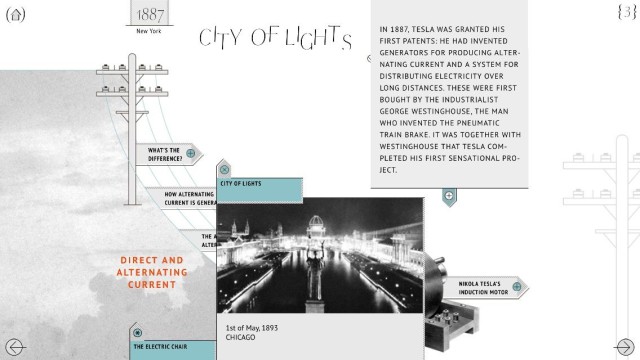
We’ve already covered multimedia platform Narr8’s transition from iPad to iPhone, but this week, the company released a standalone app just for biographical comics about some of history’s great thinkers and doers. Biographics offers 13 “episodes” that offer tons of information about some fascinating figures. The first two episodes, which cover Nikola Tesla and Sigmund Freud, are free, and the rest are available for $0.99 each. Subjects include Sir Arthur Conan Doyle, Vlad Dracula, and Martin Luther King.
That’s a lot of ground they’re covering, there.
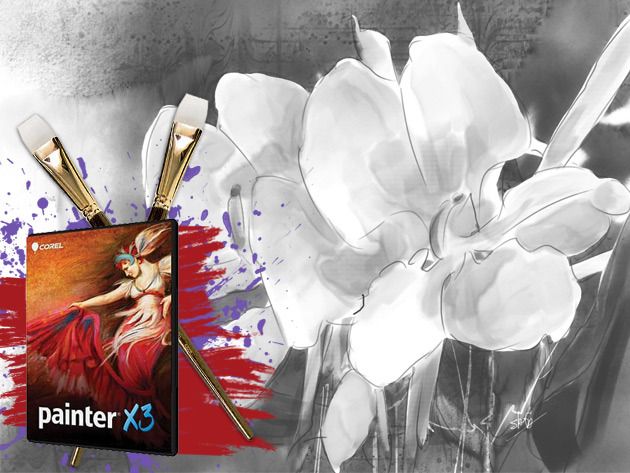
Whether you’re an illustrator, concept artist, traditional artist, professional photographer, or designer, Corel® Painter® X3 will give you all the tools you need to unlock new artistic possibilities.
As digital art continues to make its way into the mainstream, Painter is about as realistic as it gets, and an invaluable resource for any artist. If you are making the move from traditional to digital, Painter will make the transition as painless as possible. And Cult of Mac Deals has it for 30% off for a limited time — just $299!

To aid in its uphill battle against Apple and Android, Microsoft is adding a voice assistant of its own to Windows Phone 8.1 and according to the latest details she could pass as Siri’s sister.
Inspired by AI character from the Halo series, Cortana will replace Bing-search in the update and act as a mix between Siri and Google Now, according to the Verge, but the UI and personality will be pretty similar to Siri:
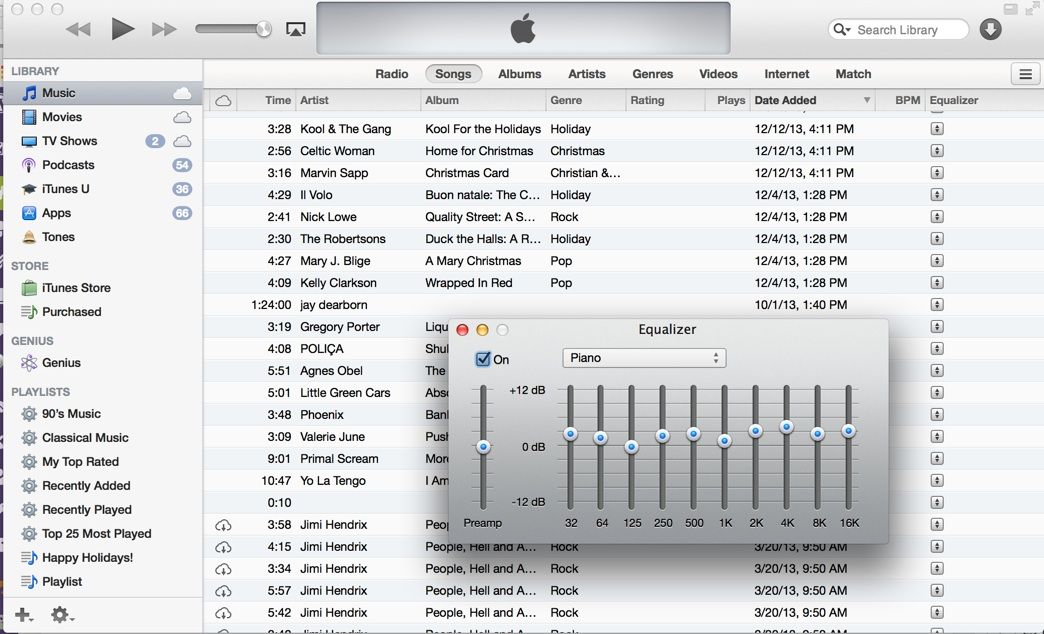
If you’ve used iTunes for a while now, you know how to set the Equalizer to a variety of pre-set and custom settings to make your music sound the way you want it, right? You simply head up to the Window menu, and choose Equalizer, or hit Option-Command-Two. The Equalizer window will show up, and you can click on the pop up menu at the top there to pick a setting you’re happy with.
But what if you want to set your Equalizer differently for different tracks? It’s pretty easy to do, but you’ll probably have to hop into the View options in the list view to make this work.
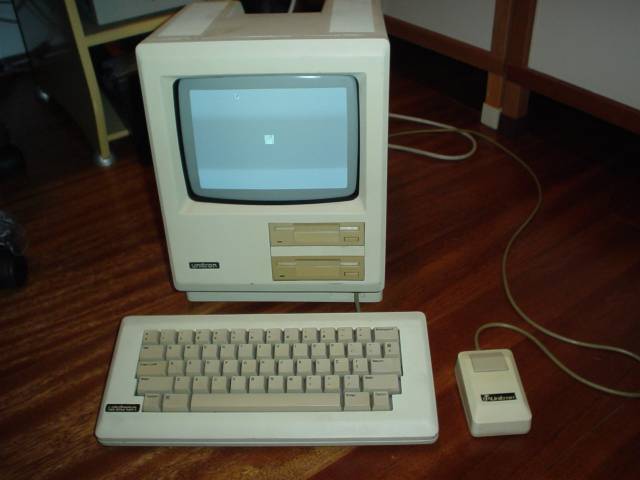
The first Macintosh clone in the world was not one of the Apple sanctioned systems released in 1995, such as those from companies like PowerComputing, Radius, Umax or Daystar Digital. Nor was it the Outbound laptop in 1989, a hybrid system produced using Mac ROMs taken from working Mac Plus systems.
No, the first Macintosh clone was the Unitron Mac 512, a unauthorized copy of the 512k “Fat Mac” produced by a Brazilian company in 1986. And it was a pretty darn impressive copy. The fallout from that effort nearly help start a trade war between Brazil and the United States; to prevent theft of Intellectual Property, Apple and other companies lobbied Congress to hike import taxes on Brazilian goods like oranges and shoes as a response.
And as we know, nobody messes with Tropicana …
It’s not a widely known story. Pieces of this long-forgotten chapter in Mac history can be found scattered on websites around the world. Here is the fascinating tale of the first Macintosh clone in the world.
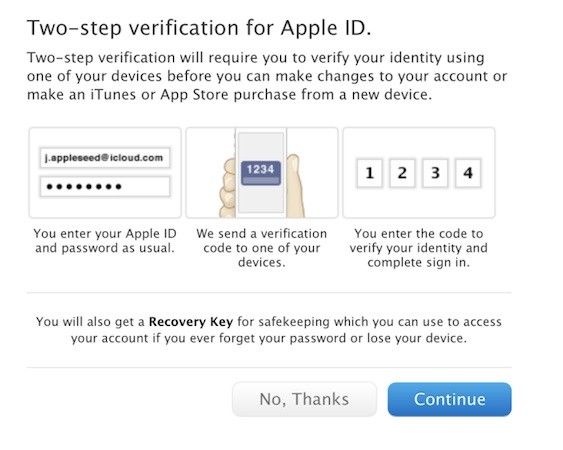
Apple began rolling out its two-step verification system for your Apple ID last year, adding an extra layer of protection for users. Now it is making the security feature available in more countries — including Canada, France, Germany, Japan, Italy, and Spain.
The concept of the two-step verification system, for those unfamiliar with it, is to make you enter a code (sent to a single trusted device) each time you make changes to your account, or make a new iTunes or App Store purchase using a new device.
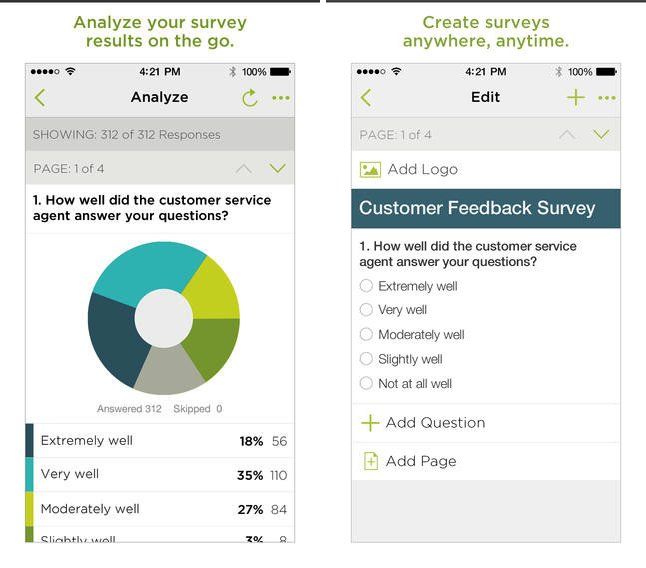
The world’s leading online survey platform SurveyMonkey finally has an app available in the App Store — letting iOS users on the move create surveys and polls, send them to out, and then monitor the result as they come back in.