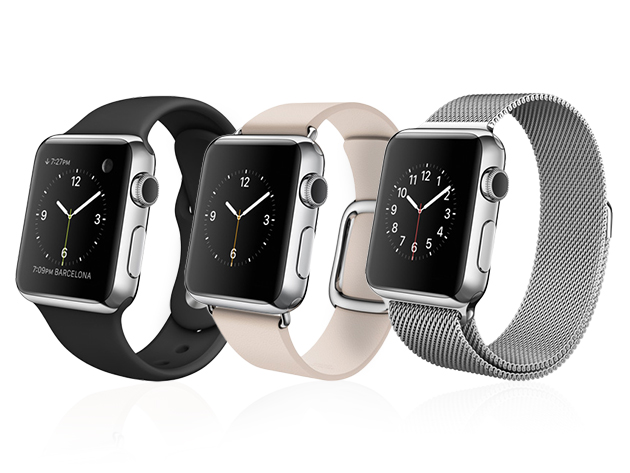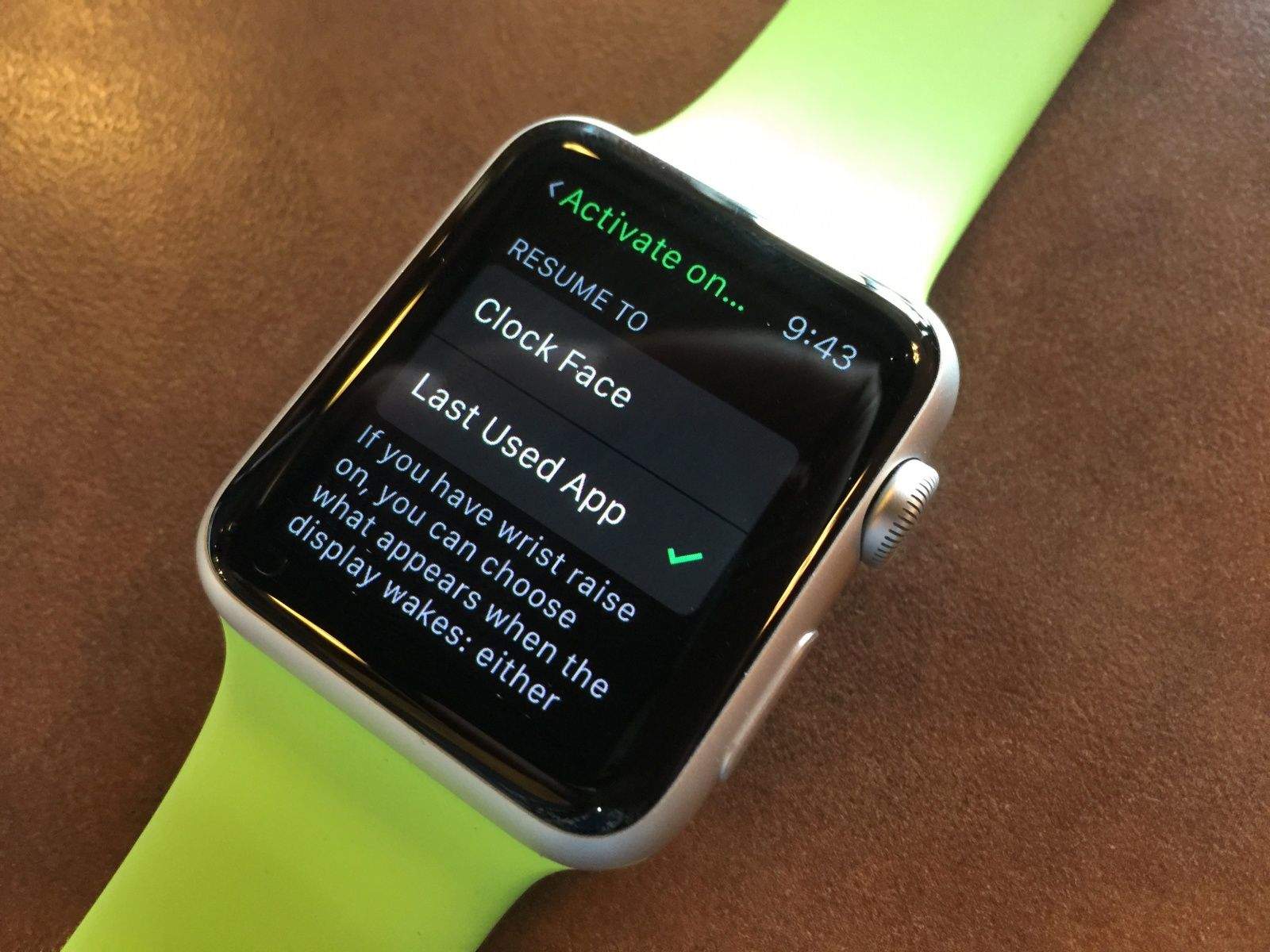
When you hit your Apple Watch’s side button, just under the Digital Crown, you get a list of the contacts you‘ve marked as Favorites in order to send your heartbeat or taps to them via Digital Touch, or folks you want to text with using your new Apple wrist gadget.
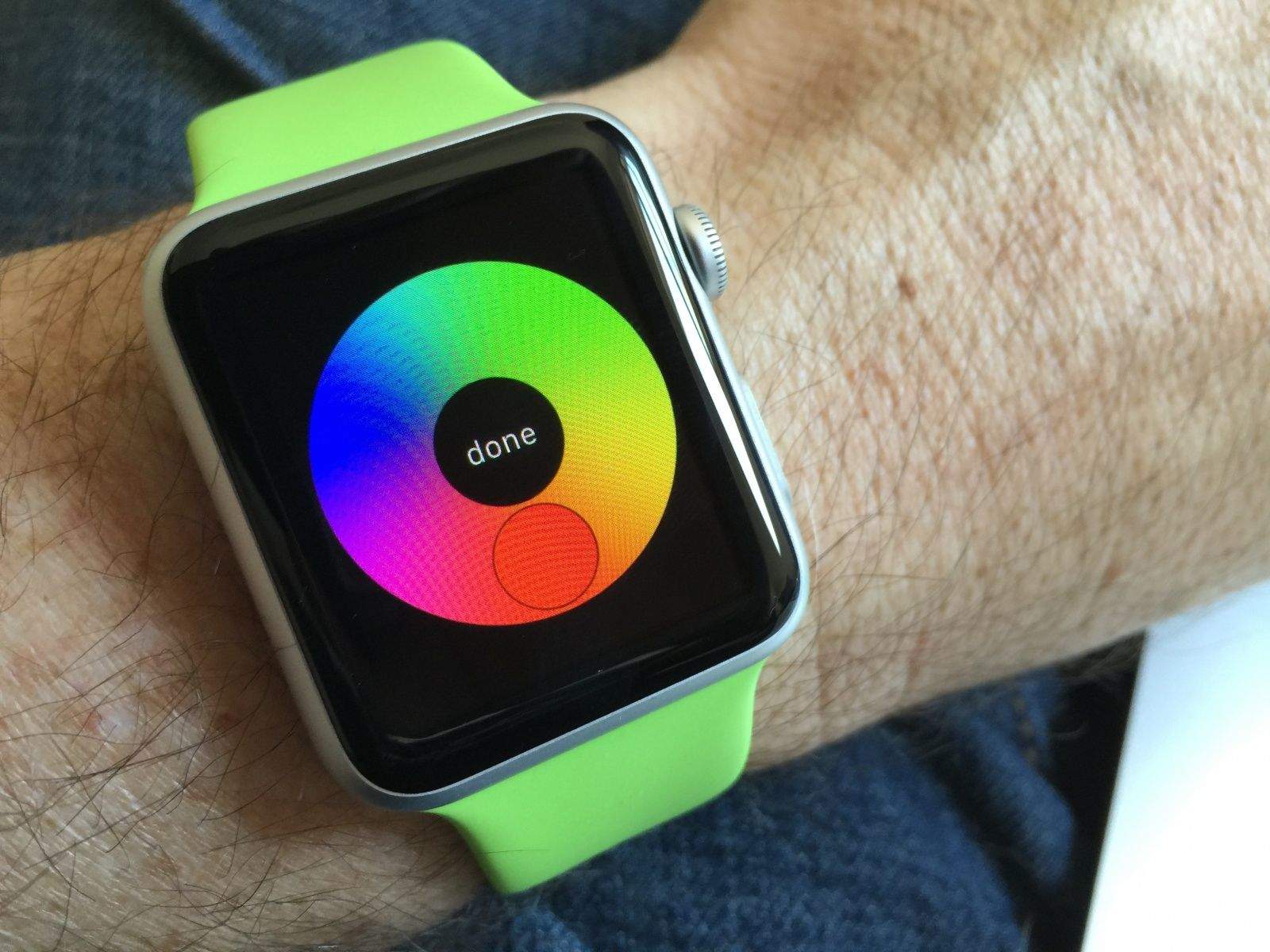
There are seven different presets for color coding those contacts, too, which default to red, blue, green, yellow, orange, white and purple.
Did you know that you could customize the colors of each of these seven slots? Here’s how.