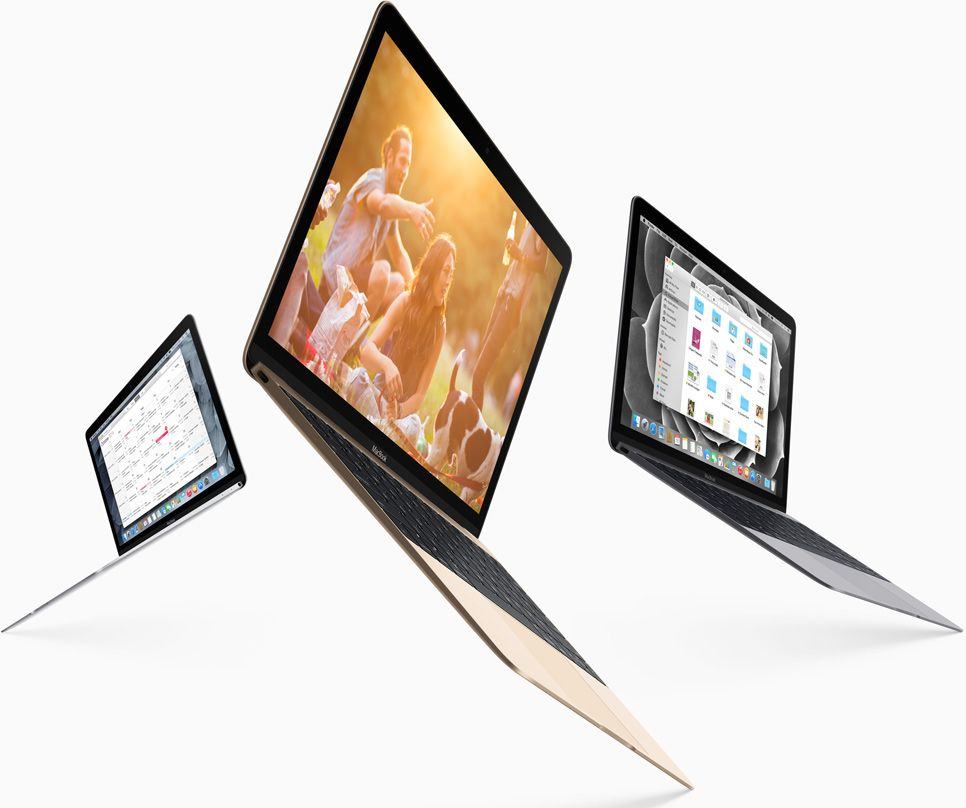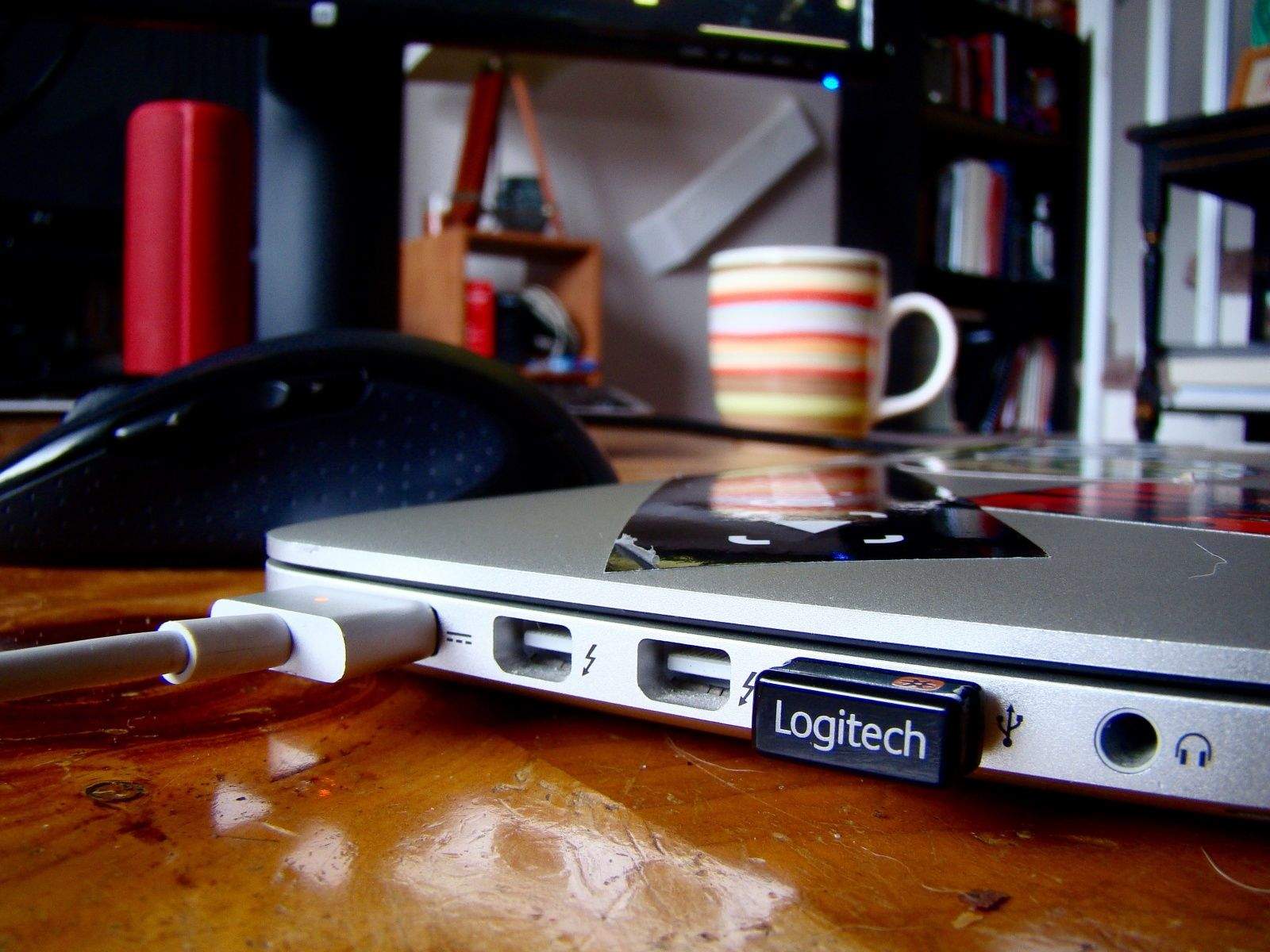
I was setting up my MacBook Pro with Retina display to work with a new external monitor today, thinking that when I connected to the monitor via HDMI and closed the lid, I’d see the display up on the new monitor.
I was disappointed when I saw absolutely nothing up on my new monitor, so I went searching to find out how to make it work. Is it a special setting in the System Preferences? I haven’t had an external monitor for a while, now; maybe things are more complex.
Luckily for me (and you!), it turned out to be much simpler to make happen. Here’s the recipe.