Soon, you'll be able to buy stuff straight from Pinterest. Oh, no. Photo: Pinterest
If you’ve ever been browsing through the Pinterest app and saw something that made you think, “OMG WANT,” but you were away from your computer or just didn’t feel like going online to make that thing yours, you may be interested in the program the company announced today.
“Buyable Pins” will let you purchase select items directly from the app using a credit card or Apple Pay.
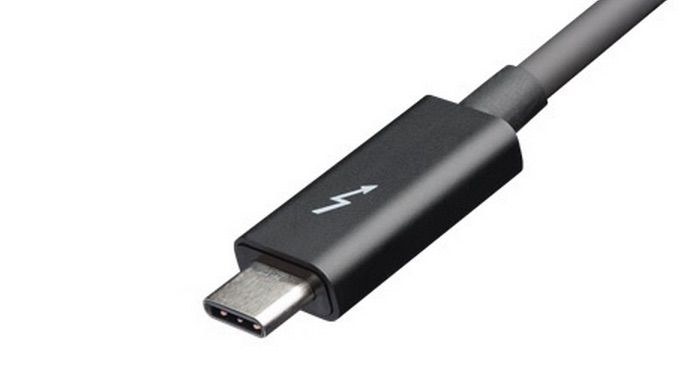
Apple completely removed all ports from the new MacBook except for a solitary USB Type-C that was mocked by fanboys across the world, but now that Intel has taken the wraps off of the new Thunderbolt 3 protocol, new MacBook owners are getting the last laugh.
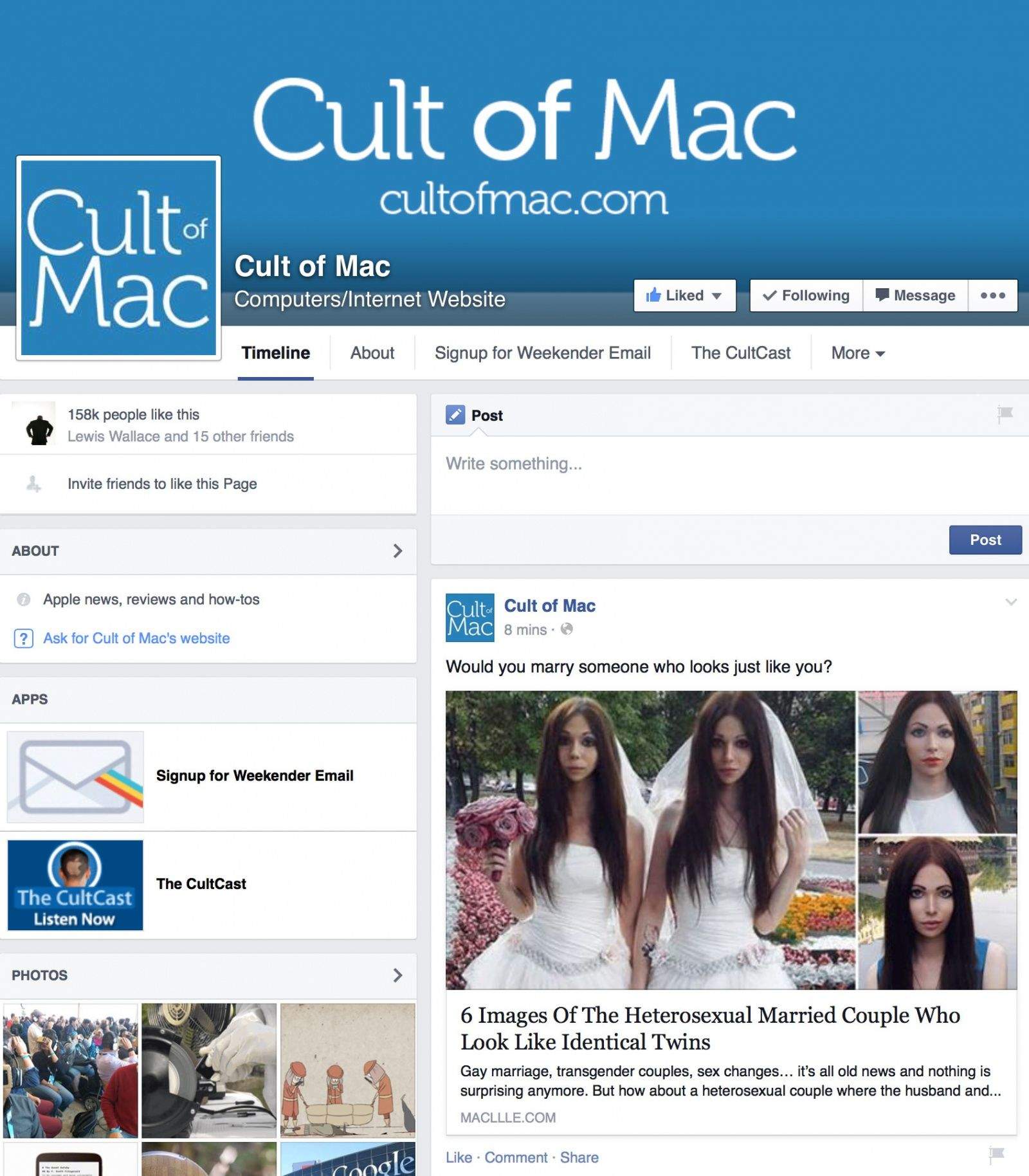
Cult of Mac's Facebook page has been taken over by hackers, and we're having trouble getting it back. Photo:
Update:We’re back! We were finally able to get hold of someone at Facebook and get our Facebook page back. Many thanks to everyone who tried to help and offered support. We contacted someone at Facebook through a reader in Chicago, who happens to work for a big newspaper. He had a contact in Facebook’s media team and called her up. Within minutes I received an email asking for details, and two minutes after that it was fixed. In fact, it was shocking how quickly the situation was reversed, given that we’d been wrestling with it for almost 24 hours — many thanks to the Facebook insider who fixed the problem for us. However, my thesis still holds — Facebook is a locked vault. If you don’t know someone who knows someone who works there, you’re SOL. Oh, and no word on what happened. I asked them, but no reply as yet.
Much to our horror, Cult of Mac’s Facebook page got hacked Monday and turned into a spam site. The hackers have locked us out and we’re finding it impossible to regain control.
We’re trying desperately to contact Facebook, but the company offers no customer support whatsoever. There are no online submission forms, no support email addresses, and the phone automatically hangs up on you if you call. It’s impossible to raise a human being over there.
It would be laughable if it weren’t so serious. But during this ongoing nightmare, I’ve discovered something important about Facebook and the kind of tech companies it represents.
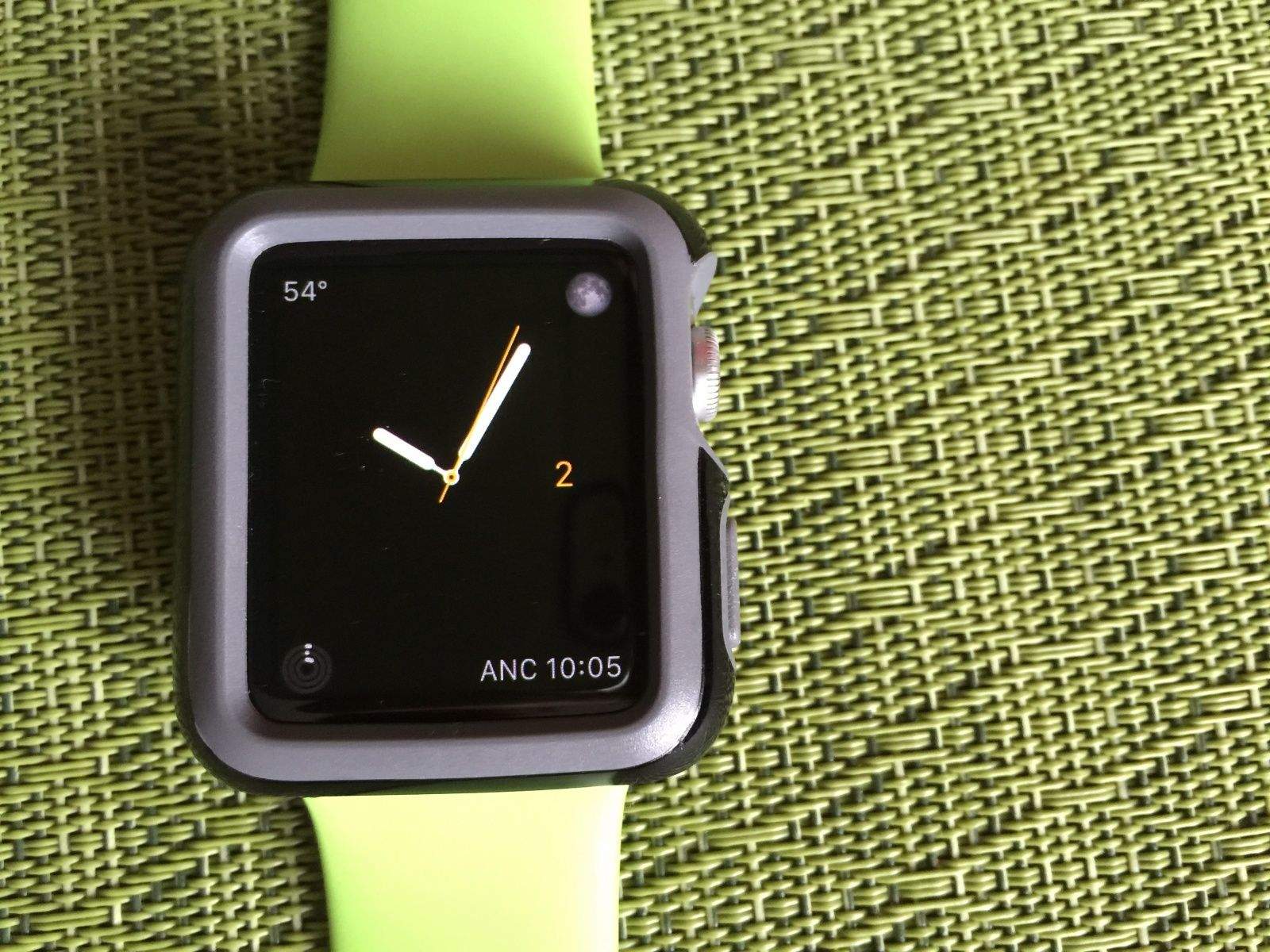
Do you really need that much protection for your Apple Watch? Photo: Rob LeFebvre/Cult of Mac
Let’s be honest — the Apple Watch is already kind of bulky, and most of us aren’t climbing mountains with them on anyway. The craziest I get is maybe leaving it on while I shower at the gym.
For those of you who actually engage in rugged outdoor activity, a case might be warranted. You’ll certainly want to have some drop protection so you don’t get stuck with a shattered watch face.
Seriously, though, a case for your Apple Watch just might be overkill.
The U.S. Senate is hashing out the USA Freedom Act, which concerns government wiretapping. Screencap: Evan Killham/Cult of Mac
The U.S. Senate has taken one step closer to a final vote on changing the government’s controversial program to freely tap and monitor citizens’ phones.
Senators voted 83-14 to end debate on the “Uniting and Strengthening America by Fulfilling Rights and Ending Eavesdropping, Dragnet-collection and Online Monitoring” (USA Freedom) Act. The bill will extend lapsed provisions of the anti-terrorism Patriot Act and aims to add transparency to the NSA’s activities surrounding wiretapping and data collection.
A final vote could happen as early as this afternoon.
Where are the smart voice-activated refrigerators? Where are the Jetsons-style gizmos that have us firing up our Apple Pay, and convince us that Apple is taking home automation seriously?
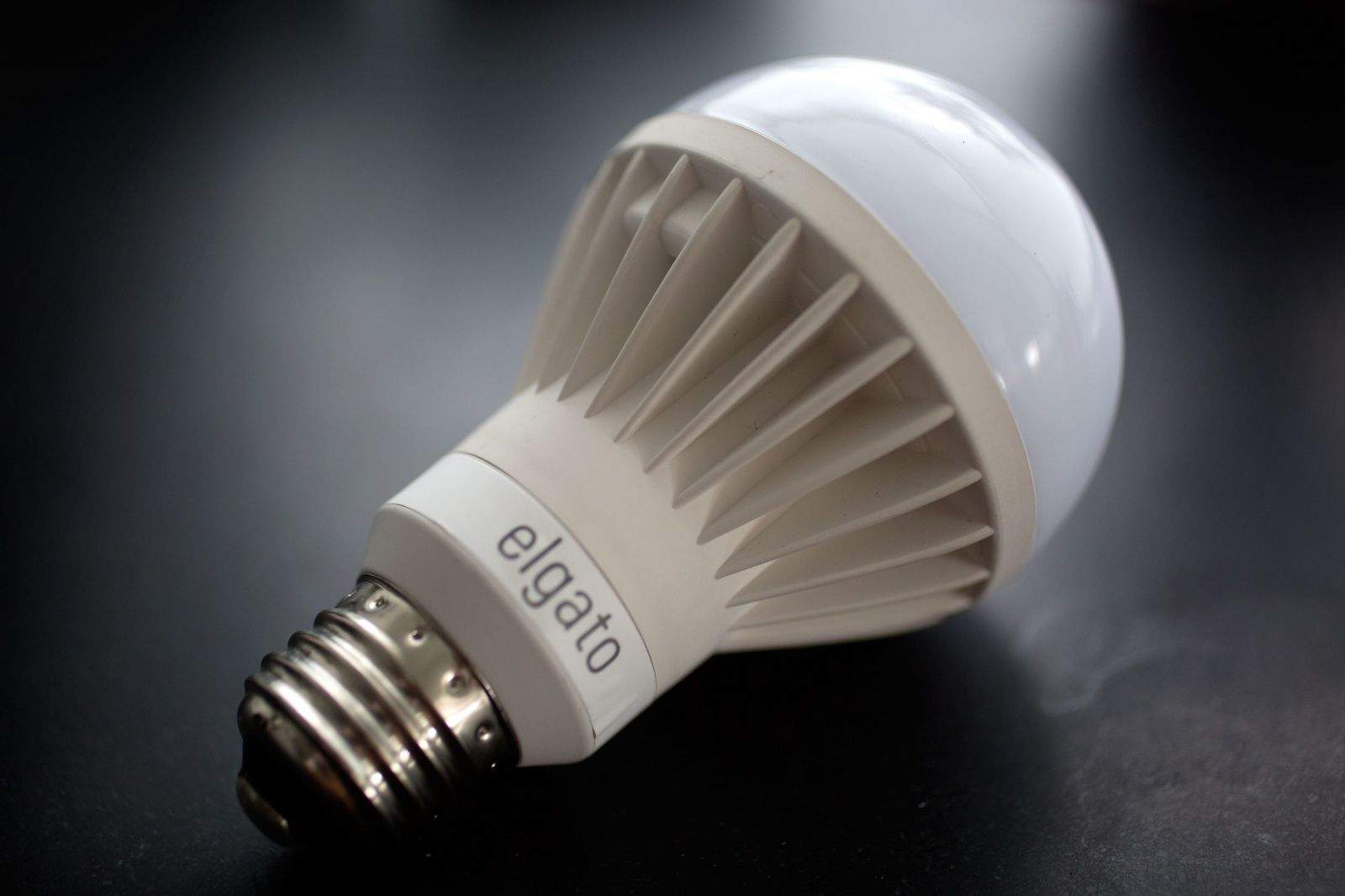
While there’s nothing wrong with what we got, it was the same predictable range of smart light bulbs, thermostats, and other gadgets that techies have had for years.
And after a year of waiting, we want more. Much more.
National Geographics is ready to give Apple TV users their nature fix Photo: Buster Hein/Cult of Mac
Apple probably isn’t going to be launching its new web TV service any month soon, but to hold users over until they can cut cable, Apple has added a new channel from National Geographic to give users their nature fix.
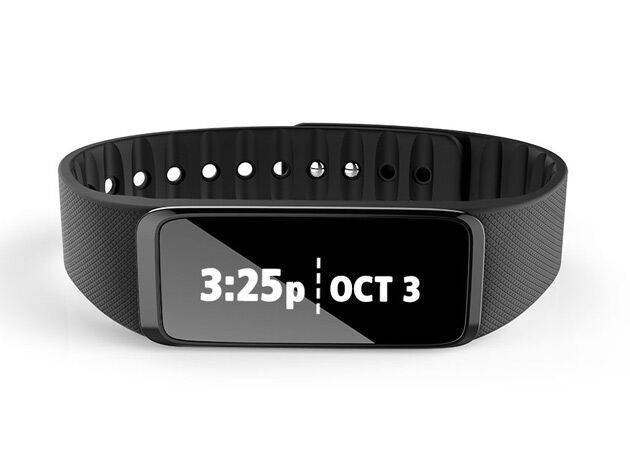
As wearables become more and more mainstream, we’re always psyched to find a sleek piece that can act as both a smartwatch and an activity tracker while still remaining budget-friendly. The Striiv Fusion is one that bits the bill—and at just $59.99 at Cult of Mac Deals, it’s a can’t-miss deal.
Microsoft’s devouring of our favorite mobile apps continues today with the acquisition of 6Wunderkinder, makers of popular task management app Wunderlist.
The buyout, which comes just four months after Microsoft acquired Sunrise, will help the software continue its mission to reinvent productivity in a mobile-first world, it says.
For a smartphone that was meant to turn around Samsung’s flagging mobile division, the Galaxy S6 hasn’t exactly been a rousing success.
In fact, according to one new report coming out of Taiwan, sales have been sufficiently disappointing that Samsung has decided to cut orders for its flagship device by 16 percent.
The report doesn’t make clear whether this refers to just the S6 or the S6 Edge also — or possibly a combination of both. Whatever the breakdown, it’s another piece of less-than-stellar news for Samsung at a time when it could really use some positivity.
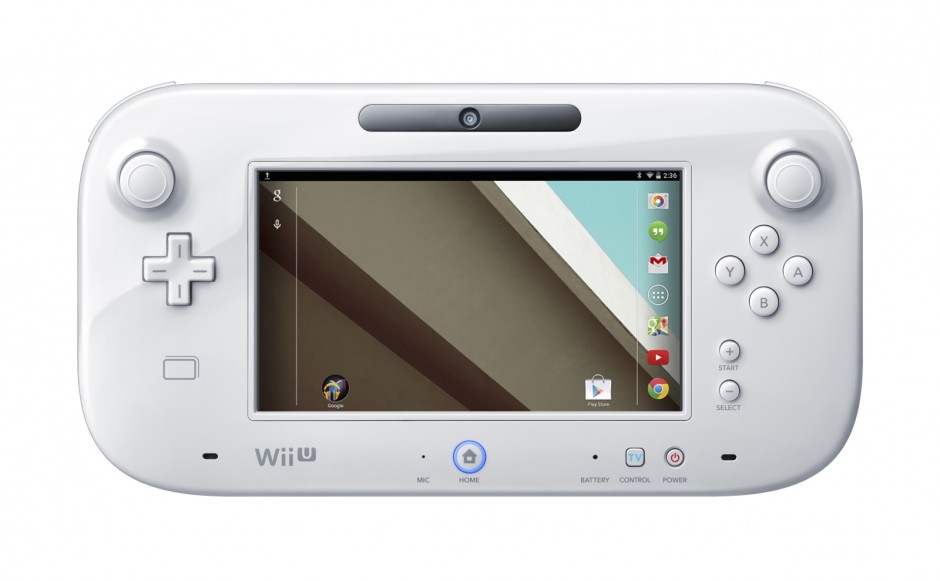
Nintendo has denied claims that its upcoming NX console will run Android.
An earlier report out of Japan, citing sources familiar with Nintendo’s plans, promised that the NX would employ Android software in an effort to attract new users and developers. But unfortunately for those excited by that prospect, it’s not going to happen.
HomeKit is all about letting your things talk to your other things. Photo: Apple
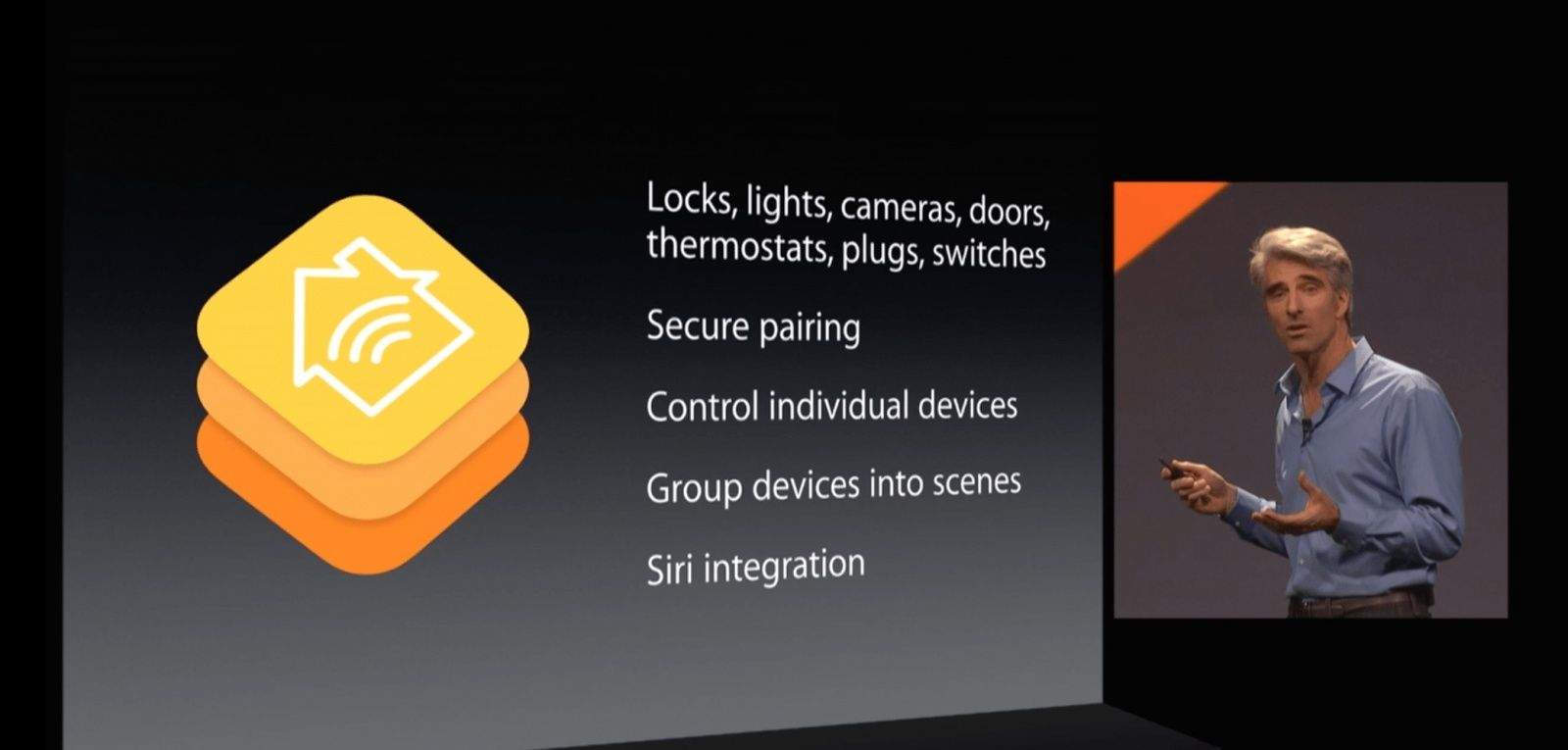
Almost a year since Apple unveiled its home-automation platform HomeKit, the first compatible products were officially announced today — allowing you to start building that Jetsons-style smart home you’ve always dreamed about, operated via Siri using your iPhone, iPad or even Apple Watch.
Among the first wave of HomeKit offerings are smart lights, thermostats, and home sensors for tracking air quality, temperature, smoke, humidity, air pressure, energy, and water consumption in your house.
Apple's latest iPhone 6 ads pay homage to a world of amateur vidiographers. Photo: Apple
Apple has expanded its “Shot on iPhone” print ad campaign with a batch of videos showing off the kind of beautiful footage it’s possible to record using the latest iPhone.
Instead of calling in the pros to film spectacular sights, the ads focus on serendipitous slices of everyday life, such as a ladybug on a twig or a sparrow eating from a person’s hand. As with the “Shot on iPhone” print ads, the spots were crowdsourced from regular iPhone users.
And you know what? Considering that each one is just 15 seconds long (with five seconds being the Apple logo and the “Shot on iPhone 6” tagline), they’re actually pretty darn great!
Steve Jobs would have sold the hell out of the Apple Watch.
According to Jony Ive, the Apple Watch project was first touted shortly after Steve Jobs passed away in 2011. But what would it have been like had Apple’s legendary co-founder lived to see the arrival of Apple’s debut into the smartwatch market?
To give us an idea, one dedicated Apple fan cut up and reassembled old “Stevenote” speeches to piece together an Apple Watch ad narrated by Jobs himself. Considering that it relies on old sound bytes about unrelated products, it actually works.
Check it out below. Bonus points if you can work out where each of the quotes originally came from!
New technology dreamed up by Apple would allow users to control an interface by simply striking a pose. This would work by having Apple devices generate a depth map for identifying “a head and at least one arm of the humanoid form” from any image in which one appears.
A way to switch on our next Apple TV by waving a hand or turning your head toward the screen? Yes please!
It's easier than you might imagine to do a MacBook RAM upgrade. Photo: Ste Smith/Cult of Mac
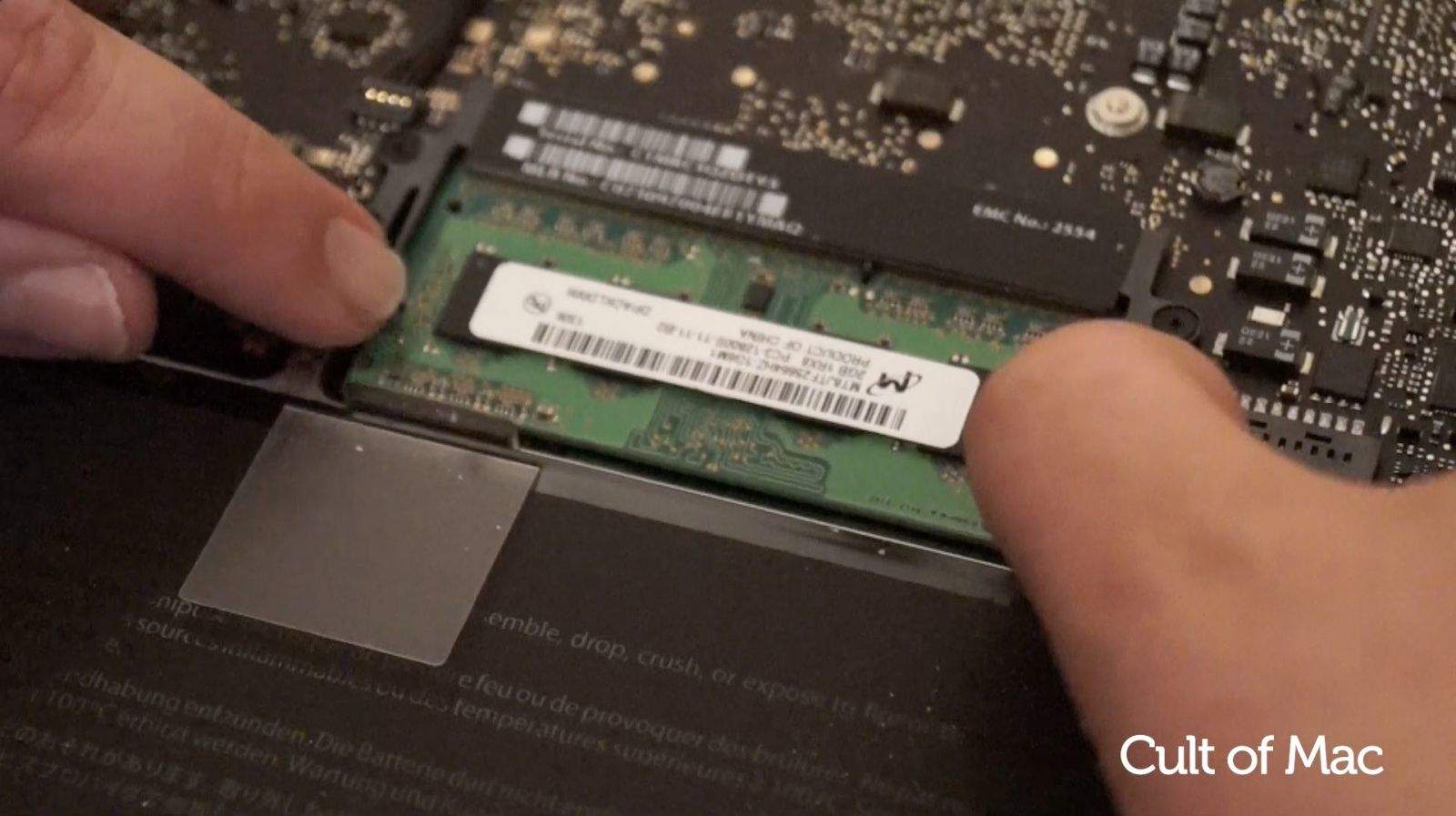
Faster, more powerful MacBooks come out every year, but for most of us it’s not very practical to throw down a bunch of cash every time a new model gets released. Luckily, it’s pretty simple to perform a MacBook RAM upgrade.
In today’s video, Cult of Mac shows you how to give your MacBook a speed boost by installing new RAM.
The heart rate monitor really sucks up some battery. Photo: Jim Merithew/Cult of Mac
Apple Watch can track your workouts, from cycling to rowing to the elliptical at your local gym. This is a battery-intensive feature, though, what with all the heartbeat monitoring, GPS connections to your iPhone, and the like.
Here’s how to conserve your Apple Watch battery life by turning off all that juice-hogging stuff while you run or walk, so you can keep your wearable’s power at optimum for a long day between charges.
Apple is hoping to move you from a music collector to a file-streamer. Photo: Jim Merithew/Cult of Mac
Imagine clicking iTunes’ “Buy” button to purchase the latest record from Drake or Pharrell Williams, only to get a popup from Apple suggesting you’re behind the times.
That’s what might happen as Apple uses its massive consumer base to push streaming music on the masses, even going so far as prompting iTunes users to switch from buying songs to subscribing to a cloud service.
That sort of mid-purchase upsell is just one possible element of Cupertino’s strategy to shake up the music industry again, and the Apple streaming music plan just might be crazy enough to work.
TV executives are lining up for a chance to possibly ink a deal for Apple’s new streaming TV service, but if you were hoping to ditch cable right after WWDC, you’ll have to keep waiting.
Apple's Maiden North Carolina data center. Photo: Apple
Data centers are not usually considered to be hazardous work environments, but Apple U.S. data centers have had a string of bad luck lately, and a new incident at the company’s center in North Carolina is adding to the fire.
Tim Cook is less Jobs-like by the day. Photo: Apple
Apple head Tim Cook has donated 50,000 of his shares in the company to an undisclosed charity, according to an SEC filing Friday. The donation has a value of $6.54 million, as of this writing.
Find a cruise that matches your style and budget without a lot of travel industry tricks. Photo: MSC Cruises
If you’ve ever tried to book a cruise through a portal like Cruise.com or — heaven forbid — via a cruise line’s website, you know that it can be an incredibly confusing and costly experience.
The thing is, though, that it doesn’t have to be. Cruisable is a startup that hopes to take the obfuscation away and let you find affordable and/or incredibly fantastic cruise vacations with a website and app that won’t try to trick you.
“Cruises can be cheaper than other getaways,” said CTO and co-founder Giacomo Balli, “as low as a couple hundred dollars.”
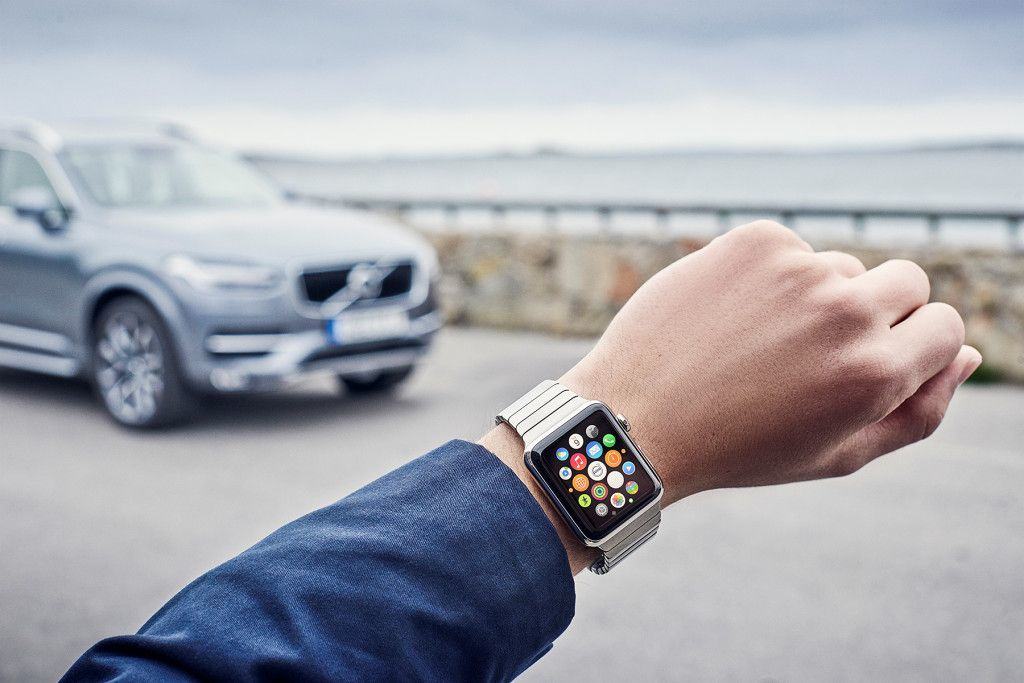
Apple Watch and Volvo are ready to roll. Photo: Volvo
Owning a car sucks mostly for one reason: I’m always losing my keys.
Like this morning on the way to the coffee shop when I somehow managed to lose my key after I already got in the car. Keys were not made for me, which is why I might need to upgrade to a Volvo someday because the company just revealed it’s ready to turn Apple Watch into the key to your car.
You can even filter events based on whether or not they're serving booze. Screenshot: Evan Killham/Cult of Mac
If you’re attending Apple’s Worldwide Developer Conference (WWDC) in San Francisco next week and want to know where the parties are, here’s a website that’ll help you plan your evenings.
A new Mac security problem has been discovered. Photo: Cult of Mac
Older Apple computers may be susceptible to a new zero-day vulnerability discovered by a security researcher, who found the flaw can be used to install rootkit malware that’s nearly undetectable and very hard to remove.