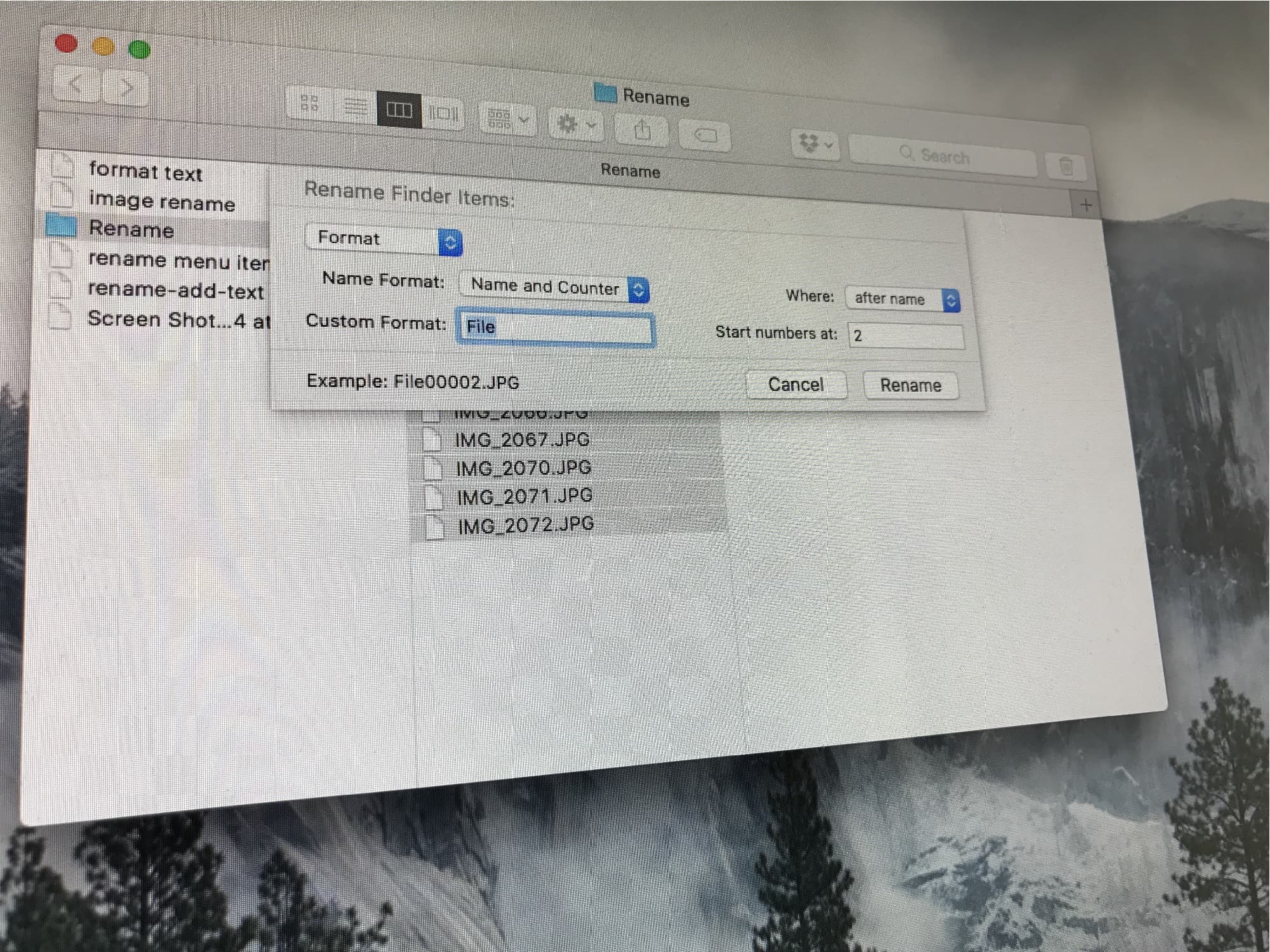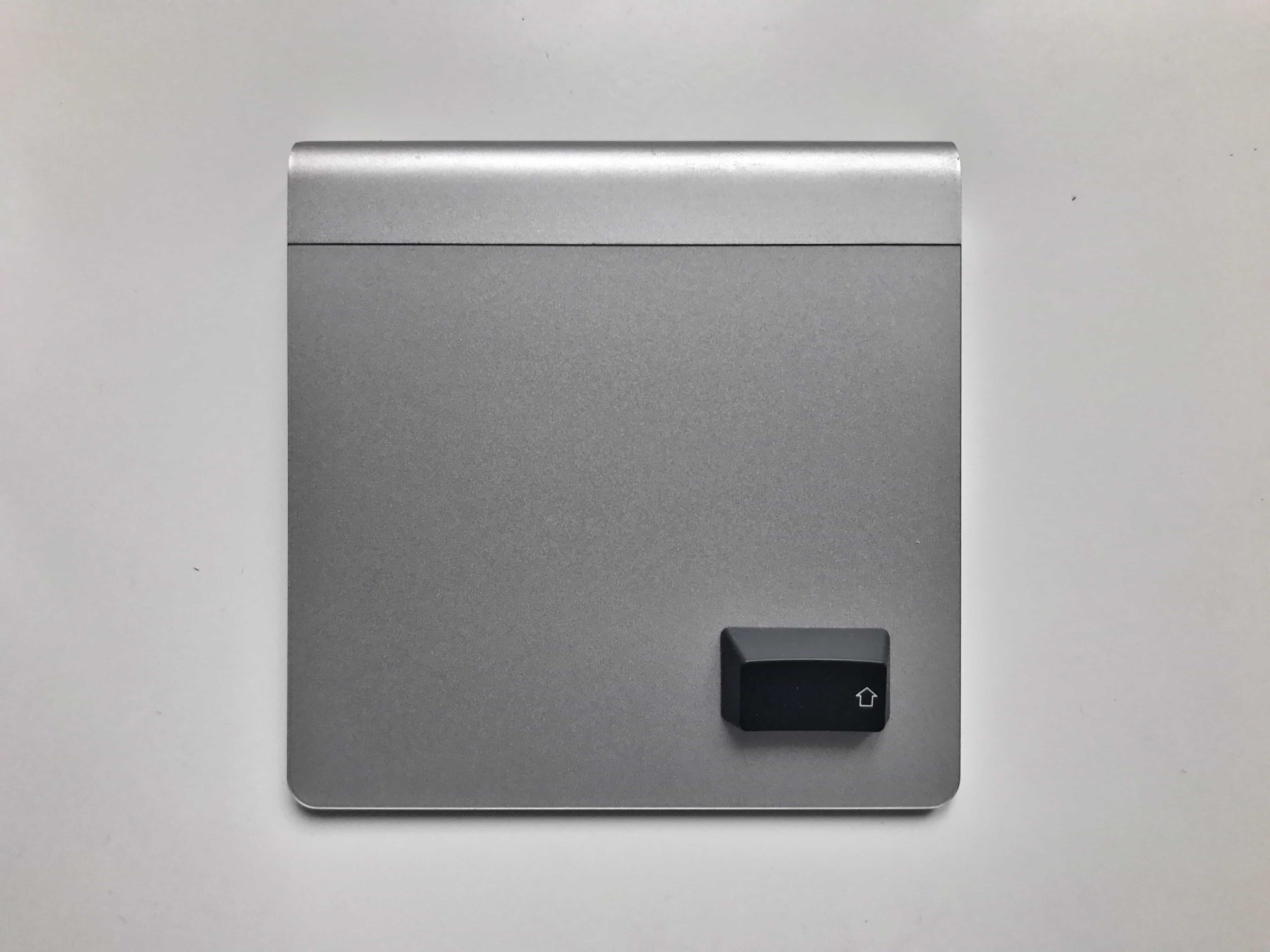
You probably spend a lot of time in the macOS Finder. Much of it is likely spent pointing and clicking, using the trackpad pointer to duplicate files, or to click back to the folder you were in a moment ago.
But, like most Mac apps, the Finder offers a ton of useful keyboard shortcuts — to create new folders, navigate files and change what you see in the Finder window. If you learn a couple of them, you can spend a lot less time dithering with your mouse. You will also look like a cool TV or movie hacker if you click on the keyboard instead.
Today, we’ll look at the most useful day-to-day Finder keyboard shortcuts.