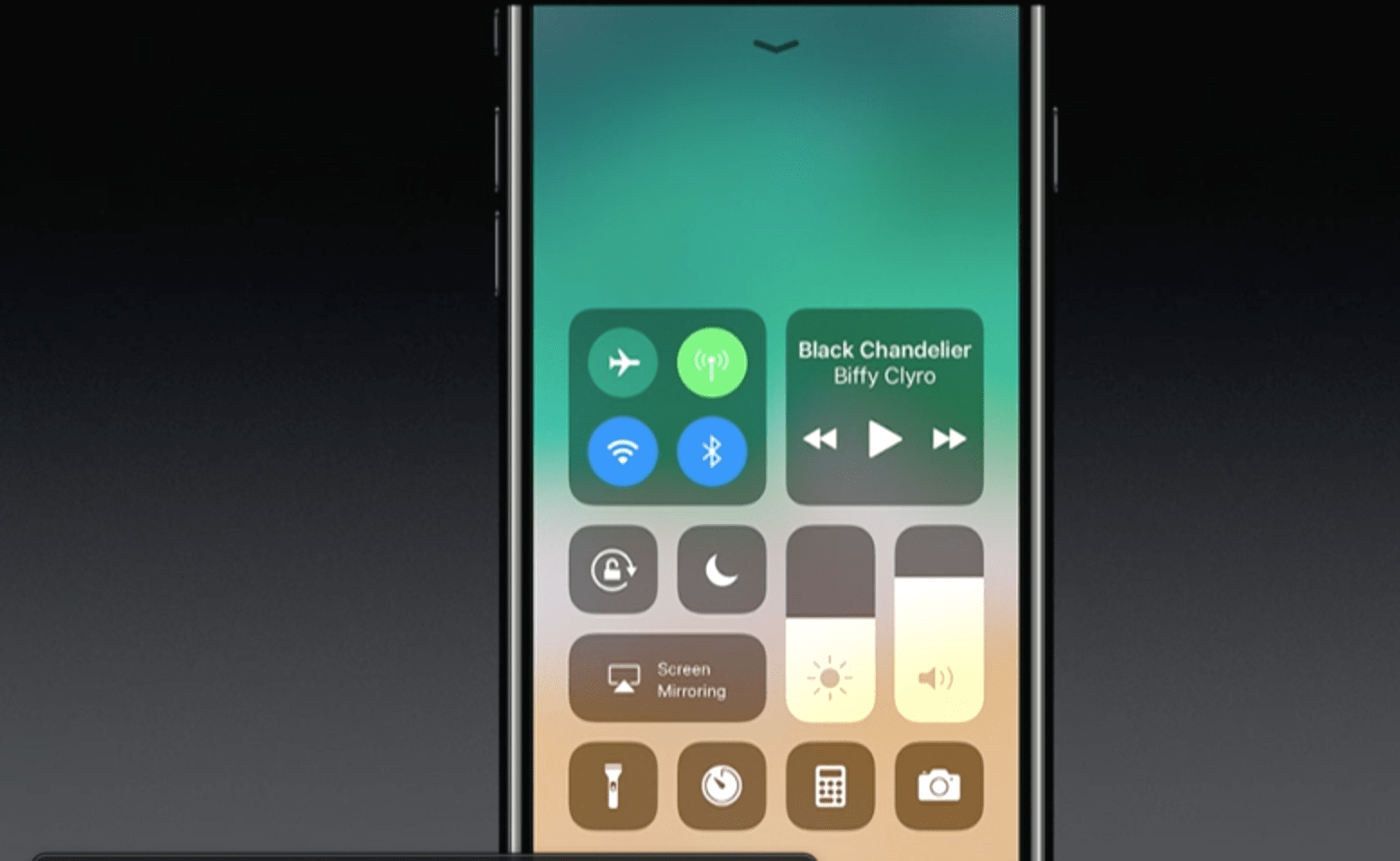
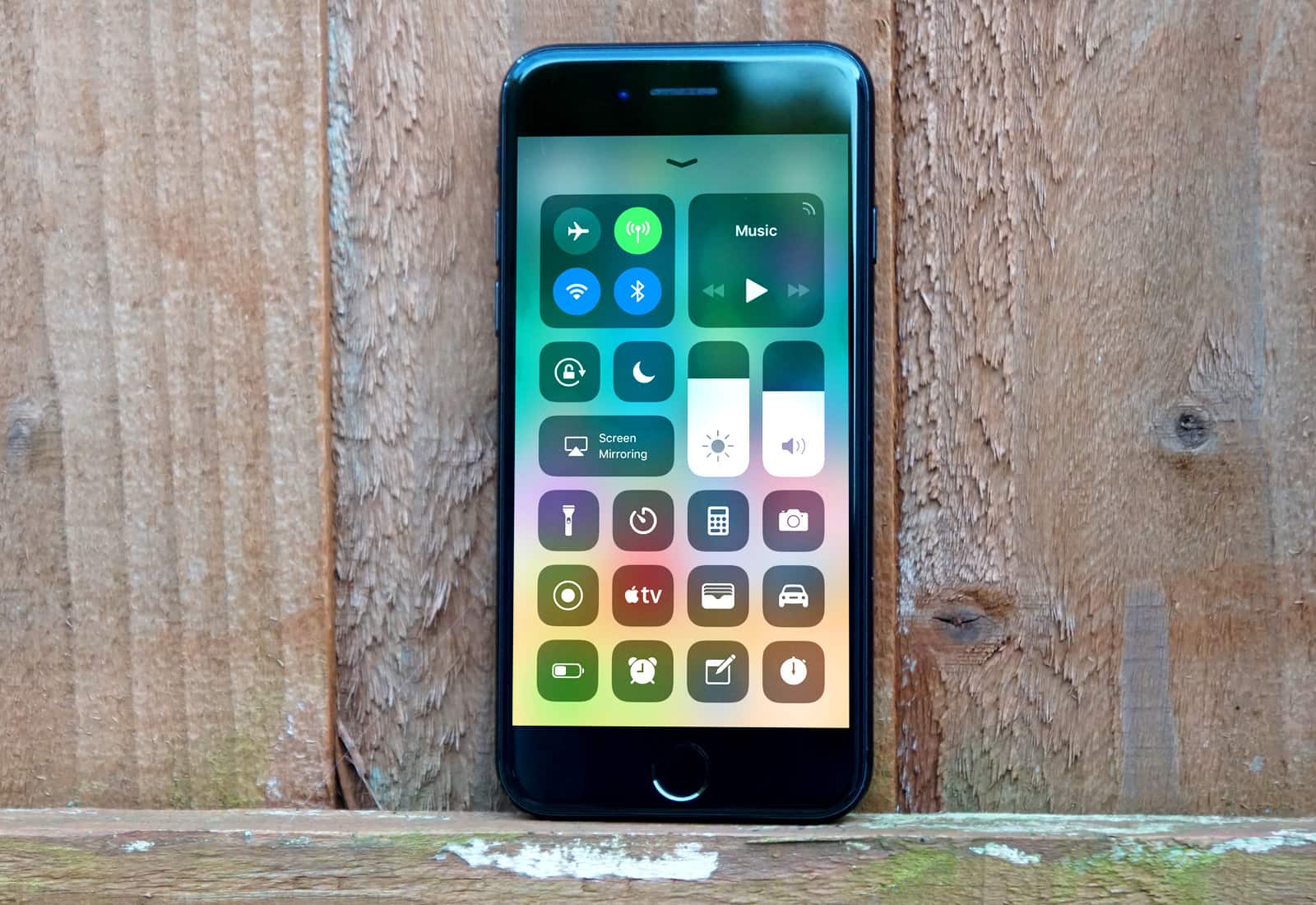
You can now record iPhone screen easily using the Control Center toggle. Photo: Apple
Recording your iPhone screen used to be a hassle. If you wanted to capture iOS gameplay, or make a funny or informative GIF of on-screen action, you needed to download a third-party app or connect your device to a computer.
Those days are over: With iOS 11, Apple baked in sweet functionality that lets you record your iPhone screen effortlessly. Here’s how to do it.
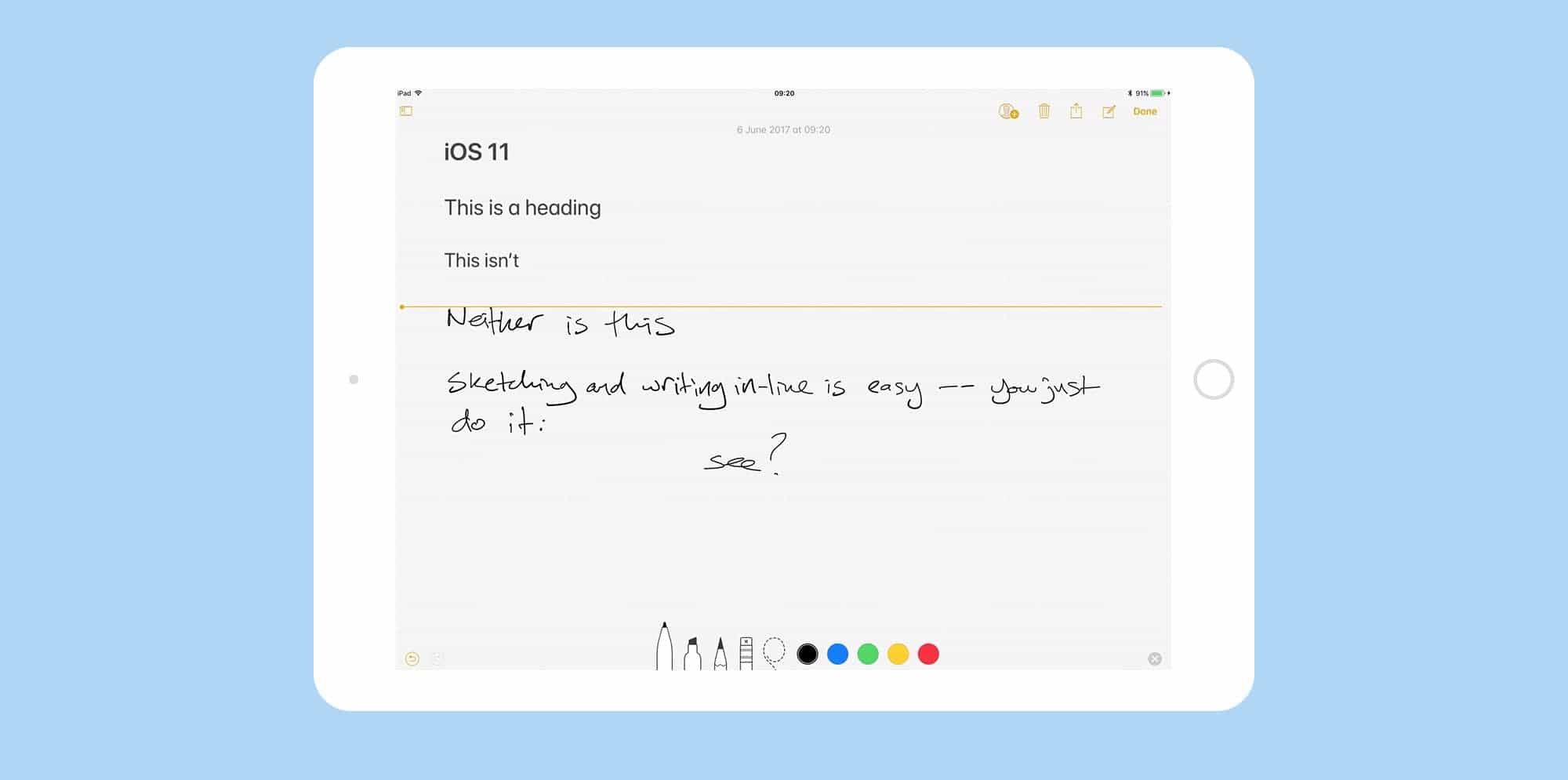
Notes app behaves more like a piece of paper than ever in iOS 11. Photo: Cult of Mac
Up until now, if you wanted to do fancy formatting with the iOS Notes app, you had to dust off your Mac to do it. Now, with the iOS 11 Notes update, you no longer need to boot up a desktop computer just to switch a note to a monospaced font, or add a table. You can do it all on your iPhone or iPad. And this is in addition to the great new in-line sketch features and document scanner that headline this update.
Enable settings on a per-site basis. Photo: Cult of Mac
Apple is out to “sabotage the economic model of the internet” as it protects users from shady tracking while browsing the internet, according to several organizations representing digital advertisers.
Six different digital ad and marketing trade associations recently signed and sent an open letter to Apple opposing a pending Safari update aimed at protecting how your browsing data is used.
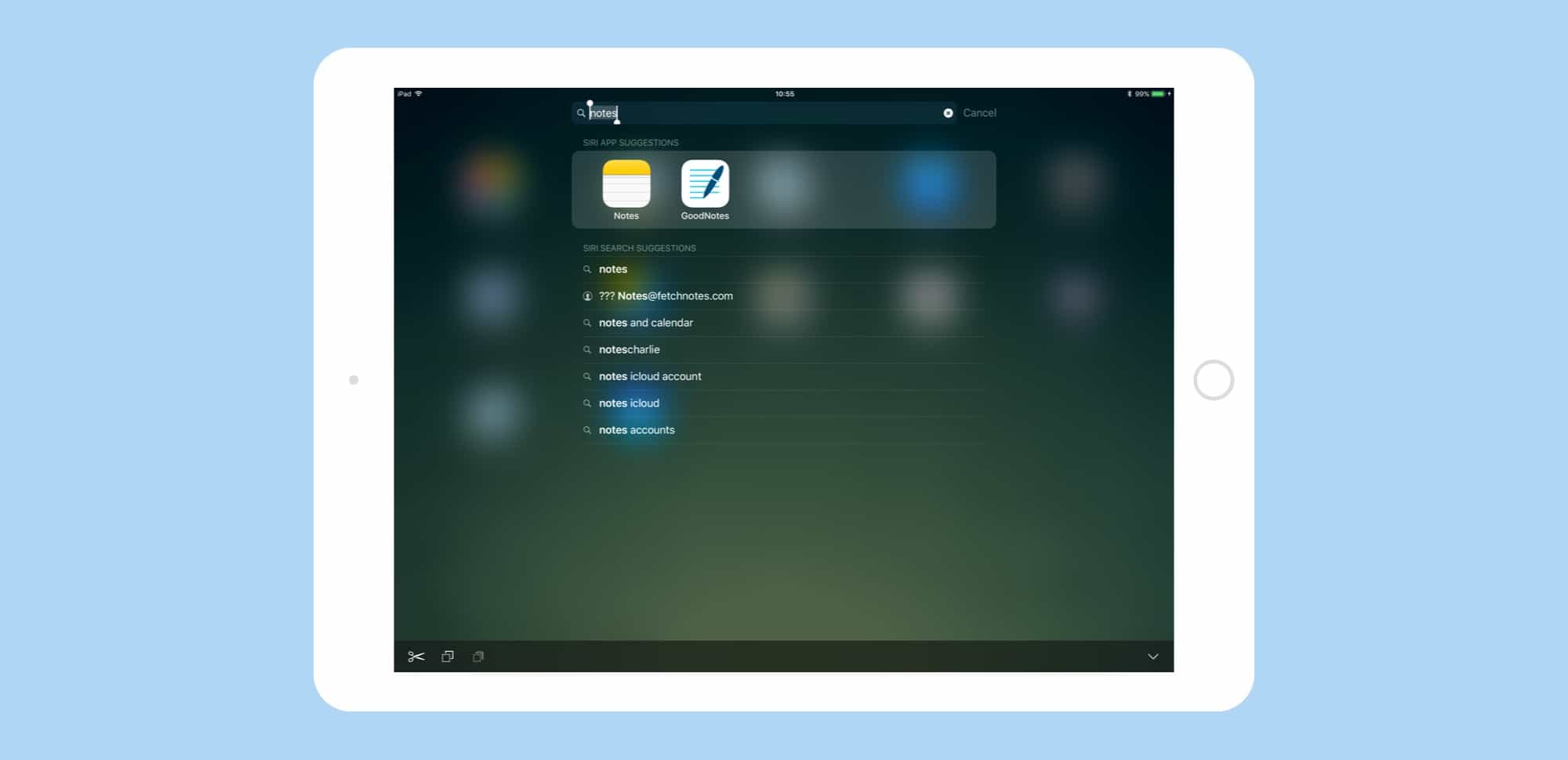
Spotlight in iOS 11 is a power-users dream, letting you find anything -- whether on the web on on your device -- fast. Photo: Cult of Mac
Spotlight search gets a big overhaul in iOS 11. The Spotlight updates in iOS 11 don’t seem quite as spectacular as the iPad’s new Dock, or drag-and-drop, but the small tweaks make the search tool a lot more useful.
Now you can search both your iPad and the web, similar to how you conduct a search in Safari. If you ever used Launchbar, Alfred or Quicksilver on the Mac, the new iOS 11 Spotlight will feel familiar.
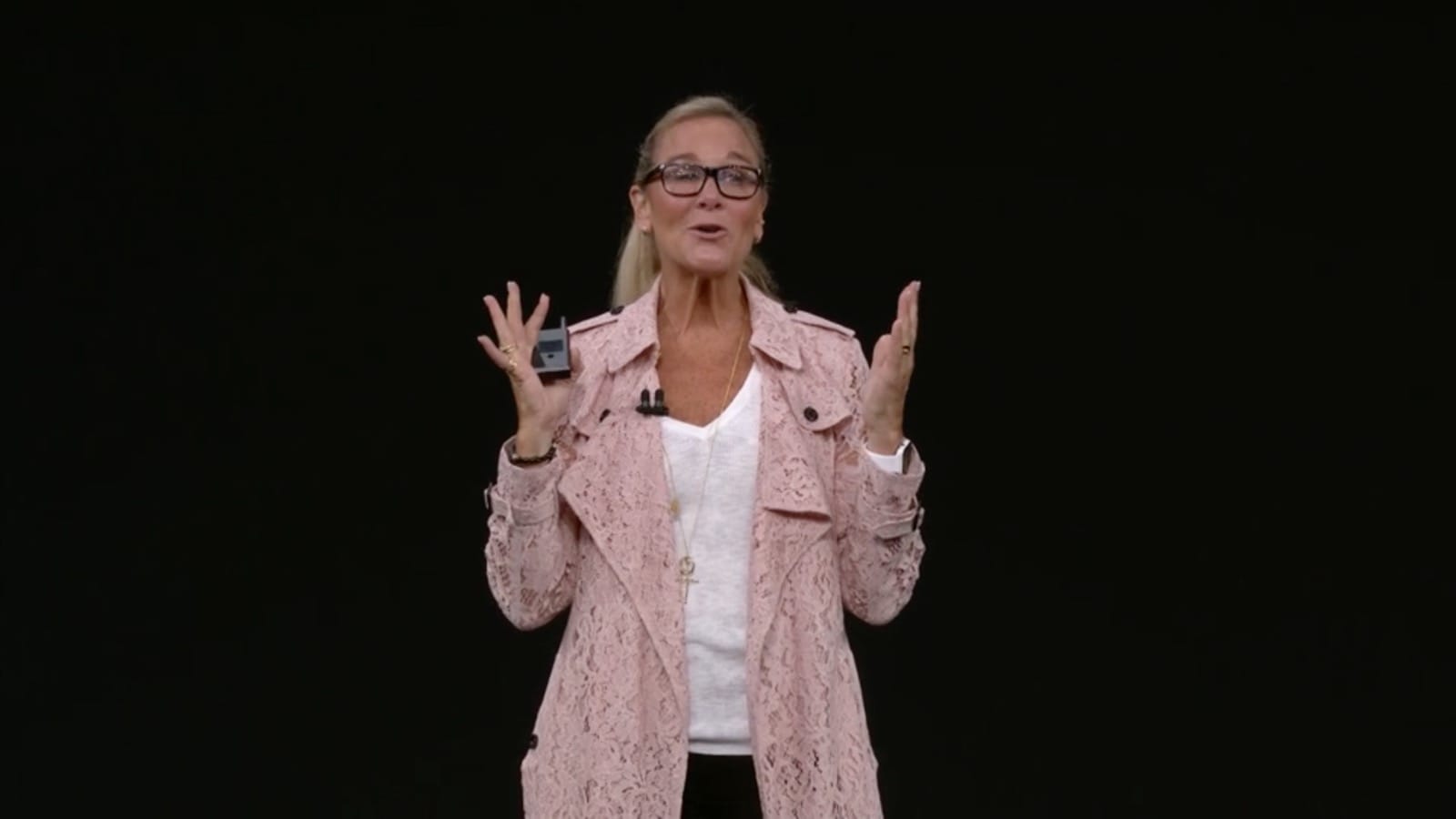
Angela Ahrendts at the iPhone X keynote. Photo: Apple
Apple’s boss of retail is finally getting some recognition for her large role at the world’s most powerful tech company.
In its latest rankings of the most powerful women in business, Fortune has placed Angela Ahrendts in the top 20 of influencers, raising her up one spot from last year and putting her ahead of executives at companies like Google, JP Morgan Chase, Microsoft, and Boeing.
The new Control Center is just one of many great new iOS 11 features. Photo: Ste Smith/Cult of Mac
Over the past two months, Cult of Mac scoured the iOS 11 betas to collect tips and tricks for Apple’s latest mobile operating system. We’ve covered everything, from the iPad’s amazing new Dock and Drag-and-Drop to the iPhone’s new lifesaving Do Not Disturb While Driving.
We’ve created this iOS 11 guide, which we will update going forward, so you can easily find links to our best iOS 11 tips and how-tos. Read on for more on the radically improved Notes app, iOS 11’s powerful new camera features and more.
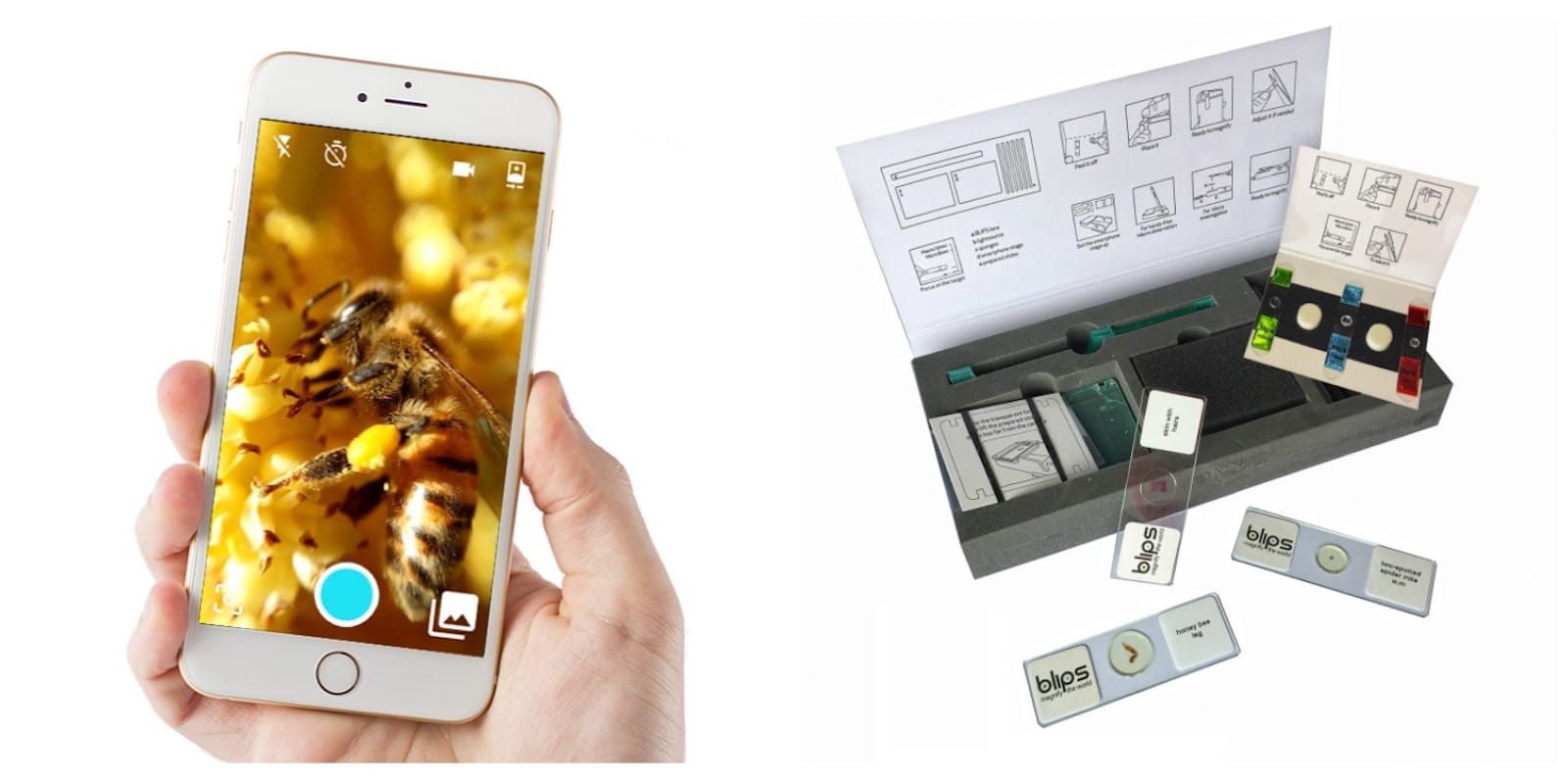
These simple stick-on macro lenses turn your iPhone into a mobile microscope. Photo: Cult of Mac Deals
It’s a great big old world out there, but let’s face it there are enough photos of the Eiffel Tower. Meanwhile, there’s an entire universe in every park, garden, or living room at the small scale. Unfortunately, your iPhone isn’t really equipped to photograph it.
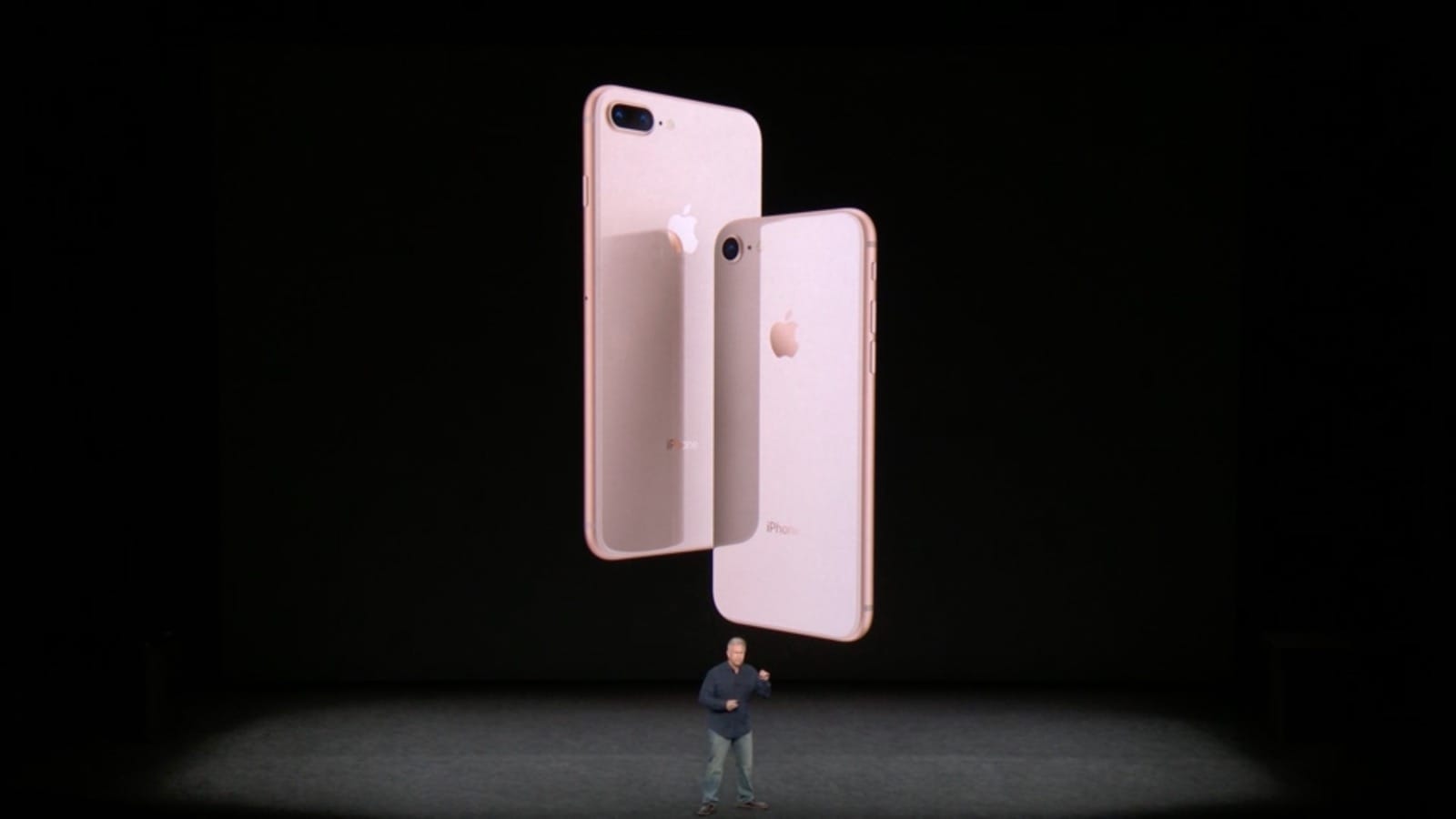
More iPhone buyers selected a newer phone, like the iPhone 8, than when the iPhone 7 line was new. Photo: Apple
Apple has begun shipping early orders for iPhone 8, Apple Watch Series 3, and Apple TV 4K.
All three devices make their official debut tomorrow, September 22 — one week after they were made available to pre-order. If you haven’t already claimed yours, you’ll now have to wait at least three weeks for it to ship from the Apple online store.
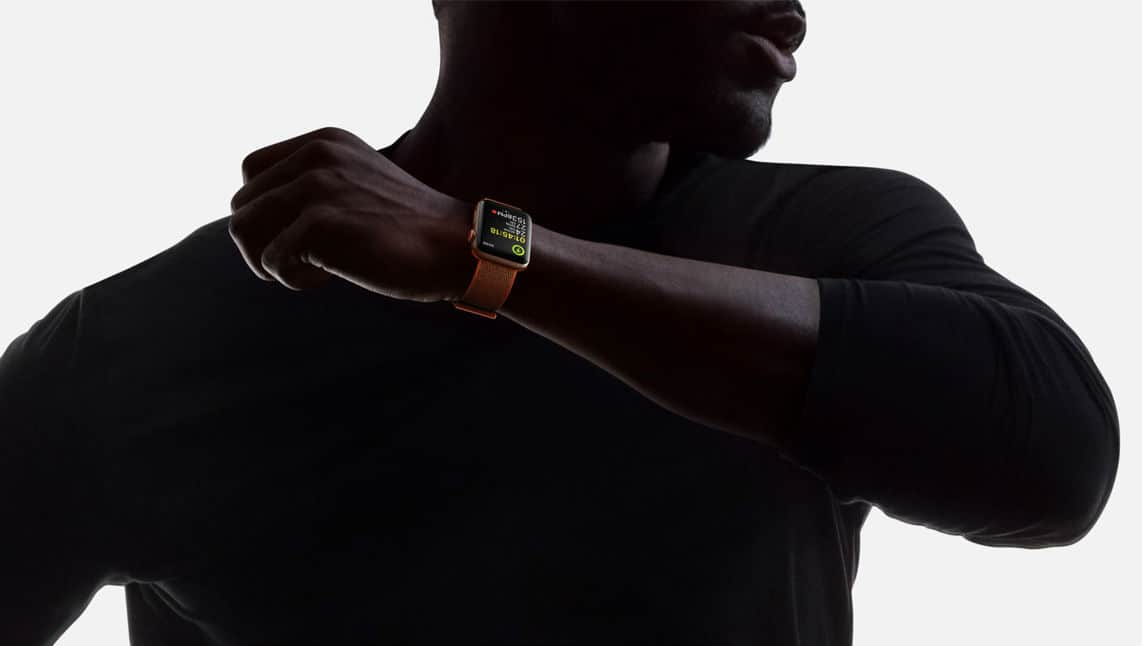
There's still work to be done to perfect Apple Watch. Photo: Apple
The Apple Watch has come a long way from the first model. With each update, Apple adds important missing ingredients, like GPS, a faster processor, cellular and an altimeter.
So has Apple Watch finally reached its true potential? Cupertino certainly thinks so. Apple COO Jeff Williams described Series 3 with cellular as “the ultimate expression of Apple Watch” at last week’s special event.
But three big problems still remain (not including the cellular connectivity glitch Apple is scrambling to fix ahead of this Friday’s ship date).
Look out for the changes next month. Photo: Ste Smith/Cult of Mac
Apple has finally increased the cellular download limit for iOS apps.
Following the release of iOS 11, you can now download titles up to 150 MB in size without a Wi-Fi connection. That’s still not enough for many apps and games, but it is a step in the right direction.
Apple TV 4K may look amazing, but its sound doesn't quite match. Yet. Photo: Apple
Apple’s new Apple TV 4K set-top box doesn’t currently support Dolby Atmos surround sound, an early review reveals. However, this is something Apple plans to add in a future update.
Atmos, along with competitor DTS:X, are next generation surround sound formats, referred to in the industry as “object-based surround.” In contrast to regular surround sound, which sends specific audio tracks to different speakers, Atmos lets sound engineers place their sound “objects” in 3D space, and then makes your sound system work out how to replicate this.
Qualcomm has been battling Apple since the start of the year. Photo: Qualcomm
Qualcomm has suffered a blow in its patent royalty battle with Apple after losing two hearings.
The first hearing means that Qualcomm cannot force Apple’s manufacturing partners to make royalty payments before the total quantity of royalties are settled. The second means that it cannot stop Apple from seeking antitrust cases against Qualcomm in other countries.
Building the iPhone X hasn't been without its challenges. Photo: Apple
The iPhone X may be Apple’s most exciting iPhone refresh in years, but it’s causing the company no end of production issues. According to a new report, the iPhone X has run into more late stage manufacturing problems, causing an additional “incremental” delay for shipping.
The result? Final production on the handset hasn’t even started yet.
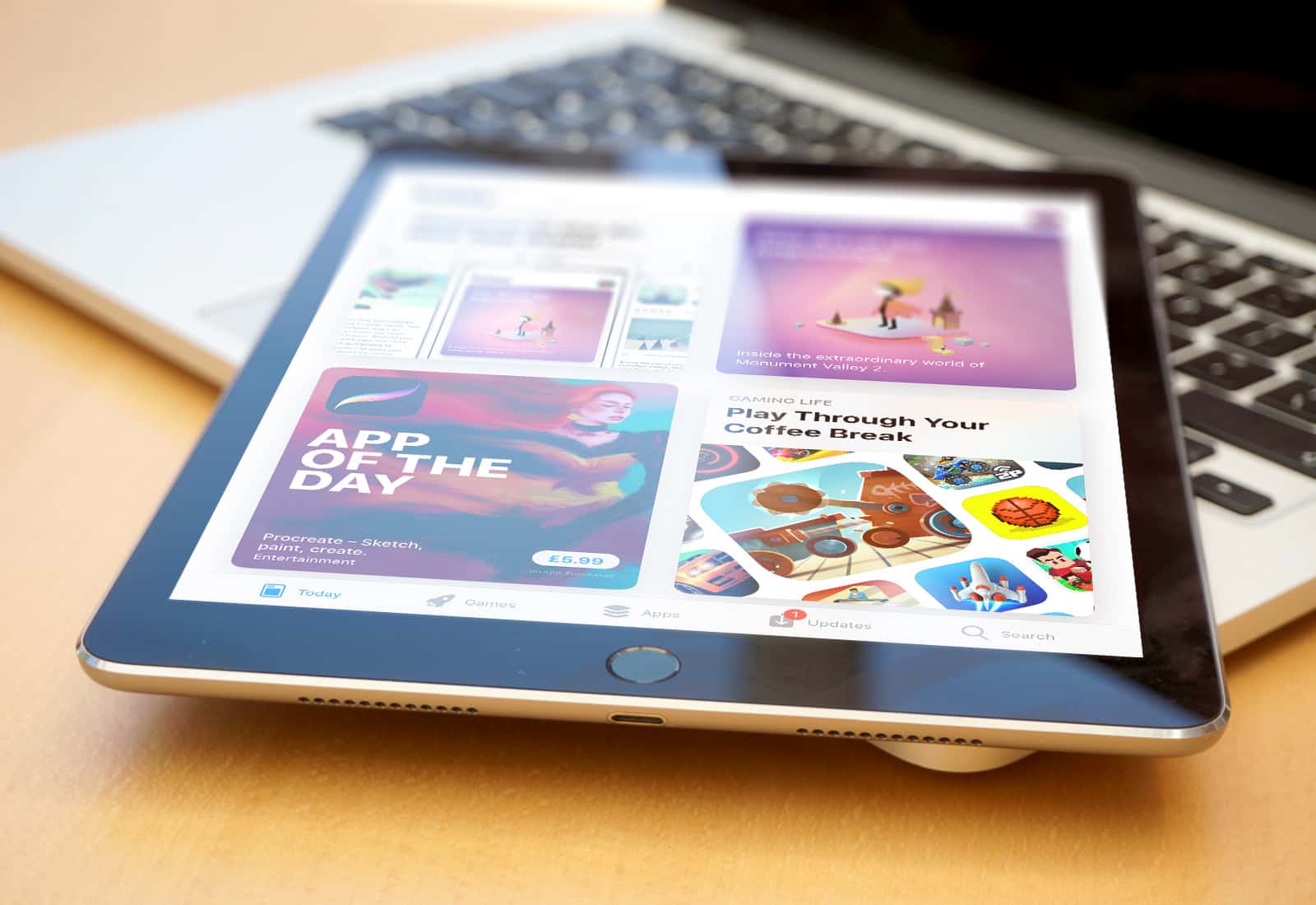
The App Store has undergone major renovations. Photo: Apple
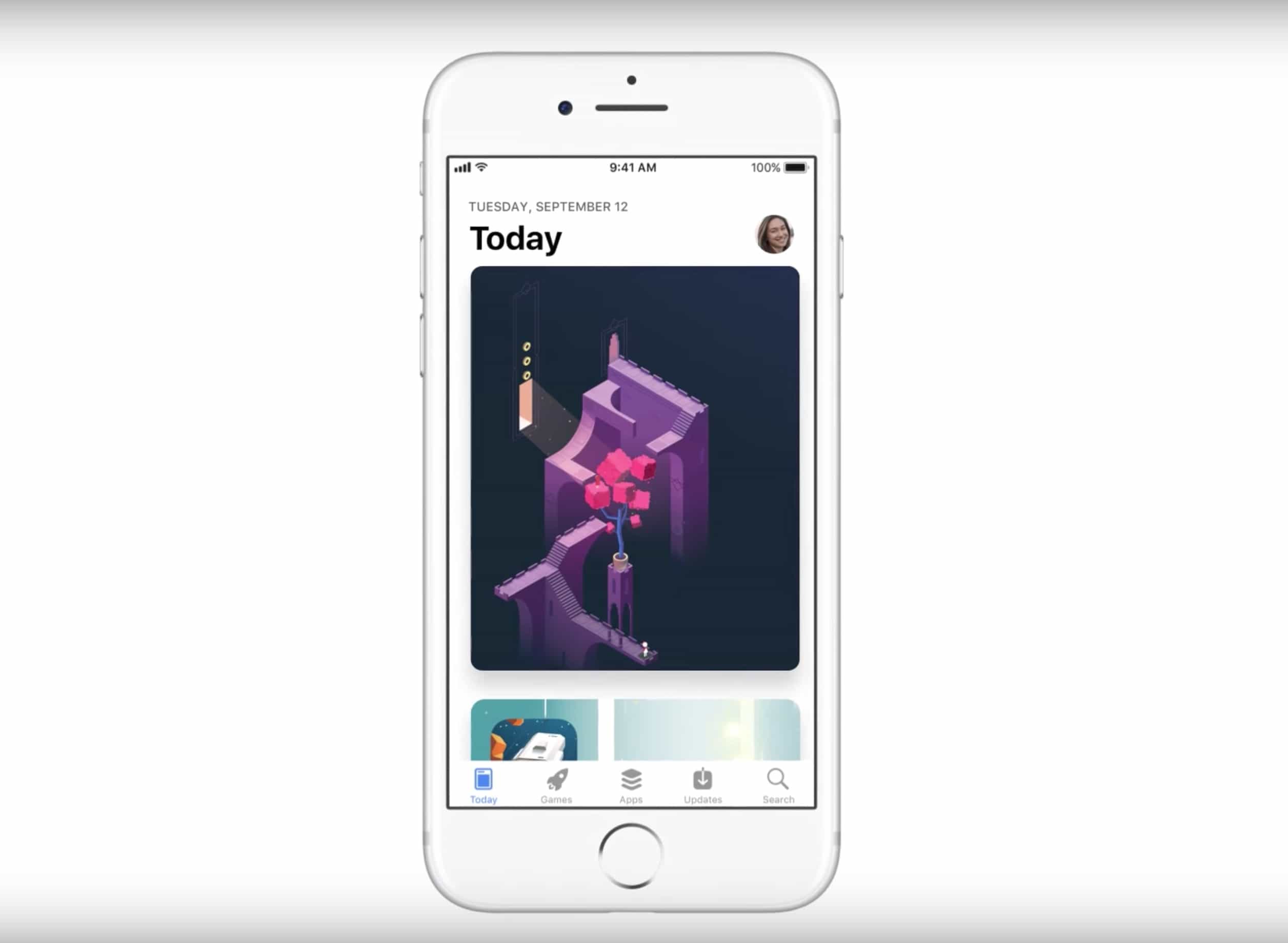
Big changes have been made to the App Store with the release of iOS 11 and Apple is ready to help users get acclimated in its latest series of ads.
The company published four new videos that showcase some of the new features. iOS 11 users will immediately notice the layout of the store is completely different thanks to the new Today section that makes finding new apps easier. Some of the UI changes have taken some cues from Apple News and Apple Music.
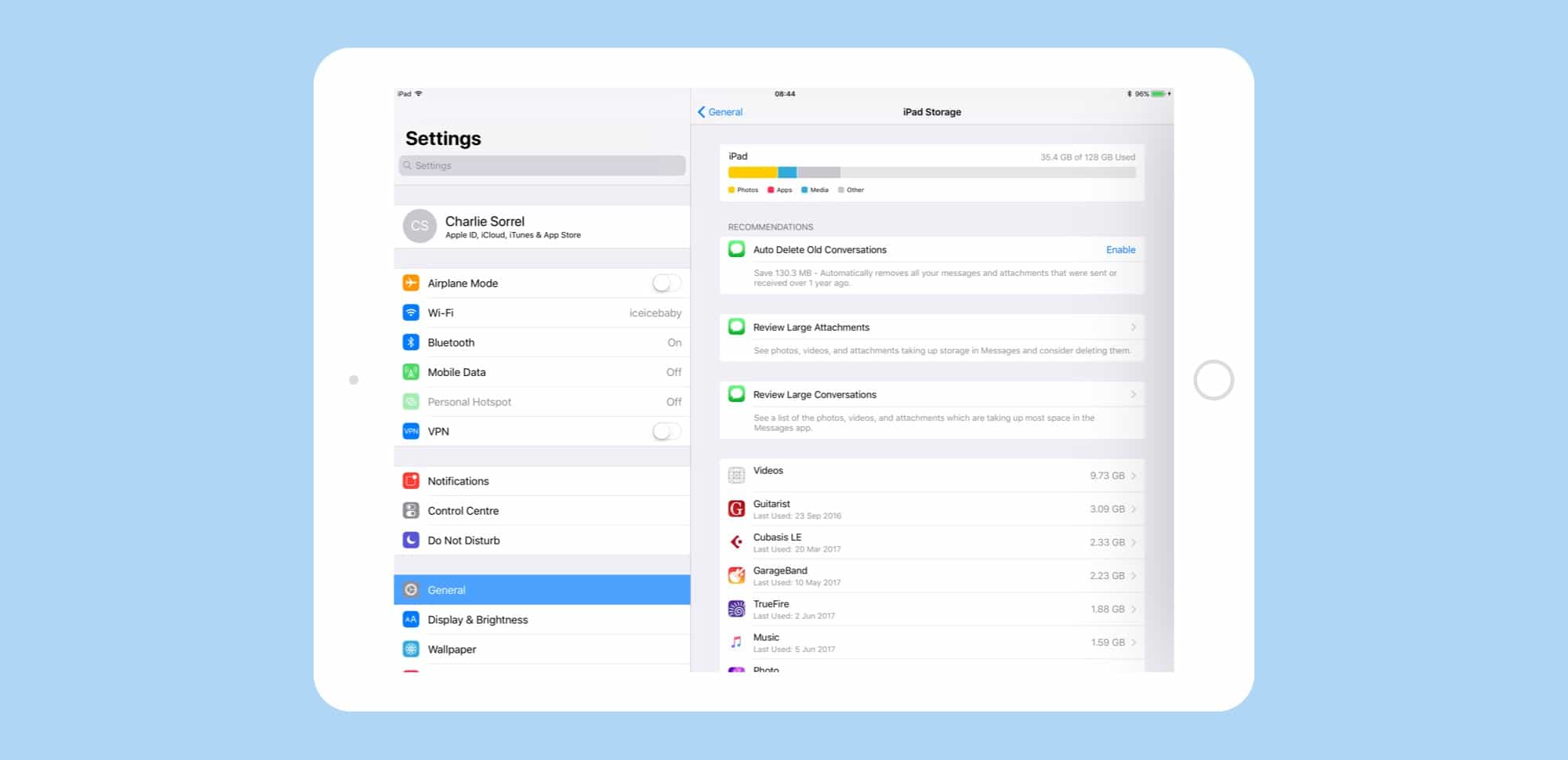
New features in iOS 11 make it easier to avoid the dreaded "Storage Almost Full" message. Screenshot: Cult of Mac
Running out of storage space on your iPhone or iPad is a total drag. It slows down your device and can make it impossible to download files or perform other essential tasks.
With iOS 11, Apple takes some serious steps to free up space on iOS devices. Here’s a quick look at how Apple will ease the pain when iOS 11 lands this fall, with instructions for taking advantage of the new features.
iMessage gets a bunch of new space-saving features in iOS 11 beta. Photo: Cult of Mac
Maybe, if you opt for one of the new 512GB iPads, you won’t have to worry about storage space. But for everyone else, iOS 11 has you covered. Now, under a new section in settings, you can whittle down the storage used by the iMessage app, weeding out old conversations, revealing oversized attachments, and even check to see which conversations are taking up the most space.
Drawing on pictures is easier in iOS 11 Notes. Photo: Cult of Mac/Leonardo Da Vinci
The new iOS 11 Notes app is already far better than the previous version, but this one new feature might tip you over the edge. Now you can draw on pictures with your Apple Pencil, just by tapping on them.
Previously, images and sketches lived side by side, but could never meet. Now, with the power to scrawl directly onto images, you can do all kinds of things. Example: I keep a blank sheet of guitar tab notation paper in the Files app, then drag it to a note and start writing on top of my template. That’s just one use. Another might be to draw mustaches on pictures of your workmates.
The Machines is the coolest AR game you'll find on the App Store. Photo: Directive Games
The first wave of ARKit-powered apps is crashing into the App Store this week to change the way you use your iPhone.
With iOS 11, Apple has turned the iPhone and iPad into the world’s biggest augmented reality platform and some of the first offerings from developers are pretty mindblowing. You’ll need an iPhone 6s or above to take advantage of ARKit’s incredible powers, but these apps might convince you it’s worth the upgrade.
Here are 7 ARKit apps you should download right now:
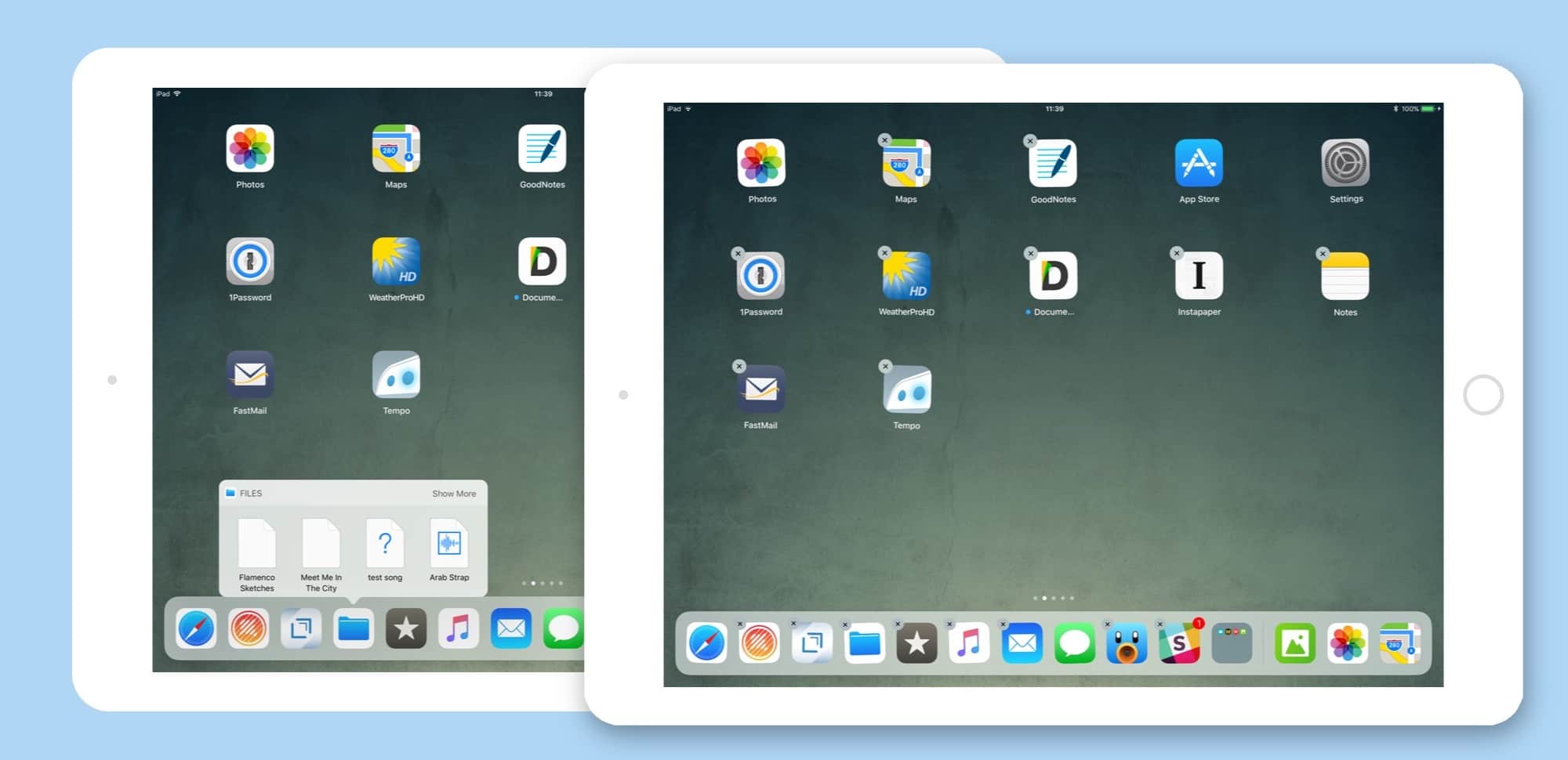
The more you use it, the more you realize just how great drag-and-drop is on the iPad. Photo: Cult of Mac
Drag and drop is the headline feature of iOS 11 on the iPad, and rightly so — it changes the whole iOS paradigm, integrating a decades-old desktop feature in a way that makes it feel like drag and drop was just waiting for touchscreens to come along.
It seems like all of Apple’s own apps have gotten a dose of drag and drop in iOS 11, including Maps. Let’s take a look at it.
Both of these were caused by tap-and-hold, which sounds confusing but isn't. Photo: Cult of Mac
When the iPhone launched 10 years ago, there were two kinds of tap. A regular tap for everything, and a special press-and-hold to get the Home screen icons jiggling and ready to rearrange. That was it. Now, with iOS 11, I have counted at least five different types of tap and press, and that’s just on the iPad. If you count the iPhone, then you also have 3D-Touch to deal with.
Partly this comes down to the new systemwide drag-and-drop capability baked into in iOS 11, and partly it has to do with Apple trying to mimic 3D Touch’s pressure sensitivity on the iPad.
The biggest surprise, though, is that Apple managed to pull it off, even in the early iOS 11 beta I’m running now. Not only are these gestures all intuitive, but the overall feel of interaction has gotten way better.
Intel's Coffee Lake processors have a lot of potential. Photo: Intel
The next great update for the MacBook Pro may not happen until late 2018 thanks to a delay in Intel’s highly anticipated Cannon Lake processors.
Intel has allegedly decided to push back the launch of its Cannon Lake processors yet again, according to a new report that claims the company is now looking to launch them toward the end of 2018.
PhoneRescue can help make sure updating to iOS 11 doesn't mean dropping your data. Photo: iMobie
This post is brought to you by iMobie, maker of PhoneRescue.
Today, iOS 11 launches at long last. It’s been hyped as one of the biggest updates yet, setting a new standard for Apple’s mobile operating system. There’s a new Dock, multitasking tools, drag-and-drop features, the ability to pay friends over messages, and lots more.
But with any major new update comes the risk of data loss. If the software update crashes, for example, you could lose data. Or look to the rollout of iOS 9.3, which was met with numerous reports of sudden data loss on people’s devices. Before you reincarnate your iPhone as an iOS 11 device, it pays to get a recovery solution in place.
You can use a free app, or you can just change a setting on your iPhone. Photo: iMazing
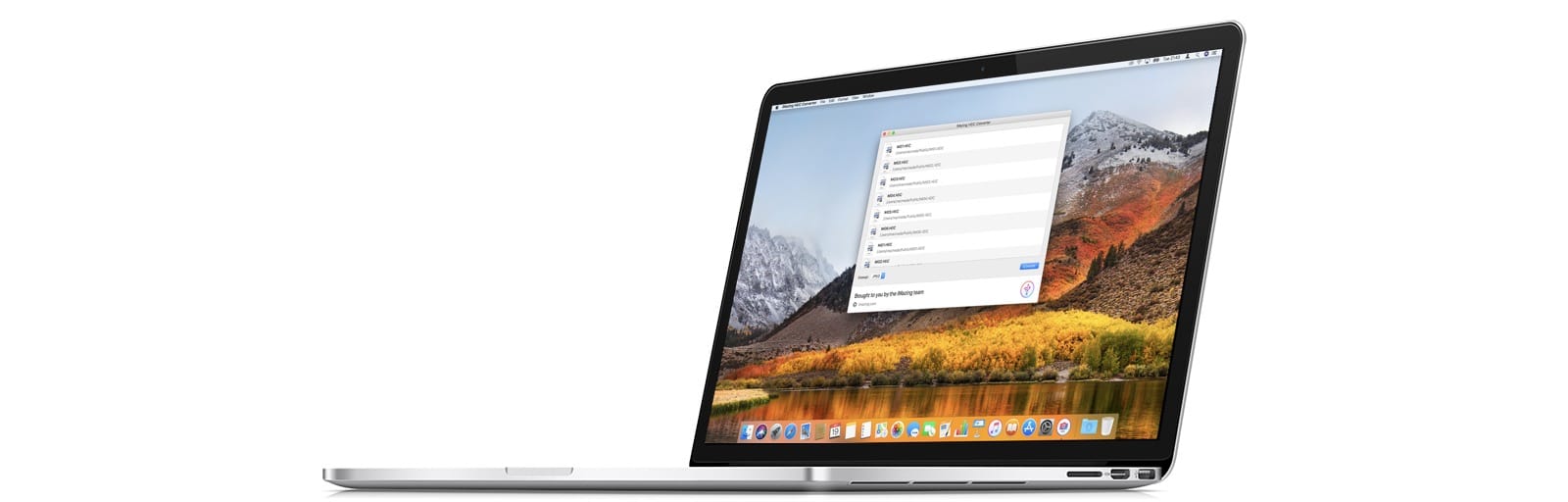
iMazing, the folks behind the iMazing iPhone management app for the Mac, has come up with a new tool to convert HEIC images to JPGs. Most people will not need this, but in case you do, iMazing HEIC Converter is both free, and handy to have around.
iOS 11 lets you narrow down your target notes by search whenever you save a new snippet. Photo: Cult of Mac
Apple’s Notes app got a few headline updates in the iOS 11 section of the 2017 WWDC Keynote — in-line sketches and handwriting recognition for example — but there’s another tiny tweak that might be an even bigger deal than those two. Now, when you use the Share arrow to send a URL, snippet of text, or anything else, to the Notes app, you can search your existing notes, and choose which one you want to add it to.
This is huge, and takes Notes from being a higgledy-piggledy junk drawer to being a real replacement for things like Evernote and Microsoft’s One Note. Now you can keep a note for, say, planning an upcoming vacation, and easily add new places and plans to it as you find them, or quickly add links to a book reading list.
Screenshots have moved from a semi-secret, mostly-hidden feature to a proper tool. Photo: Cult of Mac
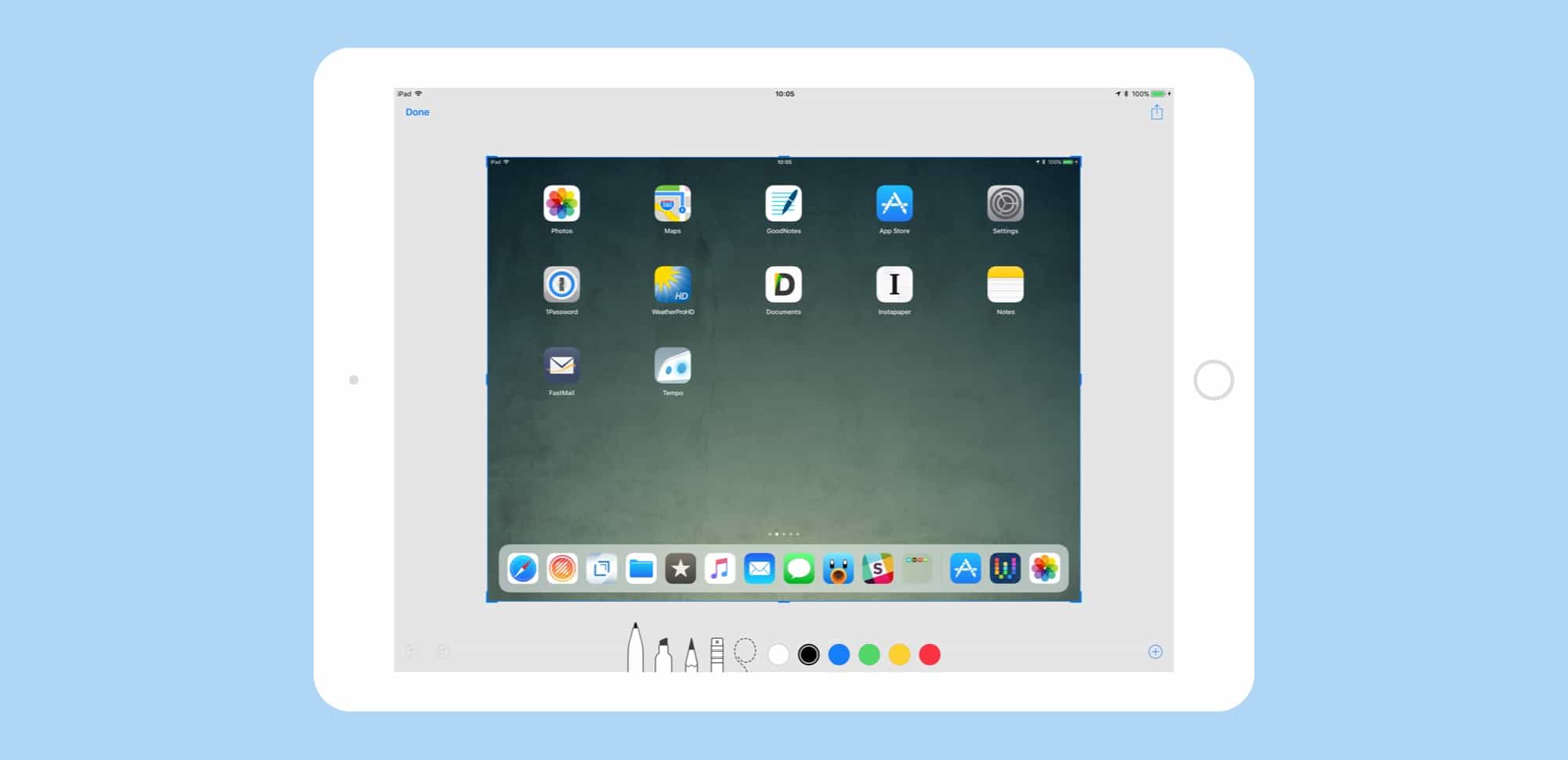
iOS 11 has added some great new features to the humble screenshot tool. You can quickly view a new screenshot without a trip to the Photos app first, and you can edit and mark it up before saving it. By adding some powerful pro-level features to screenshot markup, Apple has –somewhat ironically — made them way more useful and accessible for everyone.