something political? nah
President’s Day sale

Photo: Juuk

something political? nah

Facebook has added a new snooze button that lets you mute annoying friends, groups, and pages.
The feature lets you temporarily avoid content you don’t want to see — without having to unfriend or unfollow. No more baby pictures, Black Friday deals, or royal engagement stories.

Apple manufacturer Foxconn is planning to adopt artificial intelligence image recognition systems for quality control in its factories, a new report claims.
The tech could help identify faulty circuit boards or other components, thereby improving Foxconn’s efficiency when it comes to assembling devices. The AI system was developed by Andrew Ng, a machine learning expert who has previously headed up major projects for both Google and Baidu.
Many Mac users were once PC people. And of course there are many reasons to prefer a Mac. But there are also a lot of great Windows apps and games that you might start to miss.
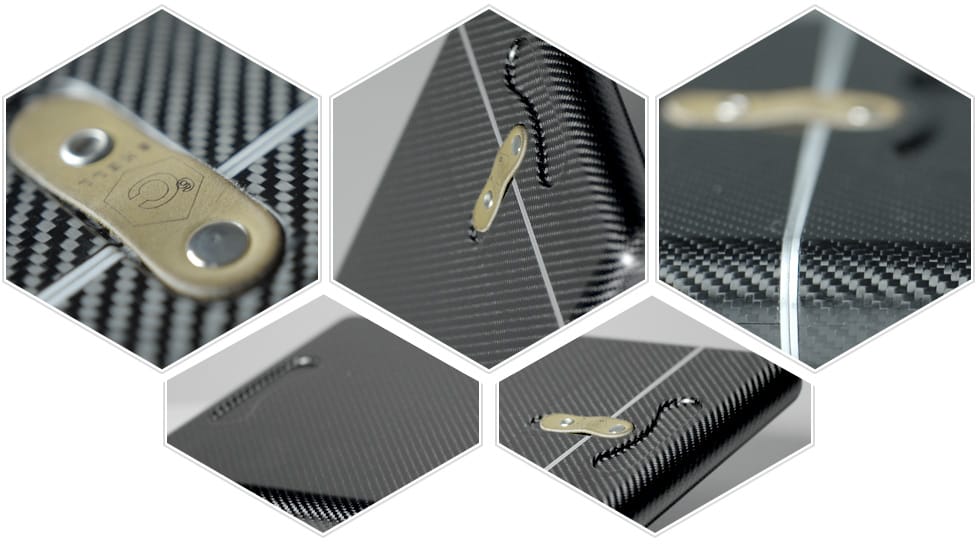
Who says a MacBook isn’t fit for the battlefield? The C6SHELL case made from real carbon fiber is all you need to keep your beloved notebook protected in a war zone.
It’s strong enough to stop bullets, but light enough to carry anywhere.
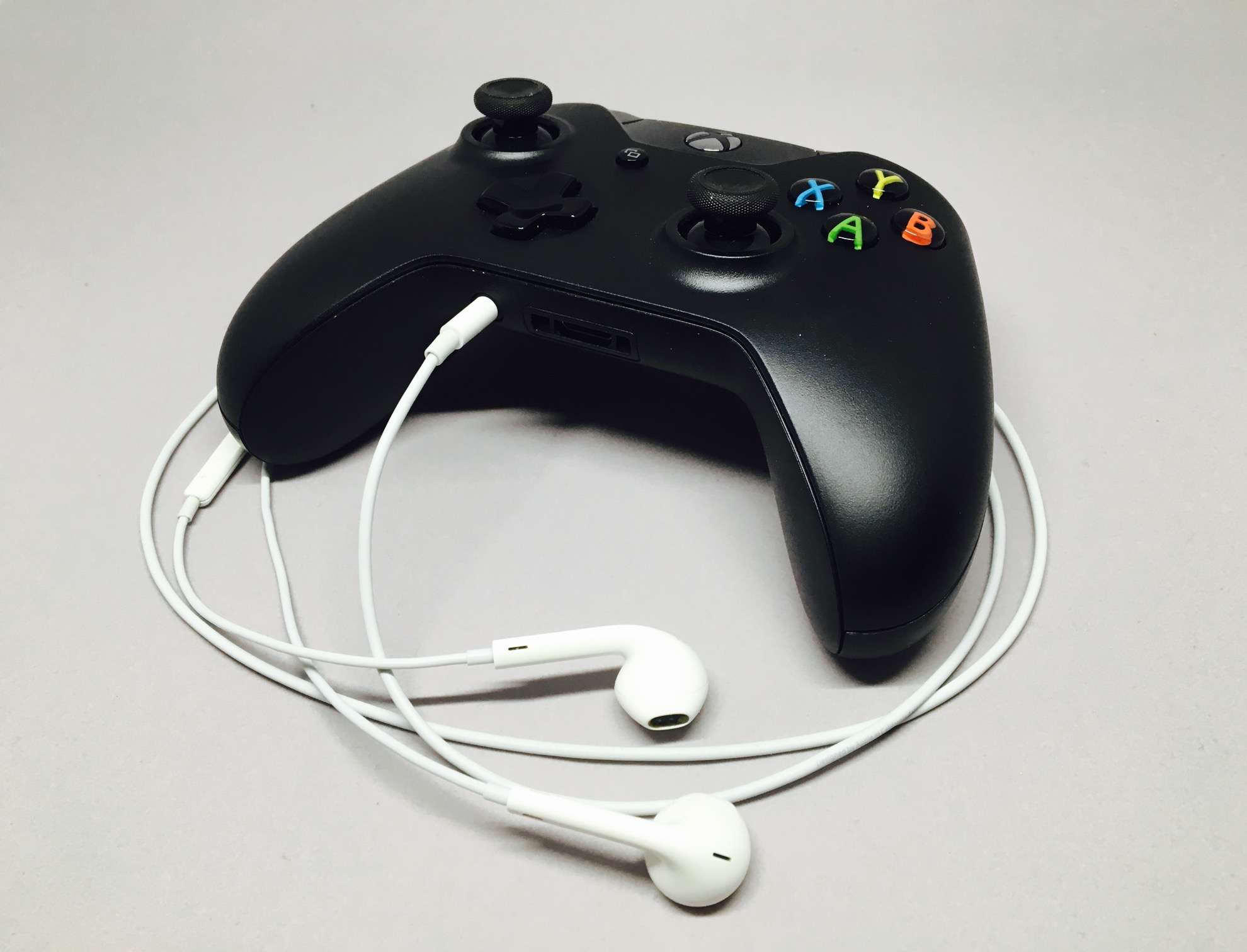
Xbox players will soon be able to chat with friends wherever they may be. Microsoft is bringing a new Xbox party chat app to Android and iOS. You can try it now in beta before it makes its official debut.
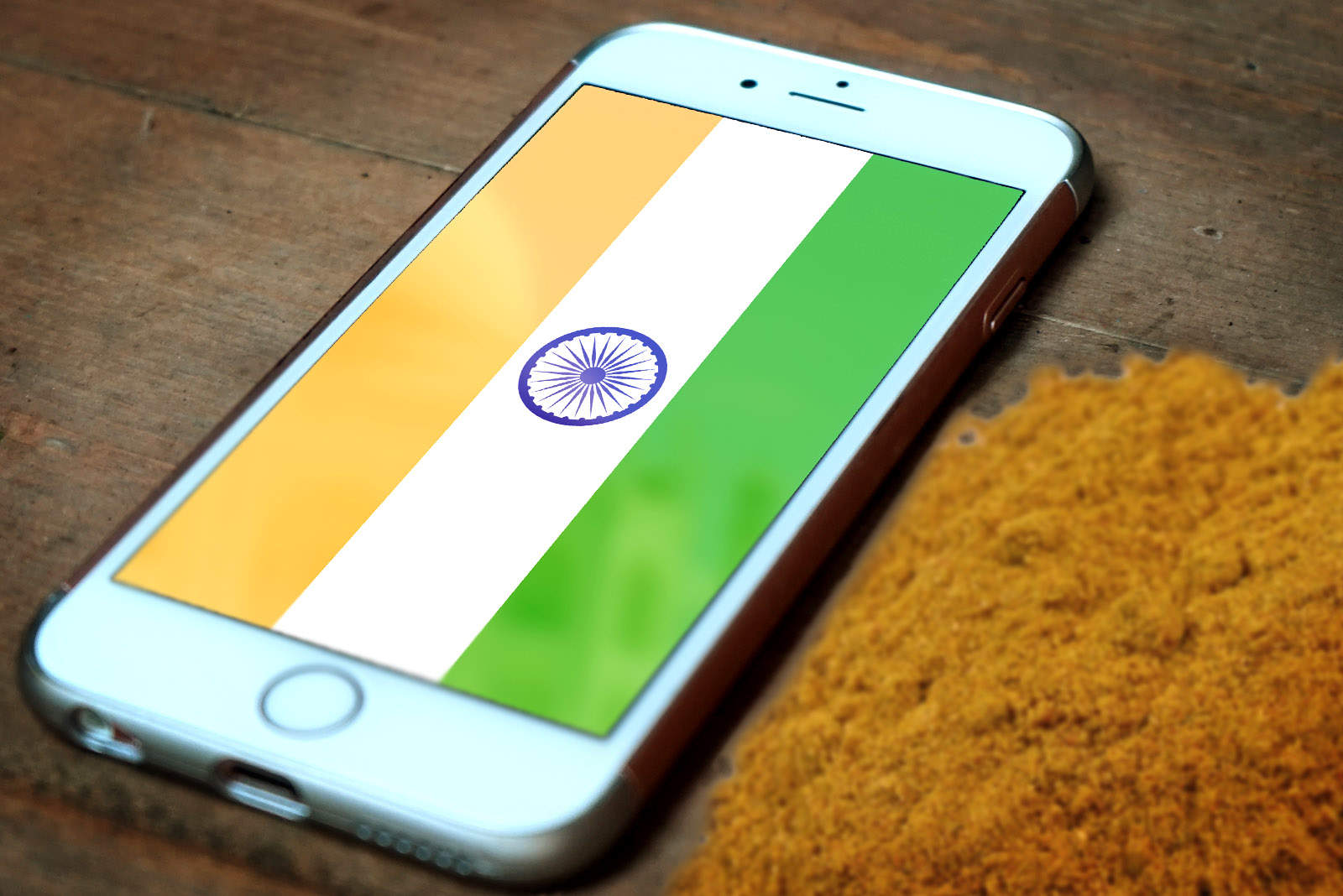
Apple may be keen to grow its business in India, but it’s certainly not getting any favors from the government.
In a new ruling, it’s been announced that the import tax paid on smartphones is being raised from 10 to 15 percent in a decision that will hurt Apple’s business in the country. Unless Apple absorbs the cost itself, this will make its iPhones more expensive at a time when it is desperate to get more handsets into customers’ hands.

Apple will reward you with a $5 gift card for using Apple Pay at select retailers over the holidays. Your credit can be spent in the App Store or on iTunes. There’s a limit of one card per retailer, and the promotion is only available in the United States.
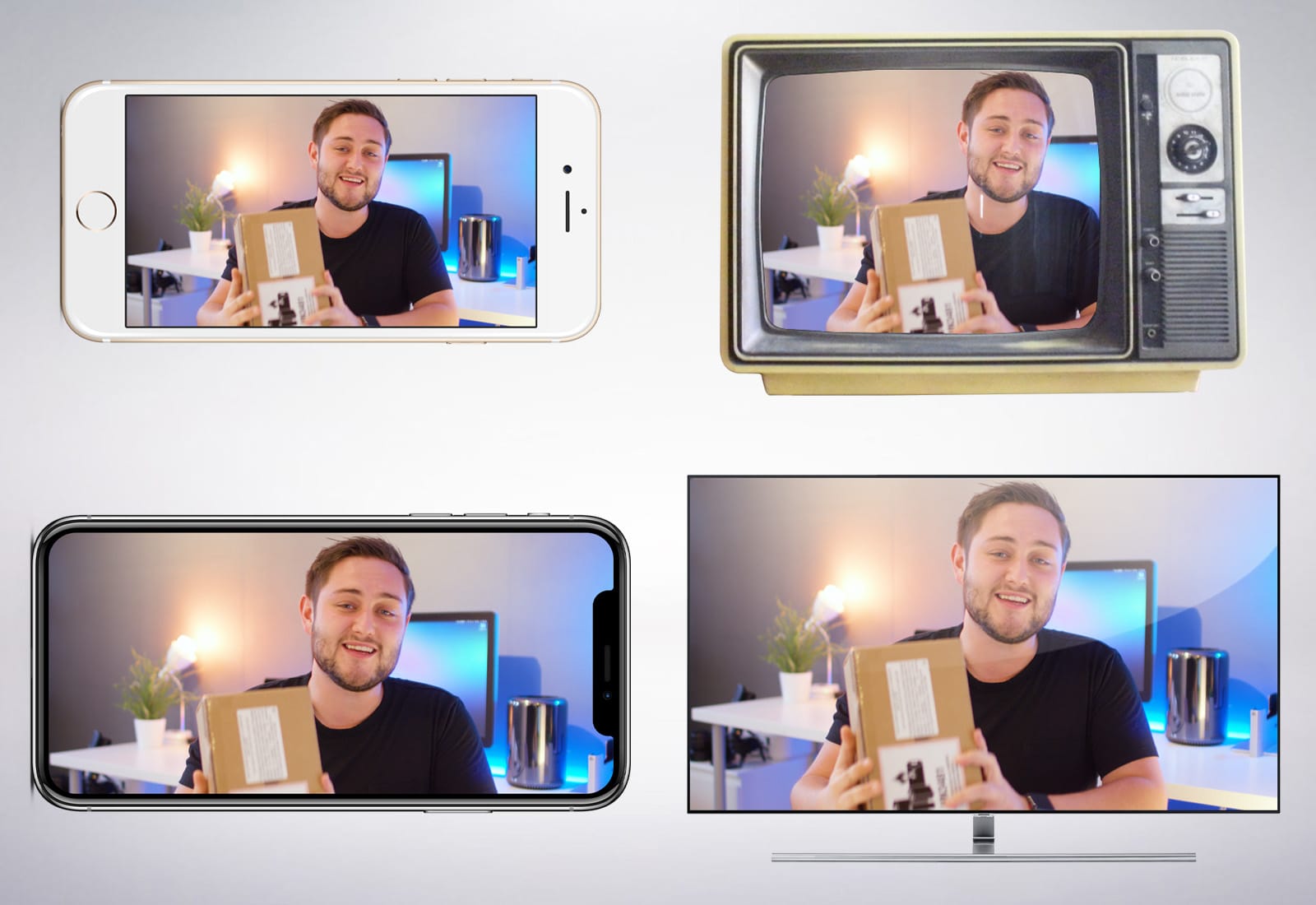
Earlier this week my colleague Killian Bell published 10 things he hates about his iPhone X.
Like some of our readers, I was shocked. Hates? How could he find one thing to hate, let alone 10?
I can’t think of anything to hate about the X. On the contrary, there are lots of things to love. Here are 10 things I love about the iPhone X.
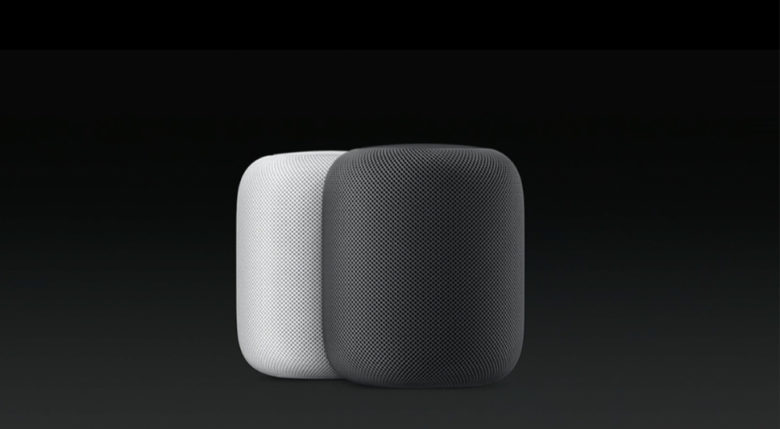
Samsung wants to take on Apple’s HomePod with its own smart speaker, which could arrive as soon as the first half of 2018, a new report claims.
Like Apple, the Samsung smart speaker will reportedly focus on high-end audio quality, as well as functioning as a hub for controlling smart home devices. The smart speaker will reportedly be based around Bixby, the Samsung AI assistant introduced this year for the Samsung Galaxy S8 and S8+ handsets.

Apple is exploring new ways to make Siri smarter — and one of them involves letting Siri know when you want to keep the noise level low by whispering.
According to a patent application published this week, Apple is interested in, “a digital assistant that is capable of detecting a whispered speech input and providing a whispered speech response.” That could be useful in scenarios such as protecting your privacy, while still letting you use its speech capabilities, or settings where high volume levels are prohibited.

 Gear-shopping for your favorite outdoors-loving friends and family members can be as daunting as trekking up Mount St. Helens as she’s about to blow. There are so many options — and so much crap! Nobody wants to waste money on a gift that’s not going to get used.
To help you out with your holiday shopping, we waded through the endless lists of camping and hiking gear and gadgets that came out in 2017. The goal? To find the perfect stuff your special someone will love.
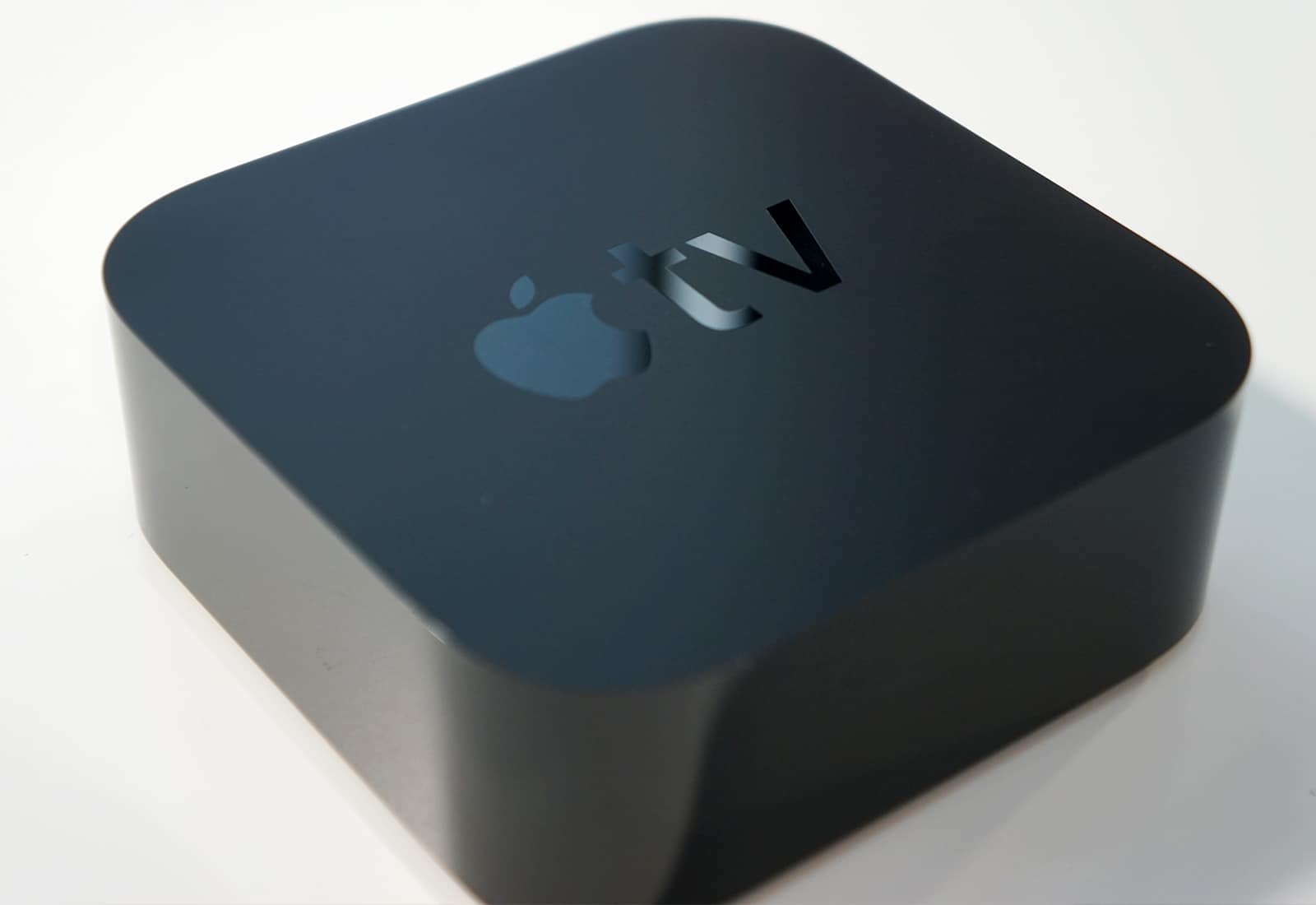
Amazon is finally back in the business of selling Apple TVs.
The online retail giant stopped selling Apple’s set-top-boxes back in 2015. But the company is extending an olive branch to both Apple and Google and has created new listings for the Apple TV and Chromecast.

The iPad has many, many amazing effects apps for making music, and several high-level apps just for emulating guitar amplifiers and effects pedals. But what if you just want to plug in and play a song, and have your guitar sound just like the one on the record? That’s exactly what Tonebridge is for. Under the hood, this simulator app is as powerful as the others, but it’s way, way simpler to use.
Whereas most apps present a range or virtual pedals and amps, Tonebridge is based around songs. You fire it up, plug in your guitar, and search for the song you want to play. The app loads up the sound of the song, and you can play along. The app is impressive, nailing the tomes of pretty much any song you ask for, without any tweaking necessary.
But now, with the latest Tonebridge release, you can also dig in to the settings that used to sit behind the scenes. Let’s take a look.

Google launched a clutch of “experimental” photography apps for iOS and Android this week. The ones of interest to us are called Selfissimo! and Scrubbies. They’re both single-purpose apps, and they’re both free. What’s more, the two apps are also a lot of fun.
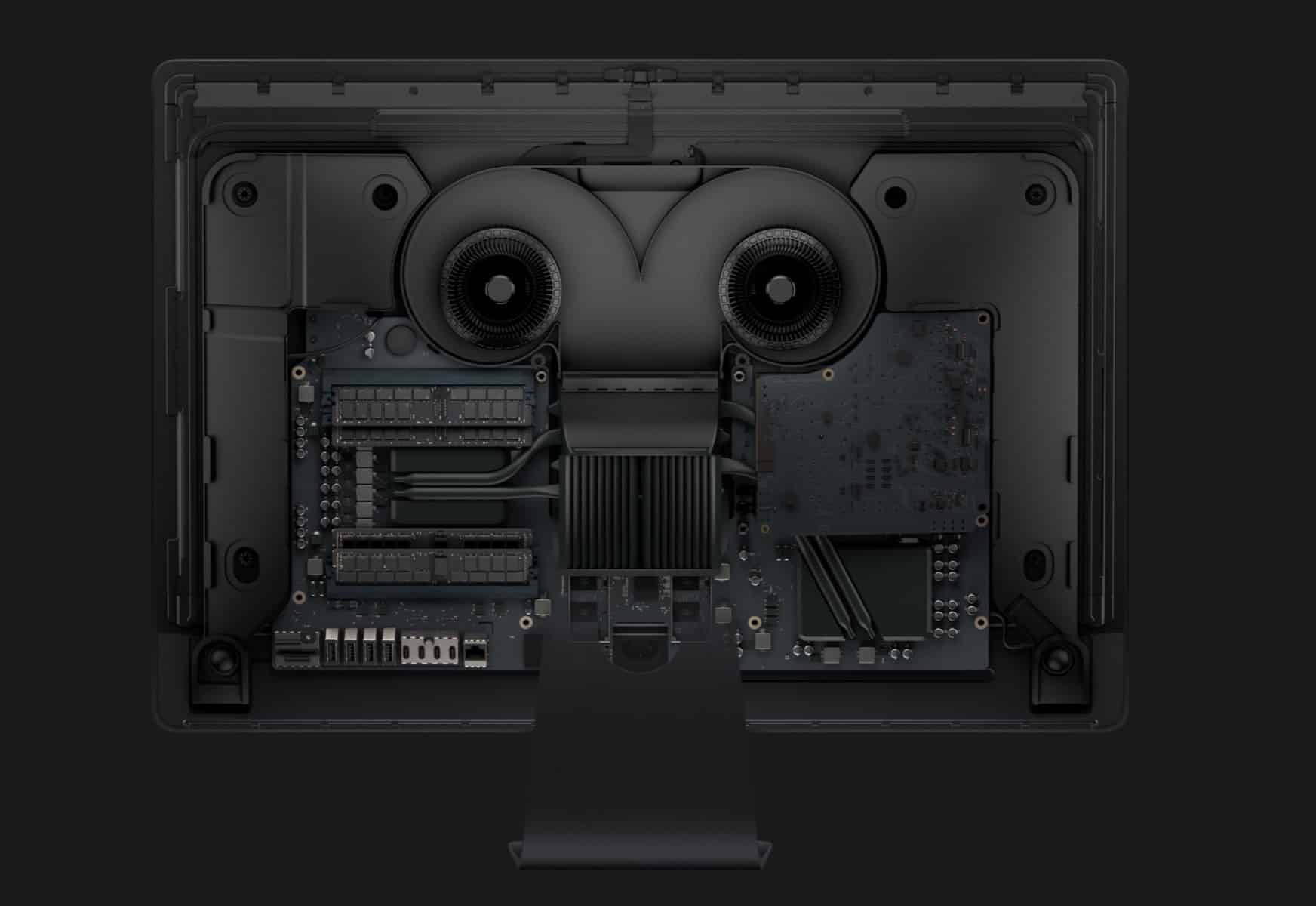
The iMac Pro is the most secure Apple desktop ever built, and it’s got a special chip to prove it.
Early review units are starting to trickle out to tech experts and according to iOS and Mac developer Cabel Sasser, the iMac Pro packs a new T2 chip that is basically like a secure enclave for the iMac.

Apple CEO Tim Cook and Koch Industries CEO Charles Koch are usually on opposite ends of the political spectrum, but the two business titans are coming together to support a common cause: The Dreamers.
In a rare opinion piece authored by Cook and Koch, the two implore Congress to act now so that this holiday season isn’t the last one in the United States for 690,000 of our neighbors.
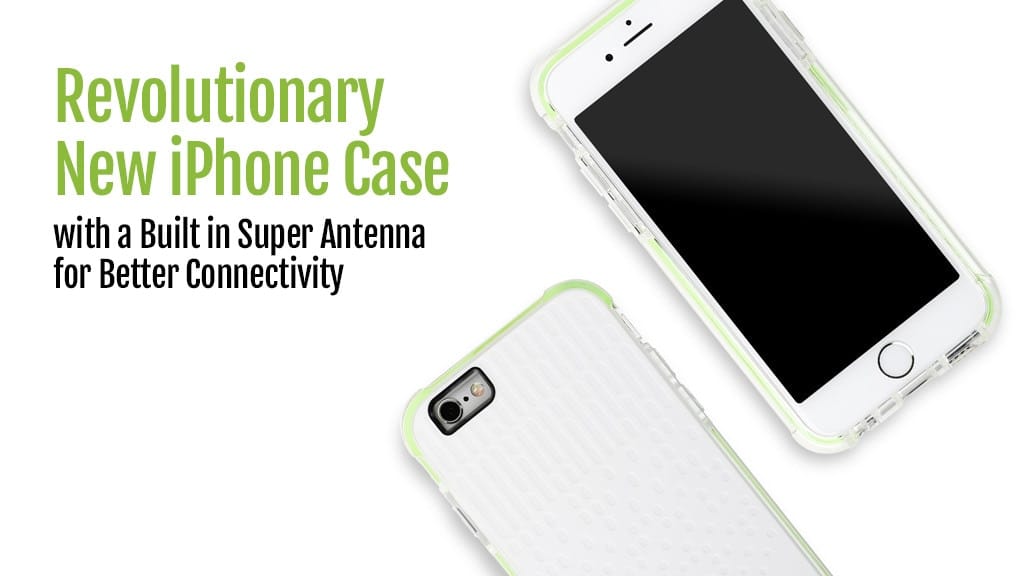
 If you’re plagued by dropped calls and slow data, say hello to Firefly for iPhone. Thanks to “super antenna technology,” this case can boost cellular, Bluetooth, and Wi-Fi connectivity while protecting your iPhone from scuffs and bumps.
It’s just one of the awesome ideas in this week’s Crowdfund Roundup. We also have smart screen protectors, levitating home security cameras, and more!
In a shocking change to internet protocols in the US, the Federal Communications Commission has voted to repeal net neutrality.
The FCC voted to repeal the landmark rules that protect consumers from being charged special prices for accessing certain parts of the internet. By scraping the neutrality regulations, The FCC just opened the doorway for Internet service providers to block websites or make users pay more to get some content.
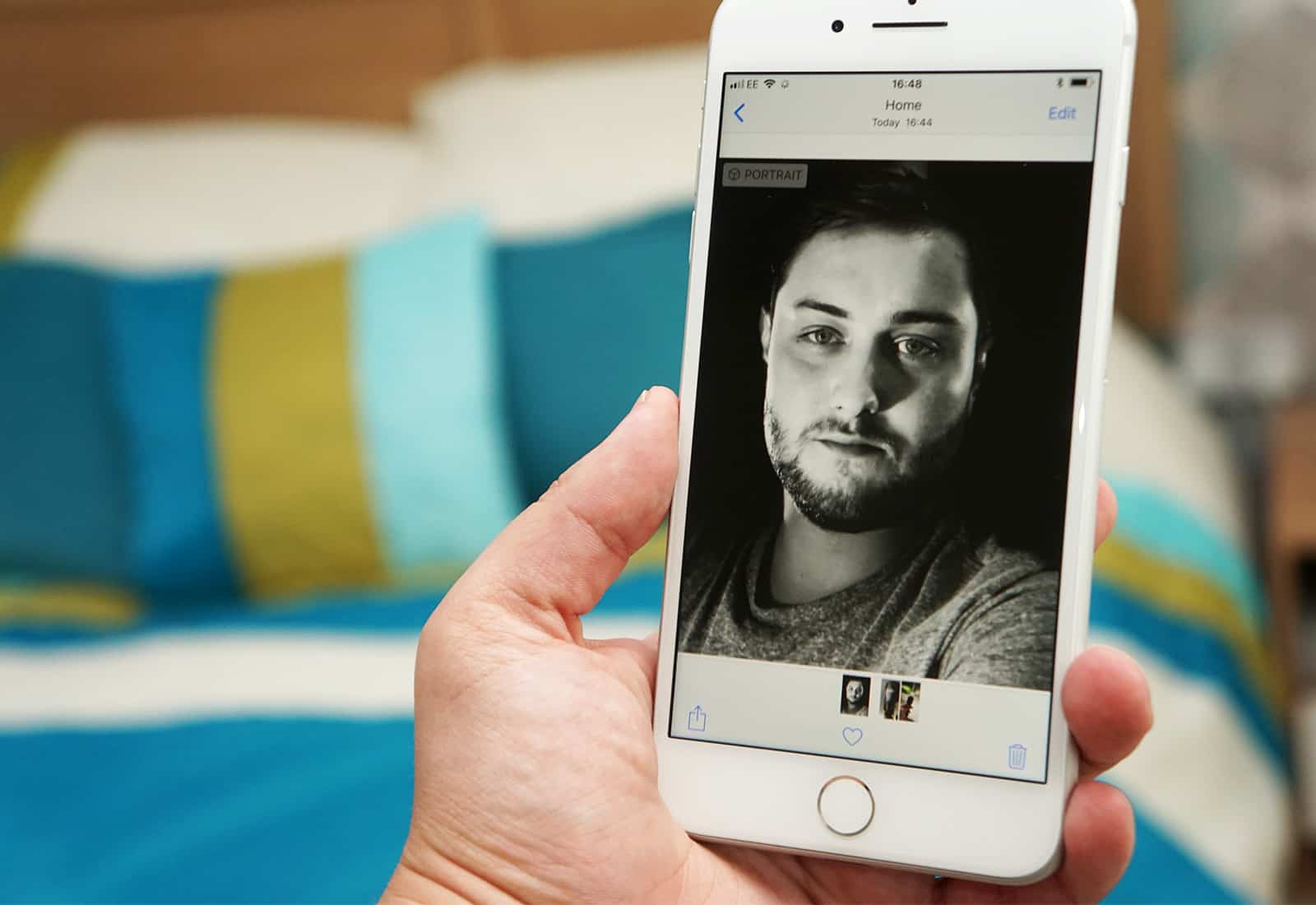
Portrait mode is an iPhone 7 feature that has been supercharged in the iPhones X and 8, with the addition of Portrait Lighting. Both features use depth data from these iPhones’ dual cameras, either to separate the subject of the photo from its background, or to completely re-light the photo to add drama. Here’s how to make the most of them.
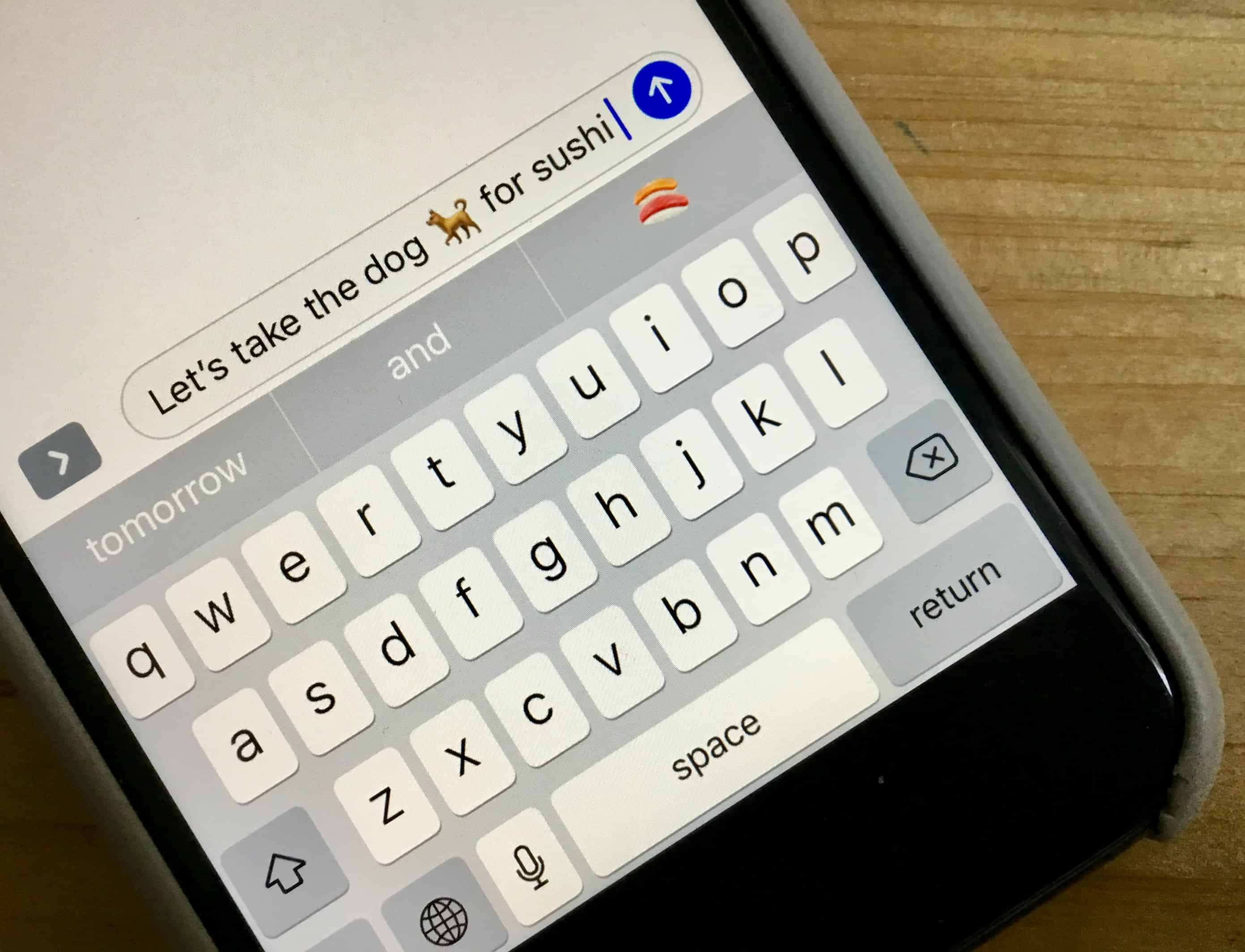
Who doesn’t love emoji? People with bad eyesight, that’s who. Everyone else, everyone everywhere, loves the little pictures of medals, flags, headphones, eggplants, and feces. What we don’t like is finding them by swiping around the keyboard section of an iPhone screen. In some ways it’s a metaphor for human existence. We love to manipulate the meaning of symbols through context and juxtaposition, the way a standup comic does, but we’re too lazy to spend the time to do it properly.
Happily for the future of the human race, there are shortcuts to great emoji if you’re using iOS. Let’s take a look.

Apple’s is pushing to make Face ID as ubiquitous as Touch ID with its latest video that shows how the iPhone X makes Apple Pay even easier.
Because Apple removed the home button, activating Apple Pay on the iPhone X is a bit different than other iPhones. In the company’s new how-to video, Apple guides iPhone X owners through to process of making payments in stores.
Here’s how to do it:

Apple’s celebrated iMac Pro is finally available to buy, but it’s gonna cost you! The “basic” model will set you back only $4,999. But if you decide to shell out for the top-of-the-line version, your wallet is going to feel a whole lot lighter.
How much lighter? Checking all the boxes to upgrade the machine to its full potential brings the total iMac Pro price to a massive $13,926.98.
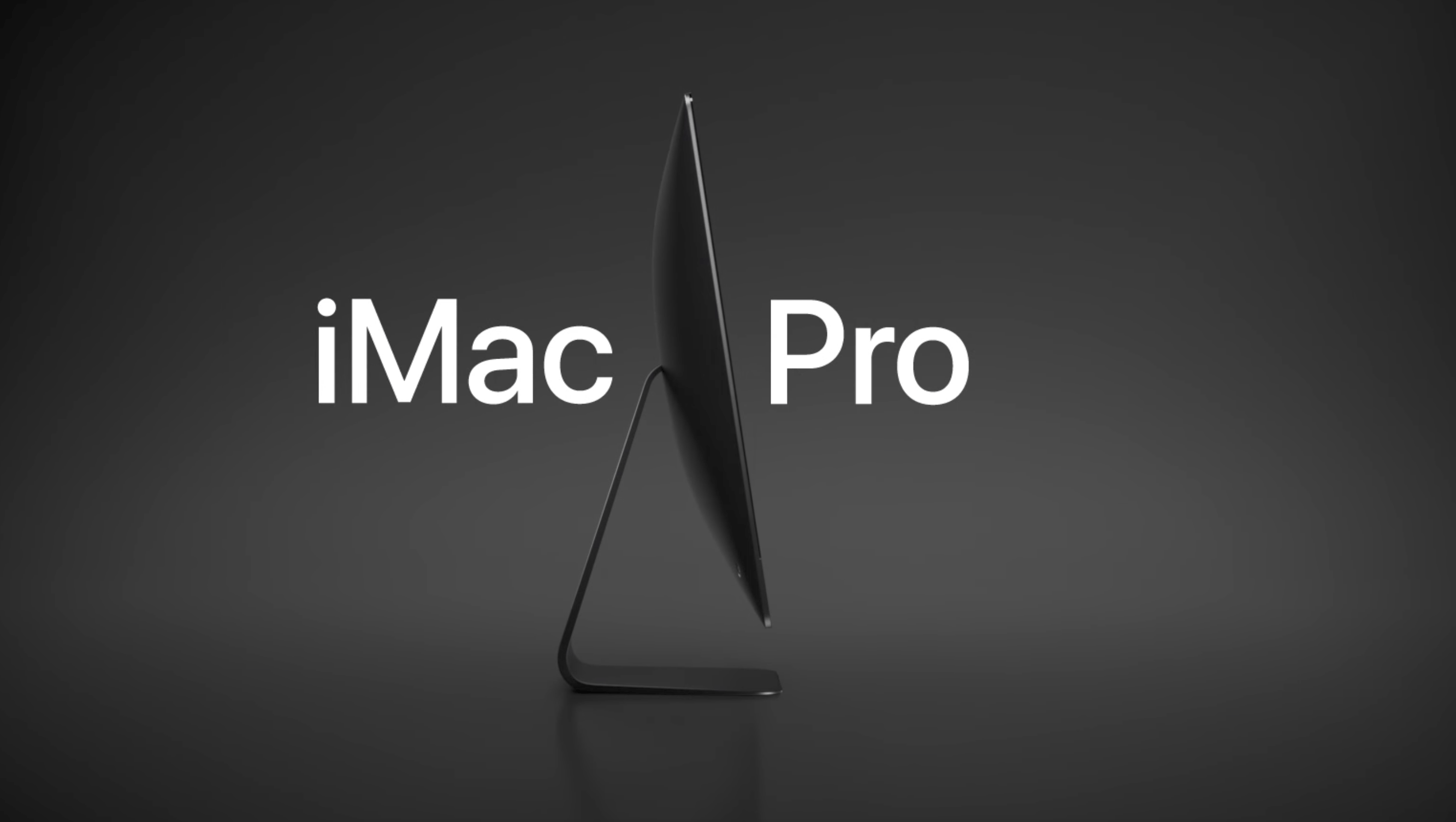
Apple’s eagerly-anticipaed iMac Pro is finally available to buy, six months after Apple first showcased the new computer at WWDC.
The “most powerful Mac ever” can be purchased today in 8-core and 10-core variations, while 14- and 18-core models can be pre-ordered for shipping in 6-8 weeks. Prices start at $4,999.
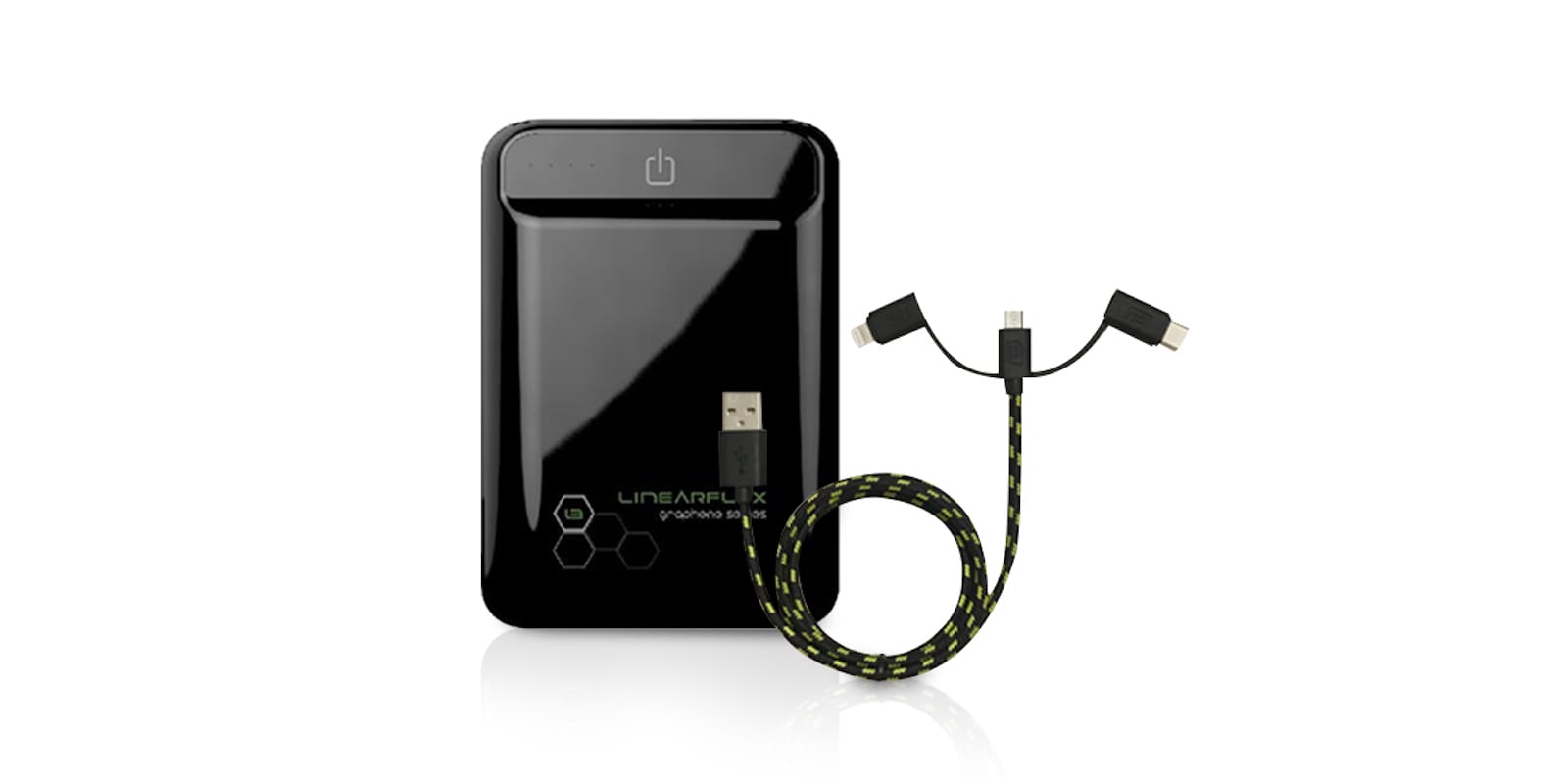
If you use a variety of devices, you might be traveling with a backup battery or two, along with a variety of charging cables.