Mobile menu toggle

Start the new year by learning to code iPhone apps [Deals]

By

PWYW iOS 11
This bundle of courses covers all of iOS 11. Just beat the average price to score the entire bundle.
Photo: Cult of Mac Deals

iOS 11 has become the new standard when it comes to design-focused operating systems. With every update, comes more fun, intuitive, and functional features. Learning to code for the iPhone isn’t as daunting as you think, practice makes perfect.

Top tech trends of 2017

By

top tech trends 2017
2017 was a great year for consumer technology.
Photo: Ste Smith/Cult of Mac

Cult of Mac's 2017 Apple year in review2017 was an exciting year for consumer technology. It brought us big advancements in areas like machine learning and biometric security, as well as a big boost for augmented reality, and some not-so-satisfying changes to smartphone price tags.

Here are the top technology trends of 2017.

Every single product Apple rolled out in 2017

By

2017 was a very good year for new Apple products.
2017 was a very good year.
Image: Ste Smith/Cult of Mac

Cult of Mac's 2017 Apple year in review 2017 was a killer year for new Apple products — and it’s not all because of the iPhone X.

Apple’s design team spun out updates in nearly every single category while also popping out a few all-new products. The Mac Pro and Mac mini were pretty much the only machines that got no love from Apple this year. But with all the new stuff, it’s hard for Apple fans to complain.

Here’s a recap of every new Apple product of 2017.

How to squeeze the longest life from your iPhone battery

By

battery
Just be thankful your iPhone doesn't run on these.
Photo: Toshiyuki IMAI/Flickr CC

Thanks to batterygate, the good news is that Apple will now switch out the battery in your old iPhone for $29 instead of $79, a price so cheap it would be crazy not to do it. But how do you take care of that new battery to stop it going bad? The truth is, the lithium ion batteries in phones and notebook computers have a finite life. But you can prolong that life with a few easy tricks.

Samsung and LG don’t throttle their phones like Apple does

By

galaxy note 7
The battery might burst into flames, but at least you get a full-powered CPU.
Photo: Killian Bell/Cult of Mac

Apple’s decision to throttle CPU speeds on iPhones with older batteries isn’t a feature its competition is eager to copy.

Both Samsung and LG have come out with statements today saying that none of their phones use similar power management tactics. Their claims echo other Android makers Motorola and HTC who made the same claim yesterday.

Apple’s Chicago Store cordons off outdoor area due to snowfall

By

Chicago store
A look at the Apple Store at present.
Photo: Spudart

Apple’s flagship Chicago Apple Store may be designed to look like a giant MacBook, but it’s apparently not designed to cope with the area’s harsh winters and snowfall.

Or, at least, that’s according to a local Chicago blog, which reveals how the North Michigan Ave. Apple Store’s sloping roof has run into problems in the snow, resulting in parts of the store’s outdoor area being cordoned off.

Nearly 67,000 iPhone users in South Korea want to sue Apple

By

iPhone SE 2 could cost $399 just like the first-gen iPhone SE
Users aren't happy about Apple throttling iPhone speeds.
Photo: Ste Smith/Cult of Mac

Apple has been the subject of multiple class action lawsuits since admitting that it purposely throttles the speed of older iPhones. However, no lawsuit is quite as big as one that’s brewing in South Korea — where nearly 67,000 iPhone users have applied to join a suit against Apple.

The number of potential plaintiffs reportedly doubled over the course of Friday — from 34,000 applicants in the morning to 66,800 by the end of the working day, claims law firm Hannuri Law.

What’s the best Apple gadget of 2017? Catch our picks, on The CultCast

By

Lisa CultCast
It's been a great year for Apple hardware.
Photo: @YSR50

Very spicy episode this week on The CultCast: We break down why everyone is pissed that Apple is slowing down iPhones and Macs with older batteries, and how you can tell if you’re being throttled. Plus, it’s been a great year for Apple hardware — don’t miss our picks for Apple gadget of the year!

Our thanks to Upsie for supporting this episode. Why pay $200 for AppleCare+ when an iPhone X accidental damage warranty from Upsie is $80 less? Get 10 percent off your first purchase at upsie.com with code “CultCast” at checkout.

Apple apologizes with $29 iPhone battery replacements

By

iPhone battery
Brazil demands easy iPhone battery replacements.
Photo: iFixit

Apple has offered iPhone customers yet another apology for intentionally slowing down the CPU on some older iPhone models in order to increase overall performance.

In a letter to customers this afternoon, Apple explained that it added a feature in iOS 10.1.2 that successfully reduced the occurrence of unexpected shutdowns on iPhones. Apple was able to do so by lowering CPU performance so that it drew less power from older batteries, but the company is now offering an olive branch to customers: cheap battery replacements.

Best Mac apps of 2017

By

Best macOS apps 2017
macOS developers delivered some stellar apps in 2017.
Photo: Ste Smith/Cult of Mac

Cult of Mac's 2017 Year in Review As the year nears its end, it’s time to take a look back at everything that was awesome in 2017. As usual, Mac developers rolled out some stellar software, which means macOS remains the best platform for the greatest apps.

Here’s our roundup of the best macOS apps of 2017.

These widgets will stop you losing your tiny Apple Pencil parts

By

fintie caps
A few bucks will fix all your Apple Pencil problems.
Photo: Fintie

It is usually correct to ridicule Apple Pencil accessories. This hand-stitched leather sleeve for the Pencil, for instance, is absurd. But some Apple pencil accessories are almost essential, including today’s selection, the Fintie cap holder, nib cover, and Lightning cable adapter tether. At first glance, these may look as pointless as a the pencil case, but after some study, you’ll see they’re essential to fix Apple’s own design mistakes.

The iOS apps that dominated our screens in 2017

By

Best apps 1
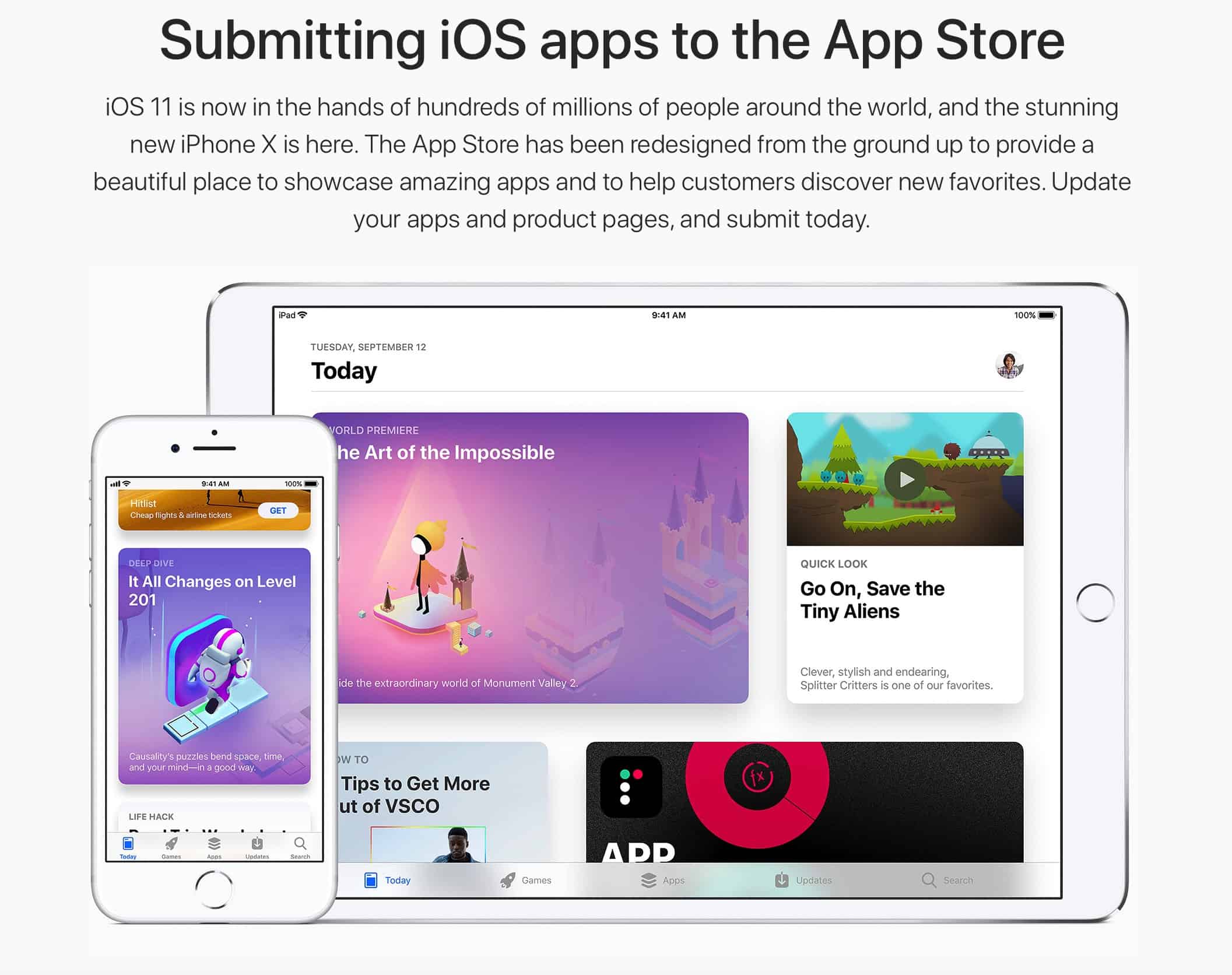
This was a great year for the App Store.
Photo: Ste Smith/Cult of Mac

Cult of Mac's 2017 Year in Review: Best iOS apps of 2017 2017 was a great year for Apple as a whole, and the App Store was no different.

From messaging apps to music-generating tools to a smart AI assistant, Apple and various third-party developers unleashed an impressive array of new software designed to get us tapping, swiping and — most importantly — downloading.

Creepy video shows how iPhone X can make your face vanish

By

iPhone X
It's the Invisible Man.
Photo: Kazuya Noshiro

Having your own invisibility cloak could soon become a reality thanks to the iPhone X. Kind of.

Japanese developer Kazuya Noshiro showed off a demo of an app he’s working on that uses the iPhone X’s facial recognition features to completely camouflage a users’ face with the background. The trippy effect almost makes you look like a set of floating eyeballs with hair on top.

Watch his face disappear:

iOS Mail filters quickly tame overflowing mailboxes

By

mailbox filters
A mailbox, aka a postbox, or even 'pillar box."
Photo: Charlie Sorrel/Cult of Mac

The iOS Mail app gets overlooked by power users, but it’s still the default for most people, unless they’re using Gmail in the browser. And that’s not a bad thing, because Apple’s Mail app has gotten pretty great in recent years, from smart mailboxes, to swipe gestures, to iOS 11’s drag-and-drop. Today we’re going to take a look at a feature so hidden you may never have seen it before. It’s a filter than can be applied to any folder, letting you see just mail with attachments, mail addressed directly to you, VIP mails, and more.

Walk into 2018 with iOS 11 coding skills [Deals]

By

Add iOS 11 development to your skillset with this comprehensive coding course.
Photo: Cult of Mac Deals

2017 was a beast of a year, so let’s best it in 2018. A solid resolution for anyone to make is to learn some new skills. And one thing that definitely hasn’t changed since last year is the value of coding skills.

South Korean regulator wants answers from Apple about slowing old iPhones

By

5 tips to fix an unresponsive iPhone screen
Apple has admitted to throttling older iPhone performance.
Photo: Ste Smith/Cult of Mac

South Korea’s broadcasting and telecom regulator, the Korea Communications Commission, wants an explanation from Apple as to why it purposely slowed down old iPhones.

“We are hoping to get some answers on whether Apple intentionally restricted the performance of old iPhones and tried to hide this from customers,” the KCC said in a statement.

Tim Cook will take home $102 million this year

By

Tim Cook
Tim Cook has good reason to be cheerful right now.
Photo: Apple

Apple has had a great year, and CEO Tim Cook is being rewarded accordingly. According to a new report, Cook will take home a massive $102 million this year, composed of his $3.06 million salary, $9.33 million incentive payment, and an equity award of $89.2 million.

For security reasons, the Apple board now stipulates that Cook use private planes for all business and personal travel. His personal security costs in 2017 were calculated at $224,216, while he ran up a $93,109 bill for traveling on private planes for non-business trips.

Original source code for Apple’s ill-fated Lisa will be made public next year

By

Take a sneak peek at upcoming Apple Lisa documentary
The Lisa didn't sell, but it was immensely significant.
Photo: Auction Team Breker

Apple isn’t the most transparent of companies when it comes to its technology, but from next year you’ll be able to dive into the code of one of its most revolutionary operating systems to see how it was achieved.

The operating system in question is that of the ill-fated Apple Lisa, a $10,000 machine which debuted in 1983 — and included Apple’s first ever graphical user interfaces, and one of the first in computer history as a whole.

Best Mac games of 2017

By

Best Mac games 2017
2017 brought us some terrific games for macOS.
Image: Ste Smith/Cult of Mac

Cult of Mac's 2017 Year in Review Game developers are embracing macOS like never before, which means Windows isn’t the only place to get the greatest titles anymore. The past year brought us a ton of terrific Mac games, from intense first-person shooters to gorgeous platformers filled with charm.

Here’s our roundup of the best Mac games of 2017.