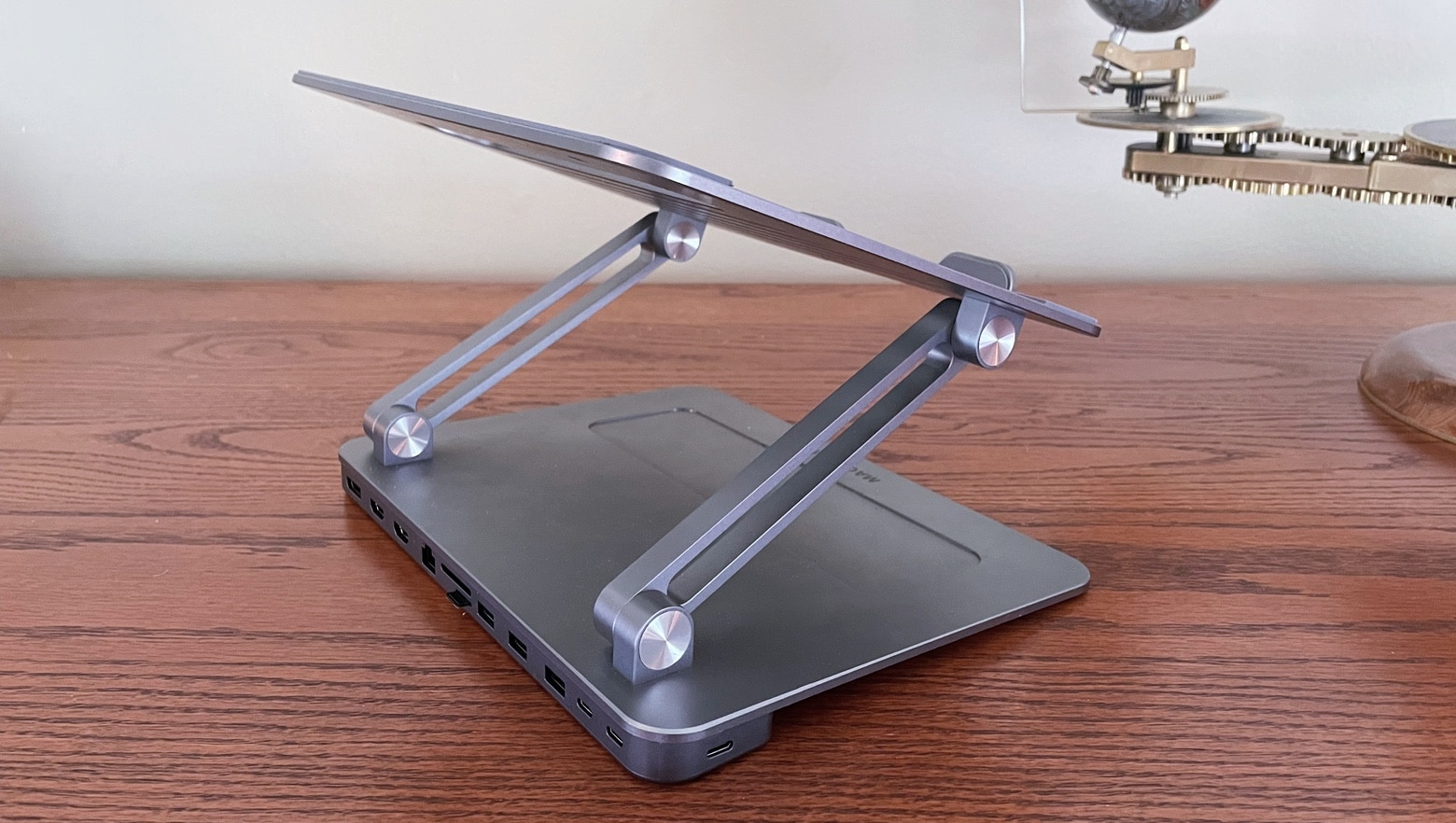
Maotoam Pro is a robust tablet/laptop stand and a multifunction USB-C hub all in one well-designed package. Photo: Ed Hardy/Cult of Mac
Maotoam Pro is two popular desktop accessories in one. It’s both a laptop/tablet stand and a USB-C hub with 13 ports. It can prop up a MacBook or iPad at your preferred angle, and connect it to up to a monitor, three USB devices, Ethernet and more.
I used the stand/hub in my everyday life for days. Here’s why I like it so very much.
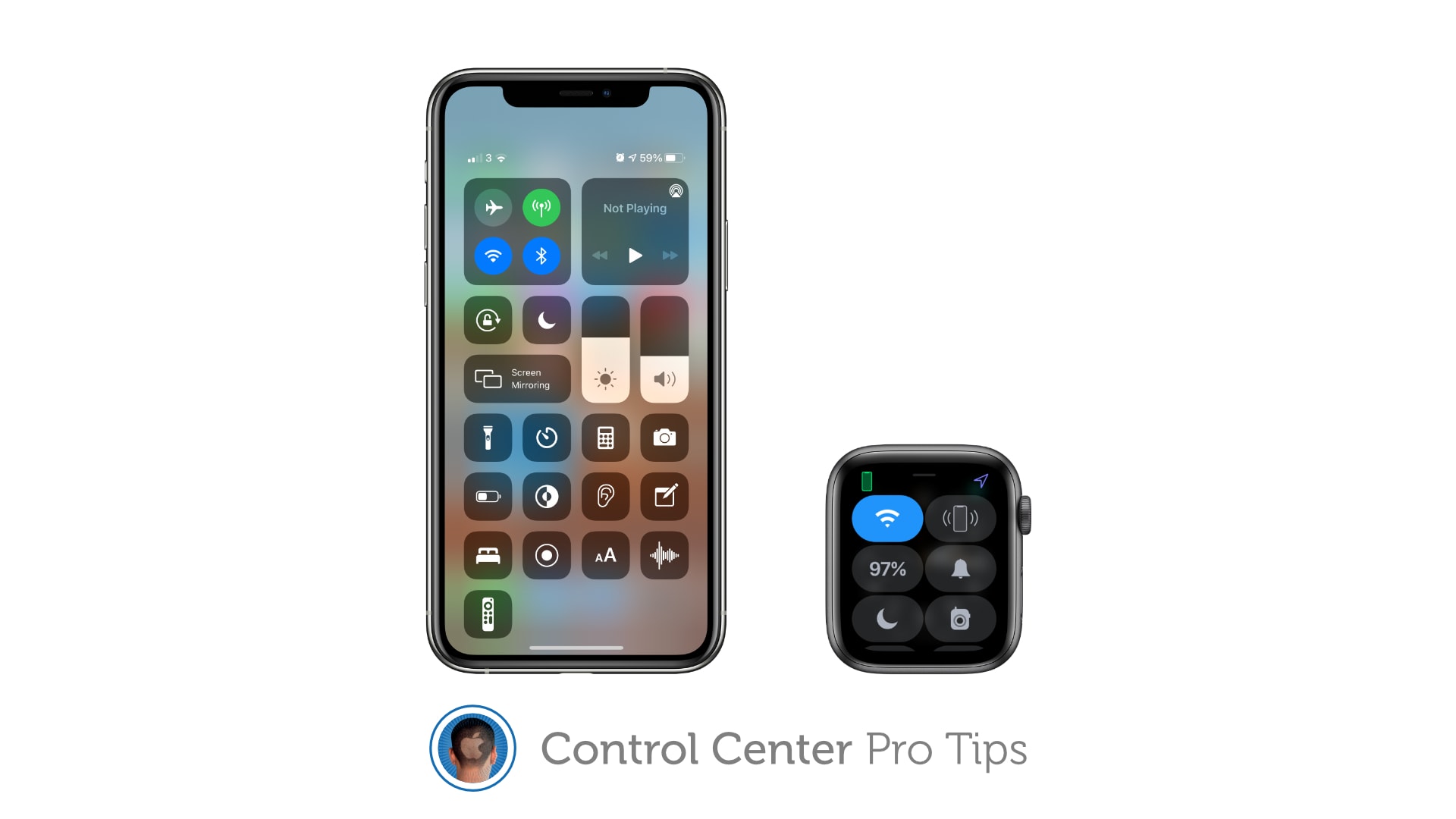
And to remove tools and shortcuts you never use. Image: Killian Bell/Cult of Mac
We want to help you master Control Center, one of the most powerful and underutilized features on Apple devices. Cult of Mac’sControl Center Pro Tips series will show you how to make the most of this useful toolbox on iPhone, iPad, Apple Watch and Mac.
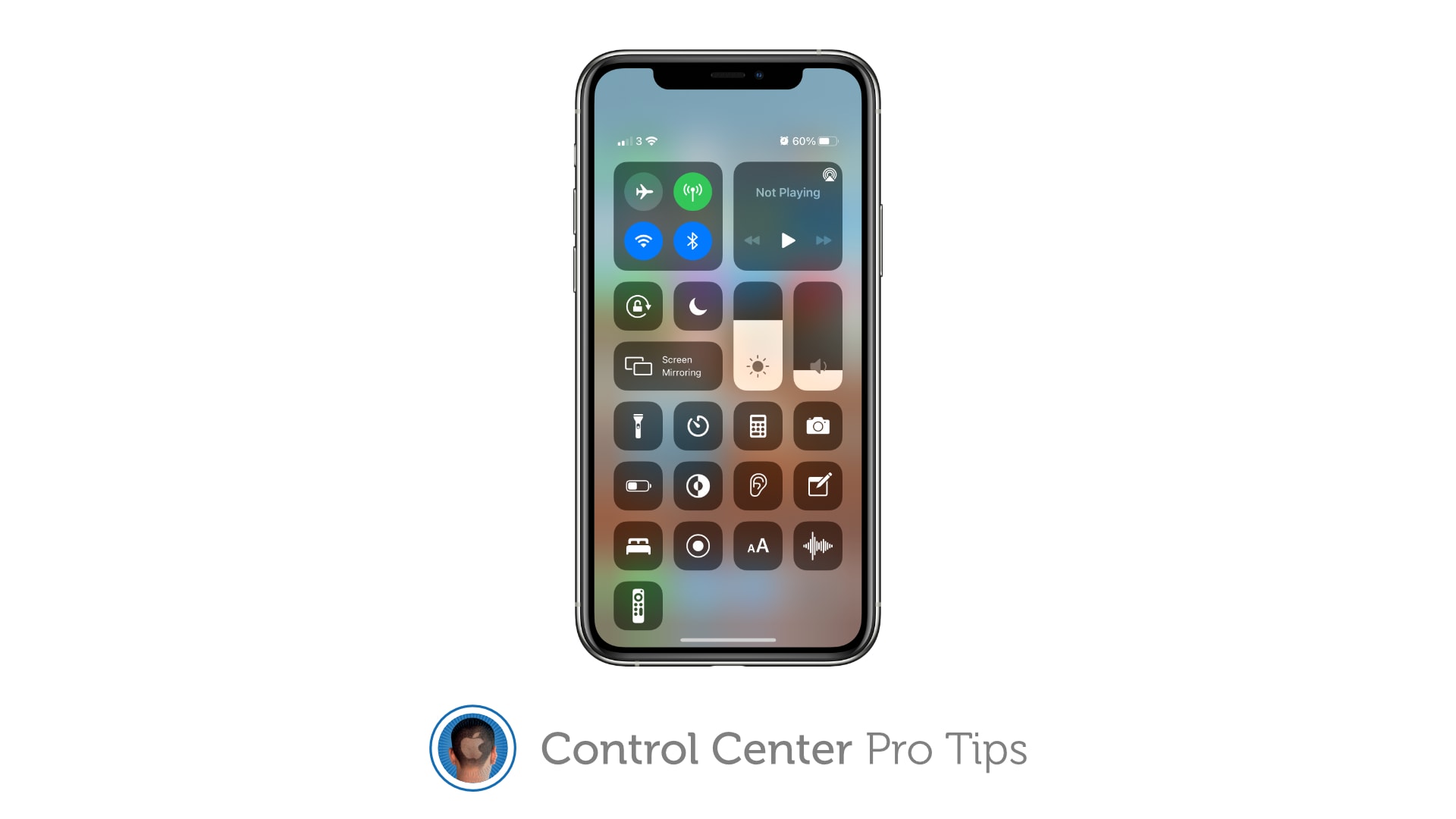
Make your favorite Control Center tools and shortcuts easier to find by reorganizing and cleaning up your Control Center window. It’s easy on iPhone, iPad, and Apple Watch — and we’ll show you how.
Some rooms just scream "fun," don't they? Photo: andygigante_82@Reddit
Illustrator and graphic designer andygigante_82 knows how to place his computer setup in an entertaining context. The fantastical space is his “Little Hobby Hole” — which he writes with a trademark symbol — as depicted in his Reddit post.
Looking at his photos, you might not notice the computer gear. That’s understandable, given every shot’s explosion of dynamic graphics, colorful action figures, skateboards festooned with his own graphic designs and more.
Make your iPhone easier to track down — even in the dark. Image: Killian Bell/Cult of Mac
We want to help you master Control Center, one of the most powerful and underutilized features on Apple devices. Cult of Mac’sControl Center Pro Tips series will show you how to make the most of this useful toolbox on iPhone, iPad, Apple Watch and Mac.
Can’t remember where you left your iPhone? Use Control Center on your Apple Watch to “ping” it so that you can quickly track it down. You can even have your iPhone light up so that it’s easier to find in the dark.
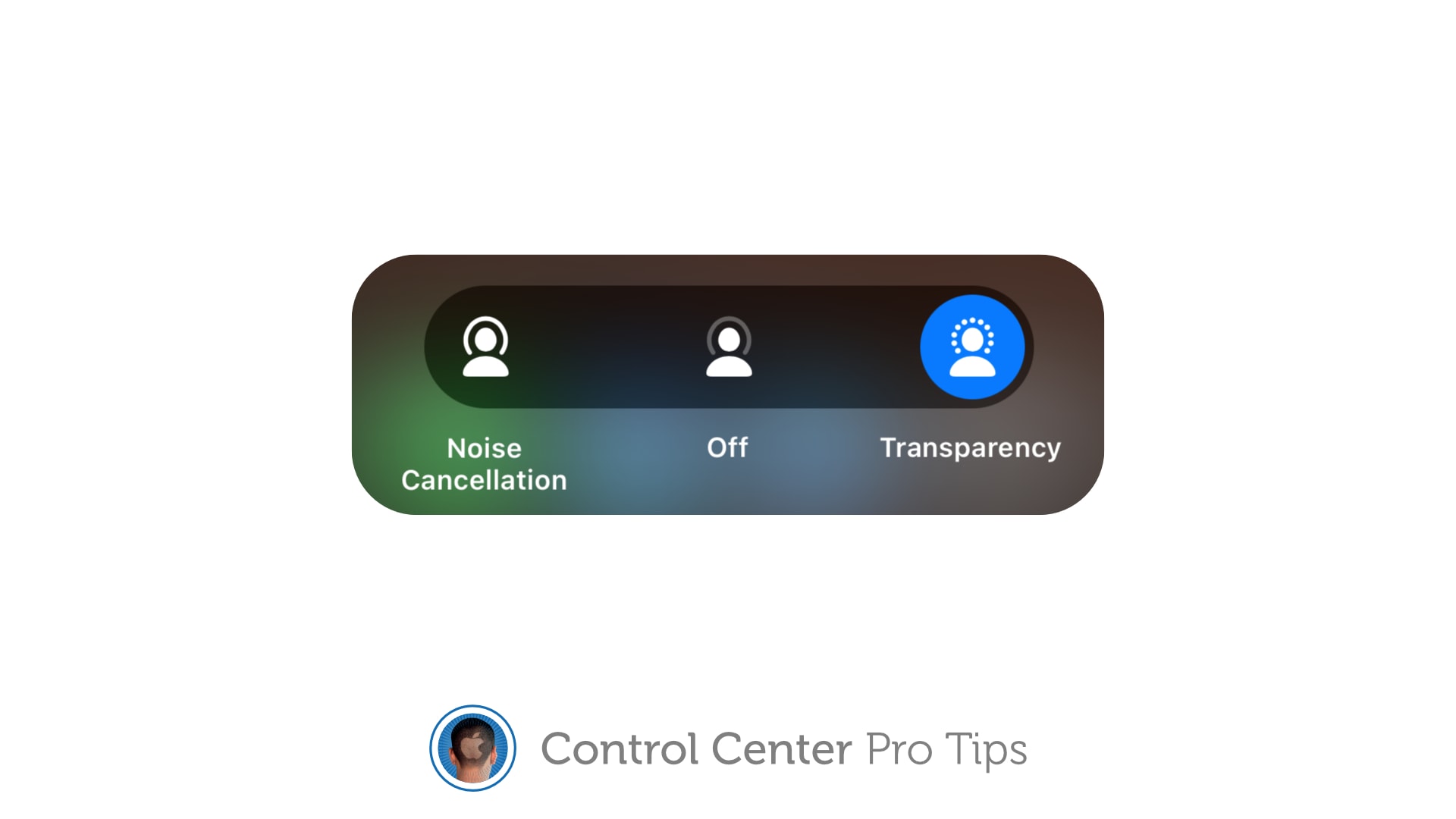
The quick and simply way to toggle noise cancellation and Transparency. Image: Killian Bell/Cult of Mac
We want to help you master Control Center, one of the most powerful and underutilized features on Apple devices. Cult of Mac’sControl Center Pro Tips series will show you how to make the most of this useful toolbox on iPhone, iPad, Apple Watch and Mac.
Switching between different AirPods audio modes is simple with Control Center on iPhone, iPad, and Mac. You can activate or deactivate Transparency and active noise cancellation in just a couple of taps.
Keep Control Center protected by your passcode. Image: Killian Bell/Cult of Mac
We want to help you master Control Center, one of the most powerful and underutilized features on Apple devices. Cult of Mac’sControl Center Pro Tips series will show you how to make the most of this useful toolbox on iPhone, iPad, Apple Watch and Mac.
Control Center puts a ton of useful toggles and shortcuts at your fingertips, and you can access all of them while your iPhone or iPad are locked. If that’s not something you want, you can change it.
Here’s how to block Control Center access from the lock screen on iOS and iPadOS.
Justin Theroux, Melissa George, Logan Polish and Gabriel Bateman in The Mosquito Coast Photo: Apple TV+
The Mosquito Coast, the original cautionary fable about off-the-grid living, gets a shiny new update on Apple TV+ just as we’re all itching to get back out in the world after a year in quarantine.
Shepherded by director Rupert Wyatt and starring Justin Theroux, the show is an interesting addition to the ever-growing Apple TV+ lineup. It’s paranoid, fraught and full of personality.
Make it easier to hear other people in a crowded room. Image: Killian Bell/Cult of Mac
We want to help you master Control Center, one of the most powerful and underutilized features on Apple devices. Cult of Mac’sControl Center Pro Tips series will show you how to make the most of this useful toolbox on iPhone, iPad, Apple Watch and Mac.
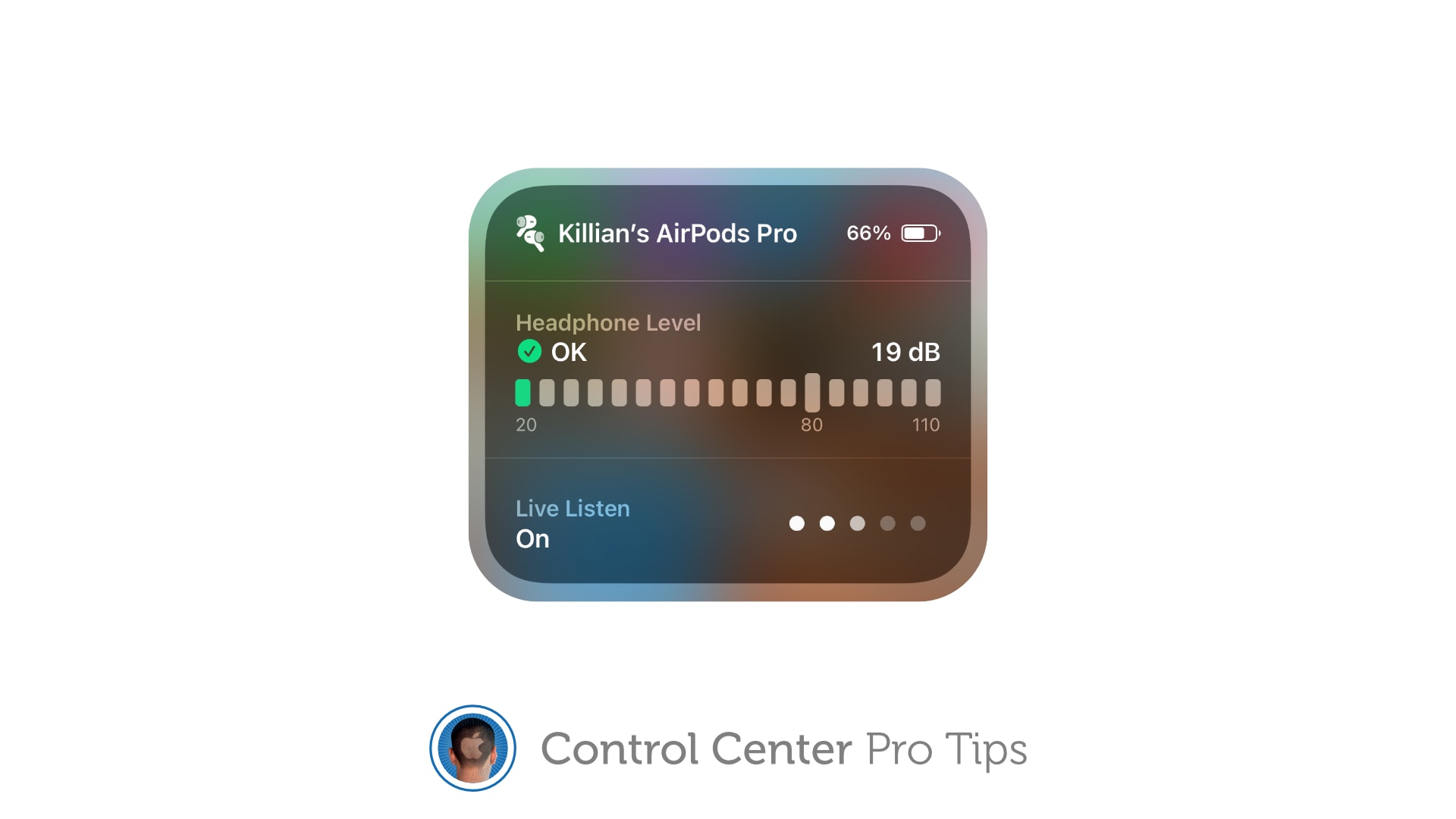
Activate Live Listen for AirPods and Powerbeats headphones inside Control Center to make it easier to hear other people in a noisy environment. The feature is built into iPhone and iPad and easy to use.
Schooltime prevents Apple Watch from being a distraction in the classroom. Image: Killian Bell/Cult of Mac
We want to help you master Control Center, one of the most powerful and underutilized features on Apple devices. Cult of Mac’sControl Center Pro Tips series will show you how to make the most of this useful toolbox on iPhone, iPad, Apple Watch and Mac.
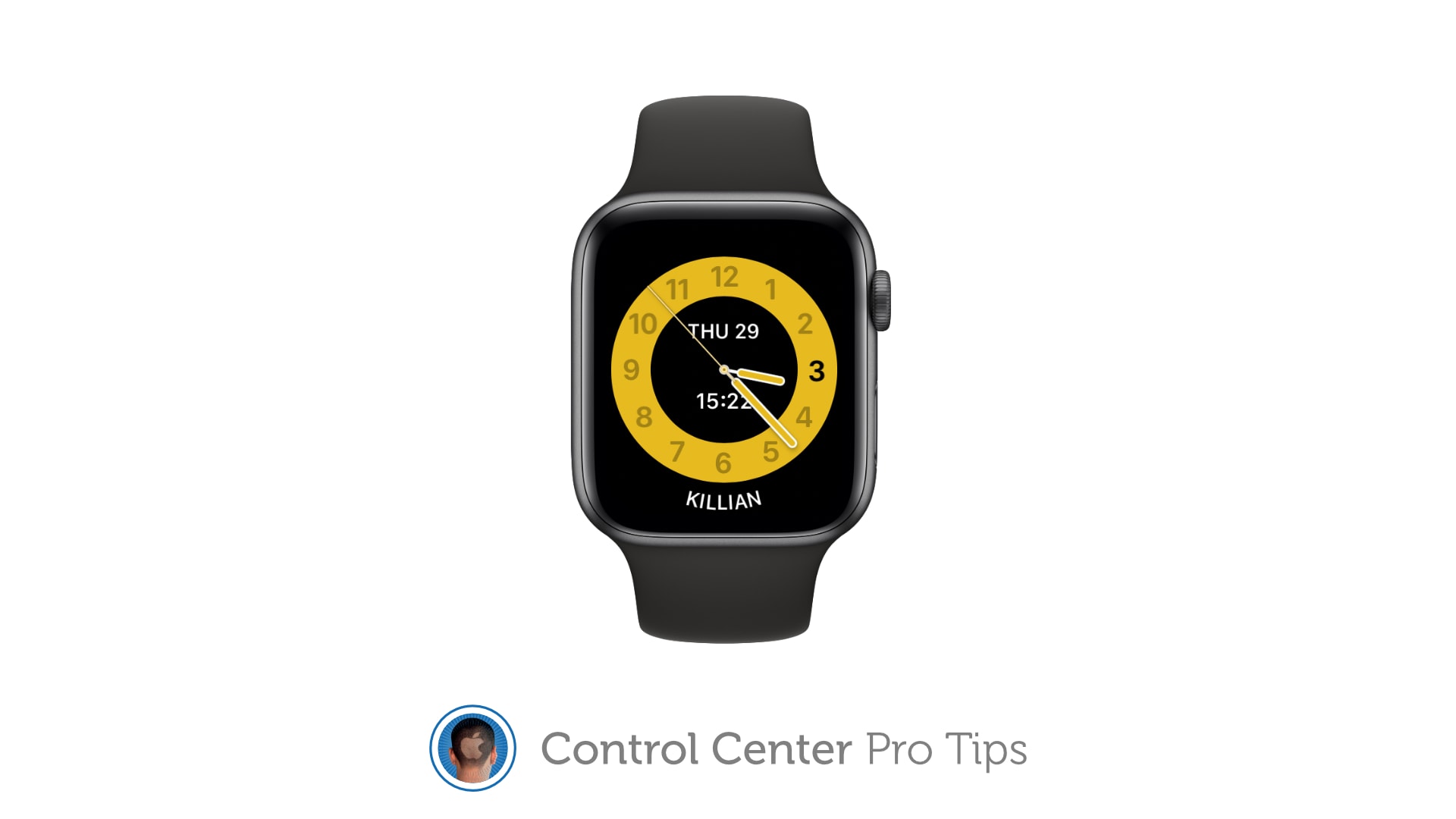
Schooltime is a handy new feature, introduced in watchOS 7, that keeps Apple Watch quiet and prevents it from being a distraction in the classroom. It can be added to your Control Center options so that enabling Schooltime at any time takes just a swipe and a tap.
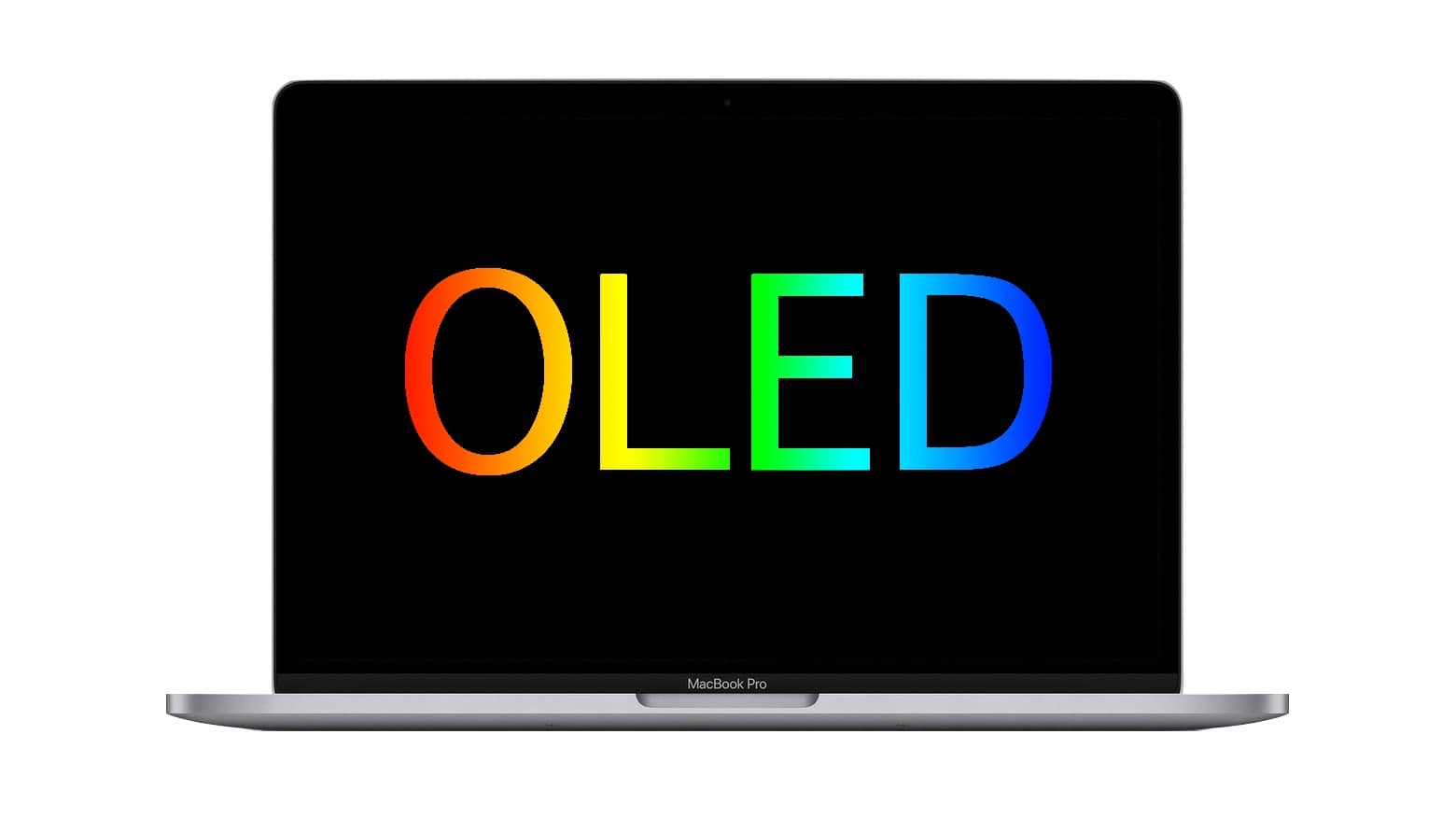
While there’s some disagreement among experts about the chances for an OLED MacBook, most think it will happen. Photo: Cult of Mac
A trusted Apple analyst recently predicted MacBooks would never use OLED displays, shutting macOS laptops out from the best-looking type of screen. But an expert in display technologies disagrees, as do several other analysts.
iPads with OLED screens have been rumored to be on Apple’s drawing board. And iPhones and Apple Watch already use this type of display. It’s possible the tech will spread to all Apple products. There are advantages and drawbacks to OLED, though.
Get greater control over keyboard brightness. Image: Killian Bell/Cult of Mac
We want to help you master Control Center, one of the most powerful and underutilized features on Apple devices. Cult of Mac’sControl Center Pro Tips series will show you how to make the most of this useful toolbox on iPhone, iPad, Apple Watch and Mac.
If you use the Touch Bar on your MacBook Pro as it was intended, your keyboard brightness controls aren’t immediately at your fingertips. But you can use Control Center instead to quickly adjust your backlighting.
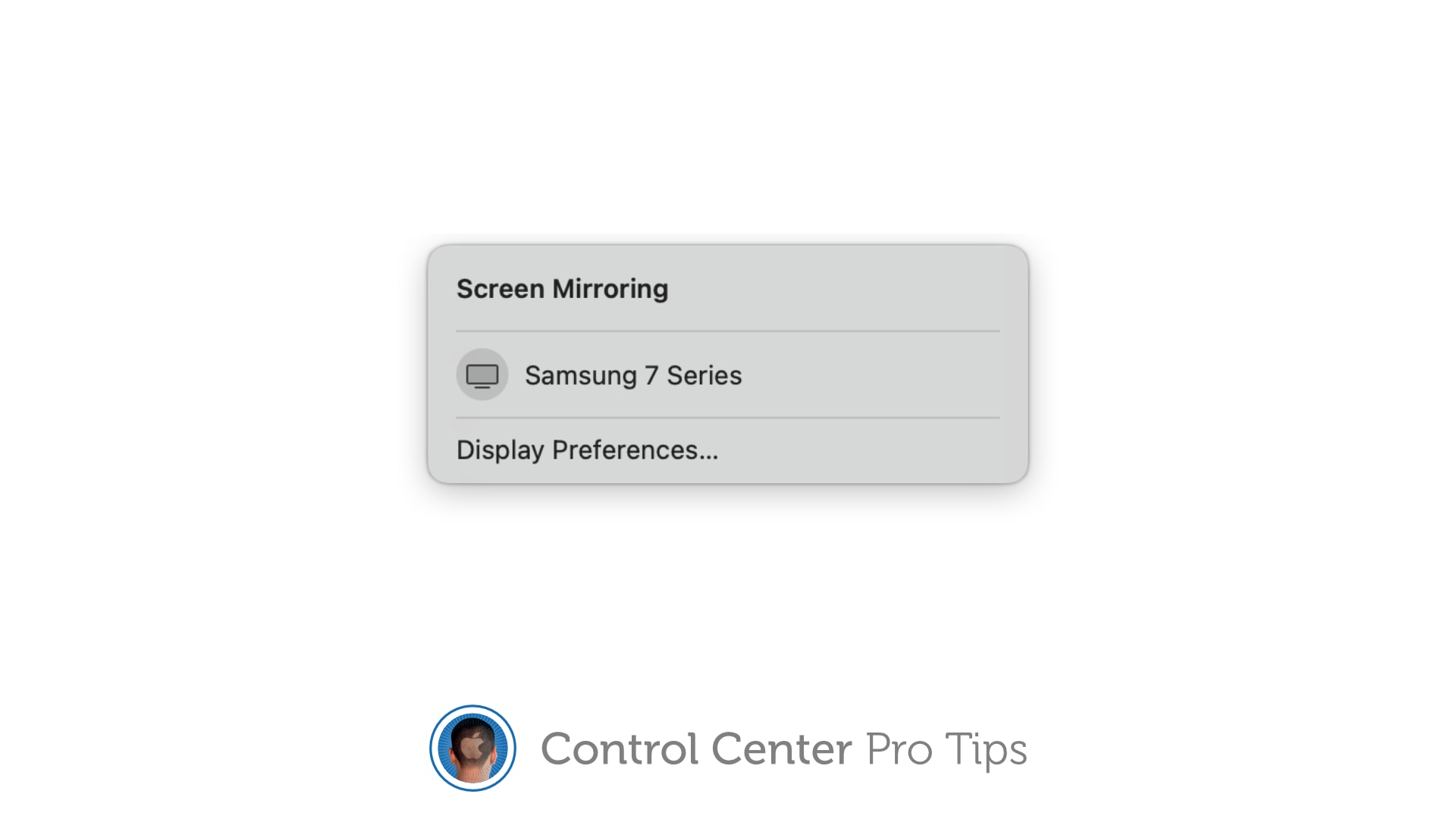
Stream your screen to Apple TV or a smart TV with AirPlay 2 support. Image: Killian Bell/Cult of Mac
We want to help you master Control Center, one of the most powerful and underutilized features on Apple devices. Cult of Mac’sControl Center Pro Tips series will show you how to make the most of this useful toolbox on iPhone, iPad, Apple Watch and Mac.
The handy screen mirroring feature built into iPhone, iPad, and Mac allows you to stream video or your device’s screen to Apple TV or an external display with AirPlay 2 support. And you can enable it in an instant by using the screen mirroring button in Control Center.
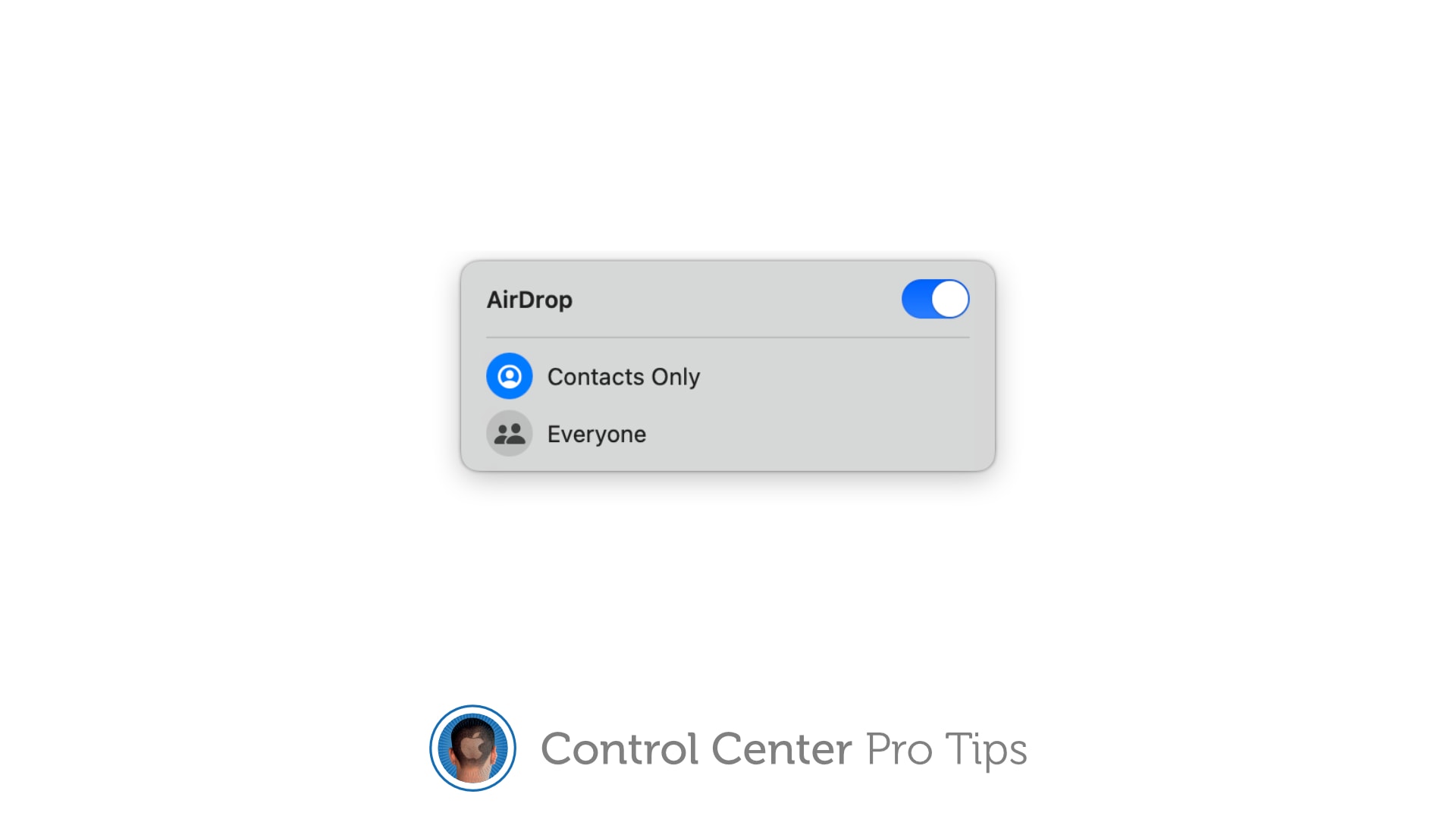
There's no need to fiddle around inside the Settings app. Image: Killian Bell/Cult of Mac
We want to help you master Control Center, one of the most powerful and underutilized features on Apple devices. Cult of Mac’sControl Center Pro Tips series will show you how to make the most of this useful toolbox on iPhone, iPad, Apple Watch and Mac.
Want to quickly activate AirDrop, or deactivate it to avoid unwanted requests? There’s no need to mess around inside the Settings app or System Preferences; the toggle you need is baked into Control Center.
It’s enabled by default on iPhone, iPad, and Mac and can be quickly accessed when you need it. We’ll show you how.
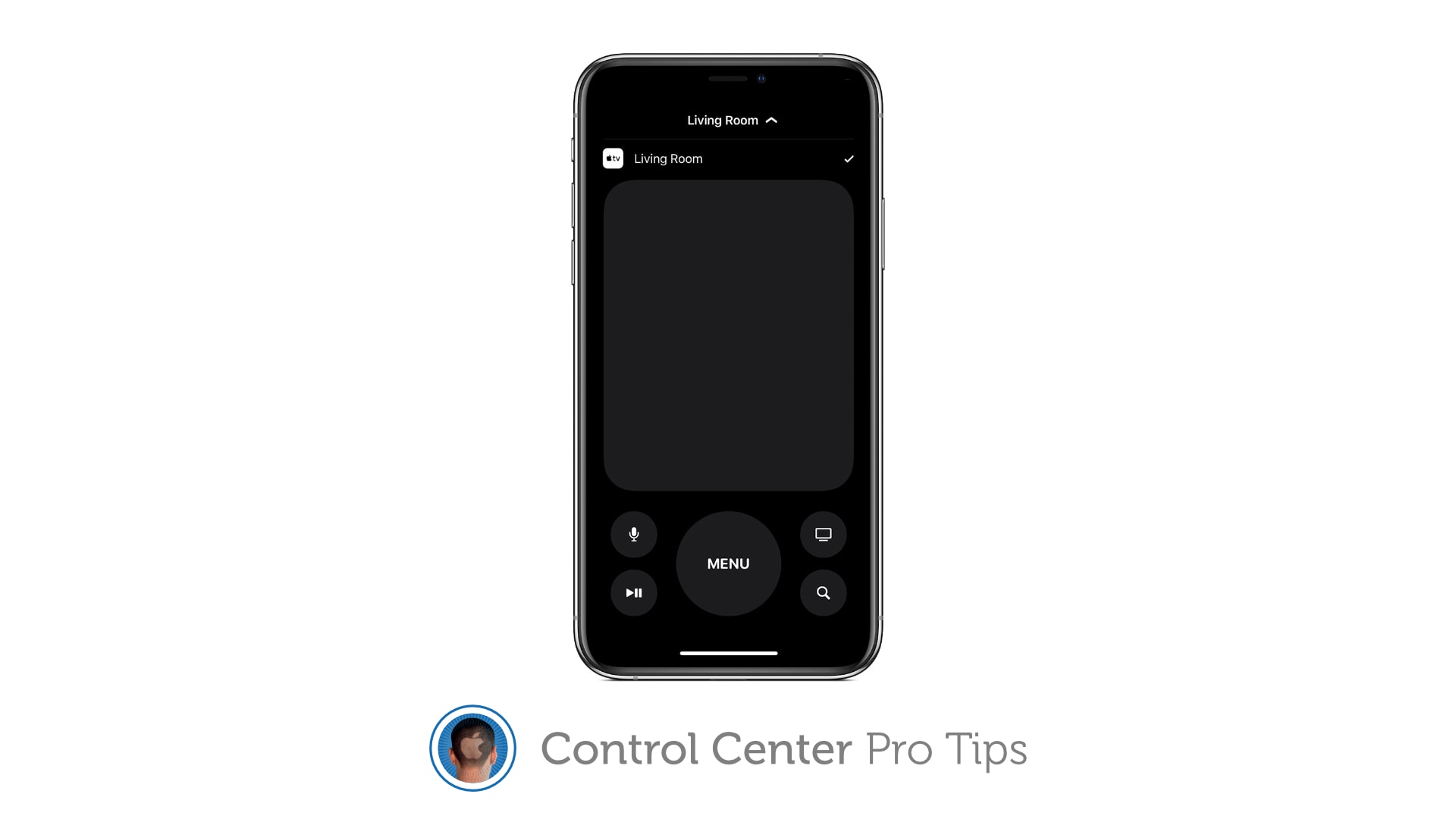
Your iPhone or iPad can replace your Apple TV remote completely. Image: Killian Bell/Cult of Mac
We want to help you master Control Center, one of the most powerful and underutilized features on Apple devices. Cult of Mac’sControl Center Pro Tips series will show you how to make the most of this useful toolbox on iPhone, iPad, Apple Watch and Mac.
Lost your Apple TV’s Siri Remote? Control your set-top box using Control Center on your iPhone or iPad instead. It’s super-simple to set up and you get all the buttons you need for complete control.
Sales of new M1 Macs powered Apple to yet another record-smashing quarter. Photo: Wes Hicks/Unsplash CC
Apple did it again. It just announced a quarter where it didn’t just beat everyone’s expectations, it blew them away. The Mac had a phenomenal quarter, and so did iPhone and iPad.
But you don’t have to bury yourself in spreadsheets to get the lowdown on what it all means. Just read on.
The first three months of 2021 brought a flood of revenue for Apple, up 54% from last year. And profits, too. The company had a successful quarter all around, with double-digit growth in iPhone, Mac, iPad, wearables and services revenue.
A shining star in the results was iPhone revenue, which increased by a whopping 65%. But other product categories increased by even higher percentages.
Get a better view in the dark. Image: Killian Bell/Cult of Mac
We want to help you master Control Center, one of the most powerful and underutilized features on Apple devices. Cult of Mac’sControl Center Pro Tips series will show you how to make the most of this useful toolbox on iPhone, iPad, Apple Watch and Mac.
Searching for something in a dark room? You can turn your iPhone, iPad and even your Apple Watch into a flashlight with just one tap inside Control Center. We’ll show you how.
Don't miss the chance to save important info. Image: Killian Bell/Cult of Mac
We want to help you master Control Center, one of the most powerful and underutilized features on Apple devices. Cult of Mac’sControl Center Pro Tips series will show you how to make the most of this useful toolbox on iPhone, iPad, Apple Watch and Mac.
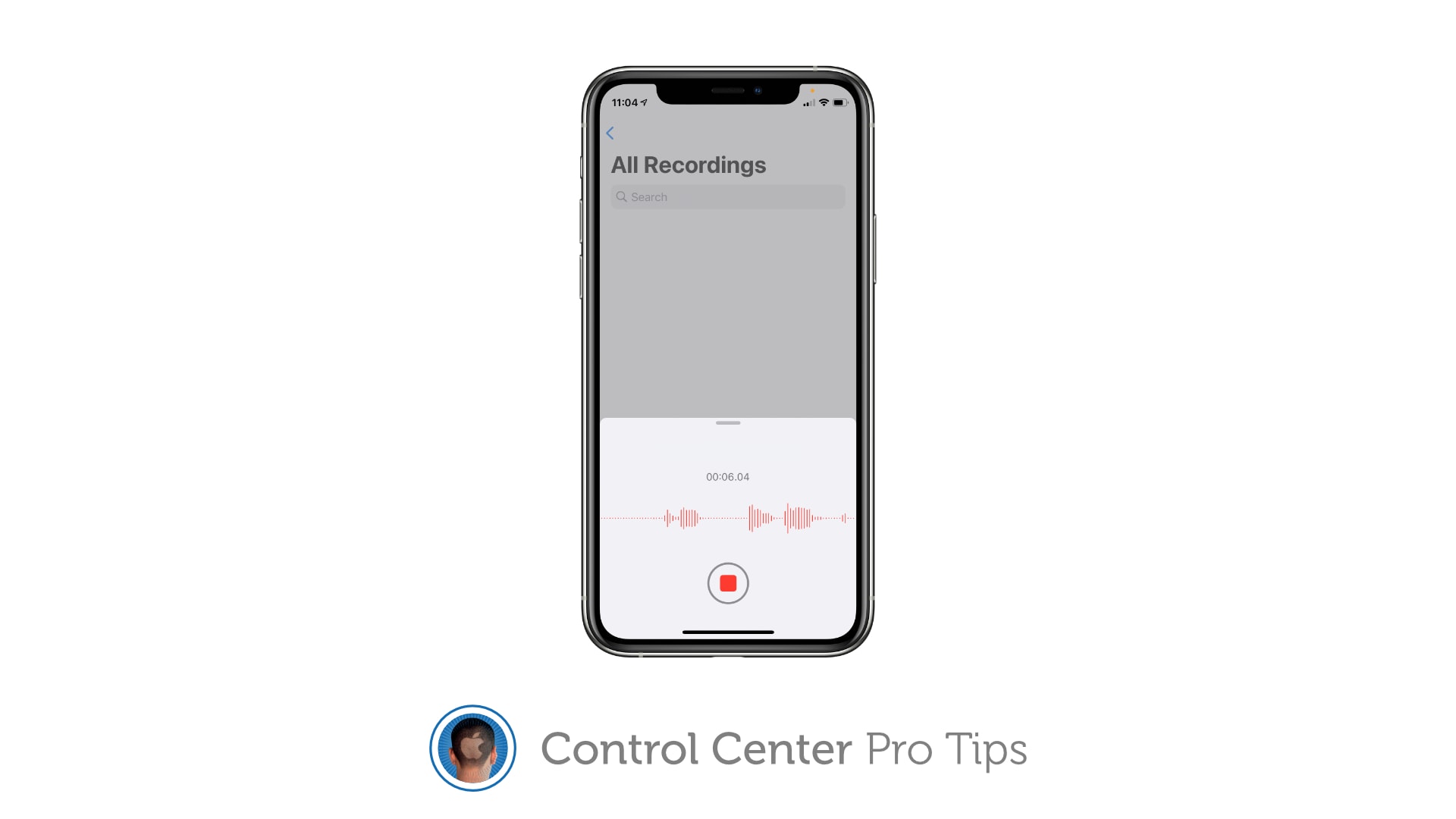
Did you know you can quickly capture a voice memo or audio recording with a simple Control Center shortcut? It’ll save you having to hunt down the Voice Memos app, or from having to place another unnecessary icon on your Home screen that you might not need every single day.
Managing wireless devices can be easy with Control Center. Image: Killian Bell/Cult of Mac
We want to help you master Control Center, one of the most powerful and underutilized features on Apple devices. Cult of Mac’sControl Center Pro Tips series will show you how to make the most of this useful toolbox on iPhone, iPad, Apple Watch and Mac.
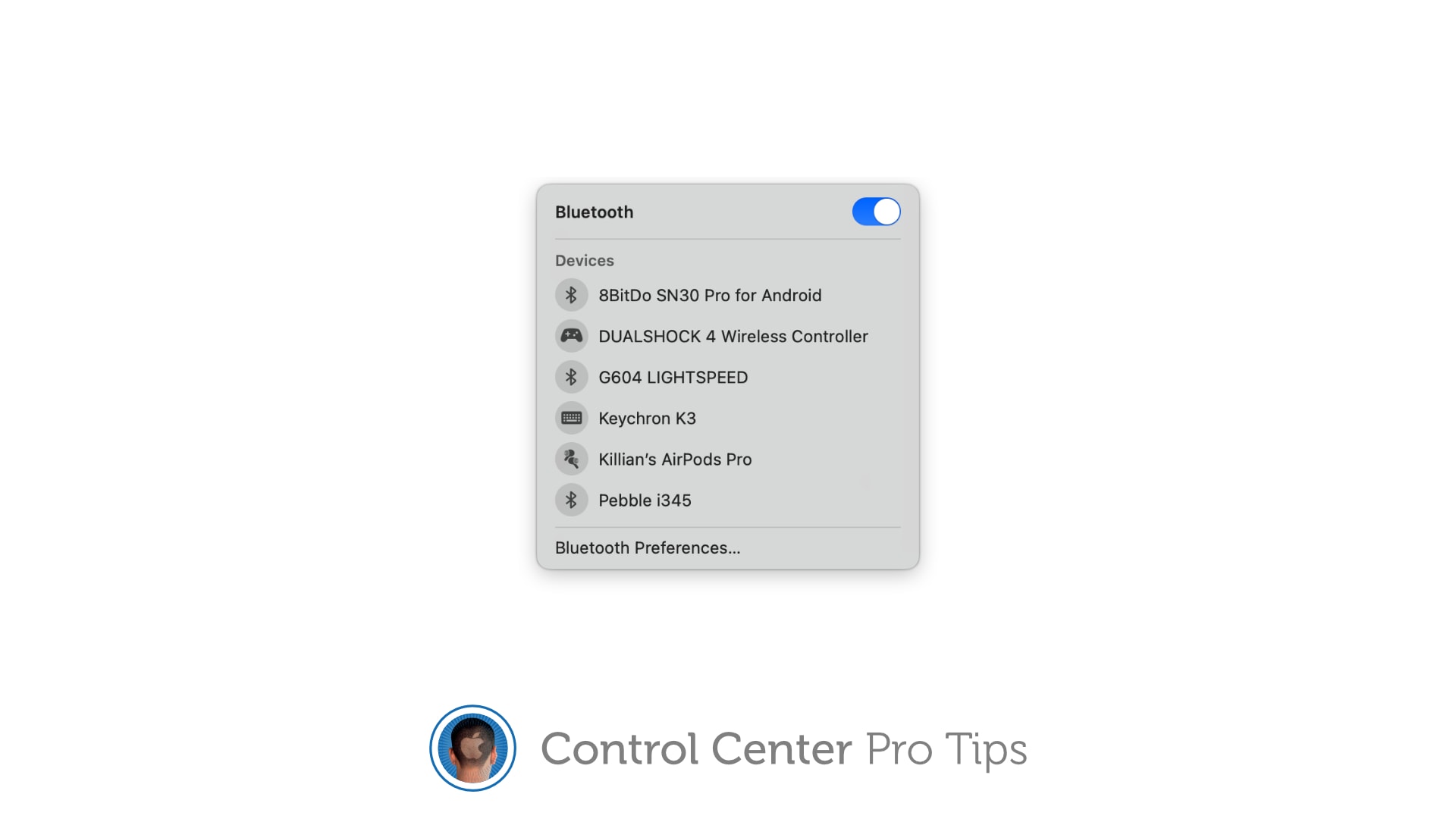
Quickly connect to Bluetooth devices by using Control Center on iPhone, iPad, and Mac. You won’t need to fiddle around inside Settings or System Preferences — just a couple of taps is all it takes to start pairing.
The quickest, easiest way to silence your device. Image: Killian Bell/Cult of Mac
We want to help you master Control Center, one of the most powerful and underutilized features on Apple devices. Cult of Mac’s Control Center Pro Tips series will show you how to make the most of this useful toolbox on iPhone, iPad, Apple Watch and Mac.
Heading into an important meeting and need your iPhone to keep quiet? Don’t worry about turning off your device or messing around inside the Settings app; toggle Do Not Disturb mode with one tap in Control Center.
Don't waste your time inside System Preferences. Image: Killian Bell/Cult of Mac
We want to help you master Control Center, one of the most powerful and underutilized features on Apple devices. Cult of Mac’s Control Center Pro Tips series will show you how to make the most of this useful toolbox on iPhone, iPad, Apple Watch and Mac.
Need to disable True Tone on your iPhone, iPad, or Mac? You could open the Settings app and dig around inside there for a few minutes until you find what you need. Or you could toggle the feature in an instant right inside Control Center.
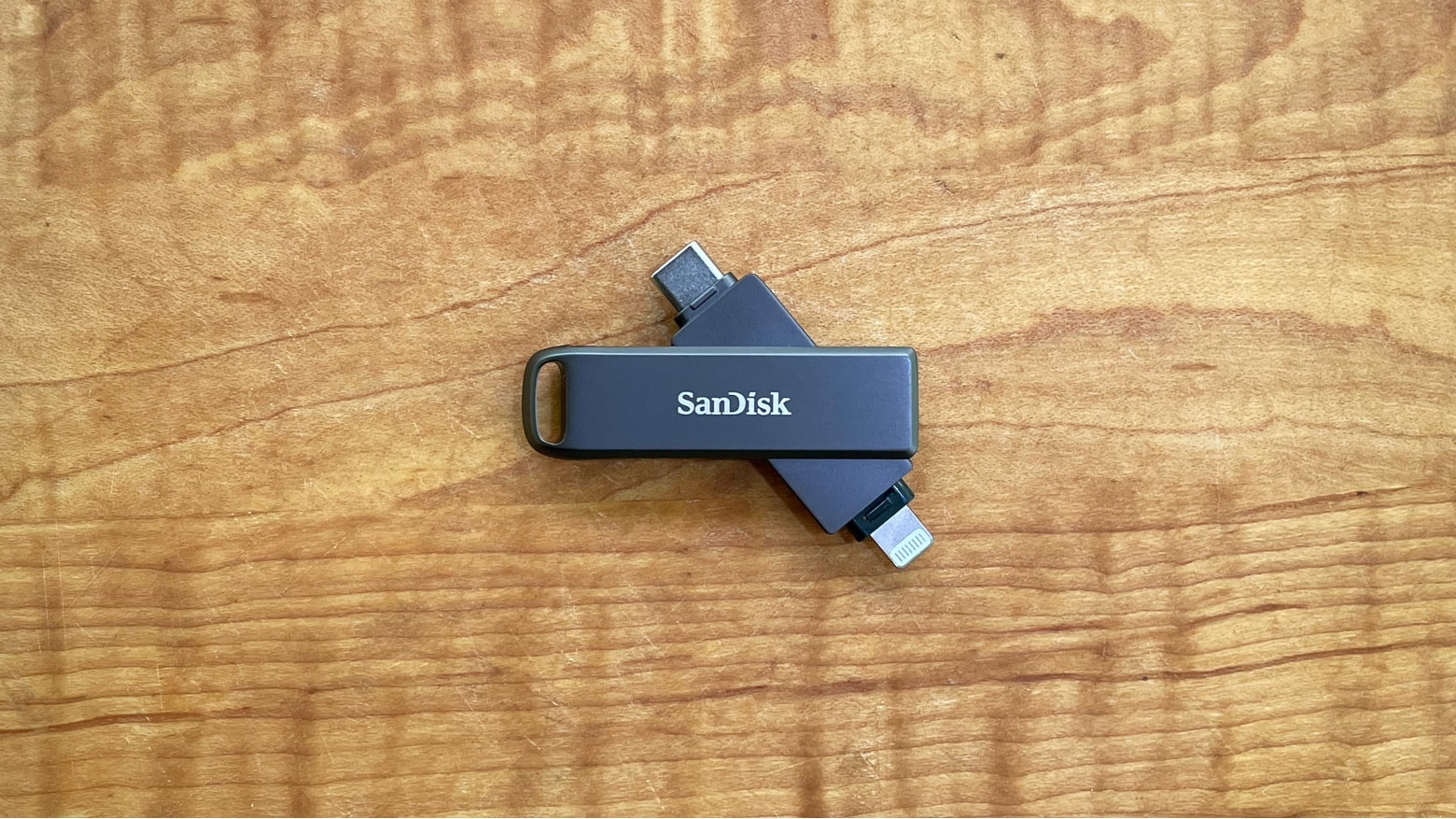
The SanDisk iXpand Flash Drive Luxe has both USB-C and Lightning connectors for maximum compatibility. Photo: Ed Hardy/Cult of Mac
The SanDisk iXpand Flash Drive Luxe includes both Lightning and USB Type-C connectors so it plugs into almost any computer. You can easily access the same collection of files from an iPhone, Mac or iPad without resorting to iCloud, etc. Even better, the drive is small and comes in an all-metal casing.
I tested the iXpand Luxe with multiple devices. Here’s its strengths and weaknesses.
Developers get to say when the feature goes live. But there's a catch. Graphic: Cult of Mac
Apple debuted iOS 14.5, with its App Tracking Transparency feature, on Monday. But if you updated your iPhone or iPad, and haven’t seen a flurry of alerts about apps wanting to track you, don’t be concerned. The controversial privacy feature is working as advertised.
That’s because the new privacy tracking prompt, which asks users if they want to allow an app to track them on other companies’ apps and websites, will only show up when a developer agrees for the feature to go live on their specific app. Until they push it live, they’re blocked from tracking users via Apple’s Identifier for Advertisers (aka IDFA).
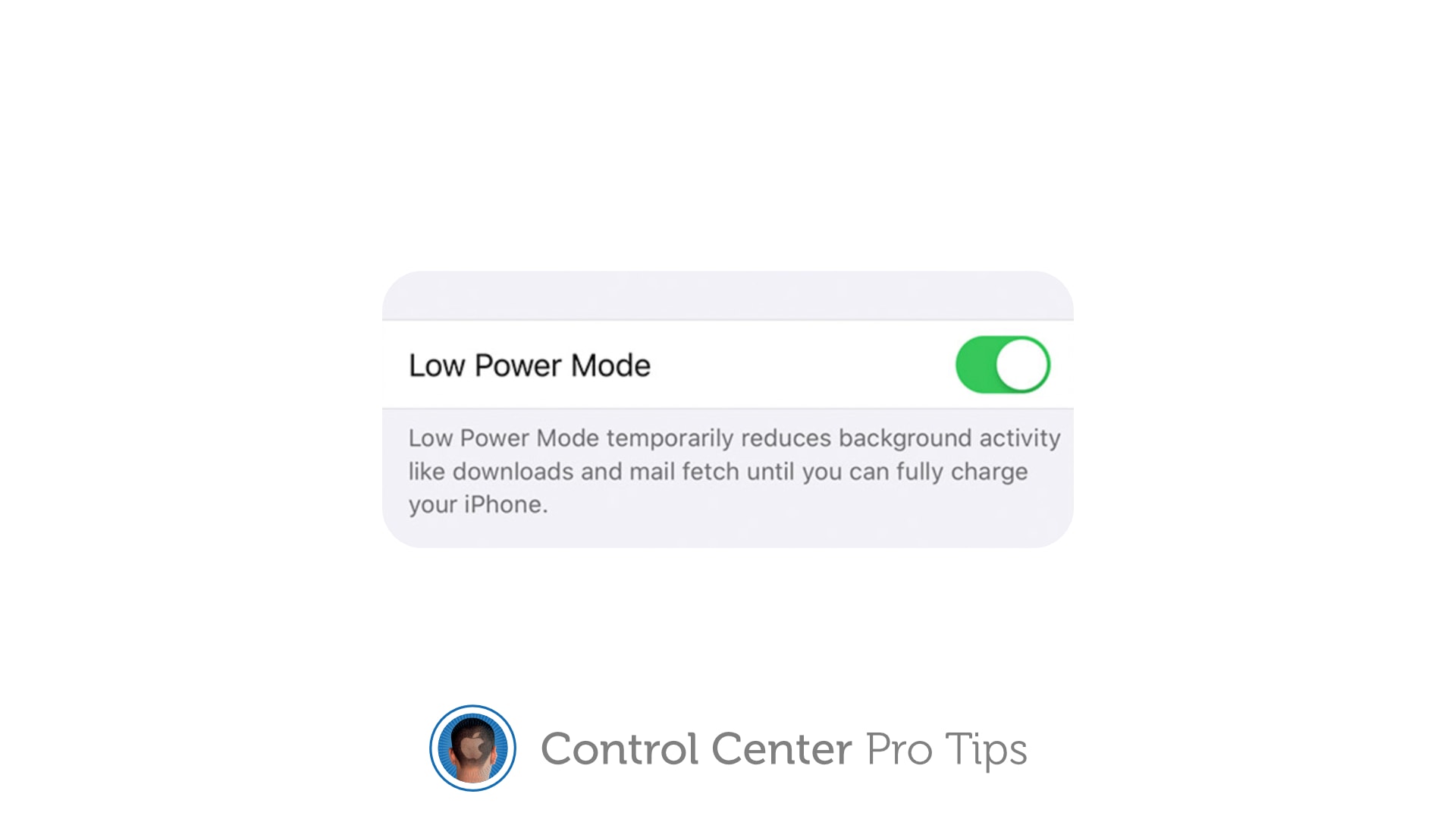
Enable Low Power Mode to get you through a long day. Image: Killian Bell/Cult of Mac
We want to help you master Control Center, one of the most powerful and underutilized features on Apple devices. Cult of Mac’s Control Center Pro Tips series will show you how to make the most of this useful toolbox on iPhone, iPad, Apple Watch and Mac.
Worried your iPhone or iPad battery isn’t going to last you all day? Activate Low Power Mode inside Control Center to minimize how much energy your device is consuming when it’s not being used. It’s super-simple to use, won’t get in your way, and it makes a big difference.
We’ll show you how and explain a similar feature — Power Reserve — that you can activate on Apple Watch.