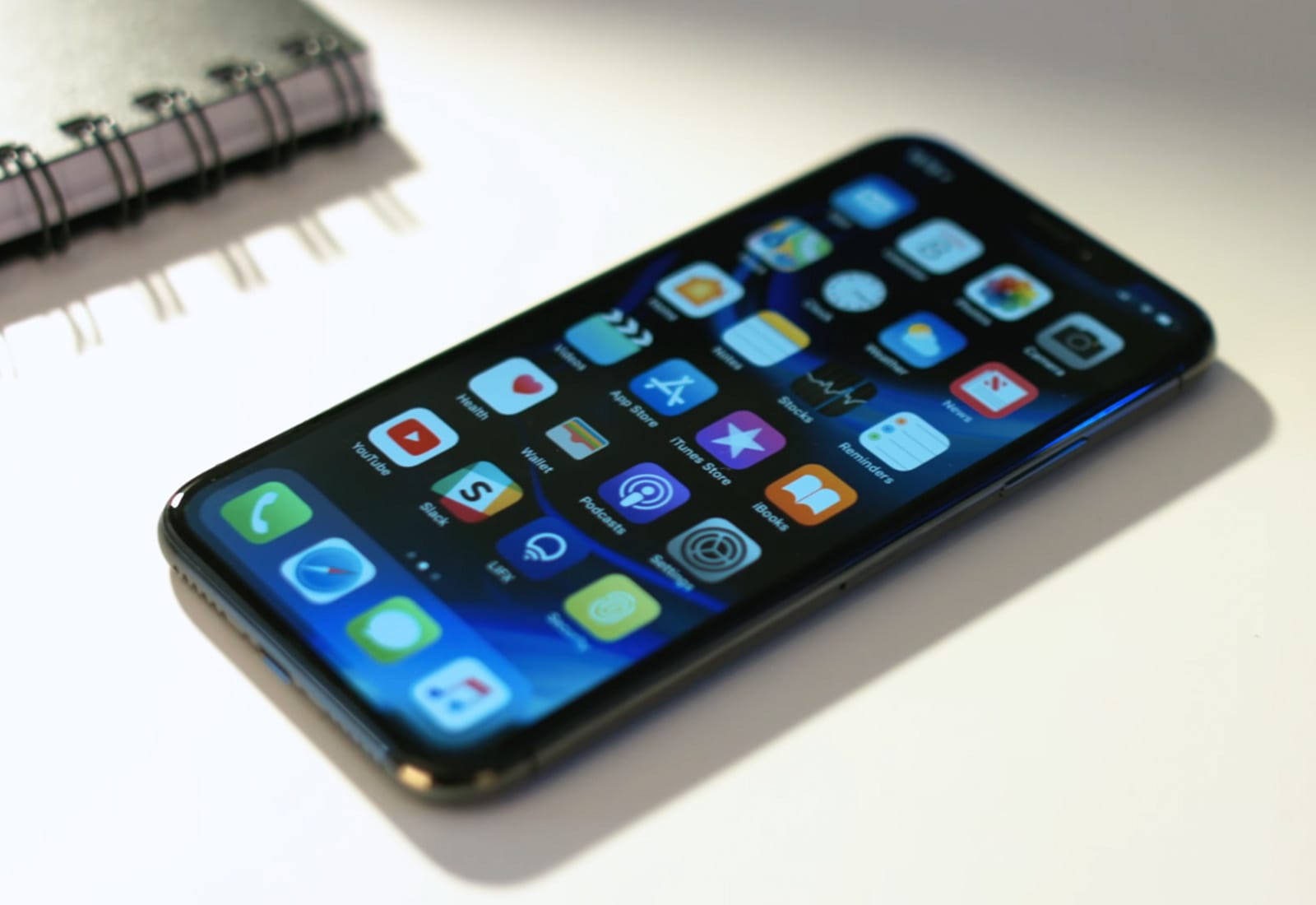
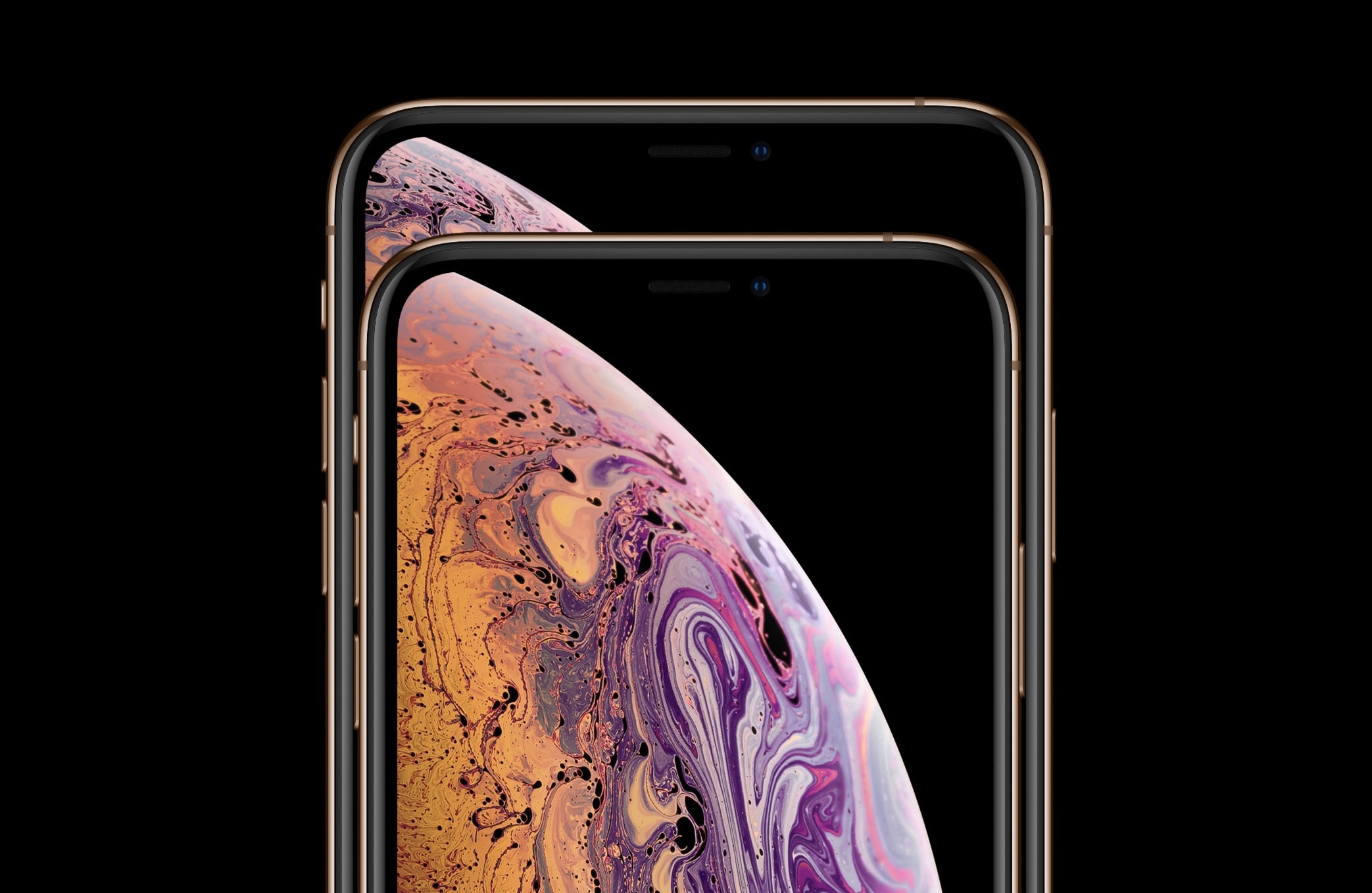
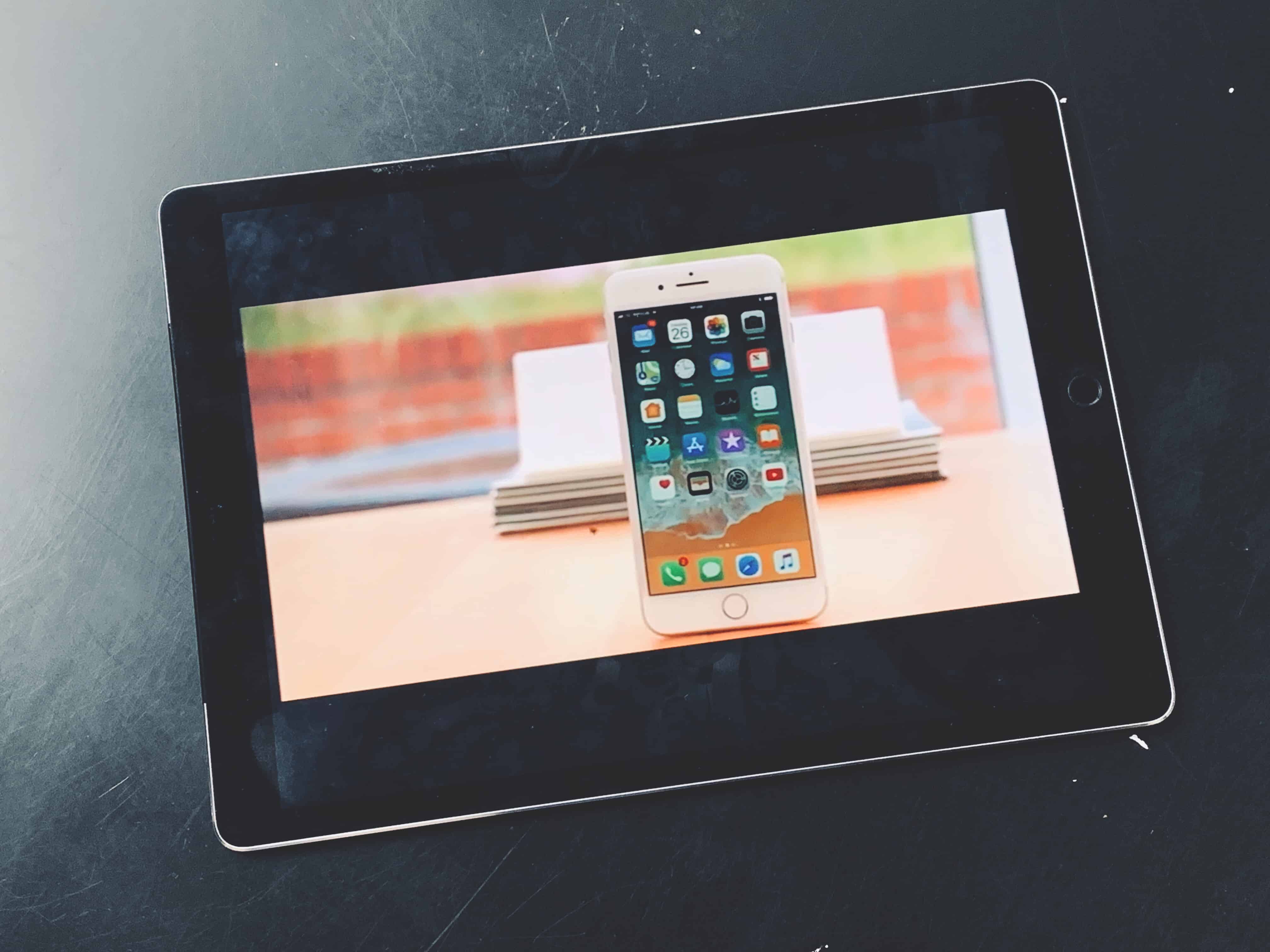
Would you like a smaller iPhone? Photo: Dongjae "Krystofer" Kim
It’s been an unmistakable trend for the past five years: iPhones are getting physically larger. Given the popularity of “phablets,” that makes perfect sense — but it’s not for everyone.
One of those people is designer Dongjae “Krystofer” Kim. Kim recently put together a concept design for what a mini version of the current iPhones might look like. And it’s actually pretty darn neat. Check it out below.
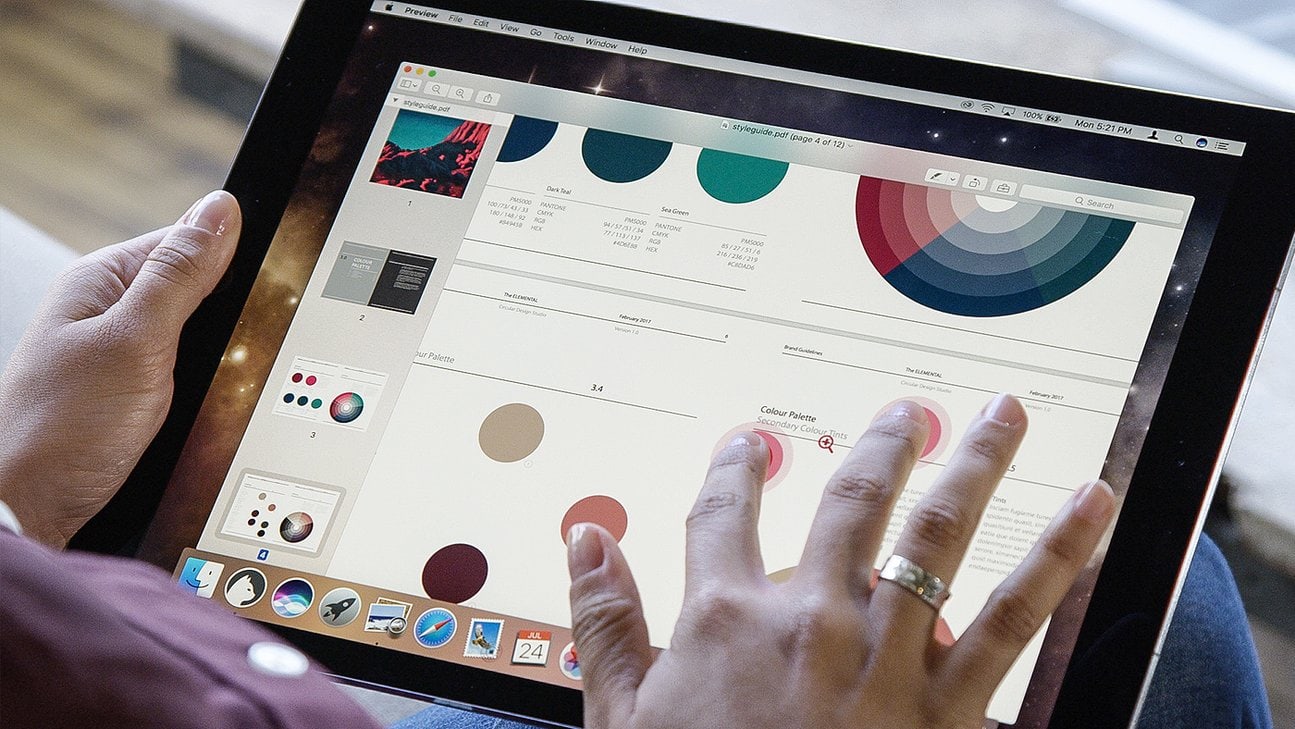
Luna Display gives you a touchscreen Mac. Photo: Luna Display
Even the most committed iPad user still needs a Mac occasionally. You might need to add music to your iTunes music library, or get files off an SD card, or use BitTorrent, or keep local backups of your photo library. Or you might just like using a Mac, but you don’t want a huge iMac, and what’s the point in buying a MacBook if you have an iPad already?
The obvious choice is a Mac mini. And with this tip, you can use your iPad Pro as a display for the Mac. That means you won’t need an extra monitor, but it also means that you can quickly turn your iPad into a Mac when you need to.
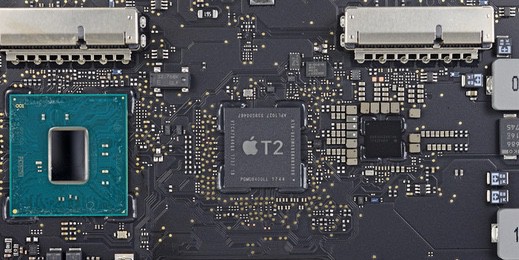
Apple wants to bring its chip-designing skillset to modems. Photo: IFIXIT
Qualcomm and Intel could both soon lose out on Apple’s wireless chip business completely.
After switching from Qualcomm modems to Intel modems (and causing a huge legal war in the process), Apple is reportedly looking to build more wireless chips on its own. The company is staffing up in San Diego and based on one job listing, the team is working on a cellular modem chip.
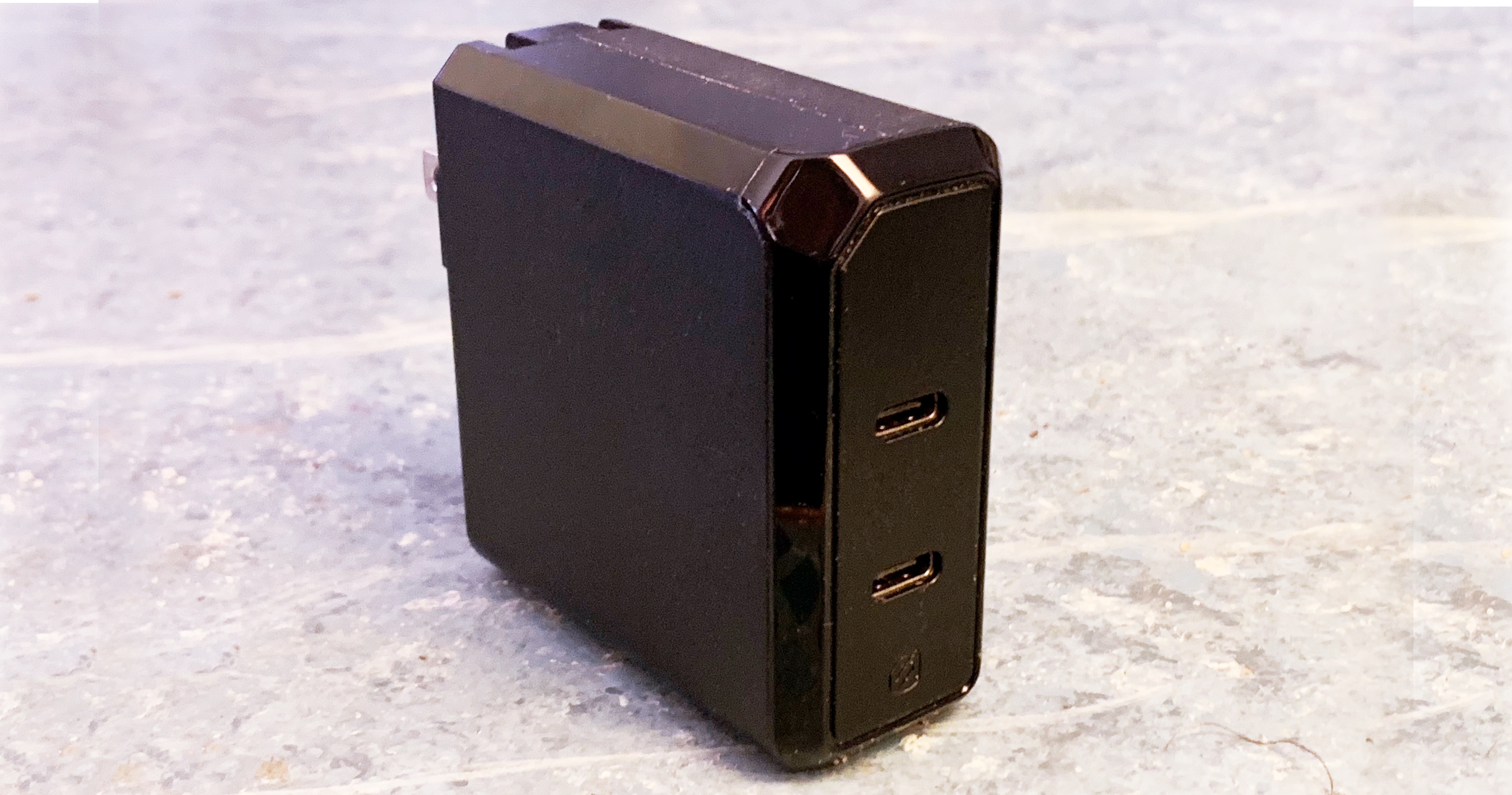
Scoshe now makes an iPad Pro charger with two USB-C ports. Photo: Ed Hardy/Cult of Mac
Before Apple started selling the 2018 iPad Pro USB-C power charger as a stand-alone product, Scosche introduced one that’s slightly more expensive but offers significant advantages.
In addition, Scosche sells a USB-C/USB-A car charger that iPad Pro users should consider as well.
Apple will look to avoid iPhone import levies above 10%. Photo: Apple
iPhone suppliers will reportedly consider moving away from China is U.S. trade tariffs hit 25 percent.
Sources say they will remain even if the U.S. introduces a 10 percent tax on smartphones, but they could be forced to “reassess the situation” should the Trump administration impose a higher rate on imported goods.
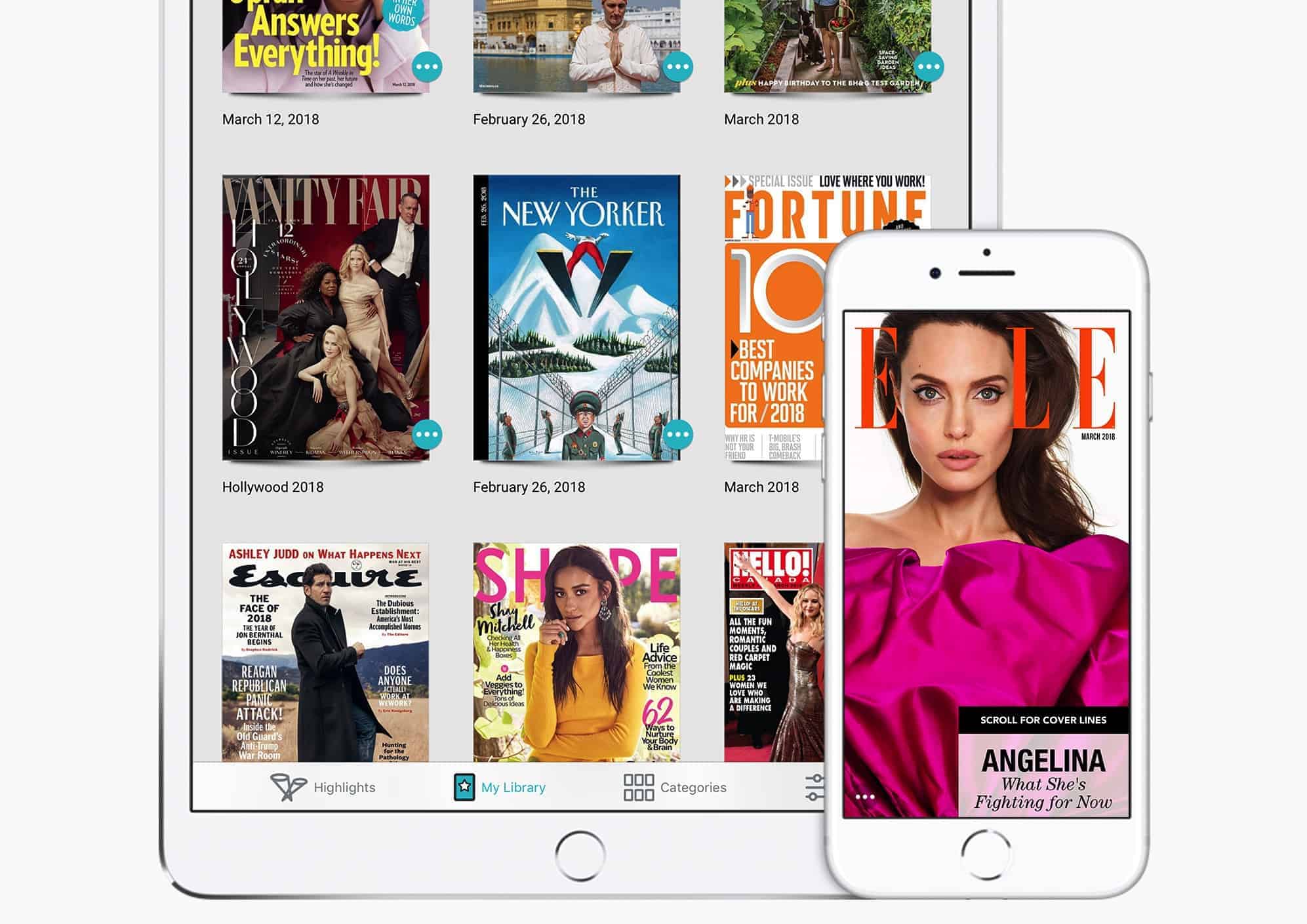
Apple purchased Texture back in early 2018. Photo: Apple
Apple is planning to launch its own paid magazine and newspaper subscription service, which will serve as a premium part of the existing Apple News app.
It is based on Texture, the $9.99 a month magazine service Apple purchased back in March. As happened with the Beats Music technology that went into Apple Music, Apple will use its acquisition as the basis for its own branded product offering.
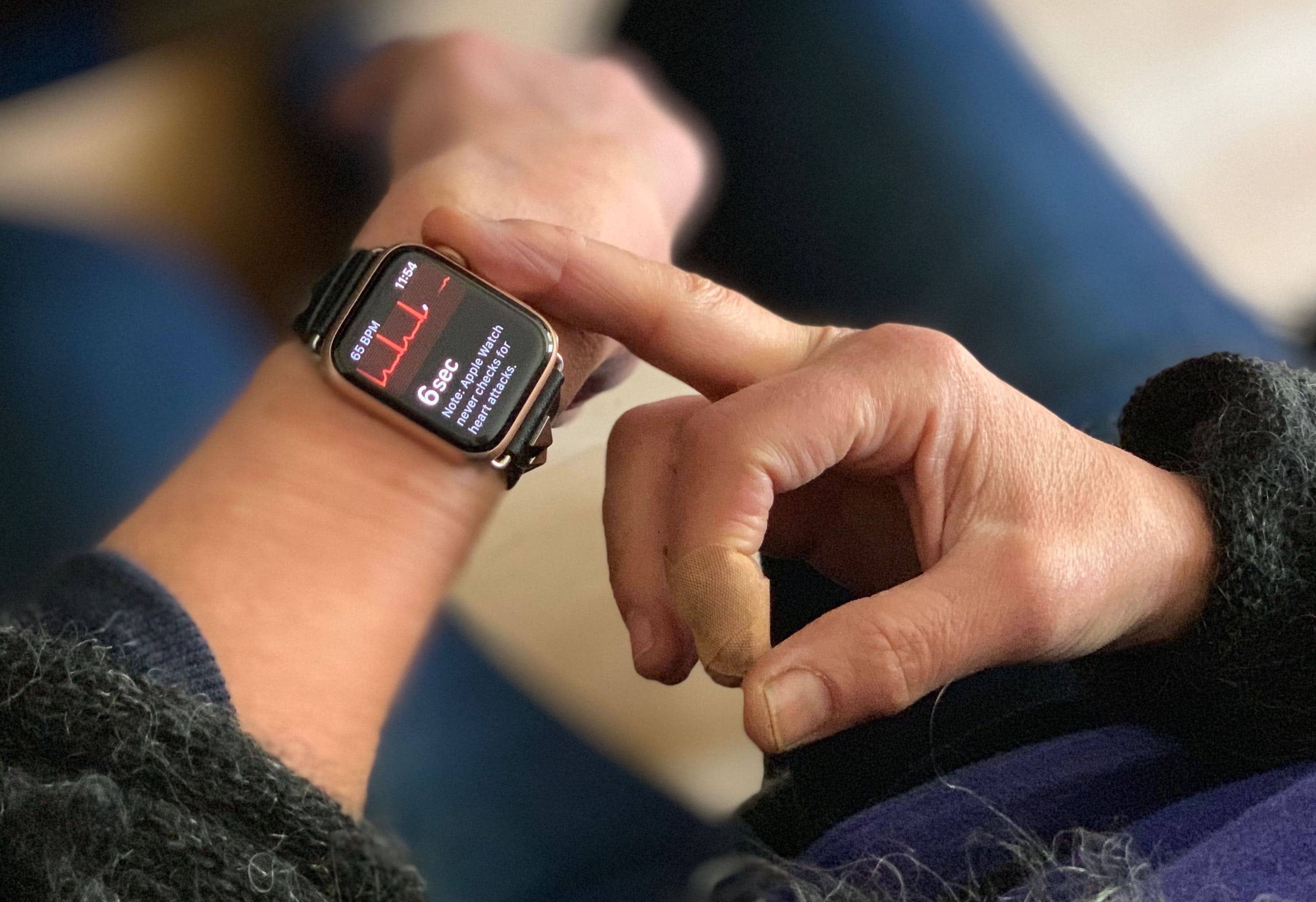
Using the ECG on Apple Watch Series 4 is dead easy. Photo: Lewis Wallace/Cult of Mac
Ed Dentel has become the poster child for the new ECG function of the Apple Watch. He installed the recent update that allowed this wearable to check the electrical activity of his heart and it immediately told him he had a problem.
At first he thought the new technology was faulty. Instead, the fault was his heart.
Buying for a Mac fan? Start here! Photo: Killian Bell/Cult of Mac
We’ve shown you the best gifts for iPhone, iPad, and Apple Watch users, but what if the person you’re buying for is a long-time Apple fan whose first love was the Mac? Then you should start your shopping right here!
This guide is filled with awesome accessories and gadgets that every Mac addict will enjoy. We’ve handpicked only the best — things we’ve used, reviewed, and would recommend — so that you can be sure your hard-earned cash is being well spent.
Check out our gift guide selections for Mac users below.
Wherever you go, your iPhone is tracking you. Photo: Charlie Sorrel/Cult of Mac
Your iPhone apps can track your location. You already know that, but maybe you tell yourself that that weather app just uses your current location to give you an accurate forecast, or that your bike-routing and tracking app is just keeping a count of miles and calories.
In reality, any one of these apps may be taking that location data and selling it. One way to handle this is to keep up to date with the privacy policies of any location-aware apps you use, but that’s too much work for most of us. Instead, why not just deny them access to your location? On iOS, that’s easy, and it works.
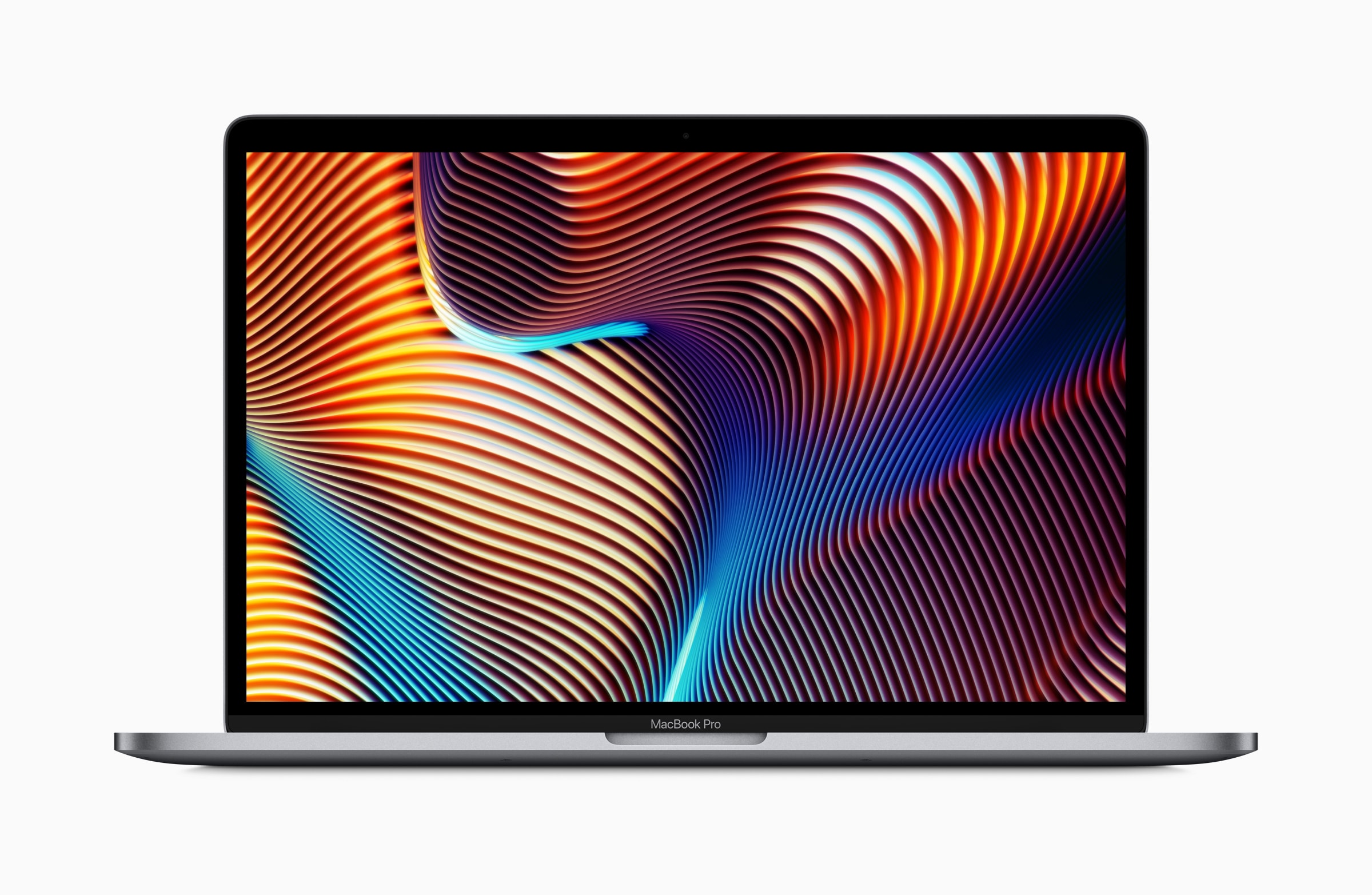
Bag a bargain MacBook Pro today only. Photo: Apple
The most recent macOS Mojave update suggests we’ll soon see new AMD Vega GPUs coming to the Mac.
Apple recently introduced a refreshed MacBook Pro with faster Vega graphics chips, and it seems those GPU upgrades will continue in early 2019 for other machines in the company’s lineup.
Google’s amazing Lens technology has finally landed on iPhone, more than a year after making its debut on Android.
You can use it inside the Google app to identify objects in the real world. It’s also capable of scanning barcodes, recognizing contact information, and more.
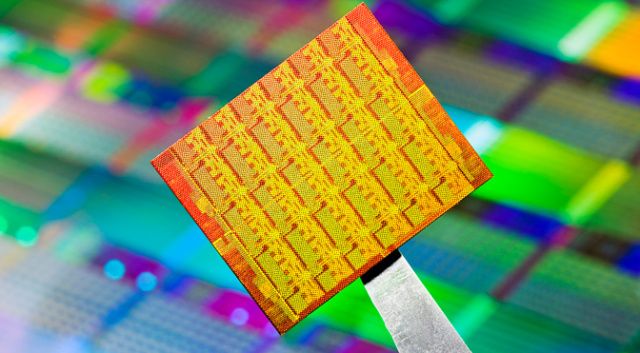
Bloomberg article made accusations about Chinese spy chips. Photo: Intel
As promised, Super Micro Computer, the manufacturer of technology accused by Bloomberg of containing Chinese spy chips, has carried out an investigation of its hardware. And it’s apparently clean.
The company hired outside investigators to resolve the claims leveled against it. On Tuesday, it told customers that there was no evidence of malicious hardware on its current or older motherboards.
Don’t leave your holiday shopping until the last minute. With Cult of Mac’s handy gift guides, you can find the perfect presents and get them all early for a stress-free December.
Our guides are filled with fantastic gadgets and accessories that Apple fans will love. We’ve handpicked only the best — things we’ve used, reviewed, and would recommend — so that you can be sure your money is being well spent.
This guide focuses on the Apple Watch owners in your life, and it features something to suit every budget.
Guided Access can avoid embarrassing mistakes. Photo: Charlie Sorrel/Cult of Mac
The iPad’s main trick is that it disappears when you launch an app. Fire up a piano app, and your iPad becomes a piano. Launch YouTube and it turns into a TV for pacifying children. This is part of the magic of the iPad, but it’s not quite perfect. Kids can easily leave YouTube and start reading your sexts instead. And a musician might accidentally trigger a gesture while playing on those virtual piano keys, finding themselves back at the home screen in the middle of a performance.
What you need is kiosk mode, aka Guided Access. This locks the iPad into a single app, and disables the hardware buttons. And it’s equally good for keeping you in one app, or keeping people out of all the others.
Buying for an iPad fan? Start here! Photo: Killian Bell/Cult of Mac
The holiday shopping season has rudely crept up on us, which means it’s time to start buying for friends and loved ones who have been good this year. Fortunately for you, Cult of Mac is here to help.
Our gift guides are full of great products Apple fans are sure to love. We’ve hand-picked awesome accessories and glorious gadgets that we all use and recommend, so you know your money is being well-spent.
This guide focuses on the iPad lovers in your life, and there’s something to suit every budget.
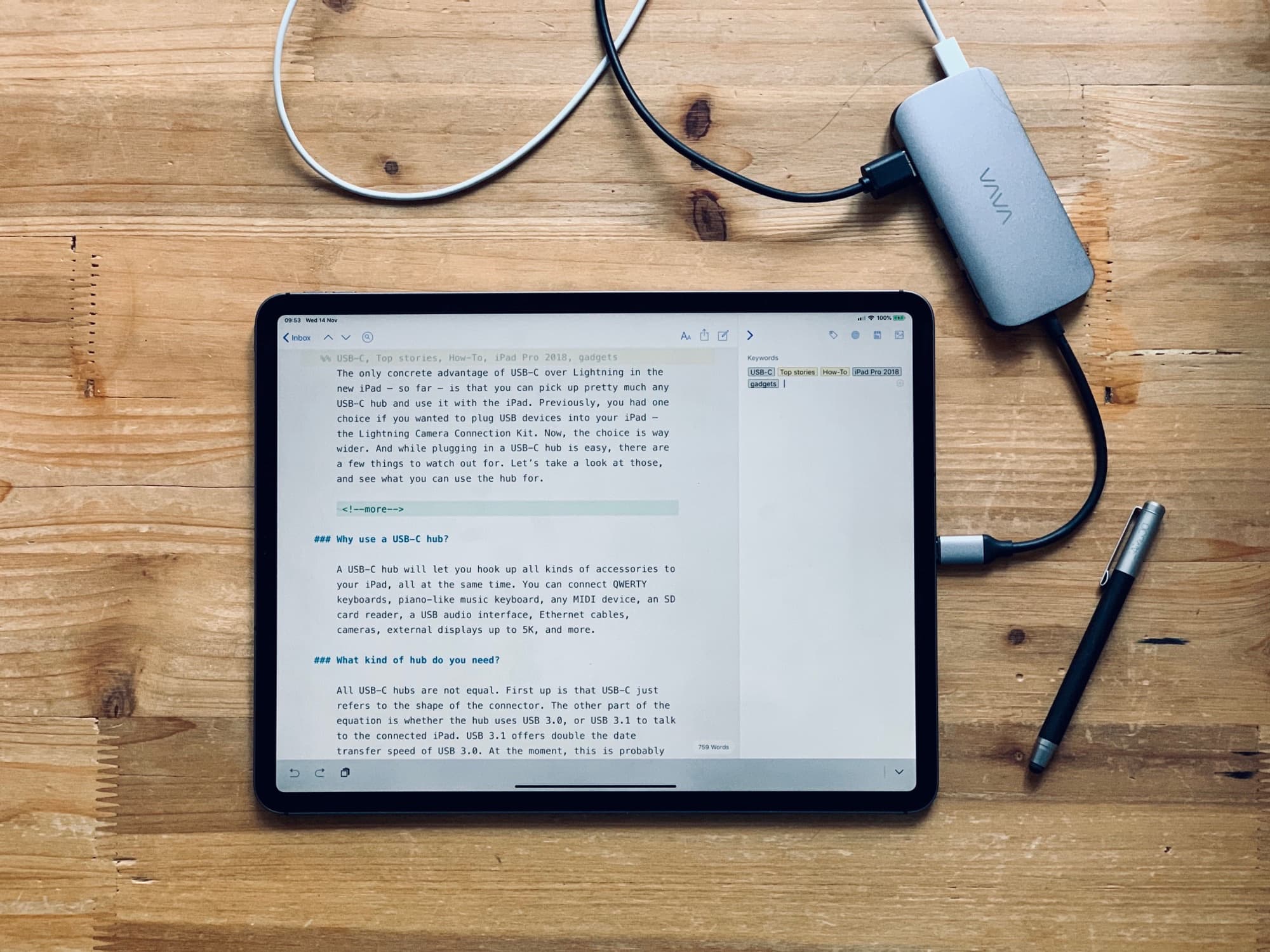
Any USB-C hub will work with your iPad Pro, but they all have really short cables. Photo: Charlie Sorrel/Cult of Mac
The only concrete advantage of USB-C over Lightning in the new iPad — so far — is that you can pick up pretty much any USB-C hub and use it with the iPad. Previously, you had one choice if you wanted to plug USB devices into your iPad — Apple’s Lightning-to-USBC camera connector.
The choice is way wider for 2018 iPad Pro owners. And while plugging in a USB-C hub is easy, there are a few things to watch out for. Let’s take a look at those, and see what you can use the hub for.
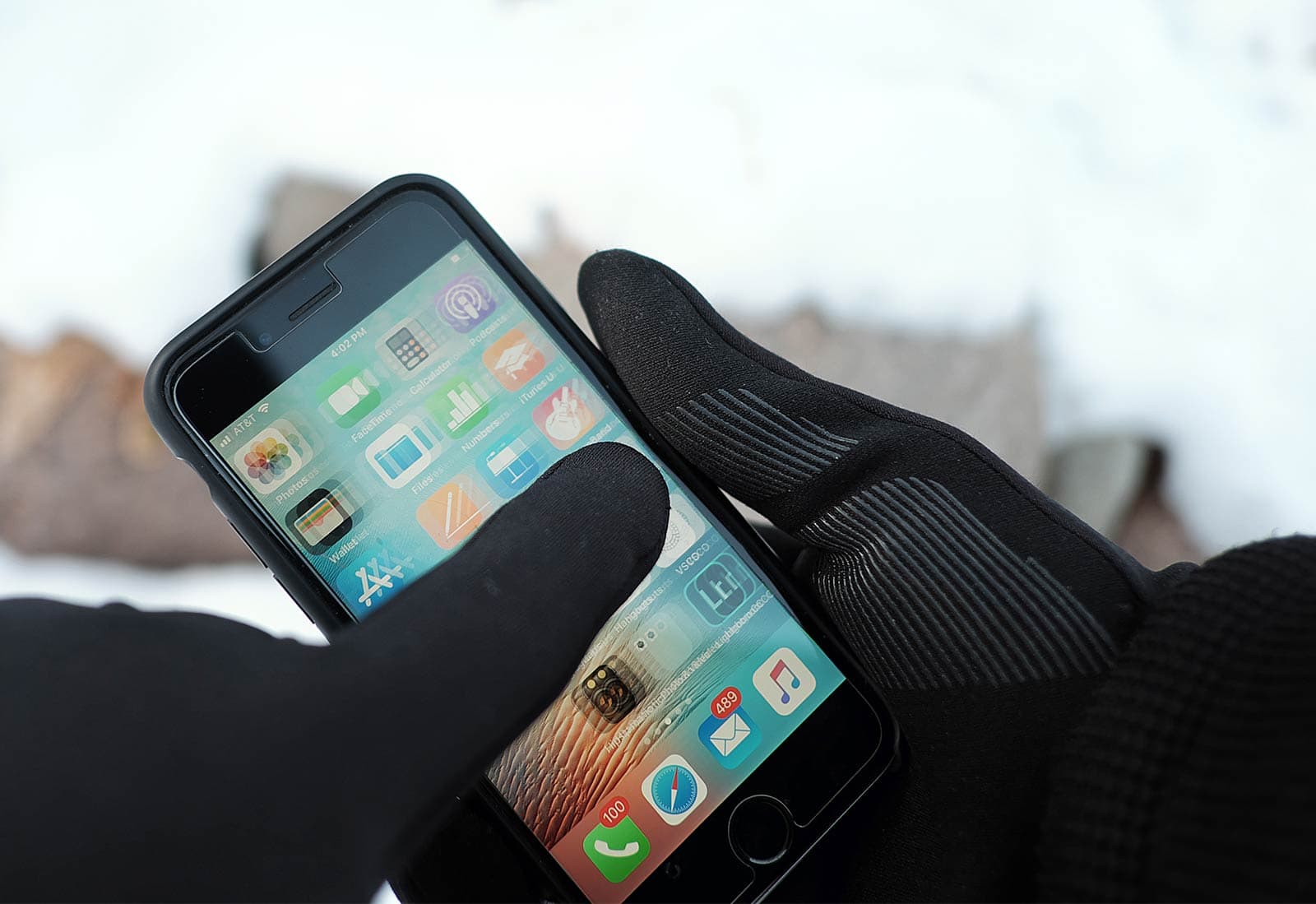
Mujjo touchscreen gloves keep you warm and connected. Photo: David Pierini/Cult of Mac
The last time I tried to use touchscreen gloves, I had made the decision to just never use my phone outdoors in the dead of winter. The damn things just weren’t warm.
I’m recalling this from my home in Minnesota, where this week’s lows are forecast to dip below zero for the first time this winter and I am wearing touchscreen gloves.
Buying for an iPhone fan? Start here! Photo: Killian Bell/Cult of Mac
With the holidays right around the corner, you should have started your shopping by now. And if you’re anything like the rest of us, you’re already fed up of it. That’s why Cult of Mac is here to help.
Our handy holiday gift guides will help you pick out the perfect present for friends and loves ones. We’ve hand-picked all kinds of awesome accessories and gadgets that are worthy of your hard-earned cash — and guaranteed to fetch a smile.
This guide is for the iPhone fans in your life, and it includes something to suit every budget.
Apple’s Electrocardiogram (ECG) feature on the Apple Watch Series 4 is finally launching to the public today and according to Tim Cook, it could be one of the most important things his company ever does.
Tim Cook and Apple COO Jeff Williams are putting on a full-court media press today doing interviews with TIME and CBS This Morning. With hundreds of millions of iPhones in pockets around the world and watches on tens of millions of wrists, Apple says it has a responsibility to empower people with more information about their health.
We don't want to get graphic, but Apple's squid emoji would poop out of its face. Photo: Apple
The national nightmare that was “bagelgate” may be over, but Apple is apparently swimming into more controversial emoji territory. This time, the Monterey Bay Aquarium is pointing out that Apple’s squid emoji is physiologically incorrect.
Essentially, Apple’s lack of biological accuracy means that its squid emoji would, among other things, poop out of its face. For shame!
Using Apple’s amazing new Shortcuts app, you can rip a video from YouTube, download it, and store it in a folder on your iPhone — all without using a computer.
Maybe you want to watch some clips on your commute without burning through your cellular data. Or perhaps you’re a language or music teacher, and you want to keep teaching materials offline instead of relying on your pupil’s Wi-Fi?
This shortcut can be triggered in Safari, and will save the YouTube video to your Camera Roll, iCloud Drive, Dropbox or other location of your choice. Let’s get started.
Chill out with the Apple Watch Breathe app. Photo: Graham Bower/Cult of Mac
In today’s fast-paced, connected world, the demands on our time seem endless. We spend much of our day in a state of constant hyperactivity. Apple Watch and iPhone add to the pressure, with their endless notifications telling us what we should be doing, who we should be speaking to and where we should be going.
Fortunately, Apple also offers an oasis of calm that can help us slow down this frenetic pace. The Apple Watch Breathe app draws on the ancient wisdom of Buddhist monks and yogis who practice a technique called “resonant breathing.”
Luckily, you don’t need to be a master of meditation to use the Breathe app that comes built into your Apple Watch. With clever visuals and smart features, it will guide you through this time-honored method for relaxing your body and clearing your mind. It’s a surprisingly subtle and relaxing experience that you might really enjoy.
In this quick guide, we’ll take a look at the origins of the Breathe app, how it works, what the benefits of resonant breathing are, and how to take advantage of this calming tech. So take a deep breath and let’s get started.
Depth Control can add subtle or wild background blur to your images. Photo: Cult of Mac
The iPhone XS has an amazing camera, and the best part of that camera is the Depth Control feature, which lets you adjust the background blur after you take the photo.
This is a powerful feature, but to get the most out of it, you might want to check out these tips and tricks on using Depth Control on iPhone XS.