Apple CEO Tim Cook warned investors today that weak iPhone sales could translate into revenue shortfalls in the billions of dollars.
Cook blames the expected revenue drop on fewer-than-expected iPhone upgrades and weakened demand in China.

Apple CEO Tim Cook warned investors today that weak iPhone sales could translate into revenue shortfalls in the billions of dollars.
Cook blames the expected revenue drop on fewer-than-expected iPhone upgrades and weakened demand in China.

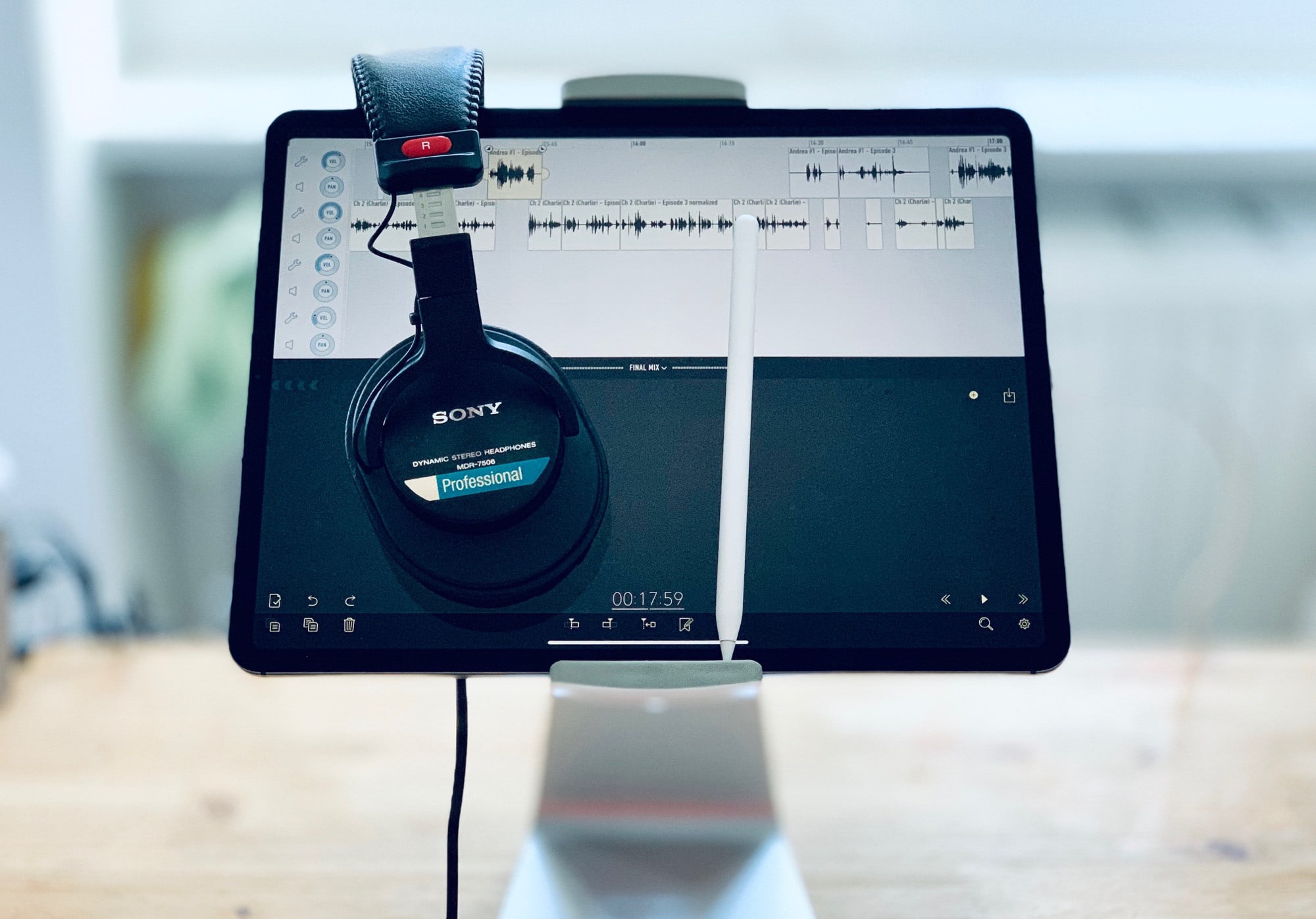
In parts one and two of this series, I talked about how I record podcasts on the iPad. In today’s third and final episode, we’ll learn about editing. For this, I use the awesome Ferrite Recording Studio, and Apple Pencil, and a pair of headphones. Let’s get started.
The iPhone camera is hands-down amazing, thanks almost entirely to the fact that it is hooked up to a pocket-size supercomputer. Initially, the iPhone used its computer smarts to overcome the limitations of phone cameras — the tiny sensor, for example. But over time, Apple added amazing features like Smart HDR and the incredible Portrait Mode, which simulates the out-of-focus background that occurs naturally with traditional high-end cameras.
This path is likely to continue. Computational photography, as it is called, is pushing the capabilities of cellphone cameras far ahead of regular “dumb” cameras. So what can we expect to see in future?
![Top 5 tech trends of 2018 [Year in Review]](https://www.cultofmac.com/wp-content/uploads/2019/01/D090F70F-2A5C-4E45-830B-65E9EBAF266F.jpeg "Top 5 tech trends of 2018 [Year in Review]")
 Growing concerns about how much companies are spying on us tops our list of the most significant tech trends of 2018. Also on the list are some big changes in applications, a trend in phone design, and a new type of device that became nearly ubiquitous.
As the new year begins, let’s take a look back at what changed for Apple and the tech world over the past 12 months.

If your New Year’s resolution is to get fit with Apple Watch in 2019, maybe I can help. I know from personal experience that it’s never too late to get in shape.
I’m a middle-aged guy, and up until a few years ago, I lived a very unhealthy lifestyle. I never exercised, I only ate junk food, and I was seriously overweight. Today, I have a six-pack, I run seven miles a day, and I even write about fitness for Cult of Mac.
The secret to my transformation is something I call “The Ratchet.” It’s a way of running that makes it so easy to get started that pretty much anyone who can walk can do it. All you need is your Apple Watch and a pair of running shoes.
So if you’re thinking about New Year’s resolutions for 2019, why not give The Ratchet a try? Here’s how.
Every year, people make a pledge to themselves to improve in some way. New Year’s resolutions typically come in the form of personal wellness and fitness, productivity or kicking a bad habit. Sometimes they can be more general.
Whatever your goal is for the new year, there’s probably an app to help. These are some of the best apps to help you on your journey to a better you in 2019.
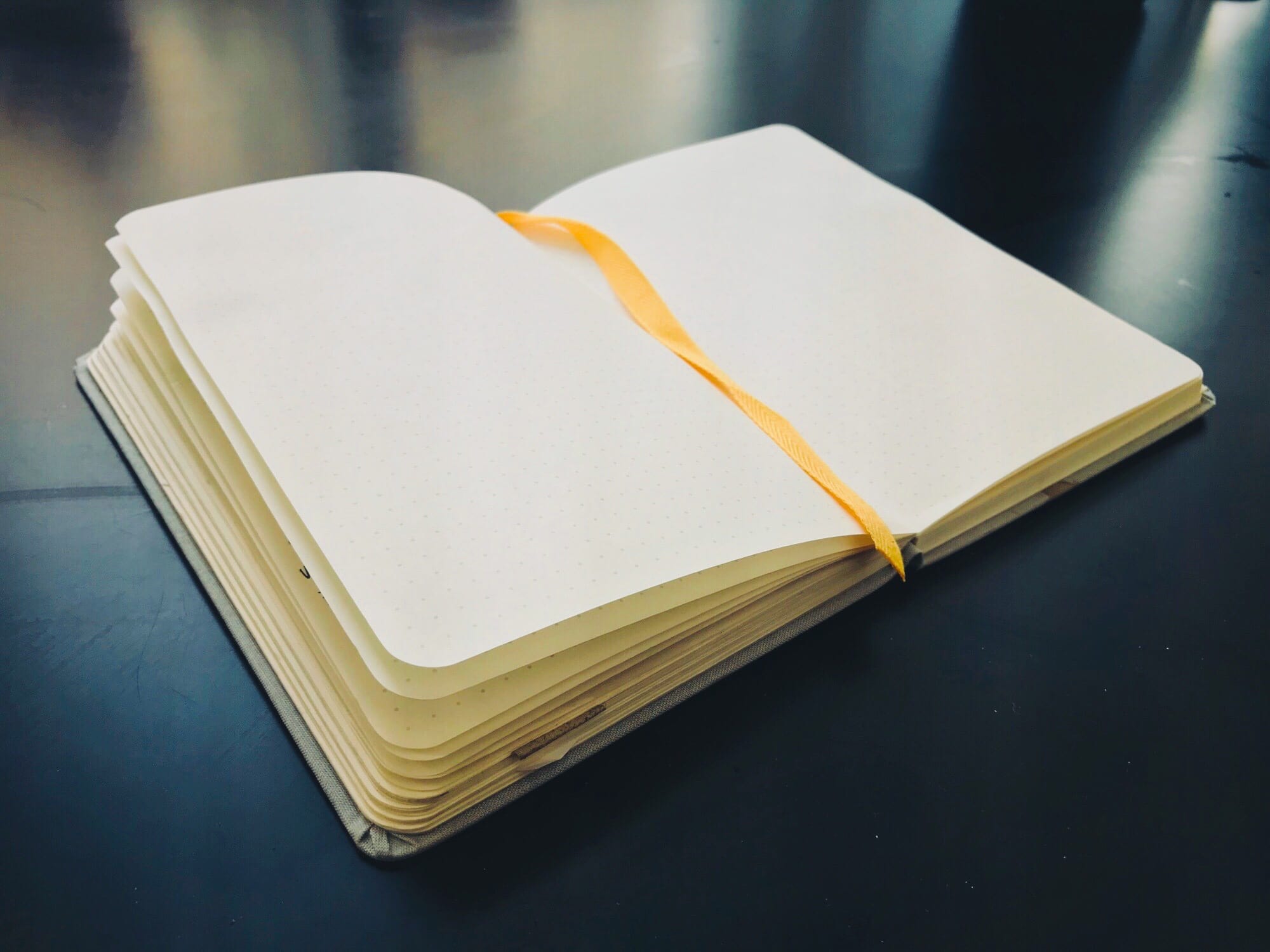
You know what the New Year means? New devices, and the need for new apps to fill them. Only you’re all spent out, and instead of buying you an iTunes voucher, Auntie and Uncle got you yet another country-themed doll like you used to collect when you were a kid1.
The answer is an App Store Wish List. And in order to save you money that you don;t have, were going to make our own with the Shortcuts app.
Today we’ll make two shortcuts. One will add any app to a list in Reminders. The second will take that list, and show you a beautiful list of links and prices, right there in the Today view. Just tap on an app to see it in the App Store, and maybe even buy it.
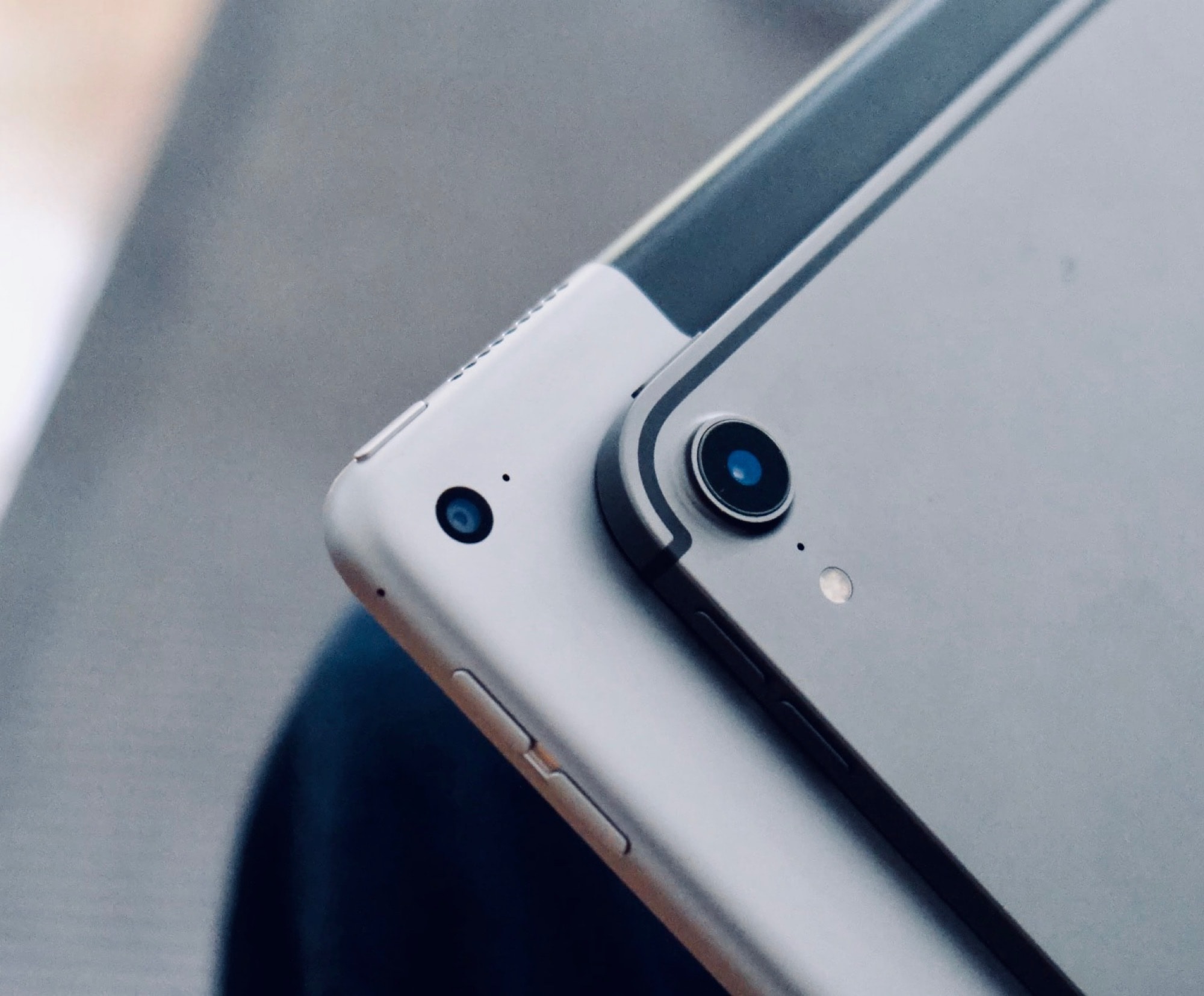
I love the new iPad Pro, but if you’re planning on buying one, you may be misinformed. There’s a lot of nonsense about Apple’s best portable computer ever all over the internet, and today we’ll set some of it straight. Here are five iPad Pro myths that just aren’t true.

This week we find out what music we’ve loved in 2018 with Music Year in Review, make some music with Ultimate Circle of Fifths, take a walk with the brand new hike search in Gaia GPS, and more.
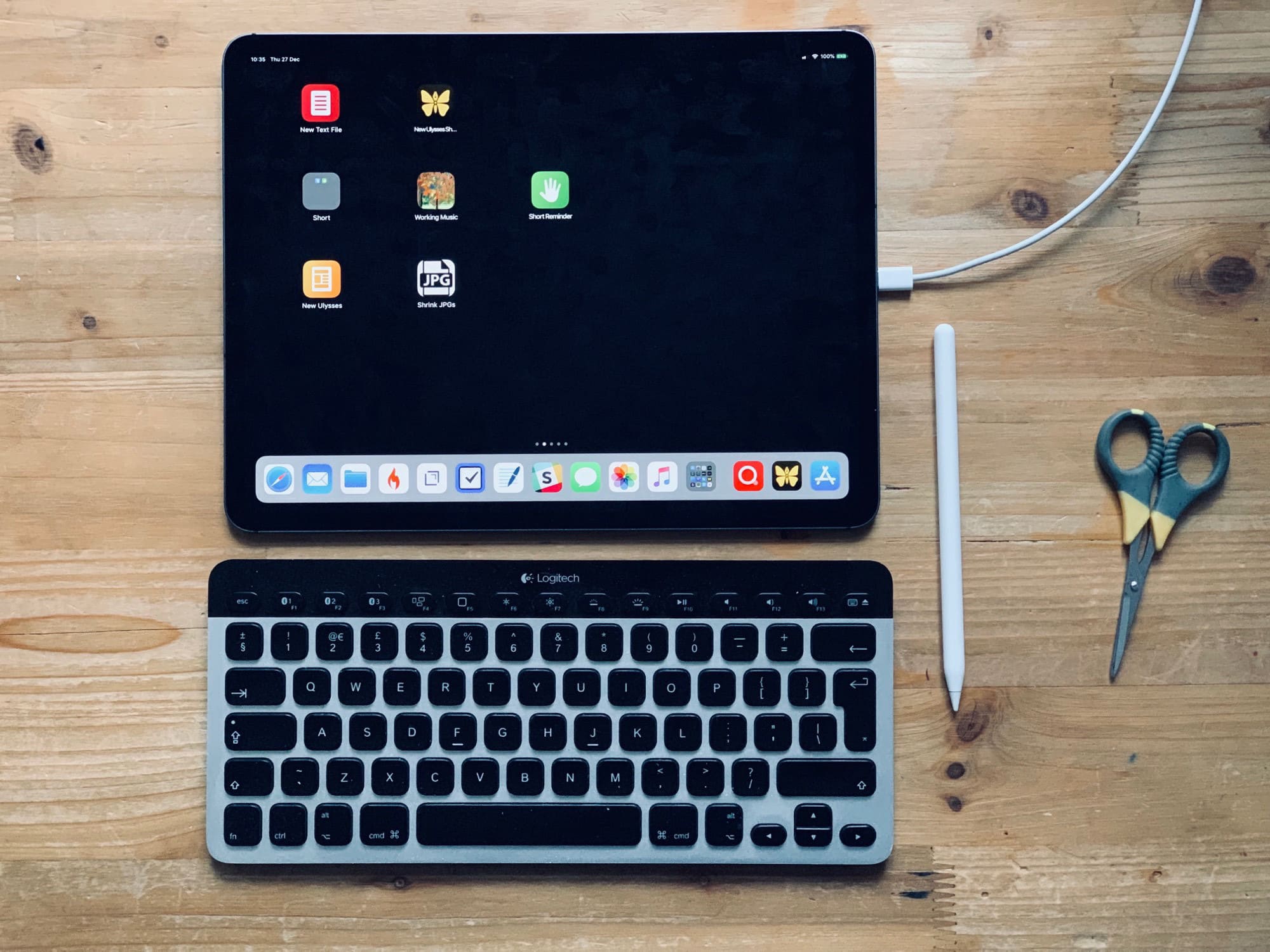
The iPad’s home screen is a waste of space. The 4X5 grid of icons looks absurd on the 13-inch iPad Pro. In fact, the fact that you’re limited to a grid of app icons is itself absurd. Where are the live readouts from your weather app or stock ticker? Where are the actions to send a message direct to your spouse/boss without opening an app first?
Worse, because the iPad doesn’t have 3D Touch, you can’t do anything useful with those icons other than launch the app1.
Today we’ll fix that. Using a combination of shortcuts, you can add actions to your home screen, instead of apps. For instance, you can create a grid of custom icons which can email a contact, create a new blank file in your text app of choice, create a quick reminder, and so on. Check it out.
Apple’s camera team set the bar higher still with three new iPhones in 2018. But even Apple’s best gets better if paired with good mobile photography accessories.
The brands devoted to smartphone shooters don’t exactly have an easy mission. They have to enhance the iPhone photo or video experience without compromising one of its greatest features – portability.

Did you get a new iPhone or iPad for Christmas? Maybe you got all excited and signed up for a few subscriptions? And now, perhaps, you’re worried that when the free trial periods end, you’ll be stuck paying for them, and that they’ll be as impossible to cancel as an unused gym membership. No problem! Canceling subscriptions on iOS is almost as easy as signing up to them.
It’s been one heck of a busy year for Apple, and we’ve got the devices to prove it! Truth be told, despite Apple’s shrinking share price, this has been one of the company’s best years in a while for hardware.
What was the cream of the 2018 Apple crop? Here’s how we rank Apple’s major new product launches for 2018.
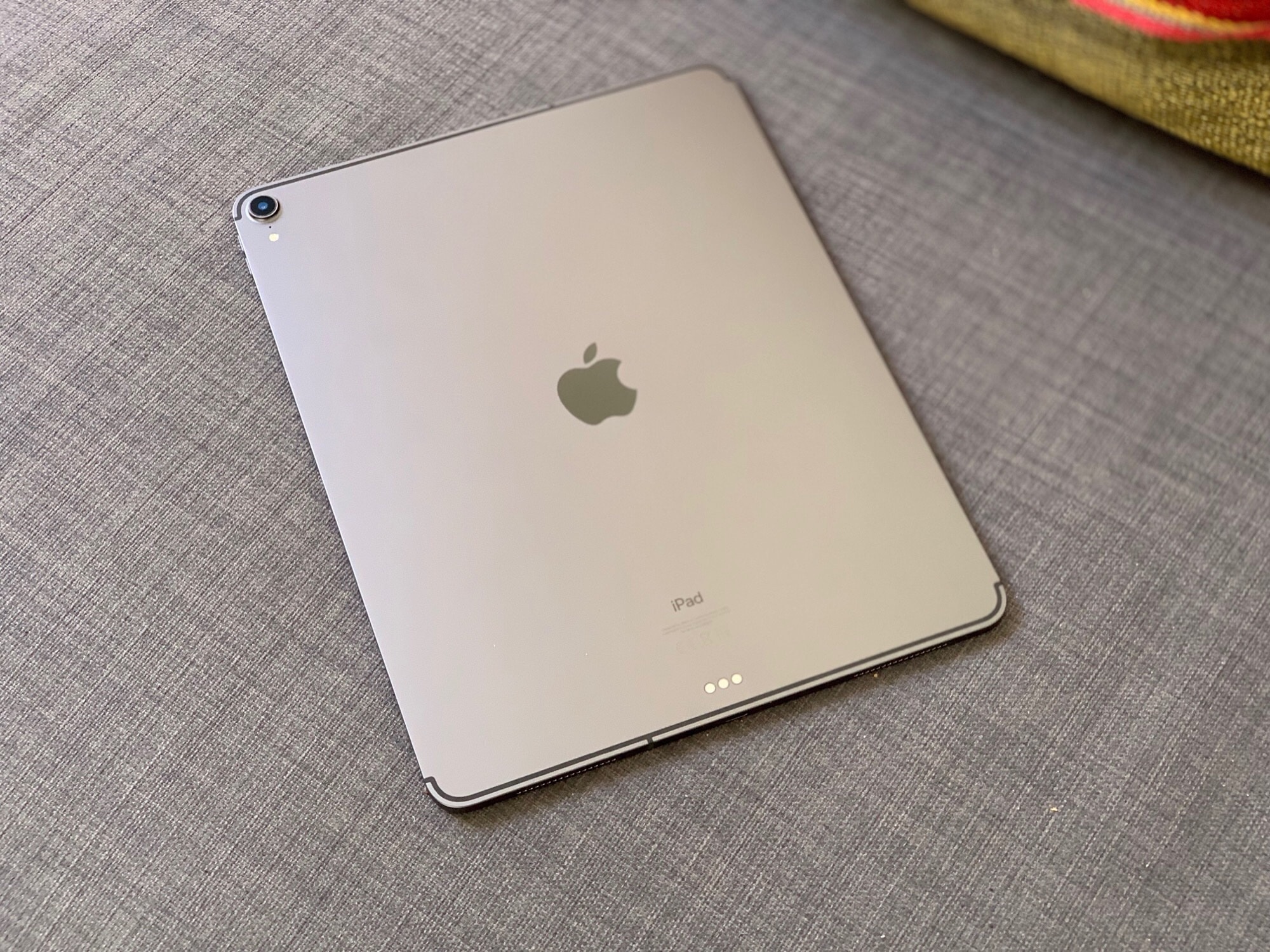
Apple’s former Senior Marketing Director Michael Gartenberg has chimed in on the company’s latest “bendgate,” this time related to its iPad Pro. In a recent tweet, Gartenberg said that he returned his iPad Pro after spotting a noticeable bend.
“Perhaps it was within Apple tolerances but Apple tolerances shouldn’t allow for a clear noticeble bend,” he wrote. “Much as monitors with noticeble dead pixels aren’t acceptable either.”

Compared to the lawless wilderness that is certain other app stores, Apple’s App Store is a well-regulated place, free from dodgy fake apps masquerading as the real thing.
Clearly someone in Cupertino got a little too merry with the egg nog recently, however, since a phony version of the Amazon Alexa app was recently granted permission to enter the App Store. It even managed to hit the #6 spot in the App Store’s utilities section over the holidays.
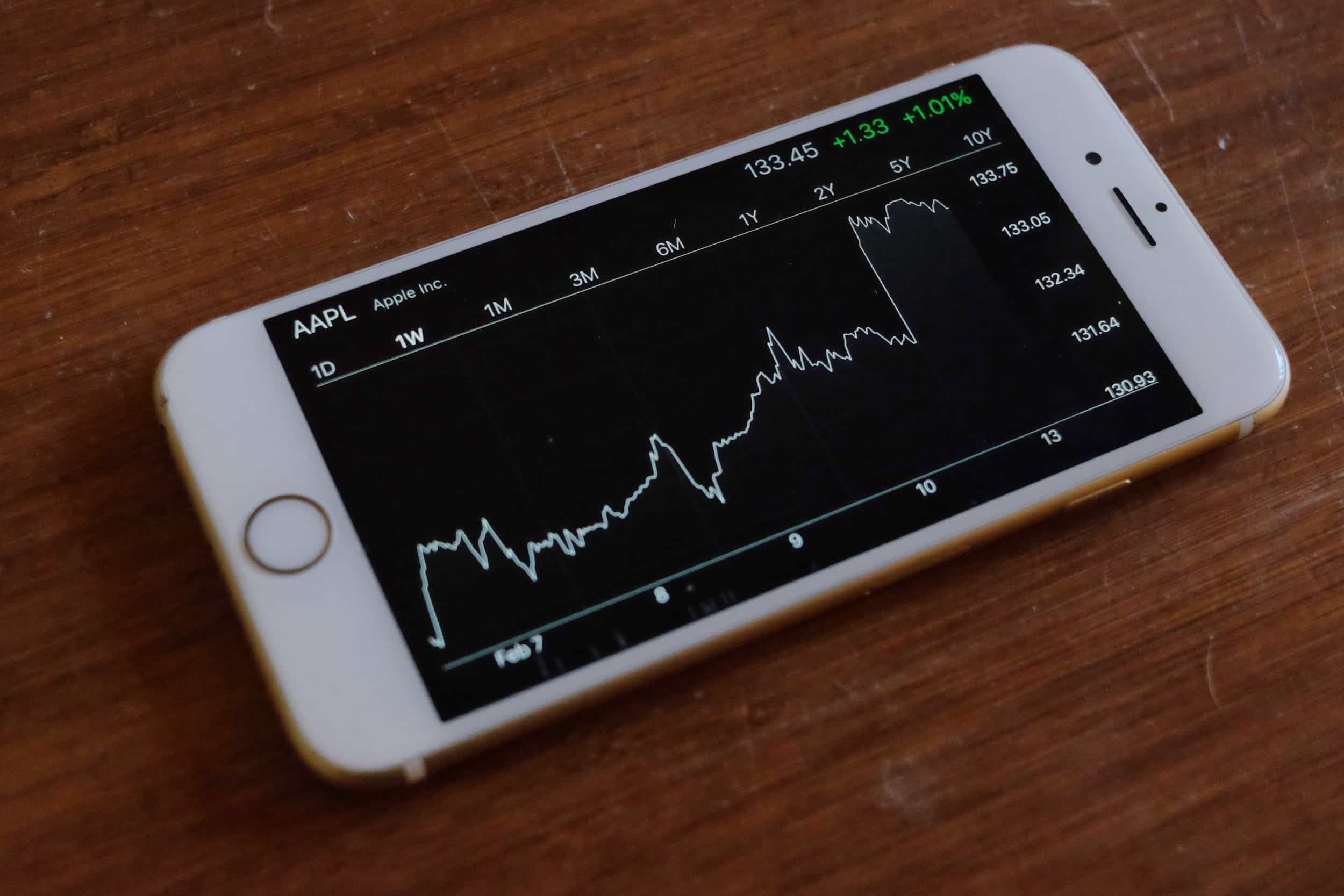
Apple got a late Christmas gift on Wednesday, when its AAPL stock experienced the stock’s biggest rise in five years.
While AAPL is still down considerably from the $1 trillion+ high point it hit earlier in 2018, it’s a strong positive move. And one analyst thinks that Apple’s set to be the top-performing FAANG stock in 2019, too.
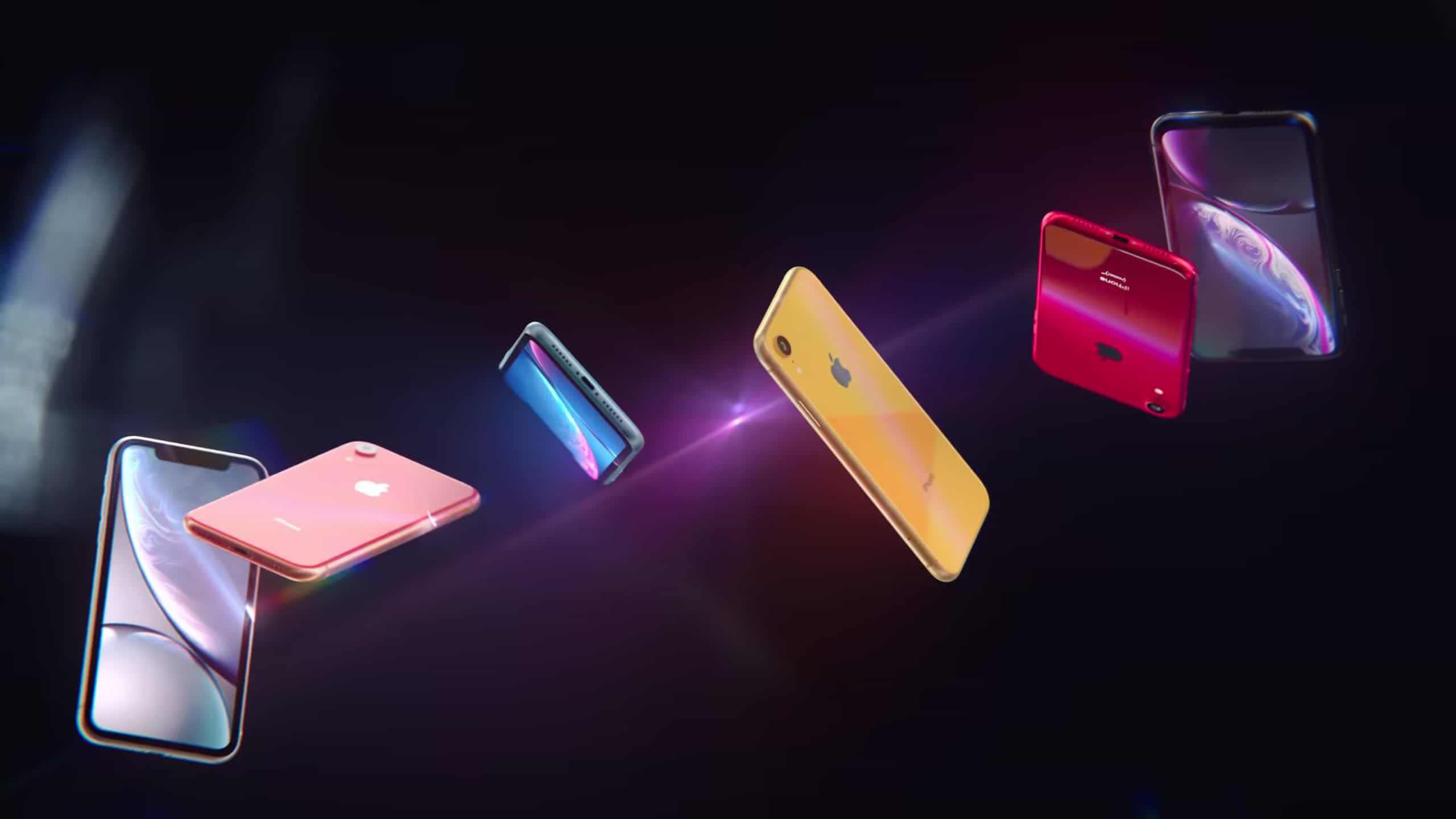
The iPhone XR got off to a fairly strong start. In November, this just-launched model made up 30 percent of Apple’s U.S. sales, slightly higher than the iPhone X in Nov. 2017.
But the standout aspect of the XR’s launch is this new model drew in a higher percentage of Android fans than any Apple device in years.
The Mac may be way older than the iPhone and iPad, but it still has some tricks. 2018 saw some fine updates to some of our favorite Mac apps, as well as some amazing new apps that migrated across from iOS.
Also, Apple injected so much new life into a tired old macOS staple in Mojave that it’s made our top 5 list this year. Can you guess which one it is?

The iPhone and iPad have become insanely powerful devices, with new A-series chips delivering even faster performance every year. That means mobile gaming keeps getting better and better, and 2018 had more than its fair share of groundbreaking releases.
Here’s our roundup of the best games from the past year, which features smash hits like Fortnite, as well as some lesser-known titles that every mobile gamer has to try.
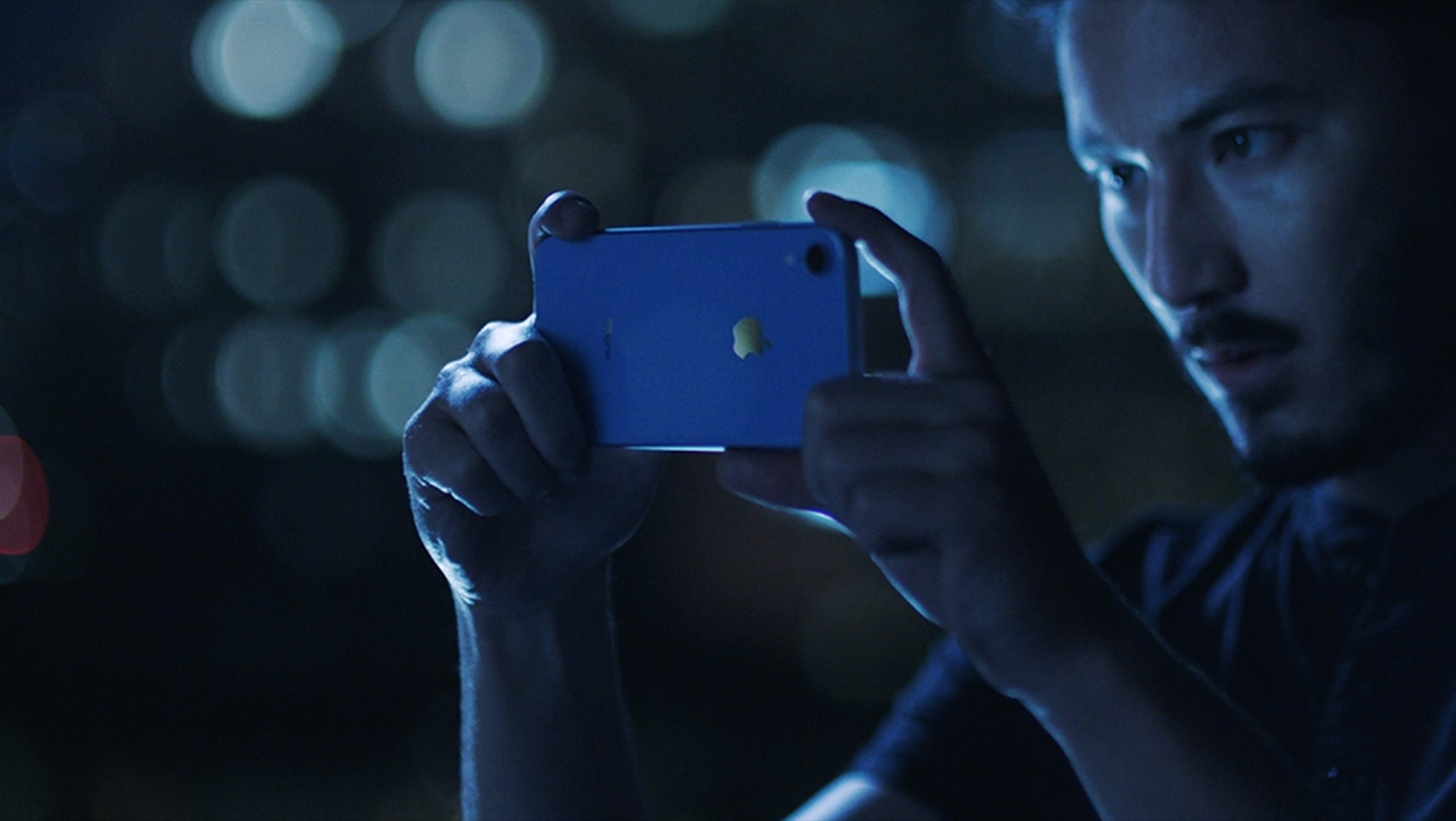
In recent years, the iPhone setup process has changed as dramatically as the iPhones themselves. Apple just keeps making it easier to do. So easy, in fact, that there are just a few things you need to do to move from your old iPhone to a new one. And setting up a new iPhone XR from scratch isn’t much harder — gone are the days of manually copying passwords just to get to the home screen.
There are still a few tricks, though, that will help things run smoothly. Here’s how to set up your new iPhone XR the right way.
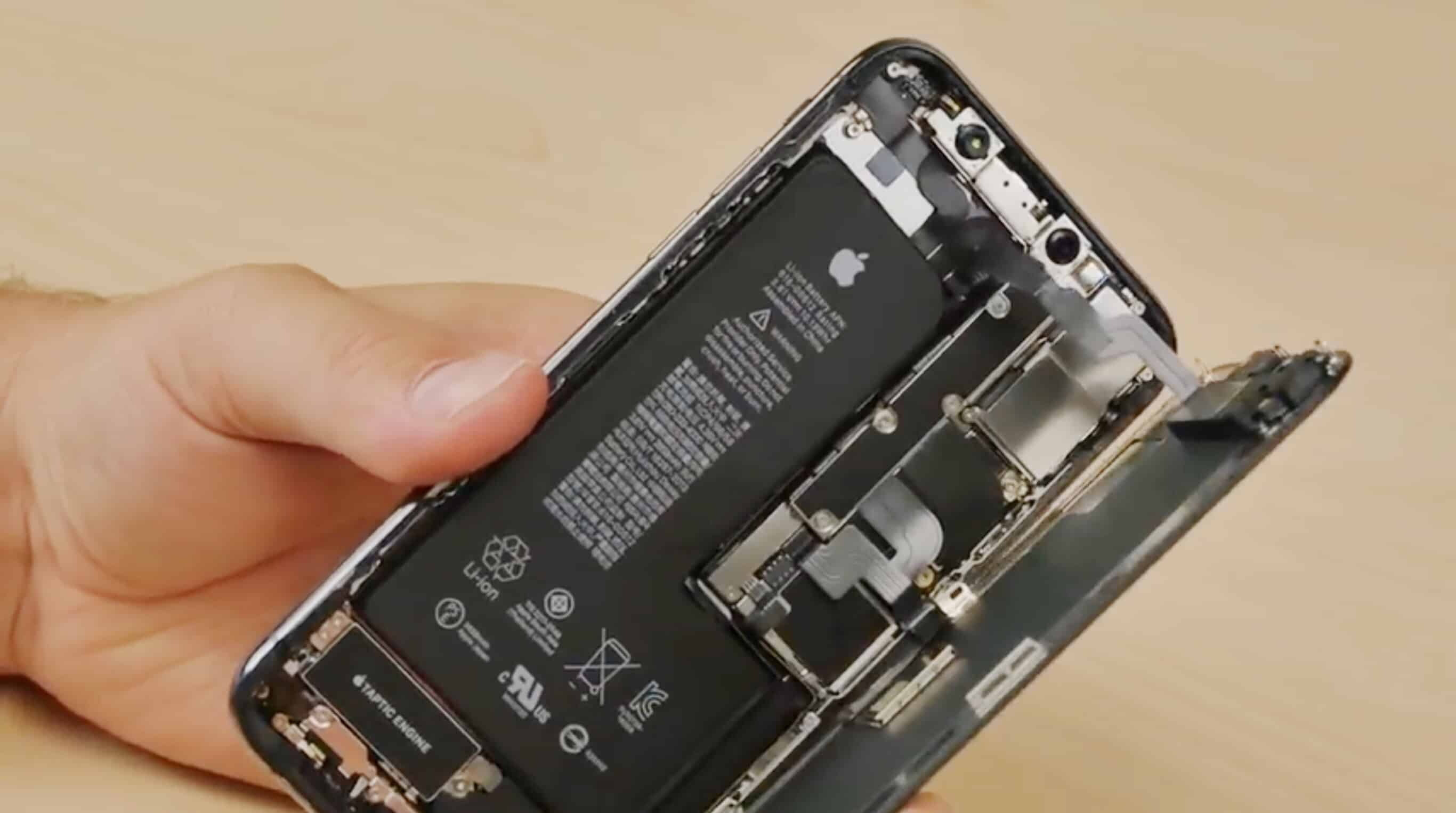
In recent years, the iPhone setup process has changed as dramatically as the iPhones themselves. Apple just keeps making it easier to do. So easy, in fact, that there are just a few things you need to do to move from your old iPhone to a new one. And setting up a new iPhone XS from scratch isn’t much harder — gone are the days of manually copying passwords just to get to the home screen.
There are still a few tricks, though, that will help things to run smoothly. Let’s see how to upgrade to the iPhone XS.
There are almost 2 million apps available on iOS today, and yet in 2018, 10 years after the App Store opened its doors, developers continue to deliver new and unique titles that blow us away.
We’ve rounded up the very best from the past year right here. We have terrific text editors, fantastic photography apps, amazing utilities, and lots more.
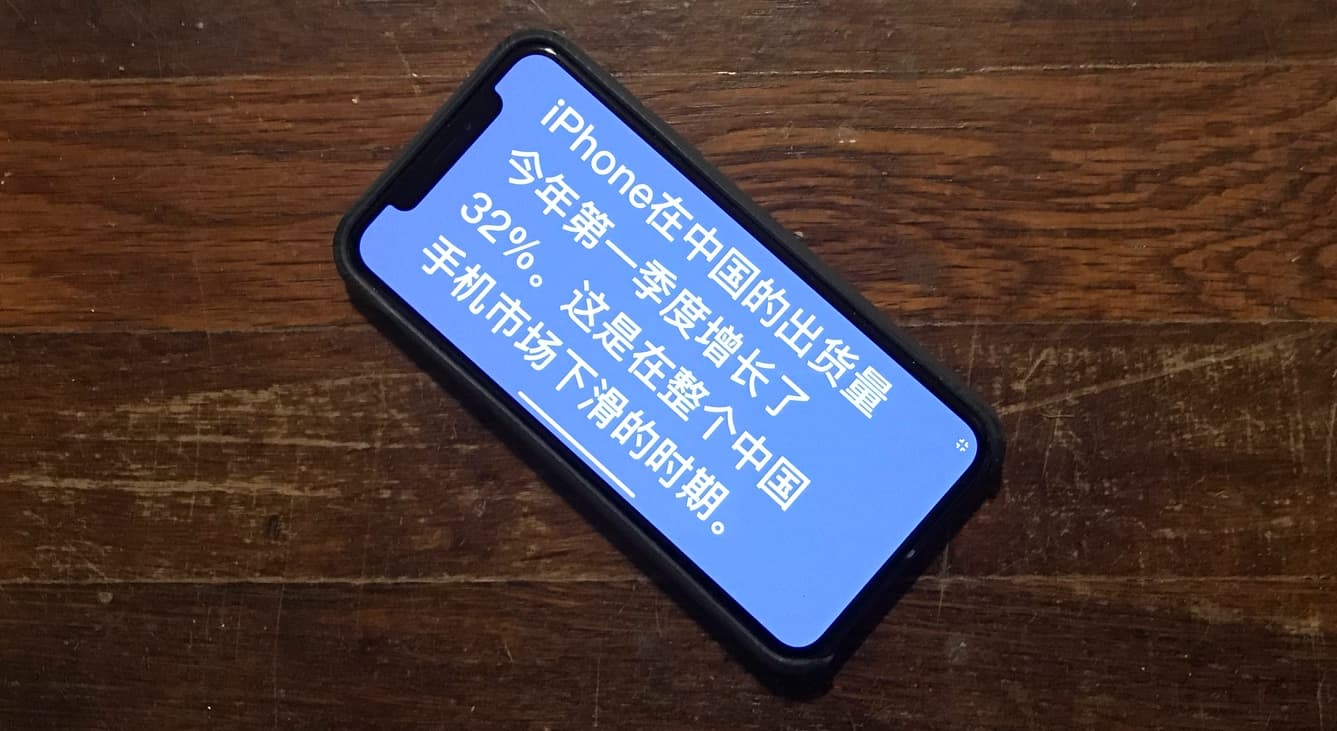
A number of Chinese companies are reportedly boycotting Apple as a show of support for Huawei Technologies.
The Chinese Huawei brand overtook Apple in smartphone shipments this year. Recently, its chief financial officer was arrested in Canada for allegedly violating U.S. sanctions by doing business in Iran.
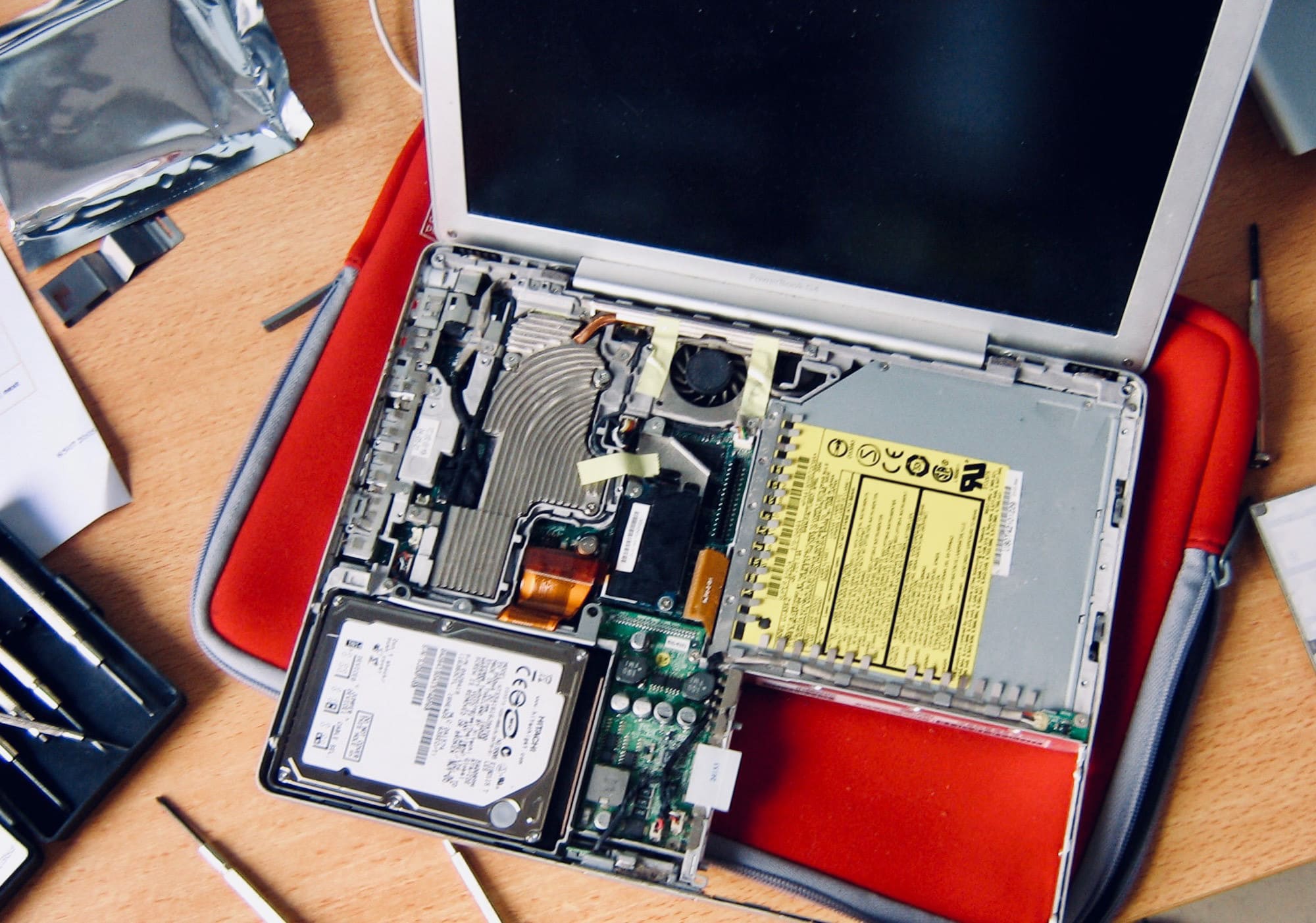
Christmas time means packing up your daily troubles, forgetting work for a week, and heading home to … troubleshoot your parents’ broken computers and gadgets? Oh man, is it that time of year again already?
That’s the problem with being the family’s only geek — you get handed all the geek jobs. However, you can turn this to your advantage, and make it a lot easier, by going in prepared. Check out our Holiday Troubleshooting Guide right here.

“Hey Siri, 30-minute timer!” you shout across the kitchen, elbows deep in turkey gizzards. Only Siri isn’t interested. It’s already running that one-hour timer for the roast potatoes. Why would anybody want to run multiple timers at the same time? Silly human.
Thankfully, Shortcuts is here to save your bacon (and your Brussel’s sprouts, sage-and-onion stuffing, and so on). If you’re feeling fancy, you could even set this up to use with Siri, but today we’ll keep it simple. So, no matter how complex your Christmas Day cooking arrangement, Shortcuts will let you know when your goose is cooked.