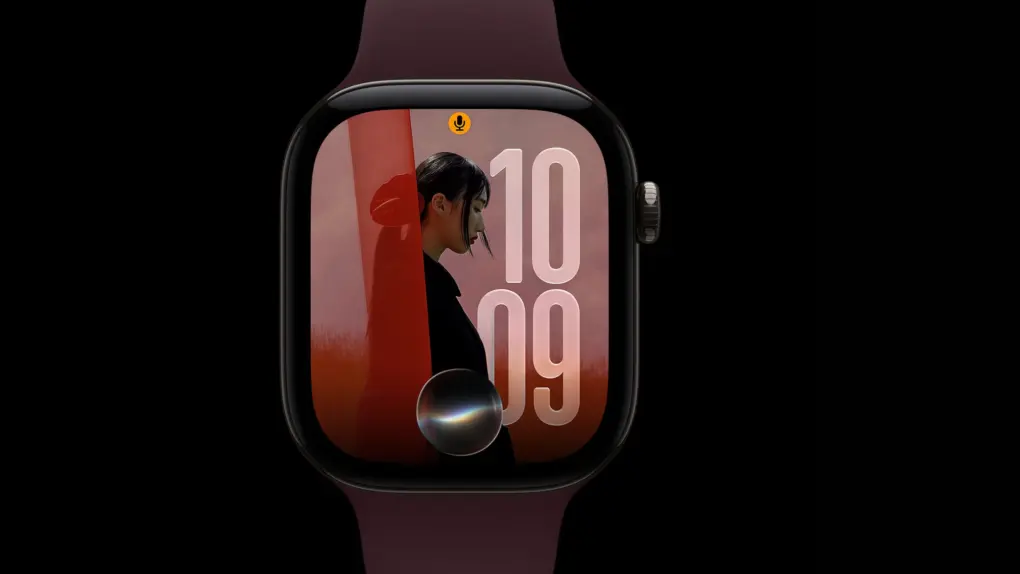
Apple released watchOS 27.2 on Monday, making Siri AI faster and more capable. The upgrades mirror the new Siri capabilities added in iOS 27.2.
The first major update to watchOS 27, it also brings changes to the Apple Music app and extends Siri AI beyond U.S. English.
What’s new in watchOS 27.2
According to Apple’s watchOS 27.2 release notes, Siri AI responds faster on Apple Watch. Plus, it can retain context from earlier conversations. After upgrading, ask Siri AI about a restaurant it recommended last week, and Apple’s assistant can recall it, right from your wrist.
The personal assistant can also draw on more personal context. That includes photos attached in Messages, Calendar event attendees, and voicemail messages. Apple says results from your Safari history and Reading List on your iPhone get better as well.
Apple also says Siri AI now responds faster on Apple Watch. Then there’s the new Excluded Apps setting, which gives you control over which apps Siri, Search and suggestions can access.
Siri AI speaks more languages
watchOS 27 only supported U.S. English for Siri AI. The update adds French, Japanese, Korean, Portuguese and Spanish. But it’s still unavailable in the European Union and mainland China.
Apple Music also gets a new look
The update also changes the Apple Music app on your Apple Watch. The red icon is gone, replaced by the new black-and-white design. Some parts of the app also reflect the new minimalist color scheme.
These tweaks appear to match the Apple Music rebrand the company debuted last week.
How to install watchOS 27.2
After updating your iPhone to iOS 27.2, you can upgrade your paired Apple Watch to watchOS 27.2. To do so, open the Settings app on your Apple Watch, then tap General > Software Update. Alternatively, you can use the Apple Watch app on your iPhone. For the update to install, your Apple Watch must be on its charger with more than 50% battery.

Anurag Chawake is a tech-focused writer specializing in smartphones, apps and consumer technology. His interest in computers began during the Windows 98 era, eventually leading him to explore everything from operating systems to mobile devices and PC hardware. Anurag previously contributed to The Indian Express, covering Apple, Android, gaming and the broader technology landscape.

