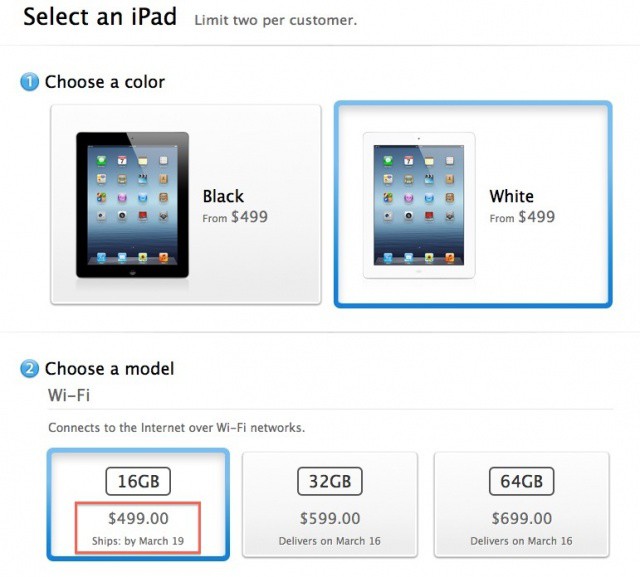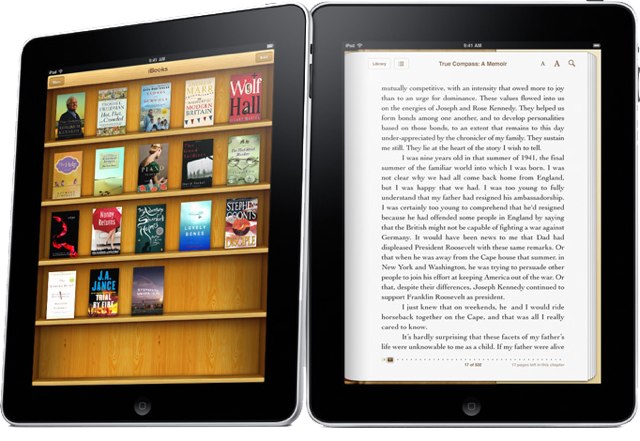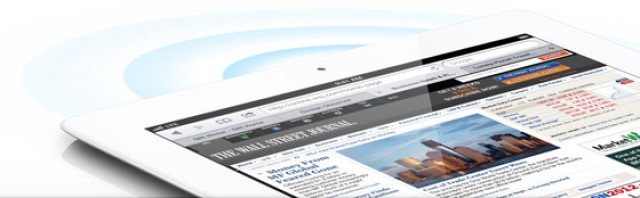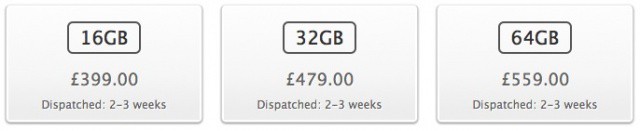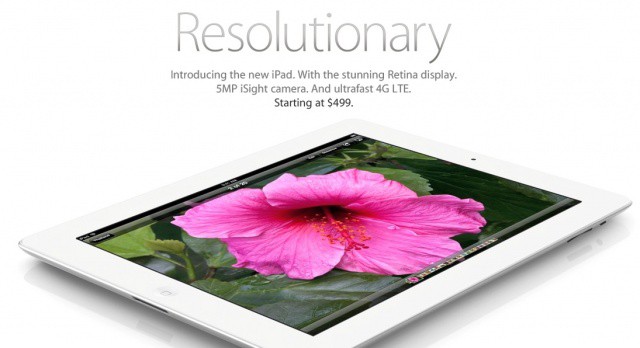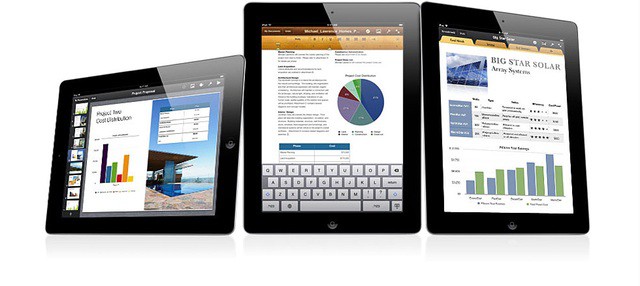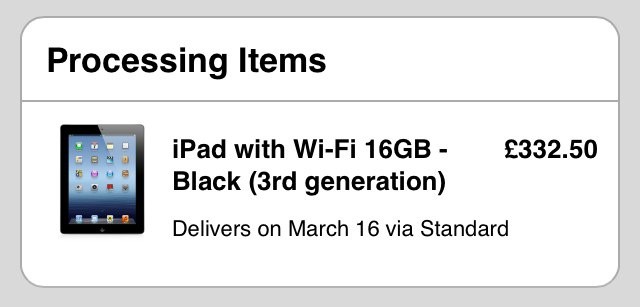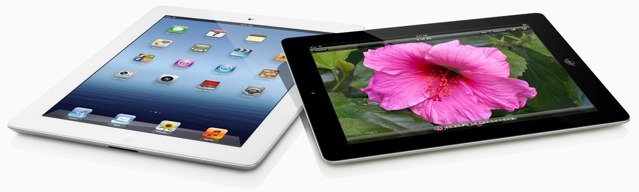
Now that you’ve placed your order for your new iPad, it’s time to prepare your old one for the upgrade. When you transfer all of your data on launch day, you’re not going to want to eat up storage space with apps, photos, and music that you never use.
Here’s how to prepare your old iPad for an upgrade to the new one — the right way.