Mobile menu toggle

News - page 1498

Instacast 4 For iOS 7 Is The Perfect Replacement For Apple’s Podcast App

By

banner_en

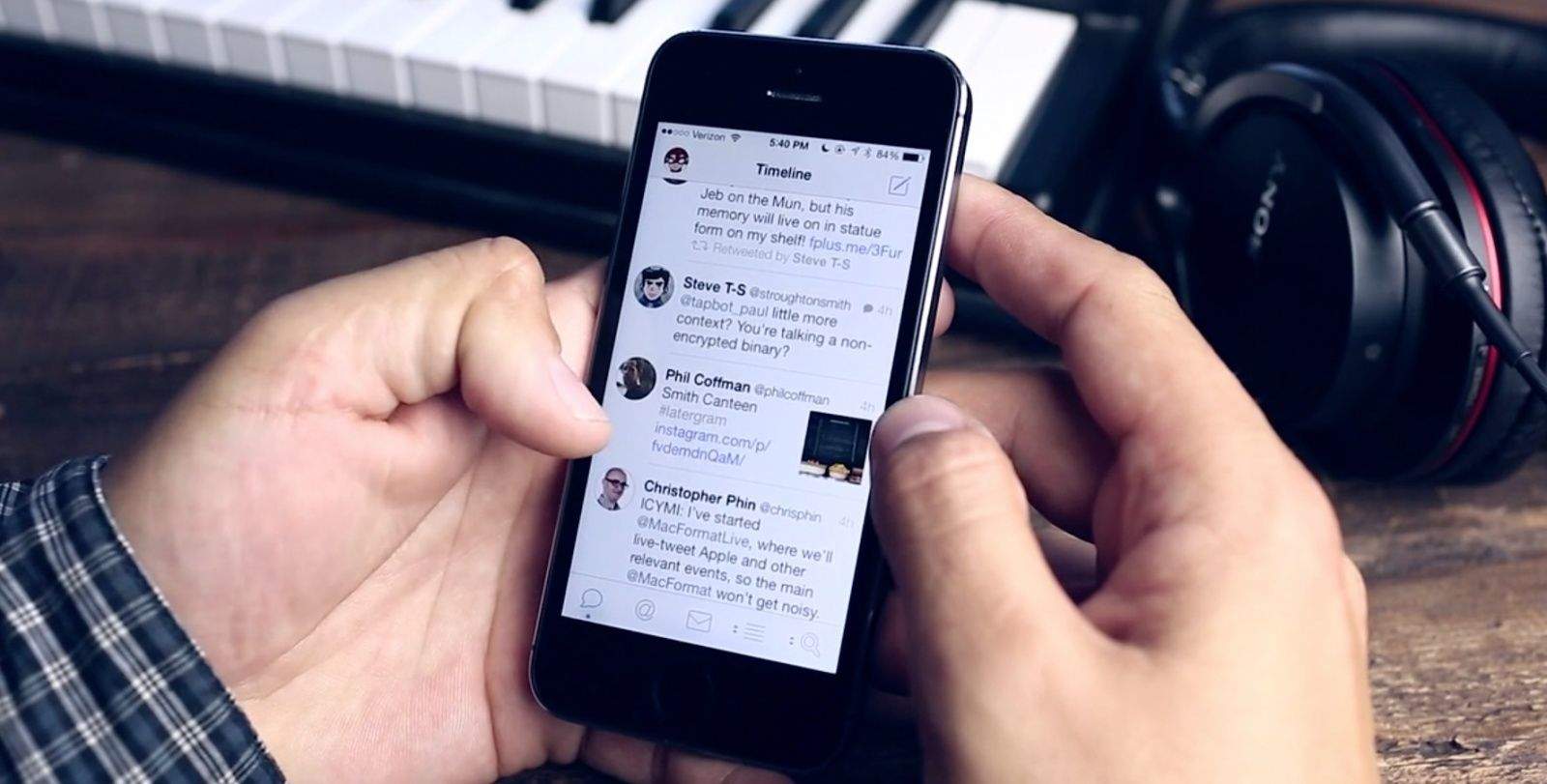
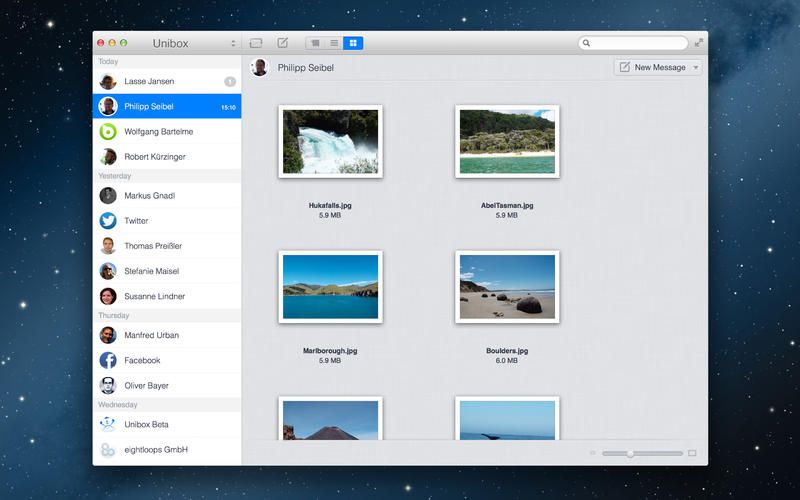
Instacast by Vemedio has been my podcaster of choice since I threw up my arms in frustration at Apple’s Podcast app and abandoned podcasts in iTunes altogether. That was about six months ago, and I’ve been beta testing version 4.0 of the Instacast iOS client over the summer. It’s a radical departure from the previous design, and it’s right at home in iOS 7.

A Visual Walkthrough Of iOS 7 With GIFs

By

iOS7

The new interface of iOS 7 has become one of the most polarizing Apple software releases since the iPhone came out six years ago. Some users think some of the UI elements look childish and boring, but there are a ton of new details and feature that make using iOS feel new again (for better or worse).

iOS 7 was just released to the public, but there are so many new additions it can be hard to keep track of it all, so we’ve complied this walkthrough of all the new little iOS 7 features, in GIF form:

Vimeo Updates For iOS 7, Adds Offline Viewing, AirDrop Sharing, More

By

Vimeo for iOS 7

Vimeo announced Wednesday that its video sharing app for iPhone, iPod touch, and iPad has now been updated for iOS 7. The new update lets you upload video directly from your iOS device camera, as well as offline instant playback of saved videos.

The app has been re-vamped to better match and work with iOS 7, as well, including a new video thumbnail feature, which shows live previews of video content in the smaller navigation thumbnails.

Better yet, you can now share any Vimeo videos on your device with other iOS 7 devices using AirDrop.

iOS 7: The Cult of Mac Review Roundup

By

iOS7

We’ve already brought you an iOS 7 review roundup from everyone else, but you may have noticed that the Cult of Mac team published our own iOS 7 review today, too. It’s split up into separate parts to make it easier to digest, and this handy roundup will help you find each part and what it covers.

We’ve taken a look at all of the new features — including Control Center, AirDrop, and iTunes Radio — and all of the improvements Apple made to existing ones, like the Camera app and Notification Center. We’ve also got some tips and tricks that will help you get accustomed to iOS 7 in no time.

iOS 7 Is Now Available To Download

By

update

The wait is finally over. iOS 7 is now available to download, three months after it got its first unveiling at WWDC. You can download and install it either via iTunes on your Mac and PC, or by using the over-the-air Software Update feature baked into iOS 6.

iTunes 11.1 With iTunes Radio Is Now Available To Download

By

index_hero

Apple made iTunes 11.1 available for download. The new update includes Apple’s long anticipated iTunes Radio feature that allows users to create personalized music stations based on an artist, genre, or song. Also included in the update is a new Genius Shuffle feature, Podcast stations, and the all important ability to update your iOS 7 devices.

You can grab the new update from Apple’s website or by checking for updates in iTunes.

iOS 7 Review Roundup

By

design_functional_gallery2

It’s been over three months since iOS 7 got its first unveiling at WWDC, and in just a couple of hours, it will be made available to the public. It’ll be completely free to download — no matter which iOS device you’re using — and Apple’s confident it will quickly become the world’s most popular mobile operating system.

iOS 7 is the biggest change to iOS since the original iPhone, introducing a colorful new design for the first time, and bringing lots of new features — including Control Center, improved multitasking and Notification Center, iTunes Radio, and AirDrop.

So should you be rushing to download and install it on your iOS devices as soon as it becomes available, or can you wait until all the fuss has died down? Well, we’ll be bringing your our review in stages over the course of the coming days, but to help make your decision super simple, we’ve trawled through the biggest and best iOS 7 reviews out this week and put together a helpful roundup.

The Evolution Of iOS: From iPhone OS To iOS 7

By

iOS7

iOS has seen an enormous amount of change over the last few years. When the first iPhone was released, the most entertaining thing to do was to watch YouTube videos and try to find a few web-based games. This was a time before apps, multi-tasking, or folders. Looking back, it’s amazing to see how iOS has transformed from a simple touch operating system, lacking a lot of key features, to a true computing behemoth with more features and tools than one user could possibly need.

Today, the latest version of iOS, iOS 7, is set to arrive. Let’s take a look at how things have changed in Apple’s mobile operating system over the last few years.

iOS 7: Control Center, Notification Center, Notes, Reminders & Music [iOS 7 Review]

By

Control-Center
Control Center on iPad.

iOS 7 is much more than a pretty face. Early “news” reporting focussed on the new look provided at the last minute by Jony Ive and team, but the inner workings of the new OS have clearly been under development for a lot longer. So, try to look past the bright colors, blurred popovers and beautiful parallax for a moment, and join us as we take a tour of the best new features of iOS 7.

The Ultimate iOS 7 Compatibility Chart

By

iOS-7-Comparison-Chart-definitivo-1

With every new version of iOS, Apple generally leaves some legacy devices behind, but with iOS 7, Apple’s only leaving the iPhone 3GS totally abandoned. That’s not to say that every iOS device is equal in the eyes of iOS 7, though: if you’ve got an older device, you’re going to find some of iOS’s features missing.

Our good friend Camillo Miller over at The Apple Lounge put us together this fantastic chart to show how compatible iOS’s varying devices are with iOS 7. And it looks pretty good! B

Basically, the only things you miss out on if you don’t have a device made in the last year is AirDrop, and if you have any iPad, you don’t get Panorama, which is the same as it was. Apple’s doing a pretty good job keeping iOS 7’s features compatible with every past device, don’t you think?

Source: The Apple Lounge

Apple Updates AirPort Utility And Apple Store App With New iOS 7 Icons And UI

By

appstoreairport


Before making iOS 7 available to the public, Apple is updating some of its apps with the new iOS 7 look and feel. The Apple Store app and AirPort Utility just got new icons this morning, along with iOS 7 optimization and a refined user interface. As far as new features go, there aren’t any that we’ve spotted yet, and nothing in the release notes indicate these are anything more than a fresh coat of paint.


Source: iTunes


Rugged 12,000mAh Battery Pack Is Waterproof, Adventure-Proof

By

nt120r-6

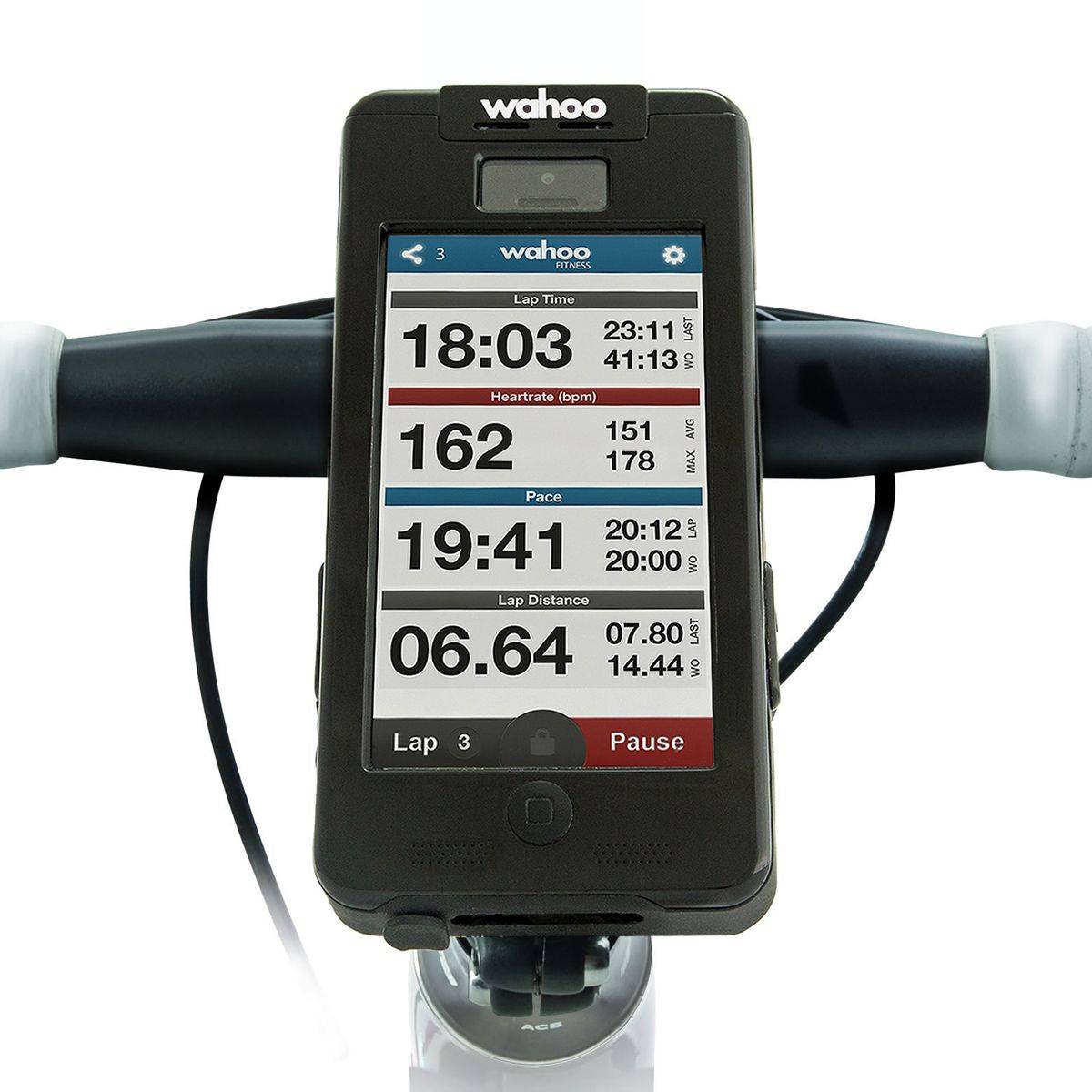
Juicy external battery packs are definitely the way to go for the globetrotting nerd – I have had my bacon saved a few times by the 12,000mAh battery pack I carry with me on trips – they’re not only good for the iPhone, but the iPad min, a Kindle, and even USB bike lights (this is the best unknown use for these chargers).

But you know what would be even better? A ruggedized, waterproof battery pack. And – surprise – that’s exactly what I’m just about to tell you about.

Yet Another Beautiful Weather App For iPhone

By

weather

Ready for another weather app for your iPhone? Me too! I love WeatherPro on the iPad, but the iPhone version (despite today’s new iOS7 update) is almost impossible to read on the smaller screen. So I’m excited for Perfect Weather, which promises to make all the info I need available in a neat card view. Or rather, I would be excited if it was available outside the U.S.

Buoyed By iPhone 5c/5s, Year-Over-Year iPhone Sales Could Be Up 28% This Quarter

By

iphone-5c-cases

Although since the iPhone 4S, Apple has launched new iPhones in the fourth fiscal quarter of every year, that’s not where the quarter they sell the most iPhones. It’s simple logistics: not only does Apple usually only have a couple weeks left in the fourth quarter to fit as many sales as possible into, but supplies of new iPhones tend to be constrained.

That’s not to say, though, that this won’t be a banner quarter for Apple. Thanks to the iPhone 5S and iPhone 5C, Apple will see year-over-year sales of iPhones increase by 28%, says one analyst.

Paperback Turns The Back Of Your iPhone Into A Notebook

By

paperback-notes-560x420

No matter how fast you can unlock your iPhone and launch Drafts app, you’ll still be slower than someone jotting down a note with a pen and paper. But that means you have to carry a separate notepad along with your iPhone, and then you have to dig around in your bag or pocket to find it.

Not so with the Paperback, a, uh, a paper back for the iPhone 5/s/c.

Skye Widget Turns Any Dock Into An AirPlay Receiver

By

a113150681d473ad6cf41144c5823f97_large

With the exception of latency, AirPlay beats out Bluetooth audio streaming any day. Fewer dropouts, way better (lossless) quality and less power drain on your iDevice, as it works over the Wi-Fi connection you already have on anyway.

Usually, though, AirPlay speakers are expensive. The Auris Skye is designed to fix that, turning any dock connector into an AirPlay receiver.

Kanex Multi-Sync Keyboard Hooks Up Via Bluetooth Or USB

By

BTKEY_Synced

If you want to get serious about typing on all your devices (and I mean all) (and I also mean serious), then the new Kanex Multi-Sync Keyboard is what you want. It’s a full-sized keyboard with a number pad, and it can connect to one device via USB, plus three more via Bluetooth, switching between them at the touch of a button.

Here’s What Time iOS 7 Will Be Released In Your City [Chart]

By

iOS7


We’re just a couple hours away from the launch of iOS 7 where everyone in the world’s iPhone will instantly look different for better or worse. In the past Apple has usually released major iOS updates at 10AM Cupertino, which is 10:00 AM PDT. Apple hasn’t officially confirmed the launch time to the public, so don’t bet the farm just yet, however, Redmond Pie  created the chart below listing the launch time for most major cities across the globe:

Infinity Blade III Is Now Available In The App Store

By

infinityblade3

September 17th sure has turned into a gamers delight. Not only did highly-anticipated Grand Theft Auto V launch today on consoles as well as two companion iOS apps, but the biggest iOS game of the year is available an hour before midnight too.

Chair’s final piece of the Infinity Blade III trilogy is available a few hours ahead of the iOS 7 launch.  You can grab Infinity Blade III from the App Store now for $6.99.  The game is compatible with the new iPhone 5s, iPhone 5c, iPhone 5, iPhone 4S, iPhone 4, iPad 4, iPAd 3, iPad 2, iPad Mini, iPod touch 5 and iPod touch 4.

We’ll have our full review on the game coming shortly, so stay tuned for more coverage. In the meantime, get to downloading. You only have about 10 more hours to play before iOS 7 drops too.


Source: iTunes