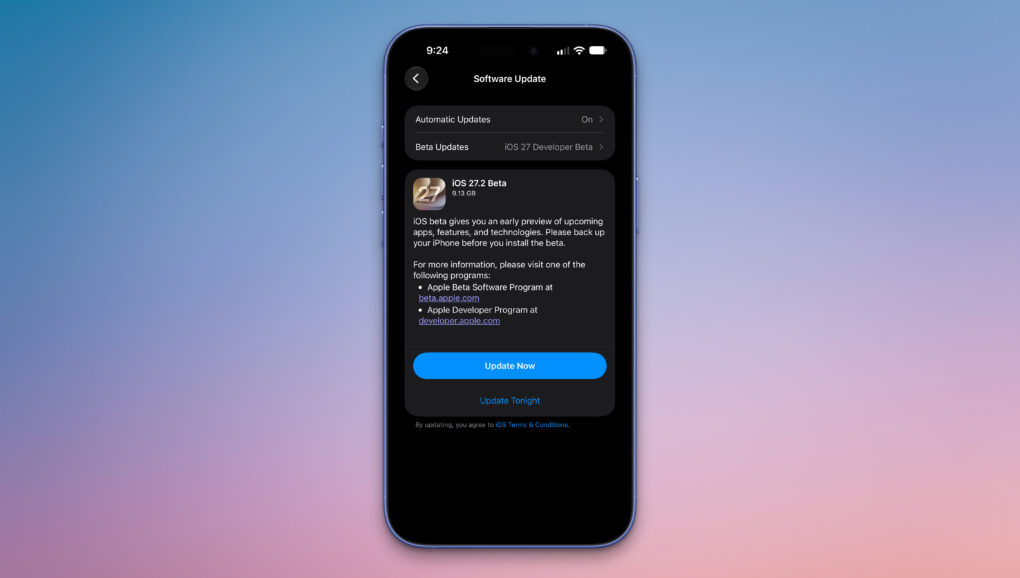
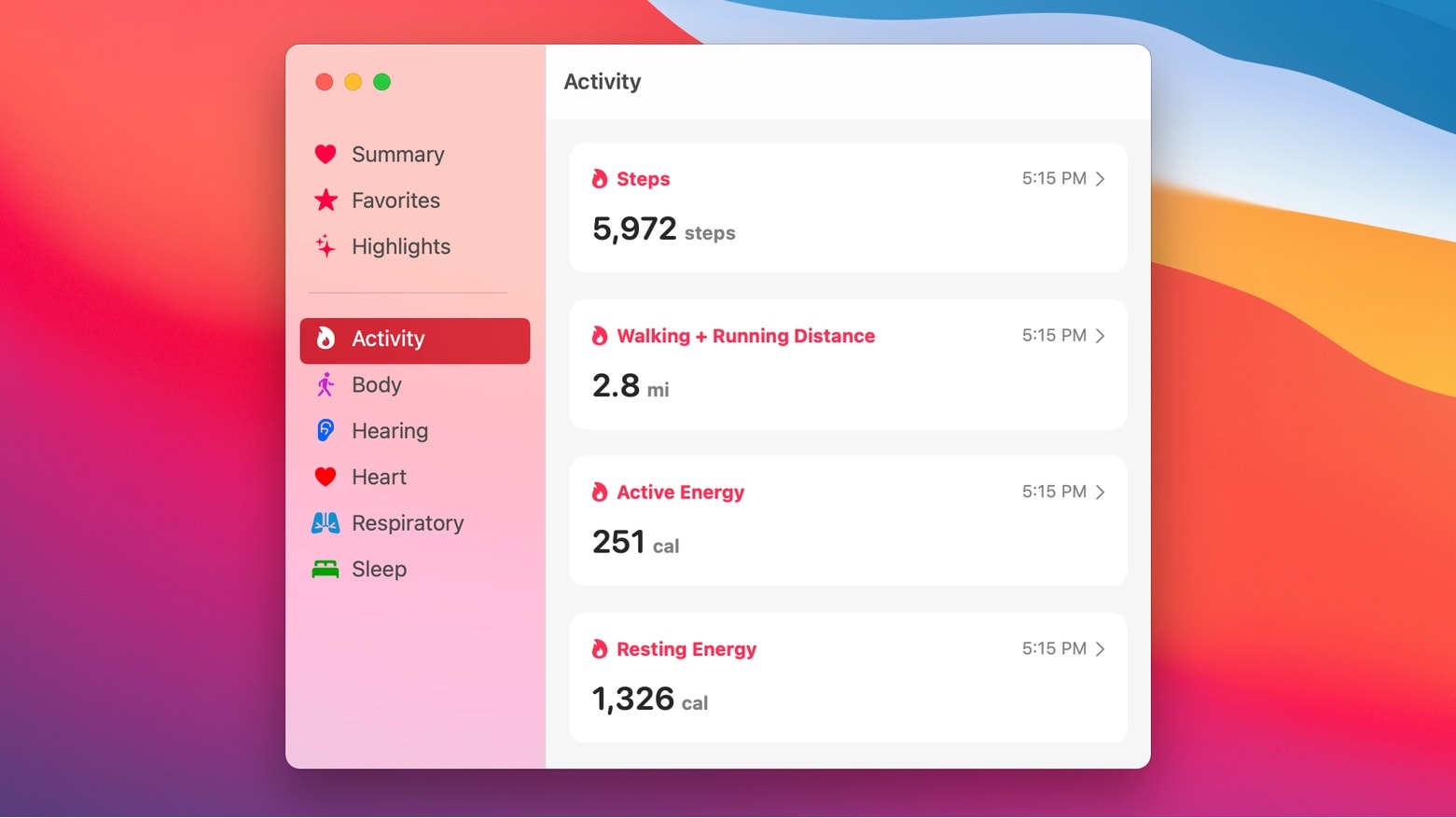
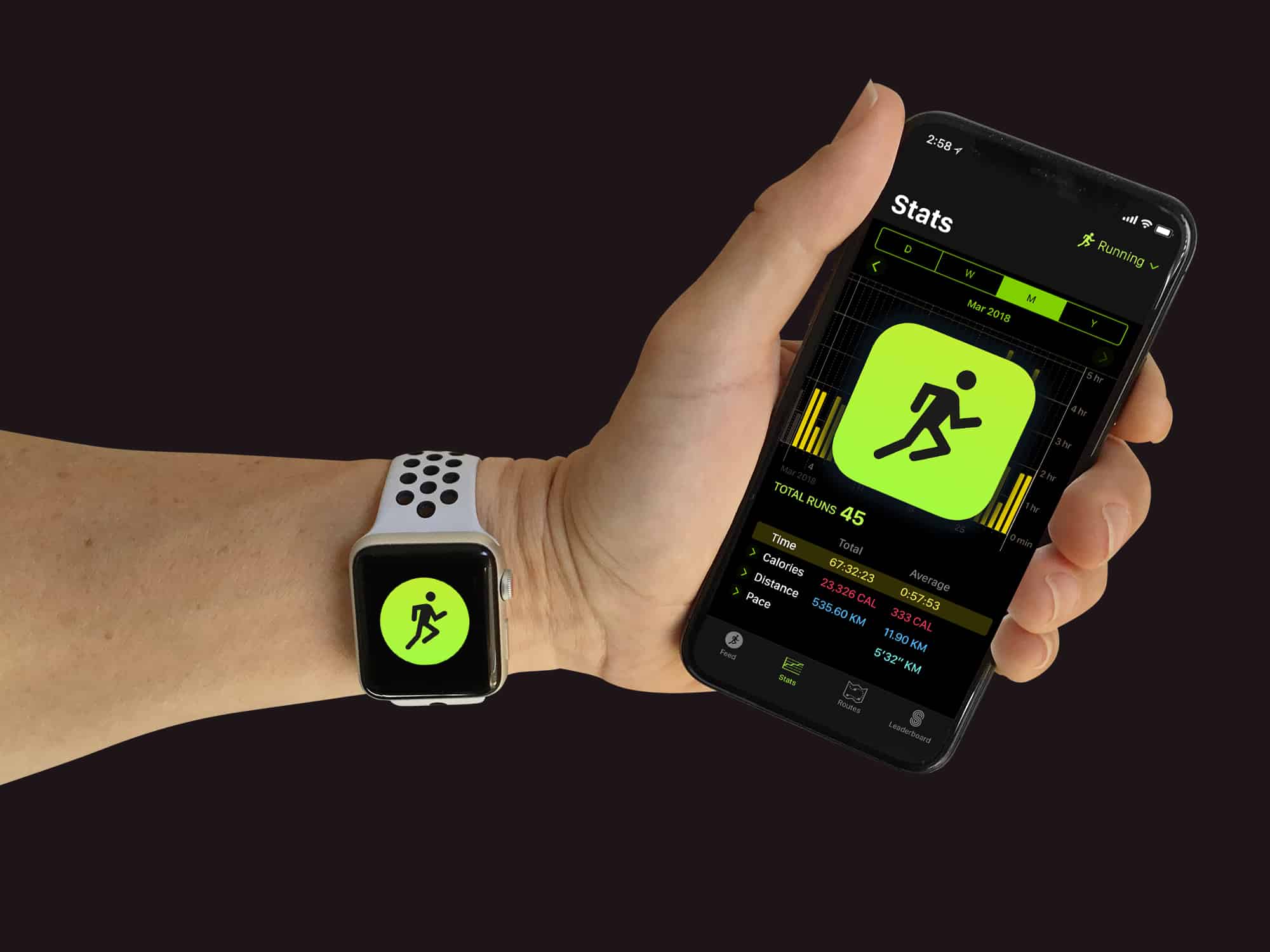
iOS 27.2 beta 1 is here with a redesigned Health app. Photo: Rajesh Pandey/Cult of Mac
Apple seeded the first iOS 27.2 beta to developers on Wednesday, giving them the chance to test several notable changes and improvements.
The company is skipping beta testing iOS 27.1, an unusual move but one with a good “Duo” reason behind it. Below is a rundown of all the new stuff in iOS 27.2 beta 1. (We will update the post as we discover more.)
Your iPhone and Apple Watch can help you track your meds. Image: MorgueFile/Wikimedia Commons/D. Griffin Jones/Cult of Mac
The Apple Health app on your iPhone makes it easy to track your medications — and help you remember to take them on time. It offers many advanced options and covers all kinds of medicines.
You can set up schedules, log your activity and even get advice on drug interactions. Let me show you how to get started.
Is sleep tracking with your Apple Watch actually making you more stressed? AI image: Gemini/Cult of Mac
Each morning I wake up and check my sleep score on my Apple Watch. And then I wonder if it’s doing me any good. It’s certainly adding stress and hassle to my day.
That’s why I’m thinking of turning it off. Maybe you should, too.
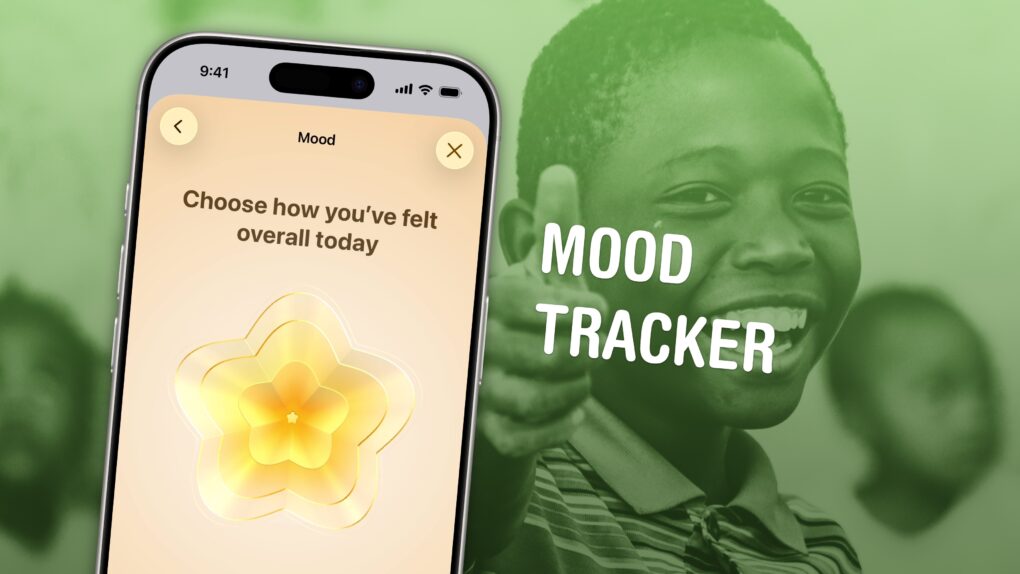
Apple’s mental health tracking feature makes it easy to log your feelings and see what’s bothering you most. Image: D. Griffin Jones/Cult of Mac
Logging how you feel throughout the day with your iPhone can help you identify what’s causing you trouble or what works for you, whether it’s work, family, exercise, sleep or other things. You don’t need to hand your data over to a third-party app; the built-in and totally free Apple Health app comes with a built-in mood tracker that helps you keep tabs on your mental well-being.
In order to make any kind of meaningful change, you need to understand fully what helps, what doesn’t, and what you can do. And that means effectively tracking your mental health. Luckily, starting your log is easy. Set it up once, and your phone will ask you every day so you don’t forget.
Let me show you how to set up a mood tracker on your iPhone.
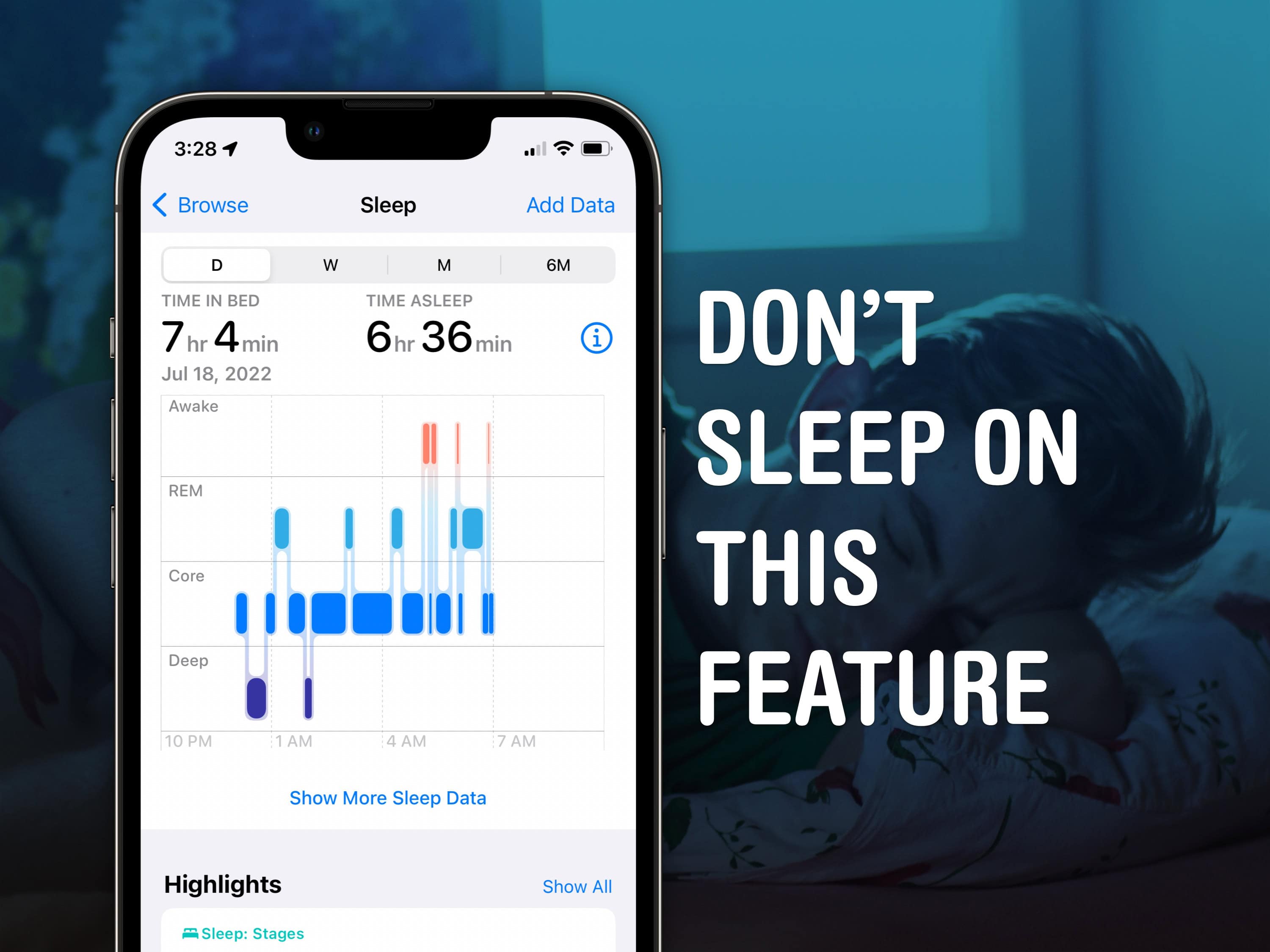
Sleep tracking on Apple Watch is pretty advanced. Image: D. Griffin Jones/Cult of Mac
Apple Watch sleep stage tracking might help you get to the bottom of what’s going on with your sleep. Ever since watchOS 9, it can track what sleep stage you’re in. That means you can see if you’re not getting enough deep sleep or REM sleep, or if you’re waking up too often in the middle of the night. If you have insomnia or sleep apnea, this information could be very useful.
Read on to see how to use the advanced sleep stage tracking on Apple Watch.
New health features come to iOS 17, iPadOS 17 and watchOS 10. Photo: Apple
At WWDC23, Apple said it’s adding a slew of new health features in iOS 17, iPadOS 17 and watchOS 10 that will help you take care of yourself physically and emotionally.
And while new mental health and vision features are coming across platforms, the more-general Health app finally arrives on iPad, as well.
iOS 17 is starting to come into focus. Image: Cult of Mac
This week on Cult of Mac’s podcast: The iOS 17 leaks start drip, drip, dripping out as we approach Apple’s Worldwide Developers Conference. Sounds like a minor update overall, but there’s some interesting stuff coming down the pike.
Also on The CultCast:
Apple Watch and the Health app might break their chains this year.
The journaling app that Apple’s working on sounds kind creepy.
Does Apple have an actual plan for its mixed-reality headset?
Get the Apple Watch face that keeps Tim Cook cookin’ (free download).
Listen to this week’s episode of The CultCast in the Podcasts app or your favorite podcast app. (Be sure to subscribe and leave us a review if you like it!) Or watch the video live stream, embedded below.
Our sponsors: Mylio and Factor
Mylio Photos is a smart and powerful cross-platform system for managing a lifetime of memories. Get 30% off your first year of Mylio when you sign up for an annual plan at mylio.com/CULTCAST.
Factor is America’s No. 1 ready-to-eat meal kit, and can help you fuel up fast with great food delivered straight to your door. Head to factormeals.com/cultcast50 and use code cultcast50 to get 50% off your first box.
Apple shared a new report that shows the ways its products help people be healthier. Image: Apple
Apple laid out its far-reaching goals for the health and wellness tech built into iPhone and Apple Watch in a report issued Wednesday. It details how Apple intends to develop technology to support personal health, medical research, and patient care.
“We believe passionately that technology can play a role in improving health outcomes,” said Apple’s chief operating officer, Jeff Williams, in a statement.
Is your cycle-tracking data secure? Photo: Graham Bower/Cult of Mac
The iPhone Health app’s Cycle Tracking feature provides a simple solution for logging menstrual cycles. If you menstruate, it’s an effective way to monitor your overall health and estimate when you’re most likely to get pregnant.
Given the personal nature of Cycle Tracking data, you need to be sure that it’s stored securely, away from prying eyes. The good news is, Apple’s security for health and fitness data is very robust. There are just a few things you need to know to ensure your data is safe.
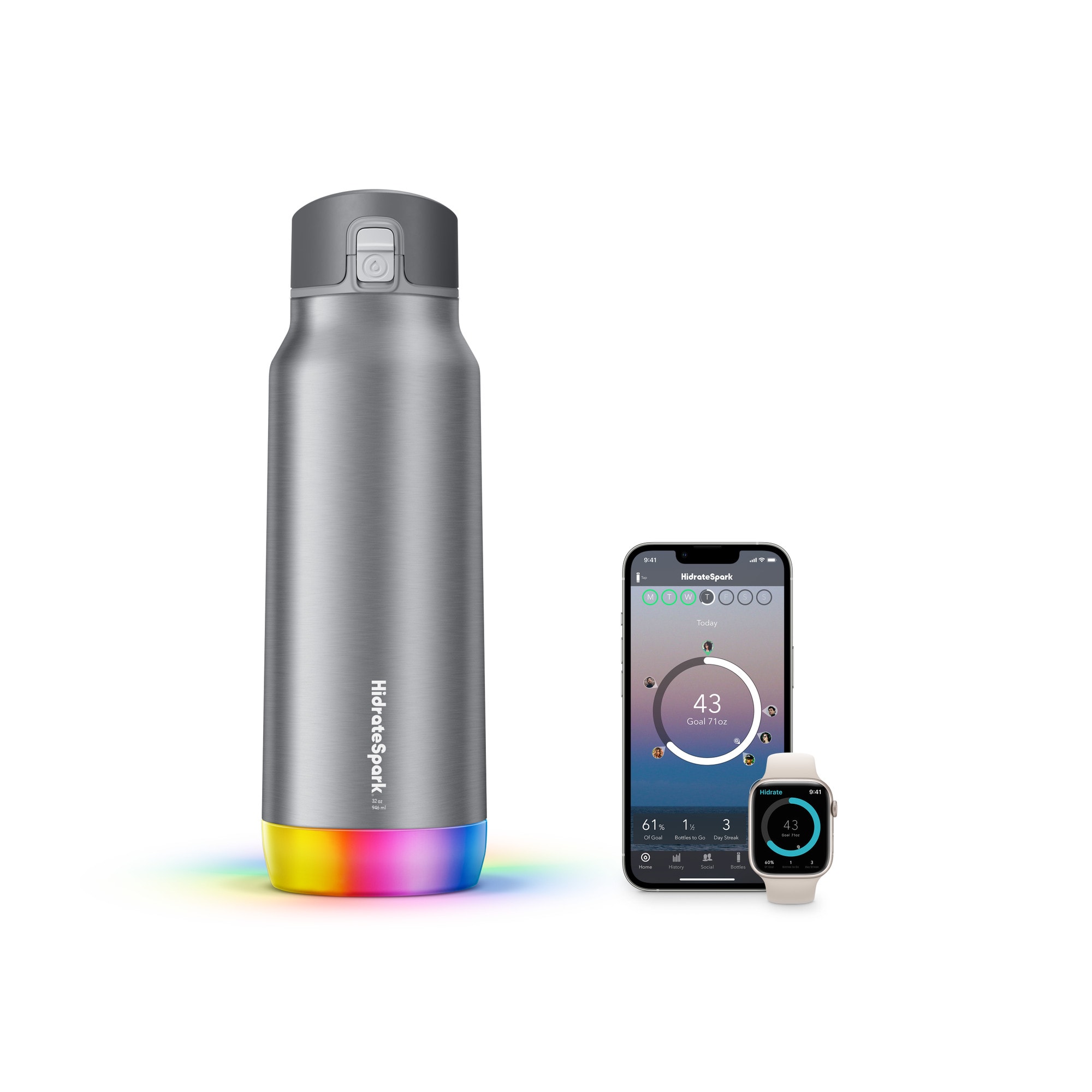
The Pro Steel model keeps beverages cold for 24 hours and will nag you to drink water many times over that period. Photo: Apple
Are you drinking enough water? Probably not. But if you want to know for sure, Apple’s online and retail stores have started selling two new smart water bottles from HidrateSpark. They automatically track your water intake and sync it to the Apple Health app.
They do it for a price, that is. The two new smart water bottles are $80 and $60. And if drinking enough water on a regular basis adds years to your life, that might actually be worth it.
Is your life safe in Siri's hands? Photo: Graham Bower/Cult of Mac
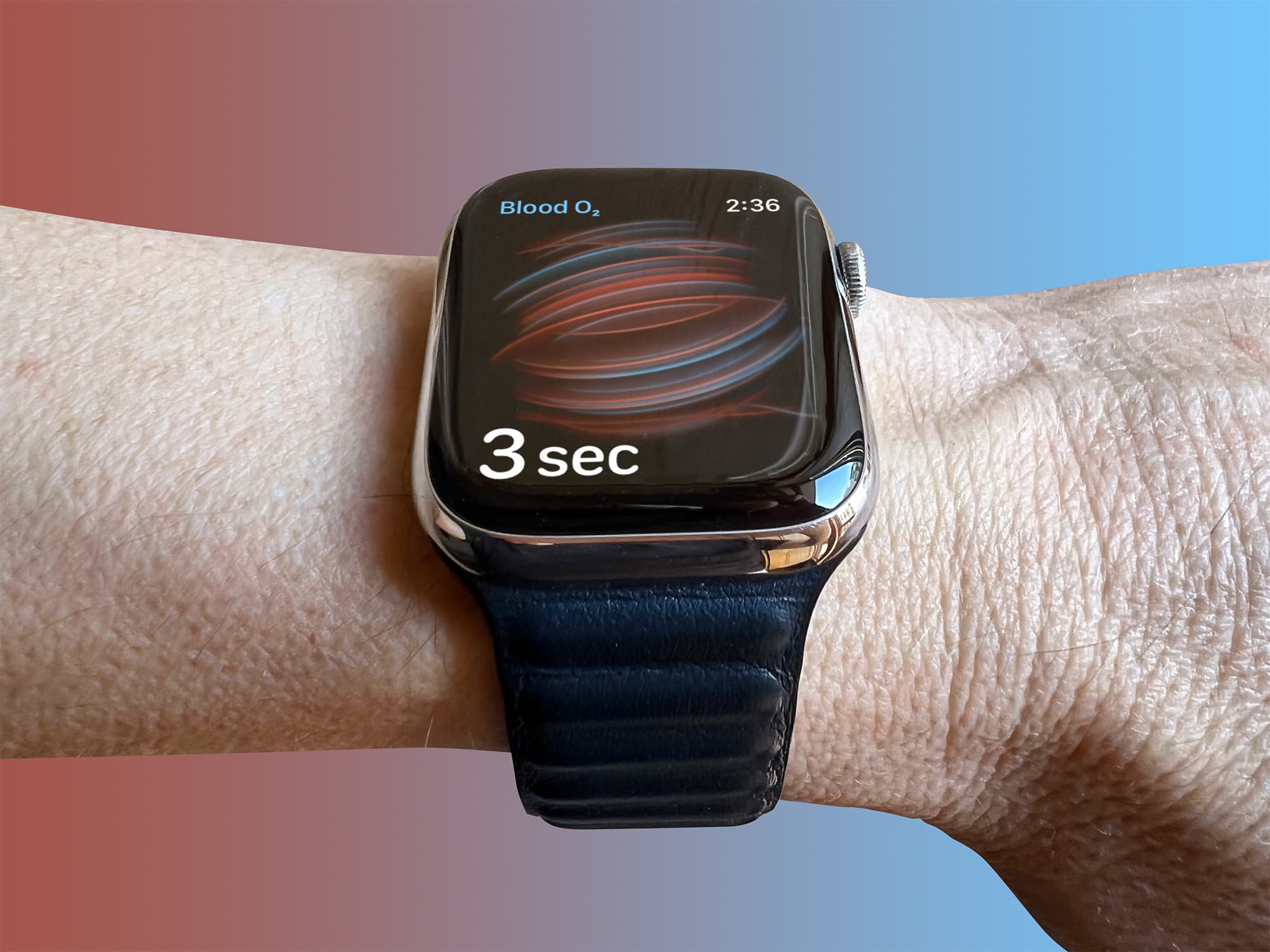
The blood oxygen sensor featured in Apple Watch Series 6 and 7 is “not intended for medical use,” Apple says. That seems odd, considering that low blood oxygen is a serious medical condition. If the watch’s monitor is not for medical use, then what exactly is it for?
In this post, we’ll look at what blood oxygen is, how Apple Watch measures it, how the device compares to medical-grade alternatives, and what you can actually use it for.
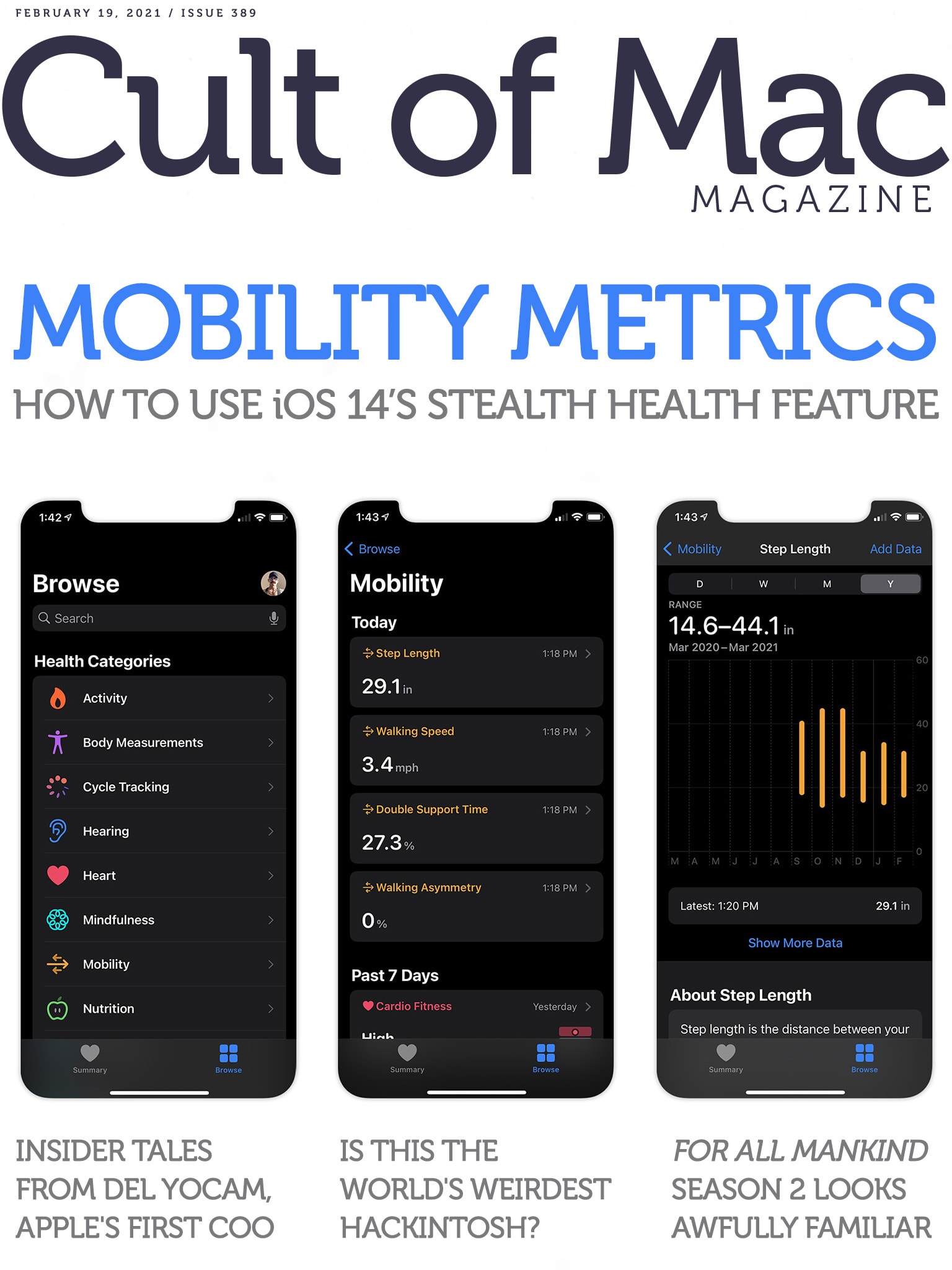
Your iPhone knows more about how you walk than you do. Cover: Leander Kahney/Cult of Mac
There’s an interesting new feature in iOS 14 that you might never have noticed. It’s called Mobility Metrics, and it tracks several things that offer insight into your overall fitness, coordination and health. Find out where to look for these metrics, and what to make of them, in our in-depth Mobility Metrics how-to.
Also in this week’s issue of Cult of Mac Magazine, we’ve got several hot rumors about upcoming Apple gear (and a possible March 16 event), plus loads of Apple TV+ reviews and first looks at upcoming shows. Download it now to enjoy on your iOS device.
P.S. If you’re a fan of Apple lore, don’t miss our exclusive interview with Del Yocam, the company’s first COO and a mentor to Steve Jobs. He’s got some interesting stories to tell.
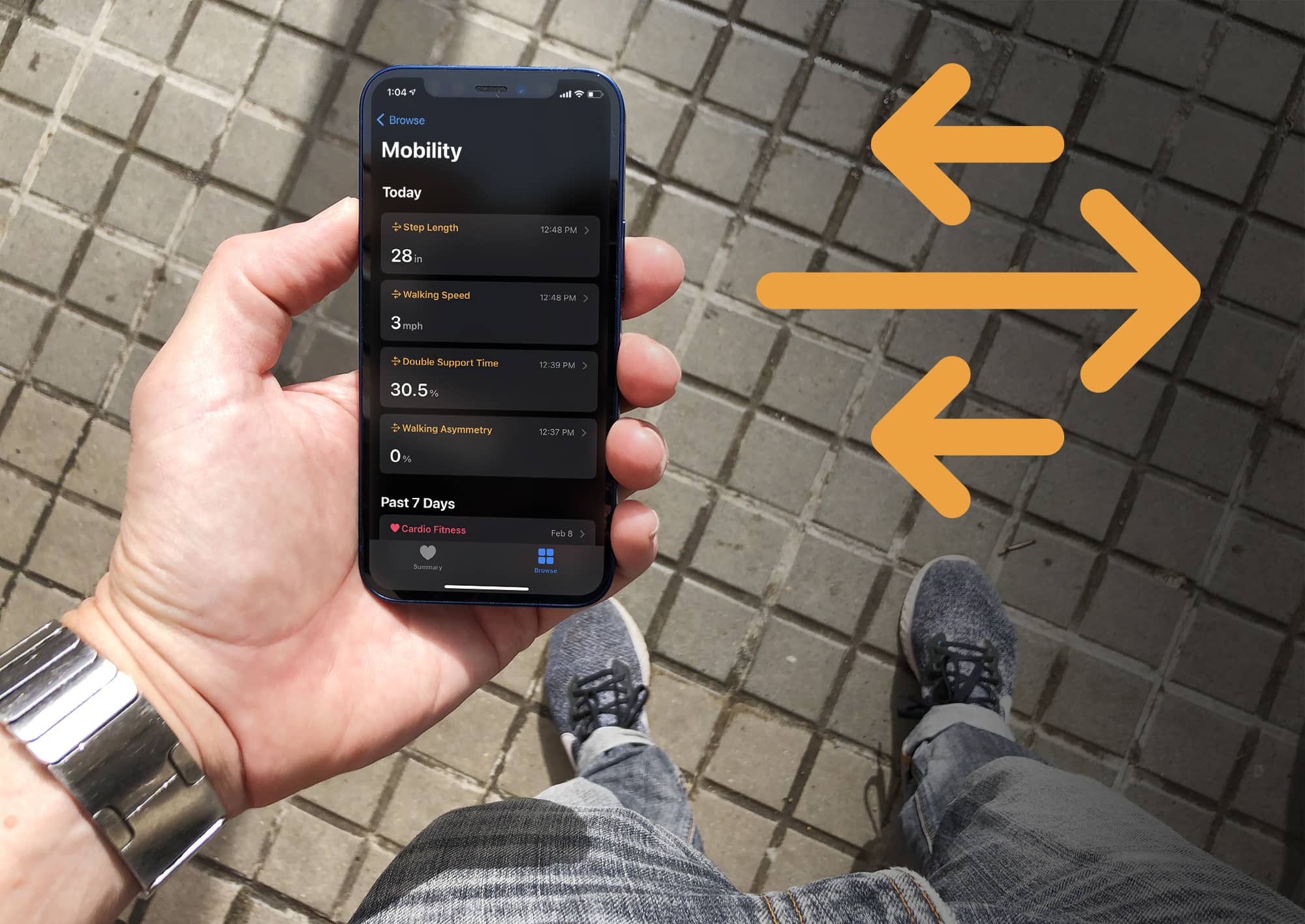
New mobility metrics in the iOS Health app provide essential data on how you’re walking. Photo: Graham Bower/Cult of Mac
The new Mobility Metrics feature that Apple added in iOS 14 offers important insights into your health and fitness. Using its built-in sensors and some extremely smart software, the iPhone in your hip pocket captures data and analyzes how you walk at all times. Then, the Health app serves up seven key measurements that provide an overall picture of your strength, coordination and cardiovascular health.
Even if you don’t experience any mobility difficulties, you might still be interested to see what these new stats reveal about the way you walk.
Most of the interesting stuff in your body happens in your core, not on your wrist. Photo illustration: Graham Bower/Cult of Mac
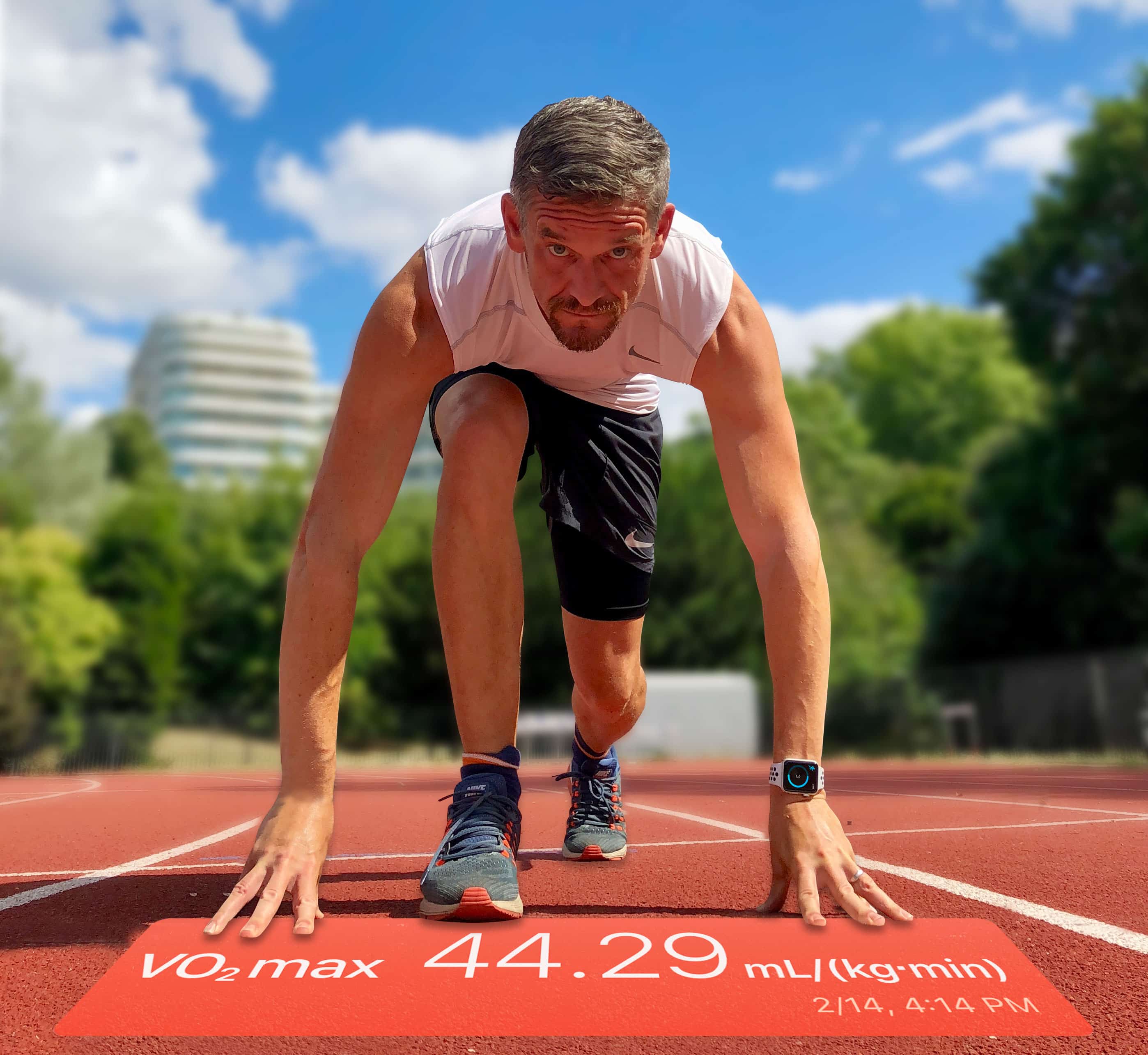
Apple’s VO2 max metric measures the performance of your heart and lungs when you push yourself to the limit. Up until now, though, it’s only been useful to serious fitness fanatics. No wonder Apple buried it in the Health app, where most users never found it.
But watchOS 7.2 and iOS 14.3, which Apple released Monday, change all that. In those updates, the VO2 max metric has been renamed Cardio Fitness. Now it can detect lower ranges and send alerts when the reading gets too low. That makes it the latest in a series of potentially life-saving health notifications from Apple Watch.
Here’s everything you need to know to get the benefit of this essential new feature.
As a fitness writer and app developer, there’s just one thing I’m hoping to see at WWDC next week: a major upgrade to HealthKit.
Don’t get me wrong. I think Apple’s health-tracking framework is great, but there’s so much more it could do. Moving HealthKit to iCloud would finally set Apple Watch free from its iPhone dependency, launch a brand-new Apple subscription service, enable users to access health and fitness data on all their devices, create a whole new class of TV fitness apps, and much, much more.
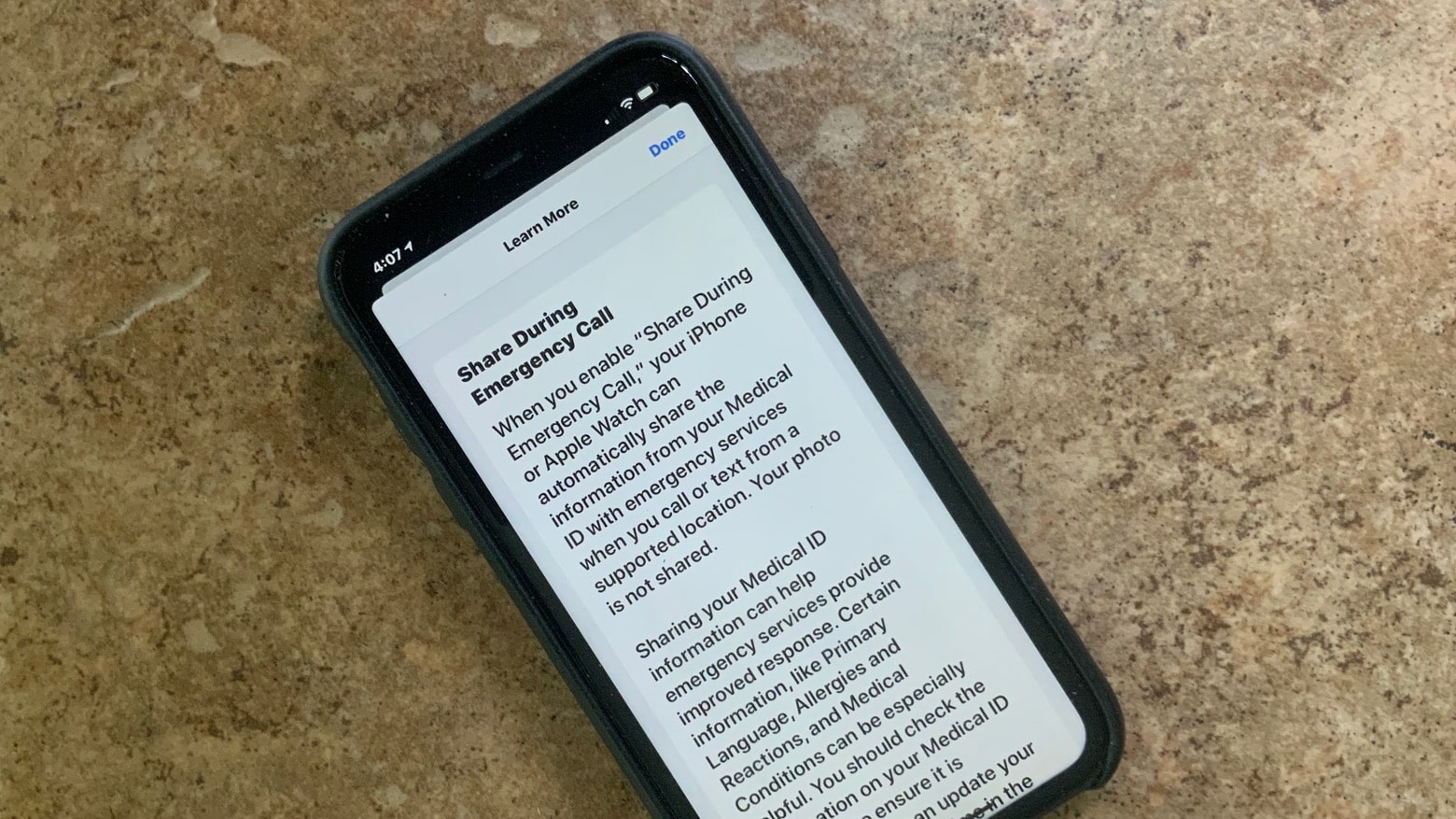
With iOS 13.5, your iPhone can share medical ID info with emergency dispatchers. Photo: Ed Hardy/Cult of Mac
iPhone and Apple Watch will soon make it easy to share medical ID information during emergency calls. Basic details like allergies and medications can be sent to a dispatcher during the call.
This feature appeared in iOS 13.5 developer beta 4, which debuted on Wednesday.
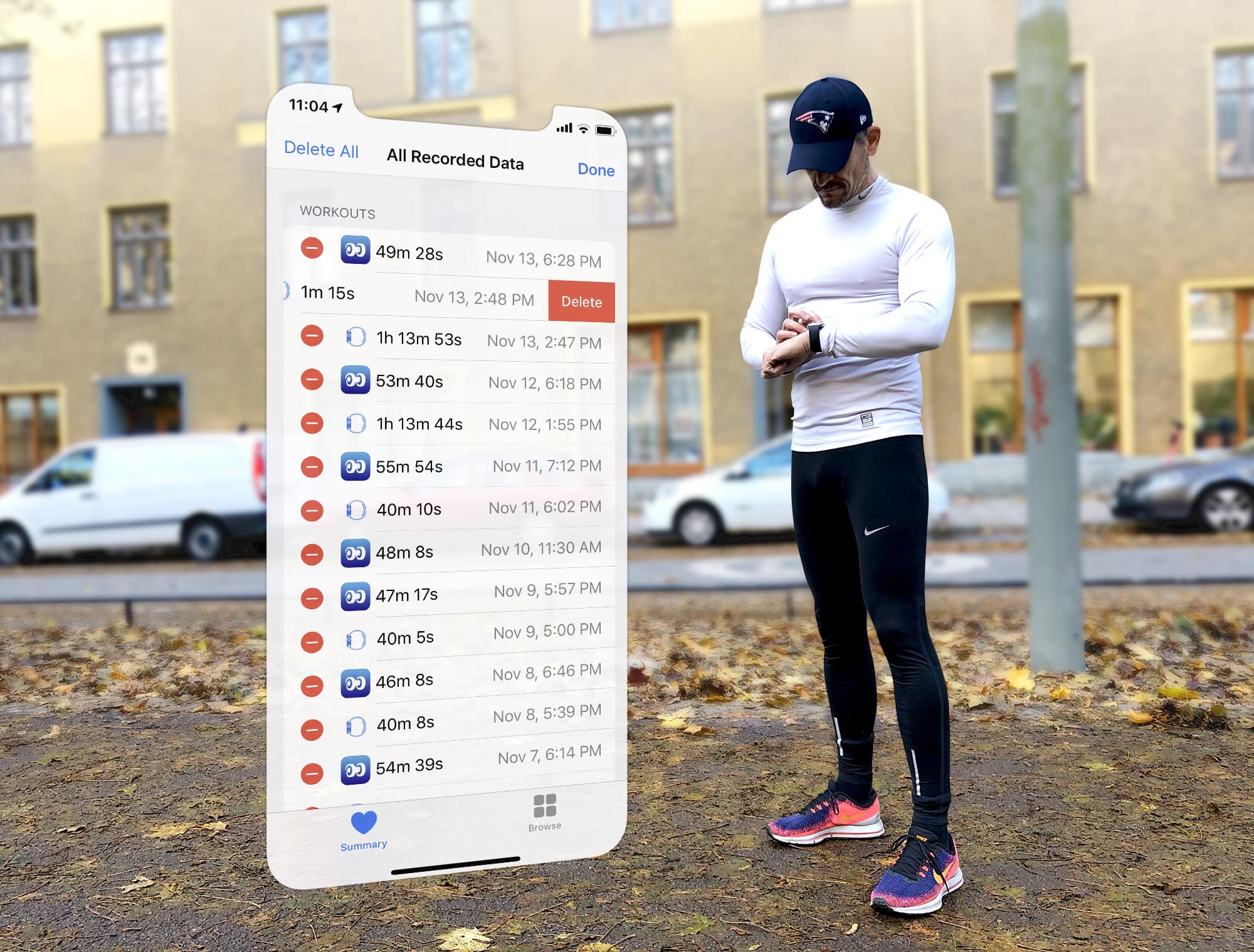
Seeing double? Fixing duplicate workouts is easier than you think. Photo: Graham Bower/Cult of Mac
The Health app on your iPhone acts as a central repository for all your workout data. Not just activity from your Apple Watch, but from third-party apps, too.
That’s great, because it gives you the freedom to use any workout app you want, safe in the knowledge that it will still contribute to your Activity rings. But this flexibility can cause problems. When you use multiple apps or third-party devices, it can cause duplicate workouts. So let’s take a look at how Apple handles these duplicates, what impact they have on your Activity Rings, and how you can fix the problem.
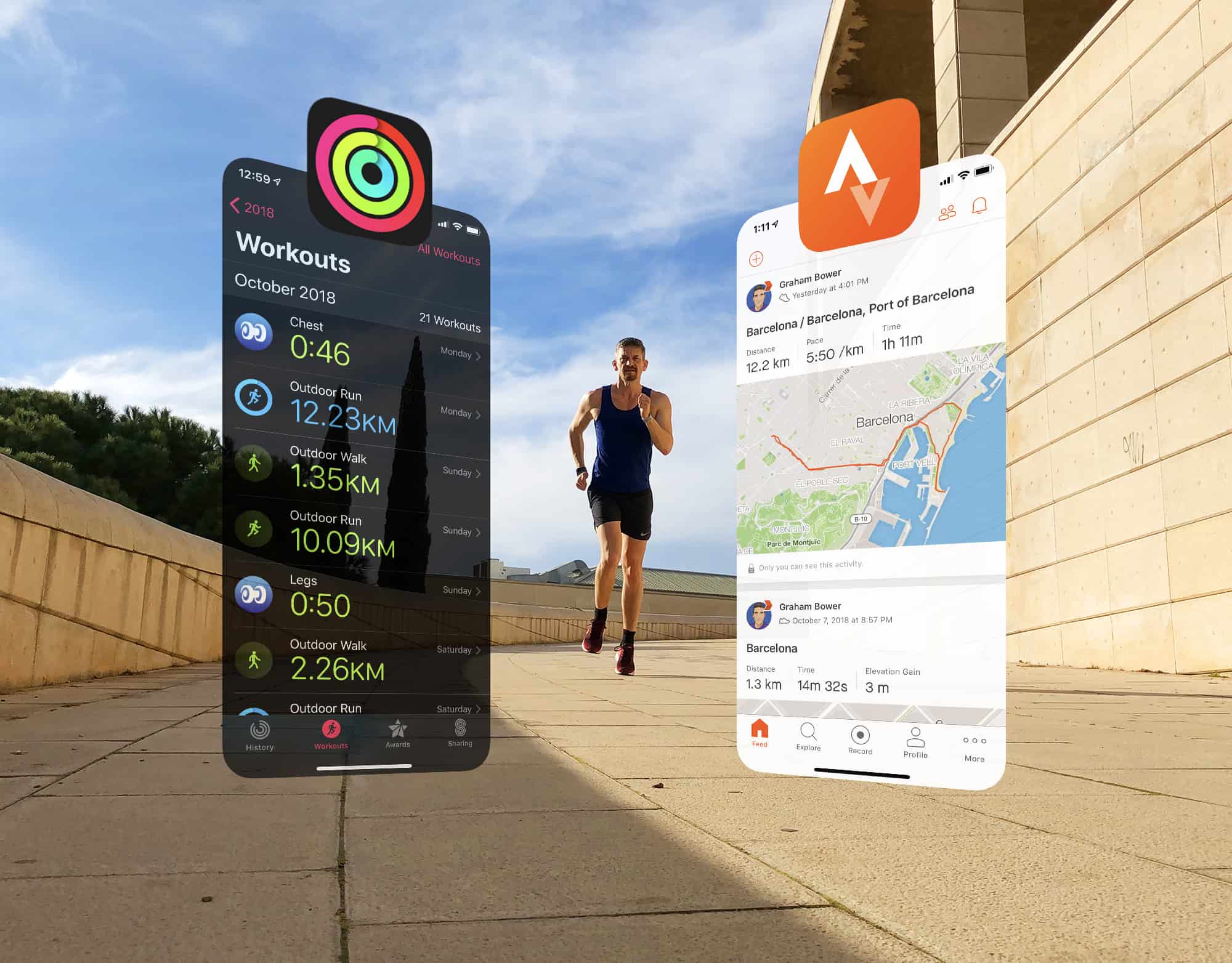
Strava is ready to play nice with Apple Photo: Graham Bower/Cult of Mac
Strava is a brilliant app for sharing your workouts and analyzing your fitness activity. But its Apple Watch app is not so great. That’s why I prefer to use Apple’s built-in Workout app and then view my data afterward on the Strava website.
The trouble is, up until now, the only way to do that was by relying on third-party apps such as HealthFit, which provide the missing link that syncs Apple’s workouts with Strava.
Strava has been promising to come up with a solution for years. And this week, the company finally delivered. It’s a huge step in the right direction, but I won’t be deleting HealthFit just yet. Here’s why.
Apple Watch logged your workout wrong? You can still set the record straight. Photo: Graham Bower/Cult of Mac
When you finish logging a workout with Apple Watch, you can gloat over all your hard work in the Activity app on your iPhone. This provides all kinds of useful charts, maps and trends to show you how you’re doing.
But what if you logged that workout by accident? Or if you forgot to log a workout? You can’t edit Apple Watch workouts on your watch, nor in the Activity app on your iPhone. But fortunately, there is still a way to set the record straight. Here’s how to edit Apple Watch workouts.
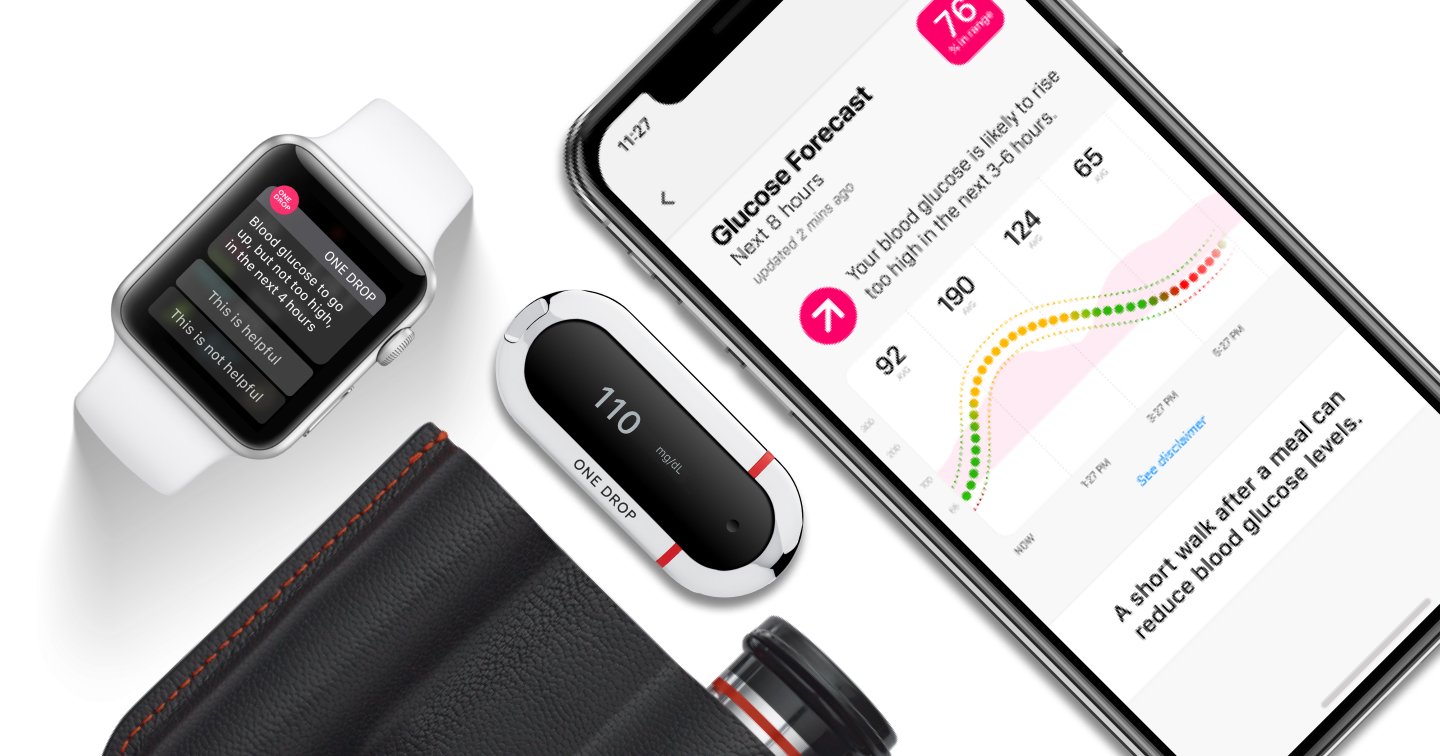
One Drop can predict blood glucose. Photo: One Drop
Apple retail stores are expanding their lineup of health-related products with a blood glucose monitor that integrates with iPhone and Apple Watch.
One Drop might be the most beautifully designed blood glucose monitor we’ve ever seen. Its advanced health features though are what really set it apart from other products.
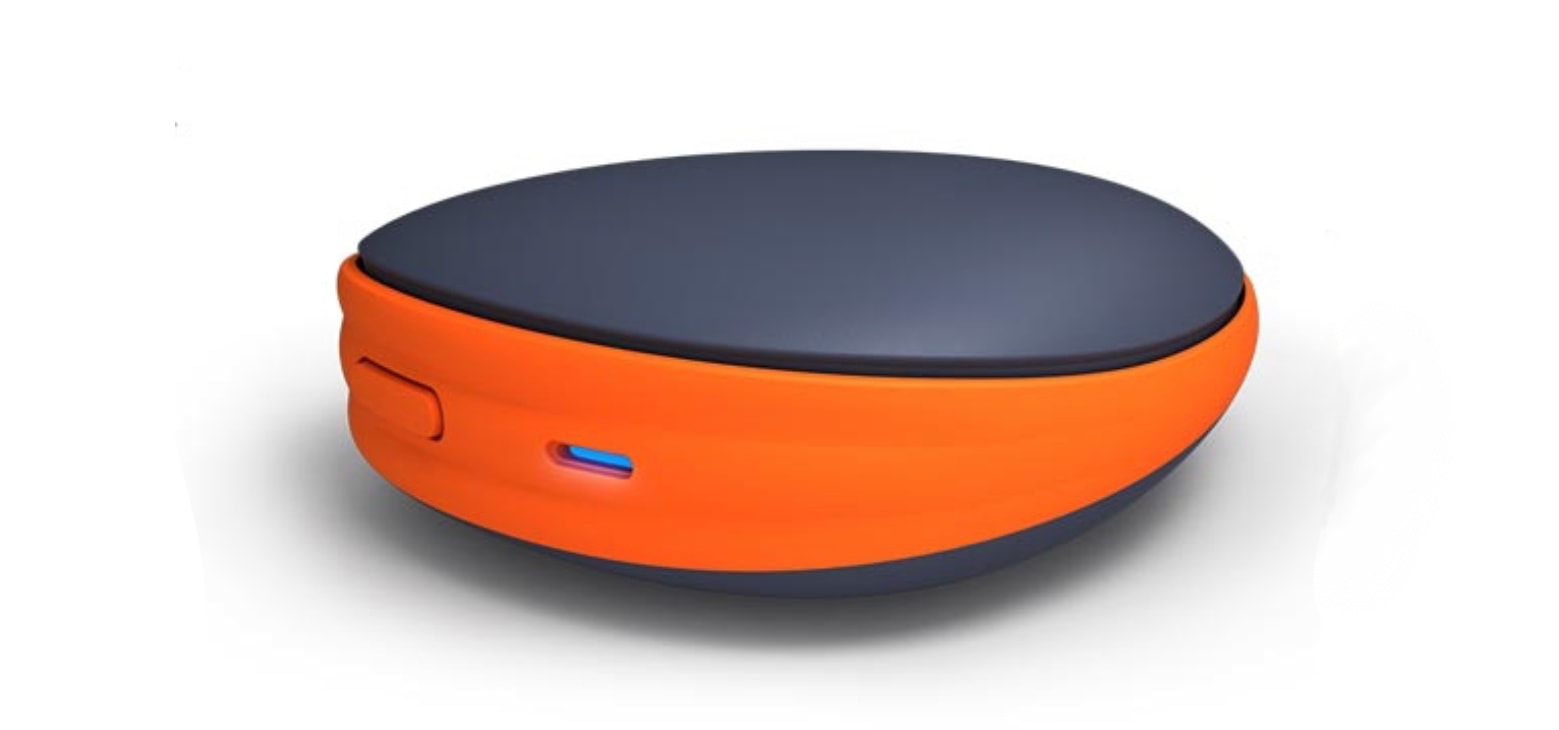
Activ5 and your iPhone can help build strength through isometric exercises. Photo: Activebody
Activebody’s Activ5 is a palm-size accessory for isometric-based workouts. Along with companion iPhone and Apple Watch apps, it lets users exercise anywhere.
Apple approves of this workout gear enough to put Activ5 in its stores.
Will Apple move workouts to iCloud so you can browse them on any device? Photo: Graham Bower/Cult of Mac
WWDC is less than a week away and there are already plenty of rumors doing the rounds on what new features Apple has in store for iOS and watchOS. Dark mode, a refreshed Reminders app and a new Find My app all look set to make an appearance.
But will Apple also be giving its operating systems a shot in the arm to improve their health and fitness as well? Here’s my top-ten wish list of announcements I’m hoping to hear during next week’s keynote. These features will get my pulse racing so fast it’ll trigger a heart rate warning on my Apple Watch.
Max out your aerobic fitness with Apple Watch. Photo: Graham Bower/Cult of Mac
Want to know how fit you really are? Apple Watch provides loads of insightful metrics you could check. So many, in fact, that there is not enough space for them all in the Workout app. Instead, you’ll find much of this crucial data buried away in the Health app on your iPhone.
One of the most interesting is VO2 max, which is basically the ultimate test of your aerobic fitness. If you’re into endurance sports, VO2 max is a metric you’ll want to check out.
Here’s a quick guide to everything you need to know about VO2 max on Apple Watch: What it is, how to use it, and how to improve yours.