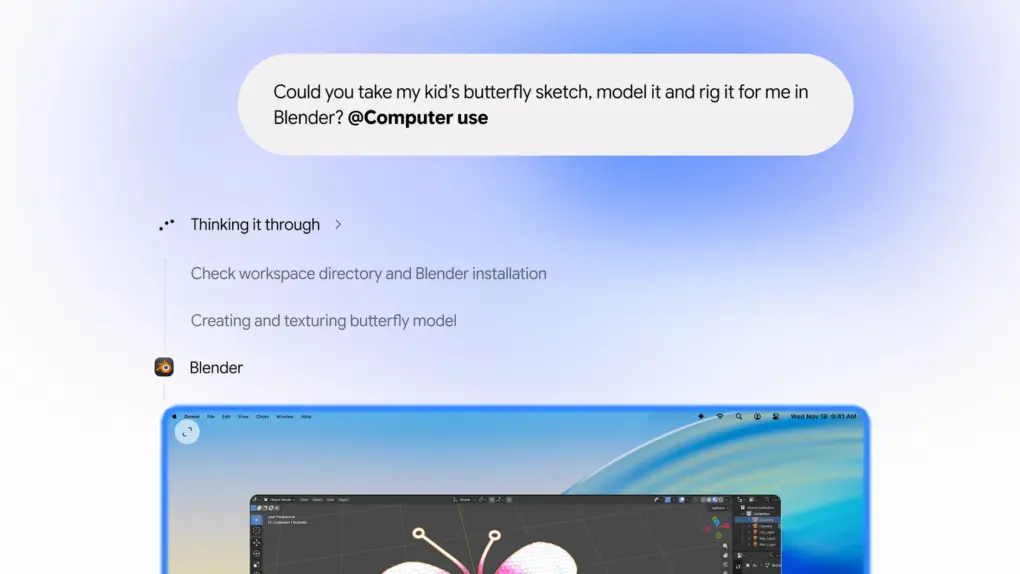
Google Gemini is getting a big upgrade and can now control your Mac. Its new computer use feature lets the AI assistant carry out repetitive tasks on your behalf, including typing and clicking.
The best part is that it can do all this in the background while you continue using your Mac.
Let Gemini handle the repetitive tasks
Google’s Gemini app for Mac already offers several useful features, including dictation and the ability to use what’s on your screen as context for its responses. Now, it’s taking things a step further by letting you hand off tasks that normally require jumping between apps and websites.
You can use Gemini to handle tasks on your behalf, such as color grading photos in your favorite photo editing app, setting up complex 3D scenes, filling out forms, extracting data from PDFs, pulling relevant data from files stored on your Mac, creating a presentation in Google Slides and more.
Google says you remain in control throughout the process. You choose which apps Gemini can access, monitor its progress through a live preview in the chat, and pause it at any time. The assistant also asks for approval before taking key actions.
Since everything runs in an isolated background window, you can continue using your Mac while Gemini carries out the tasks on your behalf.
Claude and ChatGPT already offer similar computer use skills, so Google is just catching up to the competition here.
Only available in the US for now
For now, computer use in Gemini for Mac is rolling out in English in the United States for personal Google account users subscribed to the AI Plus, Pro or Ultra plan. It also requires an Apple Silicon Mac running macOS Sequoia 15 or later.

Rajesh has been writing about consumer technology for over a decade, with a strong focus on iPhones, Macs and Apple’s ecosystem. He enjoys digging into Apple software updates, hardware changes, and discovering new Mac apps that make work faster and more enjoyable.
You can reach out to him at mail[at]rajeshpandey.me.