
ChatGPT on Mac can now work with the Messages app to read and send texts on your behalf. The integration also works with SMS and RCS messages.
You can install the Apple Messages plugin from the Plugins section in the ChatGPT Mac app.
ChatGPT’s latest Mac trick puts your texts within reach
ChatGPT can integrate with several third-party apps and services to help you get more done in less time. It can already control your Mac’s screen to carry out tasks on your behalf.
With the Messages app integration, OpenAI wants to make it easier to manage your everyday conversations. Once installed, the plugin will allow ChatGPT to read and search your message history. It can even send texts, including with file attachments, on your behalf.
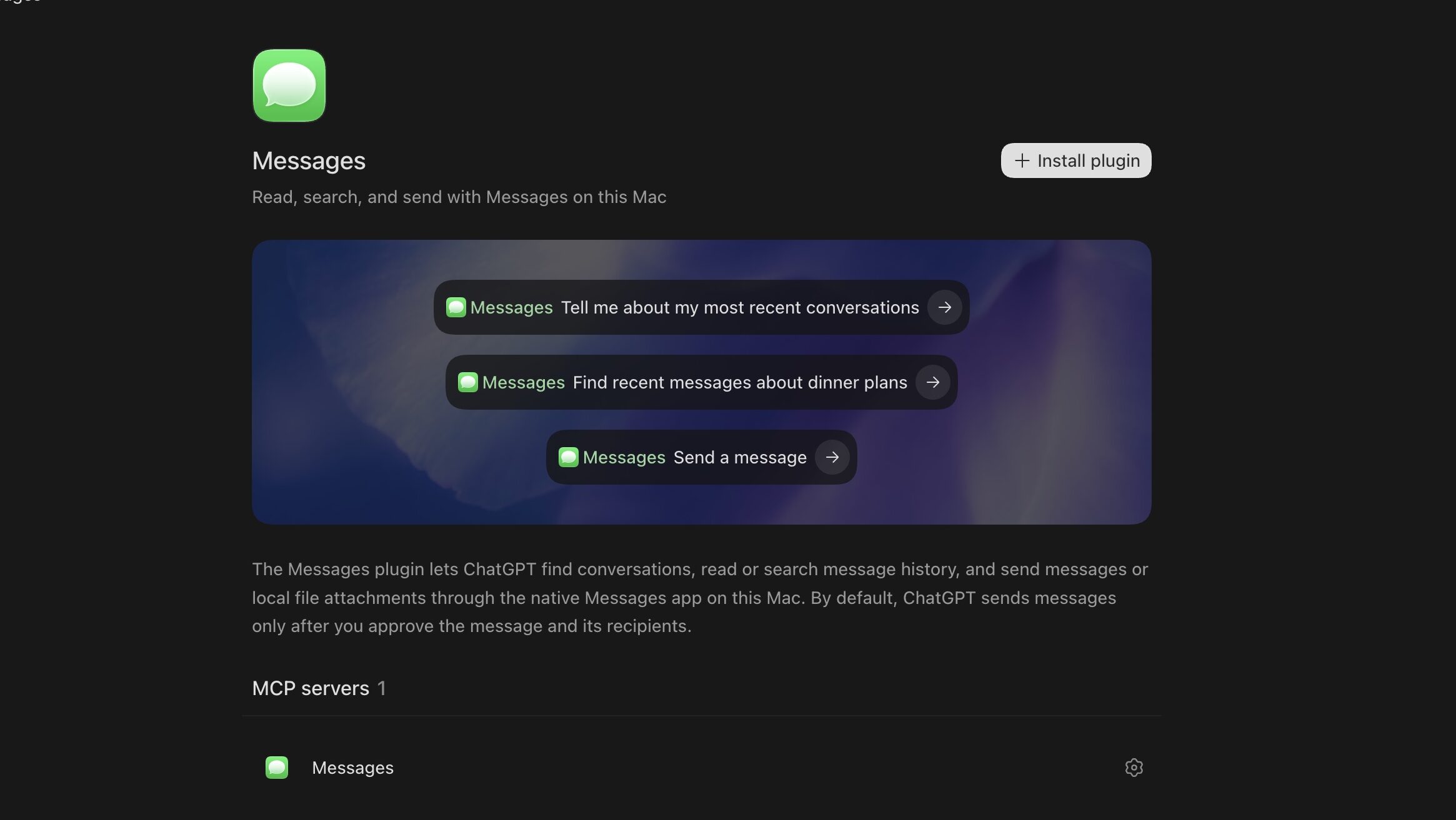
Screenshot: Rajesh Pandey/Cult of Mac
So, instead of digging through your message history, you can ask ChatGPT to find that long-forgotten dinner plan, summarize recent conversations, or draft and send replies.
If you heavily use the Messages app for work conversations, this integration may help you cut through the clutter and find what you need faster.
Everyday conversations just got easier with the new Apple Messages plugin.
Search messages, catch up on conversations, draft and send replies—all with ChatGPT on your Mac.
Now available in ChatGPT Work and Codex on desktop. pic.twitter.com/nicfZMuxZc
— ChatGPT (@ChatGPT) August 20, 2026
ChatGPT will require your explicit approval before it can send a message. This additional step should reduce the risk of the AI tool sending a text to the wrong person. You can give persistent approval, though OpenAI recommends against it.
The Messages app plugin for ChatGPT is available through the Plugins section in the ChatGPT Mac app. For now, the integration is only available through the Mac app, and not on mobile.
Even on the Mac, the Messages app integration is only available in ChatGPT Work and not in the regular conversation mode.

Rajesh has been writing about consumer technology for over a decade, with a strong focus on iPhones, Macs and Apple’s ecosystem. He enjoys digging into Apple software updates, hardware changes, and discovering new Mac apps that make work faster and more enjoyable.
You can reach out to him at mail[at]rajeshpandey.me.

