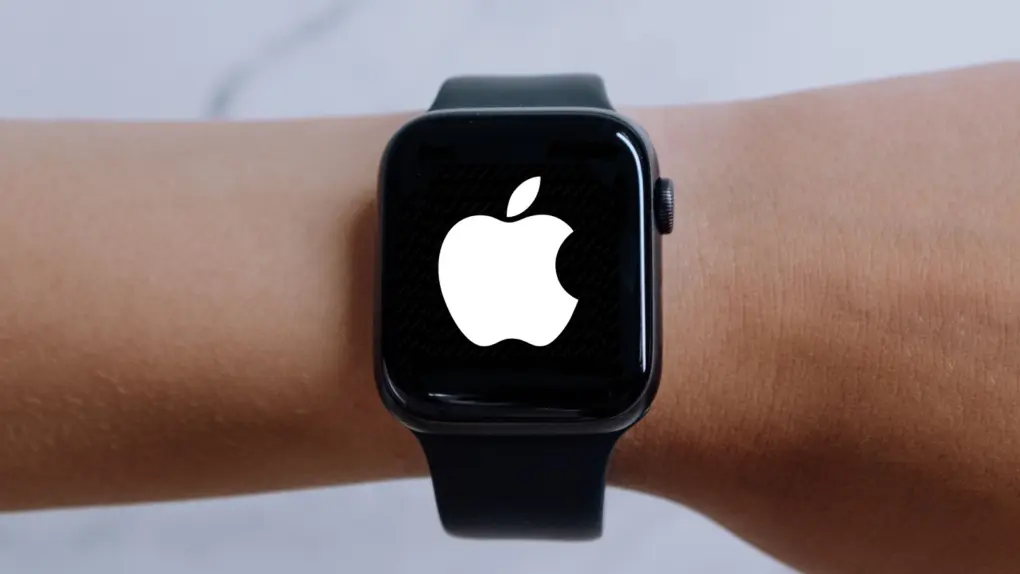
Apple on Wednesday released watchOS 27.0.1, an important update for owners of its newest Apple Watch models. It fixes a bug that caused these wearables to repeatedly restart.
Anyone with an Apple Watch Series 12 or Apple Watch Ultra 4 should install it immediately.
watchOS 27.0.1 fixes Apple Watch Series 12 and Ultra 4 reboot bug
Owners of the Apple Watch Series 12 and Ultra 4 began reporting sudden, unexplained restarts shortly after the new wearables launched last Friday. Online reports of the problem were widespread, so it appears to have affected a large percentage of the new devices, though certainly not all.
But now there’s a fix: watchOS 27.0.1.
Apple’s release notes are brief, simply saying that the update provides bug fixes, including a fix for an issue that could cause Apple Watch to restart unexpectedly.
So irritating
This wasn’t a minor problem. Unexpected reboots can be quite disruptive on a device that people rely on for workouts, notifications and other tasks throughout the day.
And some owners of the new wearables reported seeing their devices restart multiple times in the past few days, although the problem did not affect every Apple Watch Series 12 or Ultra 4.
Apple hasn’t publicly explained what caused the problem. The company also hasn’t listed any new features in watchOS 27.0.1, making this a straightforward bug fix update.
How to install watchOS 27.0.1
Given its narrow focus, it’s not surprising that watchOS 27.0.1 is only for the Apple Watch Series 12 and Ultra 4. Owners of other models remain on watchOS 27.0 for now — don’t waste your time looking for an update that is not available for your device.
Installing the new version can be done from the Settings app on the Apple Watch. Look in General > Software Update. Alternatively, use the Watch app on a paired iPhone.
The watch needs to be on its charger and have more than 50% battery before installation.

Ed Hardy has been writing full-time about tech for 26 years, and using it for much longer than that. His intro to Apple was a Macintosh SE/30 (which he still has), but now he uses a 13-inch iPad Pro as his primary computer.
That’s because he’s a “tablet first” type of guy. Rather than use a Macbook, he connects a keyboard case to the iPad. And instead of a desktop Mac, he connects his tablet to a 27-inch display and full-size keyboard. (So don’t try to tell him that everyone has to use a Mac to be productive.)
Before coming to Cult of Mac, Ed wrote for NotebookReview, TabletPCReview and Brighthand, as well as other sites.

