An iPhone typing bug that frustrates users gets a fix. AI image: Apple/ChatGPT/Cult of Mac
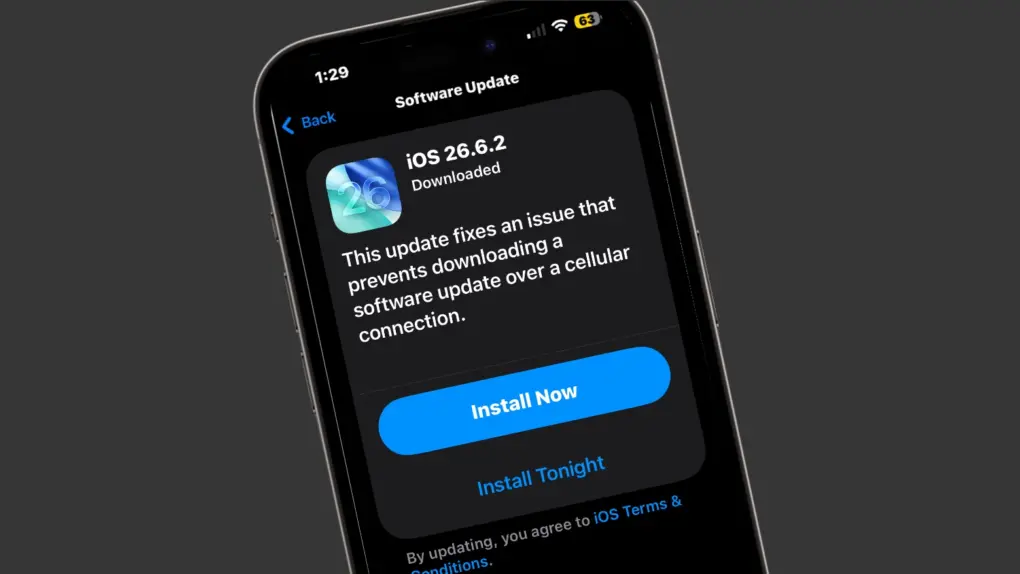
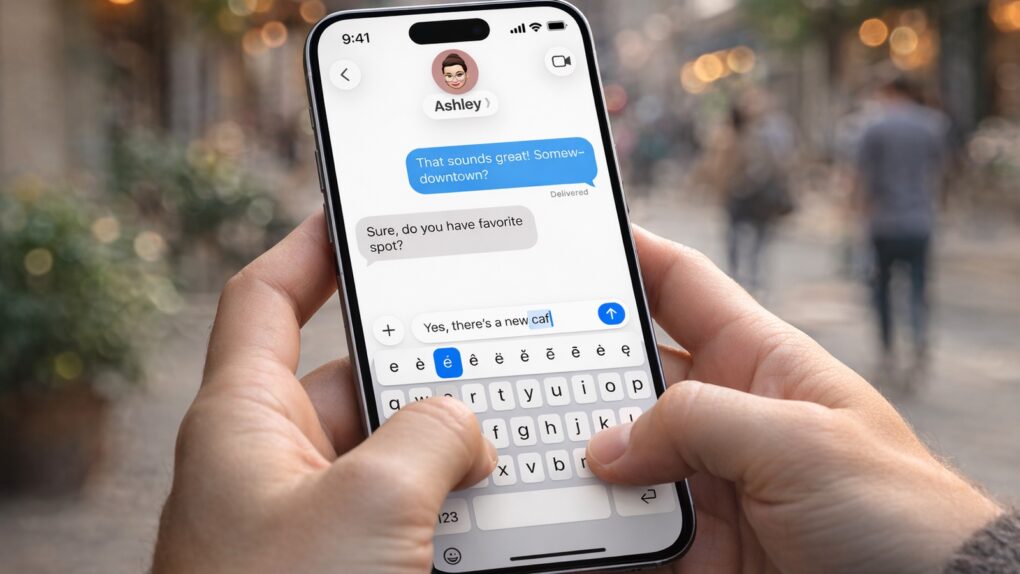
Apple’s iOS 26.4 update includes a small line in its release notes that is drawing outsized attention. It promises “improved keyboard accuracy when typing quickly.”
While that might sound like a routine tweak, it appears to address a typing problem that has frustrated iPhone users for months.
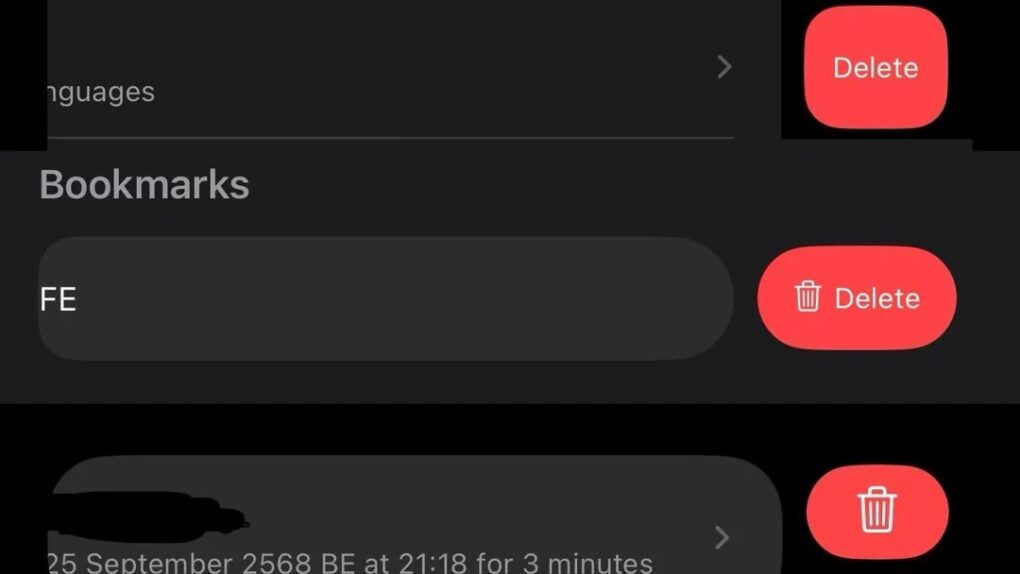
Why does Apple vary delete buttons so much? Image: [email protected]
Apple built a reputation for meticulous design consistency, but a growing number of users keep noticing cracks in that polished facade. A recent social media discussion highlights how longtime Apple fans wonder why delete buttons vary so much across iOS apps.
“Steve Jobs would be absolutely livid about the state of Apple UIs today,” wrote one irate user about the steadily less-consistent state of the iOS user interface.
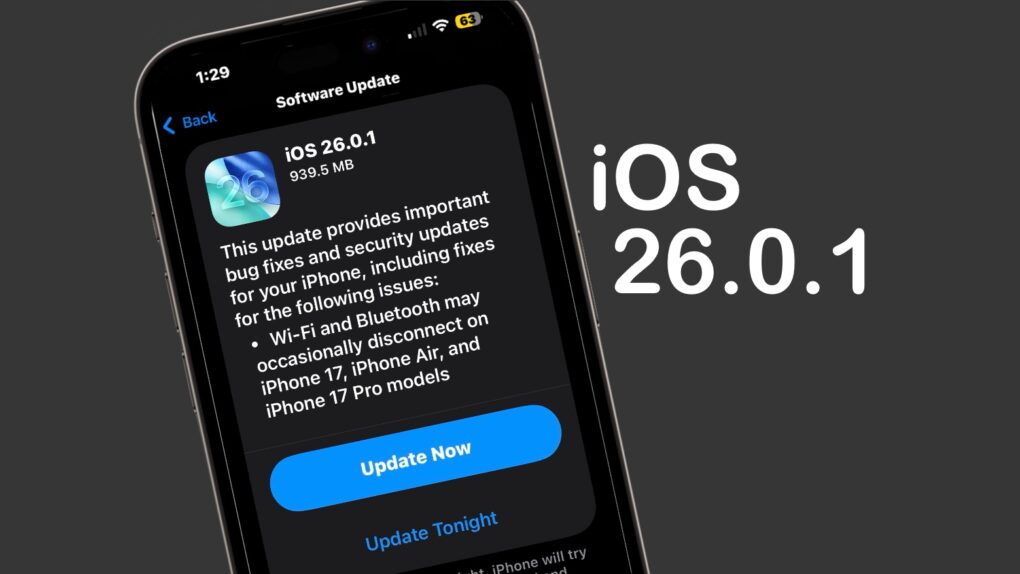
iOS 26.0.1 includes multiple bug fixes for iPhone 17 users. Image: Cult of Mac
iOS 26.0.1 and macOS Tahoe 26.0.1 launched on Monday, bringing a range of bug fixes to the major operating system upgrades introduced earlier this month. That includes taking care of multiple issues in the new iPhone 17 series — some quite serious.
In addition, iPadOS 26.0.1, watchOS 26.0.2, tvOS 26.0.1 and visionOS 26.0.1 all went to users on Monday.
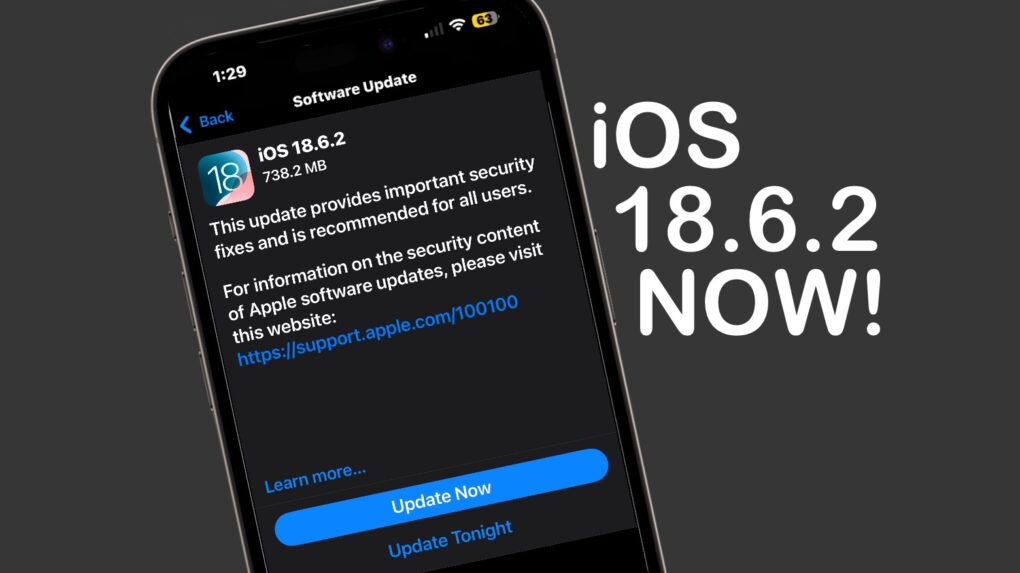
iOS 18.6.2 needs to be installed now. The same goes for macOS 15.6.2 and iPadOS 18.6.2. Image: Apple/Cult of Mac
Apple released iOS 18.6.2, macOS Sequoia 15.6.2 and iPadOS 18.6.2 on Wednesday, warning that the updates close security vulnerabilities already exploited by hackers.
While the patches include no new features, they are nevertheless highly recommended for iPhone, Mac and iPad users.
Don't do this. Image: Ed Hardy/D. Griffin Jones/Cult of Mac
Want to make your iPhone crash? It’s easy. Type four simple characters into the App Library’s search field and the iOS SpringBoard will go down like a house of cards.
The good news is that a fix already seems to be on the way from Apple for this extremely minor bug.
iOS 17.5.1 removes a potentially embarrassing bug. Photo: Cult of Mac
iOS 17.5.1 went out Monday to patch a nasty bug that could make images completely deleted from an iPhone reappear later. Multiple times. It’s was a problem with a lot of potential for embarrassment.
Tablet users got iPadOS 17.5.1 to fix the same bug. And Tuesday brought tvOS 17.5.1 to fix the problem on Apple TV.
iPhone wake-up alarms are failing. Photo: Cult of Mac/NEOSiAM 2024+
No, you didn’t deactivate the wake-up alarm in your sleep this morning. Apple is aware of a problem that sometimes causes the iPhone’s Clock app to fail to set off alarms.
Suddenly got logged out of your Apple account? You're not alone. Image: Cult of Mac
Many Apple users report suddenly being locked out of their Apple ID account on their devices. Worse, they could not log back into their account with their password, forcing them to reset their login credentials.
Apple has not yet acknowledged this issue, and it does not appear linked to any iCloud server outages.
Install macOS Sonoma 14.4.1 to make your Mac less buggy. Photo: Apple/Pixabay/Pexels
Mac users should install macOS Sonoma 14.4.1, a patch to remove a bug that affected USB hubs (and made headlines). The update, released Monday, also takes care of a couple of other problems.
Currently, it’s the only OS update coming out of Cupertino on Monday, meaning Apple Watch and tvOS users are still waiting.
If a recent watchOS update cut your Apple Watch battery life, there's good news. Photo: Ste Smith/Cult of Mac
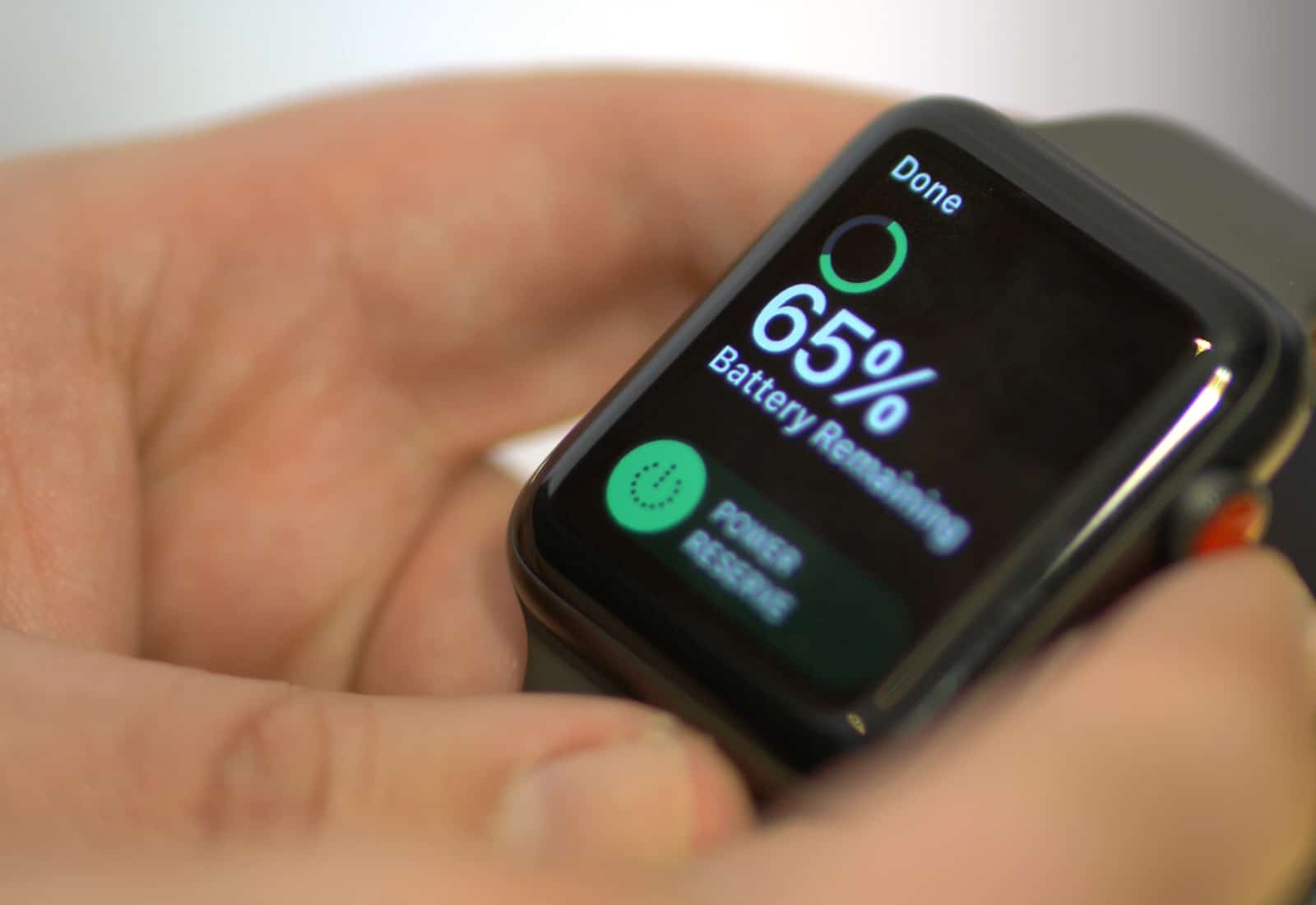
Many Apple Watch wearers suffered from shortened battery lives after upgrading to watchOS 10, but the problem will be taken care of soon with a software patch, according to an internal Apple document.
While not affecting everyone with an Apple Watch, this a clearly a significant problem, considering the number of complaints about it online.
Install iOS 17.0.3 to keep iPhone 15 from getting so hot. Image: Ed Hardy/Cult of Mac
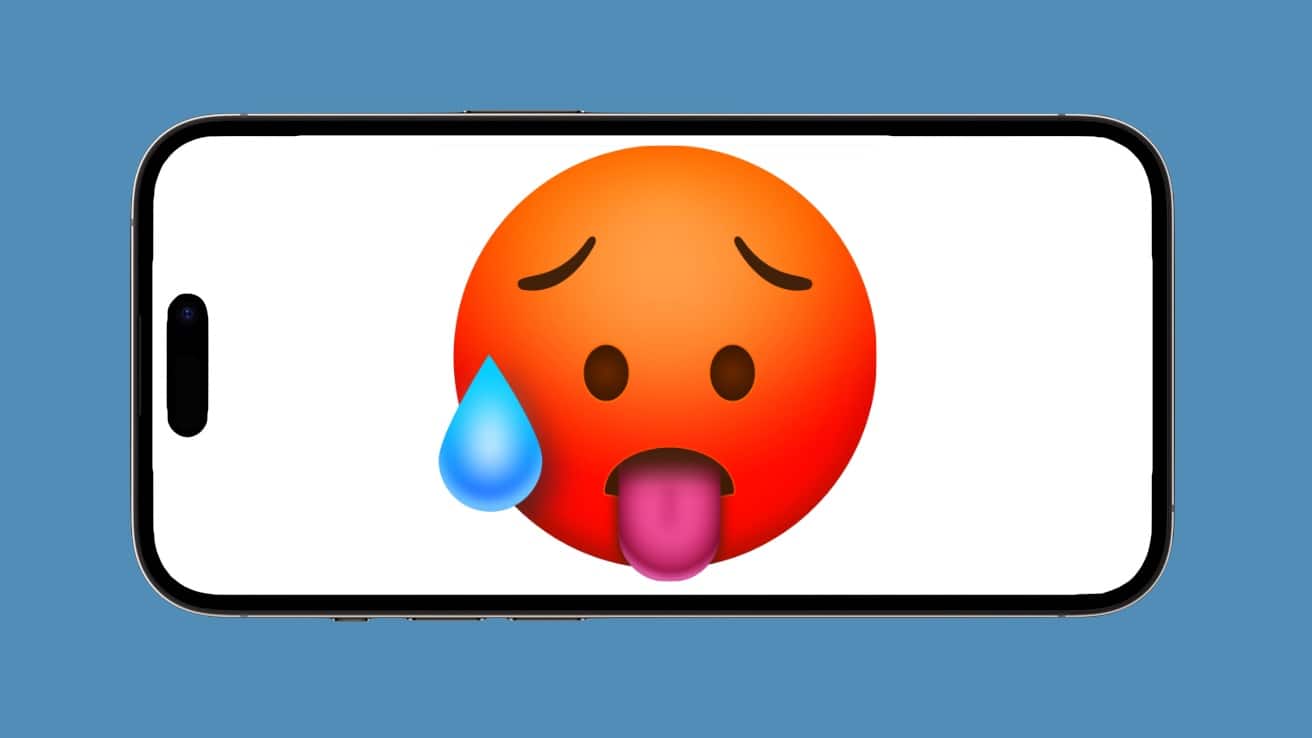
iOS 17.0.3 just launched, and Apple promises it “addresses an issue that may cause iPhone to run warmer than expected.” This is a well-publicized problem with iPhone 15 models.
It also might increase the battery life of previous iOS handsets.
iOS 15.7.4 takes care of a long list of security bugs. Photo: Cult of Mac/Egor Kamelev/Pexels
Apple introduced iOS 15.7.4 and iPadOS 15.7.4 for older devices on Monday, closing significant security holes in a range of frequently used applications. Anyone still running iOS 15.x should install the new version.
Cupertino also released iOS 16.4 and the iPad equivalent on Monday. The updates for its older operating systems are further proof that Apple doesn’t abandon them.
Install iOS 16.0.3 now to remove some irritating bugs. Photo: Ed Hardy/Cult of Mac
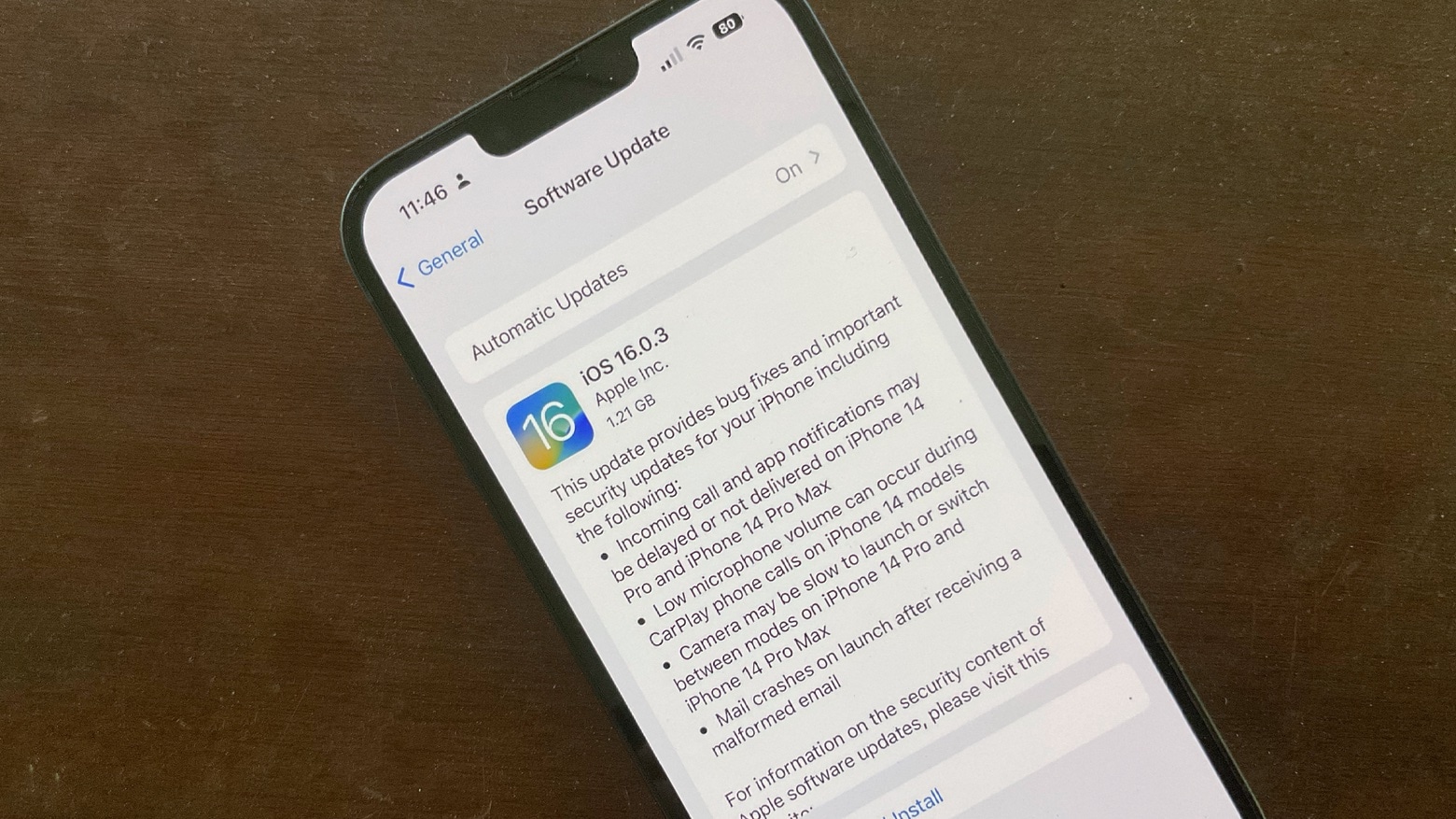
Apple released iOS 16.0.3 and watchOS 9.0.2 on Monday to remove a range of small bugs. Many of these affect the new iPhone 14 series and Apple Watch models.
Both updates are recommended for those with Apple’s latest handsets and wearables, as well as who’ve already installed iOS 16 and watchOS 9.
iOS 16 brought new bugs to many third-party applications. Photo: Cult of Mac/Egor Kamelev/Pexels
When a new iOS version launches, it’s easy to concentrate on its bugs and forget the problems it causes for third-party iPhone software. An analysis of user reviews made in the weeks since iOS 16 debuted found that social networking apps and dating apps are more likely to have issues on iPhones running Apple’s latest OS.
So if you’re suddenly having problems with a frequently used app, you might not be alone.
Apple has promised to fix this. Image: Apple/Cult of Mac
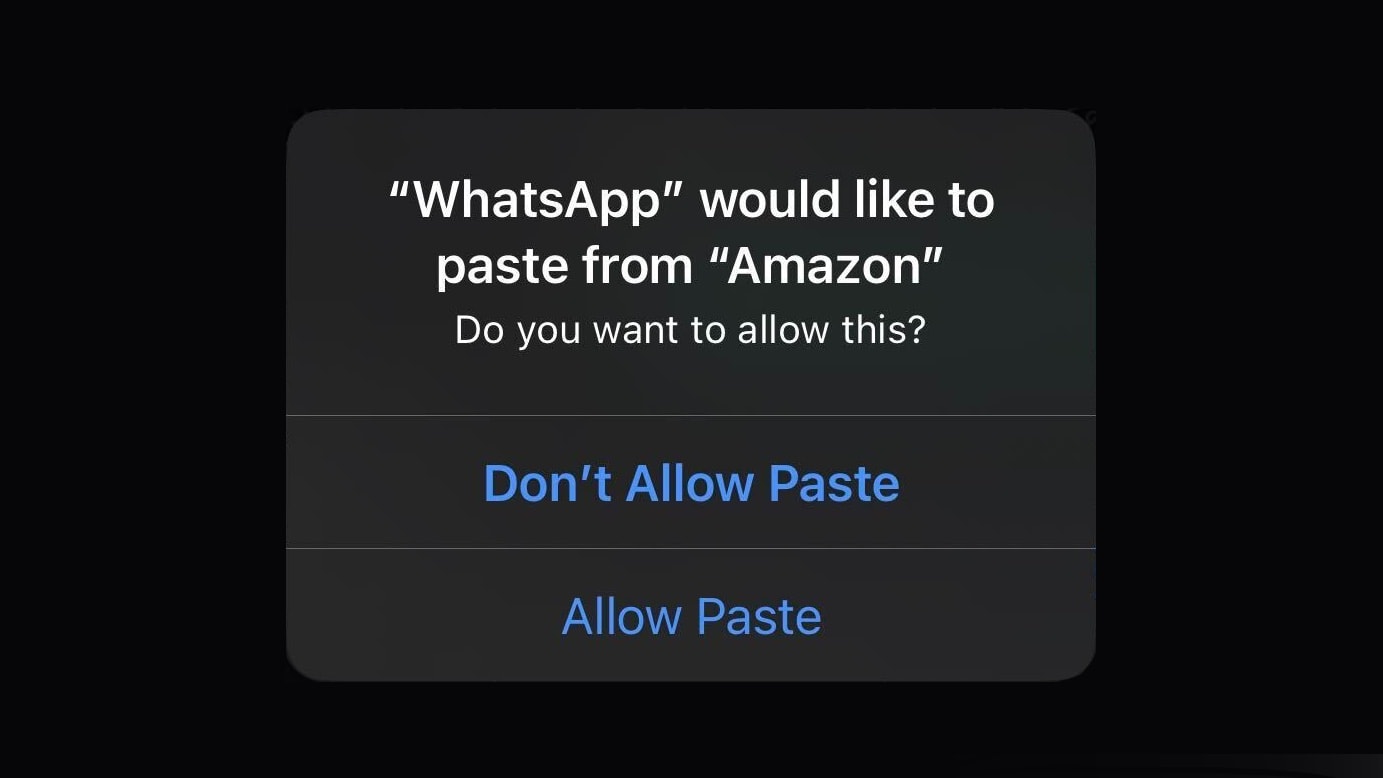
A pop-up window in iOS 16 asking iPhone users to approve pasting into an app appears far more often than it should, according to an Apple executive. A fix is on the way.
Get some bugs out of your Apple Watch with the watchOS 8.4.1 update. Photo: Cult of Mac/Brandon Phan /Pexels
Apple introduced watchOS 8.4.1 on Wednesday, and promised that it offer “bug fixes.” It didn’t reveal what these are, but Apple Watch users are hoping it takes care of a nasty problem with the Wallet app.
Apple Watch users can return to happily charging with watchOS 8.4. Photo: Apple/Cult of Mac
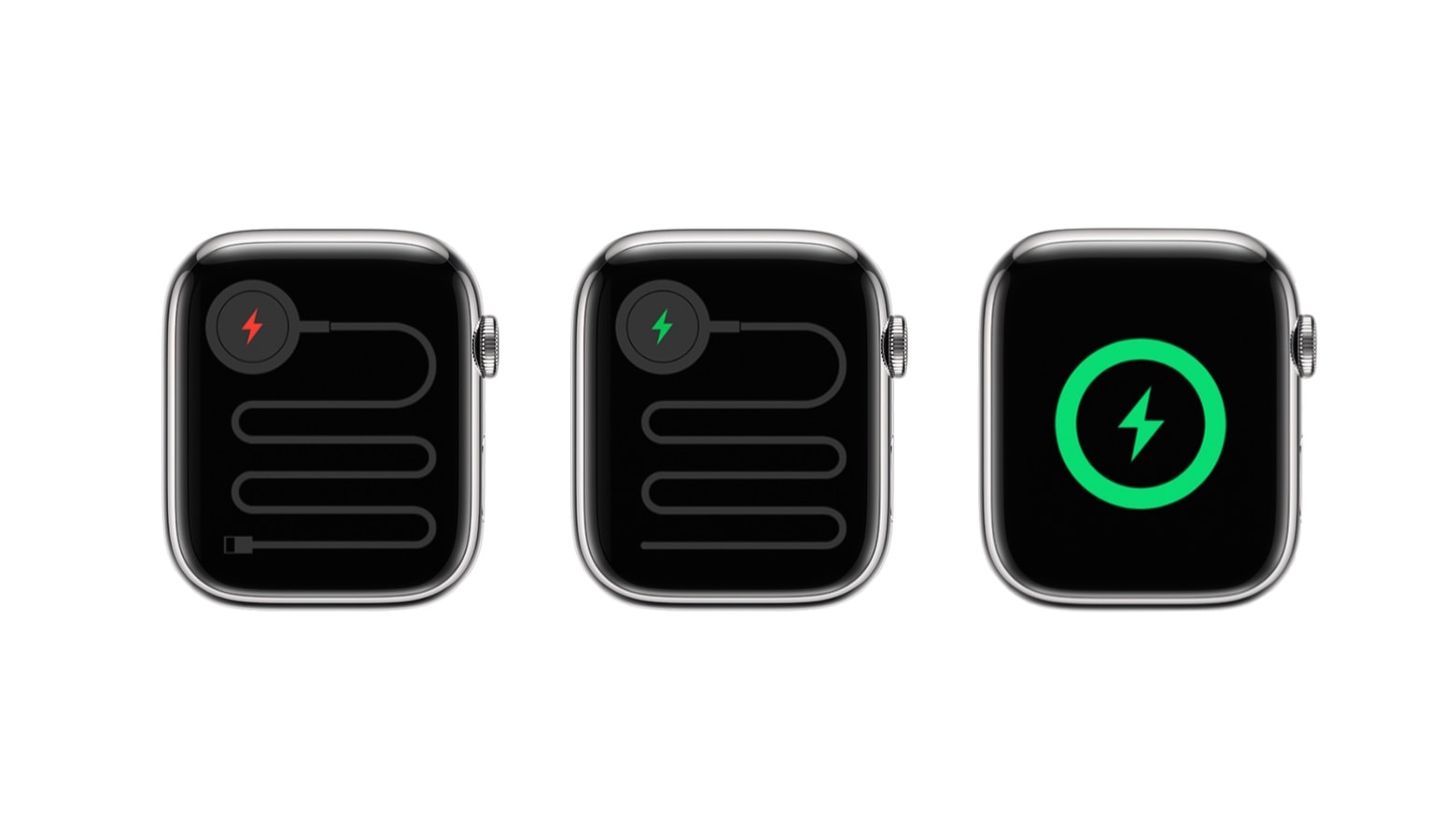
Apple Watch wearers can now install watchOS 8.4. And many will want to do so soon because the new version removes an irritating bug that prevented some third-party chargers from working.
macOS 12.2 takes care of a few bugs. Photo: Apple/Cult of Mac
Mac users can now install macOS Monterey 12.2. Apple is vague about what’s in the new version. However, prerelease beta testers indicate it brings a rewritten Apple Music app and smoother scrolling for MacBooks with ProMotion displays. It definitely fixes a serious Safari bug.
iOS 15.7.4 takes care of a long list of security bugs. Photo: Cult of Mac/Egor Kamelev/Pexels
Apple made iOS 15.3 available to all compatible iPhone models Monday. The update squashes at least one bug that recently made headlines. But there are no new features.
Apple also introduced iPadOS 15.3 to erase many of the same bugs. And macOS Monterey 12.2 and watchOS 8.4 debuted, too. tvOS 15.3 arrived Monday as well.
iOS 15.2.1 squashes some bugs in Messages and CarPlay. Photo: Lewis Wallace/Cult of Mac
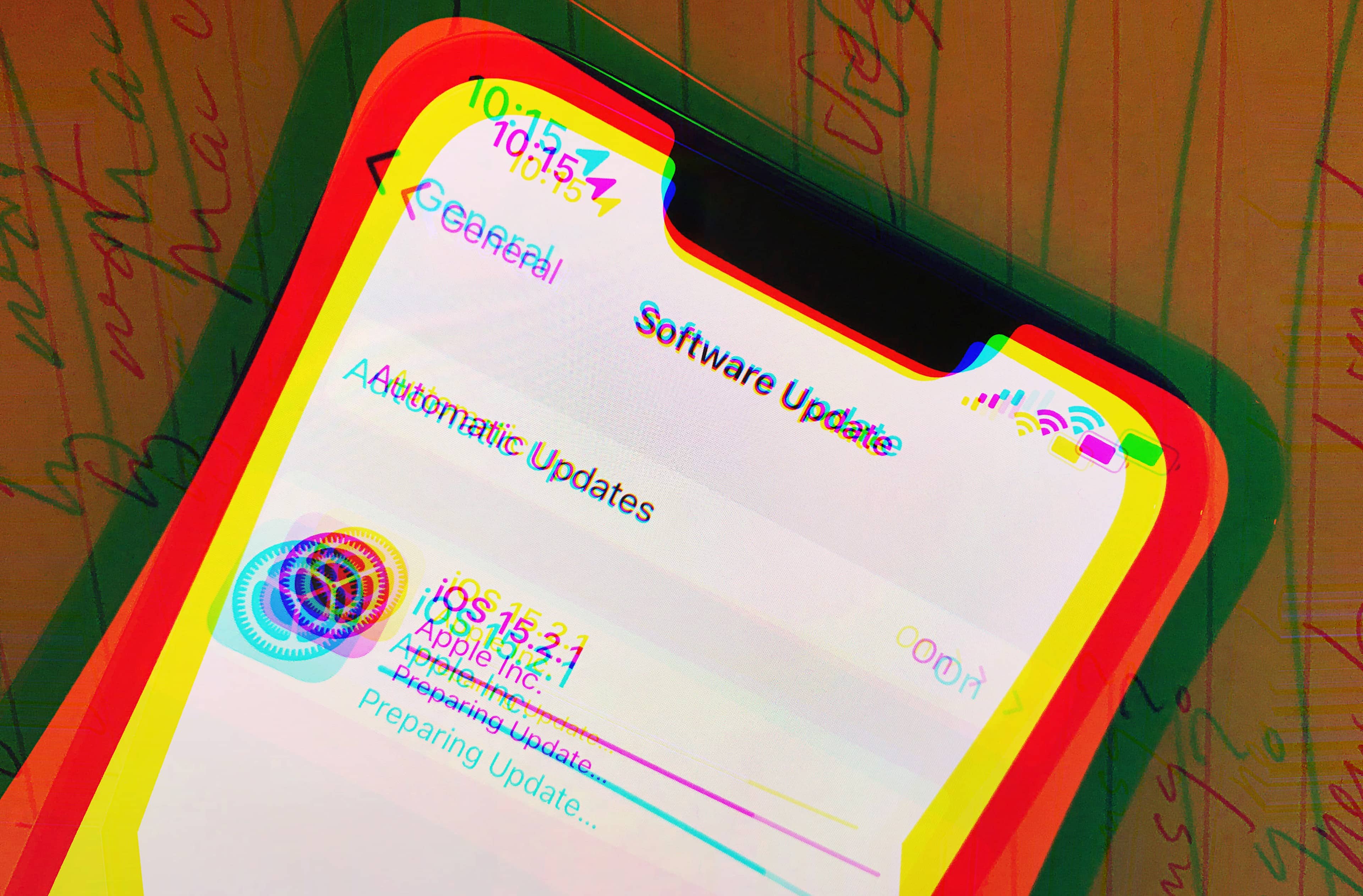
iPhone users got small “bug fix” update on Wednesday. iOS 15.2.1 takes care of problems with Messages and CarPlay. And a HomeKit bug that made the news recently. In addition, iPadOS 15.2.1 is also out to take care of the same Messages bug.
Both updates are available for all, and are ready to be installed immediately.
35% of iPhone users haven’t installed iOS 15, even though they could have months ago. Image: Ed Hardy/Cult of Mac
Three months after launch, a lower percentage of iPhone users have adopted iOS 15 than they did its predecessors in previous years. Cult of Mac asked readers to explain their hesitancy.
iOS 15.0.2 is out to get rid of some iPhone problems. Photo: Cult of Mac
iPhone users should install the latest system software update because it fixes a collection of bugs. Monday’s release of iOS 15.0.2 takes care of images that couldn’t be deleted, problems with AirTag and iPhone Leather Wallet, and more. More significantly, it (and a related iPadOS update) deals with a device restore/update issue with iPhone 13 and the new iPad mini. If you’re unsure whether your AirTag is up to date, you can check thecurrent AirTag firmware version to stay on track.
Tablet users can install iPadOS 15.0.2, which also came out Monday.
macOS Big Sur 11.5.1, iOS 14.7.1 and iPadOS 14.7.1 each take care of the same dangerous bug. Graphic: Ed Hardy/Cult of Mac
Three of Apple’s biggest products received security patches Monday — and another got its version on Thursday. You should probably install them as soon as possible.
The company started with macOS Big Sur 11.5.1, iOS 14.7.1, and iPadOS 14.7.1 to fix a security hole reportedly used by at least one hacker already. That’s why they are “recommended for all users,” according to Apple.
Apple followed up Thursday by releasing watchOS 7.6.1 to patch the same bug on Apple Watch. It’s also recommended.
iPhone, iPad and Apple Watch users should install new system software updates immediately. Graphic: Cult of Mac
Apple has a fix for a serious bug in the mobile version of its Safari web browser. Hackers have reportedly already used it, which makes a high-priority of installing iOS 14.4.2, iPadOS 14.4.2 and watchOS 7.3.3. All three hit Apple servers Friday morning.
Apple called special attention to a Bluetooth bug fix in its release notes for macOS 11.2. Photo: Cult of Mac
Apple released macOS Big Sur 11.2 to the public Monday, bringing more reliable Bluetooth connections. That should warm the hearts of those using recently released Macs built around Apple’s first-generation M-series processor.
The Mac update brings other bug fixes as well, but the release notes make no mention of new features.