Mobile menu toggle

News

The latest Apple news, opinion and analysis posts from Cult of Mac writers.

Read Cult of Mac’s latest posts on News:

Apple is fixing the Mail app’s broken search in iOS 27

By

A photo of Apple's Mail app for the iPhone used in a story about the iOS 27's Mail app update.
Apple Mail gets a ground-up search overhaul in iOS 27.
Image: Apple

Apple WWDC26: Apple Mail’s search has been broken for years, and everyone knows it. But iOS 27 should fix that.

When it arrives later this year, it will bring a completely rebuilt Mail search with features such as a new on-device index, relevance ranking and the ability to reindex old emails. The emails you know exist but can never find? Your iPhone will finally be able to surface them.

Apple clears the clutter out of the App Store

By

App Store
Apple is ready to dump copycat applications from the App Store.
Graphic: Apple/Cult of Mac

Finding useful software in the App Store is about to get easier. Apple is apparently preparing to remove what it describes as “opportunistic” apps that provide little value to iPhone and iPad users.

It already had a policy of not approving applications that are “indistinguishable from what’s already widely available.” This week, it quietly warned developers that it will start removing low-value software that doesn’t attract attention from users.

10 hidden iOS 27 features Apple barely mentioned at WWDC26

By

Hidden iOS 27 features
iOS 27 packs several smaller changes that Apple did not talk about.
AI image: ChatGPT/Cult of Mac

Apple WWDC26: Apple spent the majority of WWDC26’s opening keynote talking about Siri AI, Apple Intelligence upgrades, Liquid Glass refinements and performance enhancements. But iOS 27 packs much more than that. There are several smaller changes that Apple did not talk about onstage.

Here are some of the best hidden iOS 27 features you might have missed.

iOS 27 finally fixes the Messages app’s most annoying buttons

By

A photo of Apple's Messages app used in a story about new features coming with IOS 27.
Messages in iOS 27 gets smarter, safer, and a whole lot less frustrating.
Photo: Apple
Apple WWDC26: If you ever accidentally hit the microphone button in the Message app and started recording your voice, Apple finally fixed that problem in iOS 27. Justin Bieber publicly complained about it last year, and as it turns out, Apple was paying attention.

With iOS 27, Apple is not only ending the dictation button problem but also adding some new features to the Messages app. You’ll also get AI-powered smart suggestions, a new drawing tool, improved child safety features and performance fixes.

macOS 27 Golden Gate is last update to support Intel apps

By

A photo of macOS 27 used in a story about macOS 28 discontinuing support for Intel only apps.
Apple is finally closing the book on Intel app support with macOS 27 Golden Gate.
Photo: Apple

Apple’s planned goodbye to Intel is almost here, and it’s not about the hardware. macOS 27 Golden Gate will be the last version of macOS to support apps built for Intel-era chips using Rosetta 2, the software layer that’s been keeping older software alive on Apple silicon. Next year, when Apple announces macOS 28, that safety net will disappear completely.

This affects even M-series Mac users who upgraded years ago. If any of the apps you use haven’t been updated with native Apple silicon support, they are likely alive because of Rosetta 2. These apps now have roughly one year before they stop running.

Prominent leaker declares touchscreen MacBook ‘100% confirmed’

By

MacBook Ultra could come sooner than you think
Get ready to pay more for OLED MacBook Pro, which might be called MacBook Ultra (with a touchscreen!).
AI image: ChatGPT

Apple has resisted putting a touchscreen on its laptops for years. But one of the most credible voices in the Apple supply chain rumor space declared that resistance officially over on Thursday. The long-rumored touchscreen MacBook is “100% confirmed,” they said.

Even if your aging iPhone can run iOS 27, it won’t get these advanced AI features

By

Your iPhone may get iOS 27, but it won't get these features.
Some Siri AI features will only work on Apple's latest devices.
AI image: ChatGPT/Cult of Mac

iOS 27 is coming to iPhone 11 and all models released after that. And while it sounds impressive that Apple’s new operating systems will support devices released in 2019, it does not mean that your old iPhone will get every new iOS 27 feature. In fact, even the iPhone 17 will not get the full suite of AI features in iOS 27.

The same holds true for iPadOS 27 and macOS 27. Many of the headline features require newer hardware, meaning some compatible iPads and Macs will miss out on parts of the update.

Apple’s Calendar app adds better natural-language support in iOS 27

By

A screenshot of Apple Calendar app on an iPhone in a story about iOS 27's natural-language updates.
Type it like you'd say it. iOS 27's Calendar app understands plain-English event descriptions.
Image: Apple

Apple’s Calendar app is just fine — good enough to use, but never good enough to love — but iOS 27 finally changes that. The update brings natural-language event creation to Apple’s stock app, a feature that third-party solutions have made possible for years.

In iOS 27, you can just type in simple English what you want to do, and your iPhone will take care of the rest. No more hopping between date pickers, fiddling with time selectors, and entering a location. The app will understand and build an event for you.

Siri AI could tell you to take a break if conversations go too long

By

An image with the word
Siri AI might tell you to take a break if you're getting too gabby.
Photo: Apple

Apple’s new Siri AI chatbot might know when you’ve been bending its ear — and encourage you to take a break. A hidden piece of code in iOS 27 reveals that Siri AI could remind you to chill out if a conversation runs too long.

It’s a small detail, but it suggests Apple is clearly thinking about what happens when you don’t stop talking to Siri.

Changes in macOS Golden Gate hint at a touchscreen MacBook

By

Black and white photo of someone touching a MacBook screen to scroll a webpage.
Please, only touch the screen if it’s a touchscreen.
Photo: Pavel Danilyuk/Pexels

A few changes in macOS Golden Gate 27 hint towards Apple introducing a Mac with a touchscreen quite soon. Apple added a bunch of developer tools that allow apps to differentiate touch input from mouse input. Liquid Glass elements also behave differently when you interact with them on a touchscreen — they bounce and glow more prominently, just like iOS. 

Officially, these changes are for Sidecar, the feature that lets you use an iPad as a touchscreen Mac display. But Apple’s own documentation also states that these new features are “not just for the Sidecar display.”

What else could that be…? Maybe the touchscreen MacBook that’s rumored to launch later this year. 

New BenQ Glossy Monitor for Mac fills hole in Apple display lineup

By

BenQ MA320UG 120Hz Glossy Monitor for Mac
The new BenQ MA320UG 120Hz Glossy Monitor for Mac could appeal to users at $830.
Photo: BenQ

The new BenQ MA320UG 120Hz Glossy Monitor for Mac is a 32-inch 4K display running at 120Hz with a glossy Nano Gloss panel and deep macOS integration, the company said Tuesday. It arrives as the first 120Hz model in BenQ’s MA Series for Mac.

“Today’s Mac users expect one setup to handle it all, and the MA320UG is the perfect answer for those users,” said Jeffrey Hsieh, head of the BenQ Consumer Line of Business. “The MA320UG combines 120Hz performance with matching Mac colors, intuitive controls and the flexible connectivity that Mac users depend on to work, create, and unwind.”

Apple Music gets compelling upgrades in iOS 27

By

A photo of Apple Music on an iPhone used in a story about new features coming to the app with iOS 27.
Apple Music's iOS 27 update is packed with upgrades. Here's what's coming.
Photo: Apple/Cult of Mac

Apple Music will receive one of its biggest overhauls in years with iOS 27, and the changes go deeper than you might expect.

The update covers almost all aspects of the Apple Music app: interface changes, expanded lyrics tools, improved AI-powered mixing, and quality-of-life changes that make the app feel faster. It sounds like a big update for anyone who uses the app daily.

6 key ways iOS 27 upgrades Apple Wallet

By

Bill-splitting tool coming to iOS 27
Soon iOS 27 will make this process a lot smoother.
AI image: ChatGPT/Cult of Mac

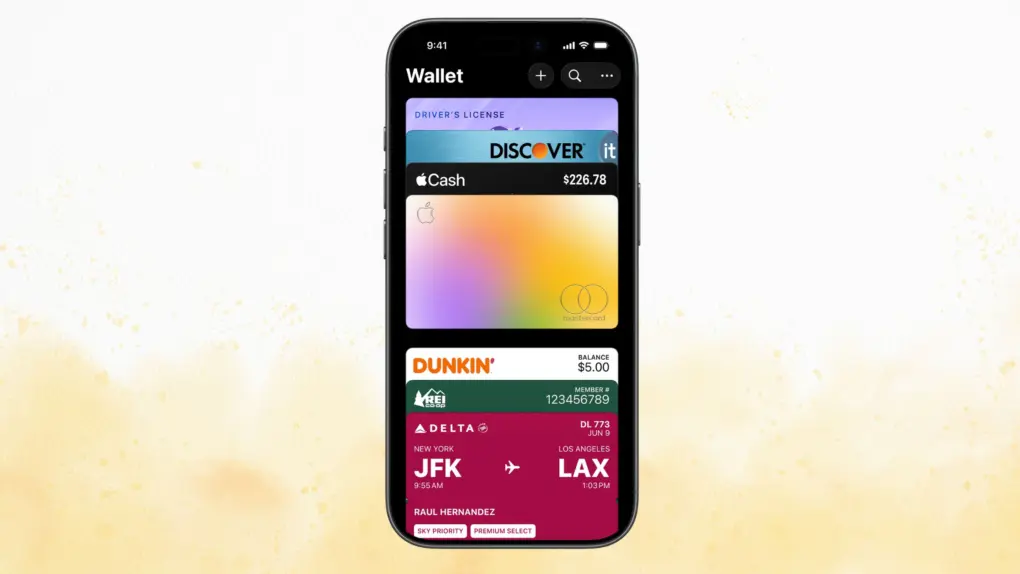
Apple’s WWDC26 keynote brought a wave of updates to Apple Wallet well beyond cosmetic tweaks. From AI-assisted bill splitting to richer hotel stays, iOS 27 turns Wallet into a more capable everyday tool. Here’s what’s coming.

How iOS 27 and tvOS 27 updates make your home smarter

By

iOS 27 and tvOS 27 updates make your home smarter
Updates unveiled at WWDC26 should boost Apple's Home app nicely.
AI image: ChatGPT/Cult of Mac

WWDC26 drew plenty of attention for the rebuilt Siri and the relatively substantial iOS 27 overhaul. But buried beneath those headlines lies Apple’s biggest push yet to turn the Home app into a genuinely capable smart home platform. iOS 27 and tvOS 27 updates make your home smarter, from AI-powered security cameras to a more reliable wireless backbone.

Telegram returns to the Apple Watch with a native app

By

Telegram Apple Watch app
The Telegram experience on Apple Watch is about to get a lot better.
AI image: ChatGPT

Years after dropping support for the Apple Watch, Telegram is back with a native watchOS app. The revived app offers a richer experience, letting you send messages, reply to chats, and more directly from your wrist.

It packs nearly all the essentials you’d expect from Telegram without having to reach for your iPhone.

Will your Apple TV run tvOS 27? Two models won’t get the new features.

By

A photo of Apple TV used in a story about tvOS 27 compatible devices.
Two Apple TV models may be left behind as tvOS 27 arrives.
Photo: Apple

Apple WWDC26: Apple’s tvOS 27 brings a few new features, but it also will leave two Apple TV models behind. According to Apple’s developer website, the tvOS 27 beta is compatible with “Apple TV 4K (2nd generation or later).”

That would mean the Apple TV HD and the Apple TV 4K (1st generation) won’t get the update. If you own either of those set-top boxes, you’re probably stuck on tvOS 26, with no new features coming.

5 biggest Liquid Glass changes in iOS 27 and macOS 27

By

Image from WWDC26 keynote showing bottom of an iPhone, with a new Liquid Glass slider maximizing the glassy effect
Apple provides more options for tweaking Liquid Glass in iOS 27, macOS 27 and iPadOS 27.
Image: Apple

Apple WWDC26: Refinements to Apple’s divisive Liquid Glass user interface in iOS 27, iPadOS 27 and macOS 27 address many of the quirks that made some people despise the glossy new UI over the past year.

Apple straightforwardly addressed users’ concerns during Monday’s WWDC26 keynote. And Shubham Kedia, Apple’s human interface design director, said Apple updated “the foundations of how Liquid Glass is built” for this year’s new operating systems.

“Last year, we introduced our most ambitious cross-platform design update ever with Liquid Glass, which made apps and experiences even more expressive and delightful,” said Kedia. “Like with all major design updates, there’s a natural process where we take a bold leap forward and then we continue to iterate.”

Will the changes to Liquid Glass satisfy users who dislike the current state of affairs? The first developer betas are out, and early reactions seem mostly positive. Here are the biggest changes coming to Apple’s design language this year.

What it means for watchOS to drop support for your Apple Watch

By

Your older Apple Watch isn't suddenly obsolete because it can't install watchOS 27
Your Apple Watch Ultra isn't suddenly obsolete because it can't install watchOS 27.
Photo: Apple

When Apple unveiled watchOS 27 at WWDC26 on Monday, it also revealed that the new version drops support for several Apple Watch models. That leaves many users wondering what this means for their wearable — did it just become rubbish?

Here’s what’s really going on, and why you should be able to keep using the device for years to come.

WWDC26 recap: New software upgrades and Siri AI in 90 seconds

By

WWDC26 Recap in 90 Seconds
Watch the keynote in just 2.0% of the time.
Image: Apple/D. Griffin Jones/Cult of Mac

At the WWDC26 keynote, Apple announced the next versions of all its operating systems with a swath of AI features. There are tweaks to the Liquid Glass design, a wide array of tiny quality-of-life and performance improvements, draconian parental controls and limits, and AI in every corner of the operating system.

It was an unusual WWDC keynote that disposed of the typical platform-by-platform format, and a relatively brisk runtime. But if you don’t have 76 minutes to spare, you can get the gist in just 90 seconds

macOS 27 finally brings advanced ultrawide display support

By

macOS 27 ultrawide display support
This 40-inch ultrawide display sports a Mac-friendly look, feel and functionality -- and will work all the better with macOS 27, apparently.
Photo: David Snow/Cult of Mac

Apple WWDC26:Mac users who rely on ultrawide monitors (ahem, like me) have been waiting years for Apple to treat their setups as first-class citizens. With macOS 27 Golden Gate unveiled Monday at WWDC26, that wait appears to be over.

Apple adds new parental controls across platforms

By

Apple adds new parental controls
The new tools should help parents create safer digital experiences for their kids.
Photo: Apple

Apple WWDC26:A sweeping set of child safety features including parental controls give families sharper tools for managing what kids see, who they talk to and how long they spend on devices, Apple said Monday at WWDC26.

“At Apple, our mission has always been to create technology that empowers people and enriches their lives, while helping keep them safe,” said Sumbul Desai, M.D., Apple’s vice president of Health and Fitness.

“Our approach to helping families create safer digital experiences is grounded in the belief that every child is unique,” she added. “That’s why we build simple and intuitive tools, based on expert guidance, to let parents tailor their kids’ digital journey.” 

The features arrive with iOS 27, iPadOS 27, and macOS 27 this fall.

Foldable iPhone gets biggest clue yet in iOS 27 beta

By

Apple all but confirms foldable iPhone.
Apple all but confirms foldable iPhone in iOS 27 beta 1.
AI image: ChatGPT

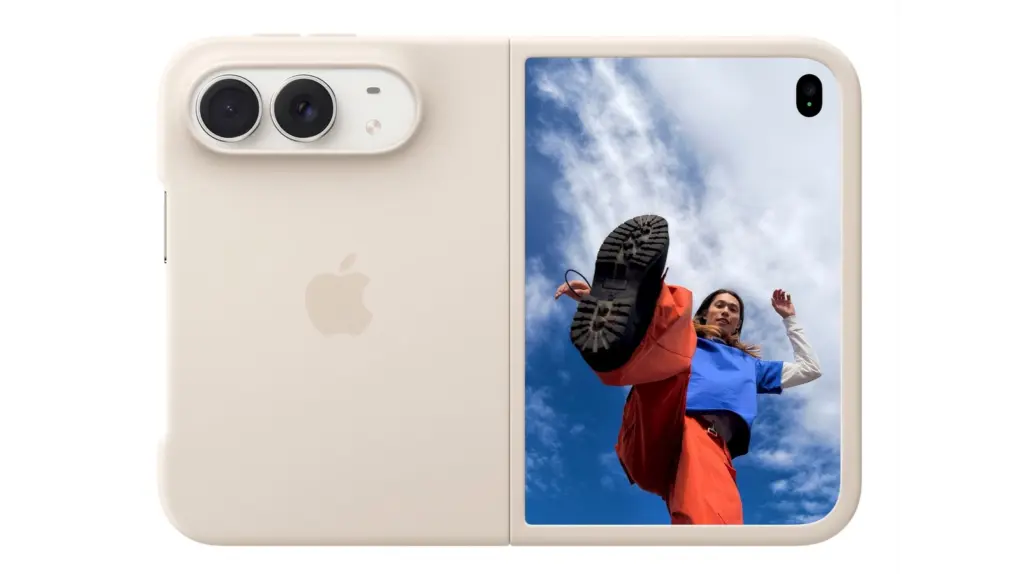
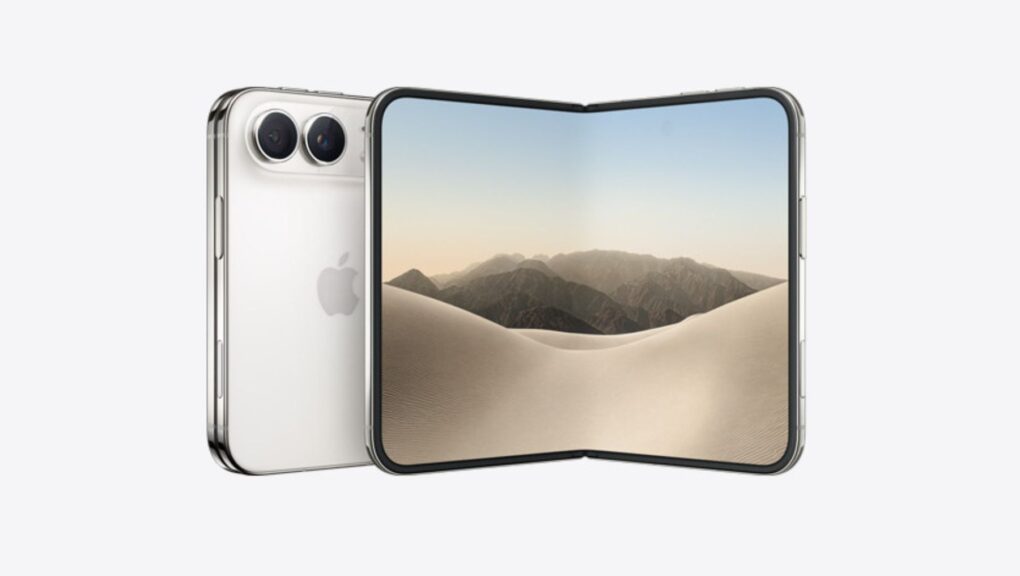
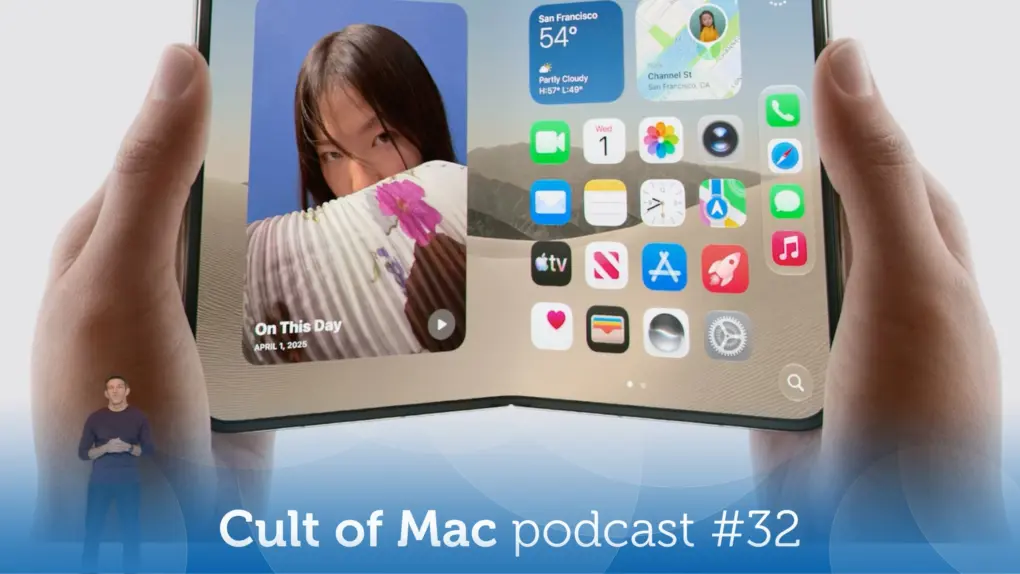
The first iOS 27 beta contains multiple references to Apple’s rumored foldable iPhone. Hidden within the operating system are strings and other code pointing to features designed specifically for a foldable device.

At this point, it’s no secret that Apple is working on a foldable iPhone. The company itself is now just indirectly confirming it.

iOS 27 gives you more control over iPhone’s alarms and ringtone volume

By

iOS 27 brings independent volume controls
iOS 27 brings independent volume controls.
AI image: ChatGPT

With iOS 27, Apple finally brings independent volume controls for alarms and timers on the iPhone. This means adjusting your phone’s ringtone volume will no longer affect how loud your alarms, timers and other system sounds are.

It’s a small quality-of-life improvement, but one that iPhone users have been requesting for years. 

watchOS 27 brings Siri AI, smarter Workout Buddy and a lot more to the Apple Watch

By

Product image of Apple Watch running watchOS 27 with new dyanmic app grid on screen (and new Siri AI right in the middle)
A new dyanamic app grid in watchOS 27 puts Siri AI right in the thick of things.
Image: Apple

Apple WWDC26:watchOS 27 will bring the new Siri AI, a smarter Workout Buddy and other useful new features to Apple Watch. While the wearable didn’t receive much attention during the WWDC26 keynote on Monday, Apple said watchOS will get AI-powered upgrades like the rest of its platforms.

“You can start chatting with Siri on your iPhone, pick up where you left off on your iPad, and wrap up on your Mac,” said Mike Rockwell, Apple’s VP of Siri engineering, during the keynote. “We’re also tailoring Siri AI for watchOS. So you can ask questions and take action right on your wrist. And you can also tap into the Siri app using the new app grid on Apple Watch.”