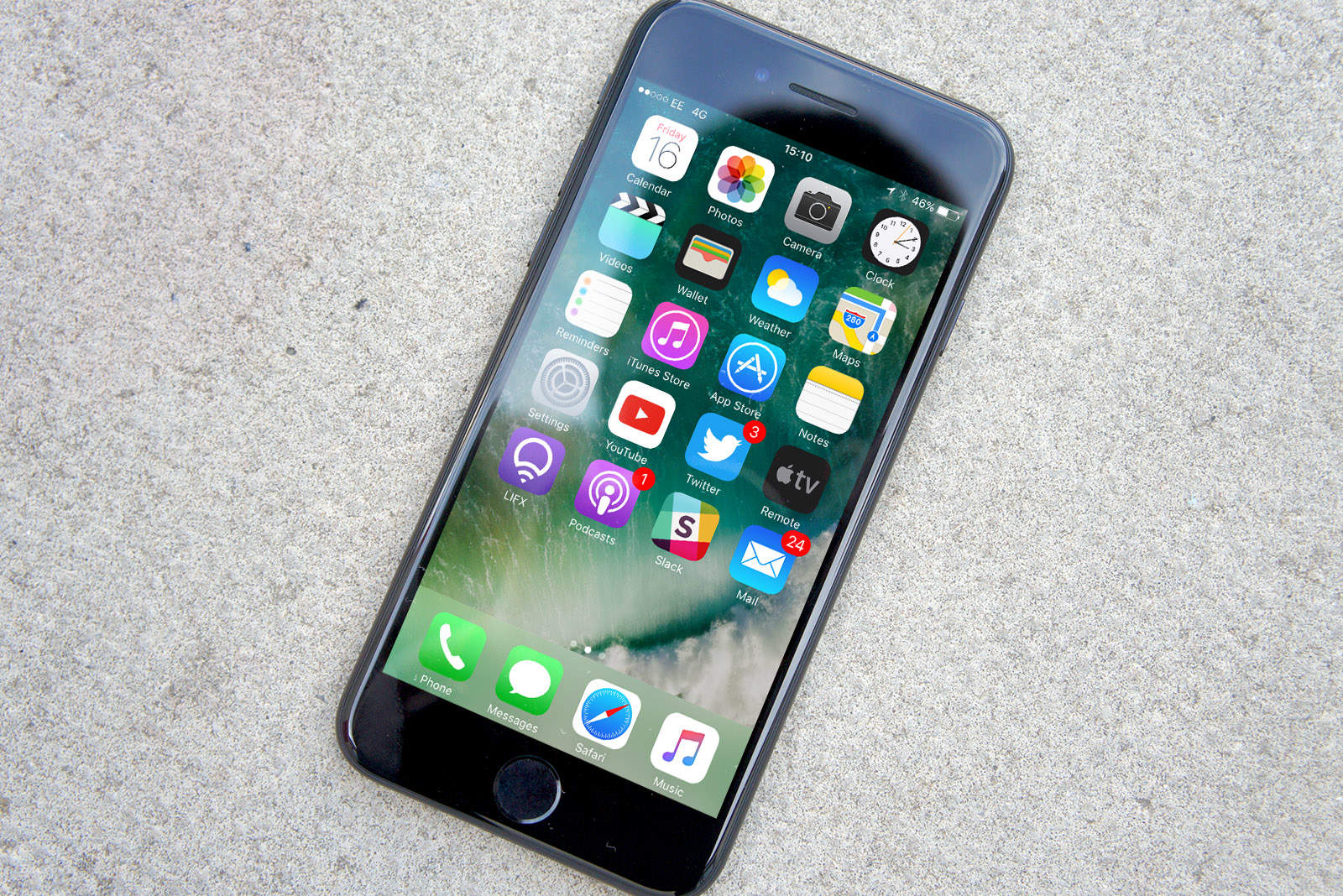
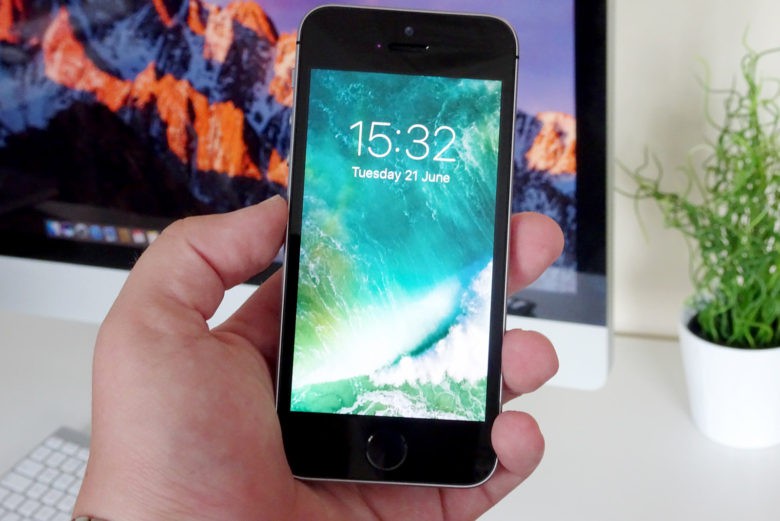
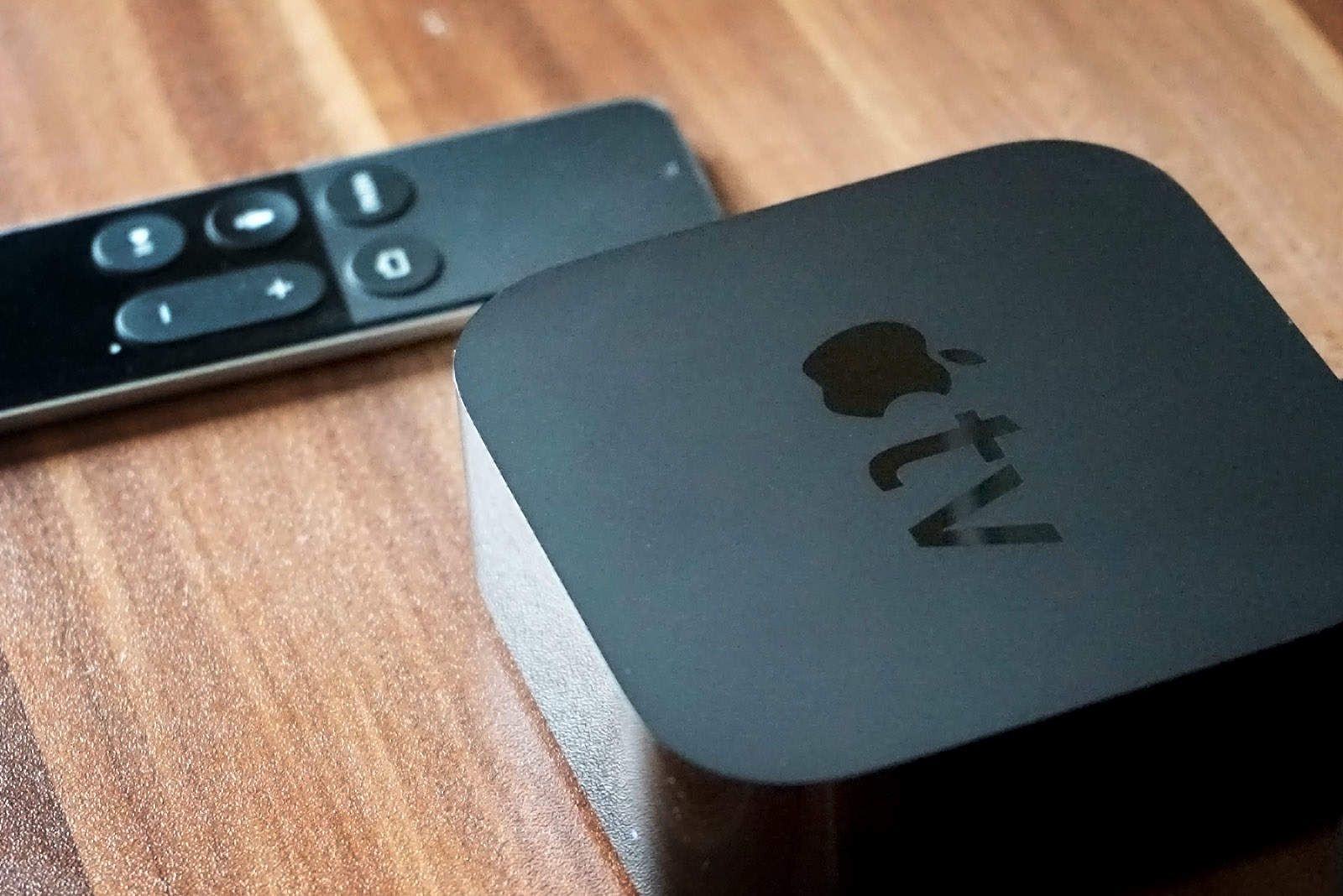
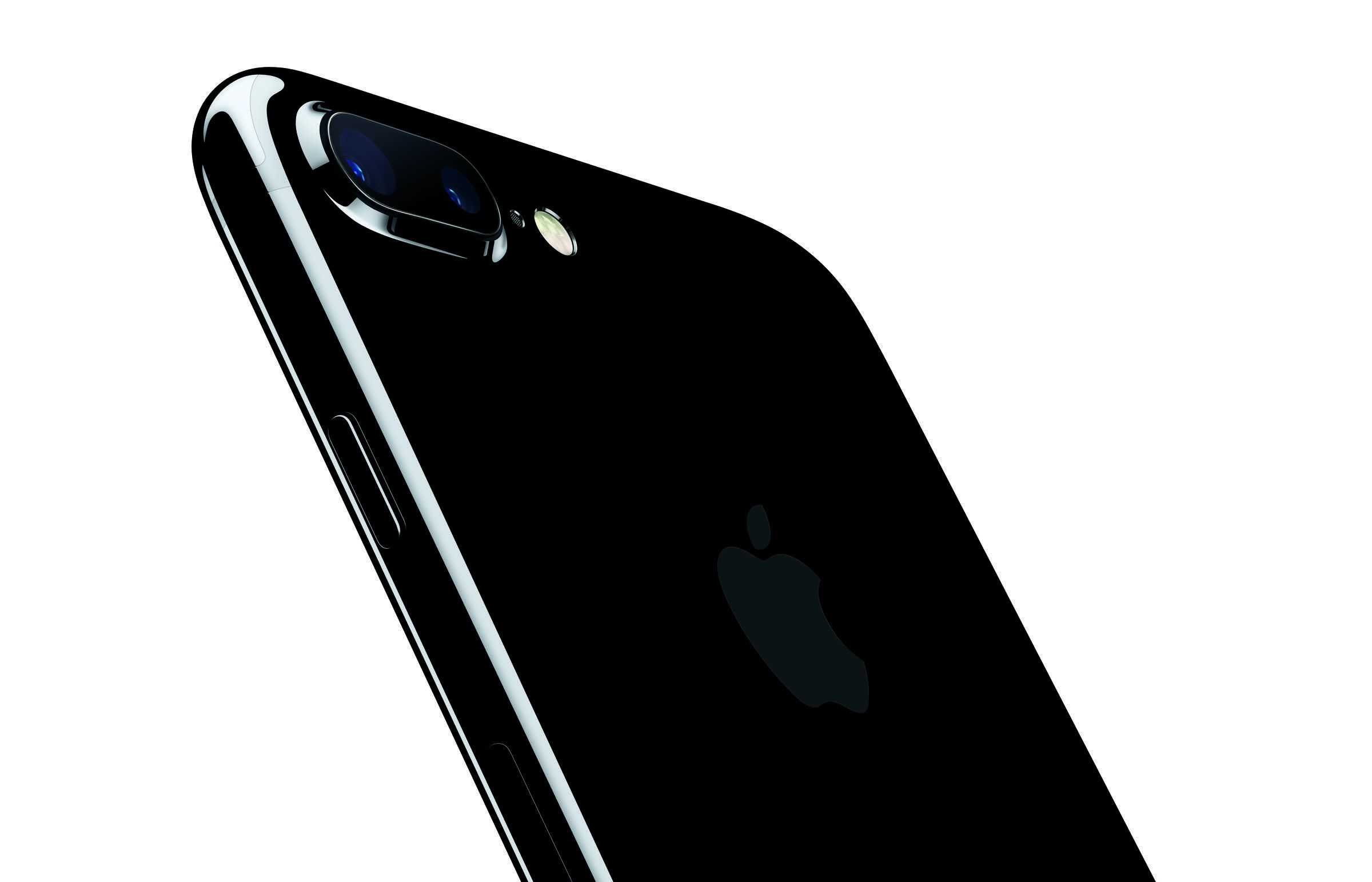
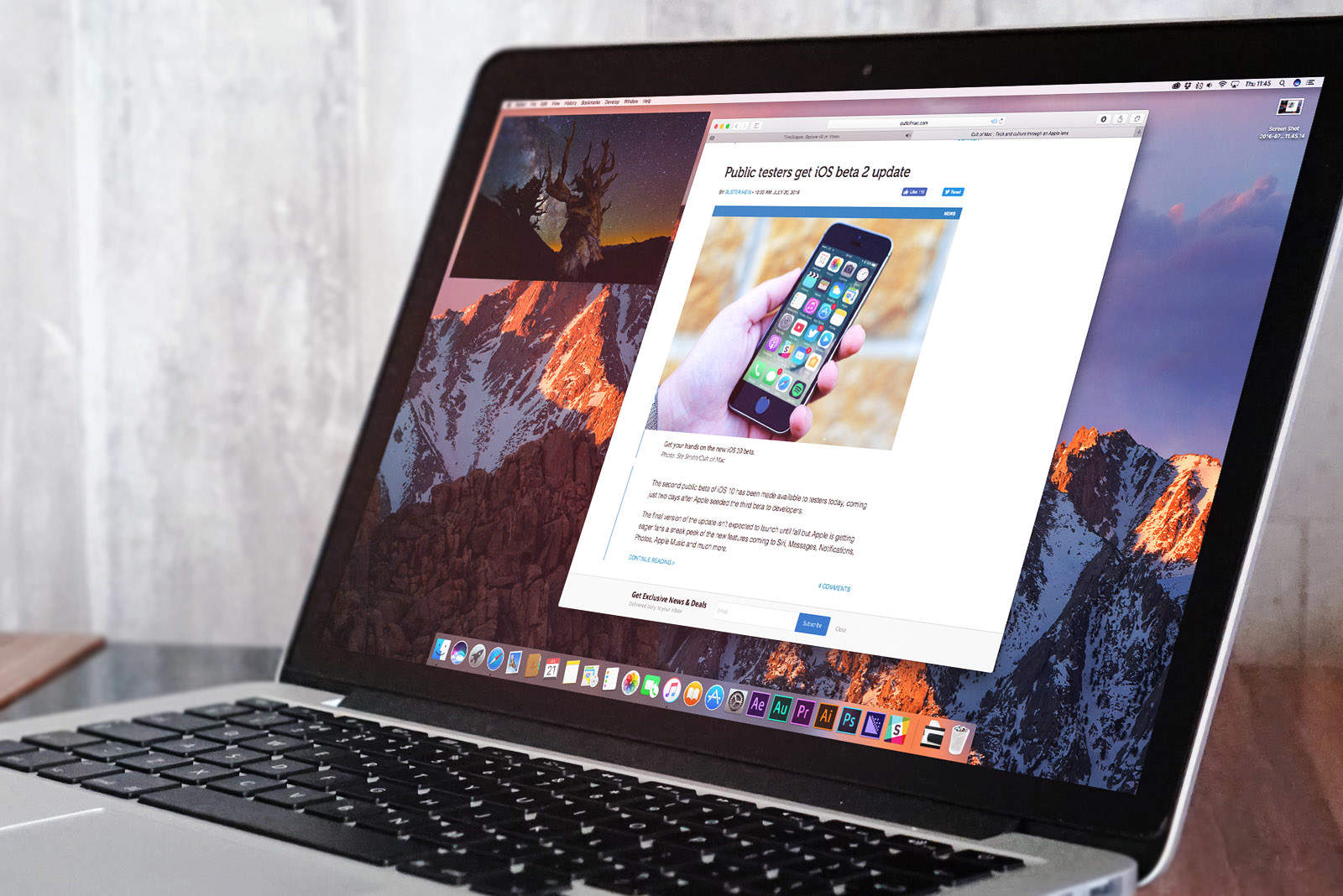
A new iOS beta is now available. Photo: Ste Smith/Cult of Mac
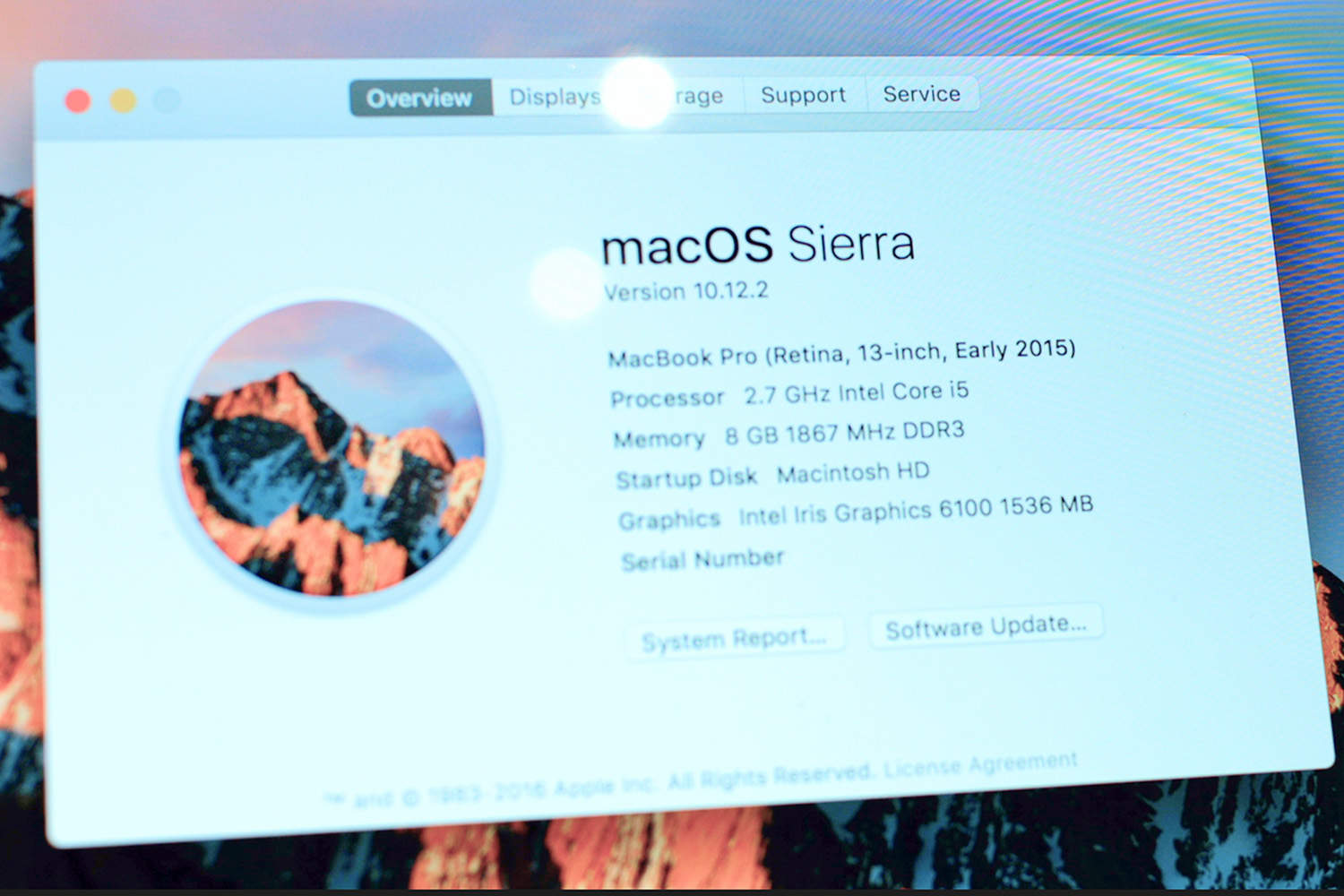
Apple seeded two new beta builds to developers today, bringing a host of bug fixes and improvements to iOS 10.2.1 and macOS 10.12.3.
The new builds come just three days after Apple dropped its first batch of betas for 2017. Registered developers can now download iOS 10.2.1 beta 4 and macOS 10.12.3 beta 4 from Apple’s developer portal to take advantage of all the new features.
Apple wants everyone to learn to code in Swift. Photo: Apple
Apple will soon lose the veteran coder who helped make Swift one of the fastest-growing computer languages in the world.
Chris Lattner, who has worked as Apple’s director of developer tools for the past few years, revealed today that he is leaving the company to join Tesla.
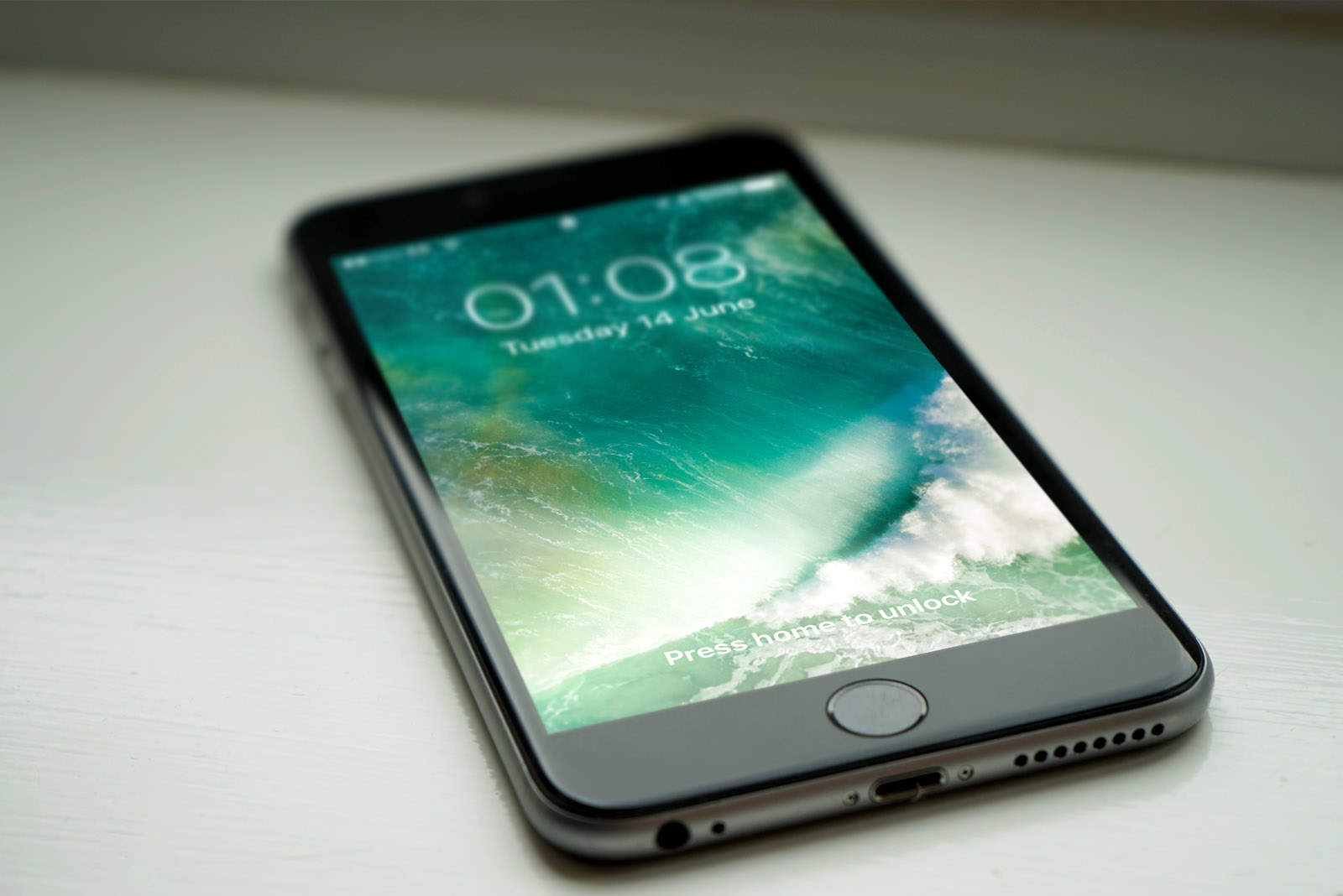
A new iOS 10 beta is here. Photo: Ste Smith/Cult of Mac
The first big batch of beta updates of 2017 have finally arrived from Apple, bringing developers a slew of bug fixes and performance improvements on the Mac, iPhone, iPad, Apple Watch and Apple TV.
Apple’s betas come nearly three weeks after the last batch of updates. The new software updates includes the third betas for iOS 10.2.1, macOS 10.12.3, tvOS 10.1.1 and watchOS 3.1.3.
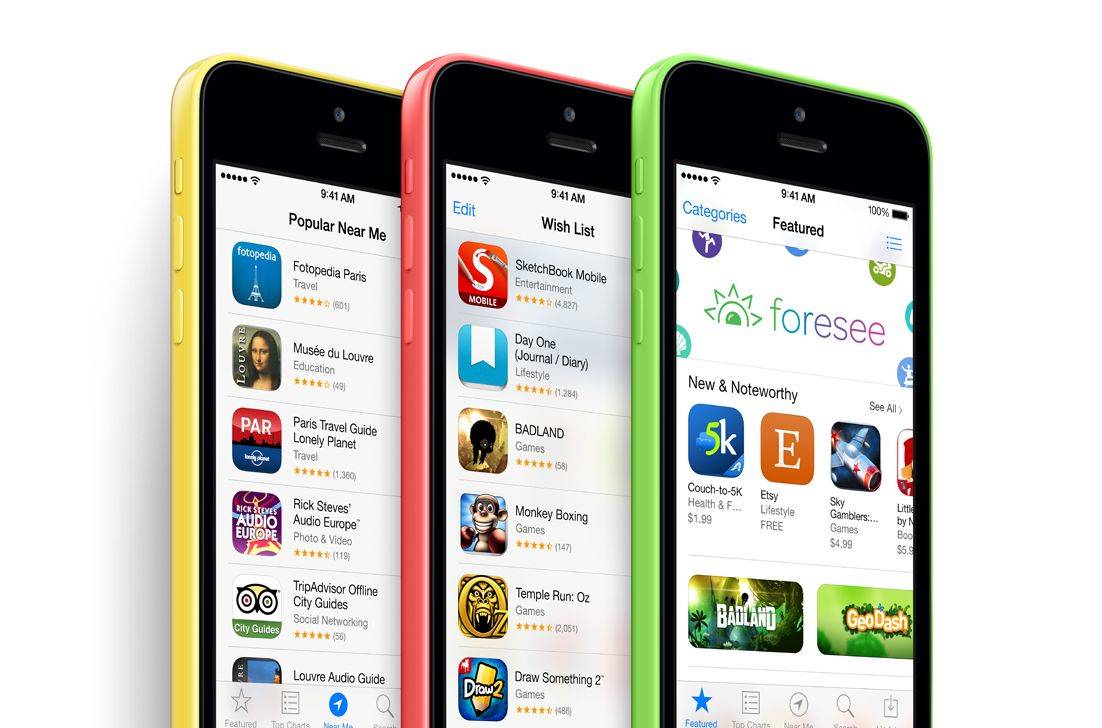
The App Store opened 2017 with a massive bang by shattering sales records. New Year’s Day was its single busiest day ever, with $240 million raised from app purchases.
The record caps an incredibly successful 2016 for iOS developers, who earned a whopping $20 billion last year — up over 40 percent from 2015.
A new iOS beta is here! Photo: Ste Smith/Cult of Mac
Developers received a fresh new batch of beta software from Apple today, just two days after the company launched iOS 10.2 and tvOS 10.1 to the public.
The new first betas for macOS 10.12.3, iOS 10.2.1 and tvOS 10.1.1 all come with a number of bug fixes and performance enhancements, but they likely don’t contain any major new features.
Christmas is right around the corner, which means it’s time to start shopping for your loved ones. If one of them is a hardcore Apple fan, that might be easier than you think.
Apple products aren’t cheap, but there’s something sweet at every price point, from maxed-out Macs that cost an arm and a leg, to the latest iOS devices for someone really special, and awesome accessories that fit into any budget.
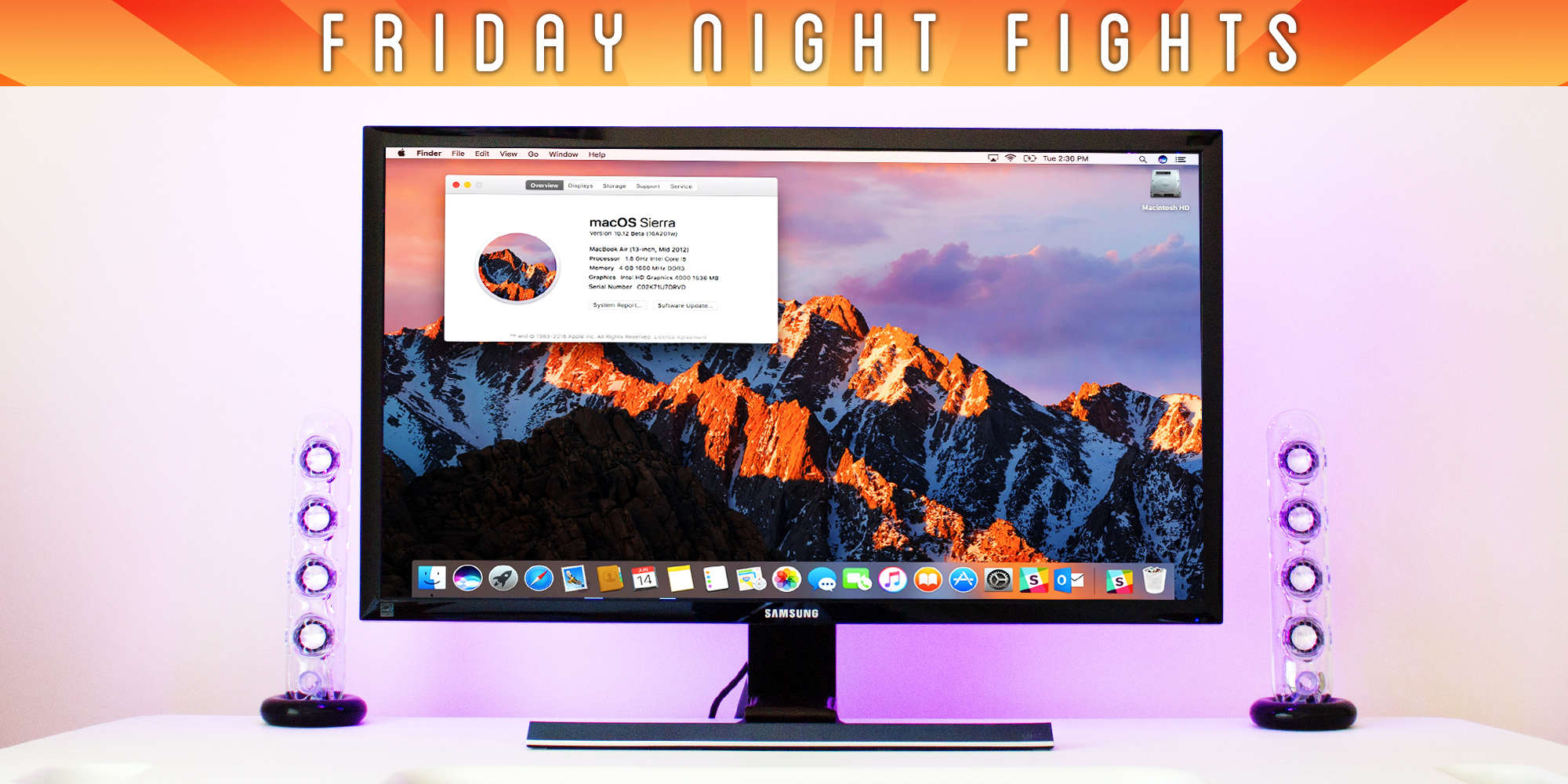
In this week’s Friday Night Fight, we’re putting away our pitchforks for one week only and focusing on great gifts for every Apple fan.
iOS 10.2 brings new goodies to the iPhone 7 and 7 Plus. Photo: Apple
Developers received a fresh new batch of beta updates this morning. Apple seeded the sixth build of iOS 10.2, just a few days after the last beta build was released.
Other beta builds include updates for macOS Sierra 10.12.2 and watchOS 3.1.1 that bring a number of bug fixes.
Spark, the stellar email app from Readdle, is finally coming to Mac. The public beta launched a few weeks ago, but starting today now anyone can use the popular app that made its name as one of the best iOS email apps.
Featured Photos makes your Mac look even prettier while it's idle. Photo: Google
Want a stellar screensaver for your Mac? Look no further than the stunning Featured Photos from Google.
It’s the same screensaver that ships on Chromecast, Fiber, and Pixel devices, and it displays a bunch of beautiful images sourced from Google+ that make your Mac look even prettier while it’s idle.
Apple packs a ton of updates into the new FCPX. Photo: Ste Smith/Cult of Mac
If you watched the most recent Mac media event, you already got a preview of Final Cut X — thanks to the on-stage demo showing how it worked in conjunction with the MacBook Pro’s new Touch Bar. But there’s a whole lot more to the Final Cut Pro 10.3 update than that.
To check out what you’ll find in the latest update for Apple’s video-editing software, check out our comprehensive video below.
Wouldn't you like a powerful PC running macOS? Photo: Ste Smith/Cult of Mac
Apple has finished unveiling its product lineup for 2016, and yet again it appears to have forgotten about the Mac Pro. The high-end desktop will be three years old next month, and although it might look pretty on the outside, it’s way past its best on the inside.
Apple won’t tell us why the Mac Pro isn’t a priority anymore, but its focus is clearly elsewhere. This is a problem for creative professionals who rely on the extra power the machine provides. For some, the iMac just isn’t beefy enough.
Some believe Apple should license macOS to third-party computer makers that are willing to cater to the pros Apple is ignoring. It’s a move Apple would never make, but is it a good idea?
Join us in this week’s Friday Night Fight as we battle it out over whether Apple should let rival PC vendors build macOS machines!
Is your MacBook Pro reporting the right graphics? Photo: MacRumors
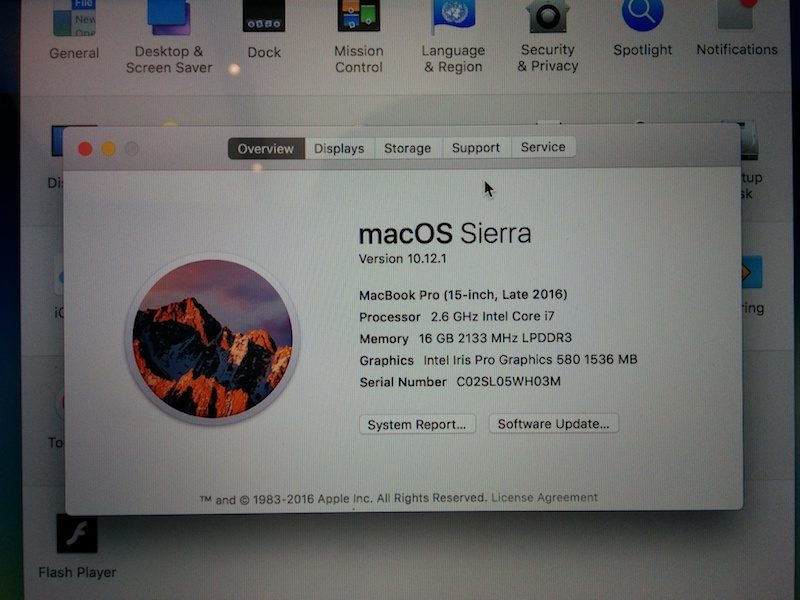
A bug in macOS Sierra is incorrectly telling some users that their MacBook Pro just got a nice graphics upgrade.
Some 15-inch units are packing Intel Iris Pro 580 graphics, according to the built-in System Information report. But in actual fact, they have Intel Iris Pro 530 graphics instead.
The Touch Bar is Apple's newest brilliant idea. Photo: Apple
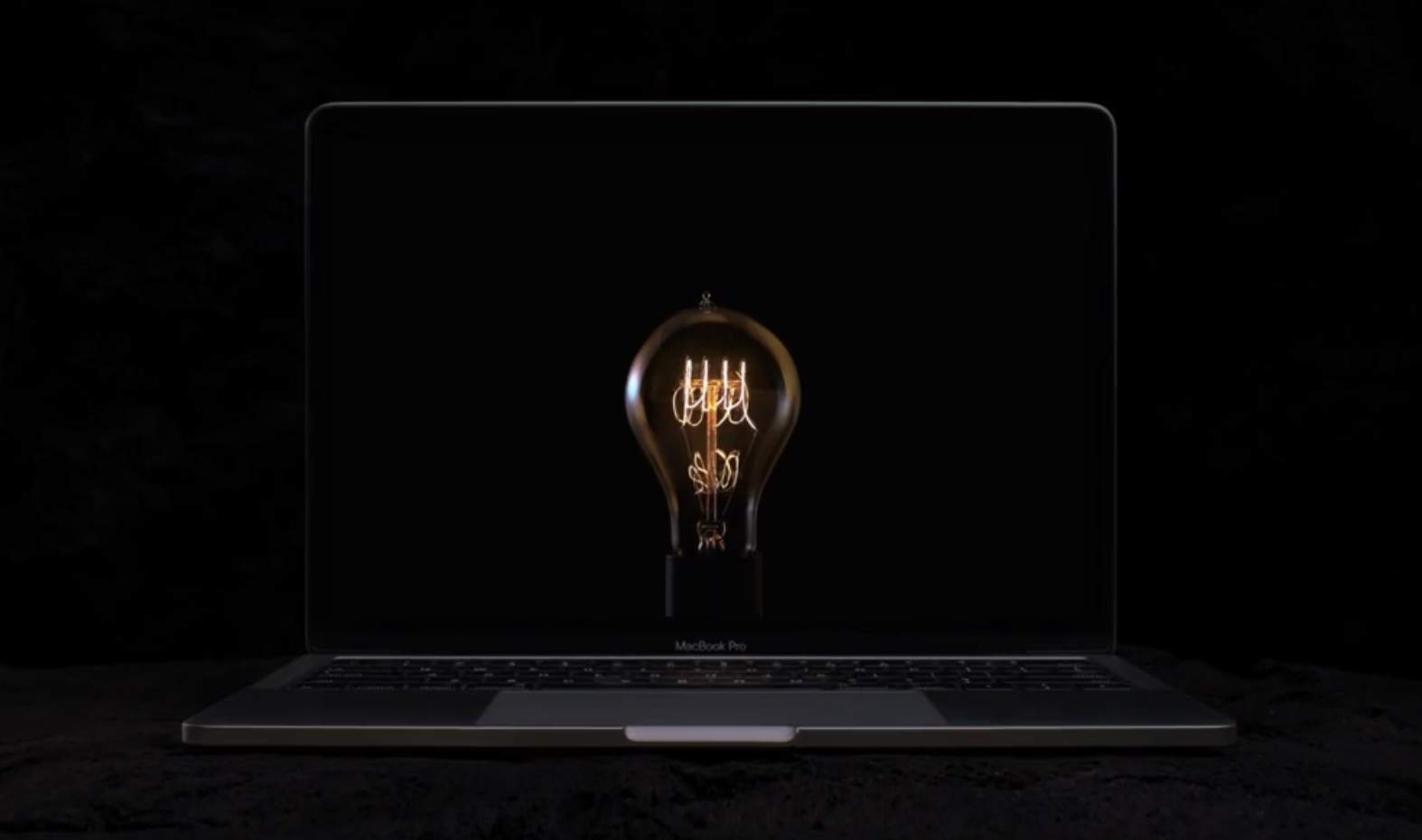
The new MacBook Pro finally lands in stores this week, and an awesome new Apple ad celebrates the arrival.
In the new spot, called “Bulbs,” Apple links the invention of fire, the wheel, plow and more to the creation of the Touch Bar, the thin OLED strip that completely changes how you interact with your Mac.
The next time you leave your Mac unattended, make sure to turn it off.
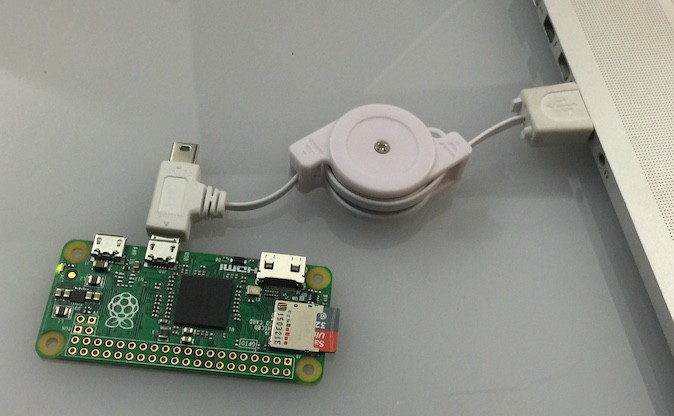
A well-known hacker has created a cheap tool that can steal data off of locked computers in minutes. The clever new device called PoisonTap is created using a $5 Raspberry Pi Zero and some open source code. Attackers can plug PoisonTap into a machine and as long as the victim has a web browser open, it can steal data and leave remote backdoors.
iOS 10.2 brings new wallpapers to iPhone 7. Photo: Ste Smith/Cult of Mac
The third beta build of iOS 10.2 is now available to developers, just a week after Apple released the last update.
iOS 10.2 beta 3 is accompanied by the third betas for macOS Sierra 10.12.2 and tvOS 10.1. The previous versions of the beta updates added support for dozens of new emoji, an SOS feature and much more.
There's a new way to get help from Apple. Photo: Apple
Apple is rolling out a new Support app that lets users get expert help with devices and software, and schedule repairs at the Apple store. The app also offers a catalog of support articles to help users fix common issues.
Sierra now comes with more emoji! Photo: Ste Smith/Cult of Mac
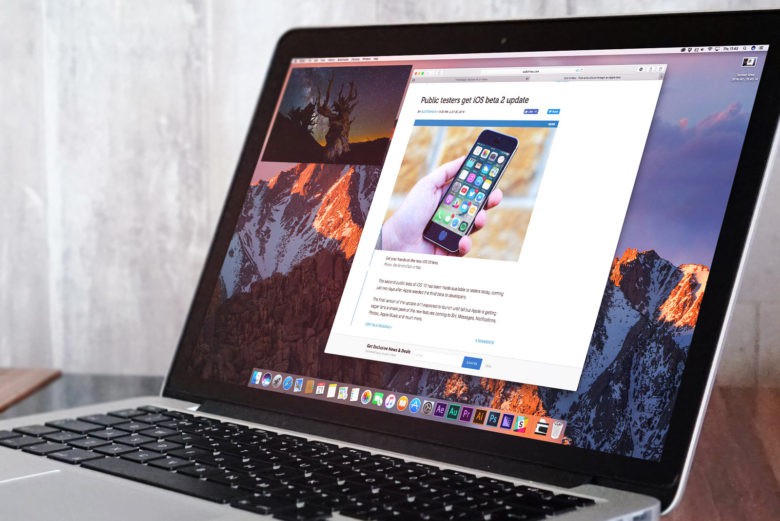
Apple today rolled out its second macOS Sierra 10.12.2 beta, adding new emoji that will also make its way iPhone and iPad with iOS 10.2. The update also brings bug fixes and improves performance.
Lululemon and other retailers are offering Apple Pay deals. Photo: Apple
Looking to get the best deals on gifts this holiday season? Apple Pay may be the answer.
Apple has created a new promotion for Apple Pay on the Mac that gives shoppers tons of discounts at top retailers when you use Apple Pay. Shops like Adidas, Lululemon, Casper and Vacatia have teamed up with Apple on the promotion. And there’s more to come.
The "chime" sound effect has long been part of macOS. Photo: Apple
Physical function keys on the Mac and a 3.5mm headphone jack on the iPhone aren’t the only casualties of 2016. According to eagle-eyed (eagle-eared?) reporters, the new MacBook Pro jettisons the iconic F-sharp sound Apple uses to show a Mac is booting up.
The reason does, we admit, make sense — but it’s still sad to see a piece of Apple history join that great Mac museum in the sky.