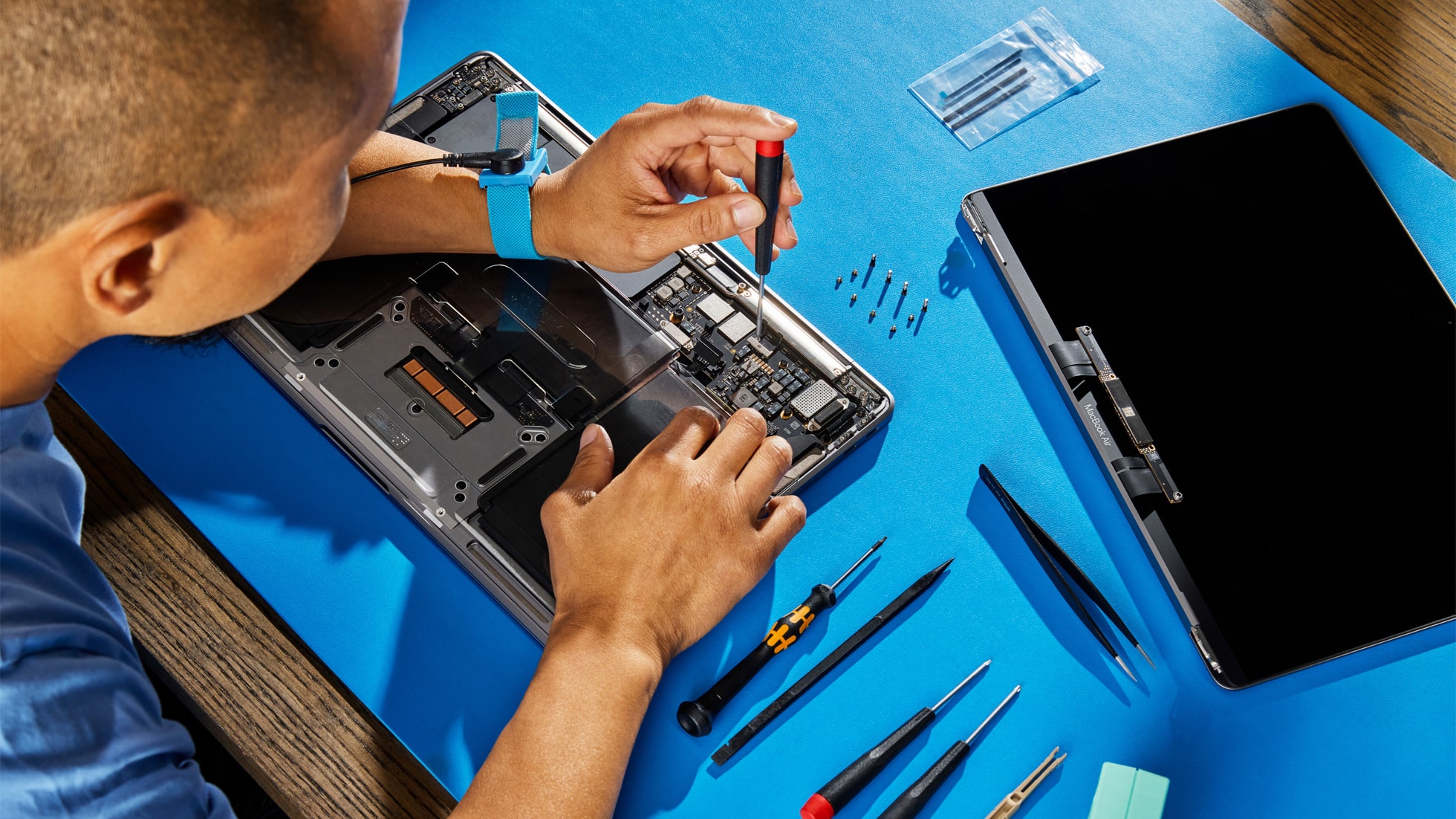
Apple is now selling DIY repair parts for its M4-equipped Macs, including the MacBook Pro and Mac mini.
You can purchase the repair parts from Apple’s Self Service Repair Store in the US and Europe.
Apple is now selling DIY repair parts for its M4-equipped Macs, including the MacBook Pro and Mac mini.
You can purchase the repair parts from Apple’s Self Service Repair Store in the US and Europe.
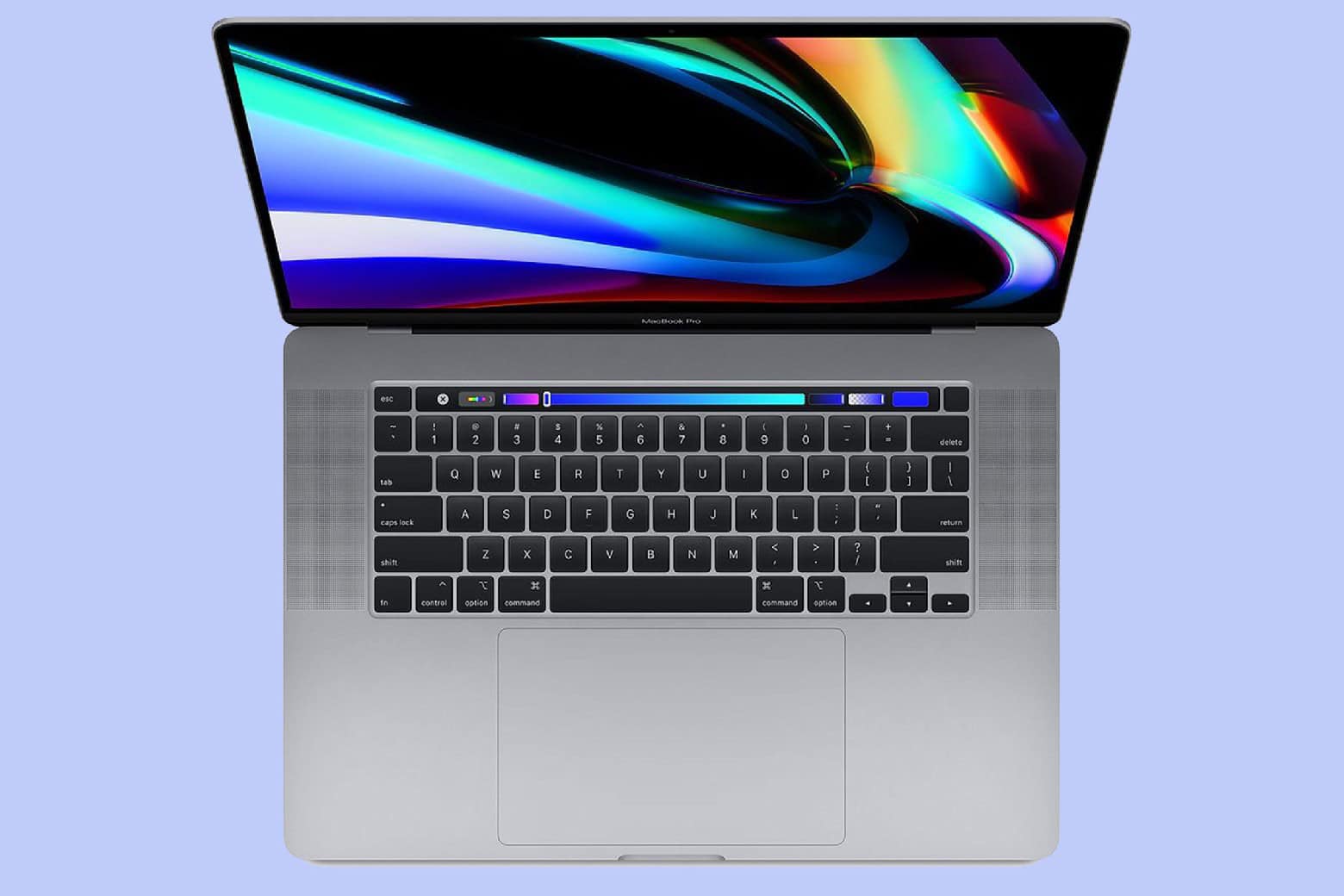
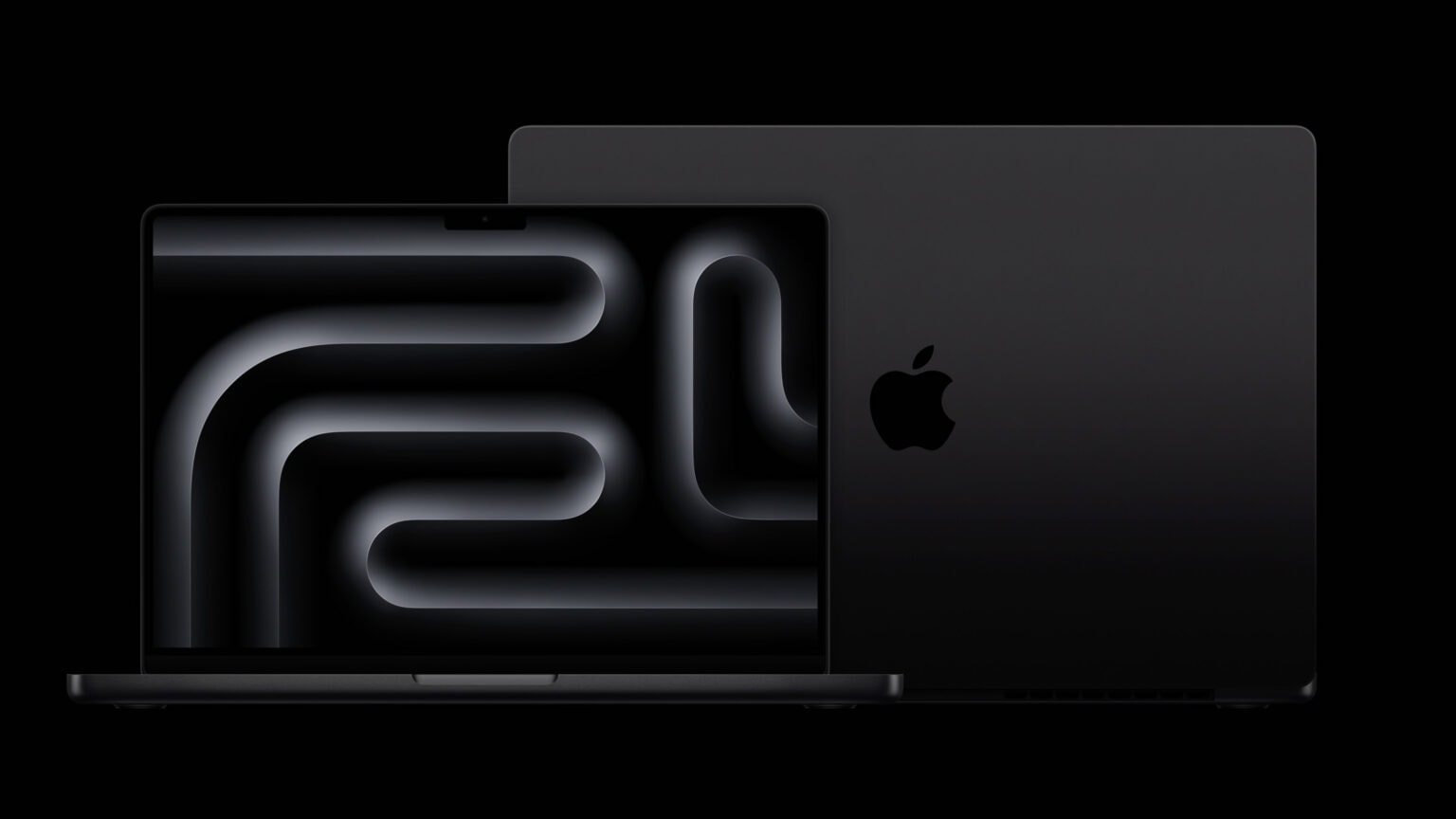
This deal on the 16-inch MacBook Pro with M4 Pro chip lets you buy one of the most powerful laptops available for less. While the Apple laptop’s $2,499 price tag places it on the premium side, a 10% discount on Amazon makes it a bit more accessible.
Thanks to the deal, the M4 Pro MacBook Pro is available for $2,239.
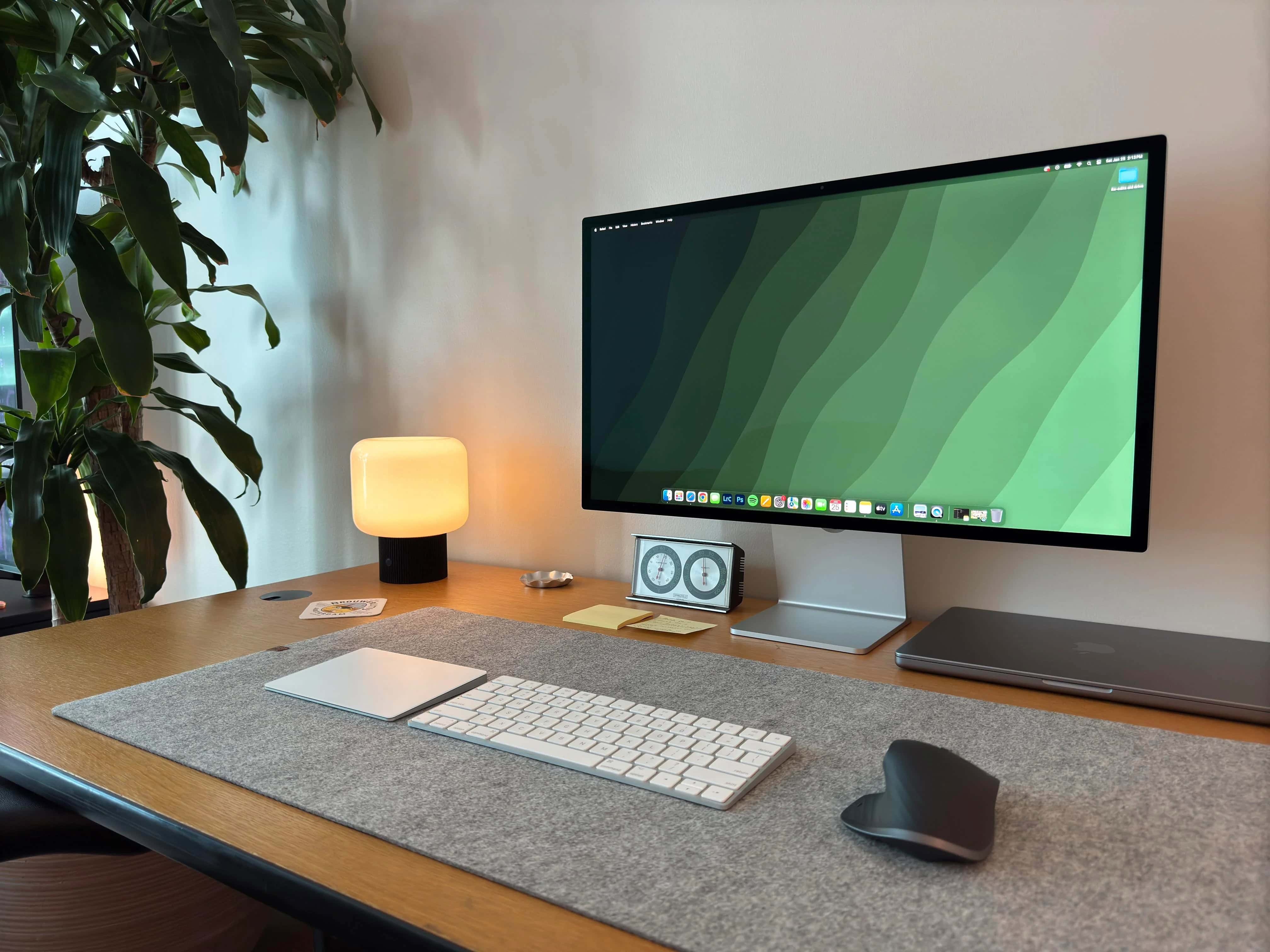
While plenty of people find Apple’s Studio Display a bit too expensive, many owners of Mac setups love it. Today’s MacBook Pro user justifies the expense because they use Studio Display for photo editing. But others disagreed that the $1,600 monitor is all that great a display for photo editing, with one person calling it “less than ideal” and backing that up with several technical points, below. They might not worry casual users much, but could be worth considering for pros like graphic designers.
Apple is undoubtedly working to upgrade the LCD in its MacBook Pro line with a beautiful OLED display. Rumors differ on exactly what that’ll happen though, and the wait stretches out years.
As someone who already uses another Apple computer with a large OLED, I have to say there’s no reason for Apple to hurry. MacBook Pro users really should not feel impatient.
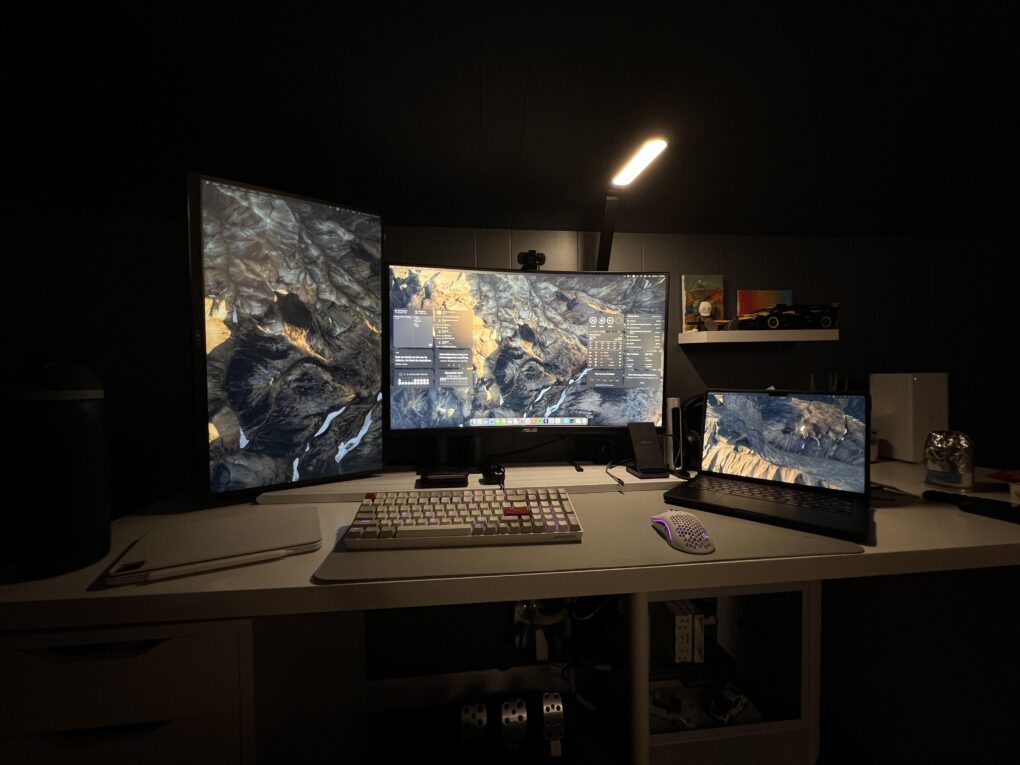
What do you think, does today’s featured setup photograph, above, look the product of artificial intelligence? Something too neat and maybe a little off about it? Lots of people thought so. But the user insists only the desktop wallpaper showing on the Thunderbolt monitor is AI-generated. And the MacBook Pro user finds BetterDisplay sharpens text on his external display, a 32-inch BenQ 4K screen.
Good thing come to those who wait for lower-priced Apple gear — this time in the form of M3 Pro and Max MacBook Pro models for hundreds off normal prices. B&H Photo marked down prices a mile — even up to $1,200 off a high-spec model. So unless you feel like you simply must have the latest M4, here’s your chance to bag a blazing-fast, highly useful MacBook at a great price.
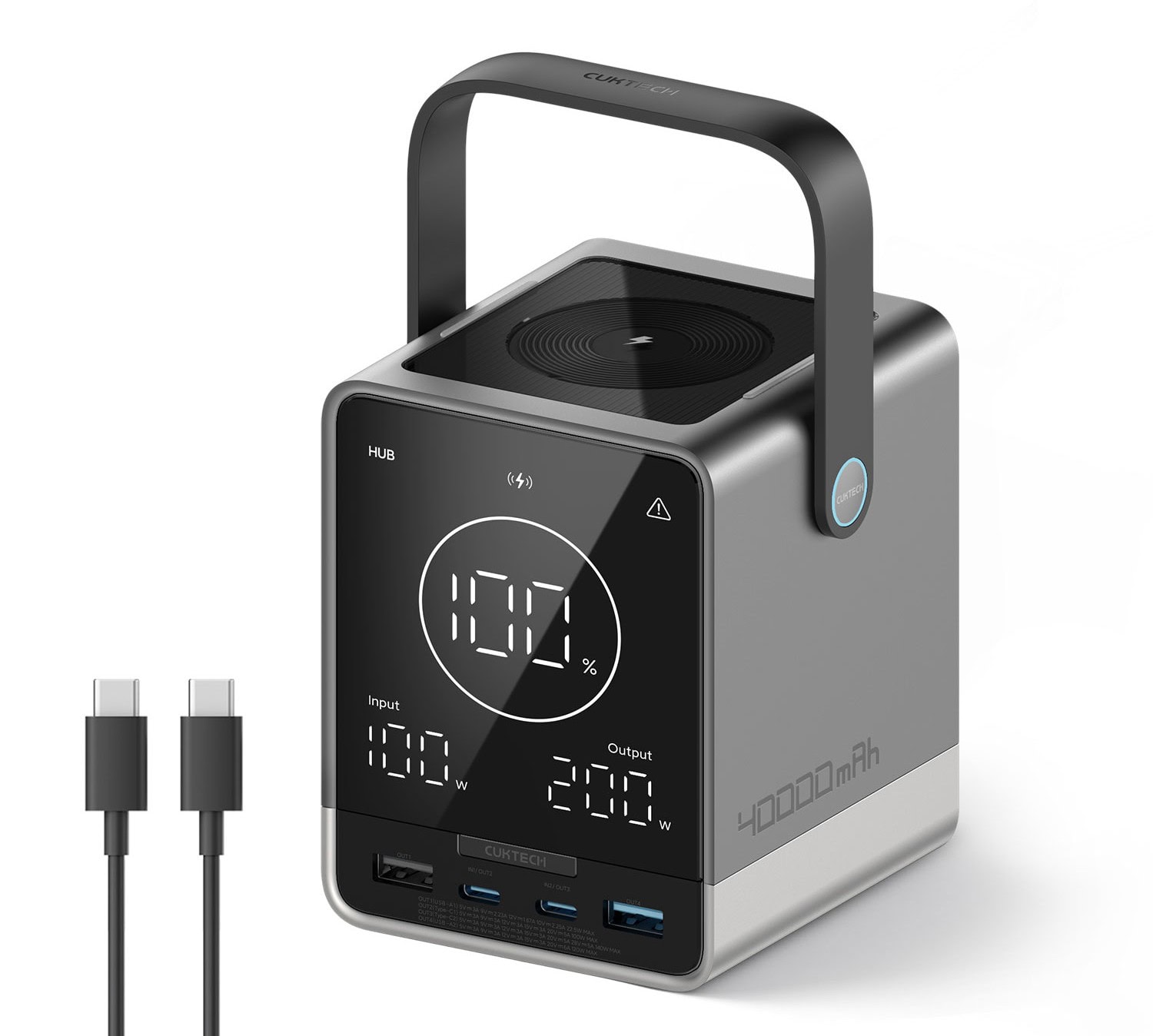
For Apple users seeking a high-capacity portable power solution for all their gear, the new CukTech 30 Power Bank packs a massive 40,000mAh battery, combined charging power of up to 300 watts for up to five devices at once and some useful features, the company said Wednesday.
Ah, the age-old debate: mouse or trackpad? Well, how about both? Many setups choose that more-inclusive path when adding input devices to use along with their chosen keyboard. And it’s typically for good reason. A mouse for many cursor movements and a Magic Trackpad 3 for gestures really does the trick for most users (even if some prefer one or the other, not both).
Need faster cables in your Mac setup? Amazon just put up a limited-time sale on Anker’s various sizes of certified ultra-high-speed HDMI 2.1 cables, which are great for connecting high-resolution displays, or almost any gear where you want to transmit high-quality audio and video. The cable size with the biggest discount reaches a staggering 46% off.
You’ve got to love a computer, gaming and TV setup with a big external display that’s so efficiently arranged it barely even takes up any desk space. Today’s featured MacBook Pro workstation manages the feat by mounting a big smart TV as a display on the wall, along with a pegboard for peripherals storage. But the MacBook setup with wall-mounted display took some pretty serious DIY skills, described below.
Wouldn’t you love to have half a dozen M-series MacBooks in your computer setup? One second thought, maybe that’s too much of a good thing. And it might only come up if you had to use most of them for work, like in today’s featured setup. A mobile device management (MDM) engineer does a lot of MDM testing on MacBooks for his job. If you use a Mac for work, he’s the guy who makes sure it keeps working efficiently and securely.
As your Mac computer setup grows with newly added peripherals and capabilities, keeping it all connected and powered becomes a greater challenge. Enter multiport Thunderbolt 4 hubs. They offer high-speed data transfer, great options for high-resolution external displays and power for connected devices. Today’s featured MacBook Pro setup with dual displays and more takes great advantage of a cheap Thunderbolt 4 dock — the 13-port WavLink Thunderbolt 4 Docking Station. On sale currently, it goes for just $170.
A recently launched Kickstarter project aims to breathe fresh life into Apple’s discontinued Touch Bar concept, offering a more versatile and customizable solution for both Mac and Windows users. Flexbar, developed by Hong Kong startup Eniac Technology, reimagines the controversial MacBook Pro feature as a standalone accessory that promises to deliver on the Touch Bar’s original potential.
“The discontinuation of the original Touch Bar didn’t mean the concept was flawed — it simply wasn’t taken far enough to reach its full [potential],” the Eniac team said. “There’s something undeniable [about the idea]: the potential for a customizable, adaptive interface that could streamline workflows was immense. We decided to step in.”
Update: Eniac sent out a reminder Tuesday that Flexbar’s Kickstarter campaign ends Thursday (January 2, 2025), so time to participate is waning. You can still pledge to get one Flexbar for $179 $149, two for $358 $219 or three for $537 $299. And it appears the device will most likely go into regular production, as funding reached $284,612 by Tuesday, well over the campaign’s goal of $2,576.
Today’s dual-display MacBook Pro setup sits on a desk up against a mirrored wall. In the photograph above, that let’s us see the nifty ring of colorful monitor RGB lighting built into the back of the LG UltraGear display — a decorative and functional touch included in an aging but still formidable external display for serious gamers.
This holiday season, give yourself or someone else the timeless gift of better cable management. Today’s MacBook Pro and LG DualUp display user shows us one way to make a small but significant improvement in the look of a computer setup. You can use cables with 90-degree connectors rather than straight ones for a cleaner look (or get USB-C cable adapters with right-angle or vertical ends for your straight cables). Check out the “after” photo above and the “before” photo below.
And seriously, if you’re hard up for stocking-stuffer ideas, a USB-C adapter kit might be just the thing. See below.
What does Apple have planned for the Mac in 2025? For the last couple of years, Apple’s been killing it with its desktop and laptop computers. The chips scream, the industrial design has never been better, and the Mac lineup is undoubtedly the best in Apple’s history. Just look at the amazing new Mac mini.
But can Apple keep up the pace next year?
With all the mousing and typing people do, you’d think products designed for ergonomic comfort — and to help avoid repetitive-strain injuy — would crop up in more computer setups. Well, today’s MacBook Pro and Mac Pro rig answers the call. The user, a smarty-pants undergrad at Harvard, relies on a Logitech MX Vertical wireless mouse setup plus a Logitech Pop Keys Mechanical Keyboard for data input.
Designer Basic Apple Guy, known for nifty wallpapers for Mac, iPhone and iPad screens, dropped his annual Apple Product Tier List Monday. The Apple product rankings give letter grades to everything the iPhone giant released in 2024. He considers M4/M4 Pro Mac mini the best of the best, by the way.
“For the third year in a row, I am once again painting a target on my head and releasing my tier rankings of the products Apple released in the 2024 calendar year,” he wrote. Undoubtedly, not everyone will love his choices, particularly those he grades in the low D and F tiers, but he takes care to explain them.
In most MacBook-based computer setups people put together at home or in offices, an external keyboard stands in for the laptop’s own. That’s typically because the laptop sits open or closed on a stand, where reaching the keyboard is either awkward or impossible. Today’s MacBook Pro setup relies on a pricey and cool Realforce R3 TKL mechanical keyboard used in combination with a Magic Trackpad.
This week on Cult of Mac’s podcast: According to the latest Apple rumors, the 5G OLED MacBooks we’ve been anticipating forever are finally on the way … in 2026.
Also on The CultCast:
Listen to this week’s episode of The CultCast in the Podcasts app or your favorite podcast app. (Be sure to subscribe and leave us a review if you like it!) Or watch the video live stream, embedded below.
A university student calling themselves a “broke Harvard undergrad” while showing off a computer setup loaded with older and newer Apple hardware is bound to take some ribbing from social media on various levels. But today’s data-science number-crunching setup makes impressive and thrifty use of newer and older gear, including a 2023 M3 MacBook Pro, a 2013 “trash can” Mac Pro and a 2018 Intel MacBook Pro, plus a 2021 iPad Pro and a PlayStation 5 console.
Another generation of MacBook Pros recently launched without Face ID, meaning Apple once again missed an opportunity to make its premier laptops easier to use. Adding the facial-recognition authentication system seems like a no-brainer, since it would enable Mac users to unlock their computers simply by looking at them.
Instead, MacBooks continue to depend on Touch ID, even though multiple reasons make Face ID a far superior security option. And Apple’s excuse for sticking with its fingerprint sensor is lame.
Monitor light bars are commonplace in computer setups for good reason. They often do a better job of cutting monitor glare and lighting up desks than overhead lights or simple desk lamps. But what if a desk lamp worked more like a monitor light bar? That’s what so-called architect desk lamps do. They’re often called double-headed LED lights. Attached to their own stand or clamped arm, they can arch right over a display, providing tons of light, control options and physical flexibility.
Apple intends to introduce its first MacBooks with an OLED screen in 2026, according to industry analysts. And the iPad mini will allegedly go OLED that same year. Apple’s full transition to OLED will take until 2028, though.
And that’s supposedly the same year the company will introduce a computer with an 18.8-inch foldable display.
This week on Cult of Mac’s podcast: An interesting new gadget called the Flexbar takes Apple’s doomed Touch Bar idea and runs with it. Instead of being fixed in place like on the MacBook Pro, this customizable OLED strip connects to Macs and PCs via USB-C.
It looks pretty cool! But can it succeed where the Touch Bar failed?
Also on The CultCast:
Listen to this week’s episode of The CultCast in the Podcasts app or your favorite podcast app. (Be sure to subscribe and leave us a review if you like it!) Or watch the video live stream, embedded below.