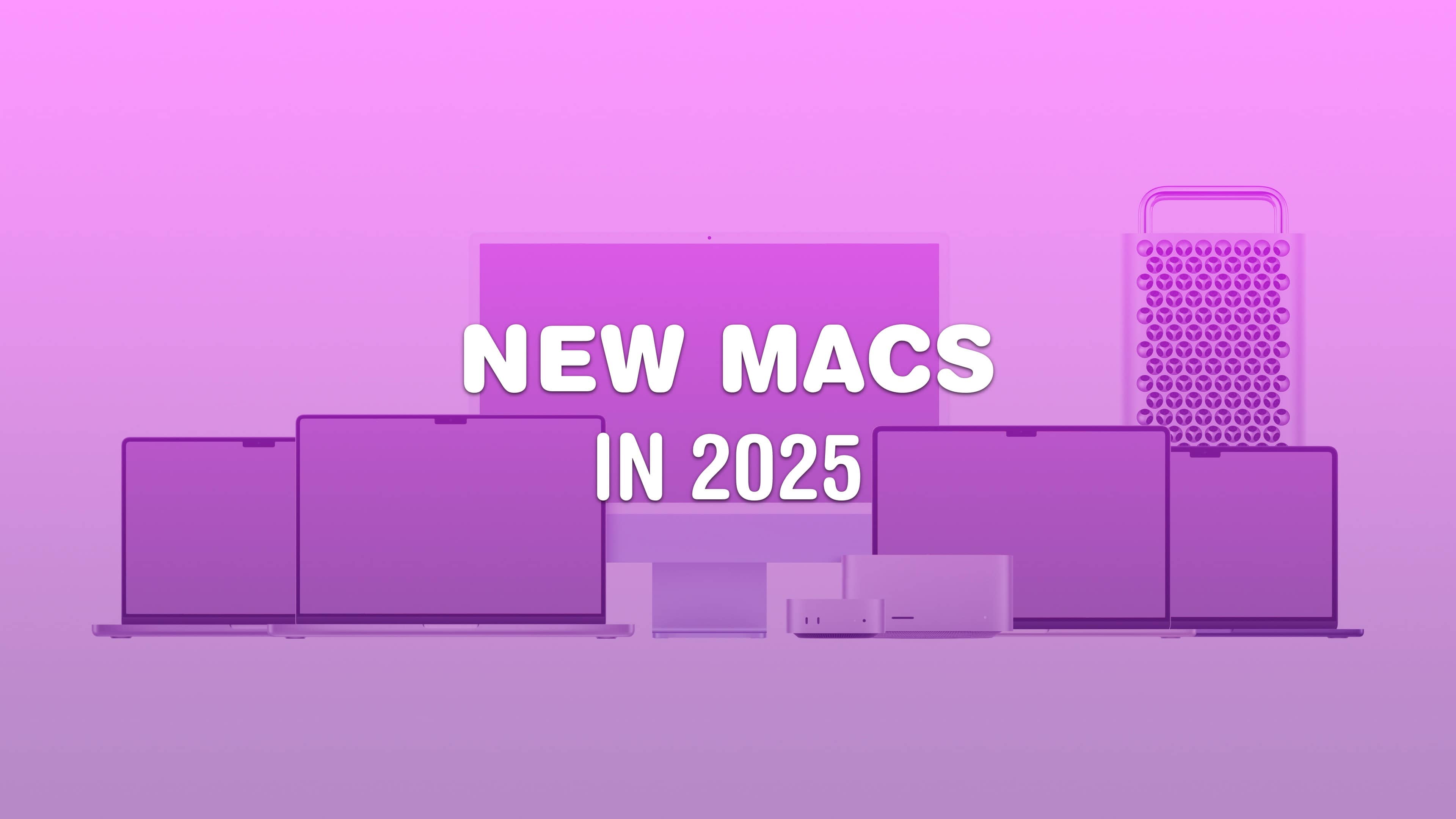
No PC maker is growing faster than Apple. Mac shipments increased 20.8% year over year in Q2, according to market analysts. That’s a growth rate that dwarfs larger rivals.
It’s the second quarter in a row of double-digit growth for Apple.
No PC maker is growing faster than Apple. Mac shipments increased 20.8% year over year in Q2, according to market analysts. That’s a growth rate that dwarfs larger rivals.
It’s the second quarter in a row of double-digit growth for Apple.
Apple only shows off its finished products, which makes the company’s secret prototypes and early concepts all the more fascinating. Details of these first-draft designs usually don’t come out until years after Apple dreams them up and discards them. Even if you’re well-versed in Apple history, these alternate-history unreleased Apple products will intrigue and confuse.
The wild and crazy ideas go back more than 40 years. If anything, it proves that Apple continuously skates toward the next hit. The quest for innovation continues, no matter whether the company is in dire straits or cruising on success. Keep reading or watch our video to see the wildest Apple products that might have been.
Consumer and business computer spending data for 2024’s first quarter shows iPad maintaining dominance in tablet sales, while Mac shipments show significant growth in the PC sector, according to a new report.
And in even better news, the analysts expect to see computer market growth through 2025.
The easiest way to convert a YouTube video to an MP4 for free is with an app called 4K Video Downloader for Mac and PC. This tool gives you all kinds of options for converting video and audio from YouTube, TikTok, Facebook, Soundcloud, Twitch and more.
If you want to save videos or podcasts to your computer to include in a video of your own, this app is the easiest way to download the highest-quality original.
It has other uses, too. If you’re going on a flight, or if you simply have a slow internet connection, you can use it to download what you want to watch in advance. If you’re privacy-conscious but you still want to watch a TikTok sent to you by a friend, you can download the clip without visiting the website.
Here’s how it works.
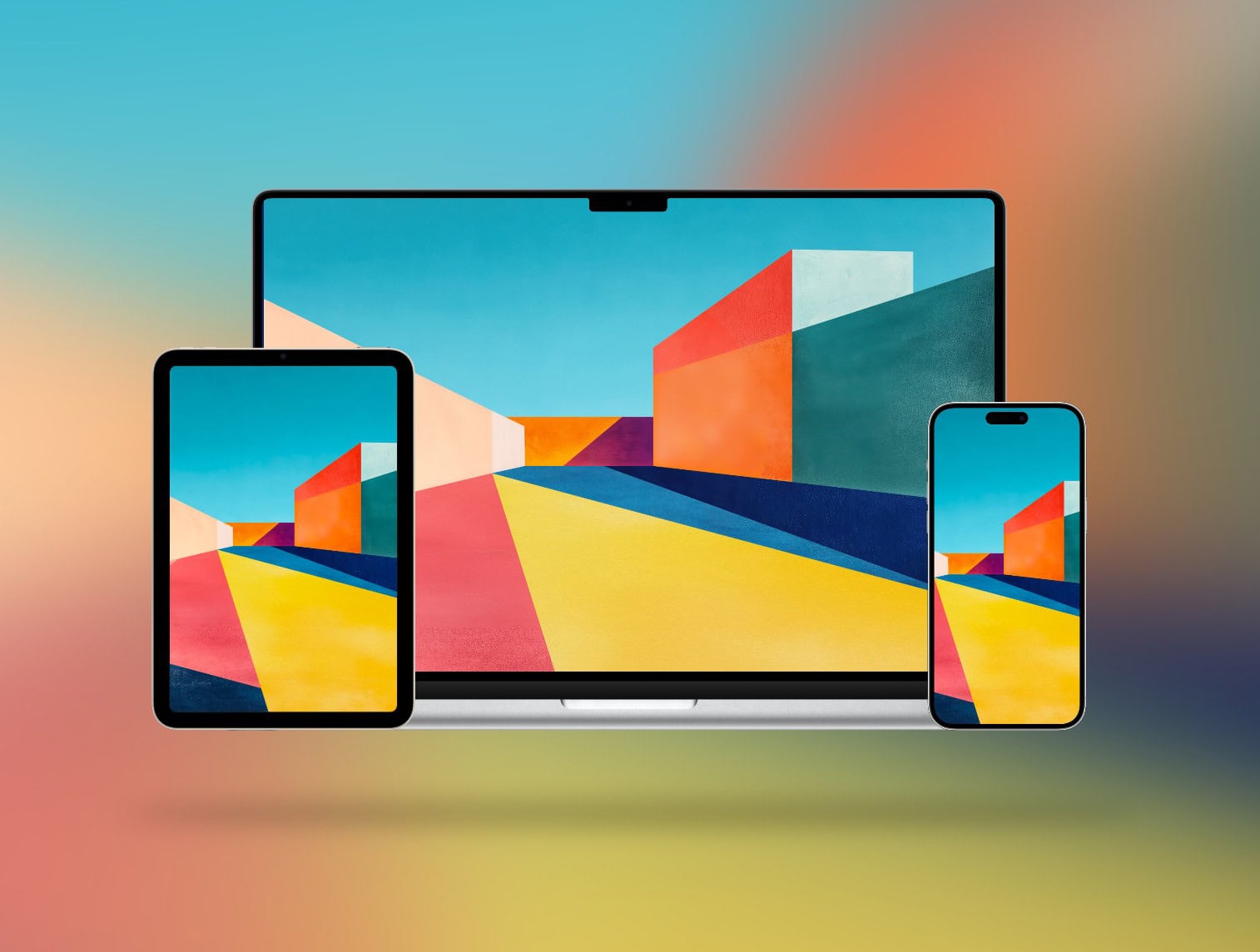
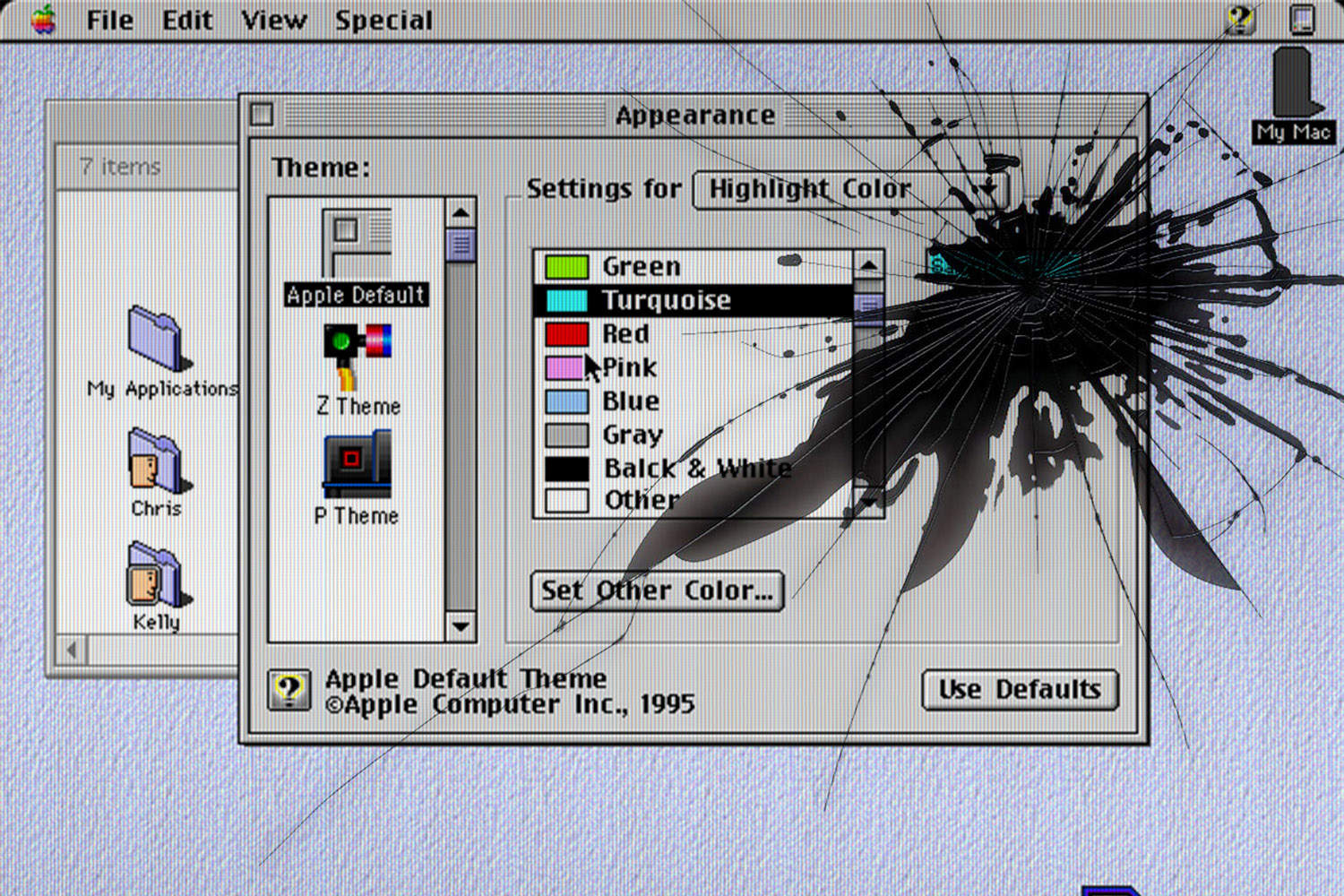
We found more precious nuggets in new software releases from WWDC24: new wallpapers for Apple devices. They include Mac versions that reference old-school icons, iPad landscape and portrait wallpapers in various colors, and similar pretty images for iPhone.
“This new dynamic wallpaper floats over old Macintosh iconography, Control Panel, and applications like the Calculator and MacWrite, Apple’s early word processor,” Basic Apple Guy said of the new-old Mac wallpaper he found.
macOS Sequoia brings the “incredible features” of iOS 18 and iPadOS 18 to your Mac. This includes improvements to the Messages app, Math Notes and more.
Craig Federighi, the Apple software VP who unveiled macOS Sequoia during Monday’s WWDC24 keynote, said the new Mac operating system “introduces even more features to help you effortlessly get things done.”
Don’t get your heart set on new Macs launching at WWDC24 next week. A generally reliable tipster predicts that that’ll be none unveiled at Apple’s developer conference.
And not just Macs. Supposedly the agenda includes no new hardware at all.
Whether you run a video production studio or you’re starting a hobby YouTube channel, you’ll want to make sure you have the best Mac for video editing.
Video editing is a good stress test for any computer. Cutting together an epic two-hour video essay requires high-speed storage, a lot of memory, processing power and GPU power. Apple silicon delivers all this in spades. Apple’s chips also come with special built-in hardware for processing video — the Media Engine.
These days, every Mac is capable of 4K video editing. The best Mac for you comes down to whether you want a desktop or a laptop — and the size of your budget. Keep reading or watch our latest video.
When Ubisoft launches Assassin’s Creed Shadows this November, Mac will be on the list of platforms supported by the action-packed role-playing game.
The adventure is set in medieval Japan, and players can choose either a samurai or a shinobi for very different gaming experiences. For more details on the game’s setting and storyline, check out the latest updates on Assassin’s Creed Japan.
If you still own an Intel MacBook Air, it might be time to upgrade to the new MacBook Air with M3. But what about if you own a MacBook Air running on an M1 or M2 chip? In those cases, it’s not as obvious if you should upgrade to the latest model.
Now that the newer models feature efficient and powerful Apple silicon chips, the MacBook Air is the laptop that strikes the right balance of speed and portability for most people. The thin design is easy to slip into a backpack and the battery will last all day — even when juggling dozens of apps.
How badly you need to upgrade to an M3 MacBook Air depends on which model you’re coming from. Our easy guide will help you decide. Check the infographic below or watch the video.
A MacBook with a 20.3-inch folding screen will hit the market earlier than expected, according to an analyst. The folding Mac supposedly will go into production in late 2025.
These are the best Mac apps that’ll help you through all kinds of work — writing, graphic design, video editing — with a few simple (must-have) utilities that everyone can make use of.
Finding good apps can be hard, especially if you’re new to the Mac. Luckily, we’ve put together a list of the very best.
Keep reading or watch our video guide instead.
You can change the name of your Apple devices, whether you have an iPhone, iPad, Apple Watch, Mac, AirPods or Apple TV. By default, it’s just “[your name]’s iPhone.” But you can give your iPhone its own unique name, like Kit-Kat or Magic Rectangle.
Also by default, when you set up a new iPhone, the name is transferred. This can get confusing if you keep old phones around because you’ll see “John’s iPhone,” “John’s iPhone (2),” maybe even “John’s iPhone (3)” and more. The same is true for Apple Watch, Mac, iPad and AirPods.
The name of your device shows up among a bunch of Apple features like AirDrop, Find My, Personal Hotspot, AirPlay and more. If you use these features often, giving it a unique name will make it easier to identify.
Here’s how to fix this mess on all your Apple devices. Keep reading or watch our video.
This week on Cult of Mac’s podcast: The latest rumors about the iPhone 16 Pro’s camera make it sound better than ever. That’s no surprise, considering Apple makes a big deal out of the iPhone camera every year. But we couldn’t be happier to have even finer photographic tools at our disposal.
Also on The CultCast:
Listen to this week’s episode of The CultCast in the Podcasts app or your favorite podcast app. (Be sure to subscribe and leave us a review if you like it!) Or watch the video live stream, embedded below.
If your Mac is running slow, there are a few things you can do to speed it up and better understand what’s slowing it down.
It’s not just that your Mac is old — although that is an important factor. It could be that you don’t have enough memory, especially if you like to use Google Chrome. You may have a bunch of apps running in the background. There also might be dust in the vents, keeping your Mac from running nice and cool.
Check out our latest video or keep reading to learn why your Mac is slow and how to speed it up.
An audio interface serves as a bridge between your Mac and external audio sources like microphones and musical instruments. The hardware is essential for great sound reproduction, whether you’re a professional producer or a beginner. So finding the best audio interface for your Mac can significantly enhance your recording and mixing experience.
In this guide, we’ll explore top audio interfaces available for Mac, including several affordable options. We’ll discuss their features, performance, compatibility and price points to help you make an informed decision.
This week on Cult of Mac’s podcast: A surprise leak about Apple M4 chips says they’ll come sooner than almost anybody suspected. But nobody’s shocked to hear that they will focus on bringing AI capabilities to Macs.
Plus, there’s news of Ferret-UI, a new Apple project designed to help AI understand how humans use iPhones. Apple’s definitely tin a rush to cash in on tech’s biggest buzzword!
Also on The CultCast:
Listen to this week’s episode of The CultCast in the Podcasts app or your favorite podcast app. (Be sure to subscribe and leave us a review if you like it!) Or watch the video live stream, embedded below.
Setting up a new Mac is an experience in itself. But once you finish your initial setup, you should change these Mac system settings for a better experience. These five easy tweaks to default Mac system preferences will speed up your workflow and save you time.
Irrespective of whether you are a new or long-time Mac user, below are five settings to change on your Mac. Keep reading or watch our latest video.
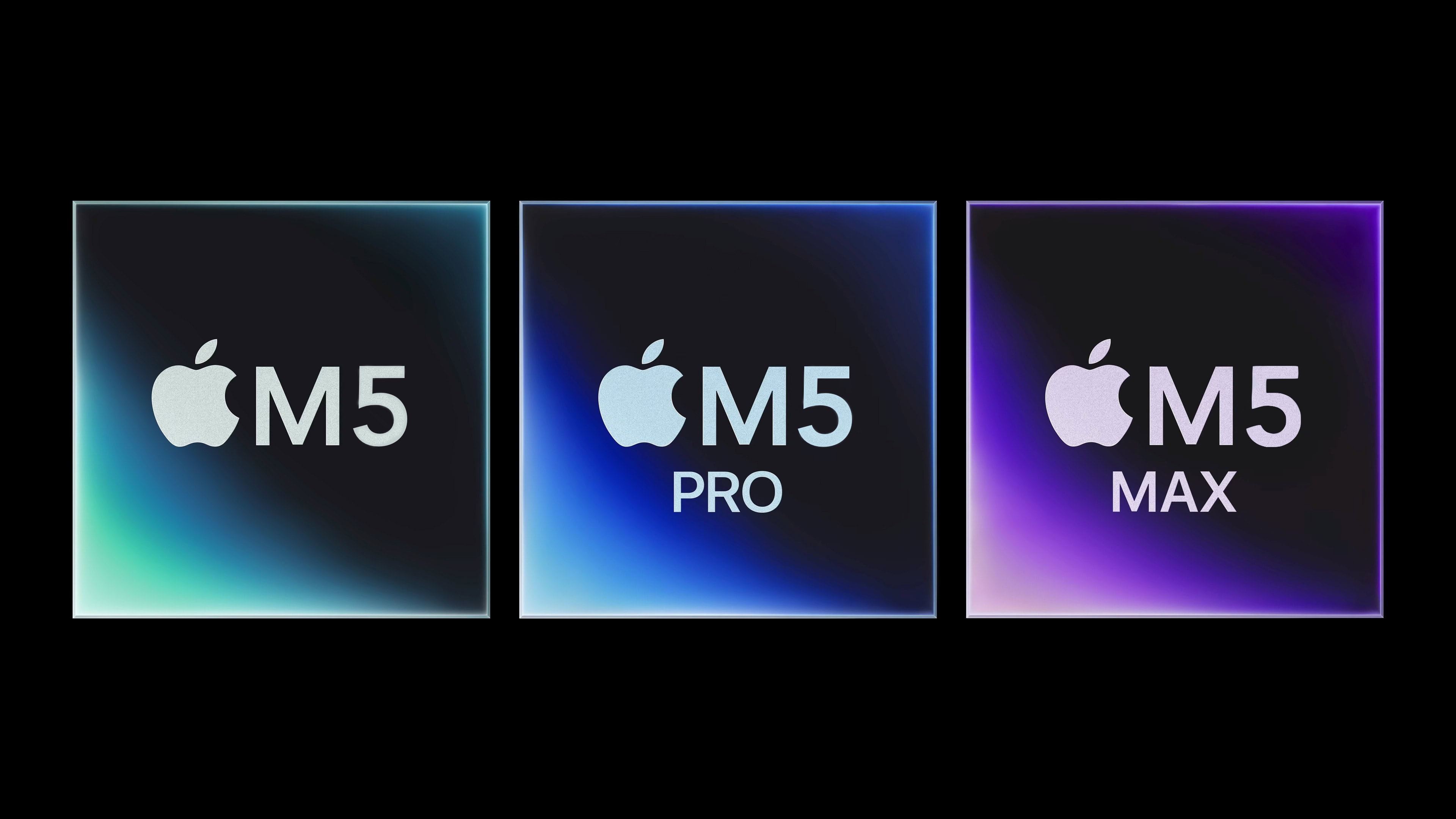
Mac users won’t need to wait until 2025 for the Apple M4 processor, according to a reputable Apple tipster. The replacement for the current M3 will emphasize AI — and will start appearing in Macs this autumn.
A previous report said improvements in the upcoming Apple A18 iPhone processor, also launching this fall, will focus on artificial intelligence, too.
Progress is reportedly going well at Apple’s chipmaker TSMC on development of the 2nm and later 1.4nm processors to power the 2025 through 2027 Mac and iPhone models.
Getting these chips into production is a critical part of keeping Apple at the forefront of technology.
If you are in the market for a slim laptop, there are few options better than the 15-inch MacBook Air. But if you look beyond Apple’s ecosystem, there’s the Dell XPS 15. It packs a slim and lightweight design and offers more value for money than the MacBook. So, which 15-inch laptop wins the MacBook Air vs. Dell XPS 15 smackdown?
Find out in this buying guide, which compares the two laptops on their designs, displays, performance, ports, battery lives and prices.
After Apple’s thunderous launch of the M3, M3 Pro and M3 Max chips a few months ago, these chips likely will roll out as spec bumps in the MacStudio, Mac Pro, and Mac mini later this year. Additionally, Apple enthusiasts are eager to see how the m3 ultra chip will further enhance Mac performance in upcoming releases.
An M4 MacBook Pro remains a possibility for this fall. (I suspect M4 will be the first “must-have” Mac upgrade for anyone still on an M1-series chip.)
Apple’s upcoming M3 Ultra chip won’t consist of two M3 Max processors merged together, according to information leaking out of Cupertino. The change from its predecessors would free up designers to make the next-gen Apple silicon even more powerful.
It even raises the possibility of an M3 Extreme, a workstation-level processor that would give the Mac Pro a reason to exist. With Apple continuing to push the boundaries of performance, the Apple M3 lineup is expected to redefine computing power—learn more about it in Apple’s unveiling of the M3 Ultra chip.
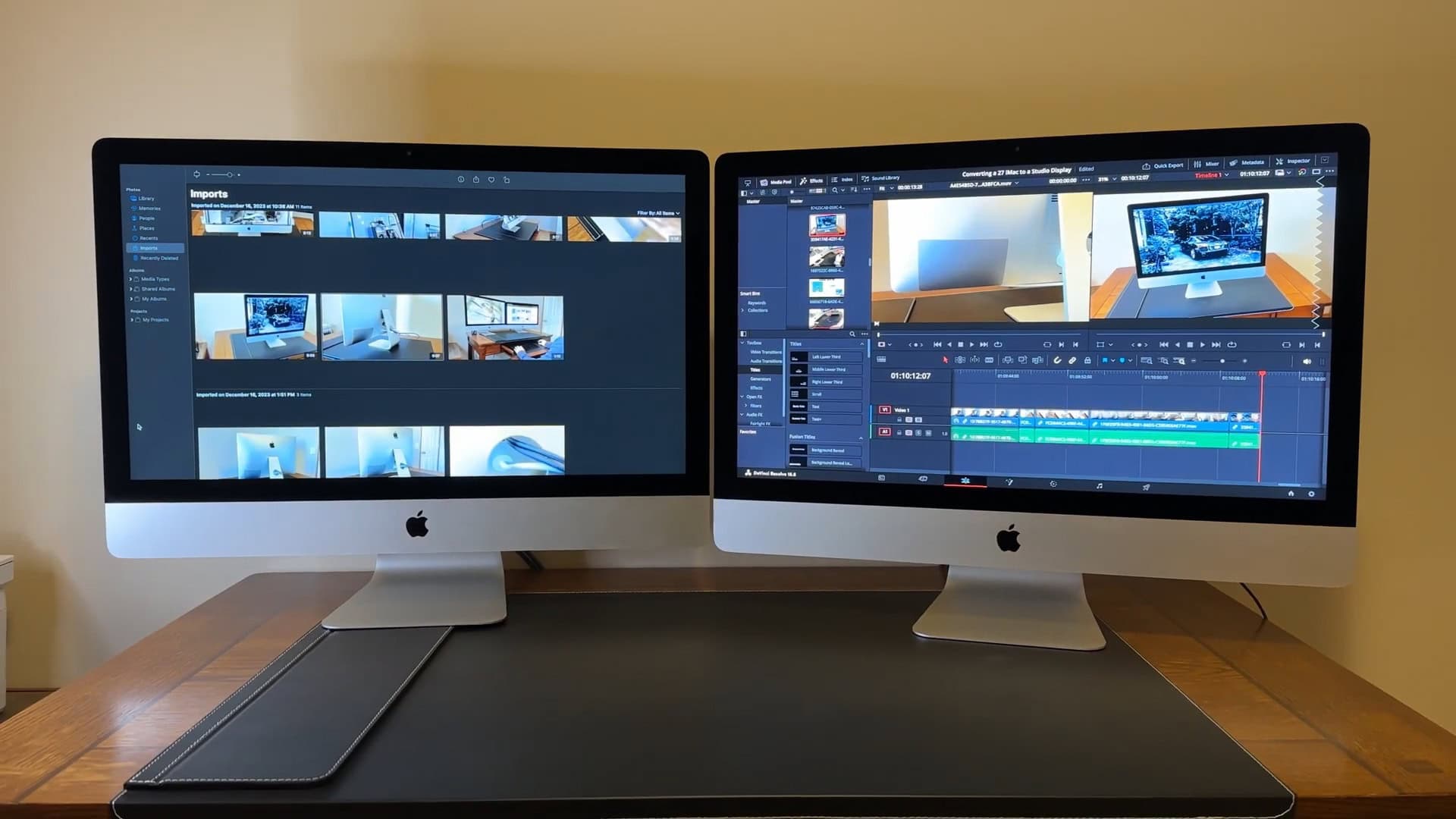
Should your next Mac be a portable or a desktop? More than 90% of Macs sold are laptops, and it’s easy to see why — MacBooks are light while offering best-in-class performance and battery life. Still, the “iMac vs. MacBook” quandary remains.
In fact, there are some compelling reasons to stick to the iMac (or other desktop Macs like the Mac mini or Mac Studio). You save money and also wind up with a more reliable machine.
Check out our latest video or keep reading below to help you decide.
Security researchers have found a serious exploit in all Apple M-series processors. The hard-wired flaw could potentially could be used by hackers to get user credit card information or read encrypted messages.
The flaw exposes precious encryption keys, and it’s baked into the hardware — so it can’t easily be patched without a performance penalty. Here’s what you need to know.