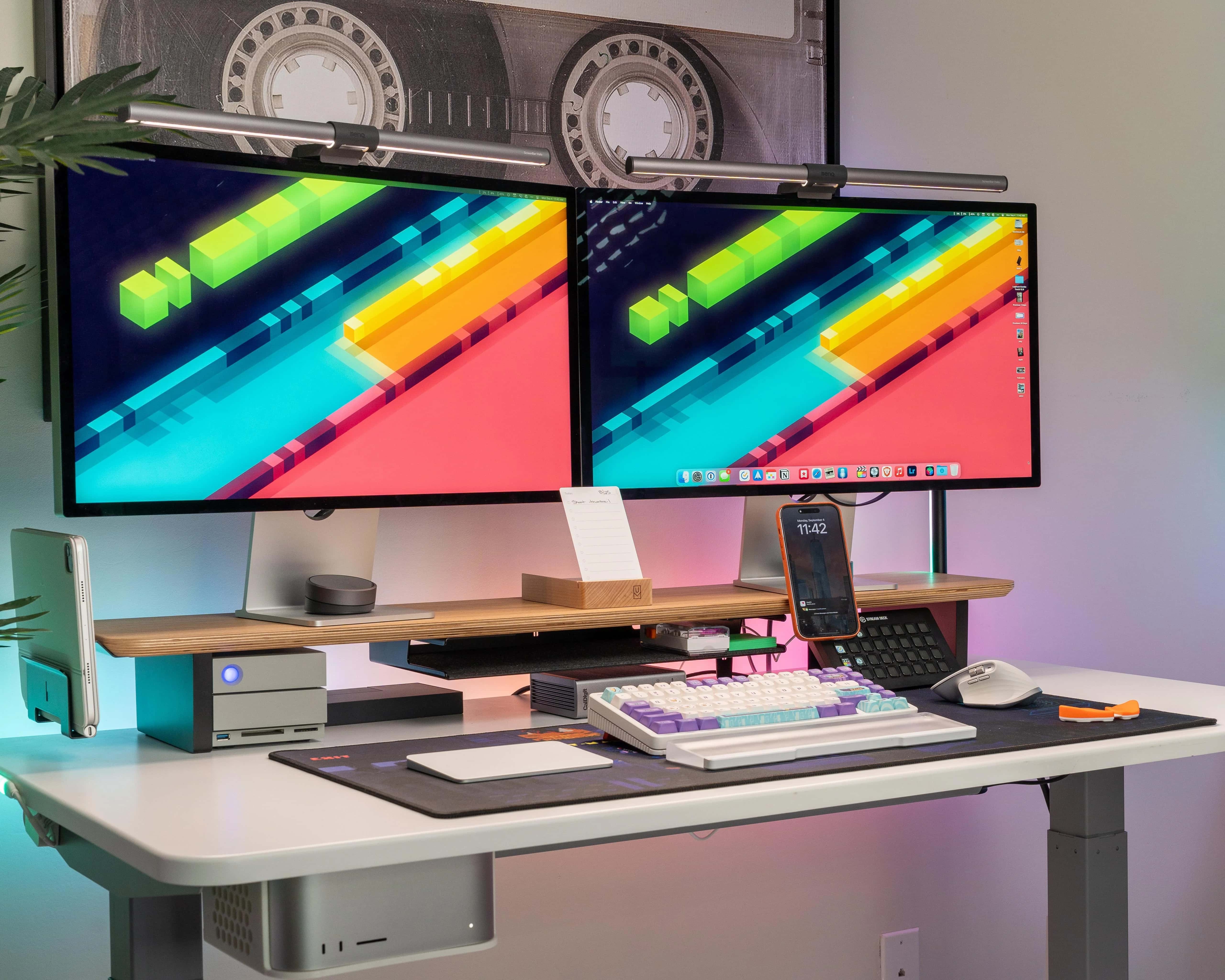
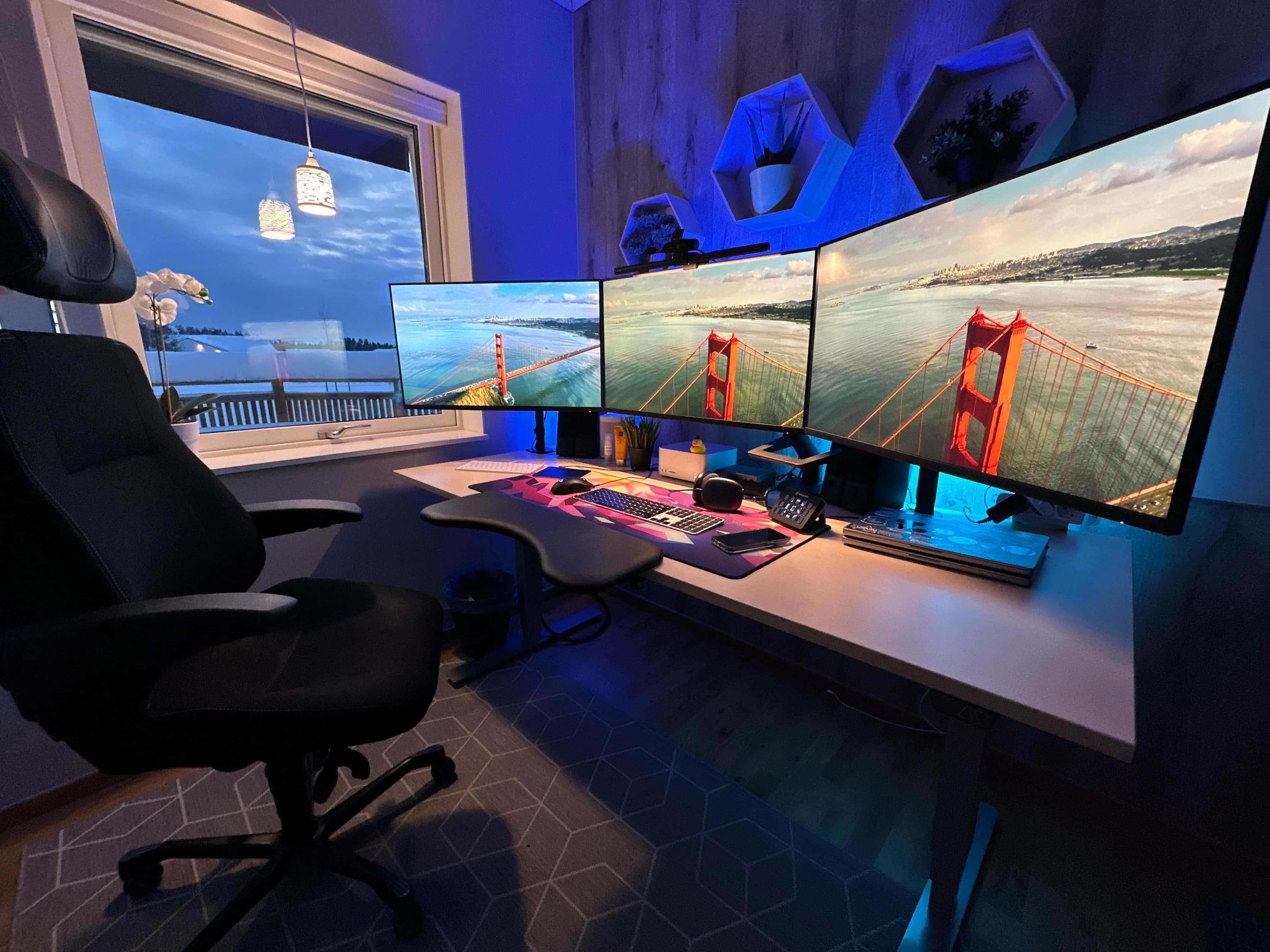
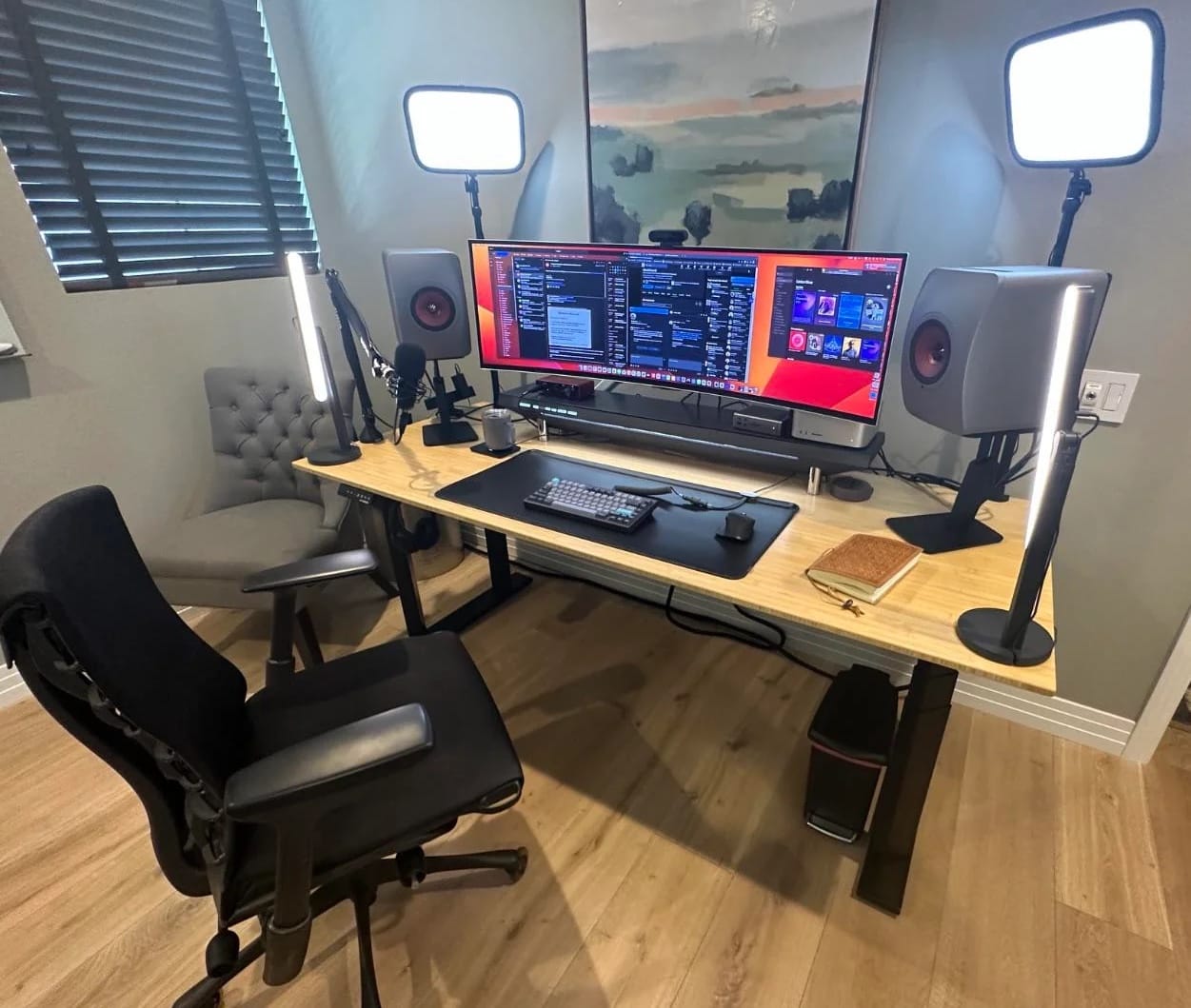
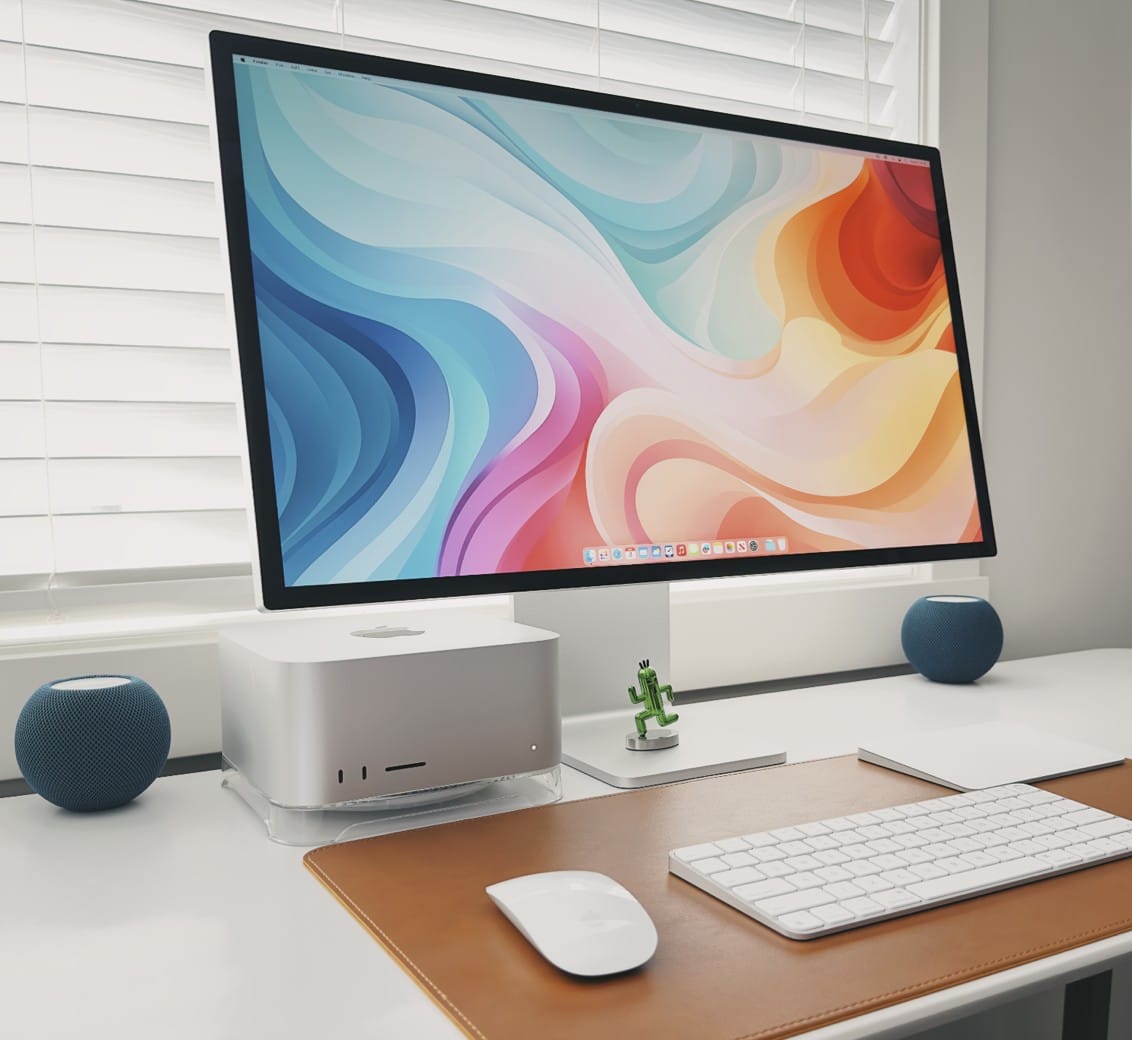
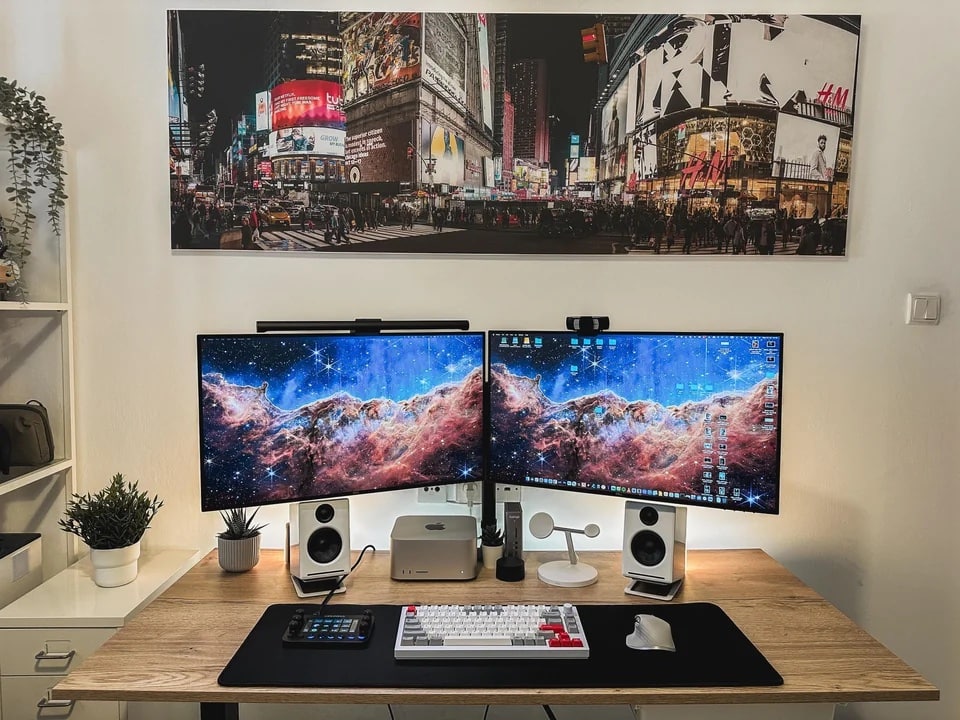
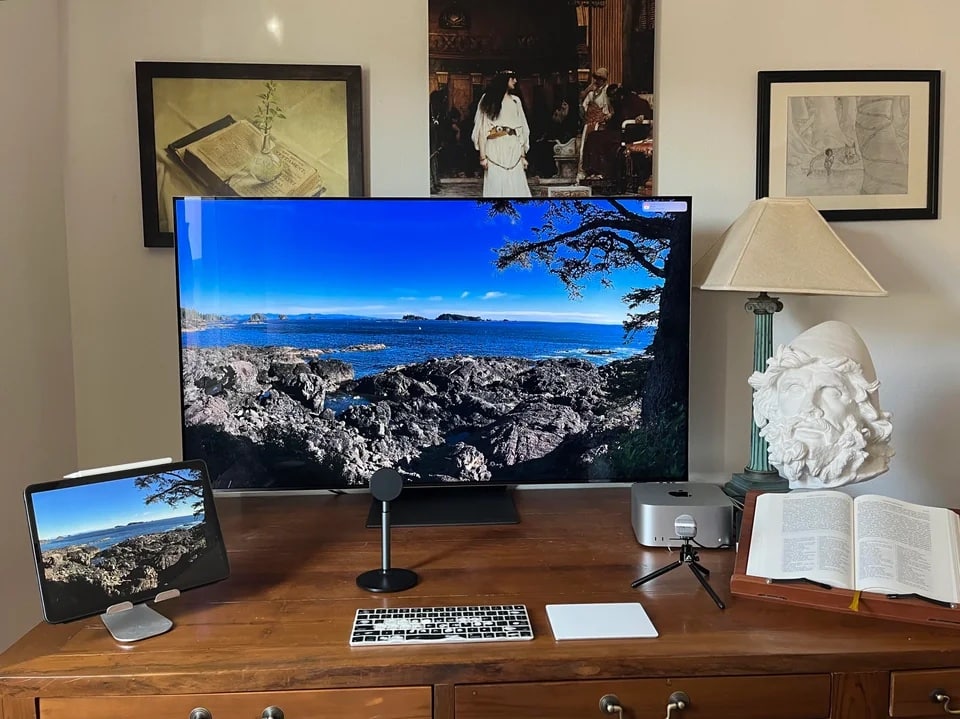
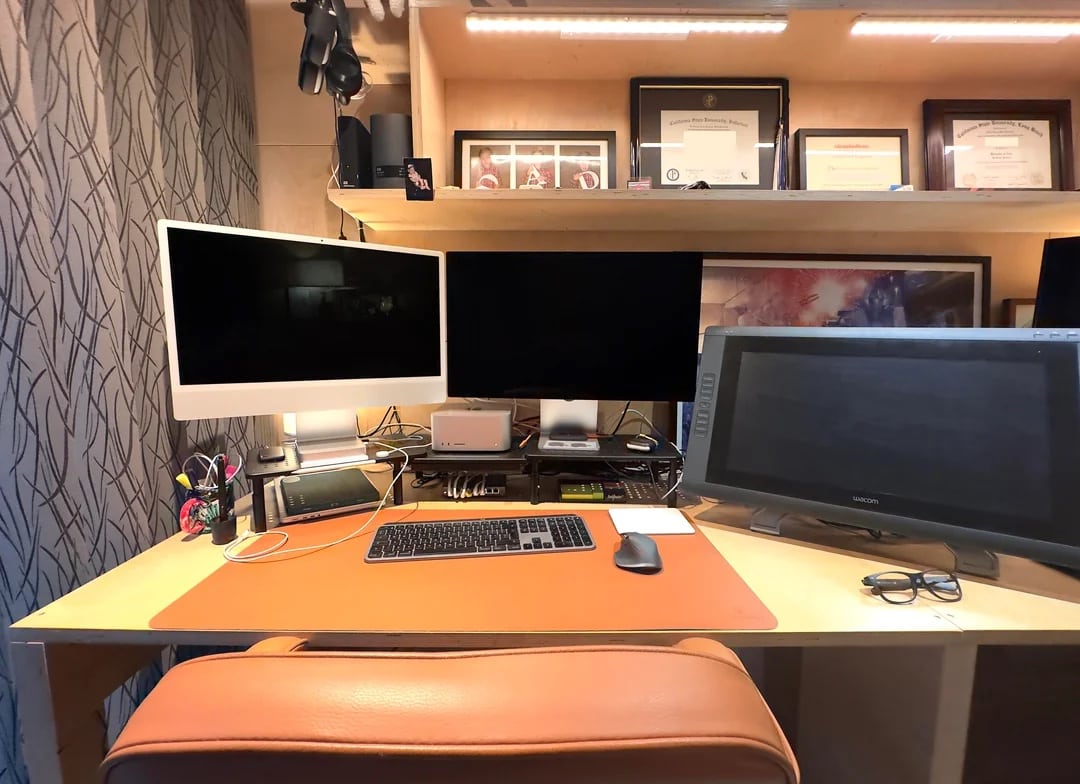
This cool setup sports the NyPhy Halo75 mechanical gaming keyboard. Photo: [email protected]
Dual Studio Displays are a popular-if-pricey choice among Mac users. In addition to making a case for going with the configuration in the first place, today’s Mac Studio setup offers some helpful tips for creating synced dual Studio Displays.
It suggests third-party tools to help sync audio and brightness levels across the two monitors.
For most cases, laser printers outshine inkjet printers. Here's how to find the best laser printer for Mac. Photo: Cult of Mac
What is the best laser printer for Mac users? When choosing between laser or inkjet, we recommend laser. Laser printers used to be prohibitively expensive, but prices have come down, and you’ll have fewer headaches. Inkjet printers are better for photos but are a pain to own. Replacement ink costs a fortune, the heads clog, and they dry out if the printer isn’t in regular use.
Laser printers, on the other hand, can sit idle for weeks without problems. They cost more up front, but are often cheaper to own in the long-run.
In this guide, we’ll explore which brand of printer works best with Mac and top laser printers that are fully compatible with macOS, whether you need a printer for your personal use, a home office or a small business.
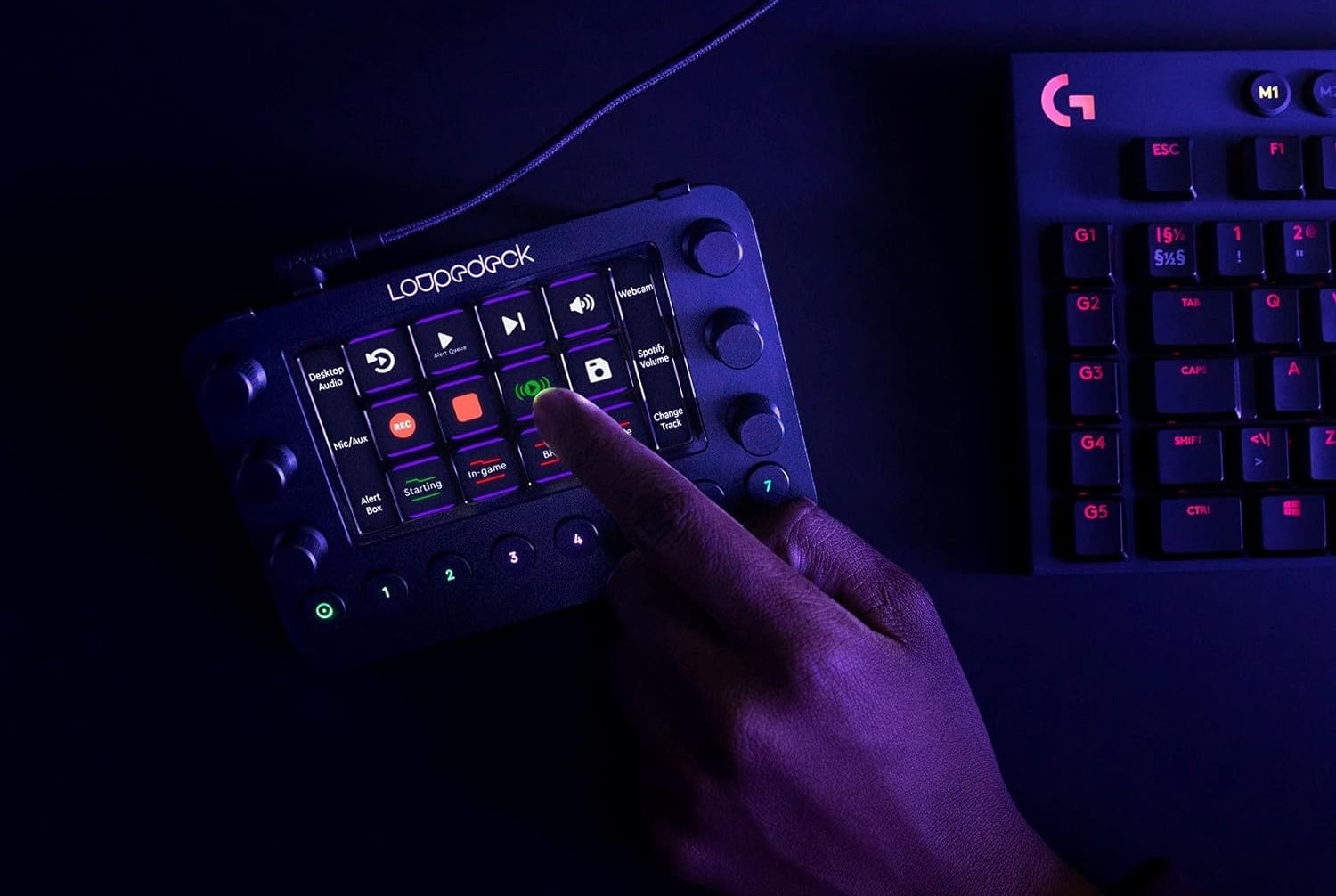
Today's user relies on Loupedeck Live for photo and video editing tasks. Photo: Loupedeck
The other day we featured an M1 Ultra Mac Studio setup. We wanted to loop back to call out a couple of cool components in it — namely, a Loupedeck streaming media console and a Keychron Q1 Pro Mechanical Keyboard. It turns out Loupedeck Live is great for video editing (photos, too!).
Mac Studio has one of the nicest accessories of its kind a user has ever seen. Photo: [email protected]
The M1 Ultra Mac Studio set a new benchmark for computing power in a package smaller than Mac Pro when it came out in spring 2022. Today’s setup sparked discussion about the relative merits of the powerful desktop machine, with one user citing a surprising point of praise — the Mac Pro braided power cord!
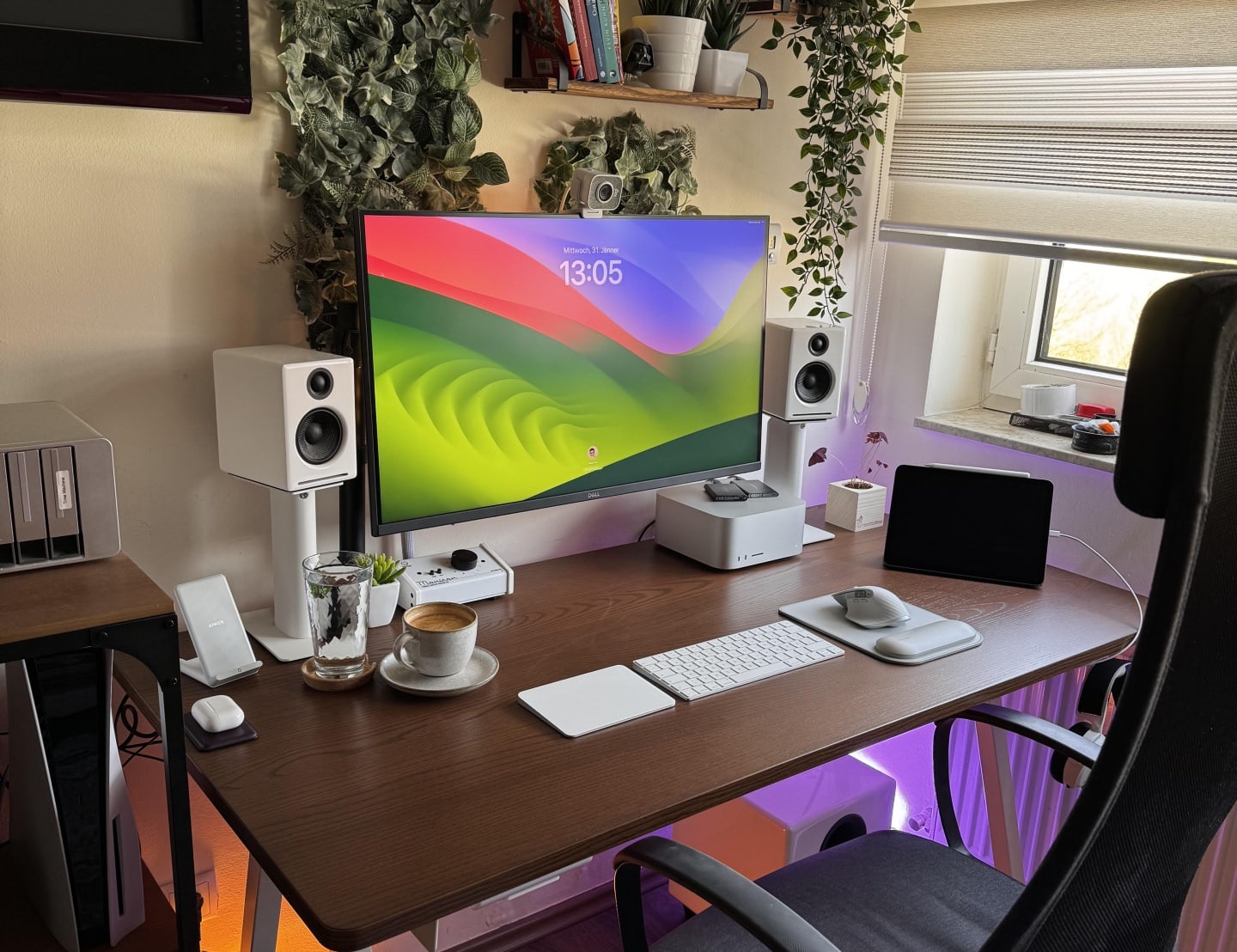
This user chose one 32-inch Dell G3223Q Gaming Monitor over two external displays. Photo: [email protected]
Trend alert: We’re seeing more computer setups cutting down from dual apple studio display setups — or sometimes a few — to one external display. This is no scientific survey, but today’s setup looks like another example of several we’ve seen popping up on social media lately where a user wants to simplify and focus in that way.
And commenters compared the choice of display that remained — a Dell 4K gaming monitor — favorably to Studio Display.
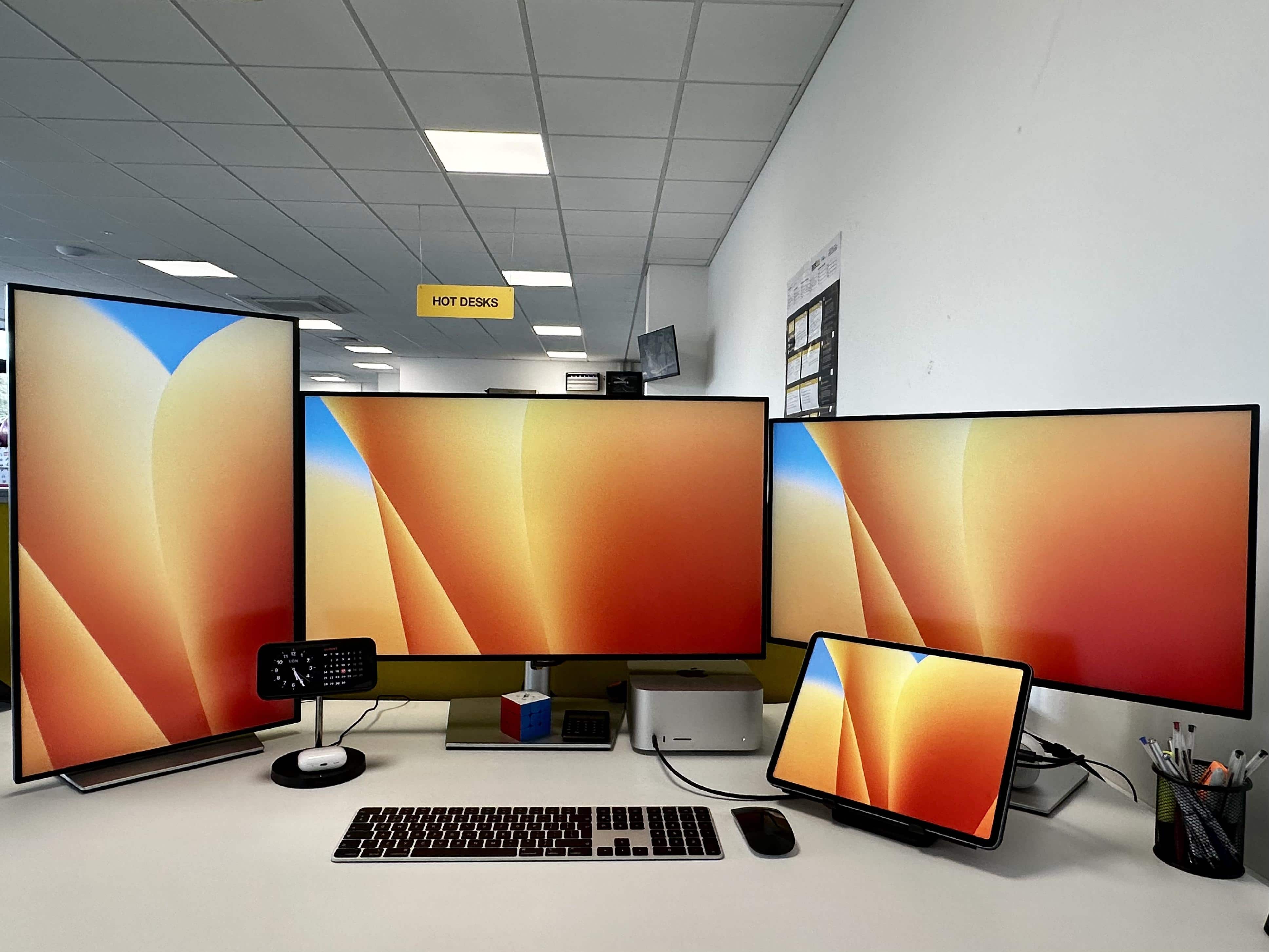
What do you do if one display is 5K resolution and one is 4K resolution? Photo: [email protected]
When someone asked a marketing director in the United Kingdom how much money he makes, the man laughed and said, “Not enough to justify the contents of this picture” of his computer setup.
Hey, we get it. But then we suffered immediate pangs of envy when he went on to say, “My sister works for Apple so got a sick deal on a refurbed [Mac] Studio and new Studio Display.”
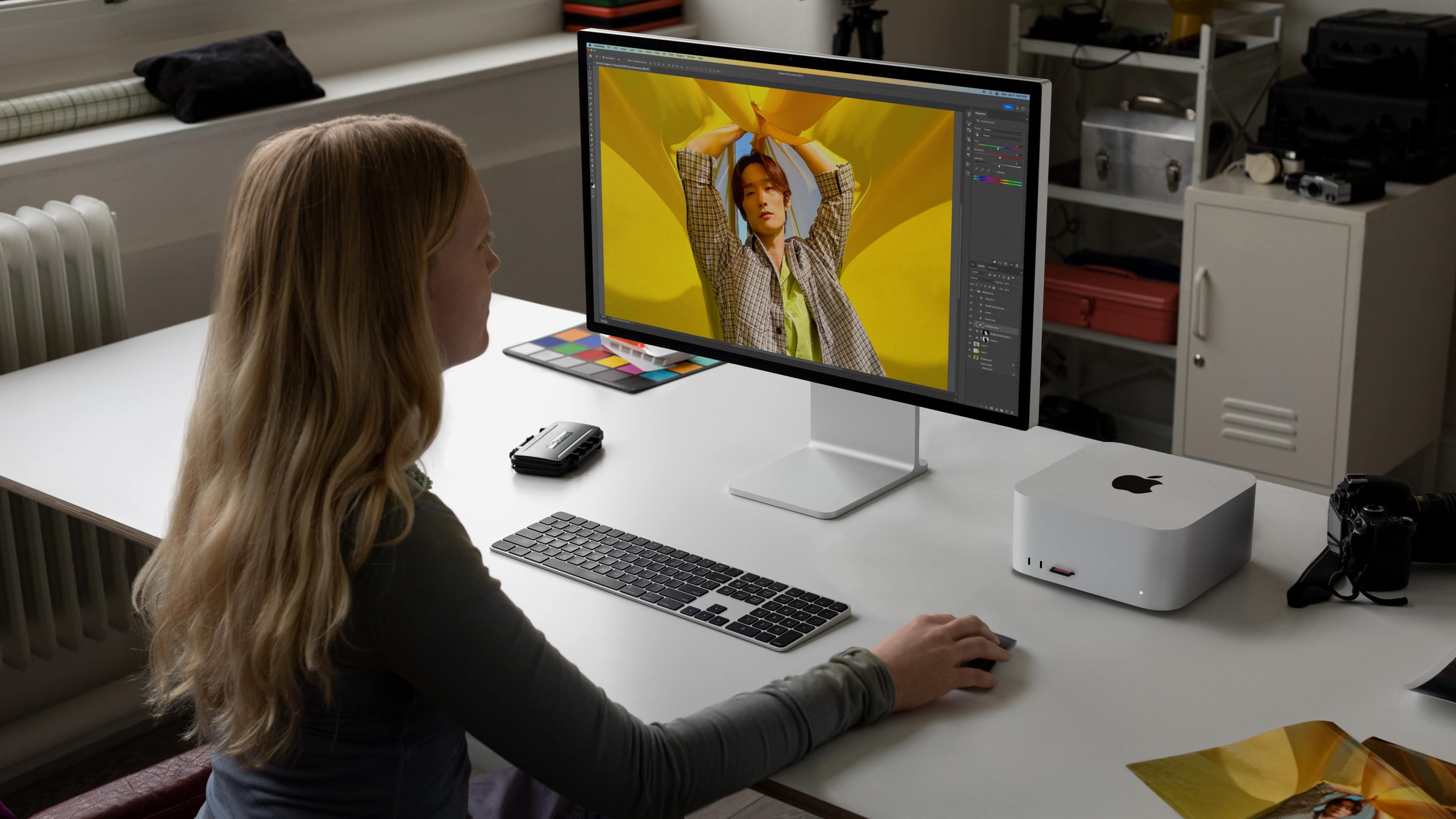
Expect a faster Mac Studio in mid-year -- possibly at WWDC2024. Photo: Apple
A third-generation, speed improved version of the Mac Studio is reportedly on Apple’s agenda for around the middle of 2024. An Apple M3 Ultra processor will supposedly be the highlight of the next iteration of the professional-grade macOS desktop.
Windows on water everywhere in this triple-screened Mac Studio and MacBook Pro setup. Photo: [email protected]
After a recent debate over whether dual external displays should be lined up straight across or angled for better ergonomics, a Mac Studio and dual-MacBook setup addresses the question in a different way. It uses three identical displays in landscape mode, placing the center one one straight and one on either side of it at an angle.
And the setup also offers connecitivity tips, running the two MacBooks into two of the displays via a CalDigit dock while the Mac Studio drives one directly.
We'll help you pick the perfect Mac. Image: Killian Bell/Cult of Mac
When you buy a new Mac, you will spend a decent stack of cash. So, whether you’re shopping for yourself or someone else, ensuring you choose the best Mac is key. While every modern Mac can handle casual computing with ease, some are a much better fit for certain use cases.
In our Mac buying guide, we’ll look at all of the models offered by Apple today, as well as some of the best Mac accessories you can get to go with them.
This user went from a 2012 Mac mini to an M2 Max Mac Studio plus a MacBook Air. Photo: [email protected]
A big upgrade to a computer setup is a major boost to any user. And today’s featured rig, though it may look unassuming, got a doozy of a makeover. A Mac mini dating all the way back to 2012 finally retired after a long career. And a powerful new M2 Max Mac Studio took over, with a late-model MacBook Air riding shotgun.
But that’s not all. Read more about other bonuses in the rejuvenated setup besides the laptop, and check out the full gear list below.
The 2023 Mac Studio can handle your demanding workloads with ease. Photo: Apple
You can now pick up 2023 Mac Studio models from Apple’s Certified Refurbished store. This is a great way to get a new-like Mac Studio with up to 15% discount.
Apple unveiled the 2023 Mac Studio in June, so the machines have quickly hit its refurbished store.
This nicely composed frame shows the M2 Mac Studio as a plant stand. Photo: [email protected]
If you want to see a good example of high-end Mac computing, look no further than today’s elegant featured setup. Its powerful M2 Mac Studio desktop computer works alongside a PC gaming rig as they drive a curved OLED display for maximum contrast.
Throw in a rarely seen mechanical keyboard and a standing desk with a big Grovemade desk shelf, and we’re in business.
Where's the Mac Studio to go with those Studio Displays? Under the desk. Photo: [email protected]
On Friday we mentioned dual-Studio Display setups seem relatively rare, but now we can hardly glance at social media without seeing one, or even several.
Today’s featured Mac Studio setup fits the bill with two Studio Display perched on 3D-printed stands. You can’t see the computer in the photo above. That’s because it’s mounted under the standing desk.
This Mac Studio and Studio Display setup is a gamer's paradise, with six gaming systems. Photo: [email protected]
If you’re an avid gamer or you’re shopping for one, you could do worse than to check out today’s featured Mac Studio and Studio Display setup.
The user gets seriously greedy with a peripherals lineup that others might want to emulate, including six gaming systems, four keyboards, four mice and a stellar sound system.
Lights, camera, action! This Mac Studio rig is ready for videoconferencing and more. Photo: [email protected]
Version: Some computer setups are bare-bones but functional, others are swanky as all-get-out. Leaning toward the latter, today’s setup rocks a powerful M2 Ultra Mac Studio desktop computer driving a new, 49-inch Samsung G9 super-ultra-wide display. If you’re looking for a mac mini monitor, check out this impressive Samsung ultra-wide monitor setup.
But that’s not all the finery the solid standing desk supports. Festooned with key lights, it’s also a great videoconferencing station, with a premium webcam, a mounted USB microphone and killer speakers.
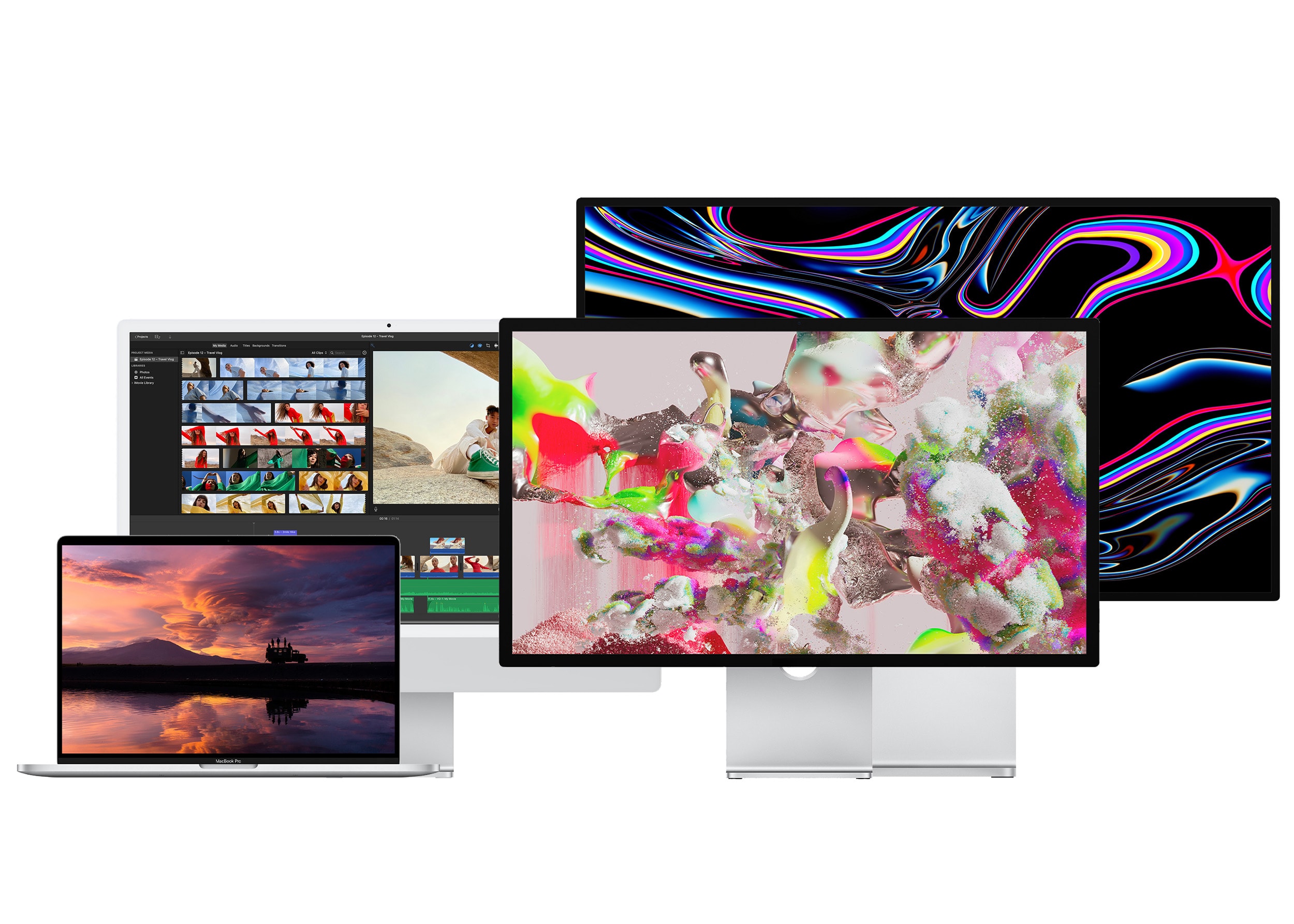
From left to right: The 16-inch MacBook Pro, the 24-inch iMac, the Studio Display and Pro Display XDR. Photo: Apple
If you’ve shelled out hundreds or thousands of dollars on a new computer, you’ll want the best monitor for your Mac to go along with it. There are many different kinds to choose from.
Macs and MacBooks play nicely with Retina displays, which have twice the pixel density and four times the resolution. But they can also be quite pricey — while there are new third-party options that are half the price of Apple’s, the cheapest is still around $800. You can choose from standard 27-inch displays, ultrawide panels with acres of screen space, or even small monitors ideal for a crowded dorm room desk.
Here’s a display buying guide to help you find an appropriate monitor to go with your Mac.
When you work in 3D, you need a lot of computing power. And four screens, apparently. Photo: [email protected]
Today’s featured setup sports a powerful M2 Ultra Mac Studio desktop computer and four screens, three of them with sparkling 4K resolution. But until recently it was an M2 Max MacBook Pro setup upgraded from an M1 MacBook Pro.
Why the switch to Mac Studio? Hey, sometimes you just need a more badass computer. Especially when you work in 3D rendering and you rarely take the laptop off its dock anyway.
See any cables here? We didn't think so. Photo: Basic Apple Guy
Today’s featured computer setup comes from Mac maven and designer Basic Apple Guy. We know him from the free wallpapers he offers for download. Who knew he was such a cable-management Jedi?
We came across his powerful setup with nary an unsightly cable while writing about his new “Flow” wallpaper — which was actually inspired by his fight with cable clutter.
Today’s featured Mac Studio setup found an interesting way to arrange its four displays — three little ones in a row and one huge one broadcasting the Bat-Signal on top.
With Batman undoubtedly on his way (OK, maybe it’s just the logo, not the actual signal), the workstation also boasts a 12.9-inch iPad Pro with Apple’s Smart Folio and a remarkably affordable mechanical keyboard for use with the desktop machine.
A big Samsung smart TV dominates this Mac Studio rig. Photo: [email protected]
We look at a lot of computer setups on social media, but sometimes what drives conversation among commenters surprises us. With today’s Mac Studio rig with an odd couple of mismatched displays, the main debate concerned … keyboards for iPad.
Specifically, when an iPad is so wonderfully light, what keyboard case doesn’t weight it down too much?
Computer-setup gawkers on social media love their symmetry. It’s really just human nature to prefer those clean lines and even spacing — you know, stopping short of full-blown obsessive compulsive disorder and blowing a gasket if one little cable appears out of place.
Today’s M1 Ultra Mac Studio workstation brings not only powerhouse computing, but a few tricks of the trade when it comes to creating that pleasing symmetry. And it packs an interesting device we don’t see very often.
That 55-inch OLED smart TV may be far enough away because the desk is 40 inches deep and the user said he tends to lean back a bit. Photo: [email protected]
Increasingly, gamers and other users replace traditional computer monitors with large smart TVs or ultra-wide monitors that eclipse screens like Apple’s 27-inch Studio Display and 32-inch Pro Display XDR in size. Today’s featured M2 Max Studio Display setup sports a 55-inch Samsung 8K OLED smart TV, for example.
Everybody loves plenty of screen real estate, but ergonomically speaking, is it healthy? Today’s setup represents the debate, offering pros and cons.
That M1 Max Mac Studio is about to get replaced for not quite handling renders. Photo: [email protected]
It seemed only yesterday M1 Max Mac Studio showed up as the new powerhouse in town, ready to take on all tasks. But in today’s featured setup, it’s on the chopping block for failing to handle heavy-duty rendering work for animated films well enough. The designer running the setup eagerly awaits an M2 Ultra Mac Studio.
Meanwhile, he uses Universal Control to pair his powerful desktop with an M1 iMac for basic tasks and relies on massive amounts of external storage for his humongous files.
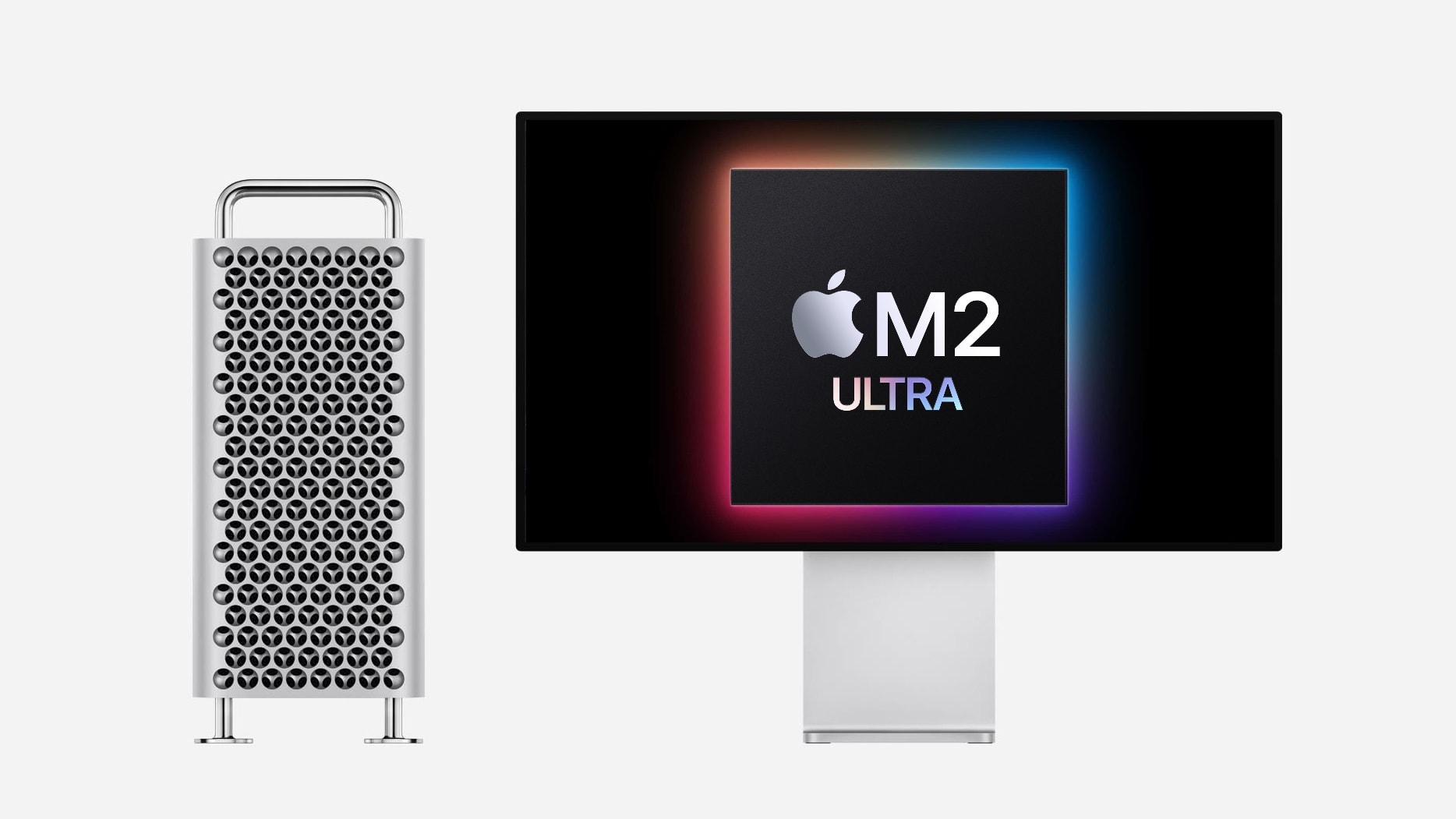
2023 Mac Pro with Apple M2 Ultra Photo: Apple/Cult of Mac
Apple’s latest Macs are powerful and versatile. So much so that some people wonder if anybody will want the top-of-the-line Mac Pro desktop, even with its new M2 Ultra chip.
A new report found an audience for the top desktop lacking, given the capabilities of Mac Studio and MacBook Pro. But others suggest Mac Pro is here to stay.