The OtterBox Mobile Gaming Clip for MagSafe offers better gaming with the convenience of magnets. Photo: Ed Hardy/Cult of Mac
The OtterBox Mobile Gaming Clip for MagSafe uses magnets to connect your iPhone to your Xbox controller. It’s quick but secure. And you can easily rotate between landscape and portrait orientation.
I played a bunch of different games over the weekend using this accessory. Here’s why I like it.
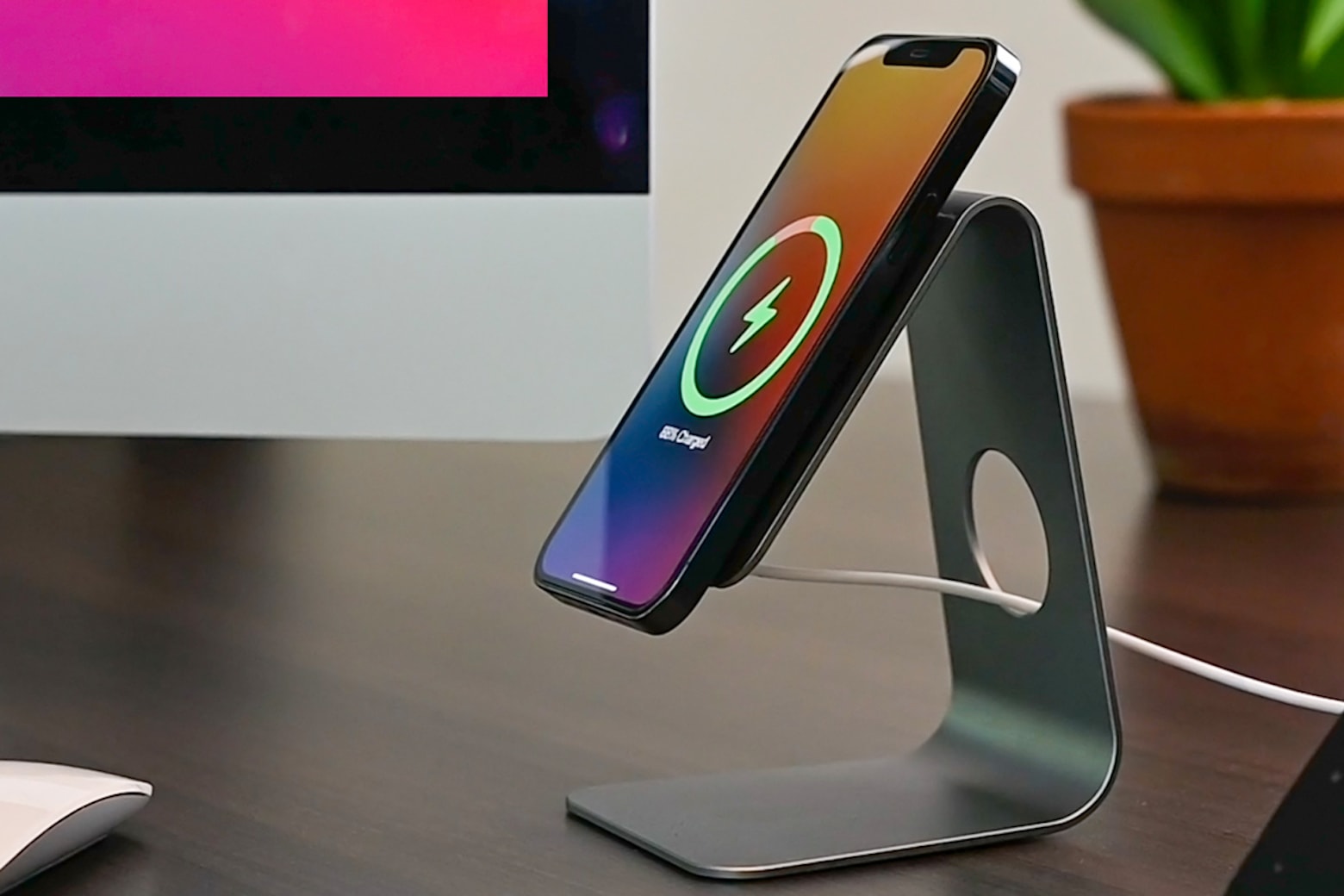
You don't have to stand for inconvenient iPhone chargers anymore. Photo: Cult of Mac Deals
If you need a sturdy stand that eliminates cable clutter while supporting your MagSafe Charger, the LOGiiX Stance Mag is the perfect desk companion for your iPhone. Right now, this convenient charging stand is on sale for $29.95.
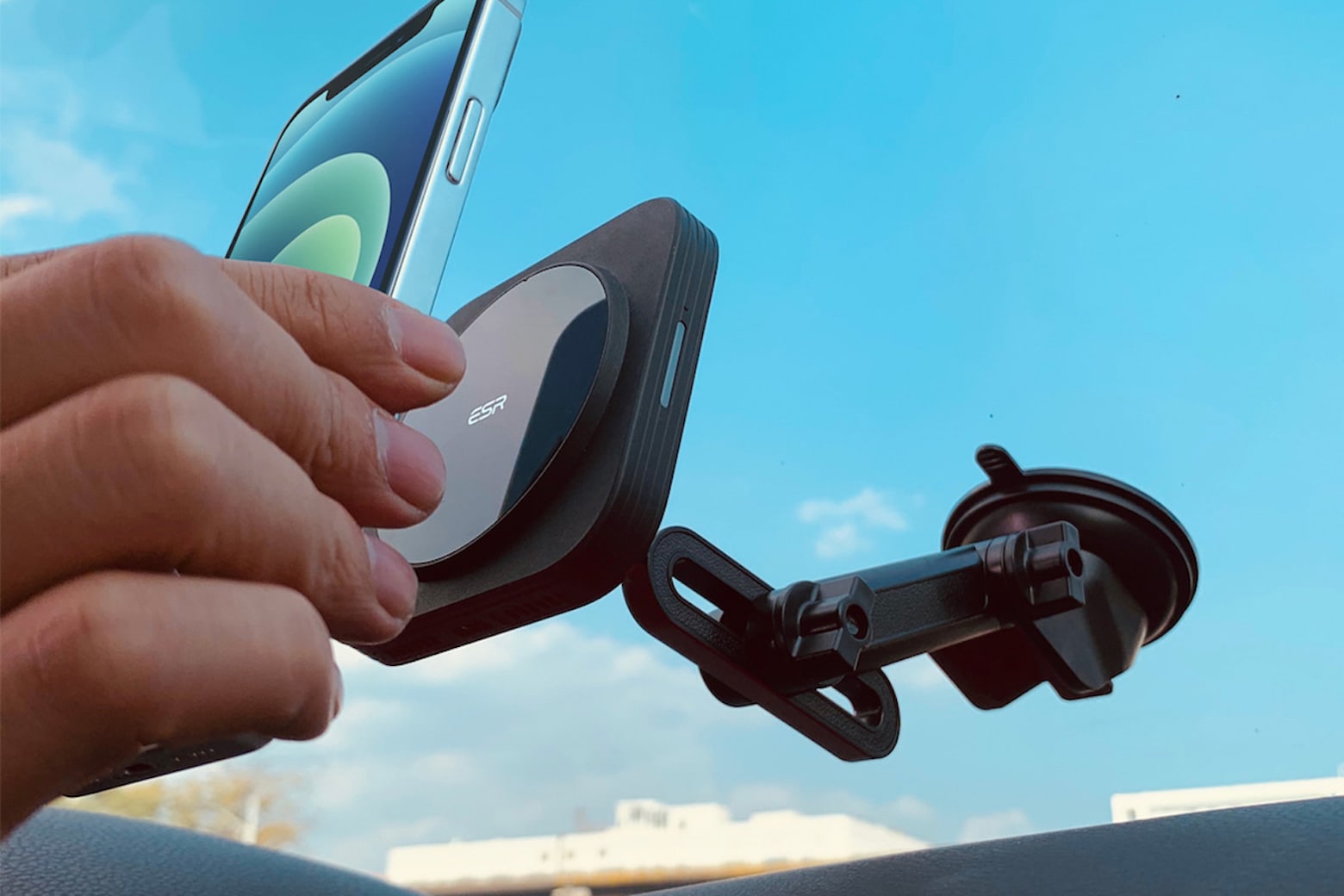
This magnetic car phone mount will wirelessly charge your phone. Photo: Cult of Mac Deals
You can combine a wireless charger with your phone’s car mount by using the ESR HaloLock. Paired with your MagSafe charger, this mount keeps your phone operational, safe and charged even while you use it, and it’s on sale for $37.
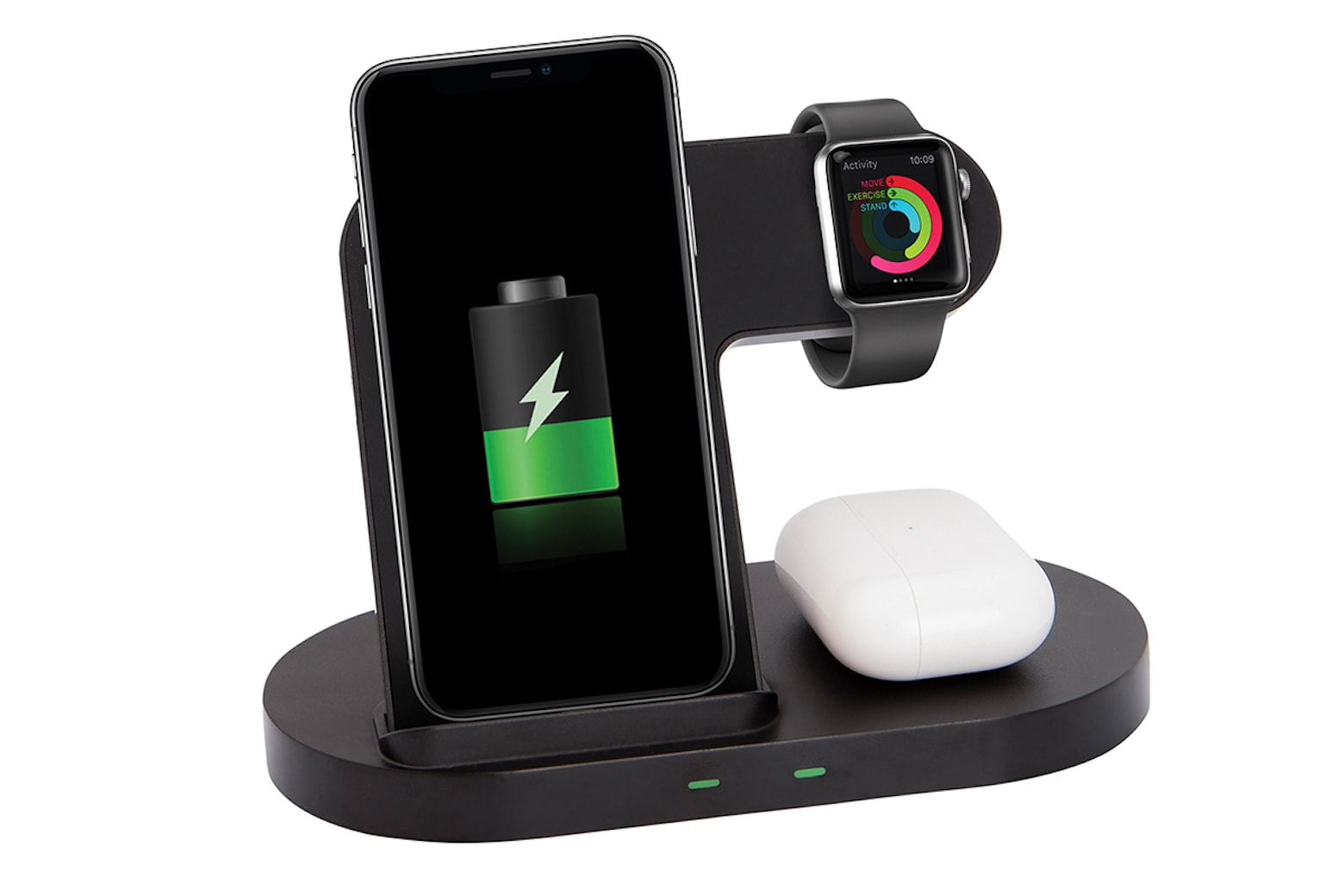
Charge 'em all with this minimalist stand. Photo: Chargeworx
This might be the ultimate accessory for the Apple fan who has everything. The cool little gadget charges not one, not two, but four devices at once. And right now, the Chargeworx 4-in-1 Multi-Charging Stand is on sale for just $34.99.
Stop dealing with tangled cords with this 4-in-1 Apple charger. Photo: Cult of Mac Deals
You shouldn’t need to carry around a separate bag for chargers or learn complex cord management just because you have more than one device that you use every day. Instead, you can consolidate all of your chargers into one without sacrificing charging speed.
The 4-in-1 Multi-Port and Apple Watch Charger can charge four of your devices at once, is a comfortable length without opening itself up to tangles, and is on sale for $18.
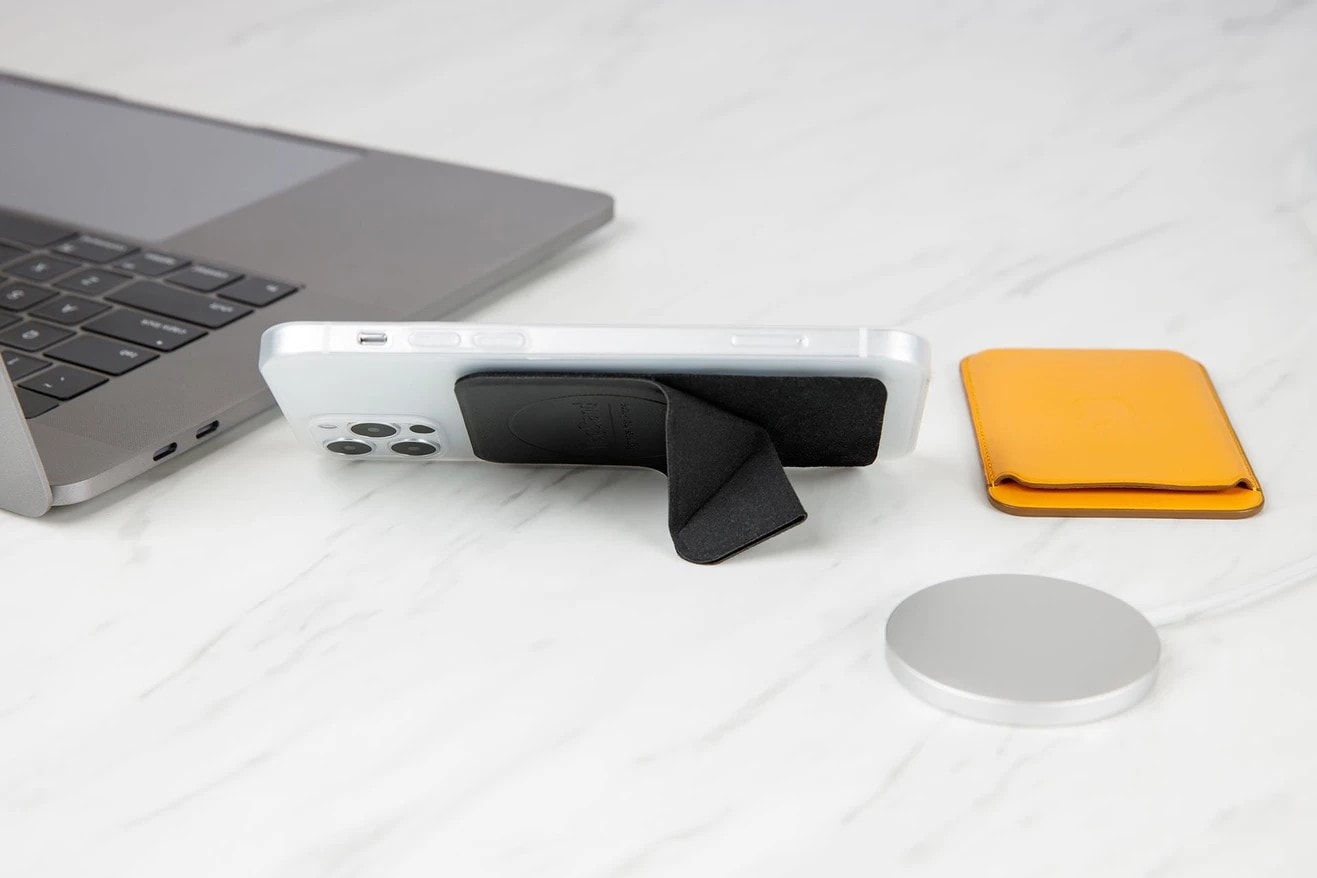
MagStand is a slim, sturdy, and foldable stand that sticks onto the back of your iPhone and is always ready to go when you need it. It’s great for watching movies and hands-free FaceTime calls — and it’s affordable.
What’s more, MagStand makes your older iPhone compatible with MagSafe accessories. Bag yours today from the Cult of Mac Store.
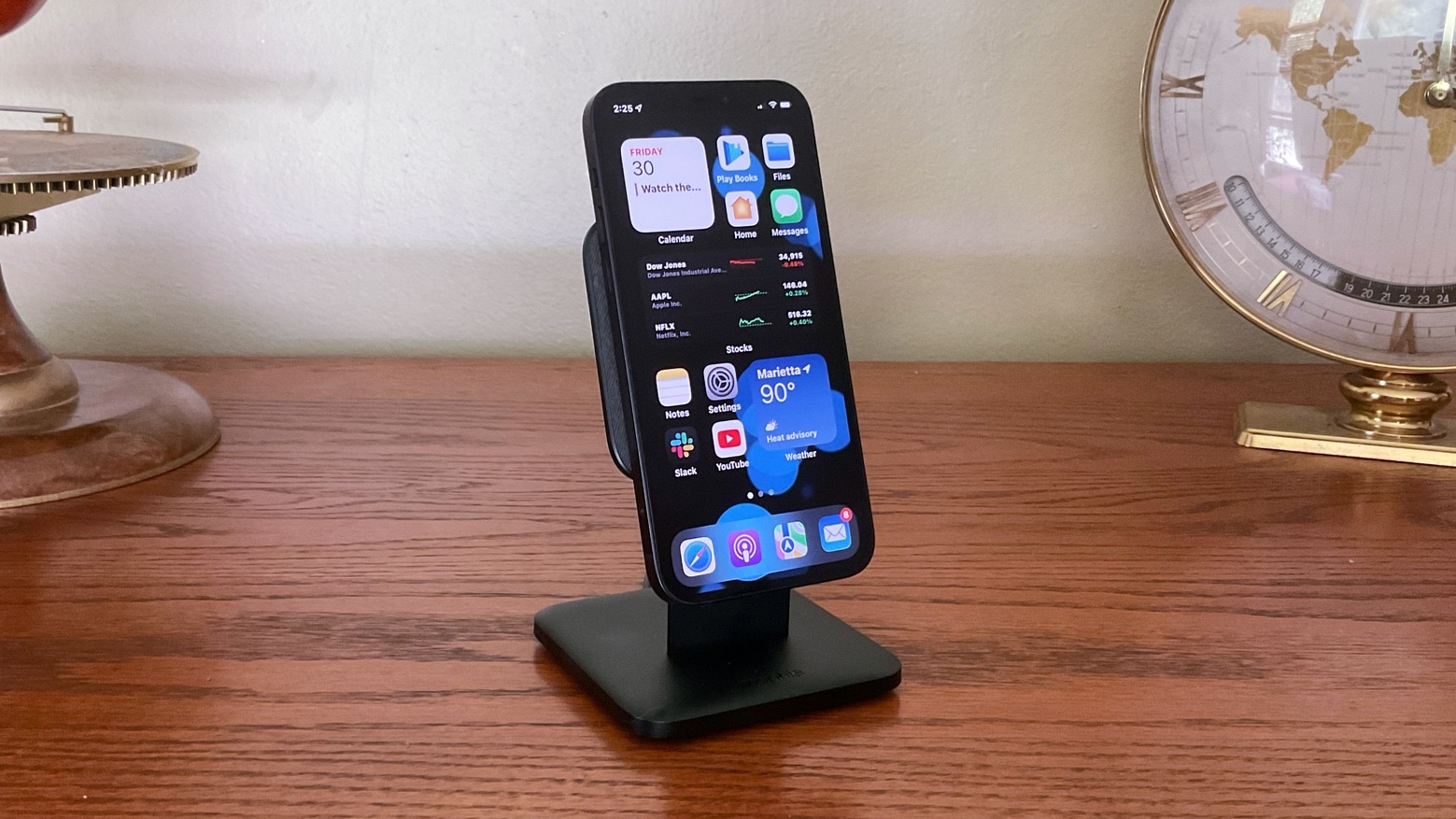
The Mophie Snap+ Wireless Charging Stand juices up your iPhone 12 and looks good doing it. Photo: Ed Hardy/Cult of Mac
Just place your iPhone 12 on the Mophie Snap+ Wireless Charging Stand and the two will cling together magnetically thanks to the MagSafe system. The stand makes it easier to see the iPhone’s screen on portrait or landscape mode, and your handset is getting recharged at the same time.
I’ve used accessory on my desk for close to a week now. Here’s why I like it.
You probably can’t guess one of the reasons why Apple wants people to stop leaking the specifications of upcoming iPhone models. Image: the Hacker 34/Cult of Mac
Apple hates it when people leak details about its upcoming devices. No surprise there. But an order to stop spreading rumors about unreleased iPhone models that the company reportedly sent to a Chinese citizen gives an unexpected reason.
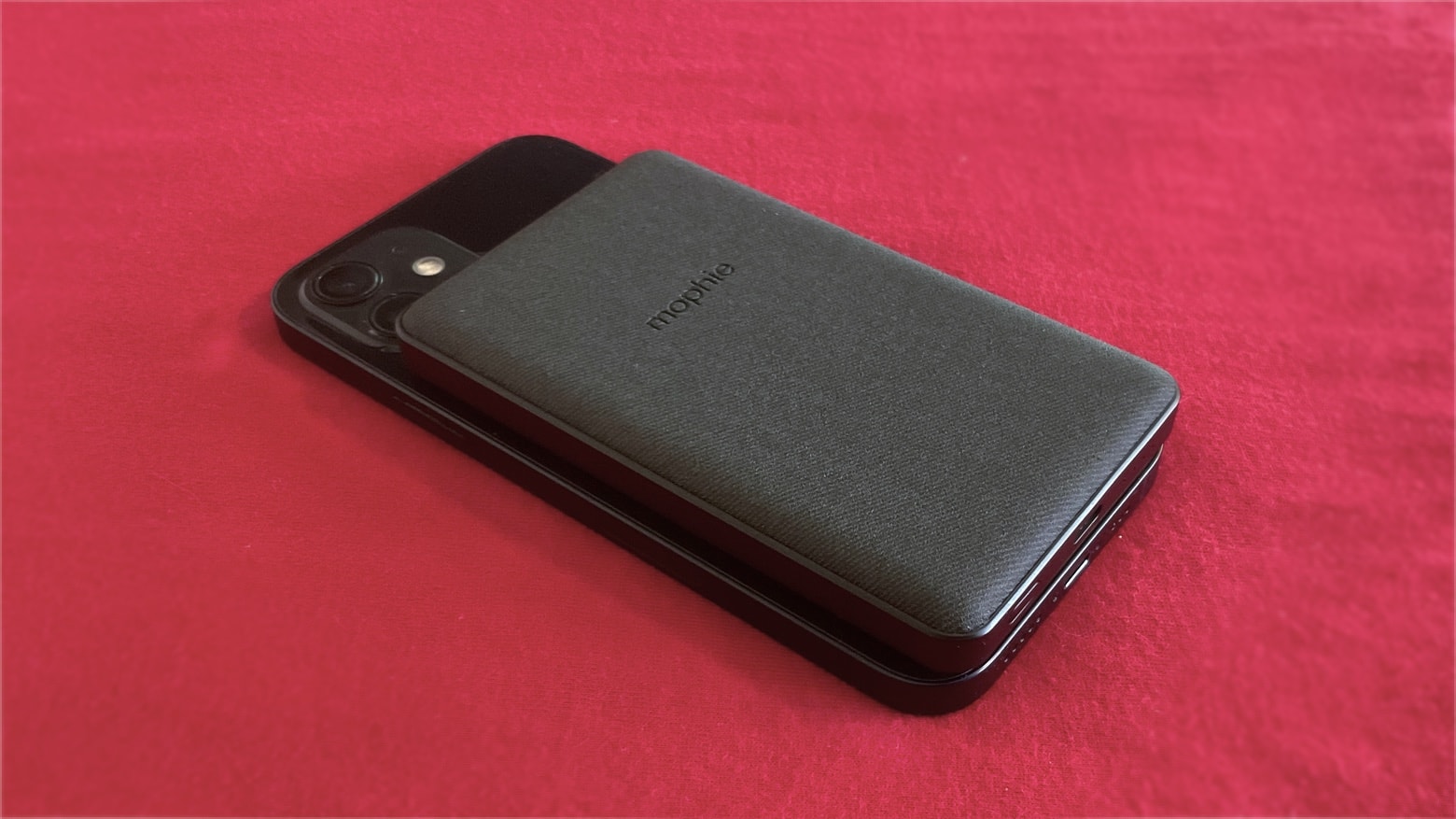
The Mophie Snap+ Juice Pack Mini is quite small for something that doubles the battery life of an Phone 12. Photo: Ed Hardy/Cult of Mac
Double your iPhone 12’s battery life by attaching the Mophie Snap+ Juice Pack Mini. The two devices connect magnetically with Apple’s MagSafe system, and power flows wirelessly. It’s really simple.
I took the 5000 mAh power bank on a recent holiday to truly put it to the test. It came though with flying colors. And it costs far, far less than Apple’s similar MagSafe Power Bank.
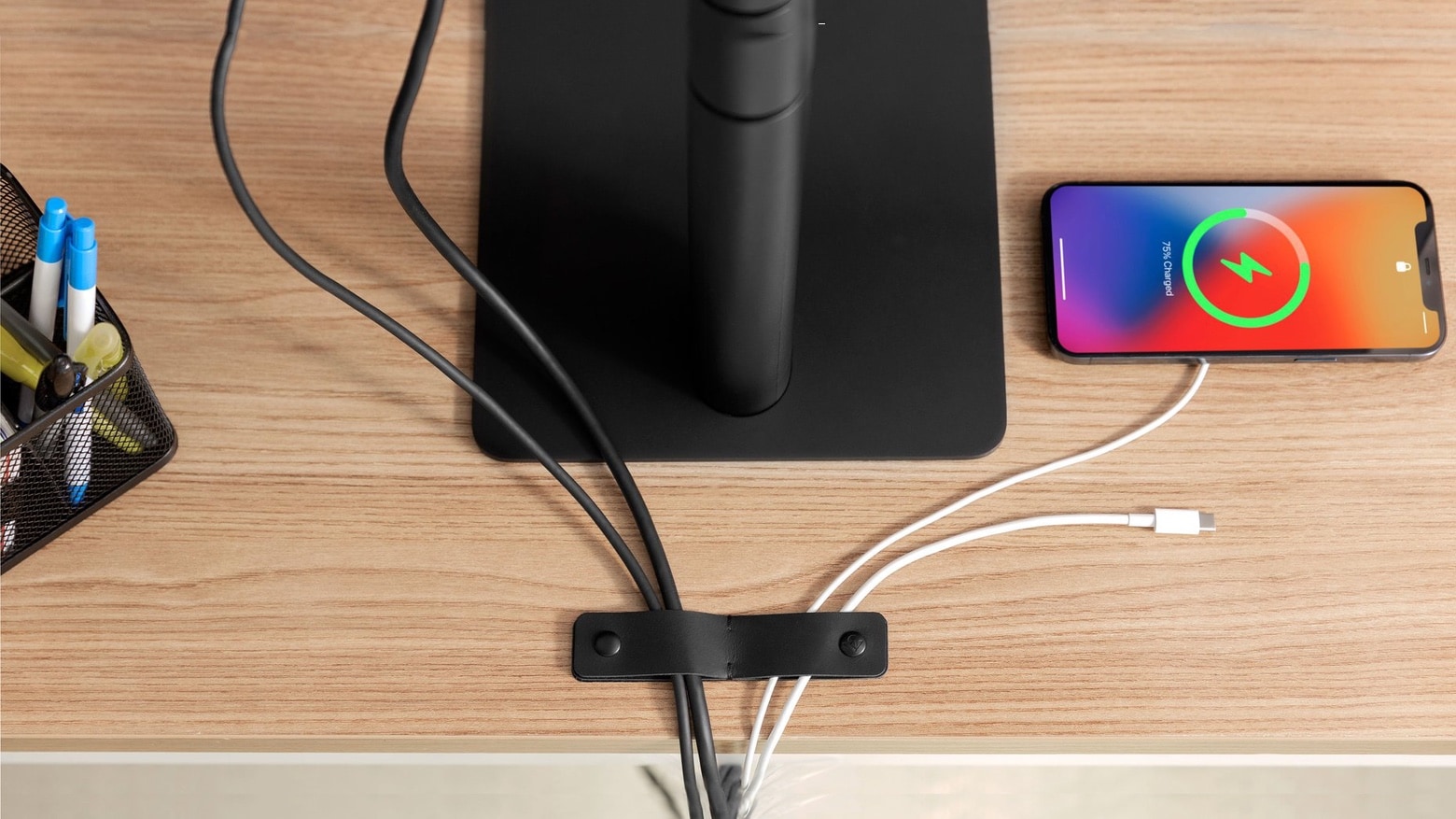
Get your Mac, iPhone and iPad cables in order with TwelveSouth SurfaceSnap. Photo: TwelveSouth
TwelveSouth has an attractive solution for the problem of messy cables stretching across nearly everyone’s desk. SurfaceSnap offers leather bands with button snaps. Attach one or more of these to a desk or table to secure charging and computer cables.
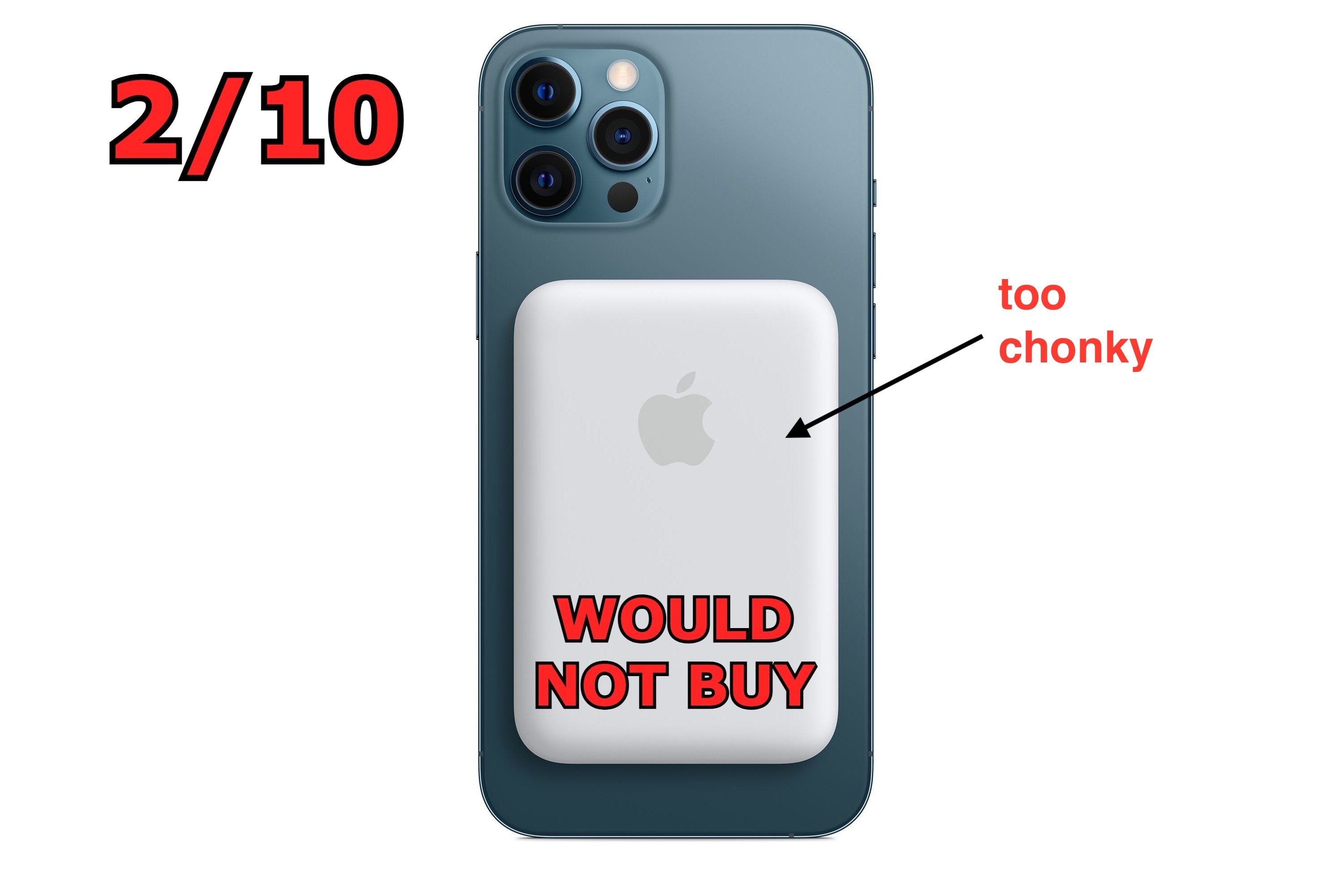
Oh no. Apple's new MagSafe Battery Pack fails to defy the laws of physics. Image: Cult of Mac
Apple’s just-released MagSafe Battery Pack faced plenty of mockery for not being about as slim as a credit card, as some people apparently expected. This criticism clearly comes from people ignoring an inescapable fact: Batteries are always bulky.
Until there’s a revolutionary breakthrough in power storage tech, there’s no way to make an ultra-slim battery store a useful amount of power. Stop expecting it. And stop criticizing companies for not miraculously producing an impossible product.
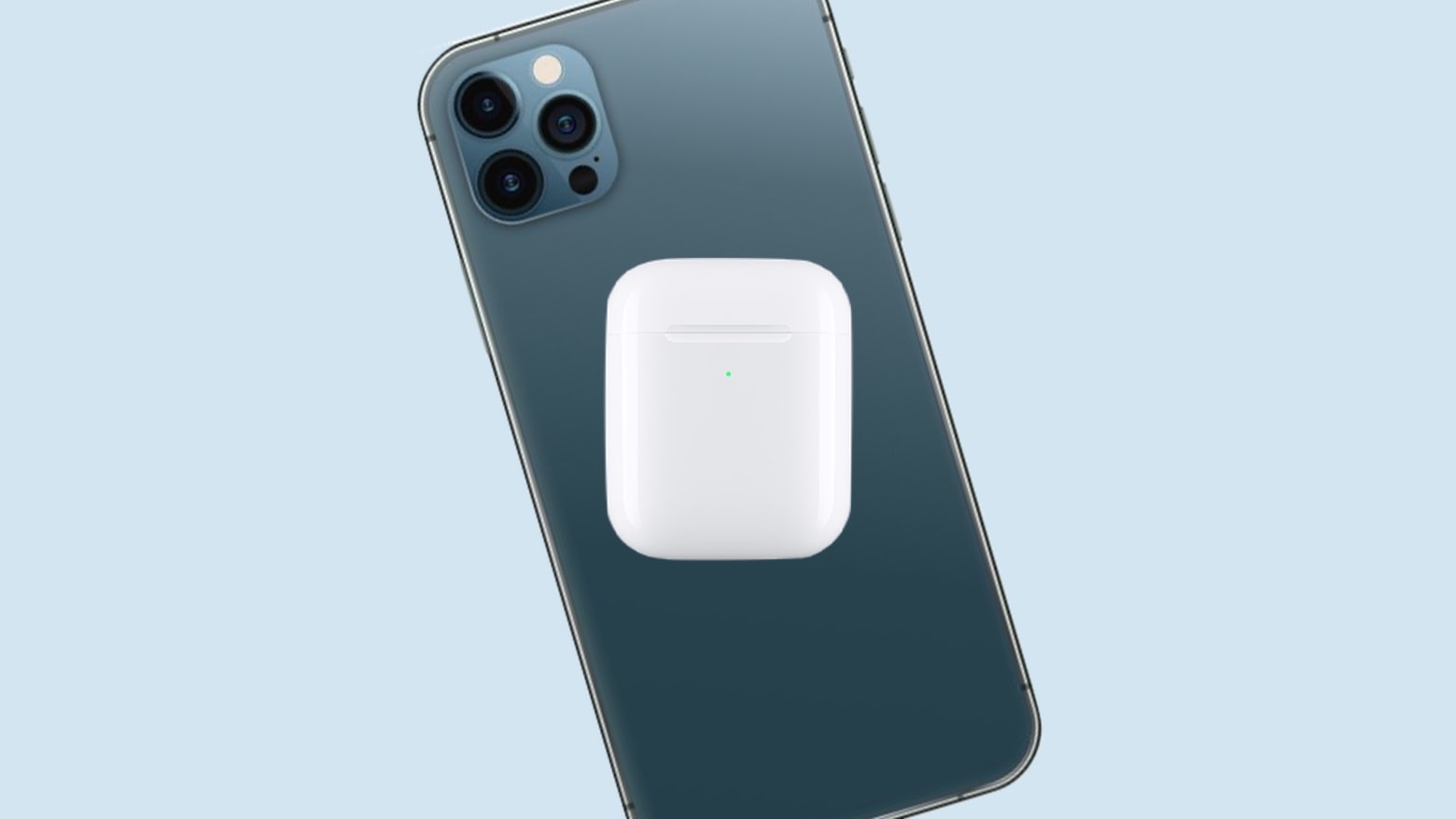
What if you could charge your AirPods just by putting them on your iPhone? Photo: Ed Hardy/Cult of Mac
Turns out the iPhone 12 could do reverse wireless charging all along — Apple just didn’t talk about it until this week. And now that the cat’s out of the bag, Apple should embrace the capability and let iPhones wirelessly charge any other compatible device.
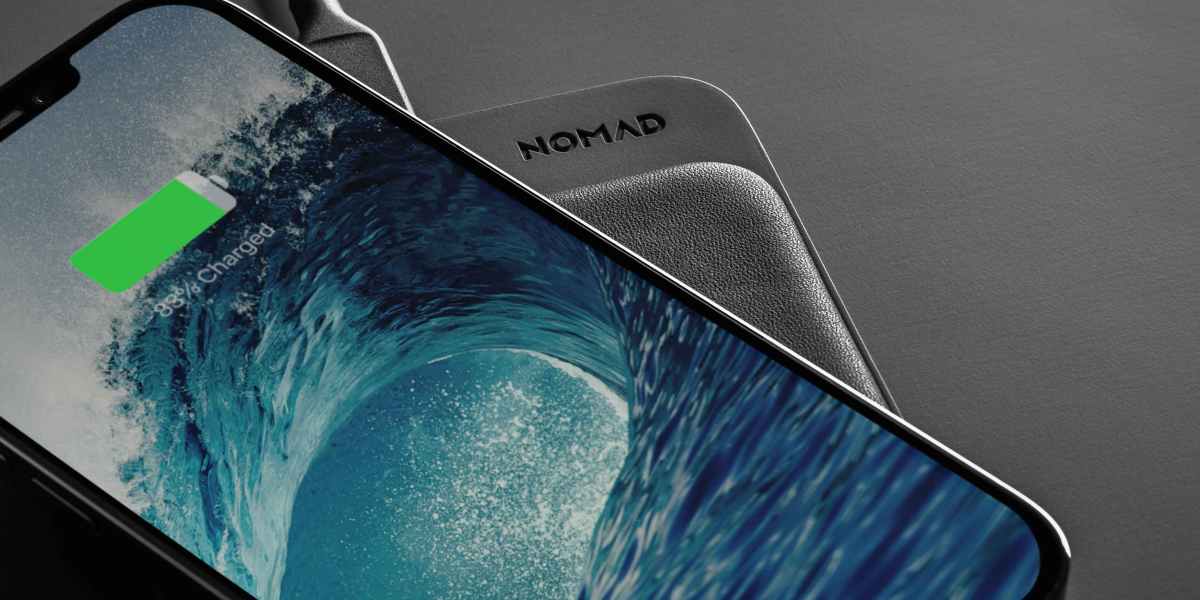
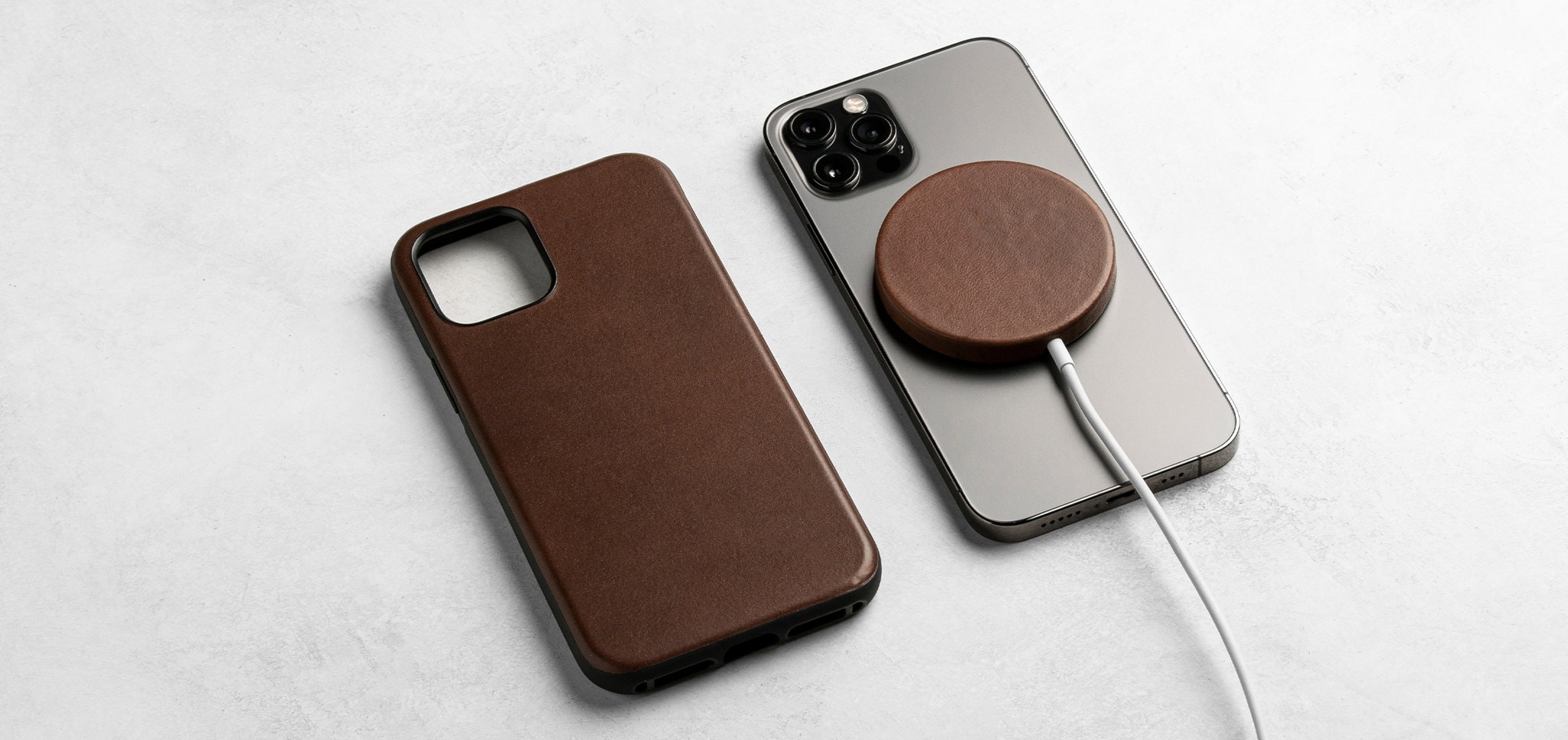
Nomad offers a new leather case for your Apple MagSafe Charger. Photo: Nomad Goods
Accessories-maker Nomad Goods wants to cover your world of Apple gadgets in leather. Even the ones you probably don’t carry around every day. Its newest product is a leather cover designed to protect and beautify the iPhone 12 series’ magnetic charging puck, Apple’s MagSafe Charger.
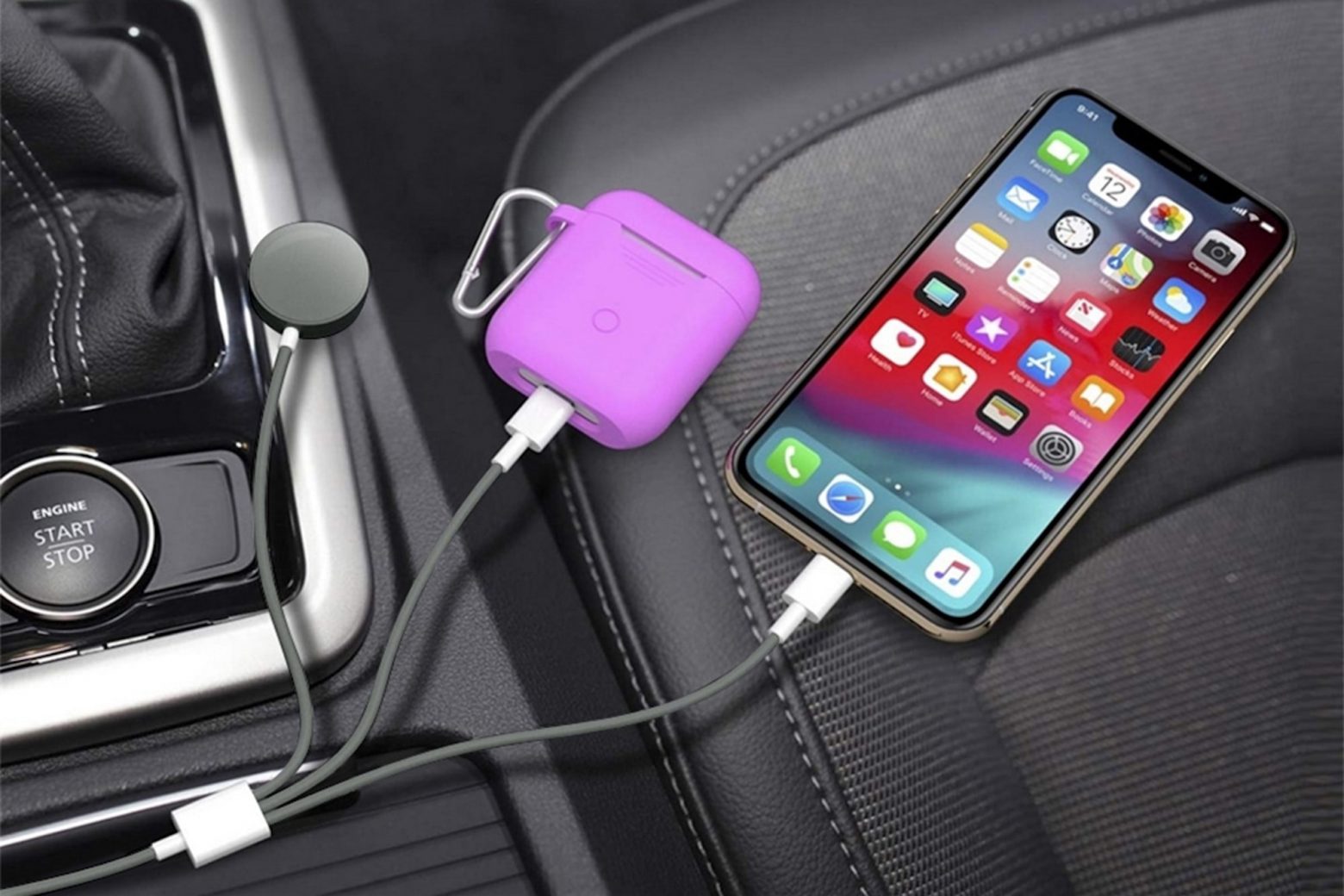
This Lightning cable is the perfect way to minimize cable clutter. Photo: Cult of Mac Deals
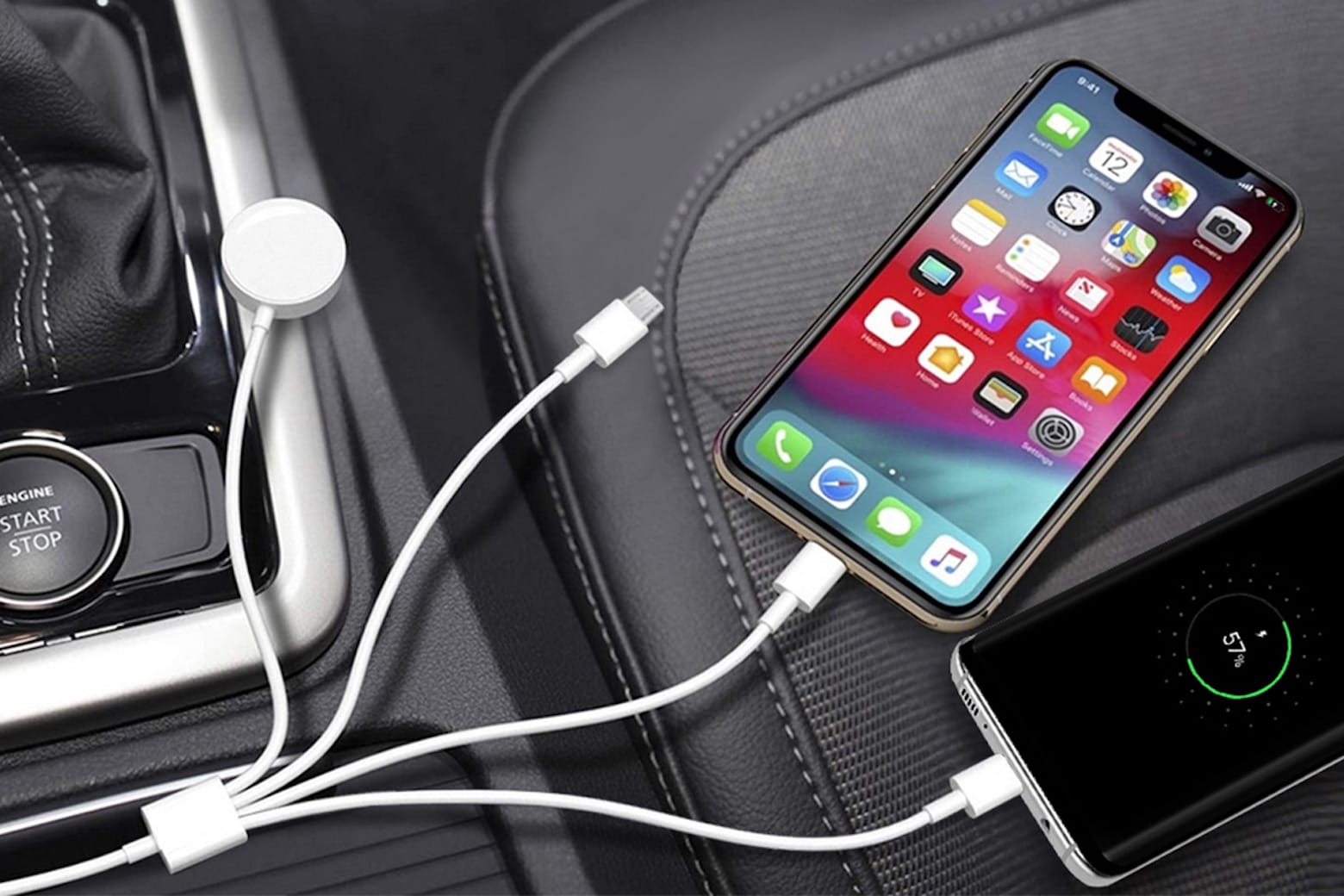
There’s probably nothing more annoying than your phone dying right when you need it the most. Ditto for your AirPods or Apple Watch in the middle of a workout. Instead of dealing with a mess of different cables and chargers to power up your favorite devices, this 3-in-1 Apple Watch & Lightning Charger Cable can charge three devices at once.
It’s the perfect way to minimize cable clutter and ensure that all your necessary charging cords can be located quickly and conveniently. And it’s on sale now for just $16.99!
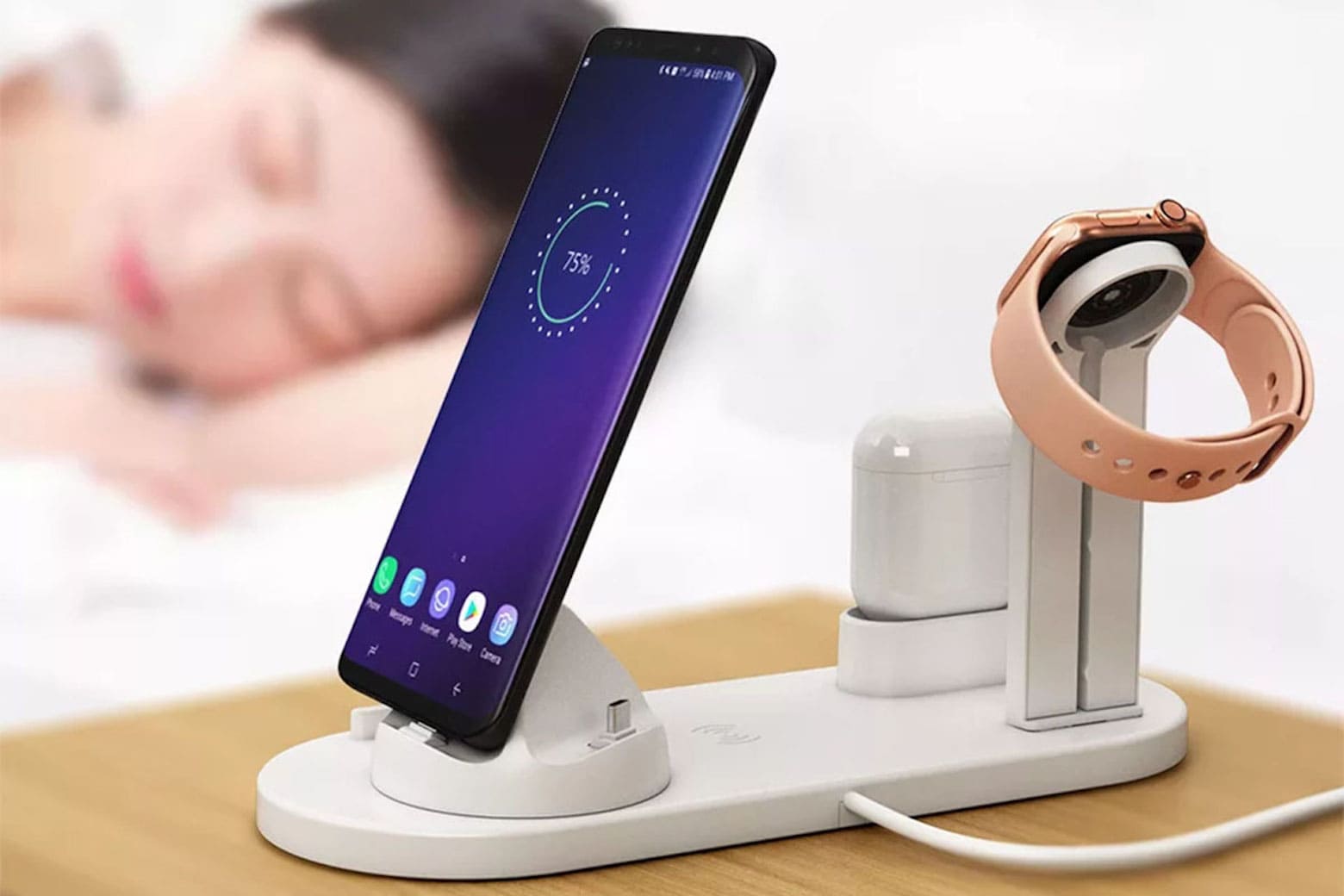
This versatile wireless charger powers up four devices at once. Photo: Cult of Mac Deals
There are two universal truths in life: 1) We will always want the latest iPhone, no matter how perfectly fine the one we currently have is. And 2) You can never have enough chargers.
Never underestimate the luxury of always having your devices charged. Having easily accessible chargers usefully placed around your home simply makes life a breeze.
One of the best ways to do that? With this awesome 4-in-1 Versatile Wireless Charger, which is on sale today for just $40.95. That’s a 31% discount off the regular price of $60.
Attach the Elago MagSafe Guide Sticker to an iPhone 11 or earlier and use MagSafe accessories. Photo: Elago
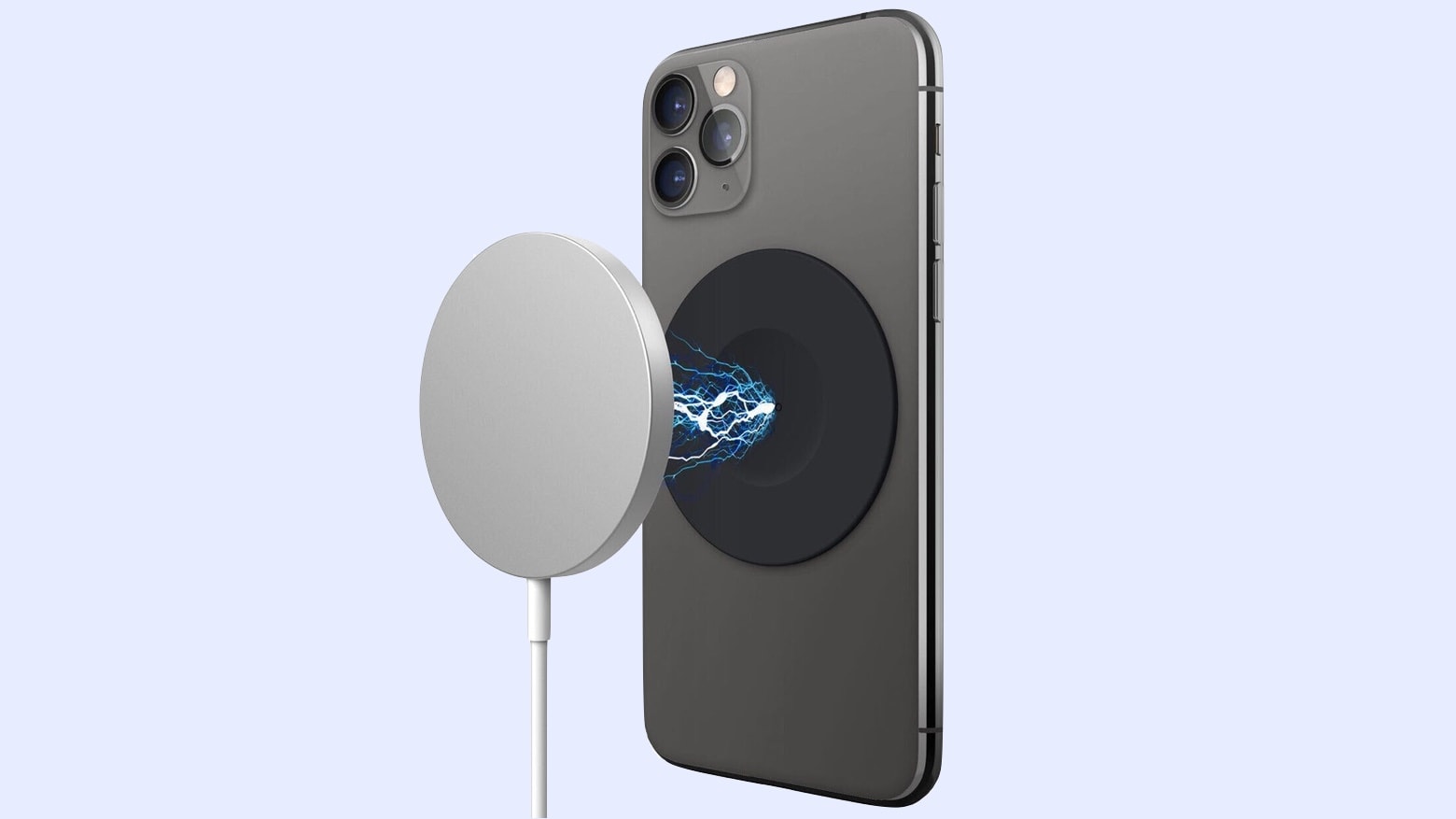
This MagSafe adapter from Elago is a reusable sticker that makes any phone MagSafe compatible — including the new iPhone 16e.
This MagSafe sticker allows you to use the growing number of MagSafe accessories. That includes MagSafe chargers, battery packs, storage drives, car mounts, and more. If you’re looking for the best mag safe solutions, check out this guide on the Elago MagSafe sticker to make any device compatible with magnetic accessories.
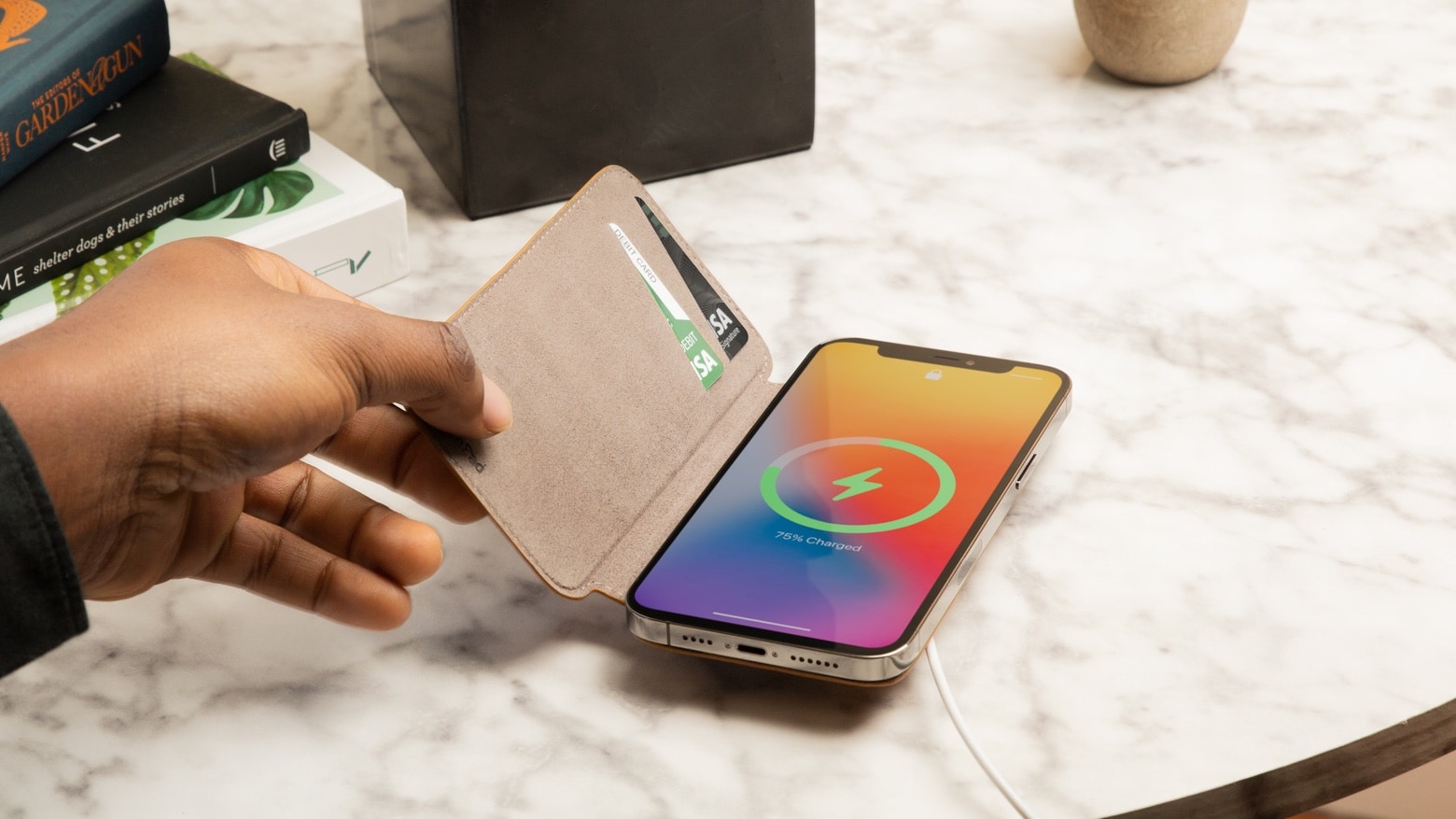
The SurfacePad wraps an iPhone 12 in leather and provides slots for two cards. All without getting in the way of MagSafe charging. Photo: Twelve South
The Twelve South SurfacePad is a folio leather wallet case for iPhone 12. It’s designed to hold ID and credit cards and protect the handset’s screen. And it does so without interfering with MagSafe wireless charging.
The Adonit Prime looks like a top-tier writing instrument. But it’s a high-quality stylus for either iPhone or iPad. Photo: Ed Hardy/Cult of Mac
Adonit Prime is a stylus for iPhone or iPad that combines a premium form with top-quality function. It’s for anyone not satisfied with everyday styli — anybody who wants one that stands out from the crowd.
I tried both the Prime – Dash (the version for iPhone) and the Prime – Note (for iPad). Here’s why they would be at home on any executive’s desk.
With Father’s Day coming up, the Adonit Prime might be just right for the dad who has everything.
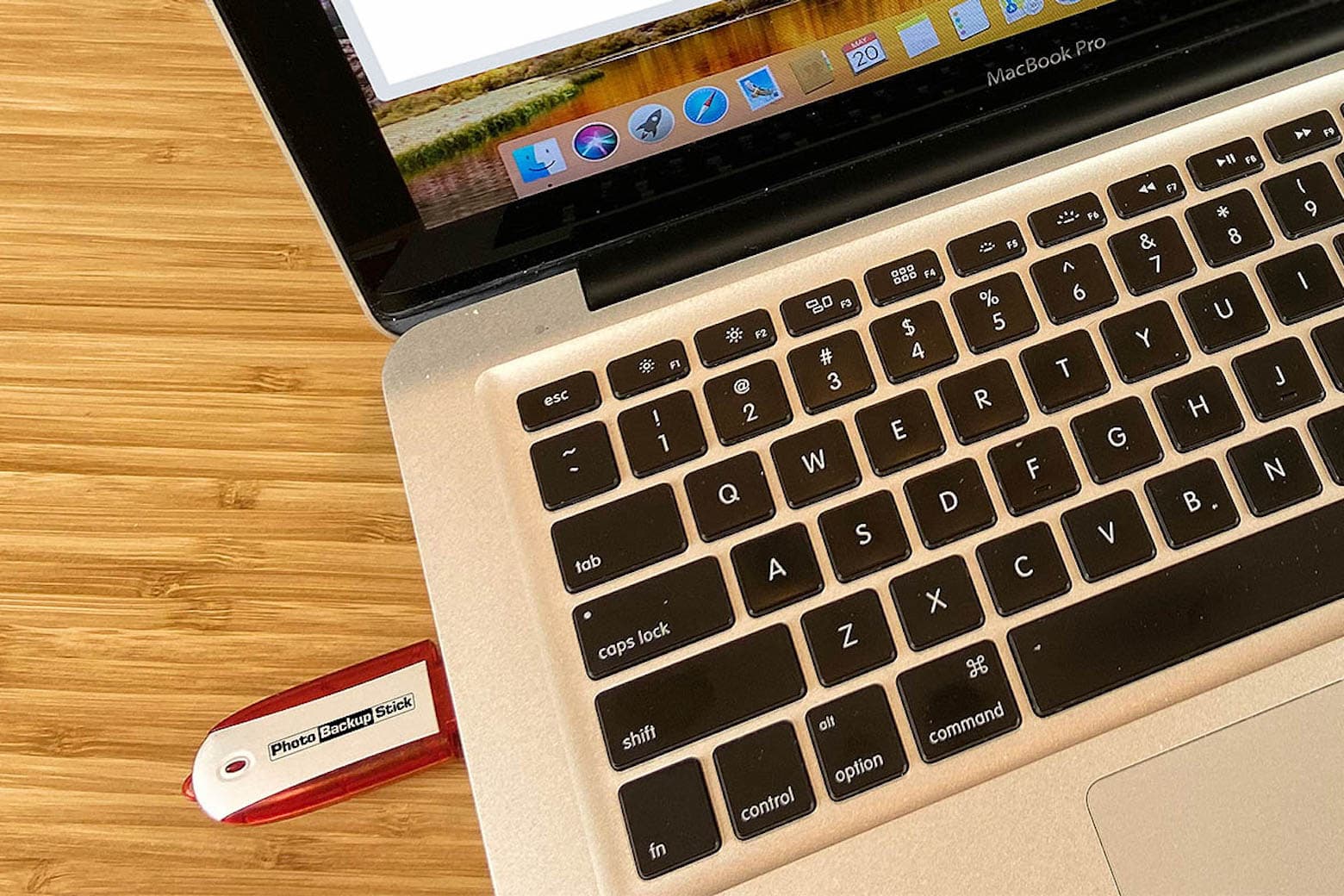
This backup stick protects and stores your photos and videos from virtually all devices. Photo: Cult of Mac Deals
We all go through a similar thought process when our phones, laptops or iPads break, get lost or are stolen. Somewhere between trying to remedy the situation and coming to terms with the loss comes the sharp realization that all your content is gone. Saying goodbye to your photos is never fun, but you can prevent this nightmare from happening by taking precautions now.
What’s better than using cloud storage? Keeping your photo and video content in the palm of your hand. While the cloud can be convenient, the Photo Backup Stick automatically backs up pictures and videos — without having to rely on an internet connection. It can eliminate the need to pay for monthly cloud-storage fees.
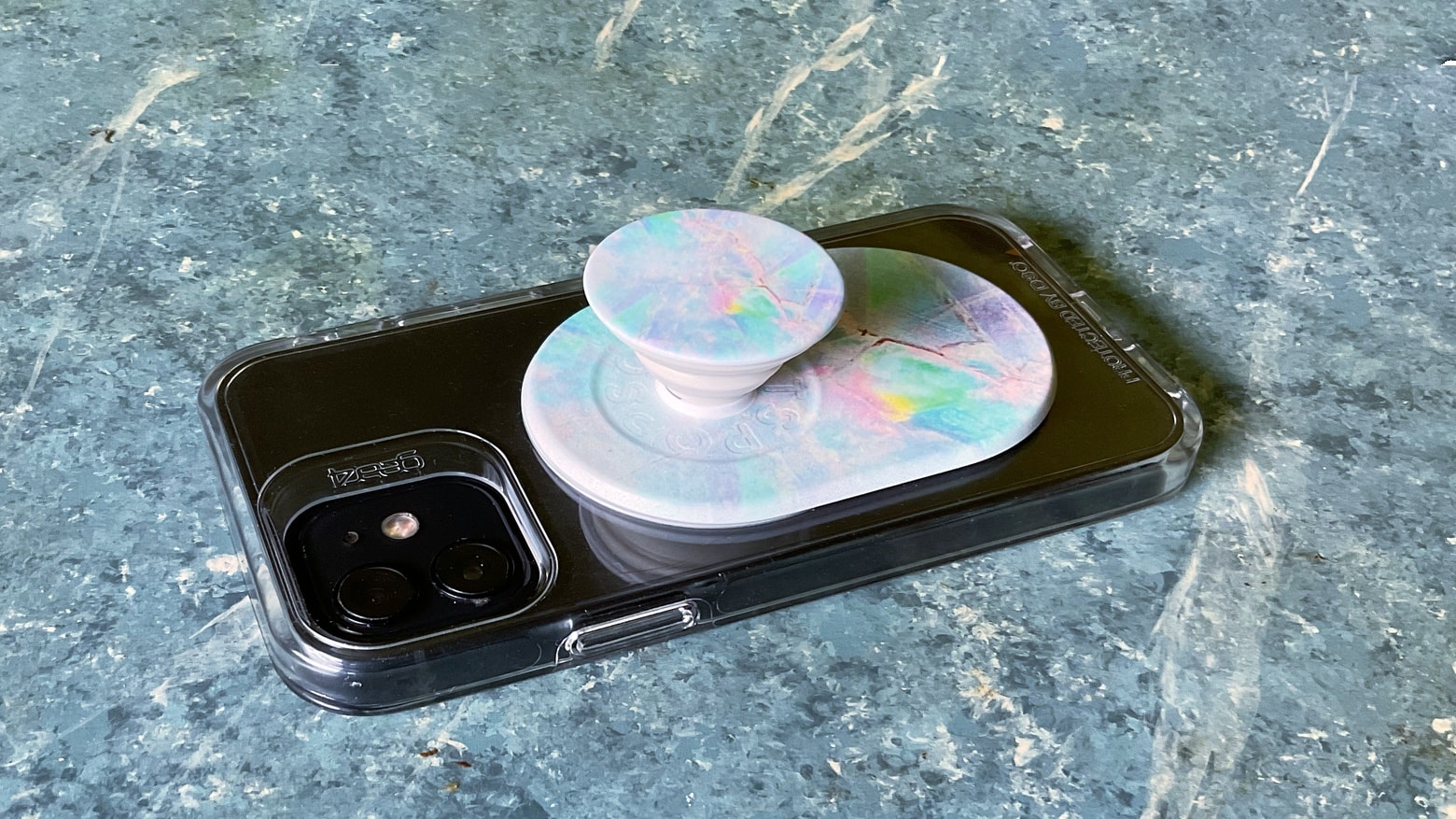
Magnets in the iPhone 12 series means PopSockets PopGrip for MagSafe doesn’t have to use sticky adhesives. Photo: Ed Hardy/Cult of Mac
PopSockets PopGrips are already wildly popular, and the new MagSafe system in the iPhone 12 series improved on the design. Instead of having to attach with adhesive, the pop-up phone handles cling tightly to magnets built into Apple’s handsets.
I tried the standard PopGrip and the wallet version with an iPhone 12, and they stood up brilliantly to real-world use.
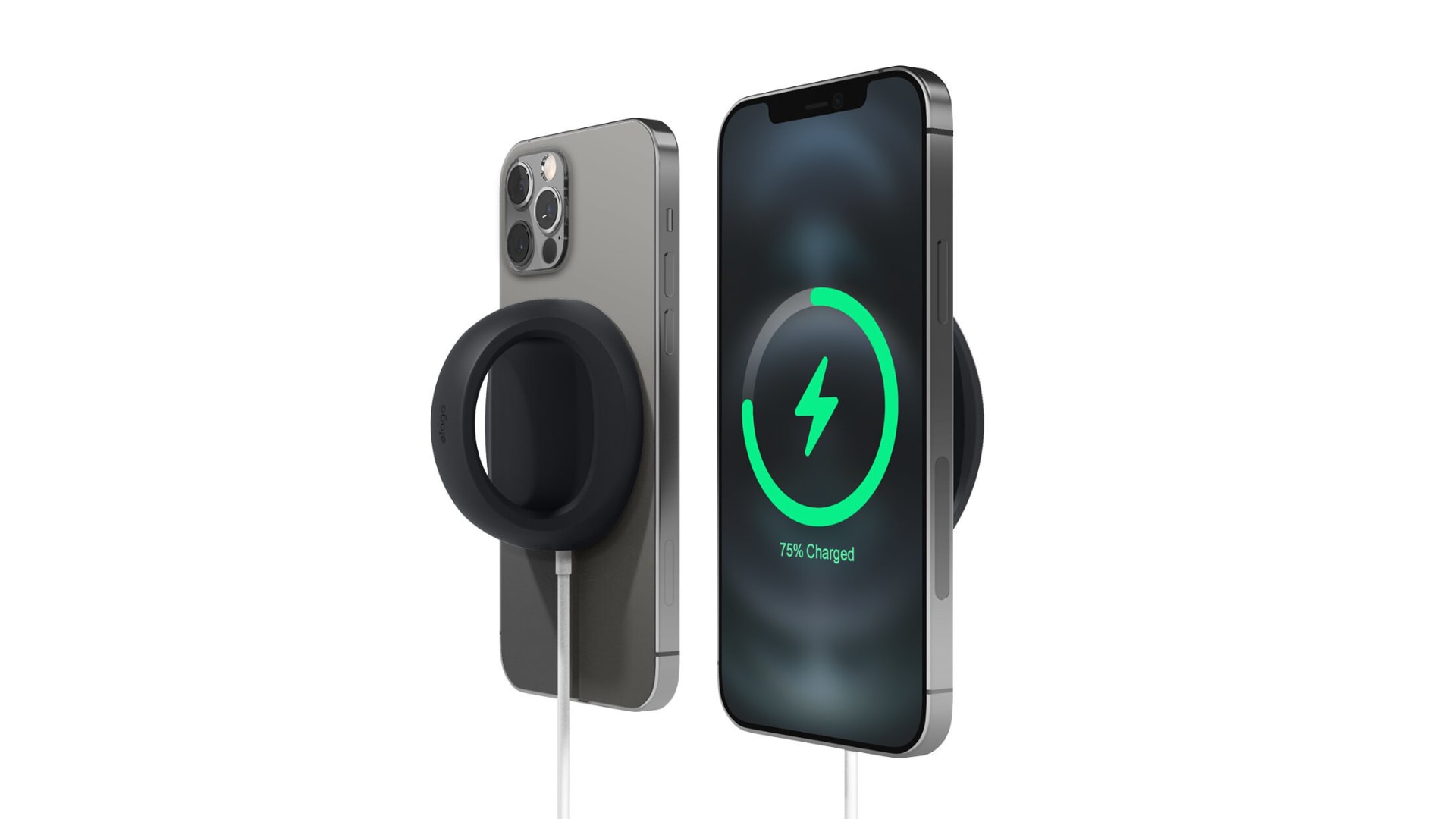
Make your MagSafe Charger even more useful by turning it into a stand and grip for your iPhone 12. Elago’s aptly named Grip Stand accessory, priced at just $12.99, makes your iPhone easier to hold onto and easier to see while it’s charging. Bag yours today from the Cult of Mac Store.
Also check out Elago’s new Charging Pad, which keeps your MagSafe Charger tidy and prevents it from moving around on your nightstand.
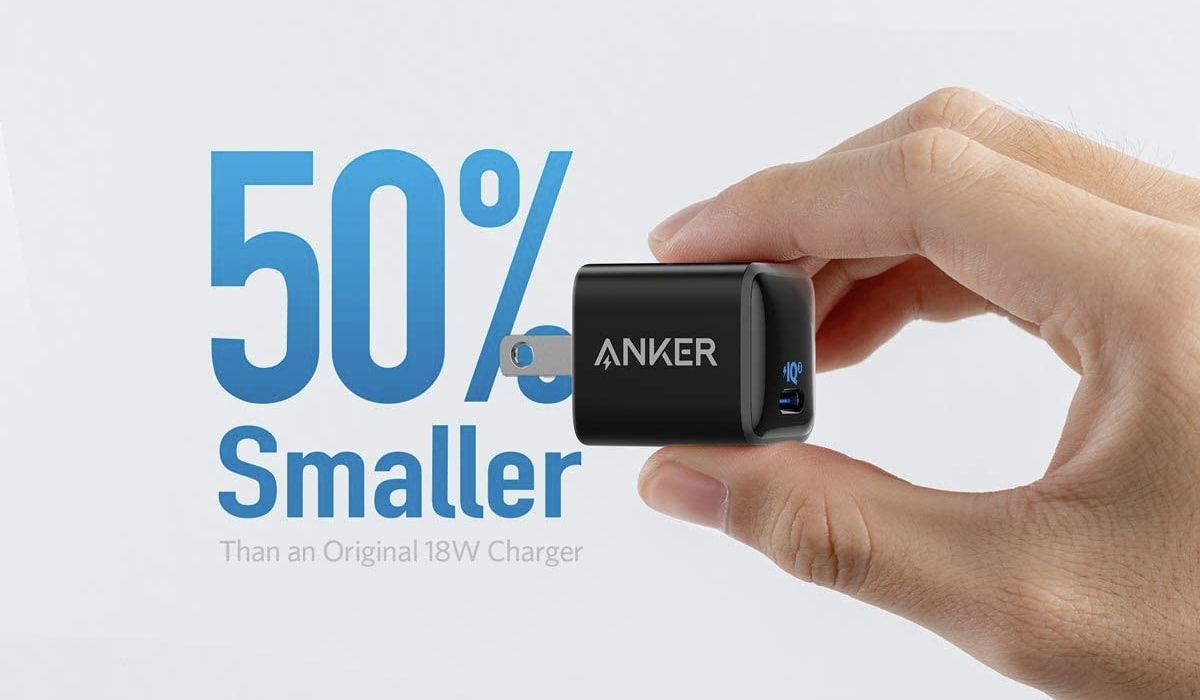
Charge all your Apple gear at once. Photo: Tech Zebra
Apple devices simplify our lives with user-friendly software and cutting-edge hardware — but keeping these devices charged all day isn’t so simple. If you only have one charging port, you have to choose between devices, meaning you may have to tuck your AirPods into your pocket or leave your phone dead a little bit longer. And if you lug around various charging cables or add in any other accessories, the bulk grows unnecessarily and inconveniently large.
With an ultra-compact design that makes it easy to take anywhere, Anker’s terrific 18W USB-C charger is ideal for those who are always on the go. It will charge your iPhone, iPad, and lots more.
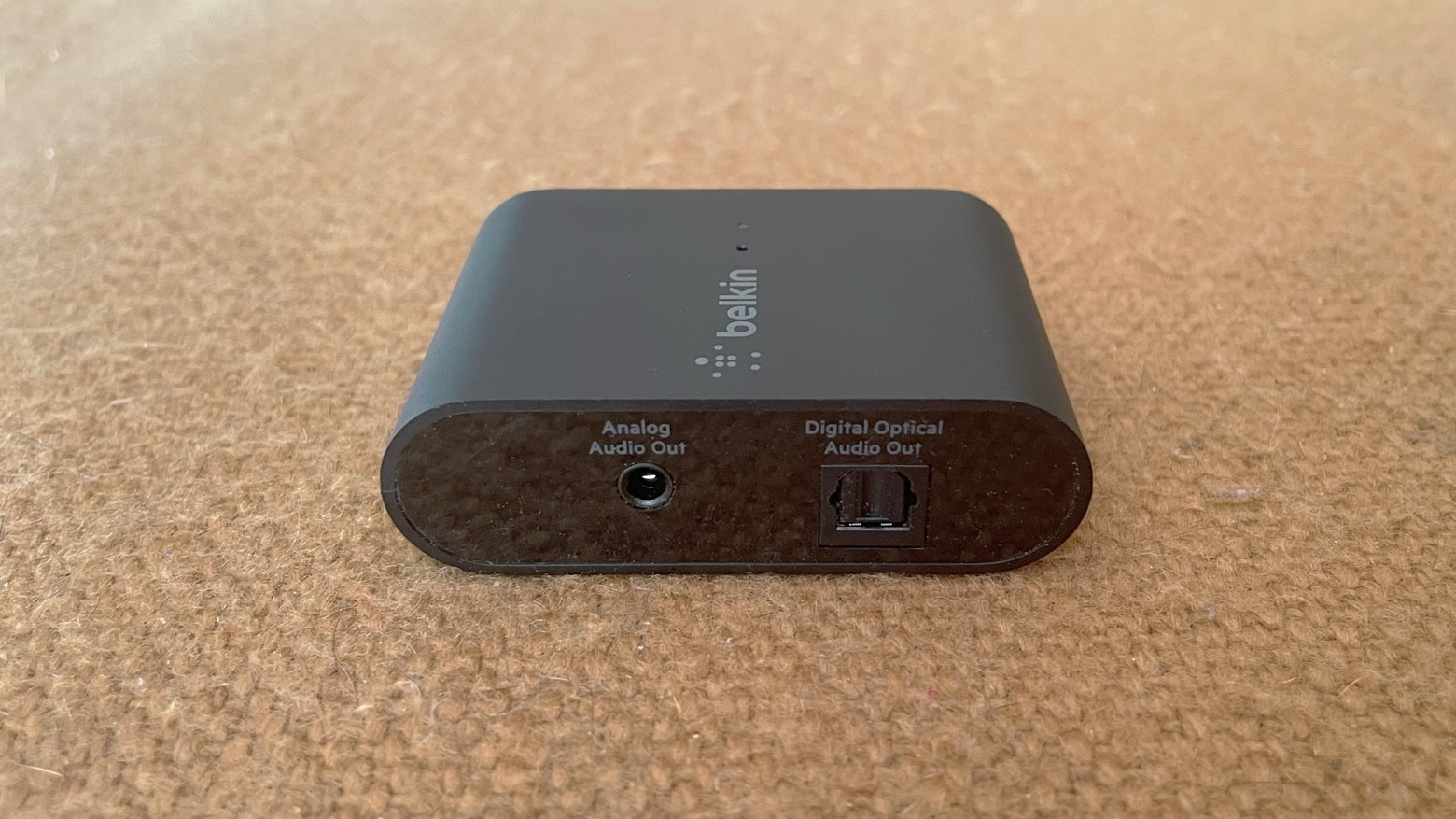
The Belkin Soundform Connect brings the high-quality audio of AirPlay 2 to legacy speakers or soundbars. Photo: Ed Hardy/Cult of Mac
The Belkin Soundform Connect could be just what you need to connect your speakers to Apple Music’s upcoming high-quality lossless audio. The wireless adapter allows iPhone and Mac users communicate with any speaker over AirPlay 2 using Wi-Fi rather than Bluetooth.
I ran some tests, and I’m impressed with the usefulness of this tiny accessory.


![Stand out in the boardroom with Adonit Prime iPhone/iPad stylus [Review]](https://www.cultofmac.com/wp-content/uploads/2021/06/D6FD9373-4DA9-4997-ACD3-0AACDD81149A.jpeg "This iPhone and iPad stylus will drive your co-workers mad with envy [Review]")